Week- 5 - Solid meshing
AIM:- For the given Rearview mirror component, check for the geometrical error and mesh the surface with the given element quality criteria and create a volume mesh with good surface quality.
|
S.No |
Quality Criteria |
Value |
|
1 |
Target/Average length |
1 |
|
2 |
Minimum Length |
0.5 |
|
3 |
Maximum Length |
2 |
METHODOLOGY:-
- Importing the CAD geometry in ANSA.
- Checking out the errors and assigning property id (pid) for each surface.
- Assigning quality criteria.
- Meshing and improving mesh quality (Ortho Tria & Tria mesh is used)
- Generating Volume Mesh.
1. Importing CAD Geometry of RearView Mirroe in ANSA.
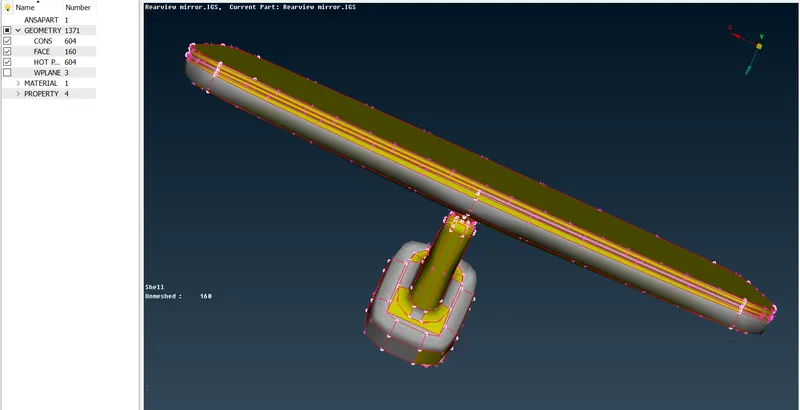
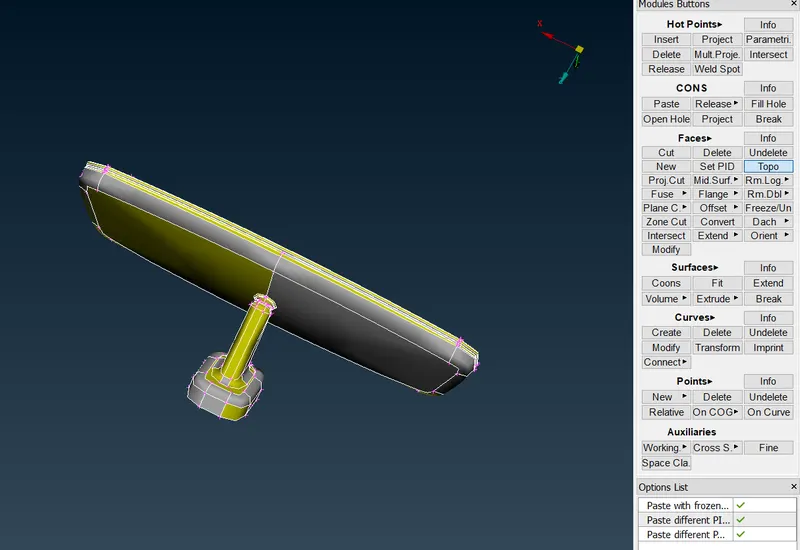
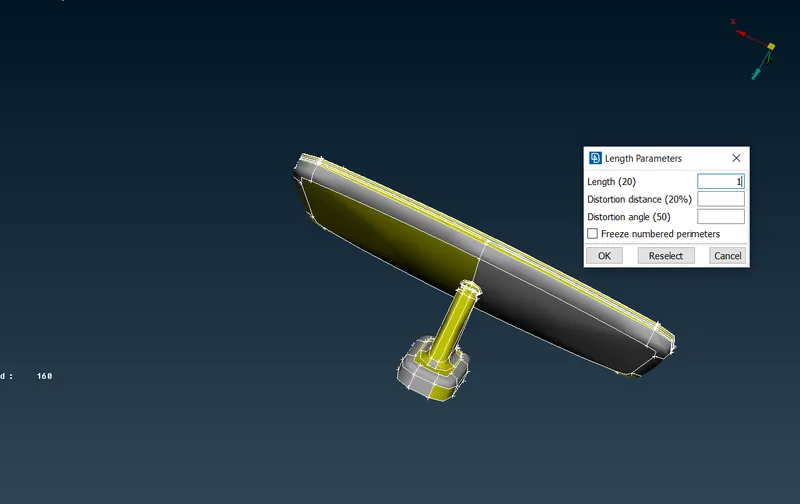
- After successfully importing the rearview mirror geometry we need to give the topo to the model and target Lenght/Average Length which is assigned as 1 under mesh mode<perimeter
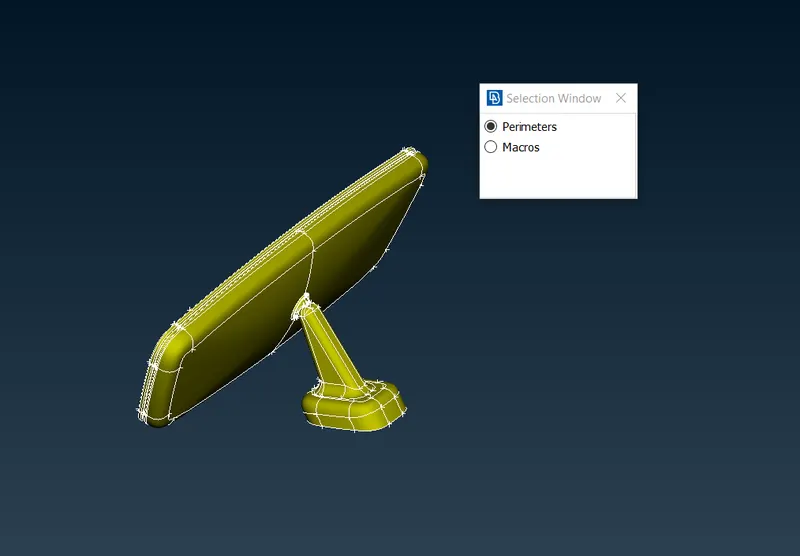
- Therefore, the length of the perimeter and the macros is assigned and they are shown as below-
- Checking out the errors and assigning property id (pid) for each surface.
- These error can be fix automatically and also manually. In this model some error are fixed by identifying the error and clear that error by untoggle the line and stitch the surface again or delete the unwanted surface present in that model manually they are shown as below.
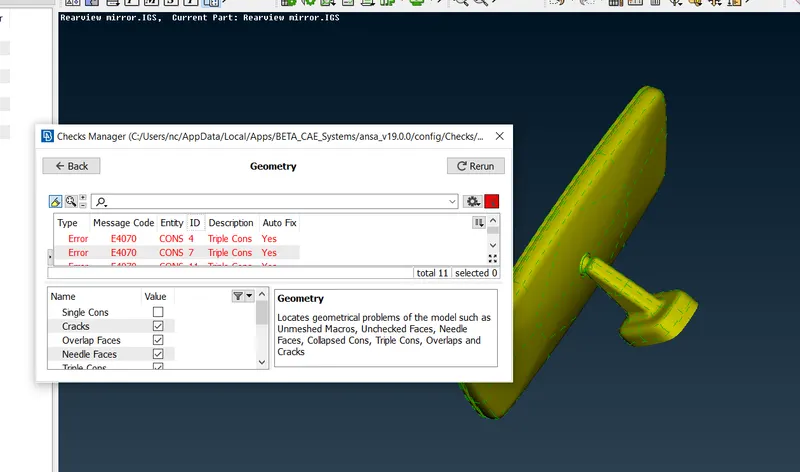
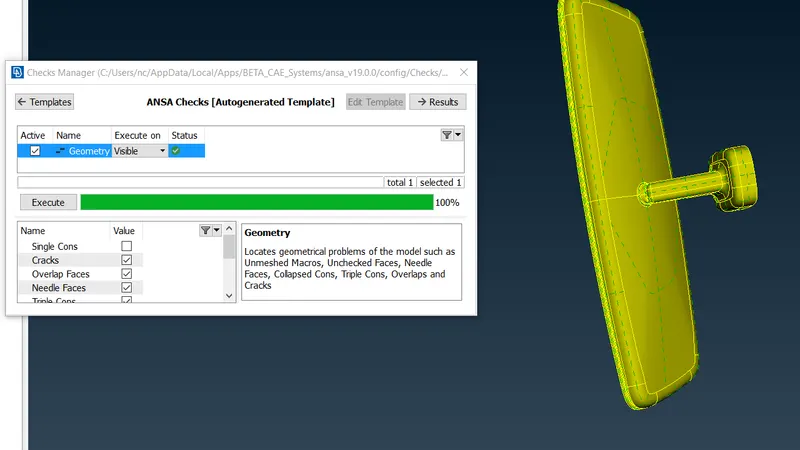
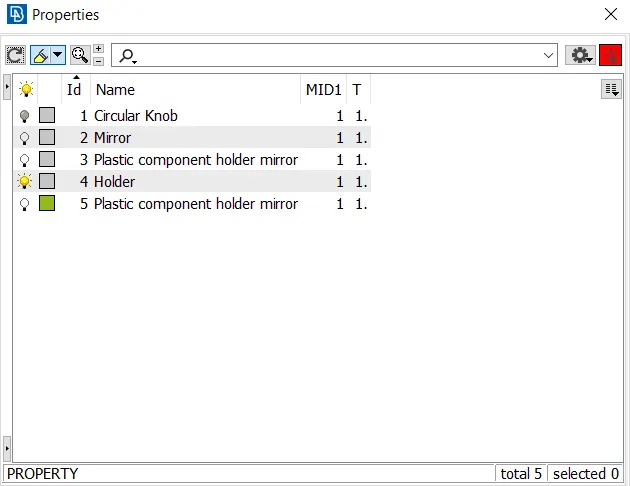
2D MESHING
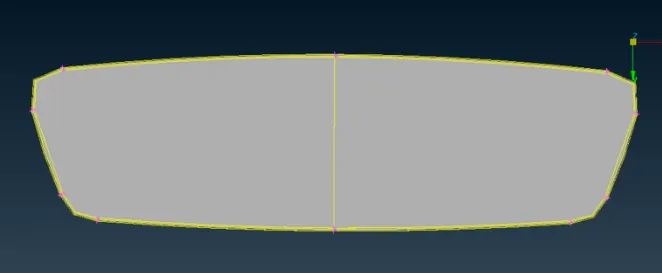
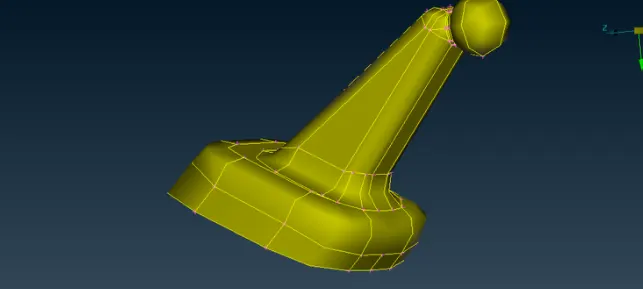
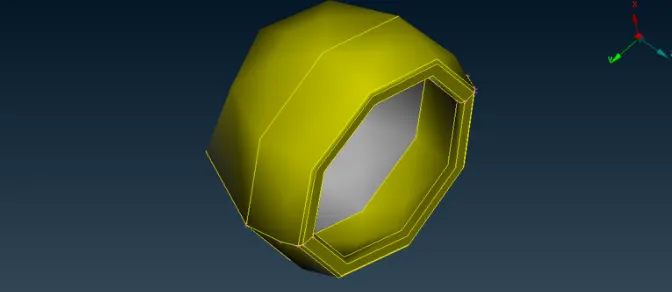
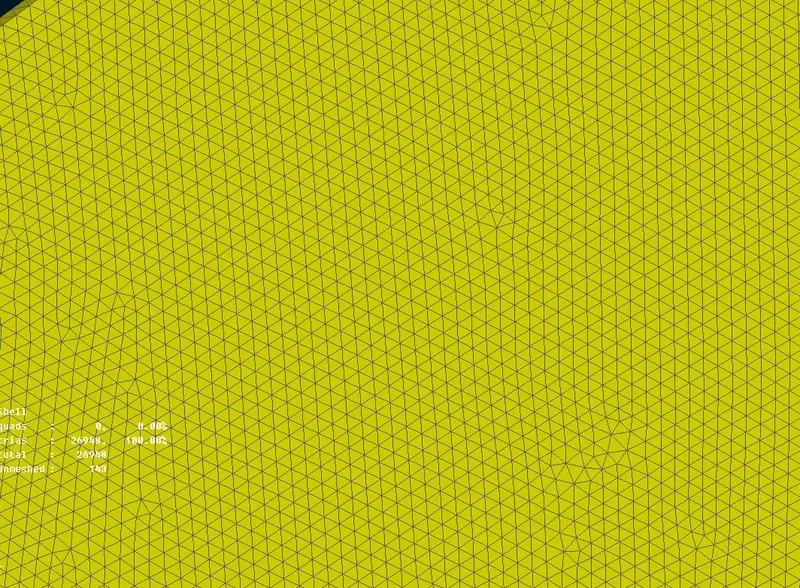
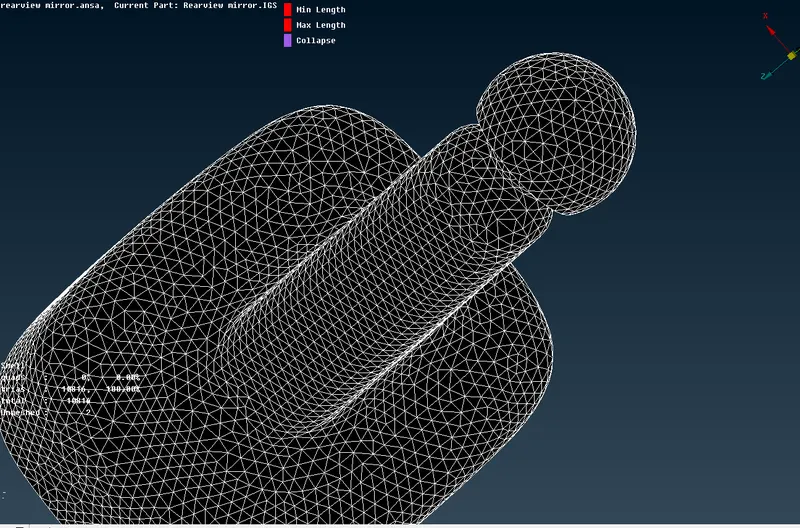
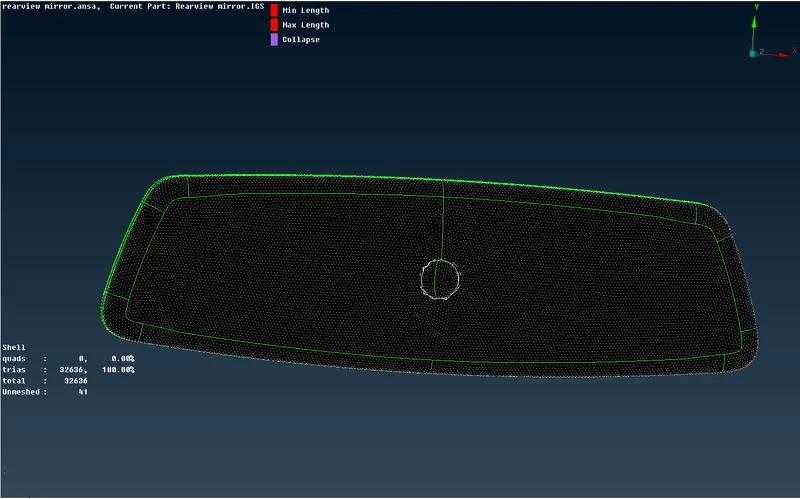
- Now we are proceed with the model for 2D meshing with given quality criteria. There are four component according to the property and proceed for 2D tetra meshing, the four different components in the model is shown as below-
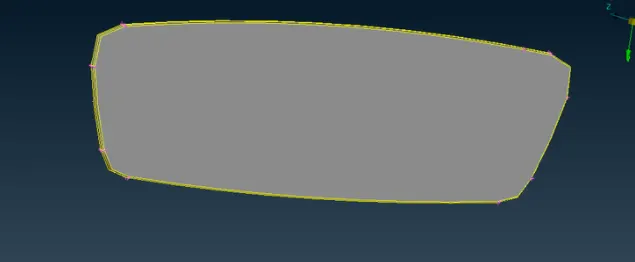
ASSIGN QUALITY CRITEIA-
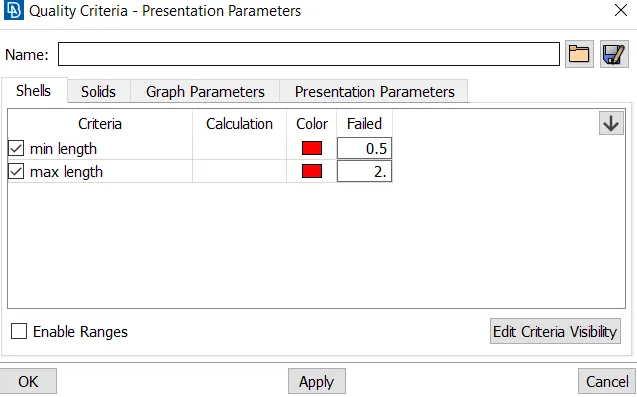
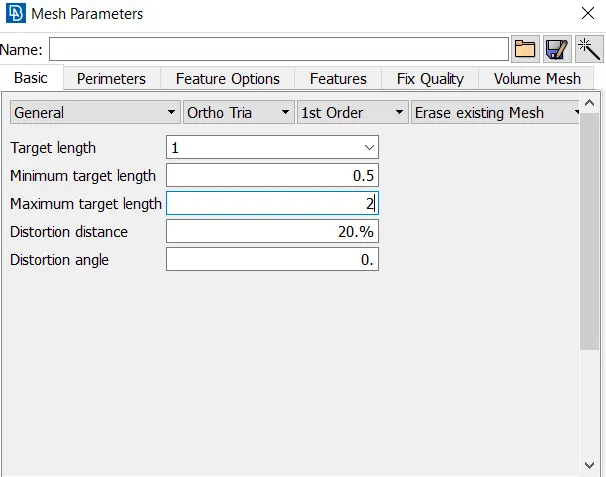
ASSIGN MESH PERAMETERS VALUE, we set the min, max and target element length for the mesh and we provide the mesh type as ortho tria.
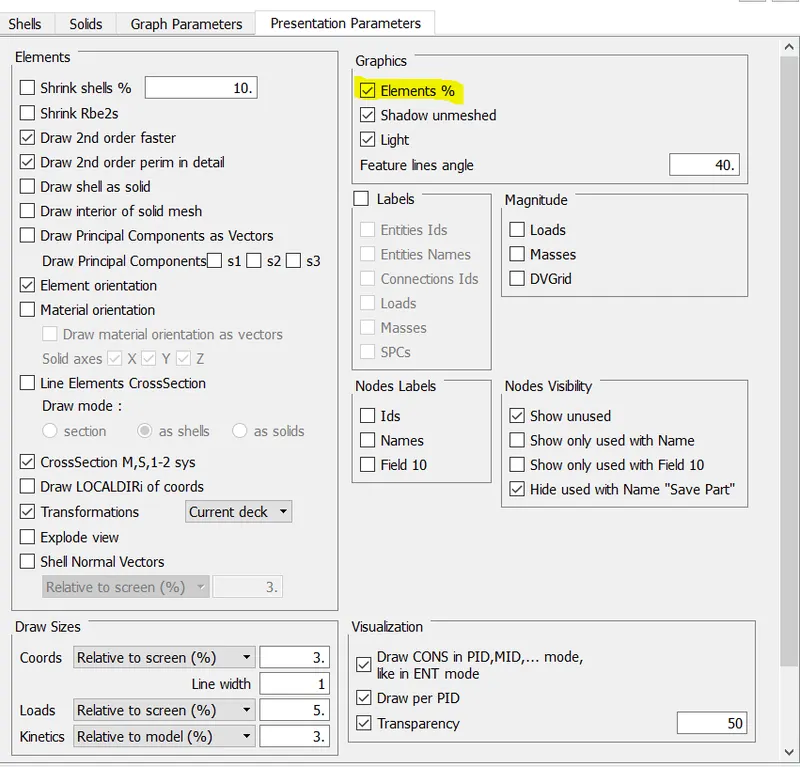
- To enable the total percentage of trias and the quality of the off elements we are selecting the elements %.
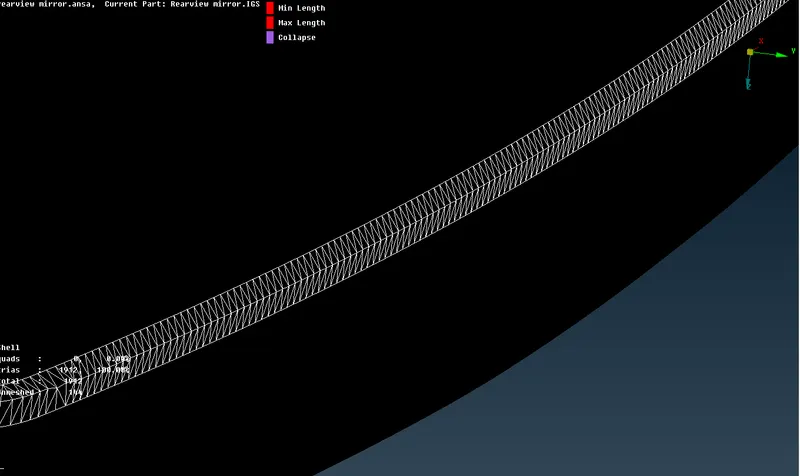
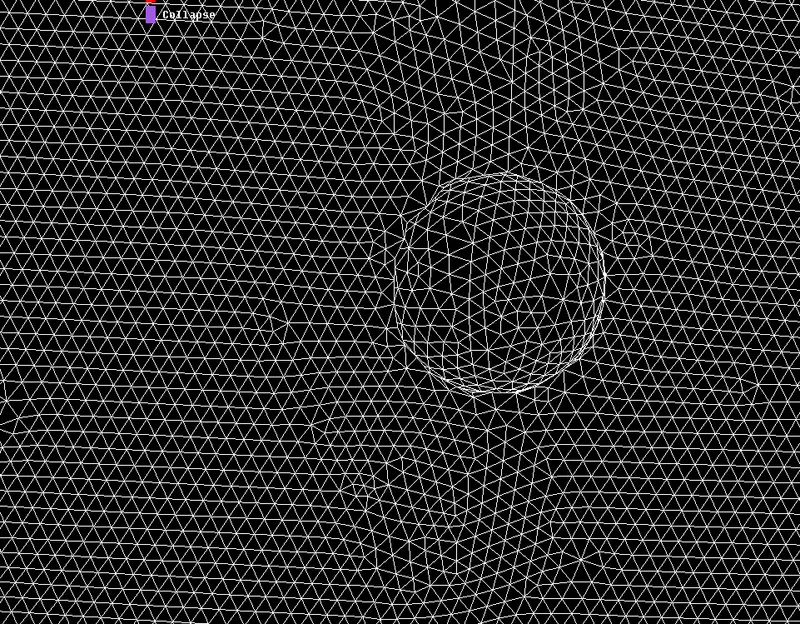
- To select spot mesh with element type as Ortho tria and select the fillet area and do tetra mesh.
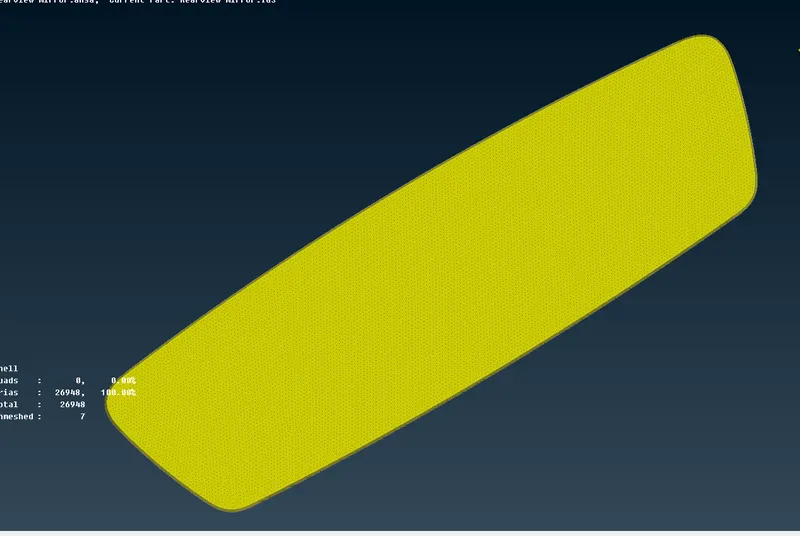
- To select spot mesh with element type as tria and select surface and do tetra mesh.
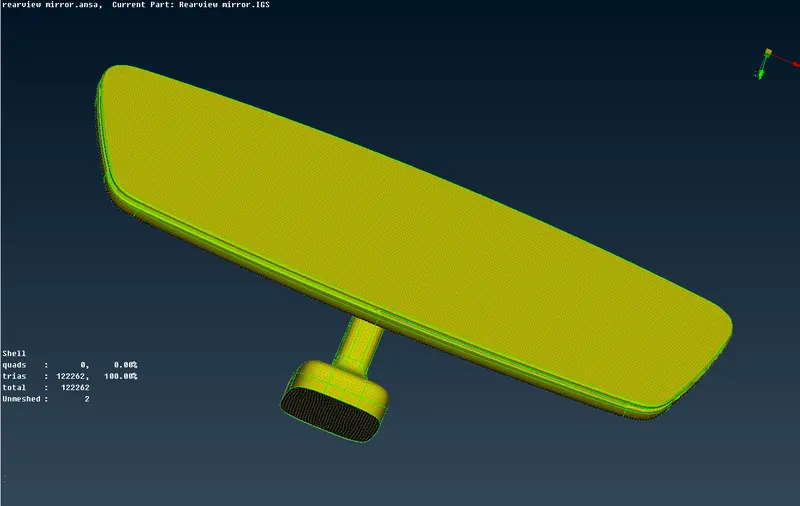
GENERATING VOLUME MESH:-
After generating the mesh we need to define the shell object to solid and then mesh it and assigning quality criteria.
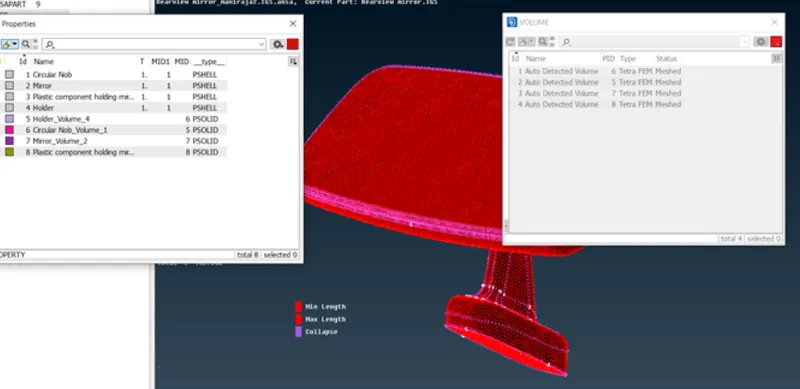
- Tetra Raoid and Tetra FEM are mostly used in order to define the mesh under volume.
- Volume property id is defined seprately with respect to the PSHELL ID.
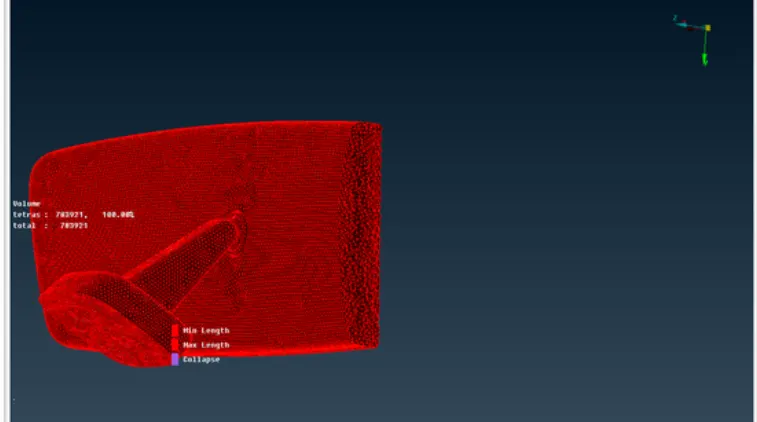
- Switch on the bounce and volume option and off the geometry and FE-Mode in order to view the volume mesh generated on the rearview mirror surfaces.
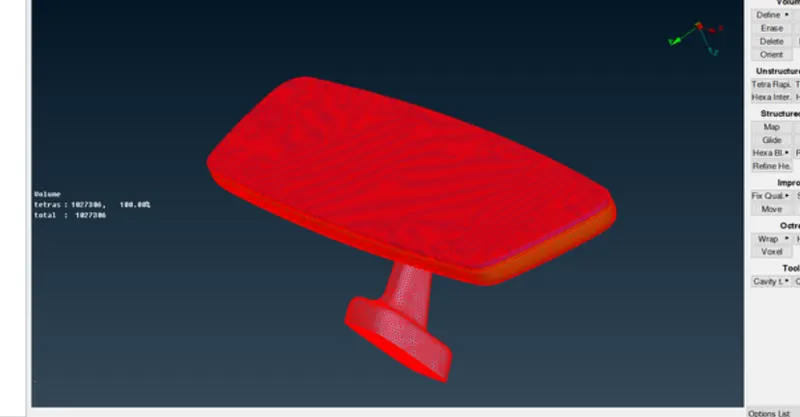
CONCLUSION:-
A 3D rear view mirror is meshed successfully giving the quality criteria and performed tools with the help of ANSA and volume mesh is generated to define it as solid object.
LEARNING OUTCOME:-
- Meshing on shell using Tetra and Tria with respect to the quality.
- Generating volume mesh under Vmesh to generating a solid model.
- Analyzing the volume generated for the model.
- Zero OFF elements and Tet-Collaps errors.