Week- 5 - Solid meshing
Geometrical Checks:
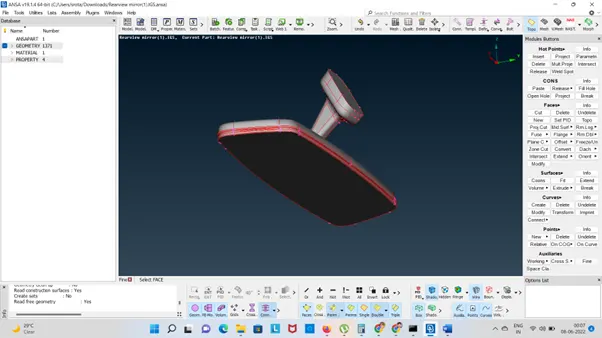
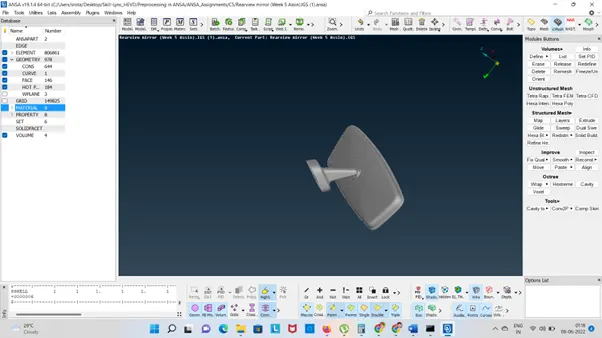
1.Need to check any damaged surfaces are in the CAD Model
- TOPO>AUXILLARIES>FINE
Increasing the Hot Points
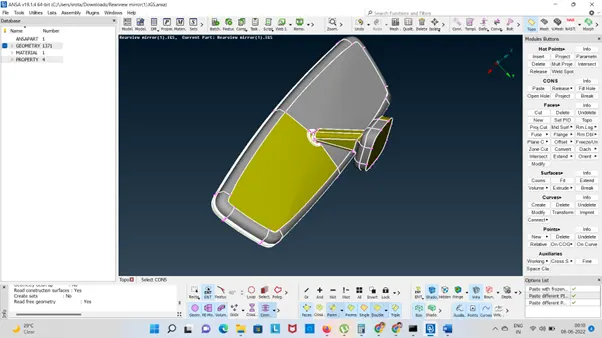
- Using TOPO mode and create new faces and join all the surfaces
TOPO>Faces>TOPO
- After TOPO clean the error
Commands are used:
HOT POINTS: INSERT Hot Points, Projects, Delete and Weld Points
Release the CONs
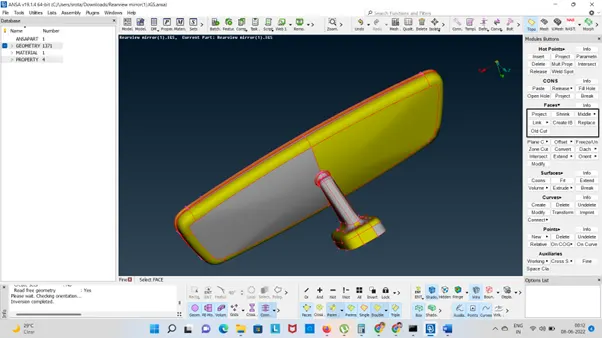
Click the FACES > CUT>Delete> SET PIDS
Then Auxiliaries>Fine
- Select the CONS and remove it by ANSA Check in Geometry
Check the cracks, overlap faces, double cons and triple cons.
6.Edit the required surfaces by using TOPO
HOT Points, Release the CONS and Project , Fill Hole etc
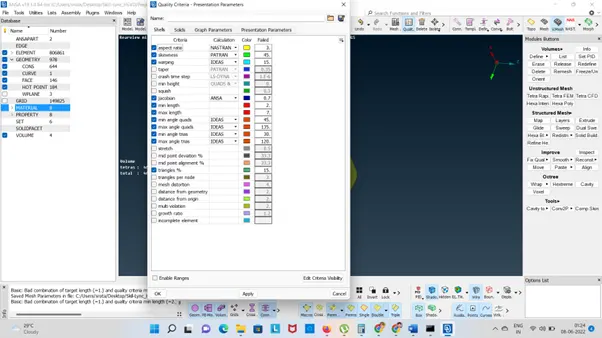
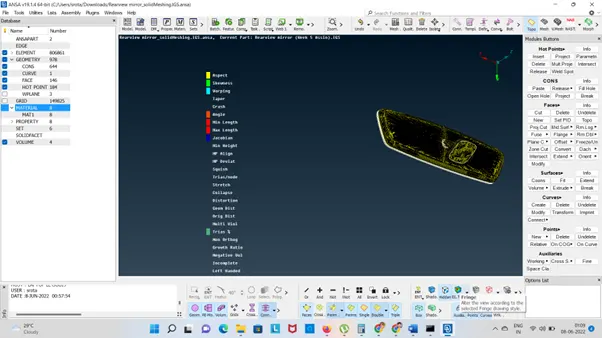
- Checking the quality criteria as per the above question
8.Surface Meshing
Using Mesh Module
- Macros : CUT>JOIN>SET PIDS
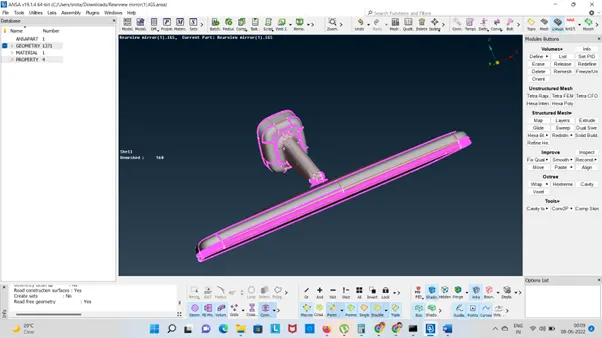
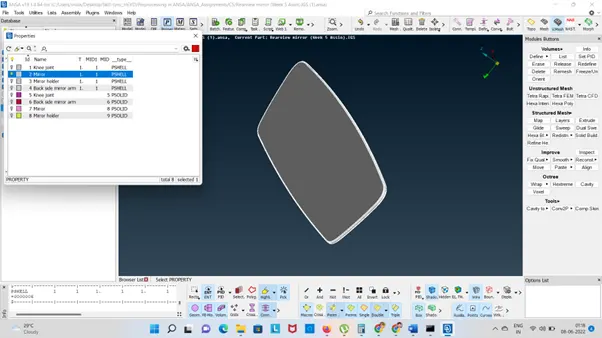
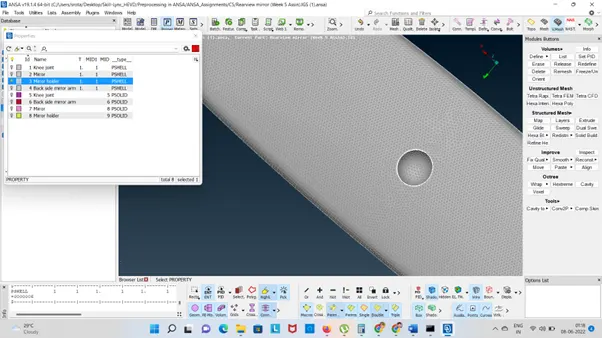
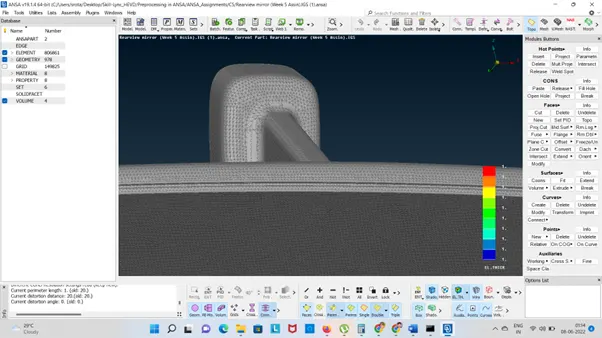
- Mesh Generation
- Shell Mesh>Smooth>Reconstruct
- Element>Join>Split
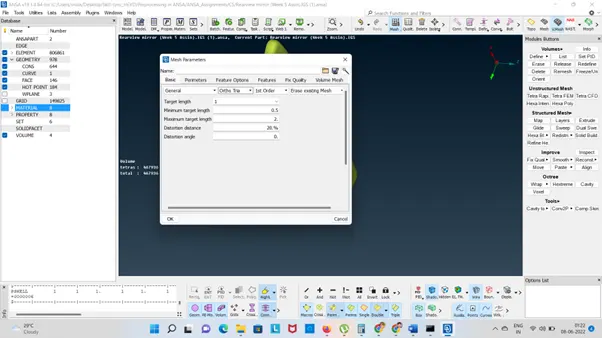
- Give the Average length
Mesh:
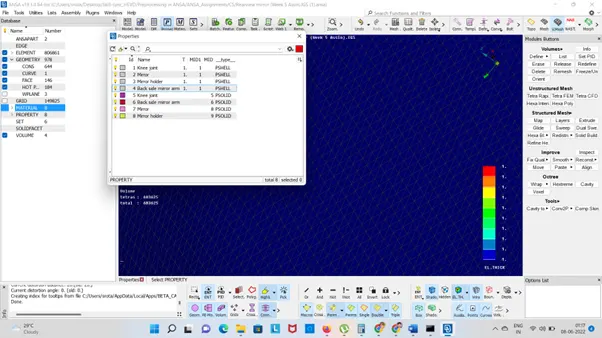
Set the Mesh Parameter
Here we are using Ortho tria Mesh
Tria are using Flat Surface
Ortho Trias are using for Curved surfaces
Then we assign the PID.
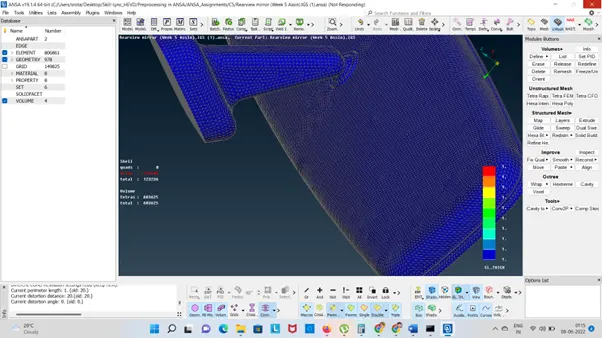
Volume Mesh:
- Tria Mesh
- Hexa Mesh
Using reconstruct option to rectify the elements
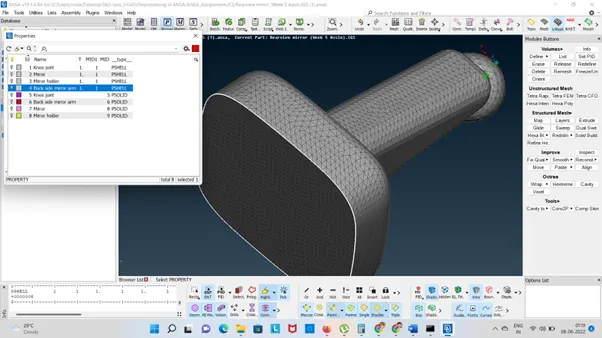
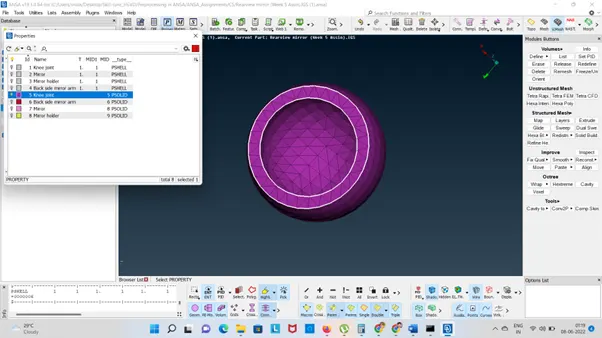
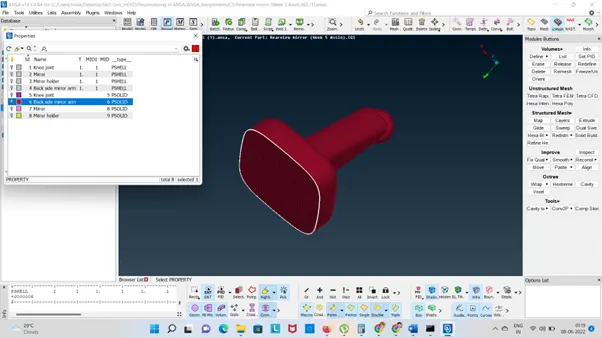
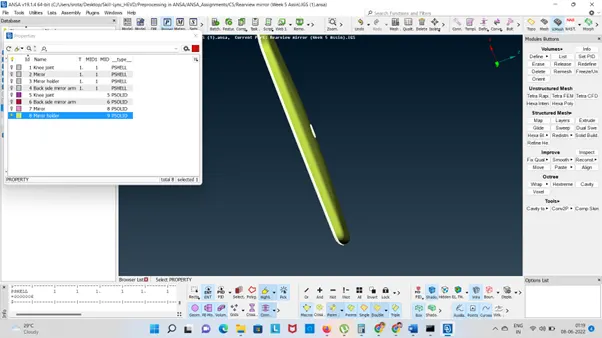
Link: https://drive.google.com/file/d/1G2JvWr8TCgrAp2KZg0SS7Oh2mTA5gmI5/view?usp=sharing