Week- 5 - Solid meshing
Week- 5 - Solid meshing
Objective:
To clear the geometrical errors and perform 3D mesh using tetra elements for the given component by satisfying the given element quality criteria using ANSA.
Quality Criteria Feature:
|
S. No |
Quality Criteria |
Value |
|
1 |
Target Length |
1 |
|
2 |
Minimum Length |
0.5 |
|
3 |
Maximum Length |
2 |
|
4 |
Tet collapse |
0.2 |
Modal:
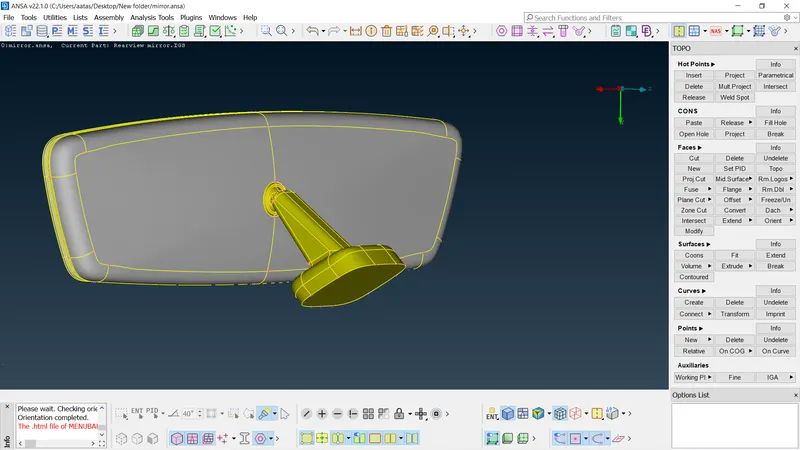
Geometry cleanup:
The given component is checked for geometrical errors using checks manager. The errors displayed is cleared using auto fix and tools from hot points, cons, faces & surfaces.
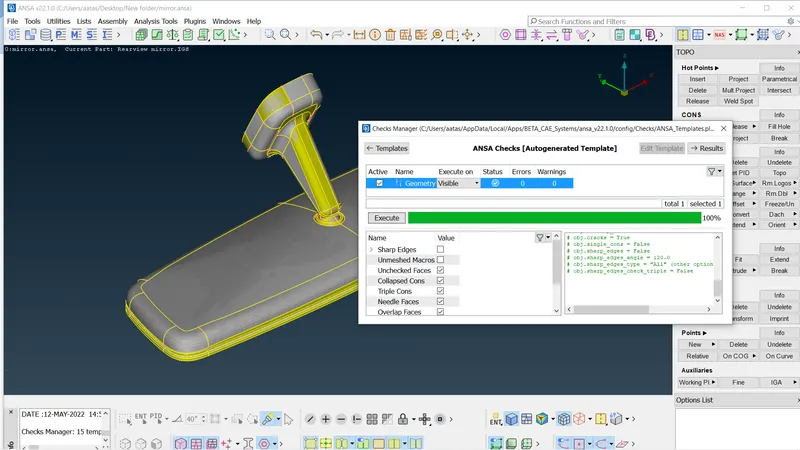
Meshing:
- The quality criteria & mesh parameters values are entered.
- The perimeter length value assigned is 1 mm.
- Using spot mesh option, the surface of the component is meshed using tria elements.
- Ortho trias are used for curved surface and normal trias are used for flat surface.
- The quality criteria are achieved by using tools like reconstruct, smooth and split options.
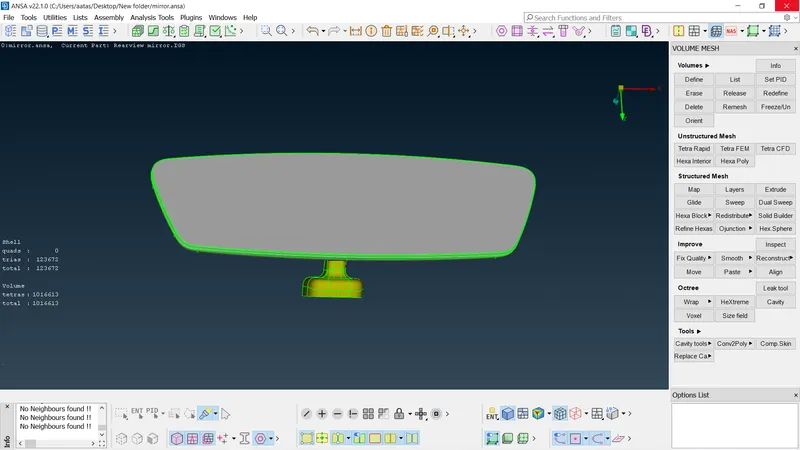
- Under volume mesh module, volume of the given component is defined using tool volumes>> Define>> manual option.
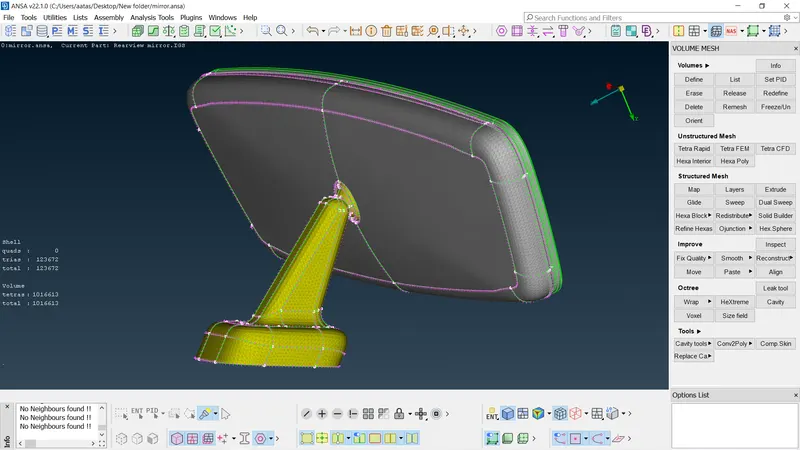
- The list option in the volumes is used to perform tetra mesh on the defined volumes choosing either the tetra rapid or tetra FEM method.
- The tet collapse issue is cleared using tool move under grids option and quality is achieved by using tool fix quality under improve option.
- The meshed model of given component is as shown in the following figures.
Learning Outcomes:
- To fix the geometrical errors for given model.
- Learnt to mesh solid components using tetra mesh.
- To mesh the given model by satisfying the quality criteria.
Conclusion:
The tetra meshing process was demonstrated in this assignment. Volume mesh for each of the component’s sections were generated quickly. Thus tetra mesh is useful for quickly generating a mesh over a complex 3 dimensional geometry.