Week 5 Challenge : Surface wrap on Automotive Assembly
AIM
- For the given automotive components such as the Engine, Transmission, and Gear Box check for geometrical errors and delete surfaces that are unwanted for the surface wrap as shown in videos.
- After clearing geometry Merge all 3 models and perform surface wrap. The target length for the wrap is 3mm.
- Write a detailed report on the steps followed to finish this challenge.
SURFACE WRAP
The surface wrapper can be used to provide a closed, manifold, non-intersecting surface when starting from poor-quality CAD data. It is typically used when the imported surface includes problems such as:
- Multiple, intersecting parts
- missing data in the form of holes and gaps
- surface mismatches
- double and internal surface and
- overly complex geometry with too many details
The surface wrapper can achieve many different aims simultaneously when applied to such data. These include:
- Provide a closed, manifold, triangulated surface definition
- close holes, gaps, and mismatches
- skin double surfaces and remove internal features
- include baffle thickness inflation for desired internal features and
- include refinements based on curvature, proximity, and/or individual surfaces
The resulting surface quality from the surface wrapper is not optimal so it is usually in conjunction with the surface remester to provide a high-quality starting for the volume meshes.
TOPOLOGY/GEOMETRY CLEAN UP
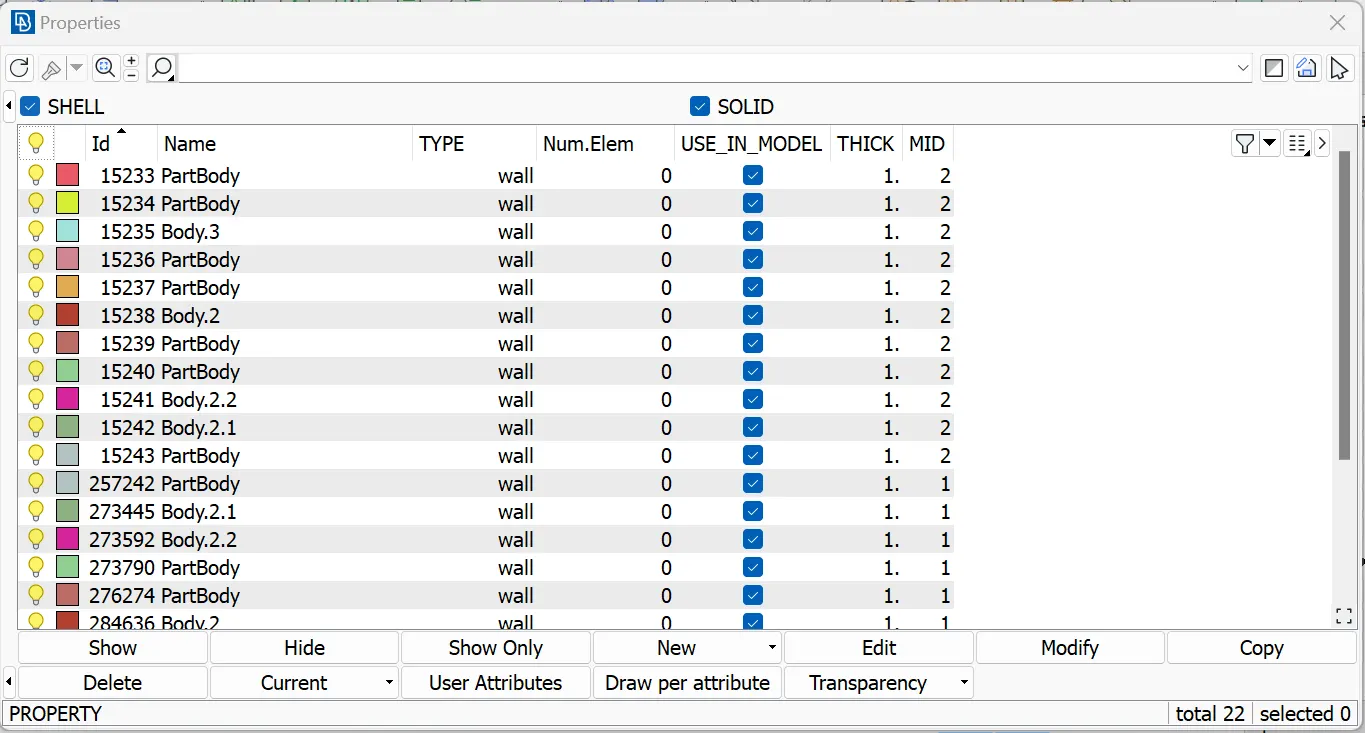
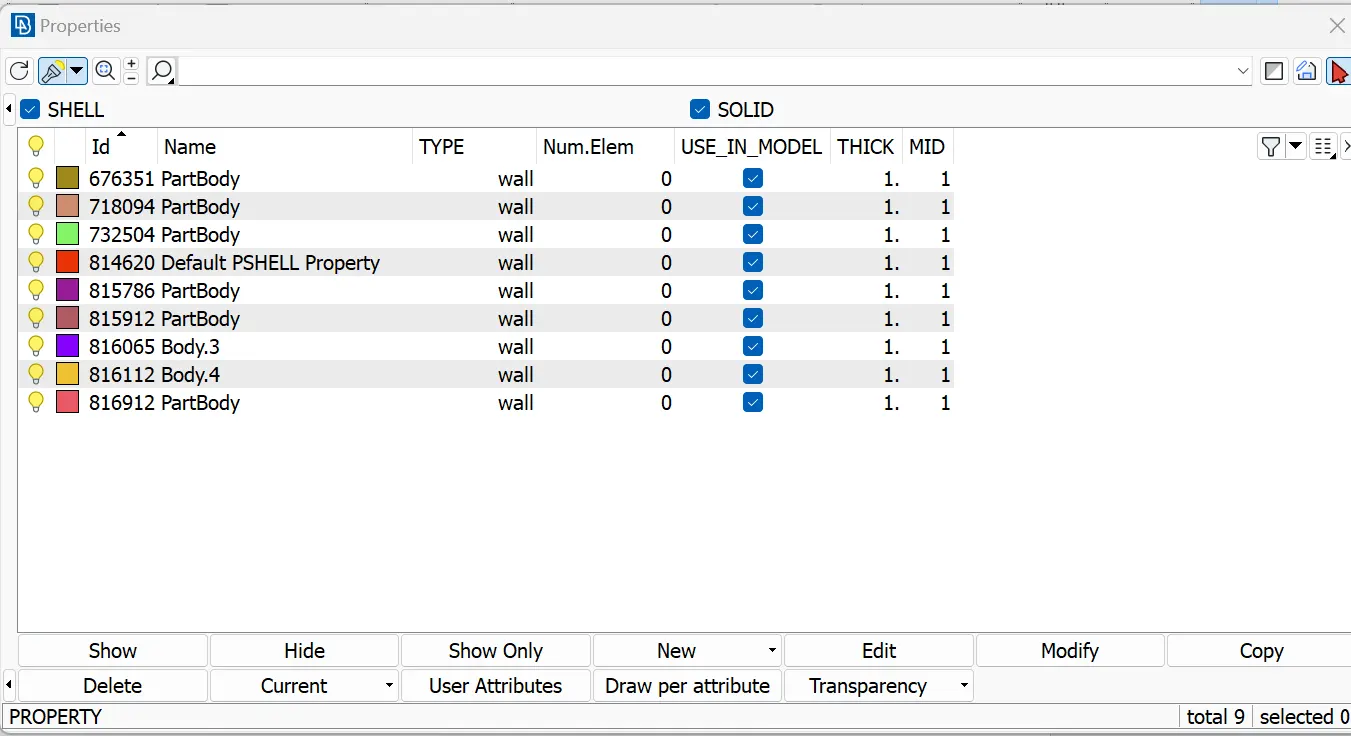
Open the engine CAD date into the ANSA workspace. Analyze the model carefully and find out the open spaces, mismatches, gaps, and double surfaces on the outer part of the engine. Delete the unwanted surfaces and other those mentioned above. Give appropriate names for the engine PID's for less complexity and handling. Close all the open gaps around the Engine.
Repeat the following steps for the other CAD data of the Transmission and Gear Box.
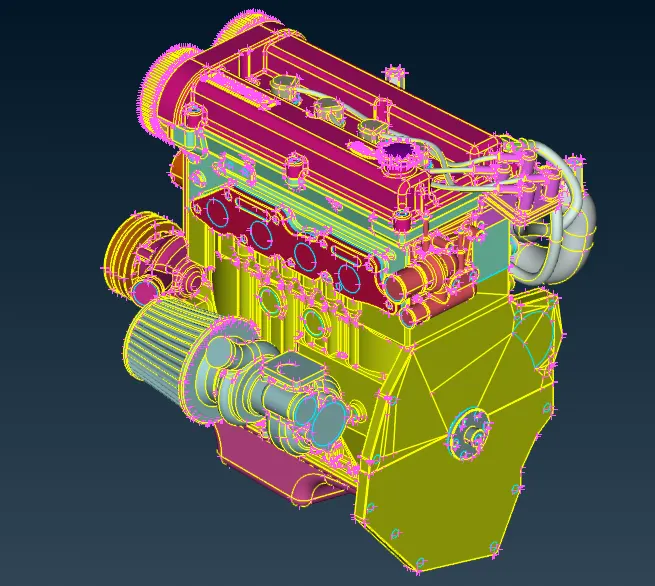
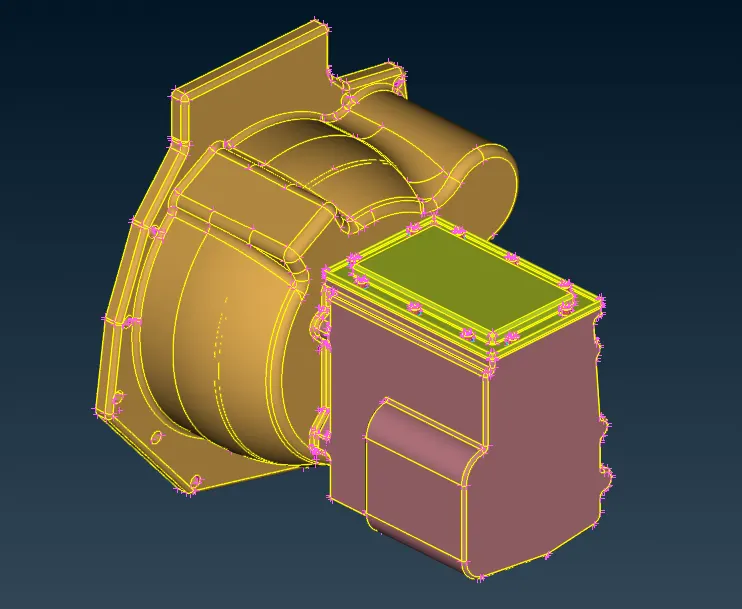
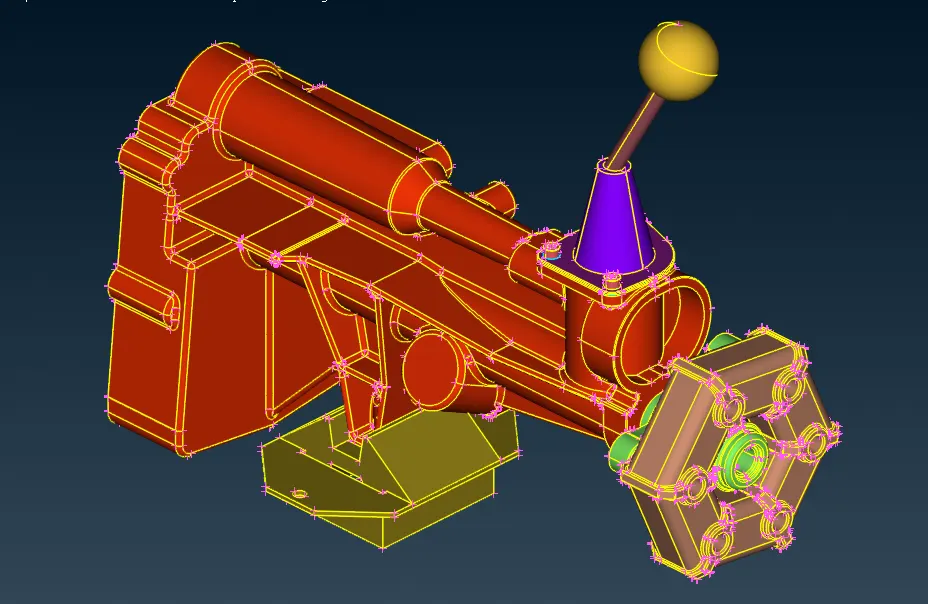
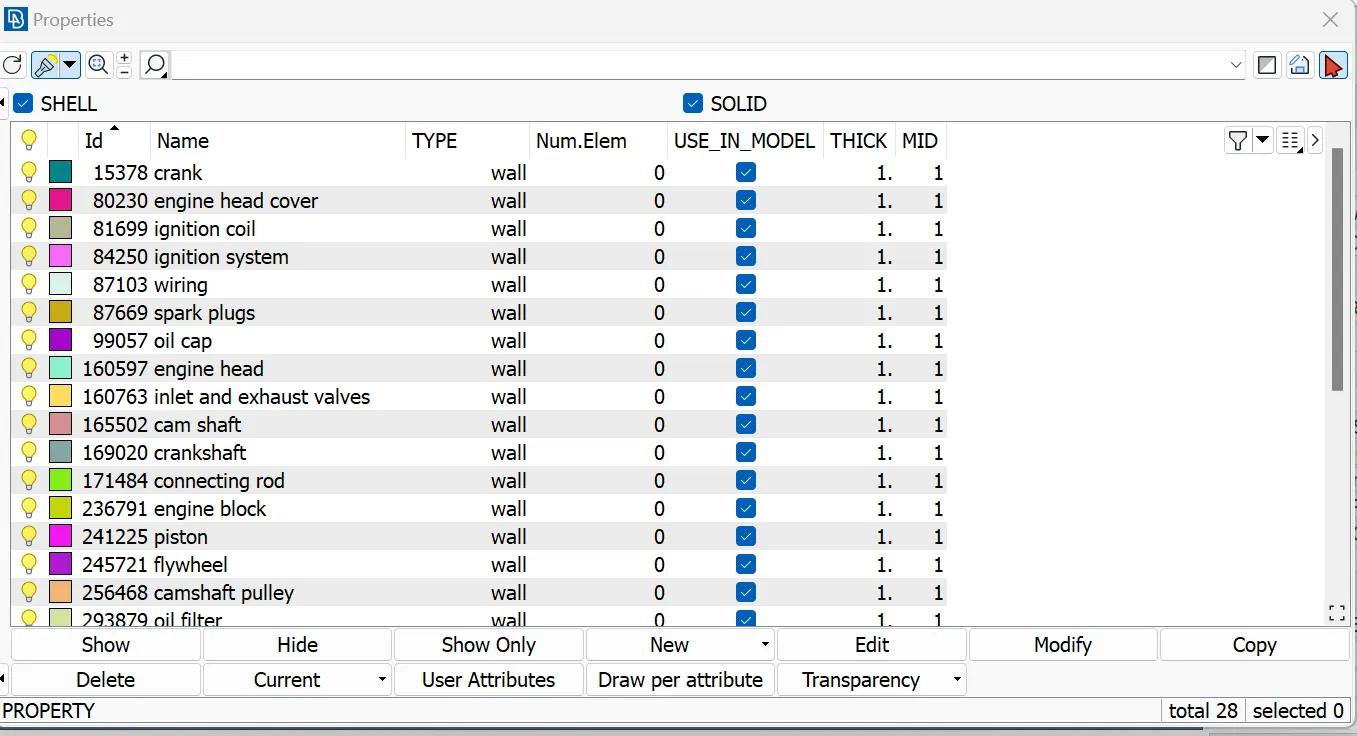
MERGING
Go to the files drop menu and choose the merge option. Open the Transmission and Gear Box data and provide the merge option and we can see the transmission and gearbox are connected simultaneously to the engine.
SURFACE WRAP
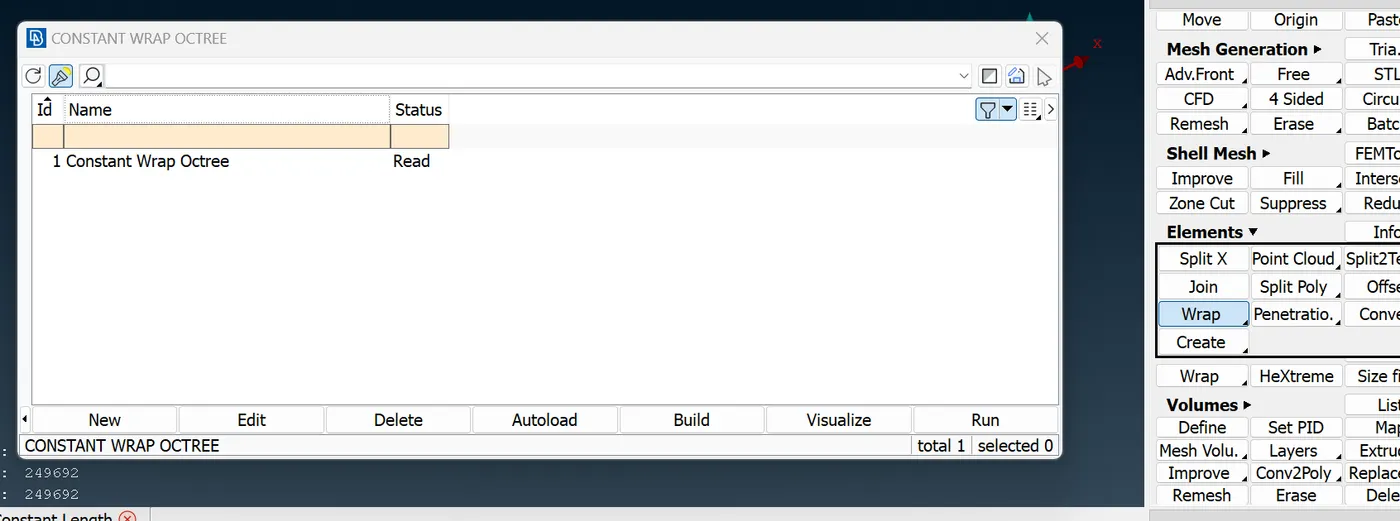
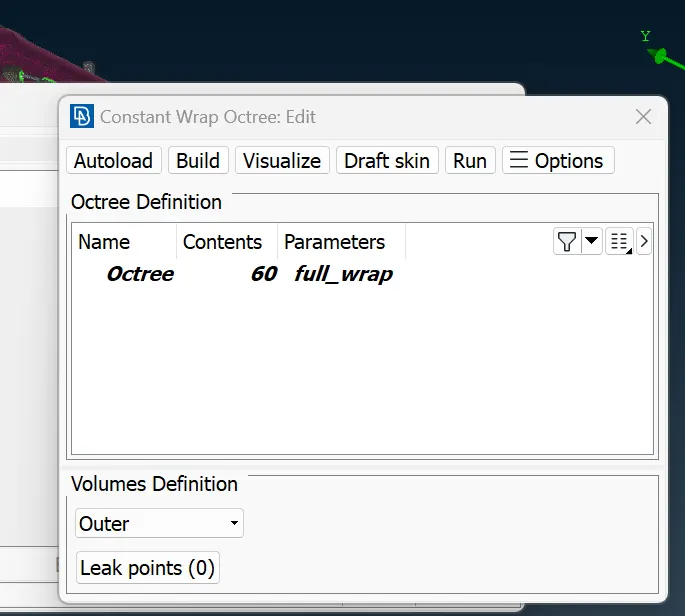
Go to elements under the classic mesh. Choose a wrapping tool with constant length. A constant wrap octree window pops up. Double-click status and an edit pop-up comes up. Double-click on the parameters and enter the target length(3mm) on it. Keep the other mesh beside it as default. Give a suitable name for the parameters.
Double-click on the contents so a pop-up window comes so. Remove the unwanted pids by compressing the option. Move the PIDs from left to right. Provide a run option and wait for a few minutes.
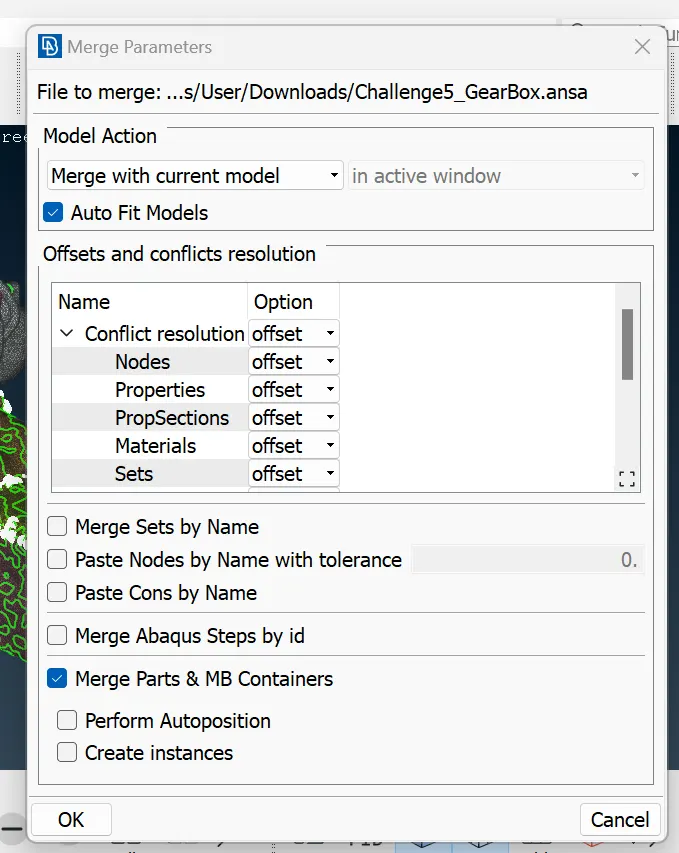
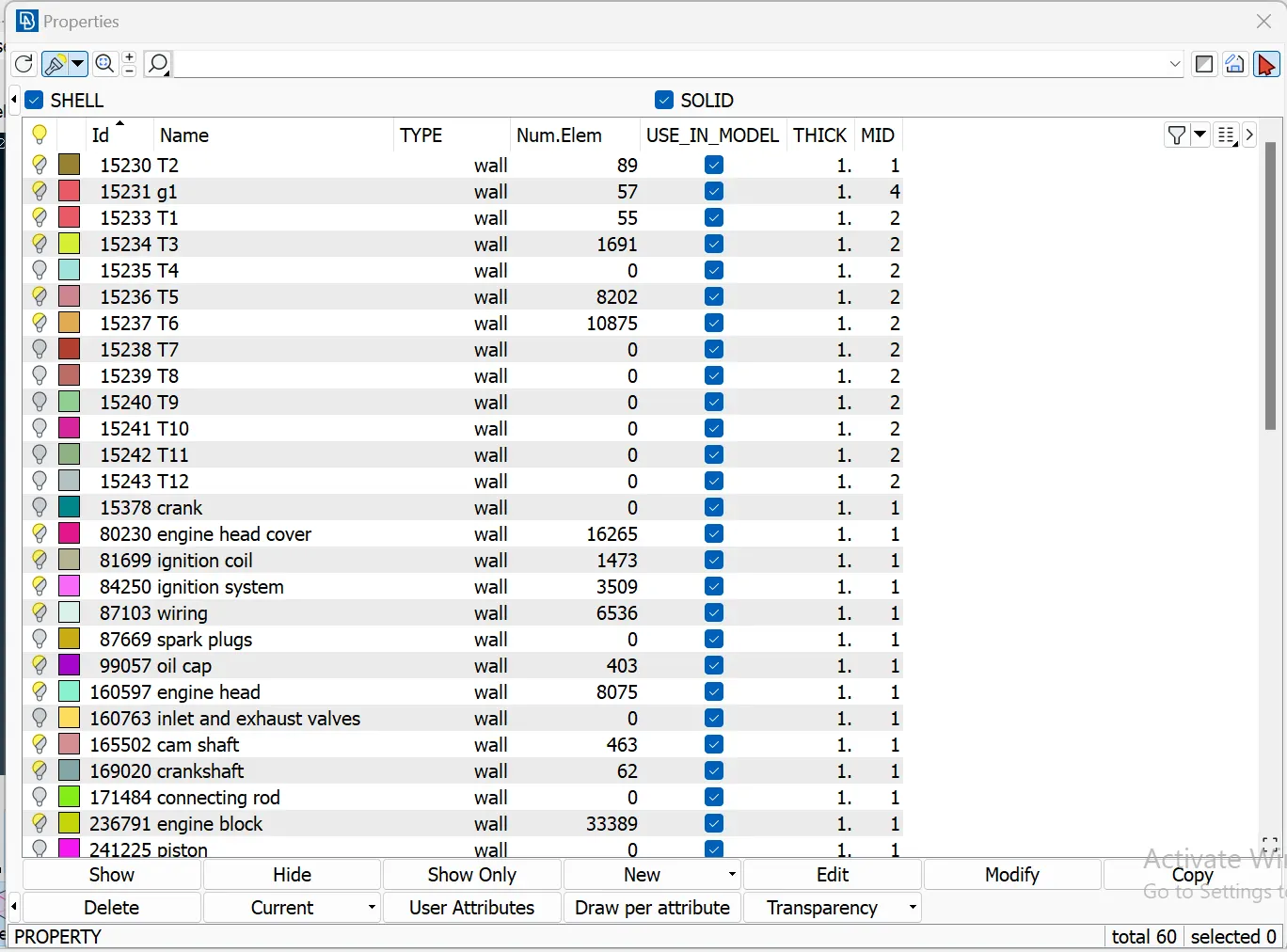
We have obtained a completely wrapped assembly.
RESULTS
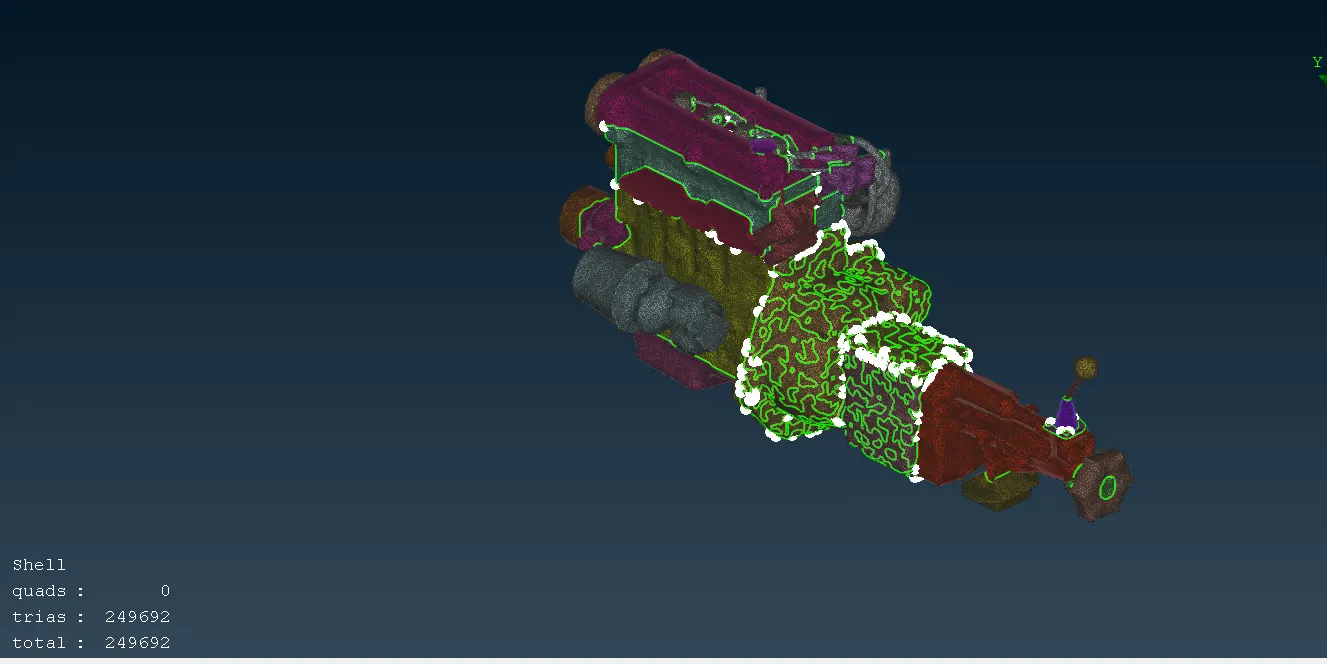
- The geometrical clean-up was conducted successfully and the automotive assembly was merged.
- The surface wrap was performed on the automotive assembly with the given target length and The assembly was cross-checked for further clarification.
CAD FILES
https://drive.google.com/file/d/1vuuHU2J3nh-IUMFMFJaWiXJuqRNIM2yz/view?usp=drive_link
https://drive.google.com/file/d/1_0J0VLNg1YuKdVbDPUXqtJKXjEdk1tuW/view?usp=drive_link
https://drive.google.com/file/d/1krxZyEz8ousZv7W8KhyyGoAYjQJtbWww/view?usp=drive_link
https://drive.google.com/file/d/1od5NuNH1AtdyFRWdPRpEV5yxnoXnHUdJ/view?usp=drive_link