Week 5 Challenge : Surface wrap on Automotive Assembly
1. Aim:-
To merge all the 3 components and perform surface wrapping.
Procedure:-
- First, we remove the topological errors or the extra surfaces present in the model. First the engine and then the transmission and gearbox models.
- Next after that we merge the models in the same model using the merge option in the toolbar at the top.
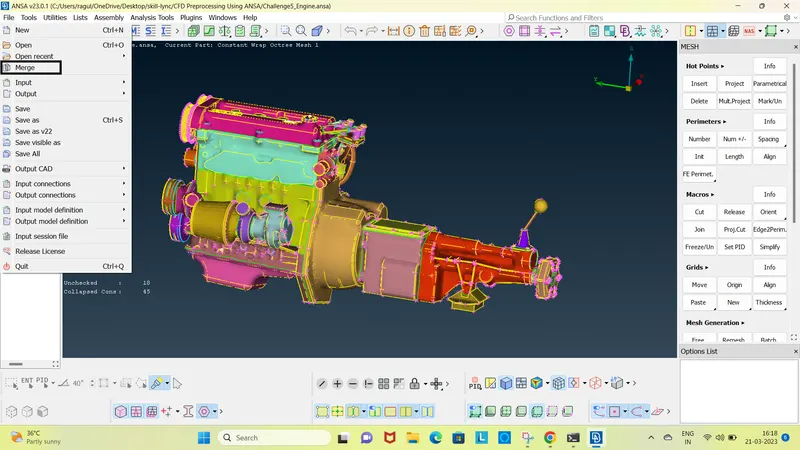
- After merging all 3 components we proceed to go to the mesh section and click on the wrap option under "elements".
- Now it gives a pop-up saying "constant wrap octree".
- When we click the option we get another prompt where we have two more fields where data should be entered.
- One of them is the parameter, where we provide the mesh length (3mm).
- The other one is "contents" where we select the PIDs to be wrapped. Here we delete the unnecessary ones using the compress option.
- And now we select all PID and apply it.Now we click on ok and wait for the system to wrap the surface.
- Now we can check the element lengths and then we can also check the inner volume of the model, there should be no surfaces present.
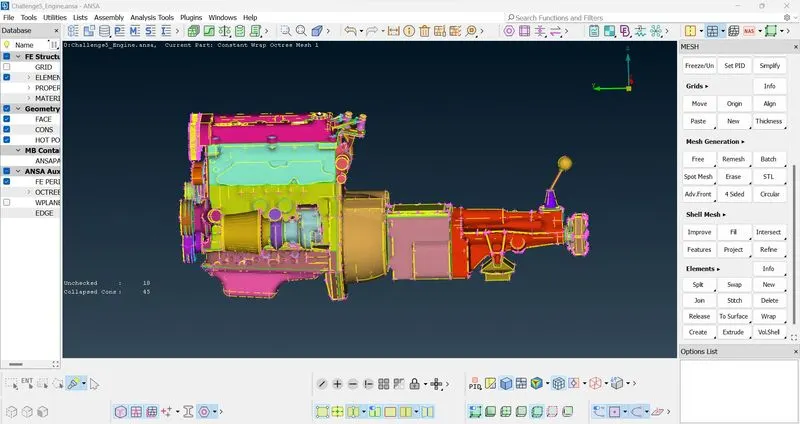
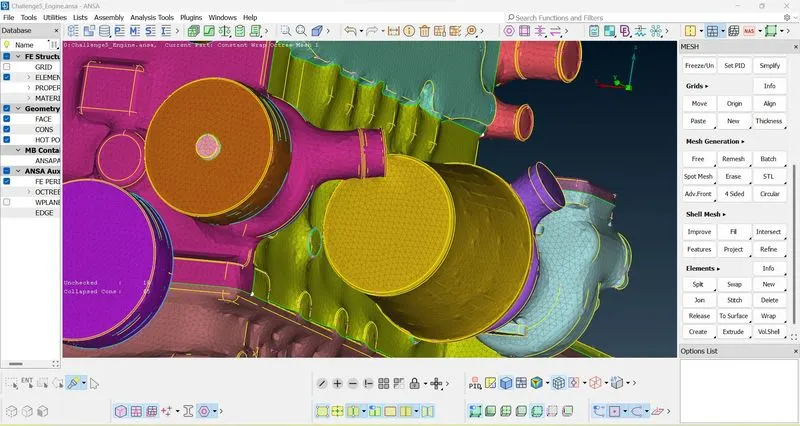
- Due to the large file size the final ansa file is uploaded to the below drive:-
- https://drive.google.com/file/d/1sv1P-0-VJsRCCHlRL9ccxQ7q3Qz3zX9x/view?usp=sharing