Week 5
MODEL:
https://drive.google.com/file/d/1o3say05IWze17gCEoACgXbSJWVATZWbt/view?usp=sharing
Aim:
- To check for the geometrical errors and mesh the given component with tetra element for stated Quality criteria.
Procedure:
- Make a topo for all of the component to stitch any surfaces and check for ‘Geometry’ errors from the ‘checks’ option.
- Auto fix or manual fix the errors for ‘needle faces, triple cons, cracks,single cons’ etc.
- Define quality criteria for ‘min length, max length, collapse’ and also define mesh parameters
- Go to the mesh panel and define length for perimeters and macros to 1 to check the quality and define element size.
Surface Meshing
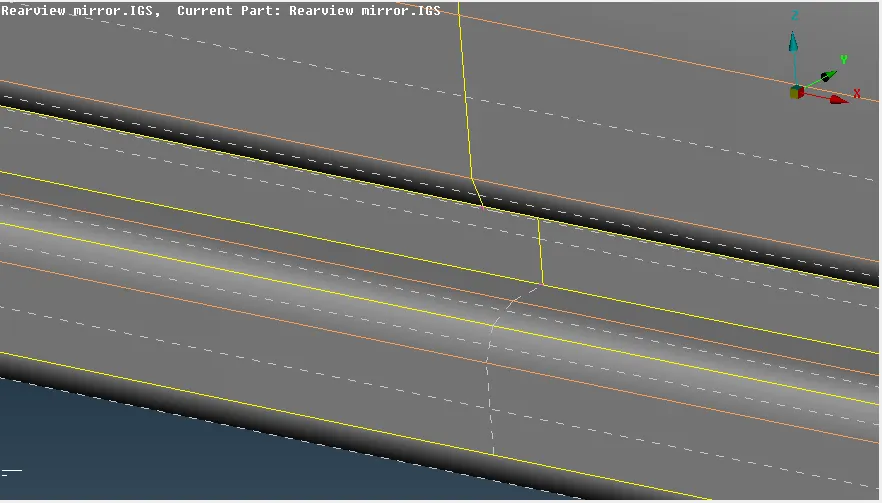
- Do necessary adjustments on the construction lines such as capturing the tip of fillet etc as shown below to produce a smooth mesh flow under the criteria .
- After the arrangement .Proceed with spot mesh for all the property elements step by step.
- Clear any quality failure immediately from the ‘shadow’ view using ‘ Reconstruction, spilt, swap’ etc commands.
Solid Meshing
- Isolate one property from the four property from ‘property box’
- Go to the volume mesh panel and define a volume for the property by ‘Define-manual’ and select the property.
- Defined Volume is seen on ‘List’ command under ‘Volumes’ . Create a name mesh it with ‘Remesh-Tetra FEM’
- Set a PID for the volume separately from ‘List-Set PID’ as ‘PSOLID’
- Check for Quality error and correct it.
- Repeat the above process for all the properties individually as shown below.
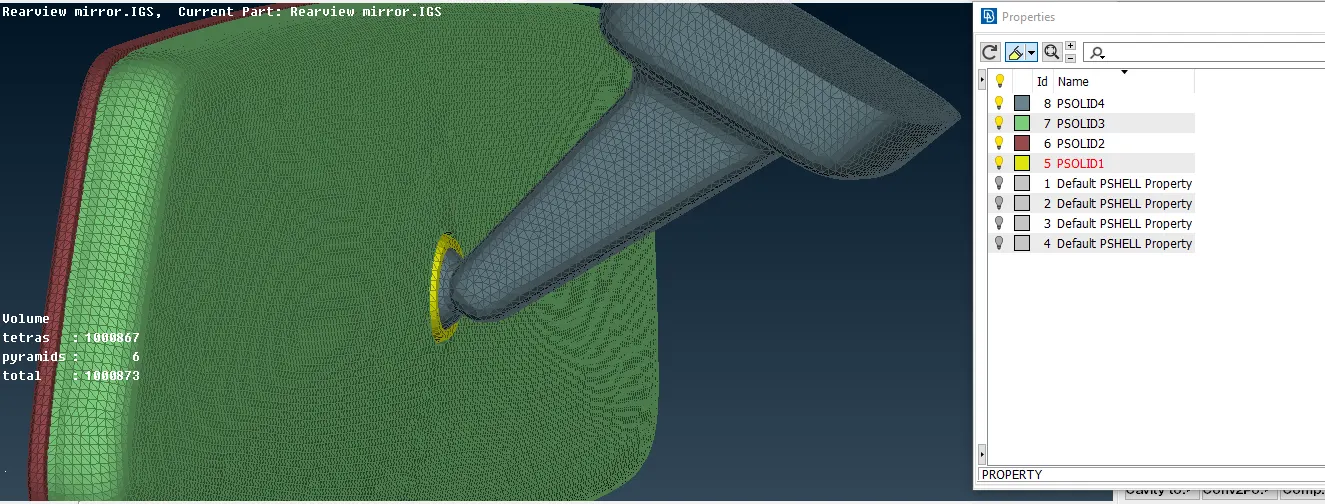
- FEA and Volume can be viewed separately by disabling the options in the ‘visibility’ panel in the left bottom.
Learning Outcomes:
- Step by step / surface by surface meshing is done to minimize the quality error for smoother mesh flow.
- Smoother mesh flow is achieved when ‘Ortho tria’ elements is used on edges and curved surfaces
- As it may seem Volume mesh is not useful for ‘NVH’ analysis is used for analysis such as strength , durability etc.
Conclusion:
In Conclusion, Different strategies can be used in each step by the user for convenience to achieve better, efficient mesh work overall.