SOLID MESHING(TETRA)
SOLID MESHING(TETRA)
Aim
- Open and check the geometry and perform geometry cleanup.
- Defining the quality criteria for the mesh generation.
- Assign the length for the sell mesh.
- First,generate the shell mesh Assign individual surfaces its thickness.
- Create the Property ID to store volume mesh.
- Set proper growth rate and generate tetra (unstructured) mesh.
- Fix the quality of element.
Objectives
- Open the model in ANSA and perform topology and assign proper orientation to the geometry.
- Perform geometry cleanup.
- Assign expected quality criteria in order to maintain mesh quality. Also provide average length of mesh elements with minimum and maximum length.
- Defeature all features that have length less than our minimum length quality criteria.
- Generate mesh using tira and ortho tria mesh command and reconstruct it to correct mesh quality criteria. Then smooth it using smooth button.
- Set new volume Property ID for the enclosed region to store volume mesh in it.
- check mesh if there any elements not fitting under our quality criteria and correct it using reconstruct and fix mesh button.
- Finally, save all the tetra mesh volume and prepare a report on the procedure.
Geometrical Topology:
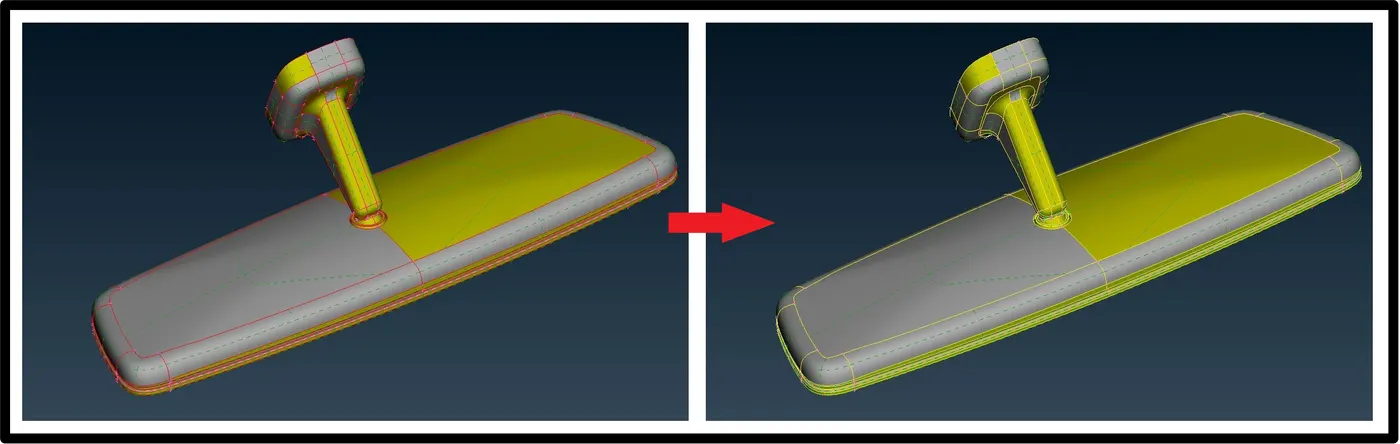
Firstly, Lets start with importing the geometry in ANSA using open button in file menu and perform topology to join all the faces as the file is in the igs format and faces are not connected to each other.
Orientation:
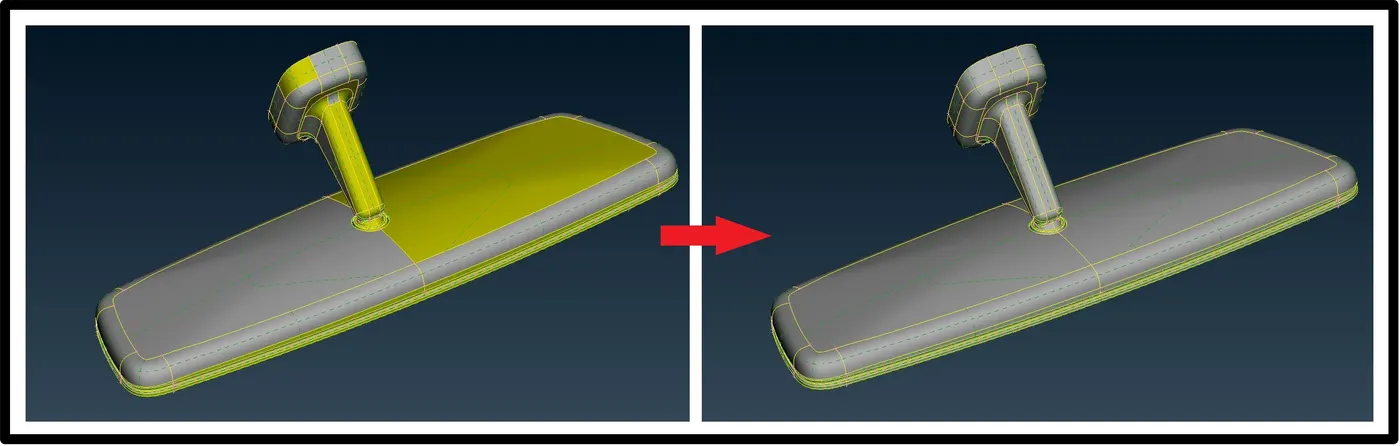
After topology, we can see some part of the geometry is of yellow colour and some are gray this mean geometry is not properly oriented so by using orient button in topo option we can orient it properly.
Total number of components in property:
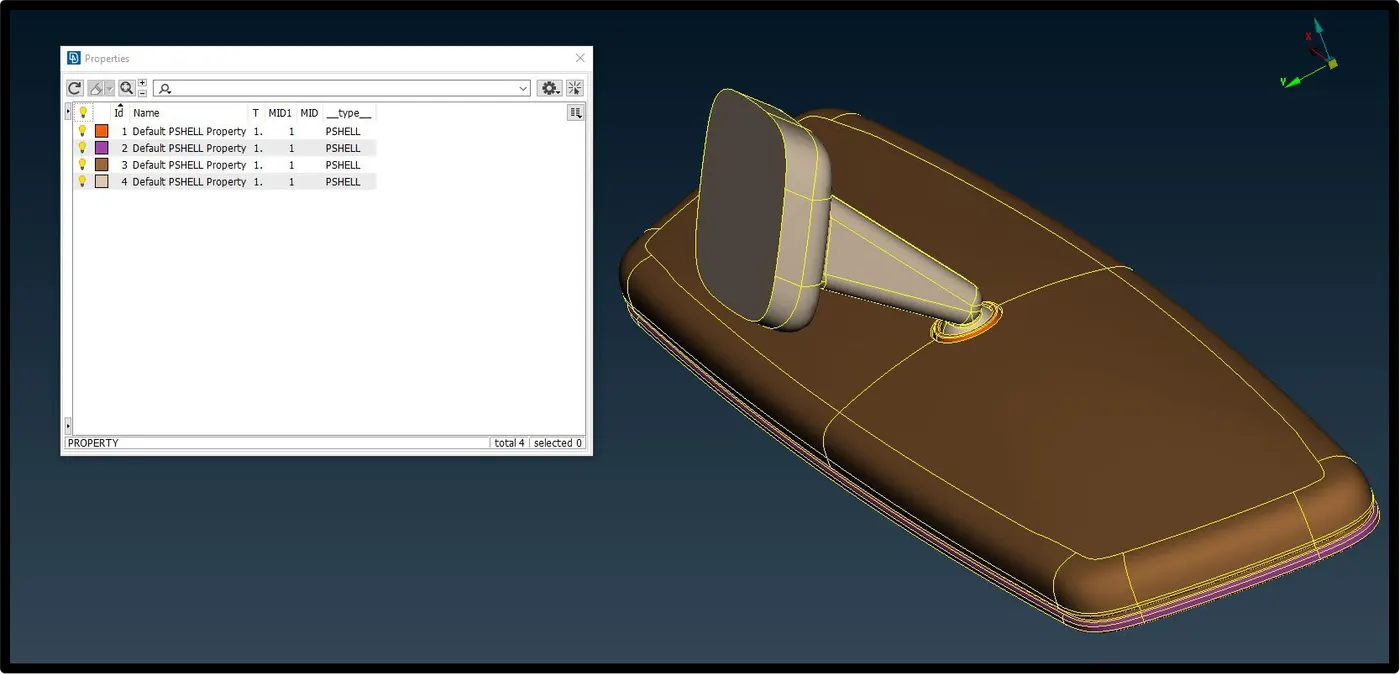
In this model, there are 4 component in property collector so we have to mesh 4 different geometry using tria ans ortho tria mesh.
Next part is to preform geometry cleanup to remove unwanted surface, cons from geometry for smooth transition of mesh from each faces. But in this case, geometry is already clean so we will move towards next step.
Before next step let understand basic theory about three dimensional meshing.
3-D Meshing
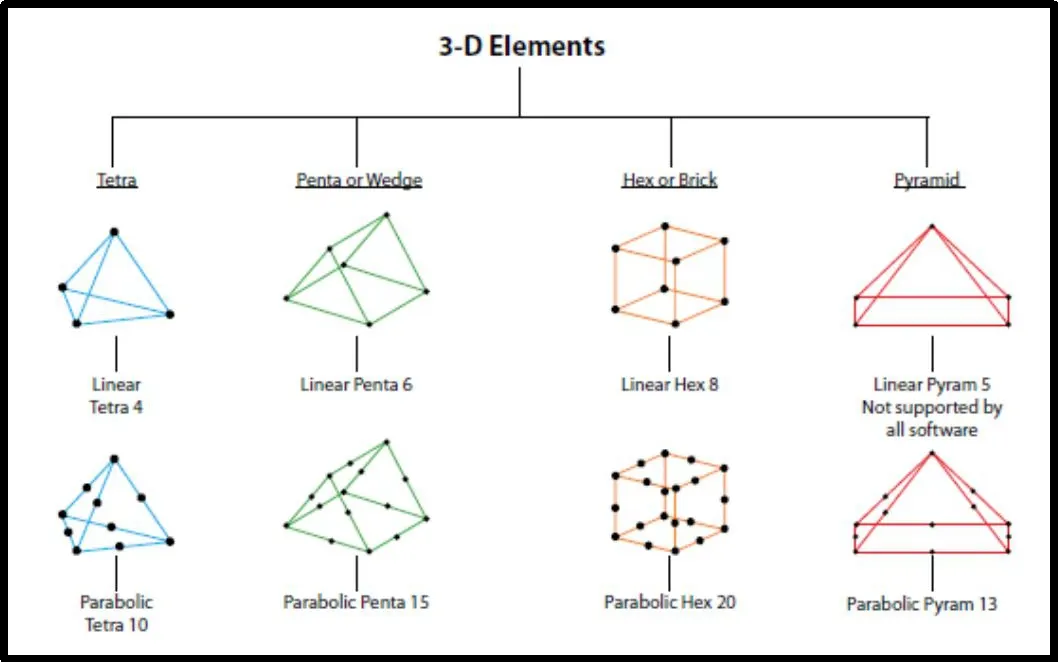
3-D elements should be used when all dimensions are comparable.
Element shape – Tetra, penta, hex, pyramid
Element type – Solid
Practical applications : Gear box, engine block, crankshaft, etc.
Quality Checks for Tetra Meshing :
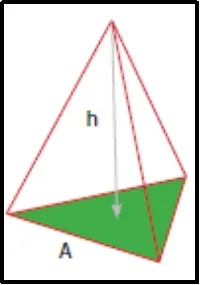
Tetra Collapse:
Ideal Value = 1.0 (Acceptable > 0.1)
Tetra collapse = h * 1.24 / A
(Defined as the distance of a node from the opposite face divided by the area of the face
multiplied by 1.24)
Other than collapse in tetra meshing we only define maximum and minimum length criteria.
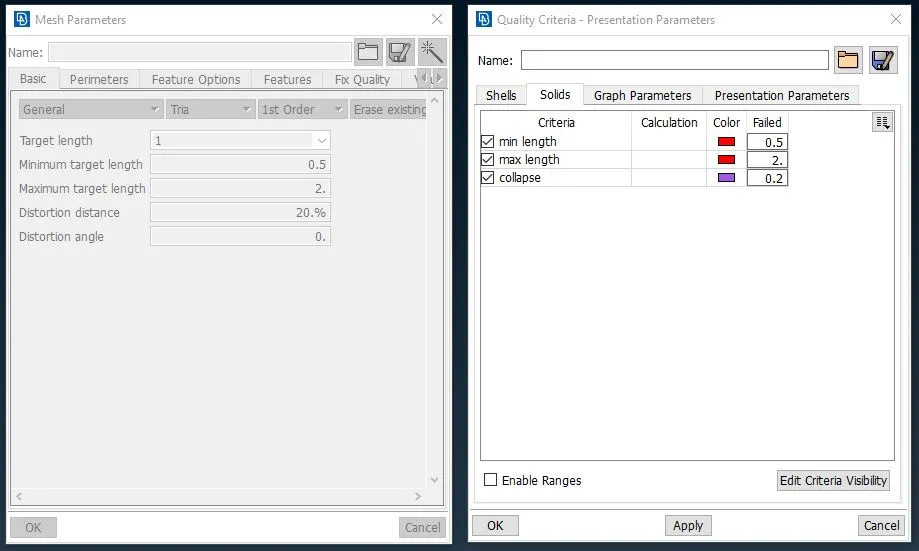
So, our next step is to provide quality criteria for the solid and shell meshing. For this model our quality criteria is put in ANSA as per given below.
Defeaturing:
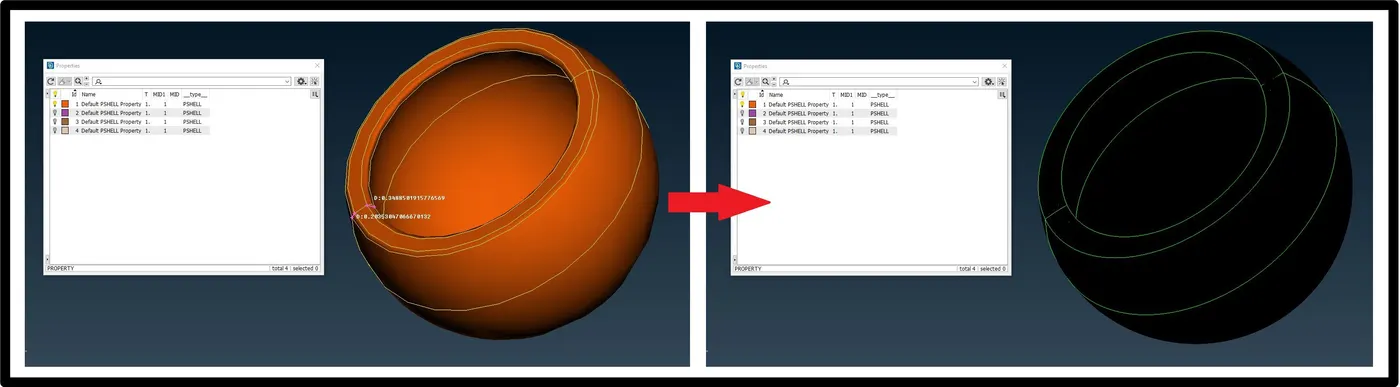
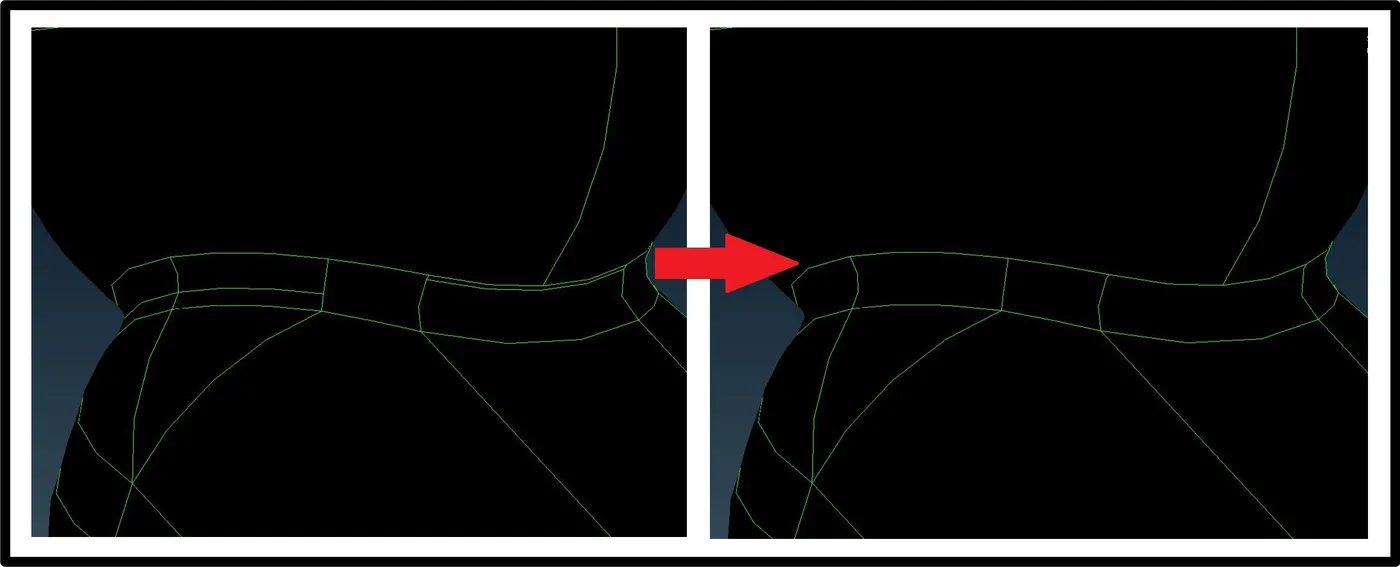
Afterwards, we will defeature it by manipulating the cons flow over surface by maintaining more than minimum distance between them so we can avoid mesh failure.
Shell Mesh:
Now , we can start meshing. In order to generate solid/volume mesh we have to perform enclose shell mesh to each part of the model one by one. Therefore, firstly, perform shell mesh using spot mesh button and generate tria and ortho tria mesh with respect to the surface, in case of element failure perform reconstruct and smooth operation on mesh.
Spot mesh:
This function automatically meshes Macro and FE shell mesh areas using a special meshing method for Macro-Areas that have 'weld spot' nodes on their surface.
The Spot Mesh algorithm gives better results than the free meshing method and creates the optimum number of shell elements, taking into account the element type already selected and the defined meshing parameters.
The function may be applied to selected unmeshed Macros, or to all visible Macros according to the chosen option (Selected or Visible respectively). The Re-Generate option applied to selected Macro Areas where, firstly, erases existing mesh, if any, and secondly meshes them using the Spot Mesh algorithm. The resulting shell elements are of first or second order shell elements according to the status of the 2nd Ord flag.
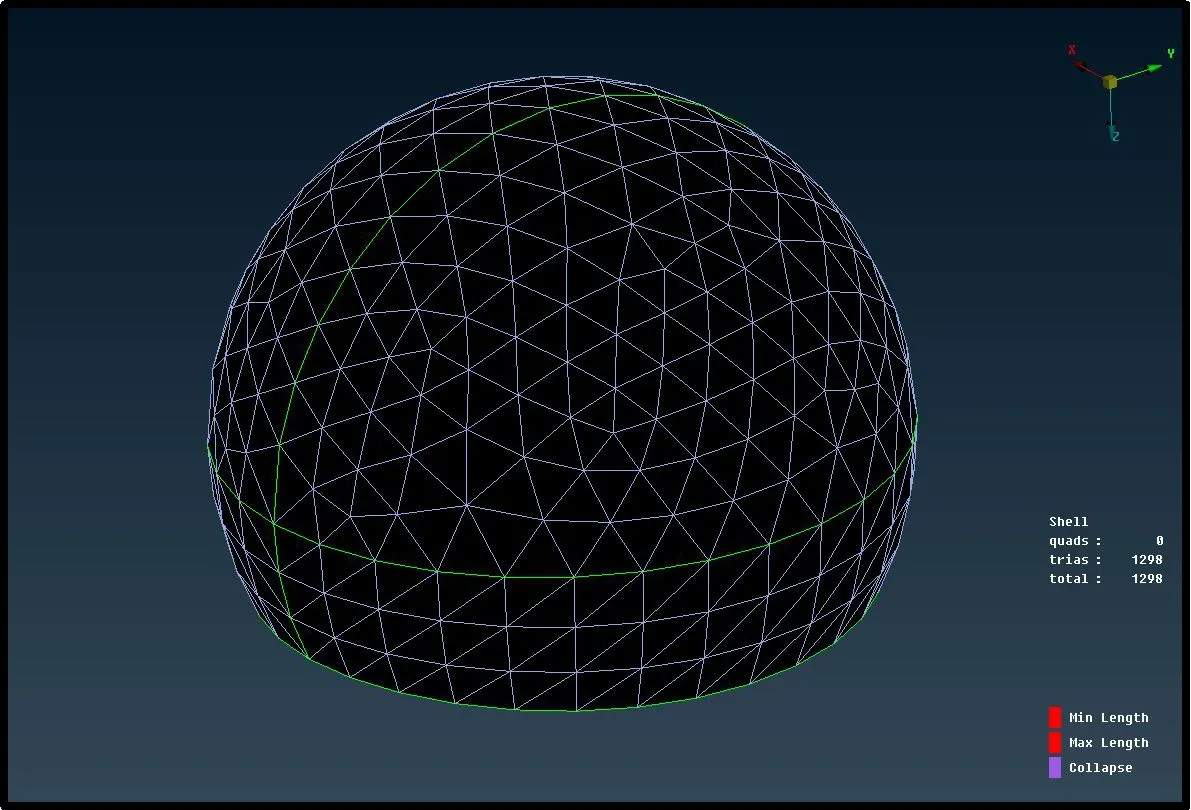
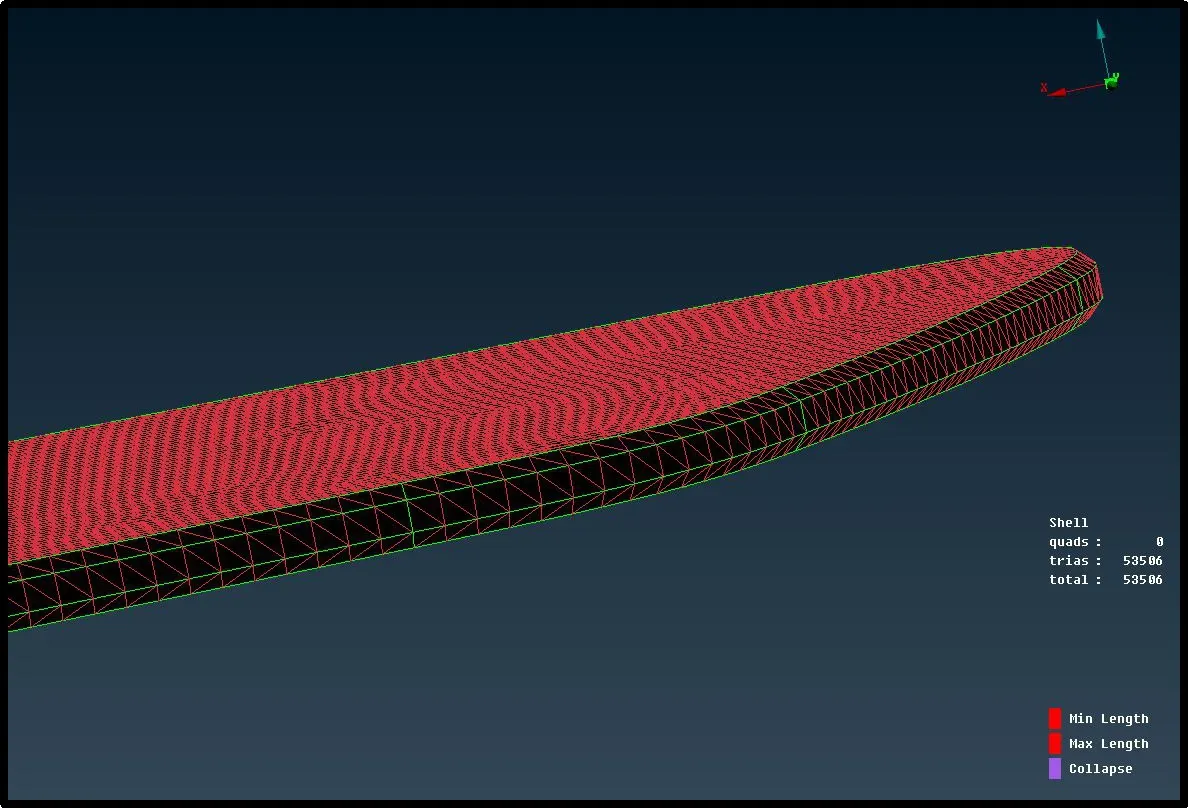
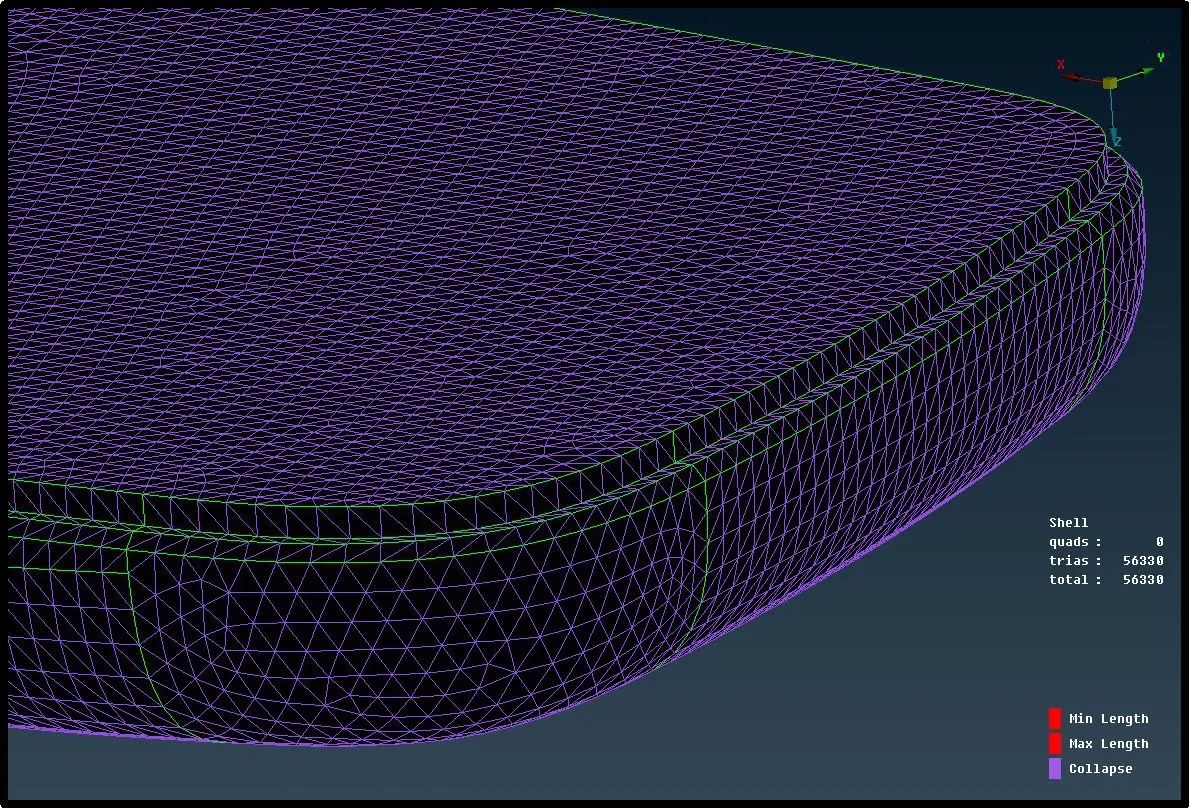
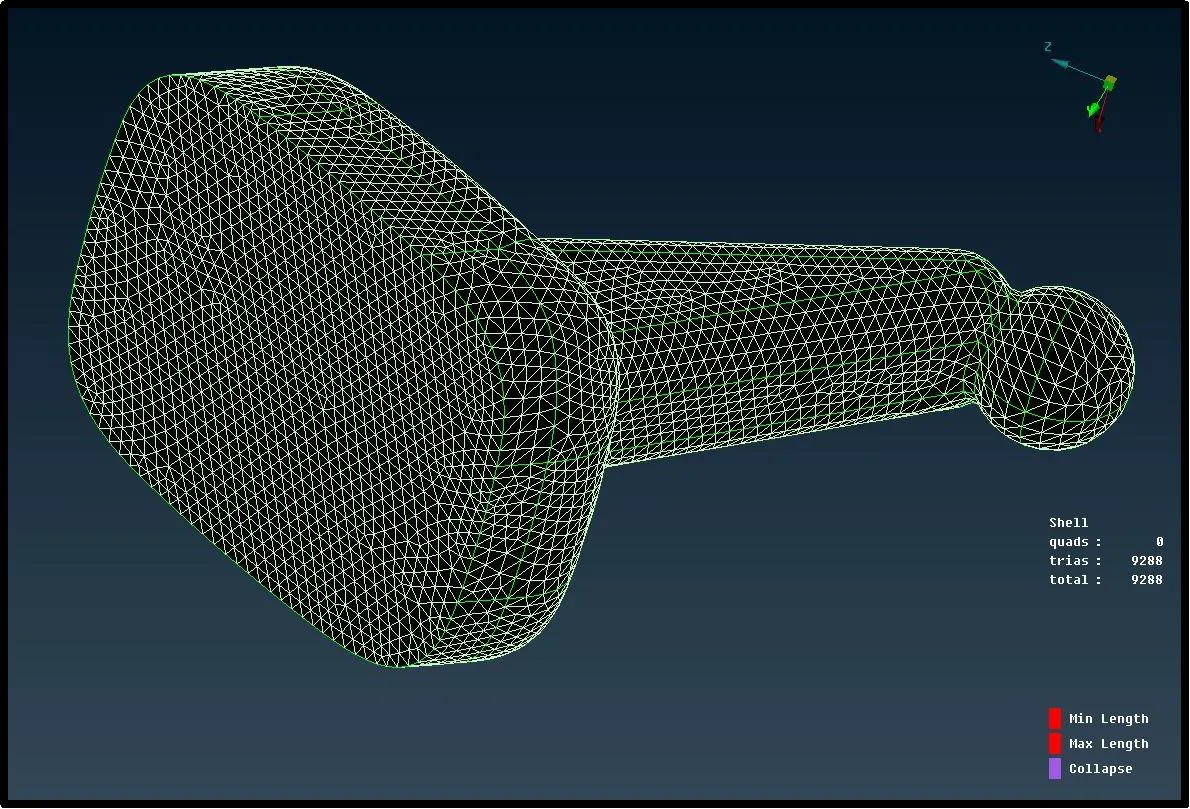
Volume/ solid mesh property ID:
After generating enclosed shell mesh we can create volume/ solid mesh property ID using define button in v.mesh panel by selecting enclose shell mesh elements.
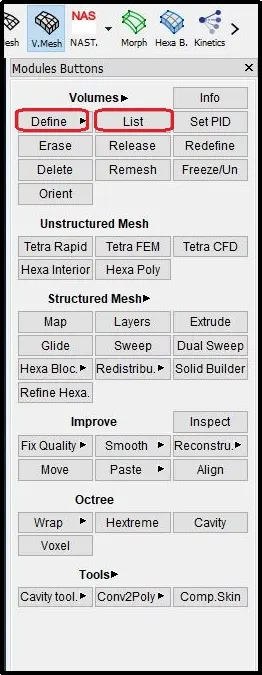
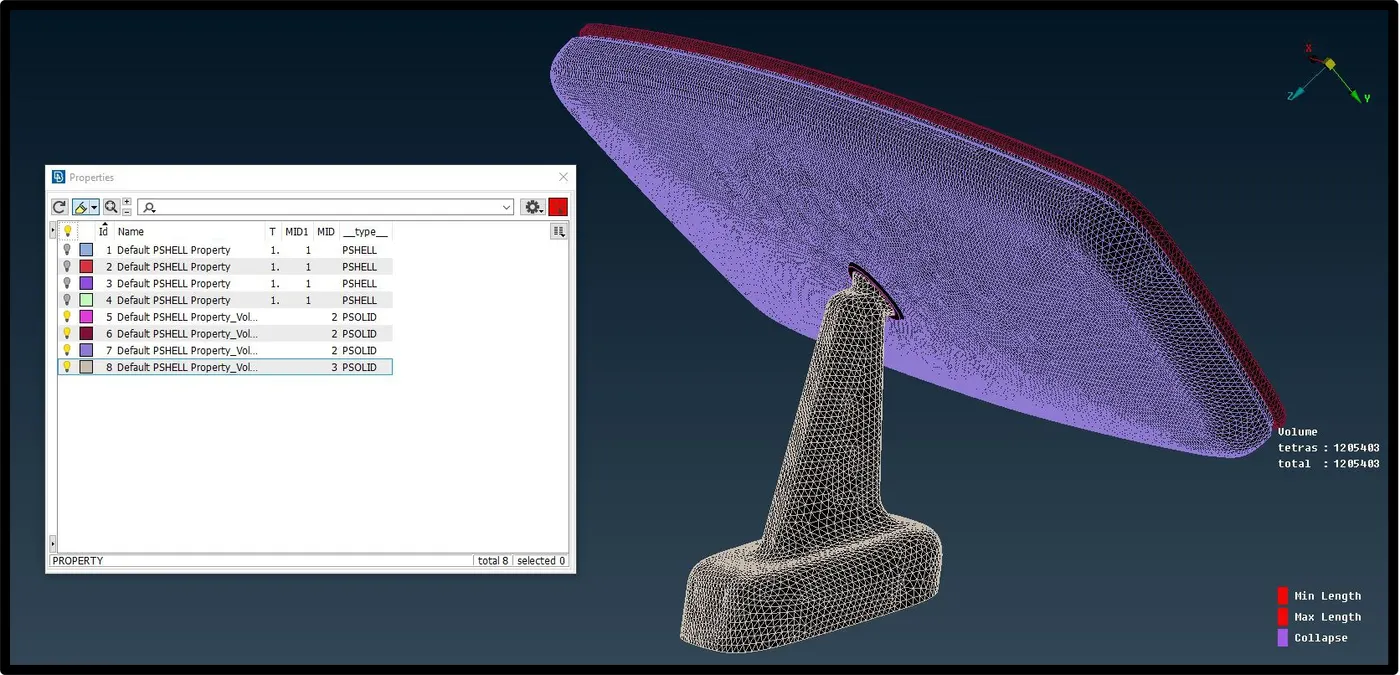
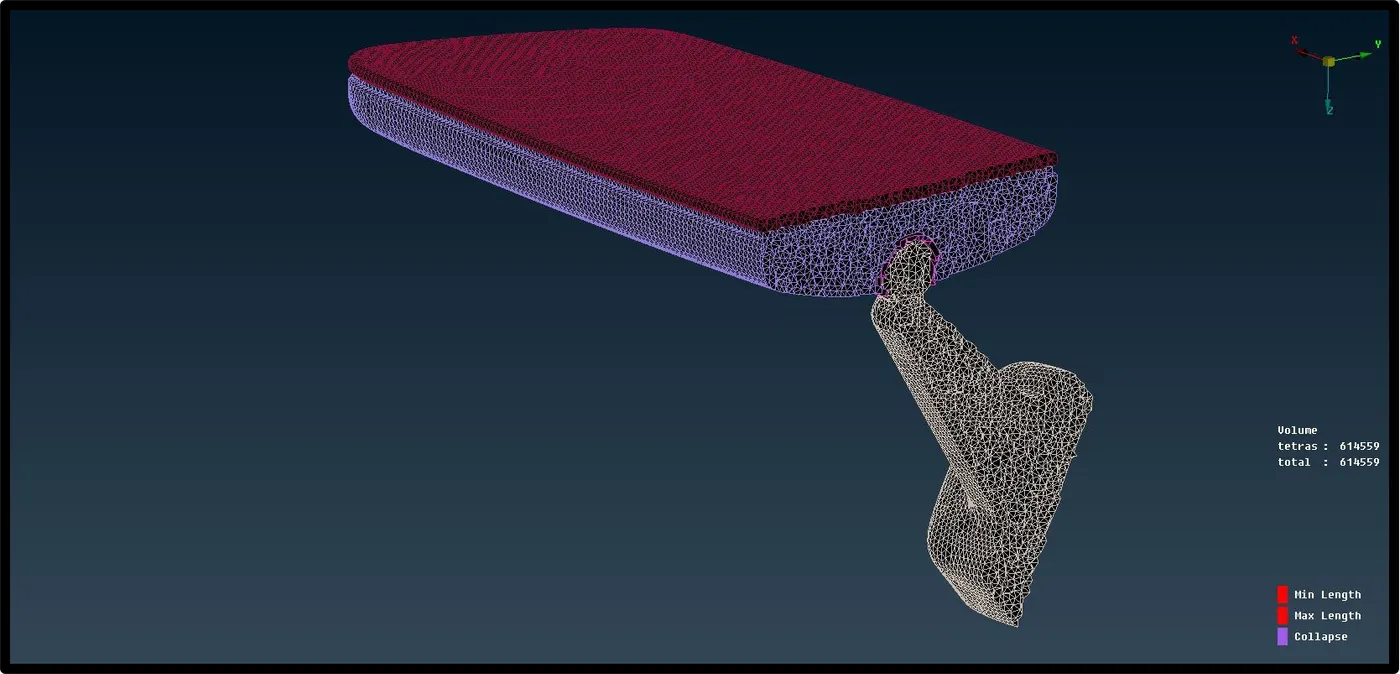
It will create empty volume to fill that volume by solid elements using list button we can also set growth factor of the elements from surface to inward direction of volume. And using Tetra rapid or Tetra FEM button in unstructured mesh panel we can generate solid mesh in that empty volume.
Tetra Rapid
The Tetra Rapid algorithm meshes the Volume with Tetra Elements.
Tetra FEM
This function automatically creates a Tetrahedral mesh inside selected Volumes, initially with pyramid elements if the starting surface mesh contains quad elements. It is to be used mainly for structural applications. Volumes to be meshed with this function must have been defined using the Define(Volumes) function.
Conclusion
- Understood the when to and on which component to generate 3-d mesh
- Studied the concept of tetra mesh so called unstructured mesh and its quality checks for good mesh flow.
- Learned to assign define shell mesh volume to create solid mesh property ID before generation of solid mesh.
- Importance of tria elements and ortho trian in a bid to capture details of curved surfaces.