Thermal simulation of an electronic enclosure assembly with an intake fan
I. Aim
To simplify the given CAD model of an electronic enclosure assembly and perform thermal analysis of the same.
II. Introduction
In the current project, the following tasks are performed:
1. The given CAD model is simplified into an Icepak model using the commands available in ANSYS SpaceClaim.
2. The model is imported into ANSYS Icepak using a suitable workflow created in ANSYS Workbench.
3. Appropriate heat generation values are assigned to various objects in the model.
4. A suitable volume flow rate is imparted to the fan in the model.
5. The model is meshed using the non-conformal meshing technique.
6. The three dimensional steady-state governing equations for the model are solved on the computational mesh for flow and temperature.
At steady-state, the total heat generated within the model is carried away by the air current created by the fan. This kind of simulation is often performed in the electronic industry to determine if a particular design is able to manage the thermal dissipation in its electronic circuit effectively.
III. Geometry simplification
The images attached below show the given CAD model of an electronic enclosure assembly.
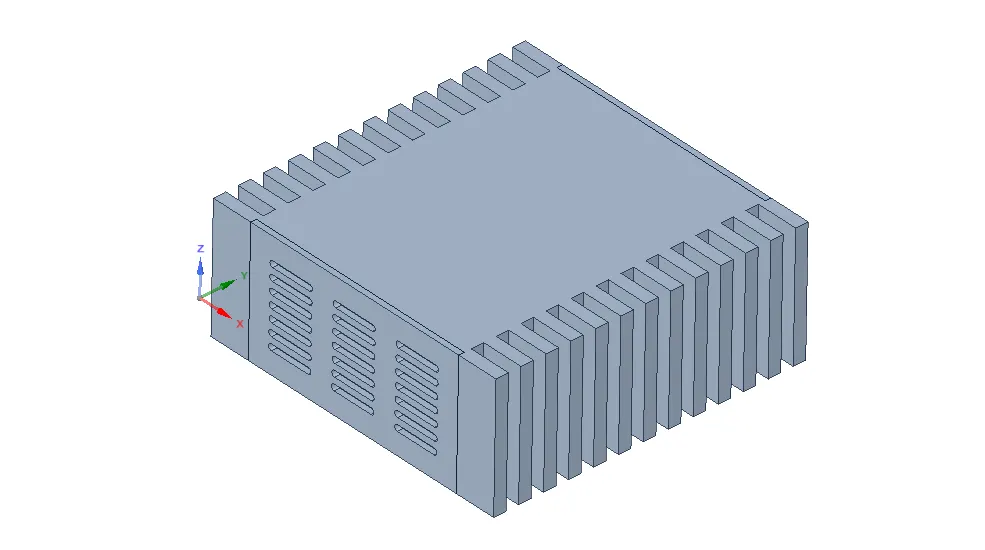
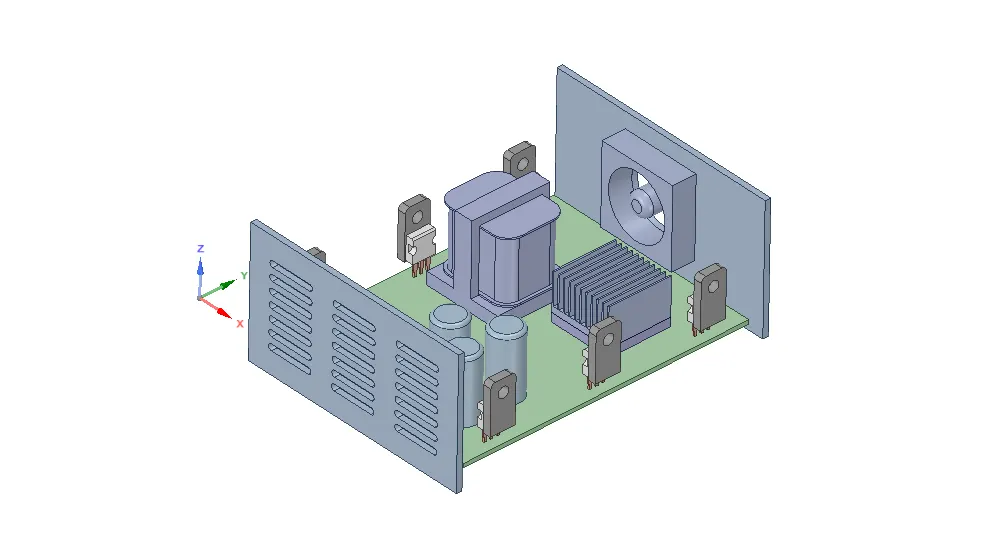
The following steps are used to simplify the given CAD model into an Icepak model:
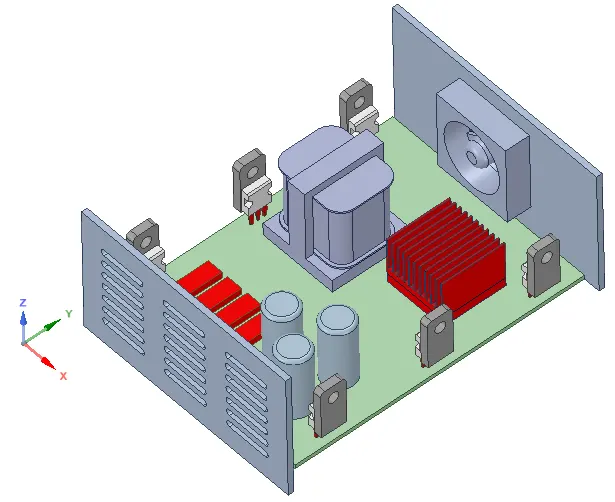
1. "Identify Objects" command is used to simplify various objects in the model. The image attached below shows (in red color) the objects identified for simplification.
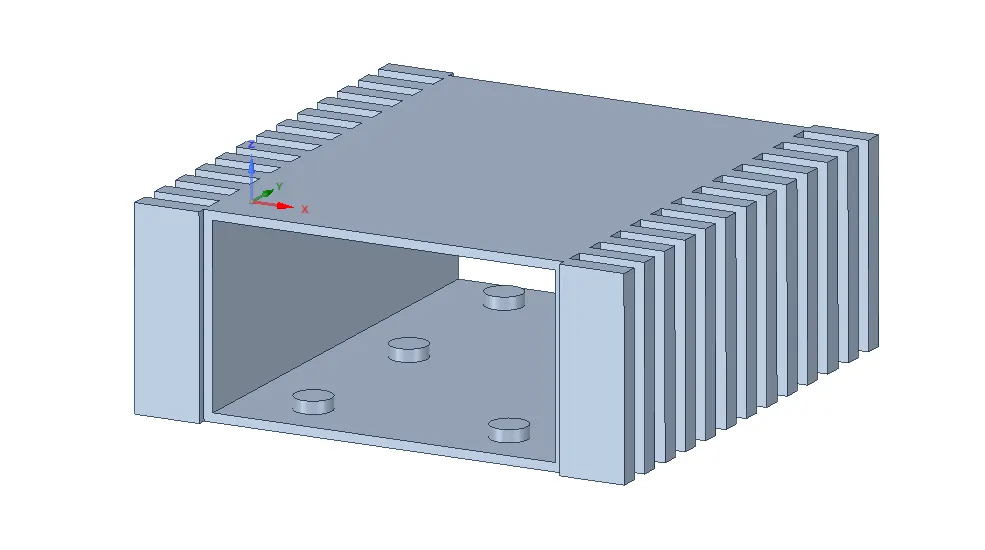
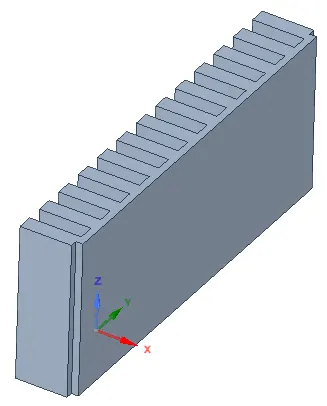
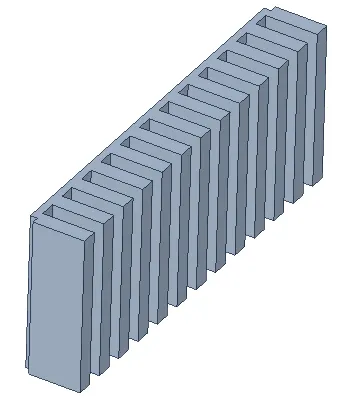
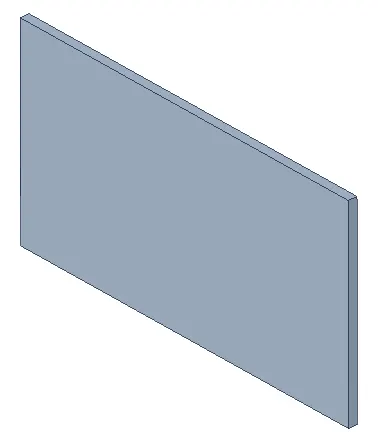
2. The housing is split intofour parts using two YZ planes. The images attached below show the housing before and after splitting.
2.1. Before splitting
2.2. After splitting
i.
ii.
iii.
iv.
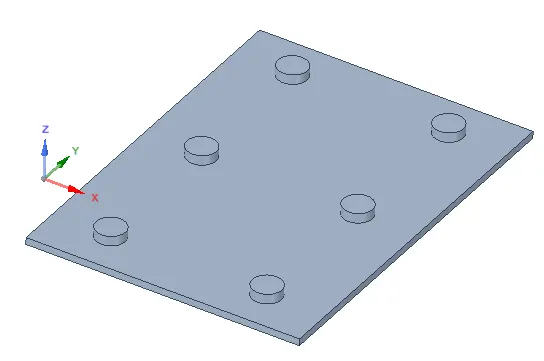
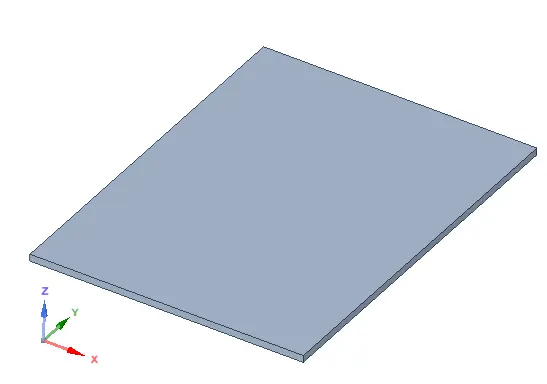
3. The base of the housing is split further in order to separate the PCB supports from the housing.
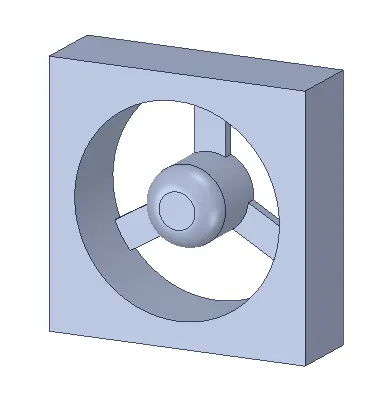
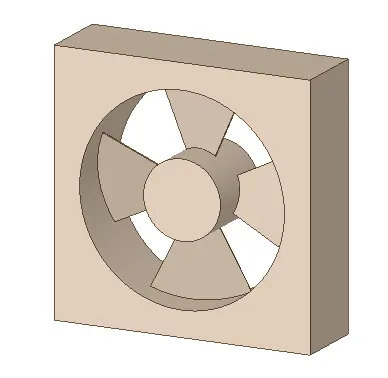
4. The fan in the model is simplified using the "Fan" command. The images attached below show the fan before and after simplification.
4.1. Before simplification
4.2. After simplification
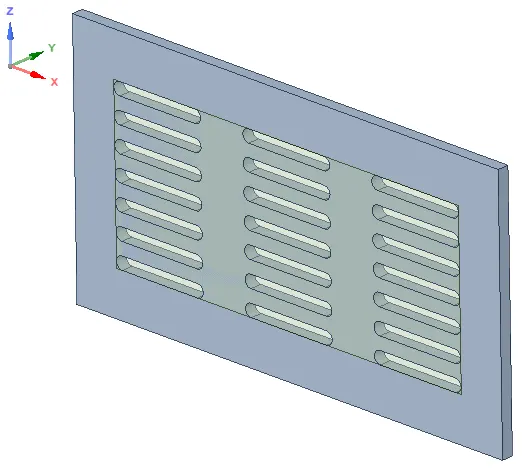
5. "Opening" and "Grille" commands are used to define an Icepak grille as shownin the image attached below.
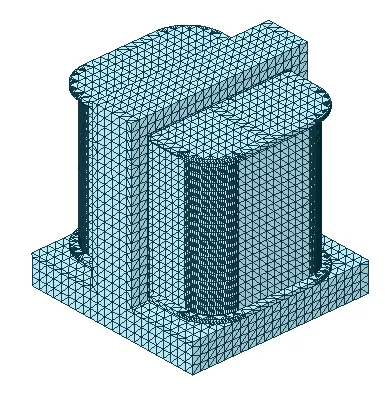
6. The remaining objects in the model are simplified using "Icepak Simplify" command with different simplification types, namely: Level 0 (bounding box), Level 1 (cuboid, cylinder fit), Level 2 (polygon fit) and Level 3 (CAD object). The images attached below show the remaining objects in the model before and after simplification.
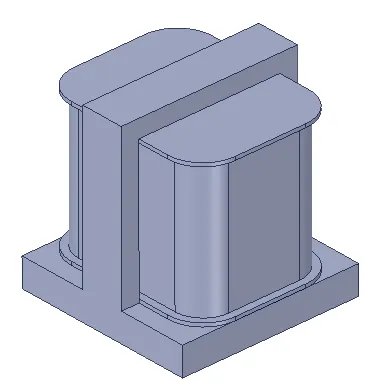
6.1. Coil
(a) Before simplification
(b) After Level 3 (CAD object) simplification
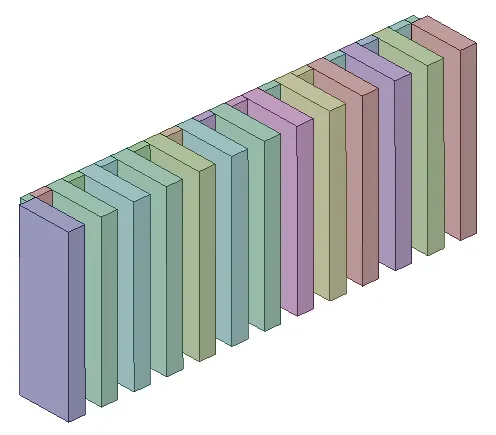
6.2. Finned part of the housing
(a) Before simplification
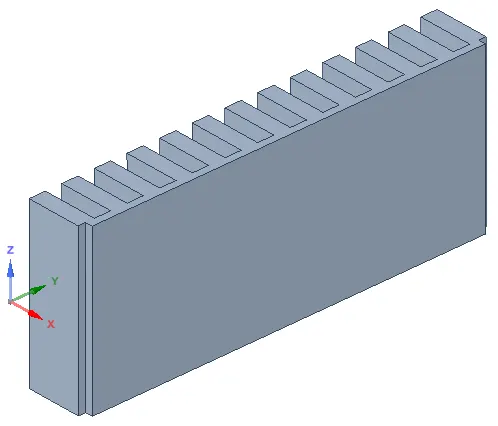
(b) After Level 1 (cuboid, cylinder fit) simplification
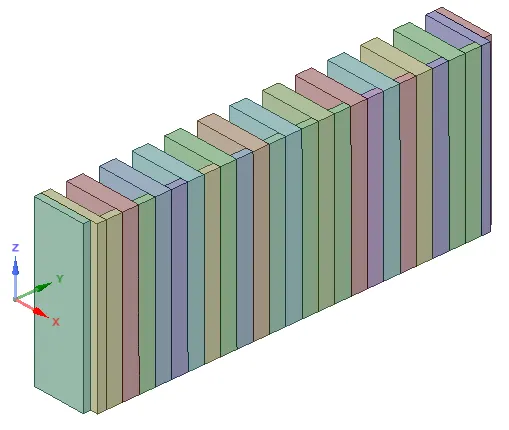
6.3. Finned part of the housing
(a) Before simplification
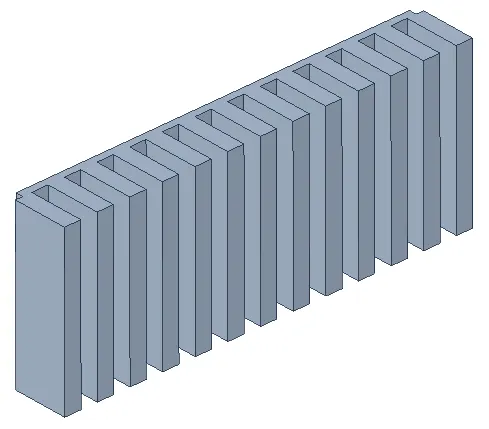
(b) After Level 1 (cuboid, cylinder fit) simplification
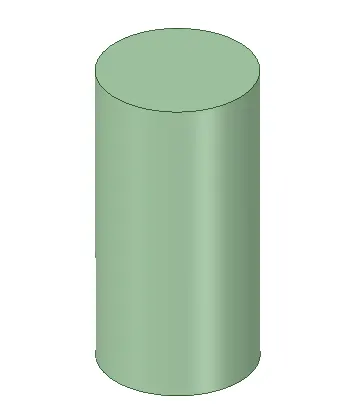
6.4. Capacitor
(a) Before simplification
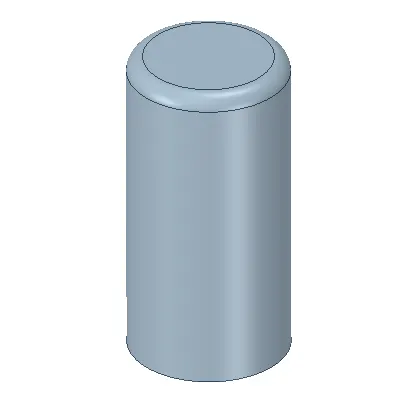
(b) After Level 1 (cuboid, cylinder fit) simplification
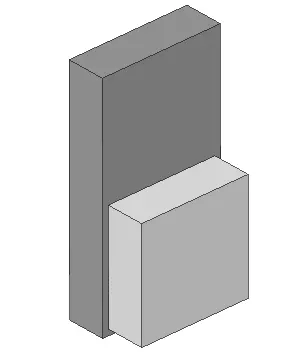
6.5. Die casing
(a) Before simplification
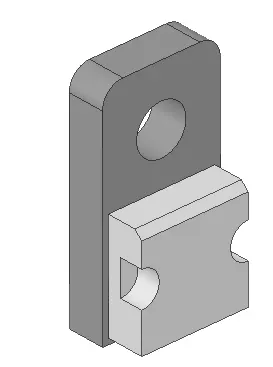
(b) After Level 0 (bounding box) simplification
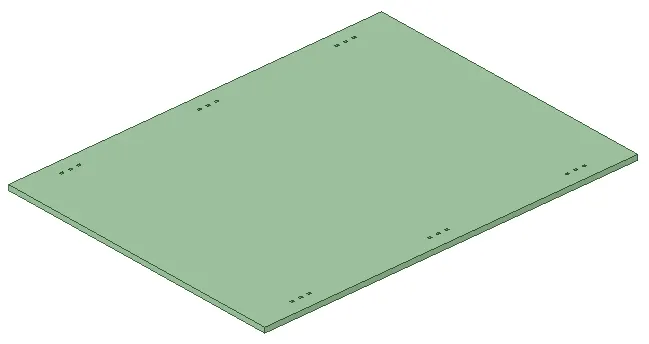
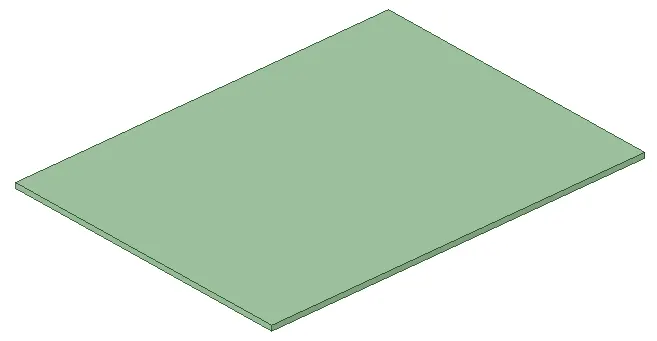
6.6. PCB
(a) Before simplification
(b) After Level 0 (bounding box) simplification
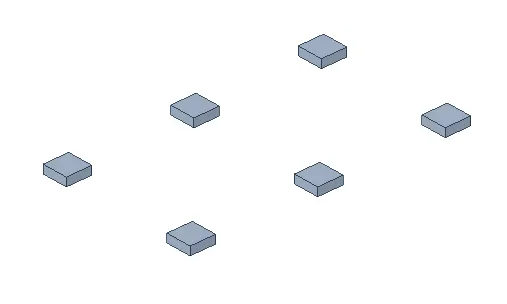
6.7. PCB supports
(a) Before simplification
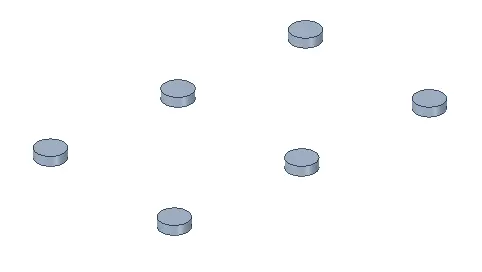
(b) After Level 0 (bounding box) simplification
6.8. Top cover of the housing
(a) Before simplification
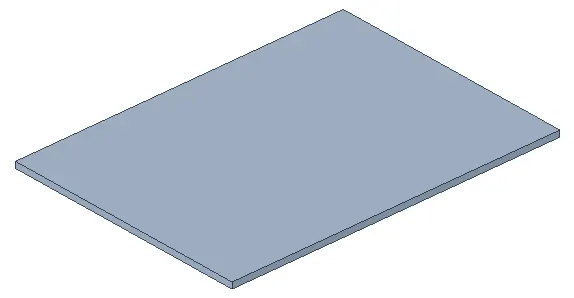
(b) After Level 0 (bounding box) simplification
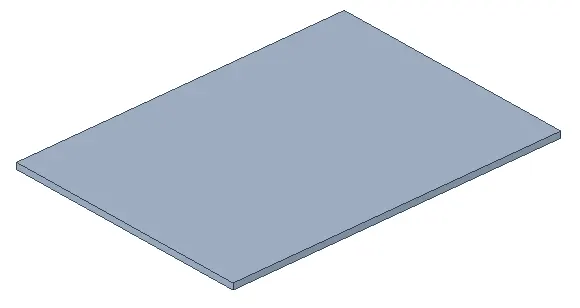
6.9. Bottom cover of the housing
(a) Before simplification
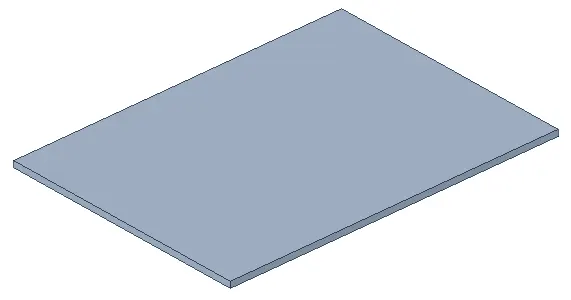
(b) After Level 0 (bounding box) simplification
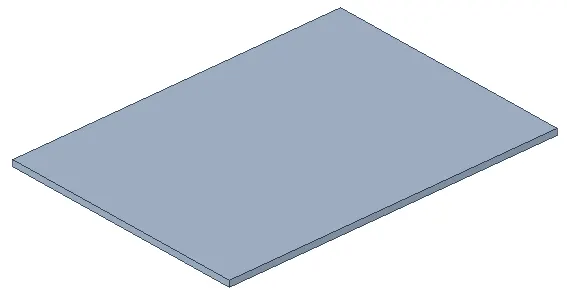
6.10. Rear-Panel of the housing
(a) Before simplification
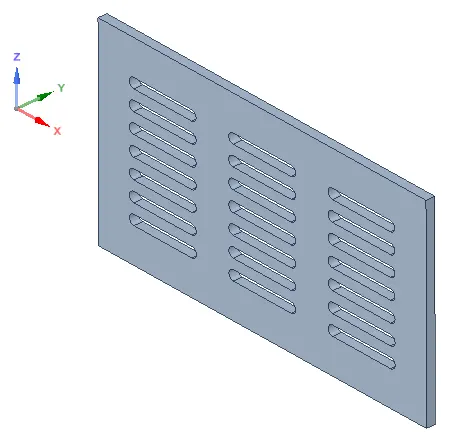
(b) After Level 0 (bounding box) simplification
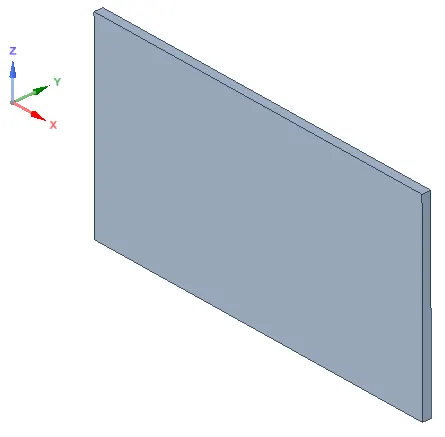
6.11. Front-Panel of the housing
(a) Before simplification
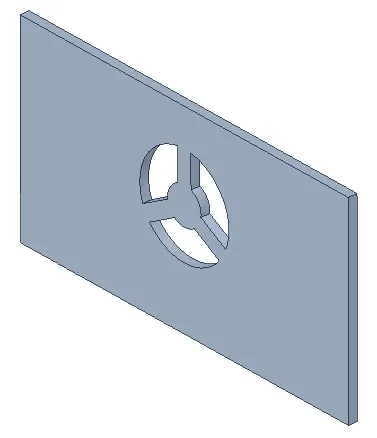
(b) After Level 0 (bounding box) simplification
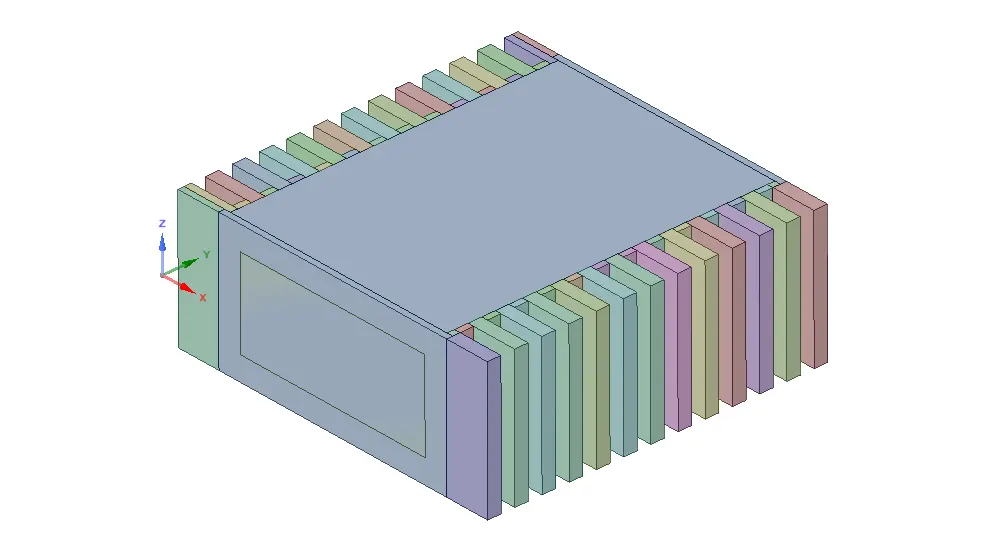
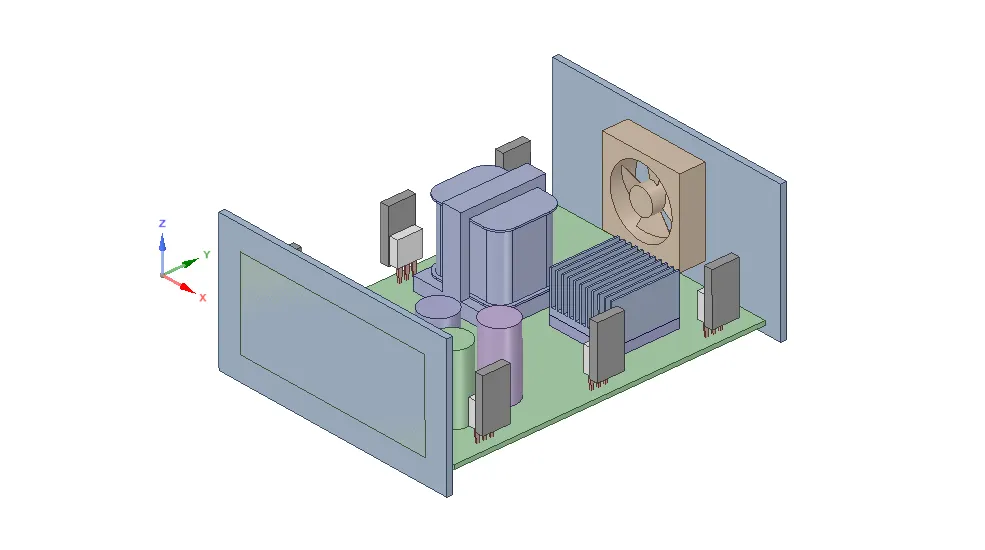
The images attached below show the simplified model.
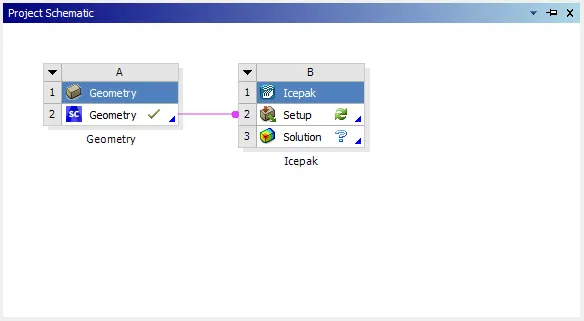
A suitable workflow is created in ANSYS Workbench in order to import the simplified model shown above. The image attached below shows the workflow.
The images attached below show the model in Icepak graphics window.
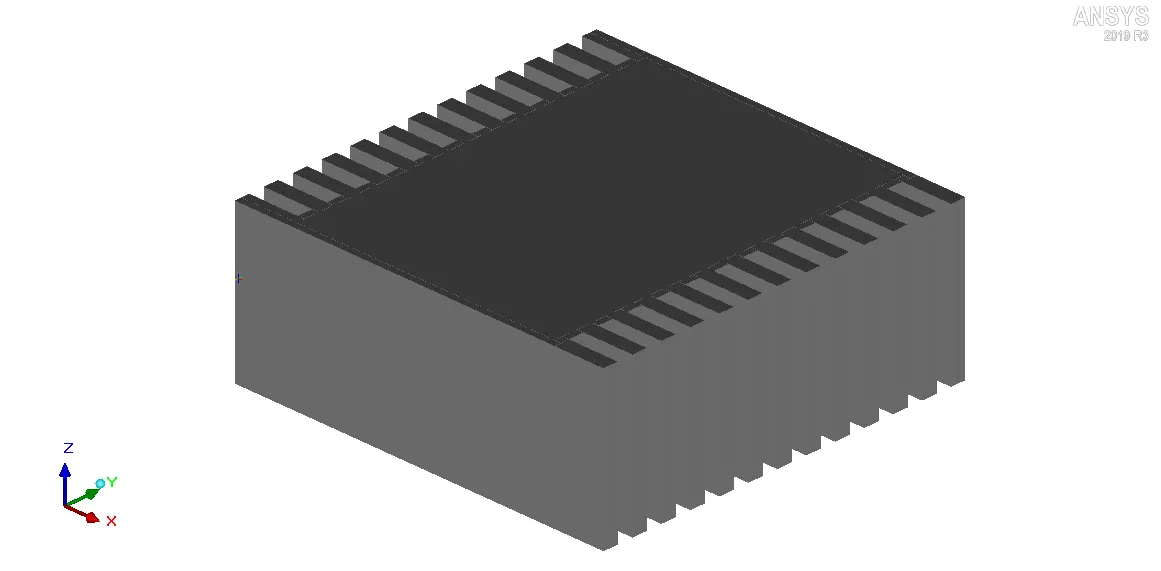
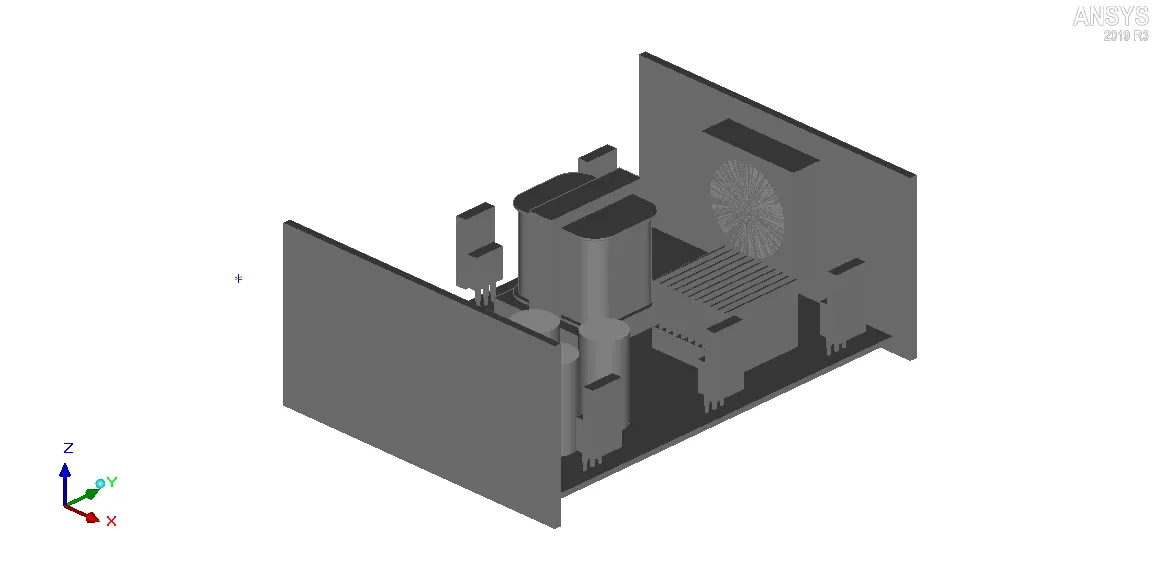
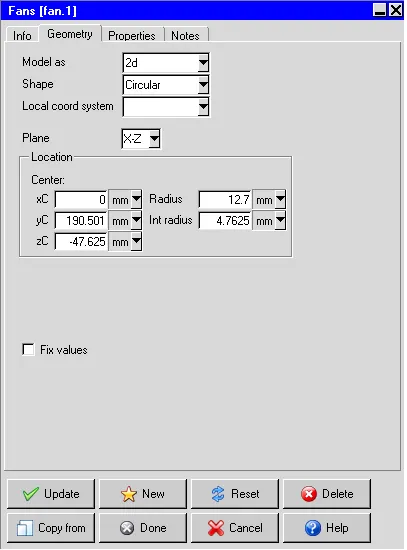
In order to simplify the model even further, the 3-D fan imported from ANSYS SpaceClaim is replaced with a 2-D Icepak fan which serves the same purpose. The image attached below shows the settings applied in the "Geometry" tab to define the fan.
IV. Meshing
The computational domain is discretized using Hexa unstrucutred mesh with the following settings:
1. Max element size
1.1. X: 6.35005 mm
1.2. Y: 6.35005 mm
1.3. Z: 2.54005 mm
2. Mesh parameters: Normal
3. Min elements in gap: 3
4. Min elements on edge: 2
5. Max size ratio: 2
6. Mesh assemblies separately: Enabled
For the current model, the mesh is locally refined within the objects "BGA" and "BGA-Heat-Sink", and the assembly defined around the CAD object "Coil" using per-object meshing parameters.
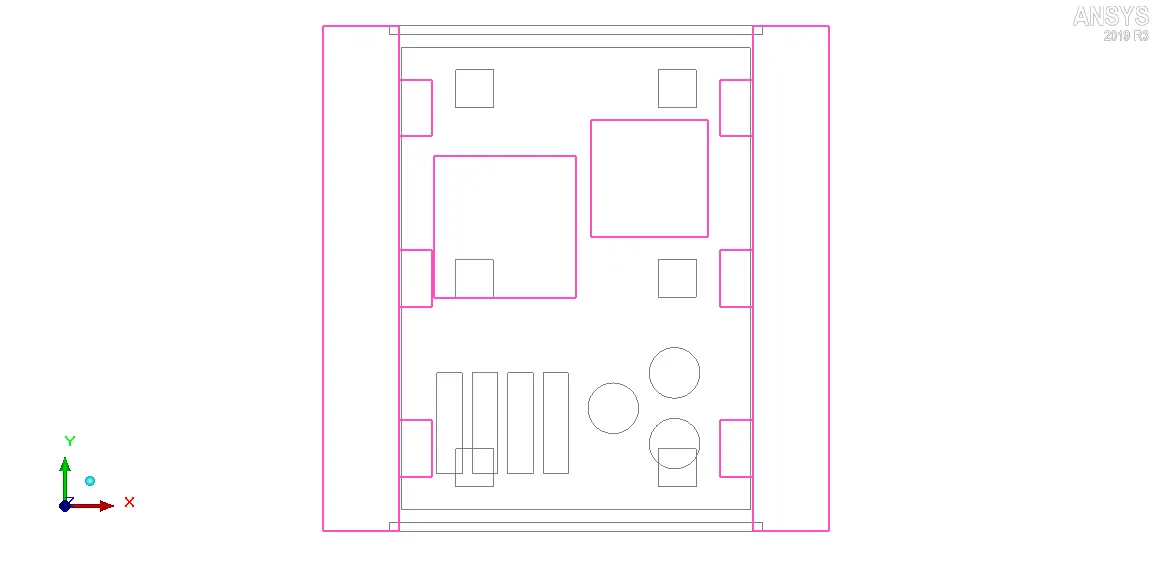
In order to reduce the overall mesh count by preventing mesh bleeding, non-conformal meshing technique is applied. Assemblies are defined around key objects that affect the flow and/or temperature field. The image attached below shows the assemblies with appropriate slack settings.
All the assemblies shown above employ the global mesh control settings except the assembly defined around the CAD object "Coil". In order to capture the geometry of the CAD object ("Coil") accurately the following settings are applied for the mesh within the assembly:
1. Mesh type: Mesher-HD
2. Max element size
2.1. X: 1.5 mm
2.2. Y: 1.5 mm
2.3. Z: 0.5 mm
3. Set uniform mesh params: Enabled
3.1. Use average: Enabled
4. Allow multi-level meshing: Enabled
4.1. Max Levels: 2
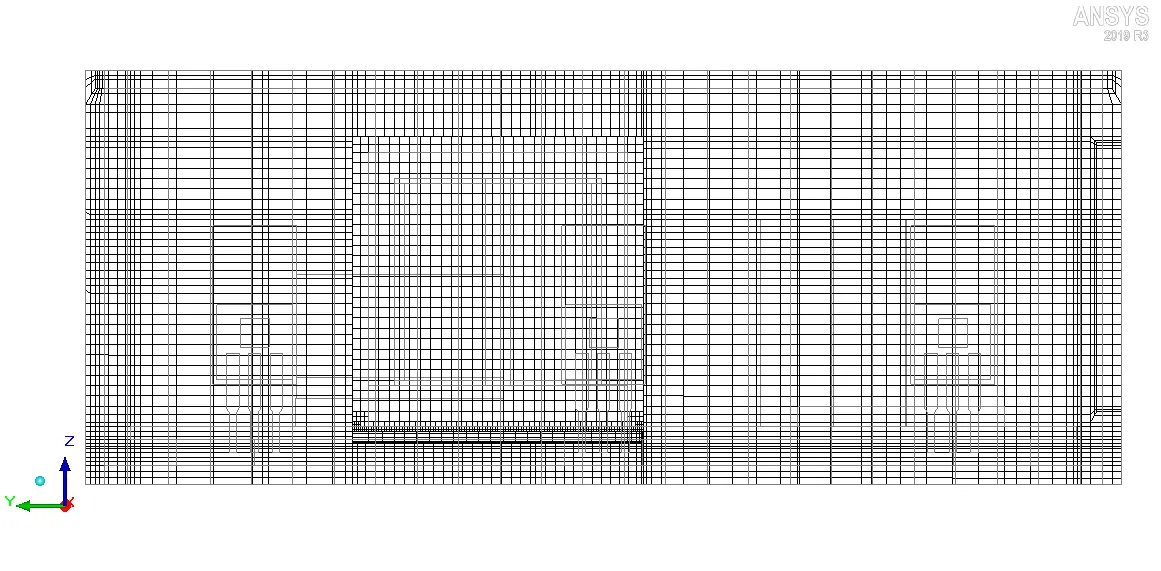
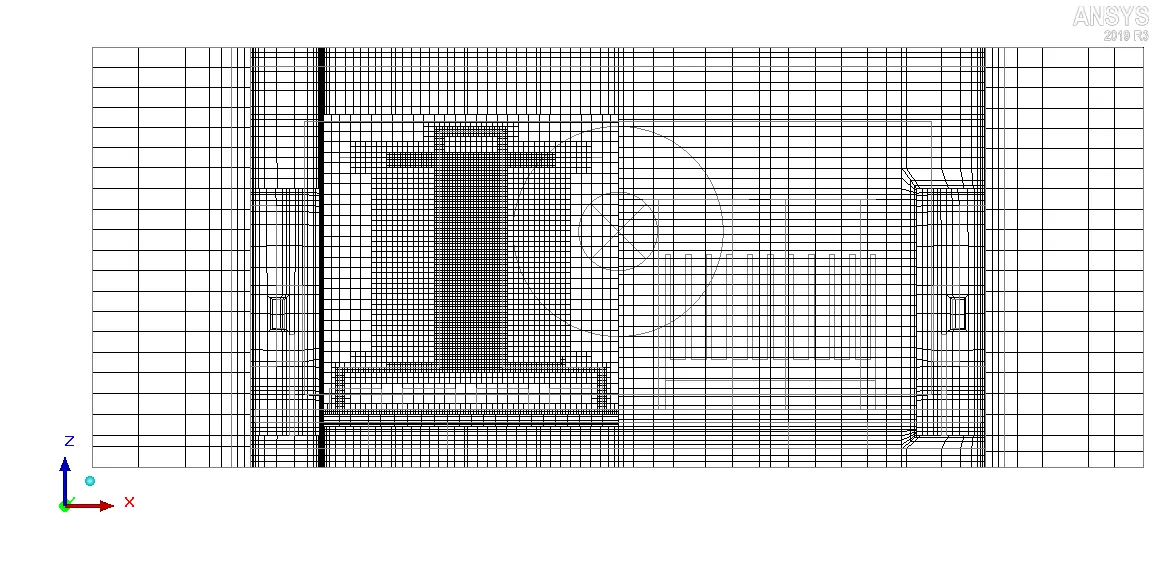
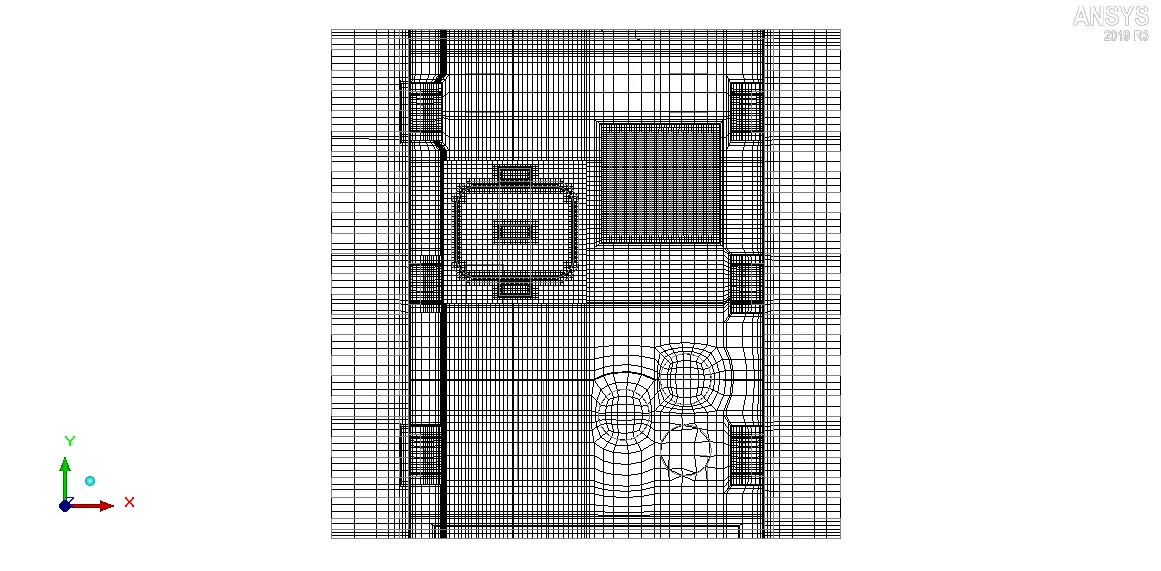
The generated mesh yields 854554 elements and 977023 nodes. The images attached below show the computational mesh along different planes.
1. X planes through center
2. Y plane through center
3. Z plane through center
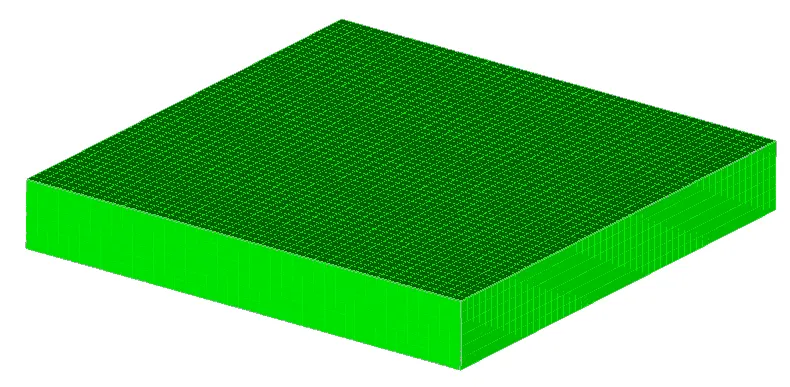
The images attached below show the volume mesh for different objects.
1. BGA
2. BGA-Heat-Sink
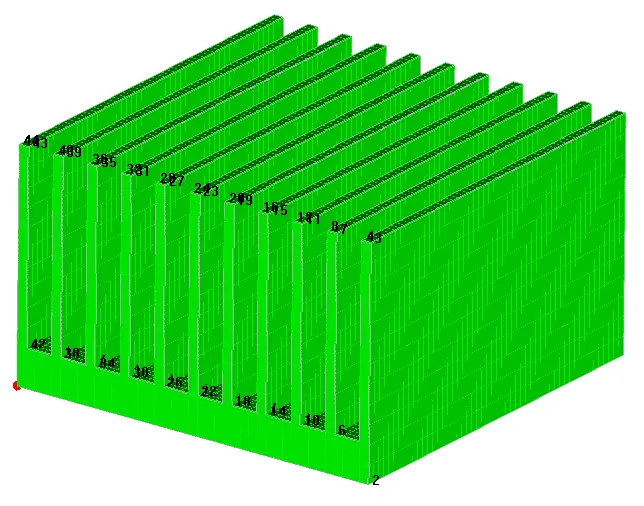
3. Coil (CAD object)
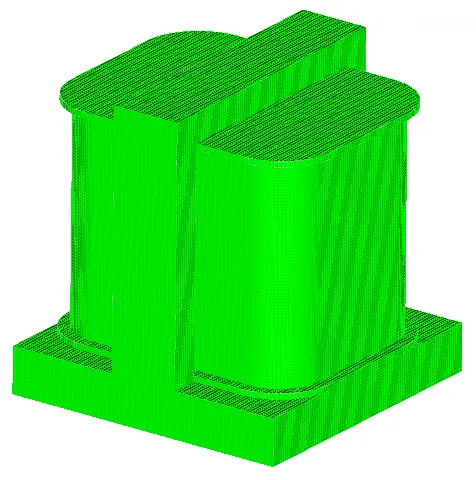
Visually the mesh appears to be fine. The images attached below show the histograms with number of elements plotted along the X-axis and quality measures along the Y-axis.
1. Face alignment
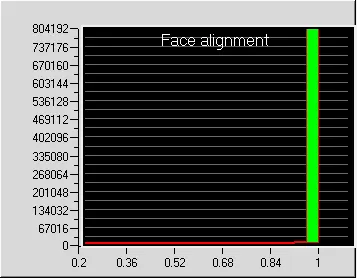
Values less than 0.05 indicate the presence of severely distorted elements in the mesh. For the current mesh, the minimum value of face alignment is 0.19513 which indicates that the mesh elements aren't severely distorted.
2. Volume
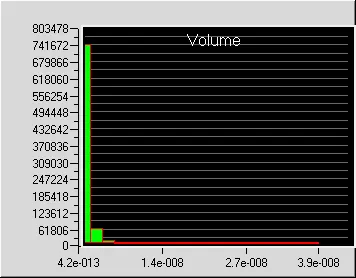
For a double precision solver, the minimum cell volume shouldn't be less than 1e-15 m3 otherwise the solver may face issues. The minimum cell volume in the current mesh is 4.22415e-13 m3 and hence the mesh elements aren't small enough to cause problems in the solver.
3. Skewness
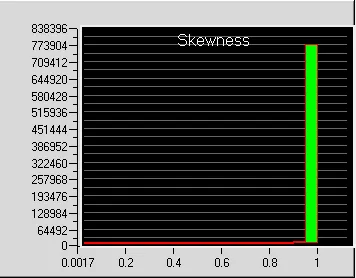
A skewness of 0 indicates that the mesh element is degenerate whereas a skewness of 1 indicates that the mesh element is ideal (equilateral/equiangular). For the current mesh, the minimum value of skewness is 0.00173707 which indicates that no elements in the mesh are degenerate.
V. Solver
The three dimensional steady-state Navier-Stokes equations for the model are solved within the computational domain for flow and temperature fields, using the Fluent solver available in ANSYS Icepak. The following settings are applied to the solver:
1. Variables solved: Flow (velocity, pressure) and Temperature
2. Radiation: Off
3. Flow regime: Turbulent (Zero equation)
4. Time variation: Steady
5. Solution initialization
5.1. X velocity: 0
5.2. Y velocity: 0
5.3. Z velocity: 0
5.4. Temperature: ambient (20 deg. C)
6. Number of iterations: 2000
7. Convergence criteria
7.1. Flow: 1e-6
7.2. Energy: 1e-7
7.3. Joule heating: 1e-7
8. Configuration: Parallel
9. Number of processors: 4
10. GPU computing: Enabled
11. Number of GPUs: 1
12. Precision: Double
The BGA and six dies in the model are assigned a total constant power of 30 W and 2.5 W each, respectively. Hence the total power generated by the model is 45 W. The fan is assigned a fixed volumetric flow rate of 10 cfm.
VI. Results
In this section, the simulation results are discussed.
1. Residuals
The residuals for the following equations are plotted against the number of iterations:
i. Continuity equation
ii. X-Momentum equation
iii. Y-Momentum equation
iv. Z-Momentum equation
v. Energy equation
The image attached below shows the residuals plotted against the number of iterations.
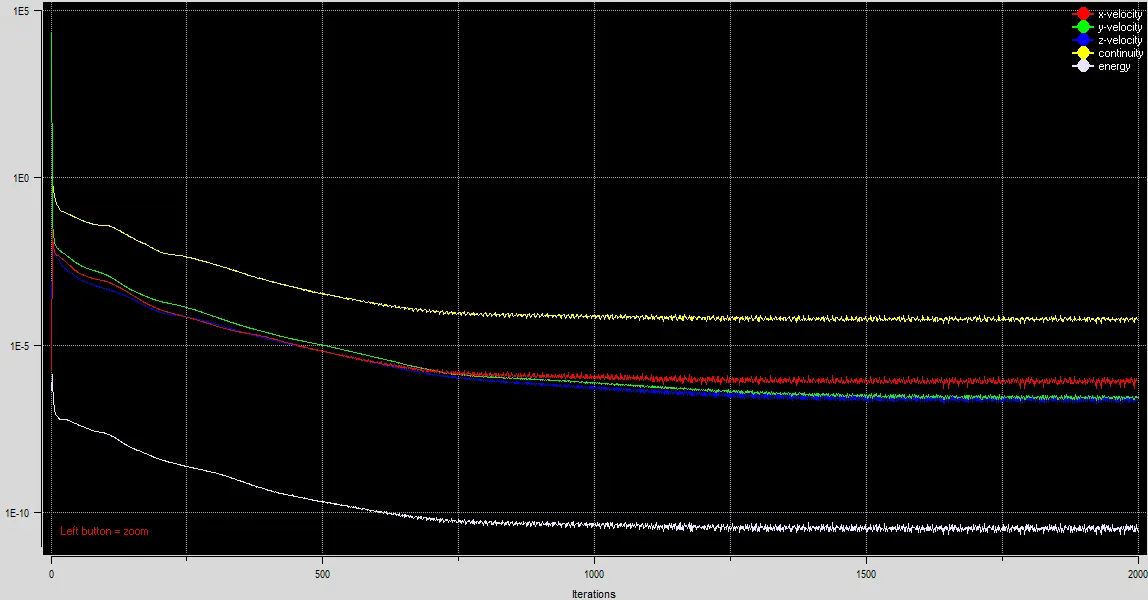
The plot shows that the residuals don't change appreciably between 1500-2000 iterations indicating that the solution has reached a steady state. Henceforth all the simulation results after 2000 iterations will be considered as steady-state results.
2. Temperature-monitor plot
Seven temperature monitors are defined to measure the average surface temperature of the following objects in the model:
i. BGA
ii. DIE_AF0
iii. DIE_AF0.1
iv. DIE_AF0.2
v. DIE_AF0.3
vi. DIE_AF0.4
vii. DIE_AF0.5
The image attached below shows the output of the temperature probes against the number of iterations.
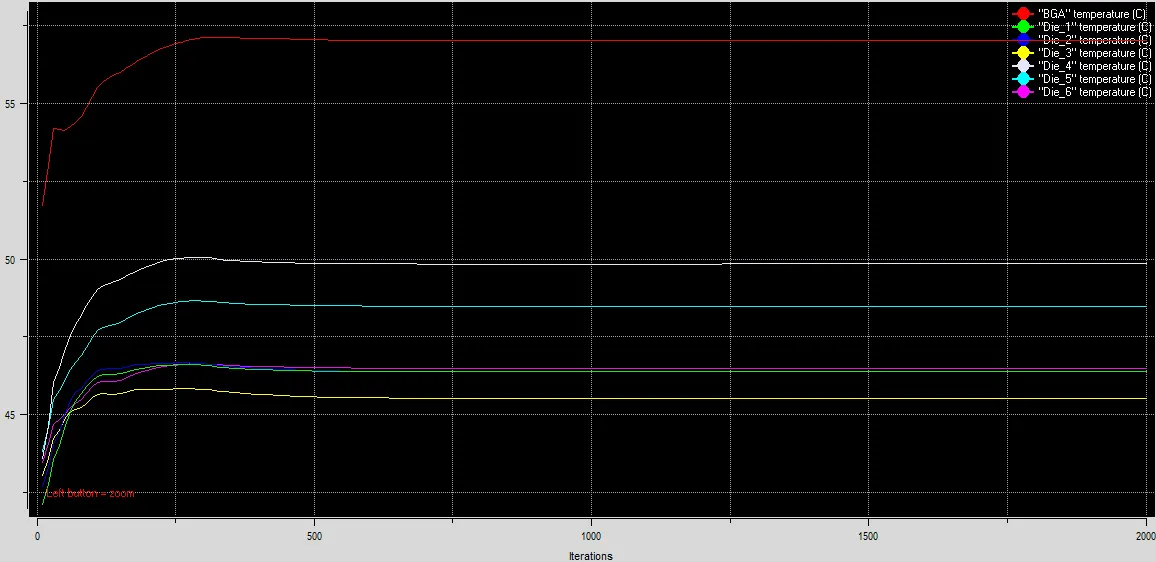
The plot shows that between 1500-2000 iterations there is no appreciable change in the average surface temperature of the seven objects in the model. This further bolster our assertion that the solution has reached a steady state by 2000 iterations. According to the plot the following steady-state temperature values are attained by the seven objects:
i. BGA: 57.02 deg. C
ii. DIE_AF0: 45.53 deg. C
iii. DIE_AF0.1: 46.49 deg. C
iv. DIE_AF0.2: 46.39 deg. C
v. DIE_AF0.3: 48.48 deg. C
vi. DIE_AF0.4: 46.38 deg. C
vii. DIE_AF0.5: 49.84 deg. C
3. Velocity contours
The image attached below shows the steady-state velocity contours plotted on the Z-plane through center.
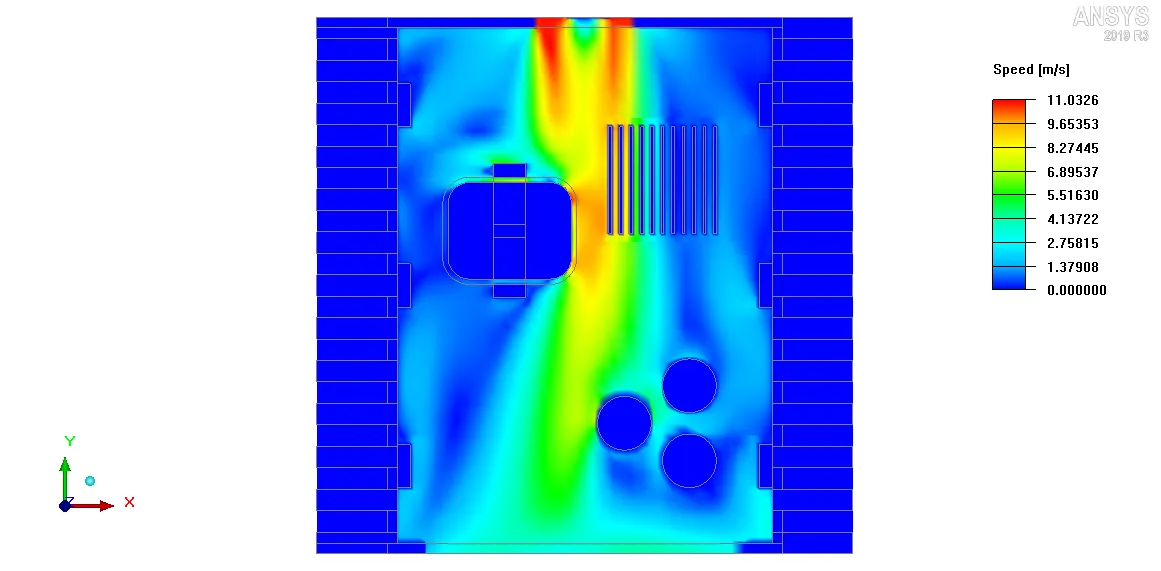
The plot shows that the air-velocity is higher along the path of the fan than elsewhere. Air enters into the assembly from the intake fan and as it moves further downstream it encounters different objects such as coil, heat-sink, capacitors etc. which affect the flow field. Finally the air leaves the assembly through the grille. According to the contour-legend the maximum air-velocity on the Z-plane through center is 11.0326 m/s.
4. Velocity vectors
The image attached below shows the velocity vectors plotted on the Z-plane through center.
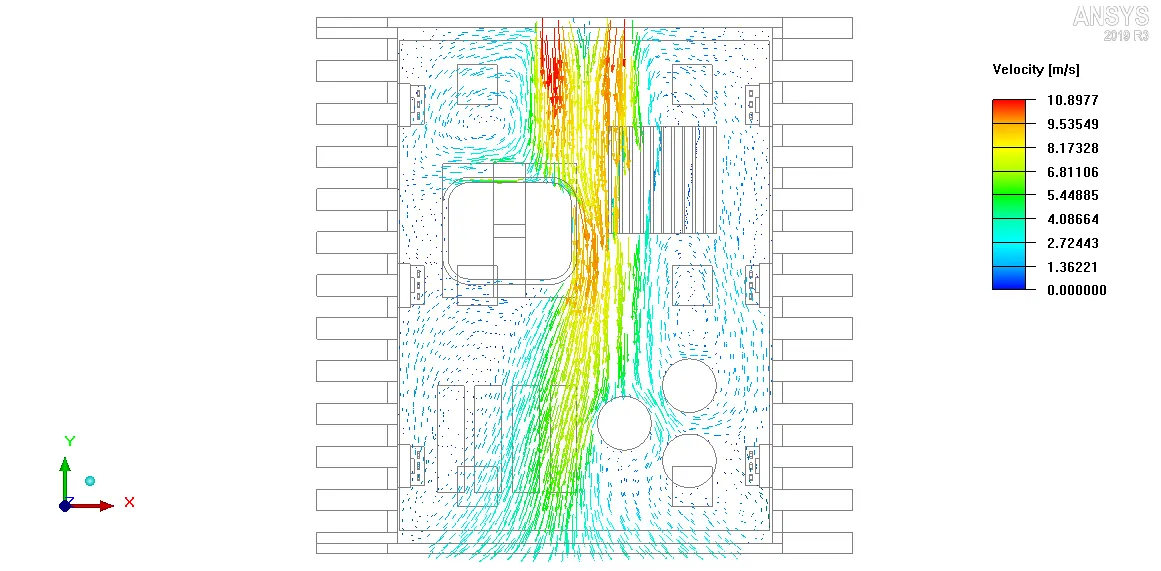
The vector plot clearly shows the recirculation zones on the Z-plane through center. The velocity vectors also show the path of the air-flow from the intake fan (where the air enters the assembly) to the grille (where the air leaves the assembly).
5. Temperature contours
The image attached below shows the steady-state temperature contours plotted on the Z-plane through center.
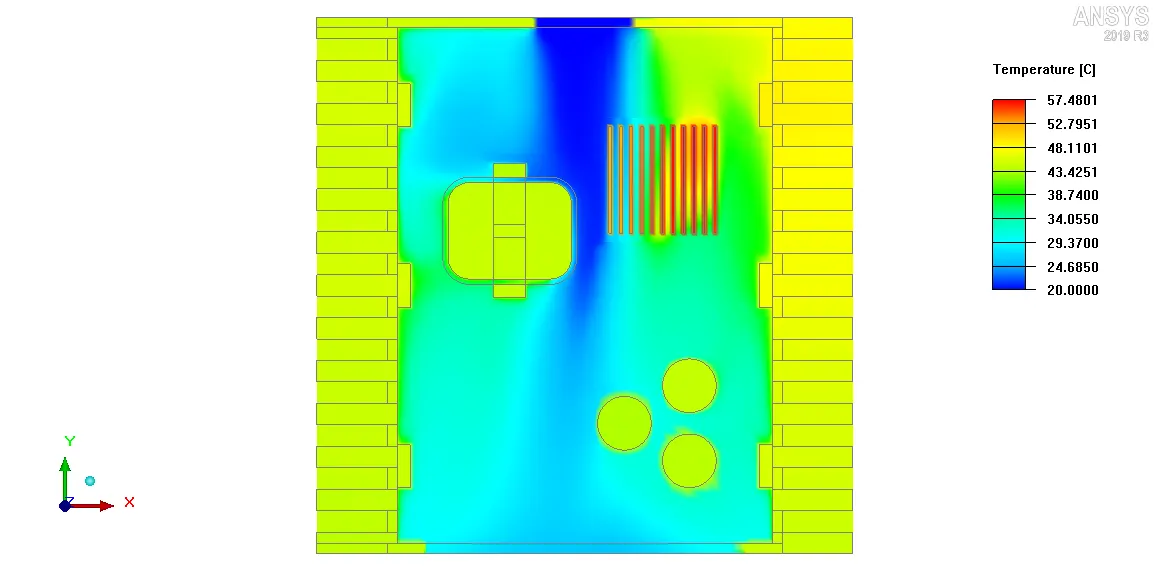
The plot shows that the intake air is at a lower temperature than any assembly objects. As it moves further downstream its temperature increases due to heat transfer from the assembly objects that are at a higher temperature (due to power generation). Finally the air leaves the assembly through the grille at a slightly higher temperature.
6. Object face temperature contours
The image attached below shows the steady-state object face temperature contours plotted on all the objects in the model that are located within the housing except the PCB supports.
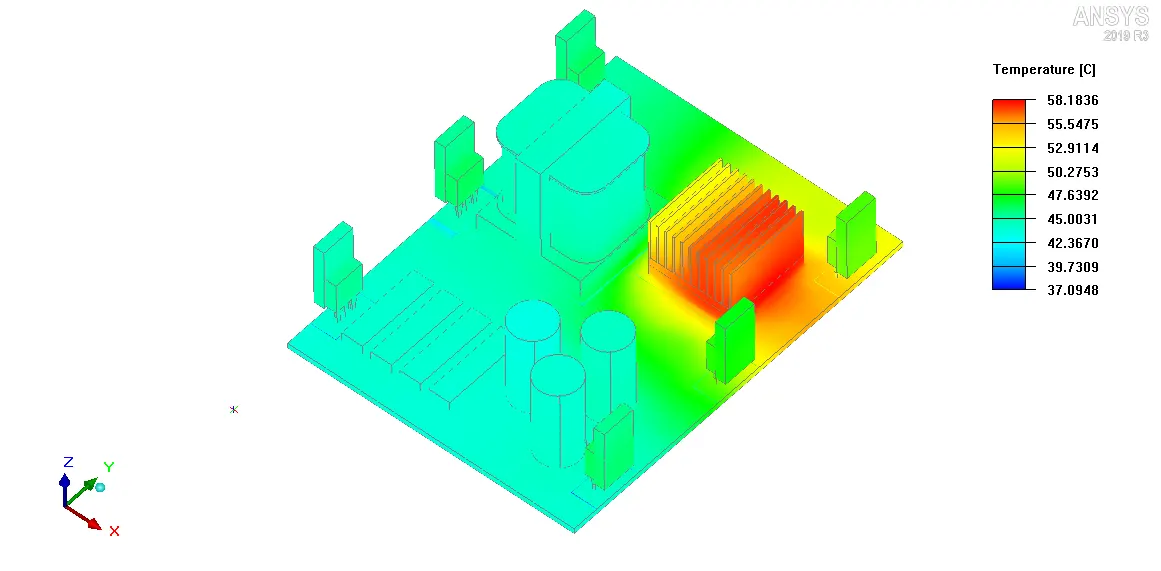
The contours show that the highest temperature at steady-state is attained by BGA which is expected since it also has the highest rate of power generation (30 W). The power generated by BGA is dissipated to the surrounding objects such as heat sink and PCB. Consequently they attain relatively higher temperature values. Due to power generation the six dies in the model are also comparatively hotter.
7. Particle traces
The image attached below shows the particle traces (colored by temperature) for 75 particles placed uniformly on the Z-plane through center, at steady state.
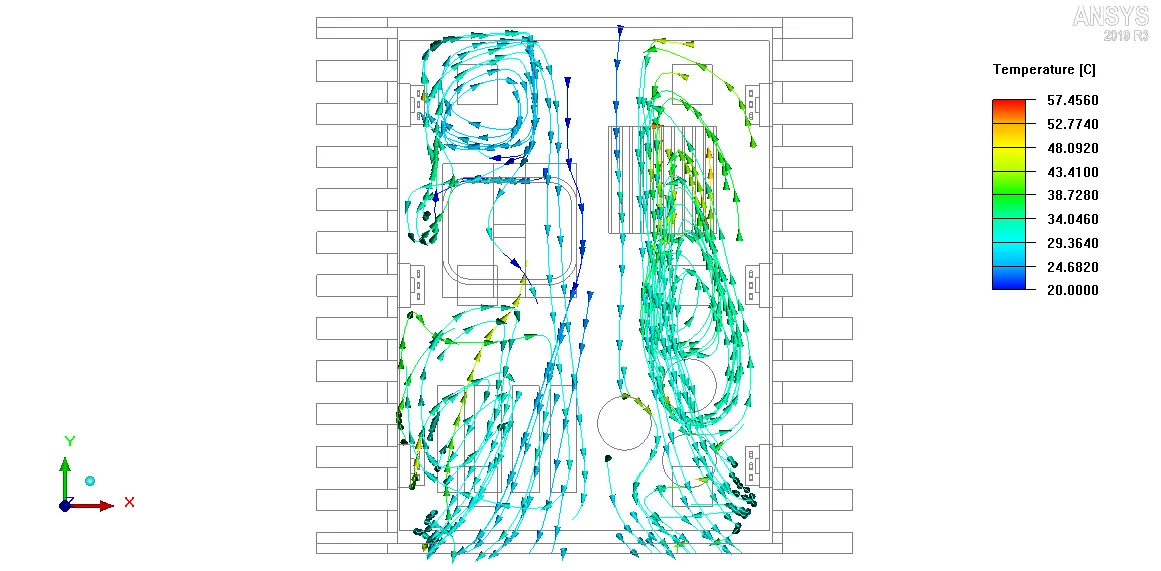
The plot clearly shows the pathlines traced by air-particles on the Z-plane through center. Recirculation zones can be seen at various regions. The color of the particle trace at a particular location indicates the temperature of the air-particle at that location.
VII. Conclusion
In the current project, the given CAD model of an electronic enclosure assembly was simplified into an Icepak model using the commands available in ANSYS SpaceClaim. The model was imported into ANSYS Icepak by creating a suitable workflow in ANSYS Workbench. The model was meshed using non-conformal meshing technique and steady state simulation was performed with appropriate solver settings. The following conclusions can be drawn from the simulation results:
1. Both the residual plot and the temperature monitor plot indicated that the solution reached a steady state after 2000 iterations.
2. The BGA attains the maximum steady-state temperature (57.02 deg. C) out of all the assembly components.