Week 4 Challenge : CFD Meshing for BMW car
Aim :-CFD Meshing for BMW car
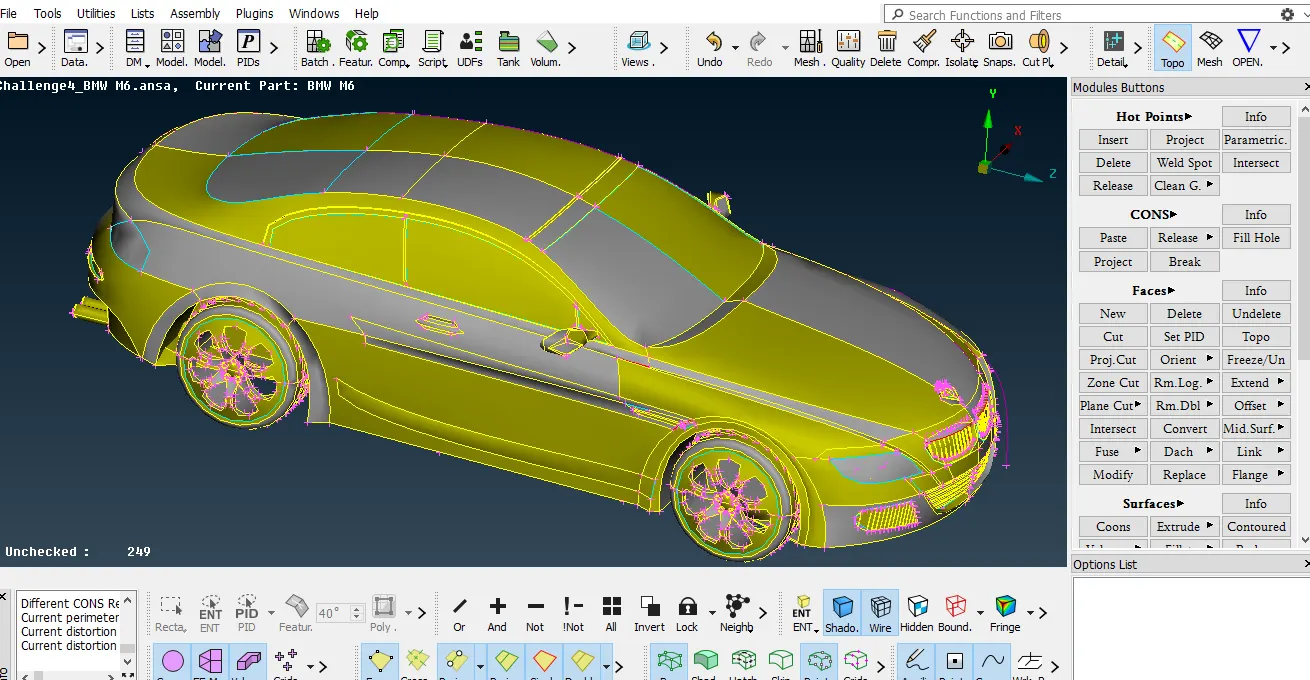
Import model as .ansa extension.
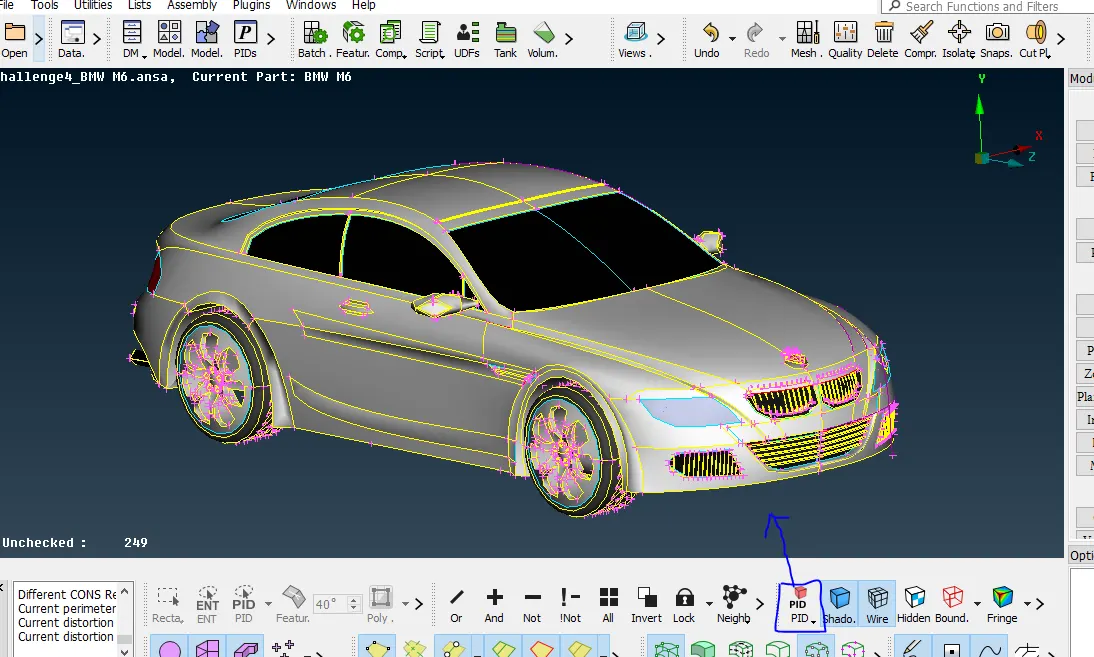
Pid mode
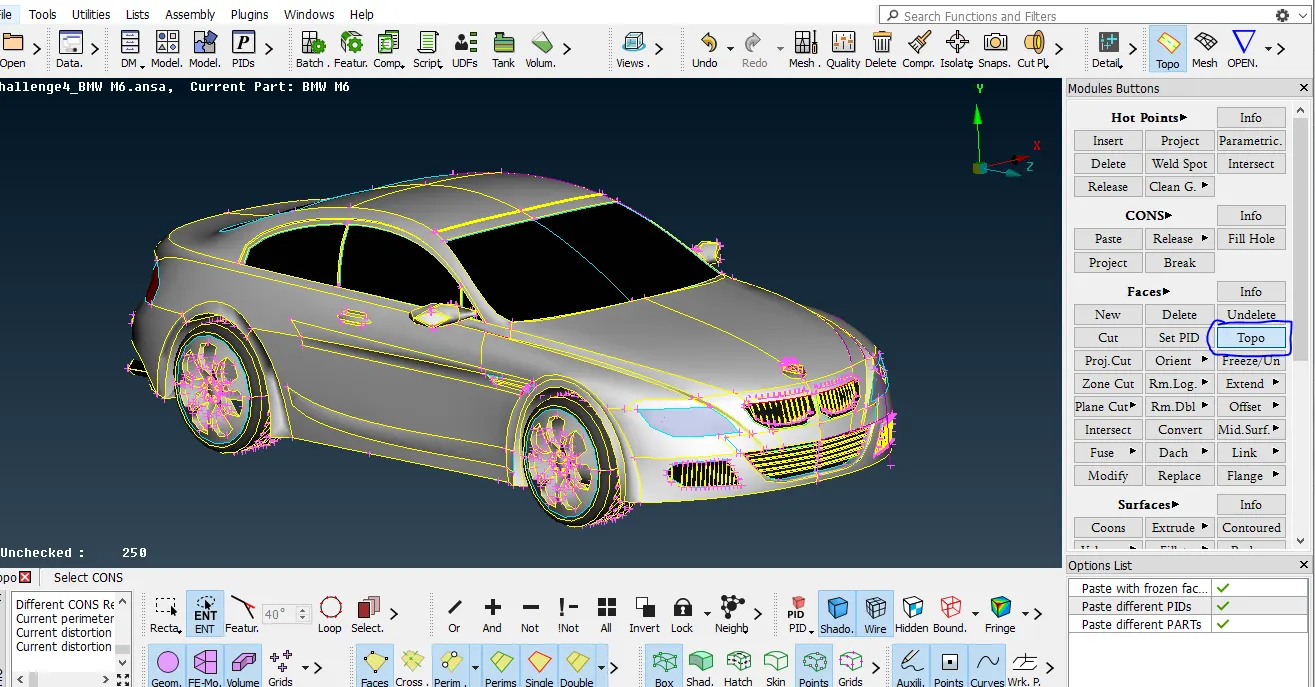
Apply Topo
first apply the topo then will be solve double cone and triple cones.
select Topo and cemtre button ok.
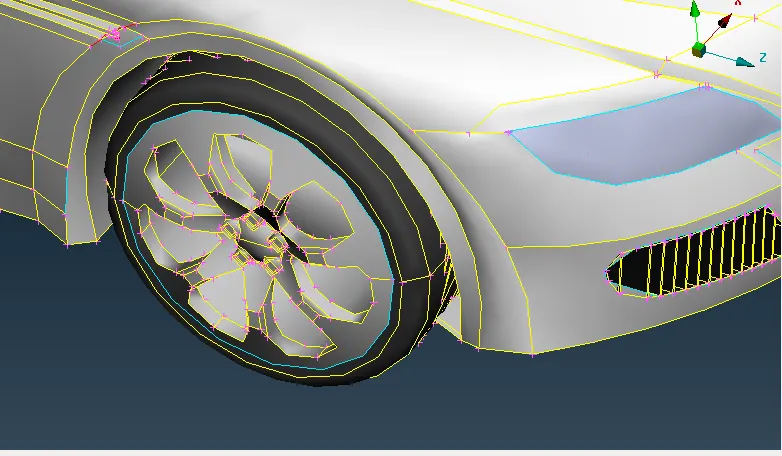
Fine :- seclect fine and click multiple time curve will be smooth .
this method took take more time then we are consider the another method.
Mesh Mode :- Select mesh → select parameter(1mm)→Select macro (1mm ) →apply ok →edges will be fine.
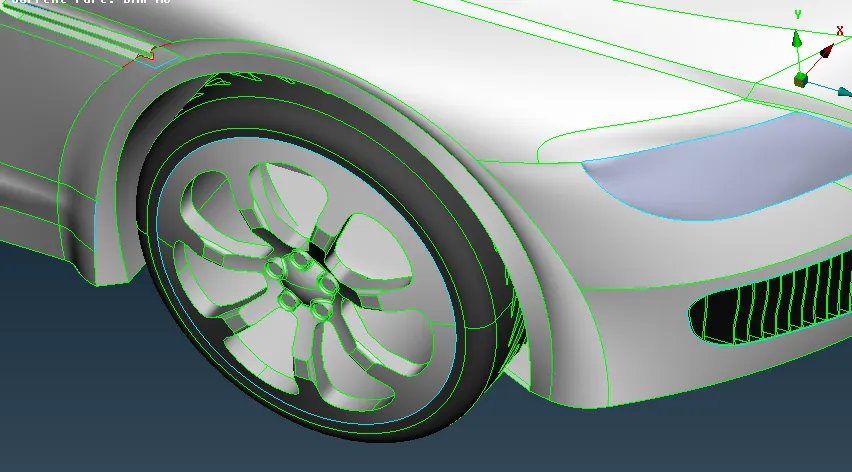
Delete the half part of model.
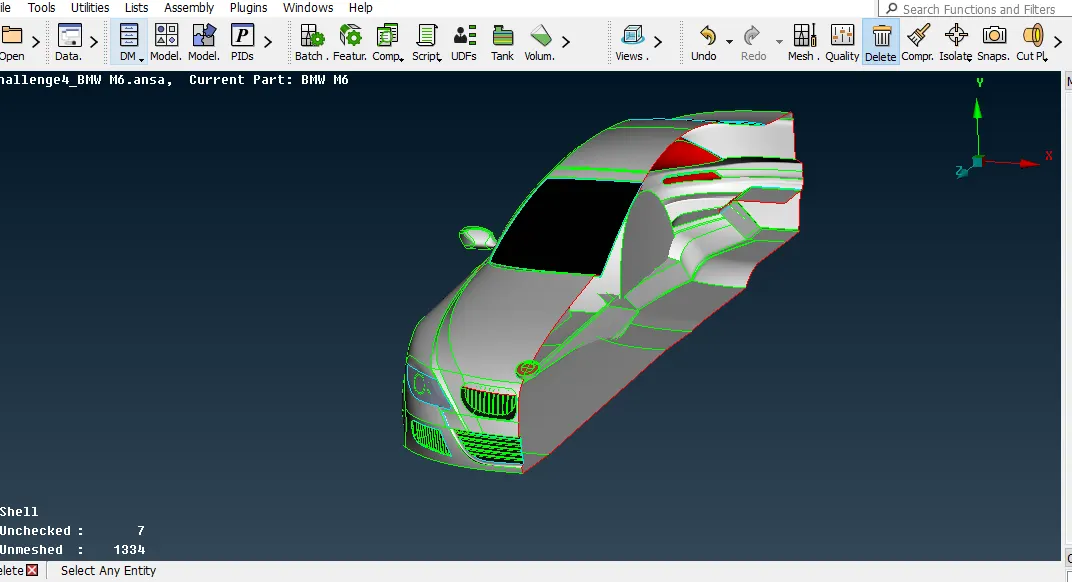
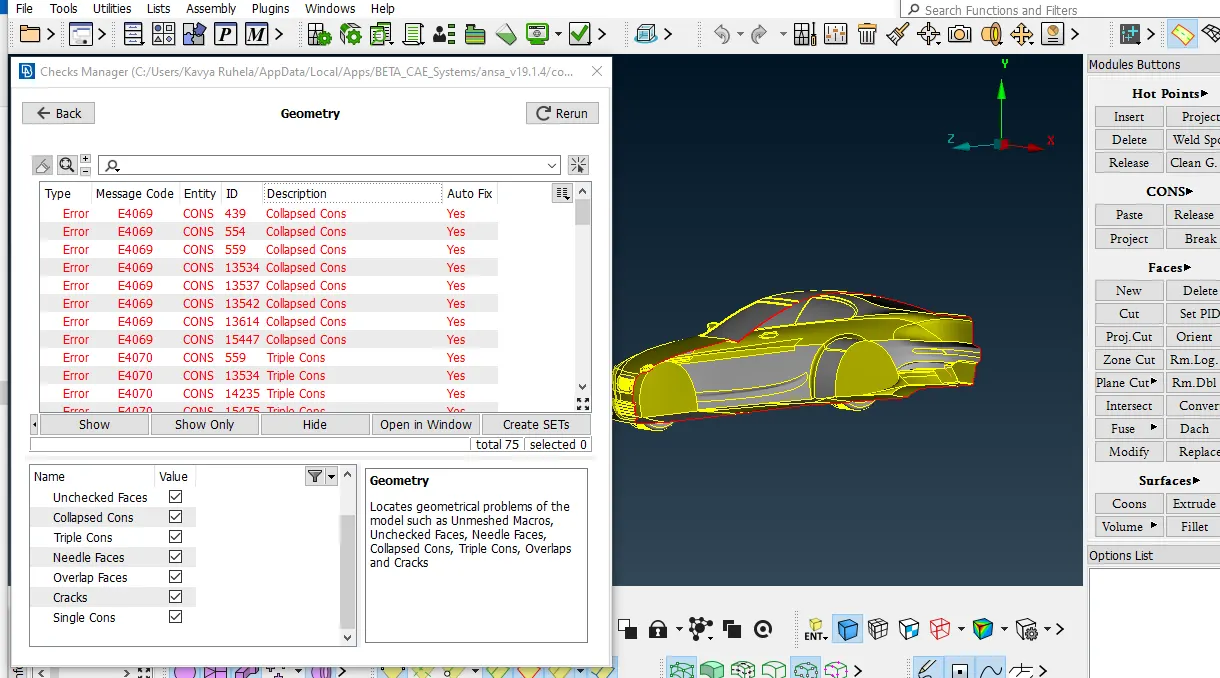
Resollve geometrical error & Create Volume
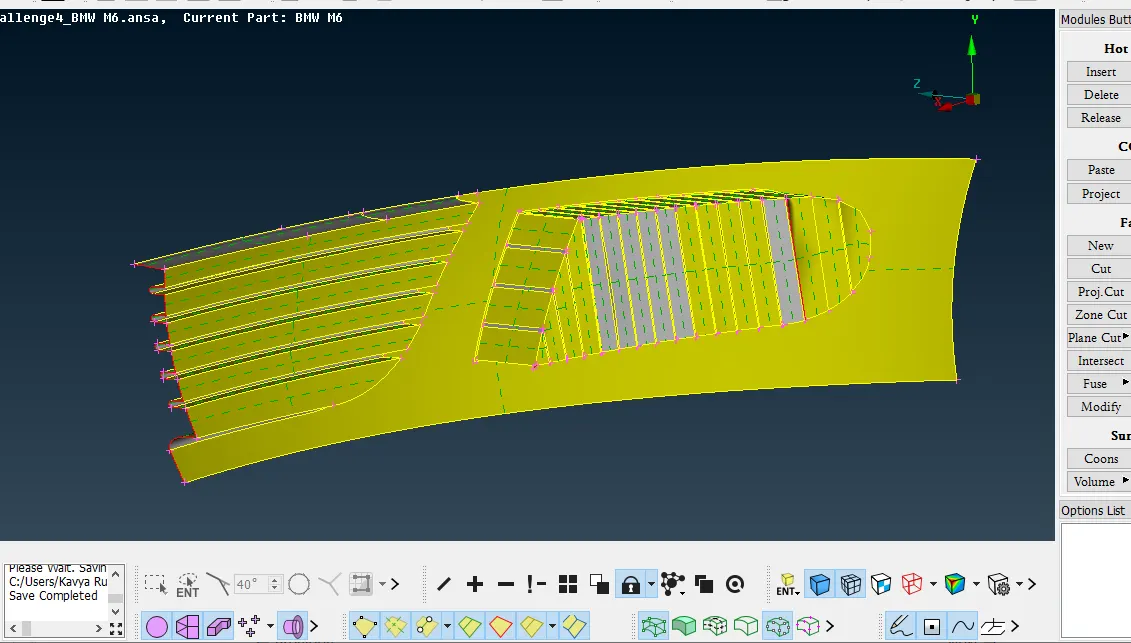
clear the geometrical error of volume 2 tyre
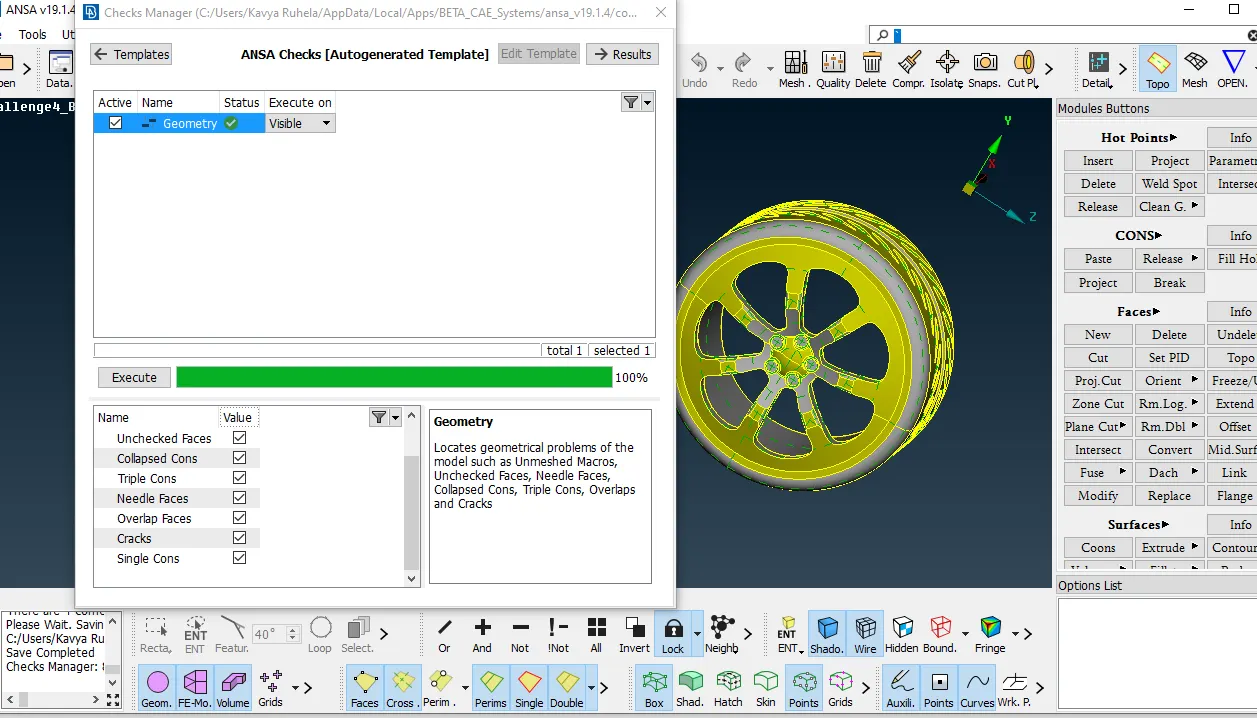
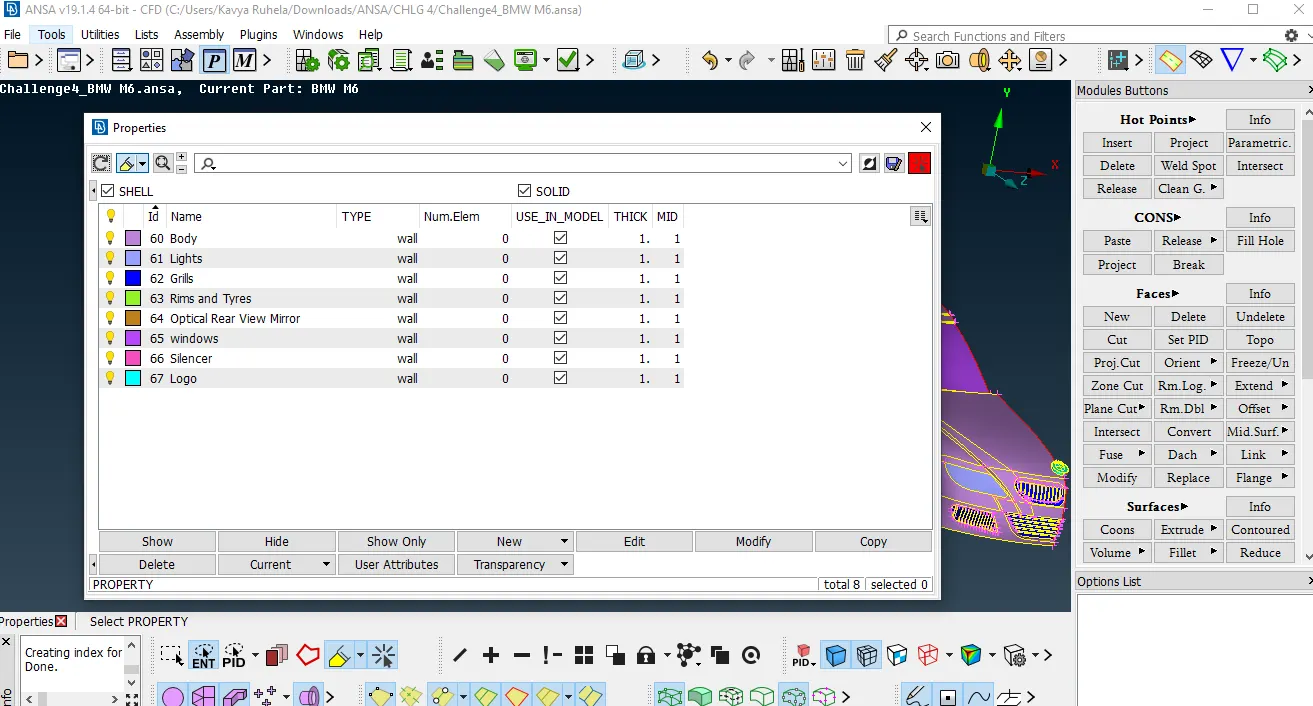
Creat PID
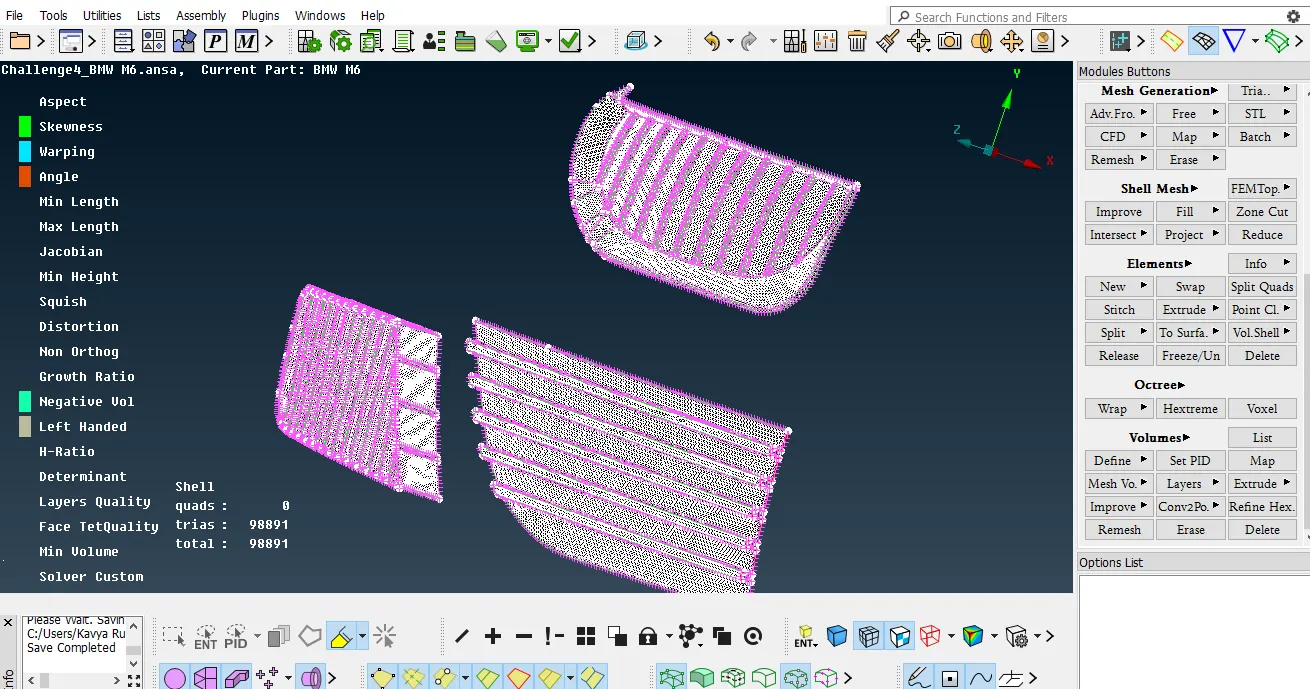
Grill Surface Mesh
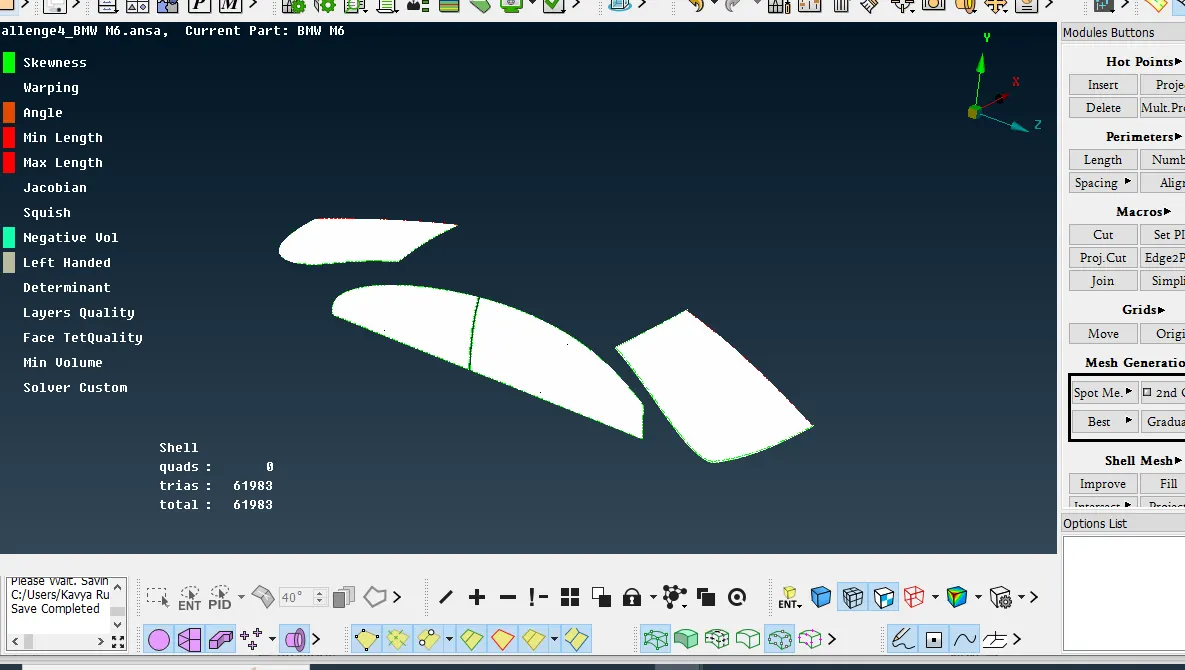
Meshing windows
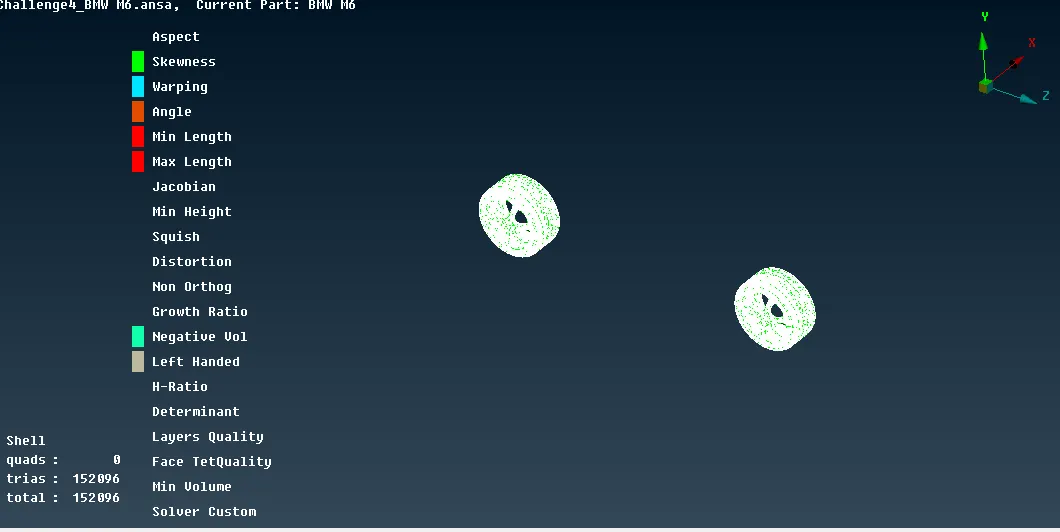
Tyre & Wheel meshing
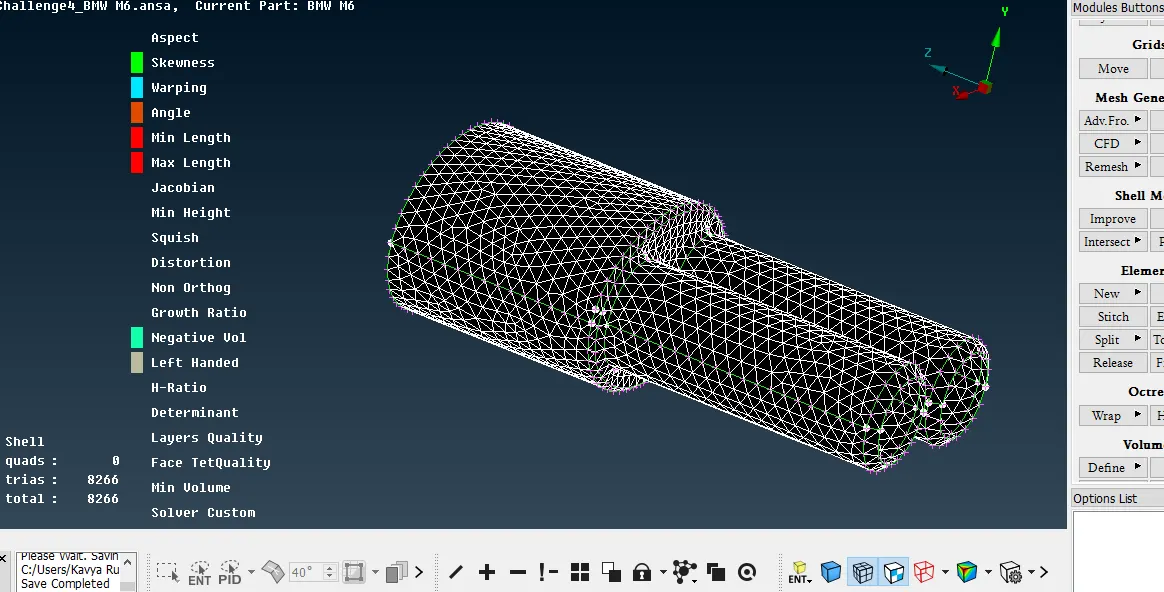
Silencer Mesh
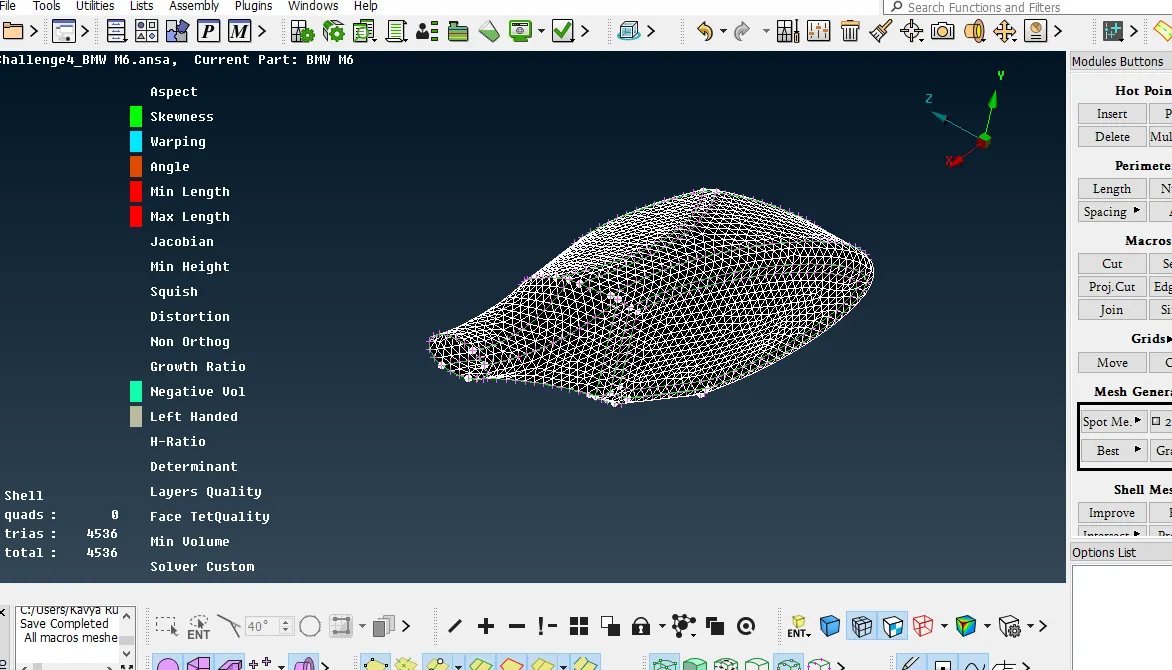
Optical Rear view mirror - 2 mm
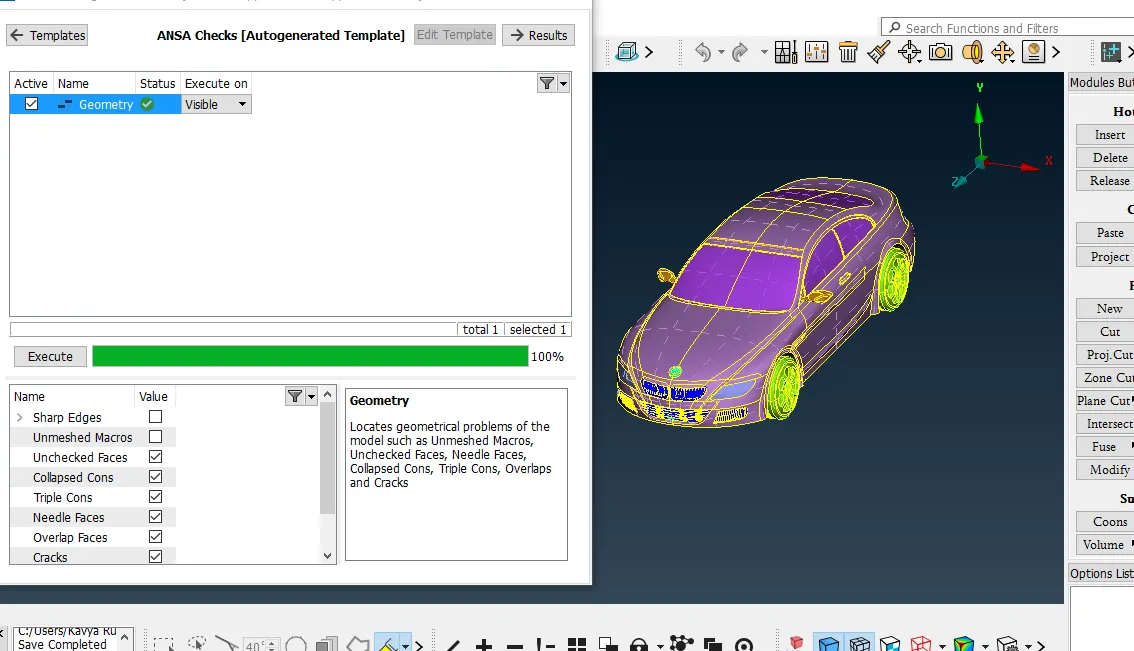
Final Geometry error ok
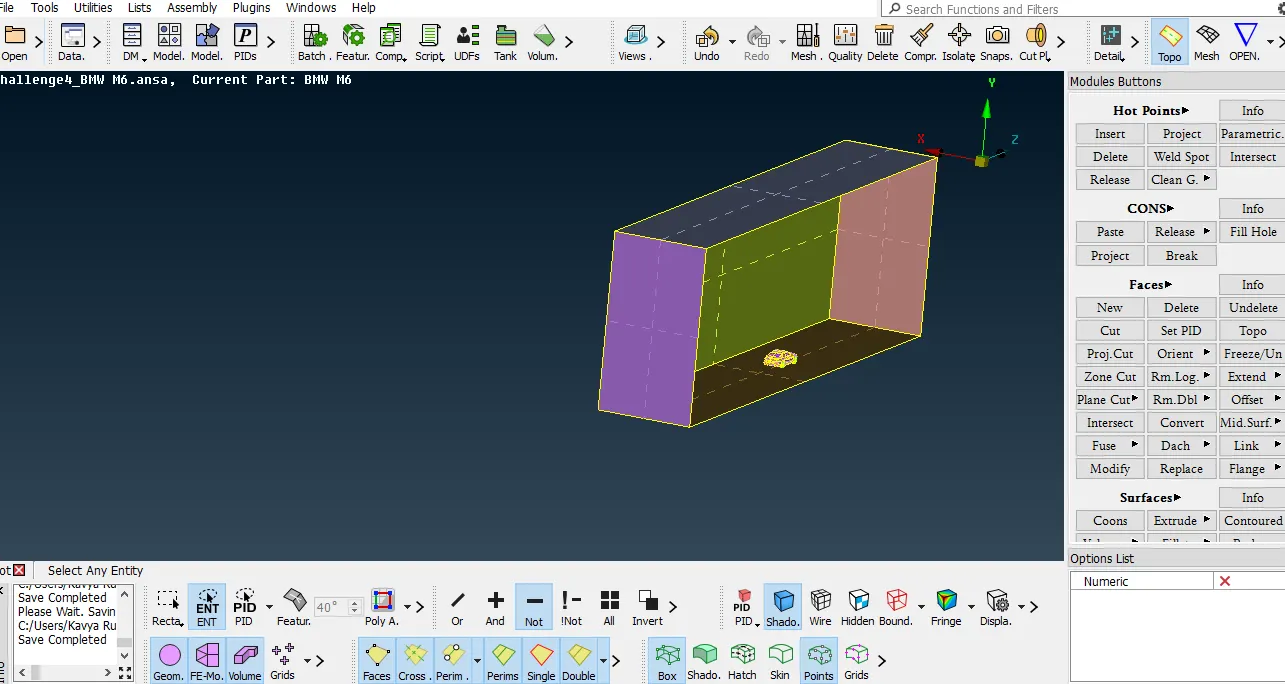
WInd Tunnel Create
creates the points in front side and rear and top surface the creat the curves then create surfaces
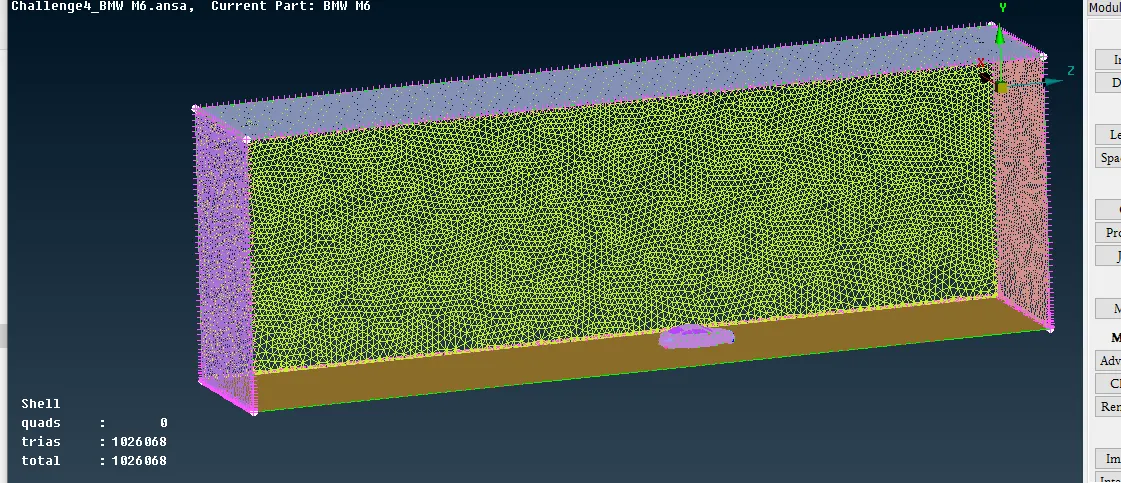
Results and conclusion: model is well studied and understood, PID's are assigned. surface mesh is done with required target lengths. volumetric mesh is carried on required volumes.
Please find the model link
https://drive.google.com/file/d/15xbYWn6GtXzlAs8sYxfS-xAQ6Hg-QFyz/view?usp=sharing
https://drive.google.com/file/d/1itKqjcMi1oMDeUM6Eg3-4jidzKuZjkBr/view?usp=sharing