Week 4 Challenge : CFD Meshing for BMW car
Aim:-
The Aim of this challenge is to create a surface mesh for the given model and its wind tunnel. The other main focus is identifying different volumes for volume mesh and choosing the most pertinent one.
Procedure:-
- We explore the model looking for geometrical errors. Our basic idea is that the car must be a single shell with an internal volume.
- we notice that the model is symmetrical, so we delete half of it and work on the other half.
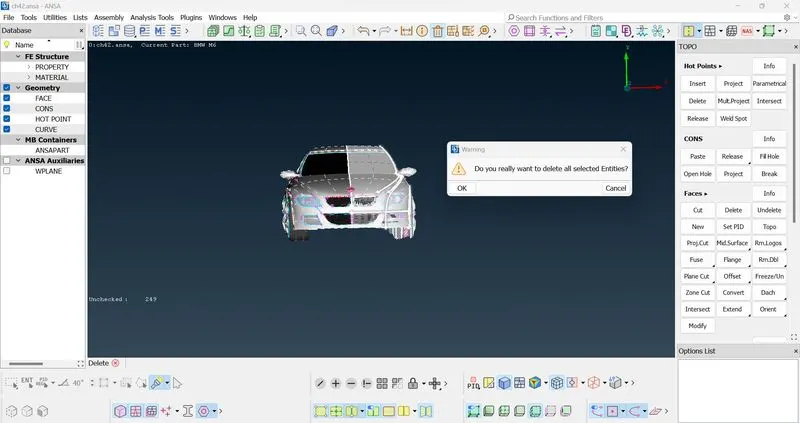
- Now using the wireframe view mode we see the errors such as single cons and triple cons.
- So according to that we work on the areas where they are present
- Now keeping in mind that our model must be shell like and form a single inner volume, the topo errors are cleared.
- The grill for example when viewed from outside forms a surface and when viewed from inside forms an internal volume.This is to be achieved without losing the shape and features of the said grill.
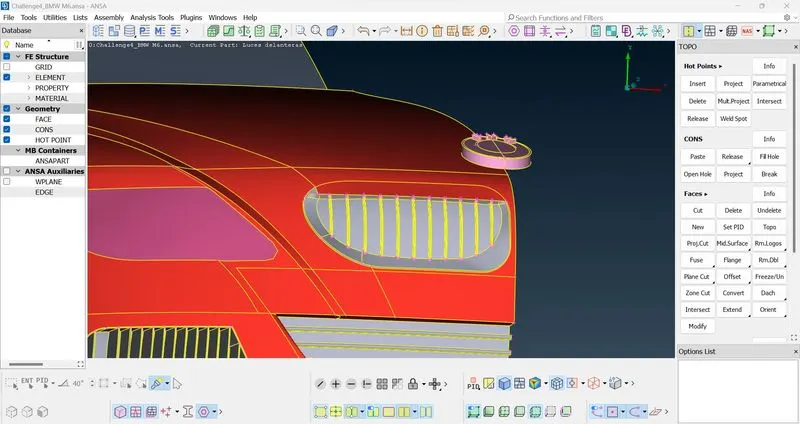
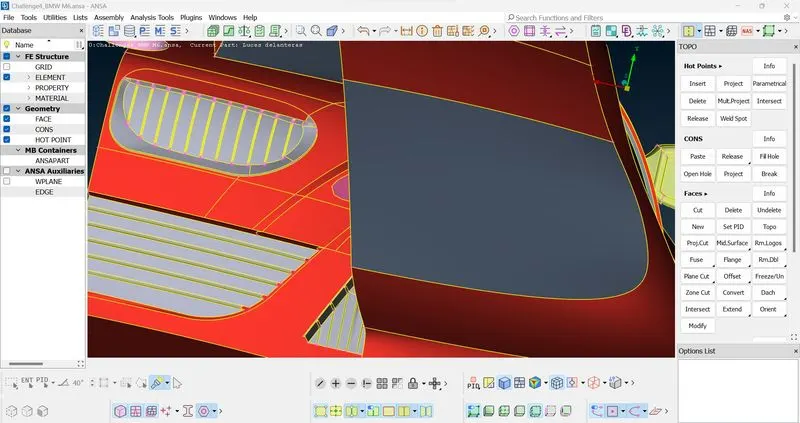
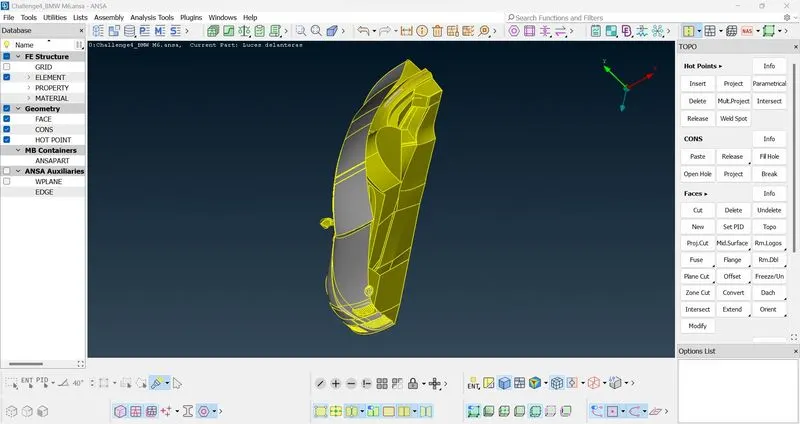
- Now the finished topological features and surface looks like this:
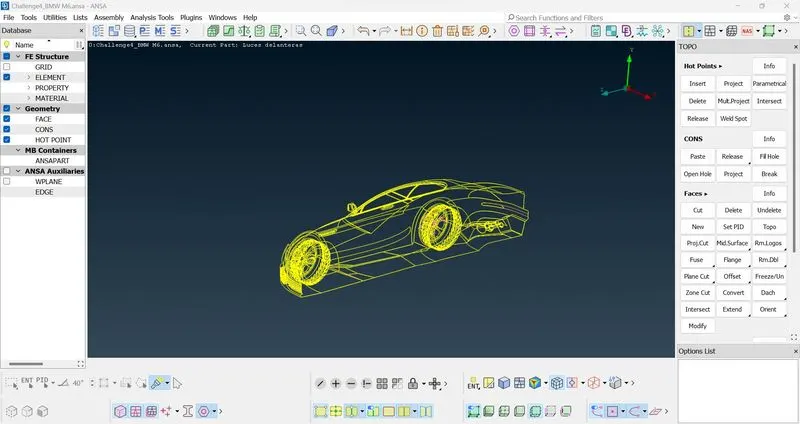
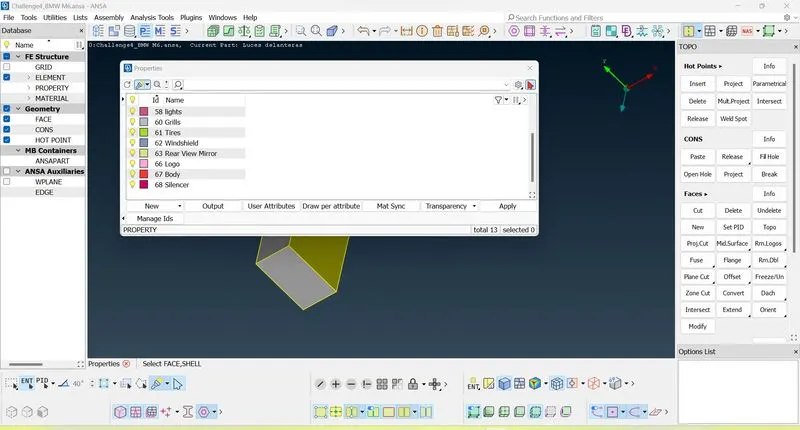
- Now we assign PID'S to each distinct Part such as windshield , wheels, grills etc
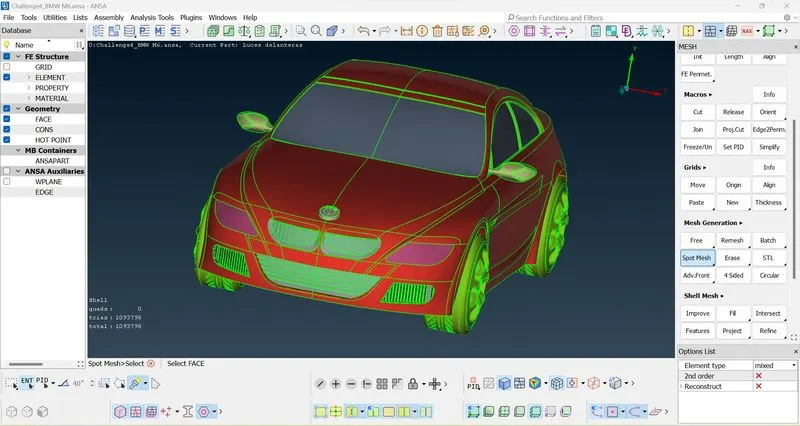
- Now we start surfacing meshing of the model with target lengths specified in the question.
- We start with parts which are not in contact with each other like headlights ,grills etc. and move on to the body which is in contact with multipl parts.
- For such cases like grill and body in contact we give the perimeter and macros length as a range from 1-3 mm.(1mm for grills and 3mm body).The result will be as follows:
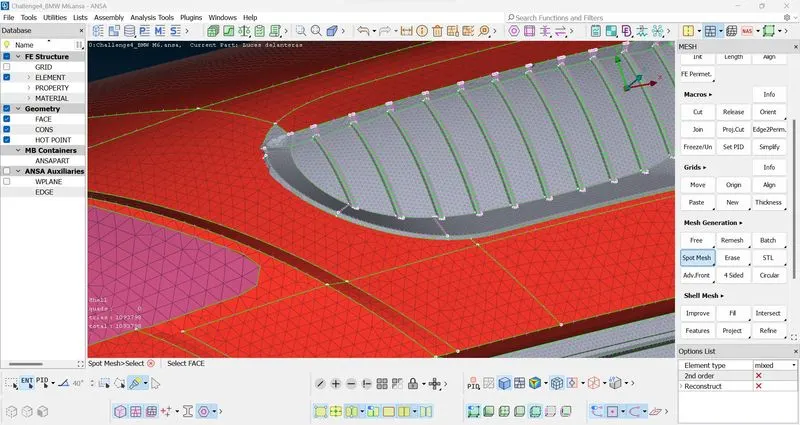
- We can see there is varying mesh length along the border of the body-grill contact.
- After completely meshing we move on to wind tunnel construction.
- For the wind tunnel construction (a rectangular box) we assume that the length of the car x mm and height is y mm.
- the dimensions of the wind tunnel are -> height = 100mm (surface below the car) + y(height of the car) + 3x (above the car)
- breadth -> 2x
- length -> 6x(behind the car) + (car's length)x + 4x (infront of the car)
- We mesh the surface of the newly formed surfaces with 100 mm as the mesh length for all the side surfaces and 20 mm for the top and bottom surfaces.
- We use spacing tool for creating meshing where the 100 mm and 20 mm surface is in contact with each other.
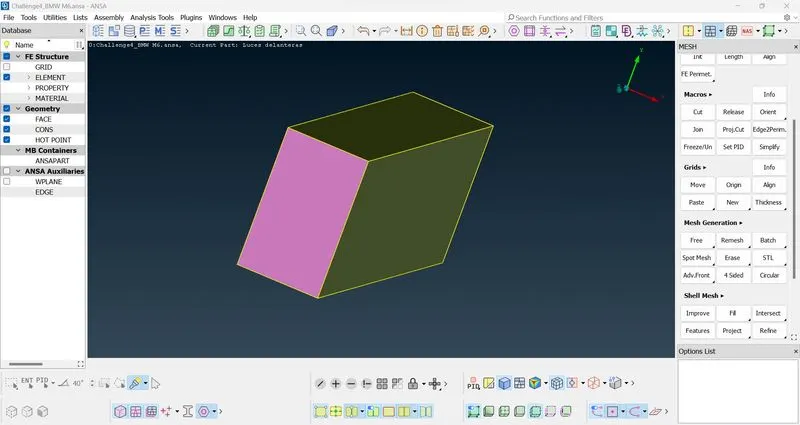
- Now we go to volumetric mesh and choose the define option.
- When it detects all the open volumes we must choose the appropriaate one.
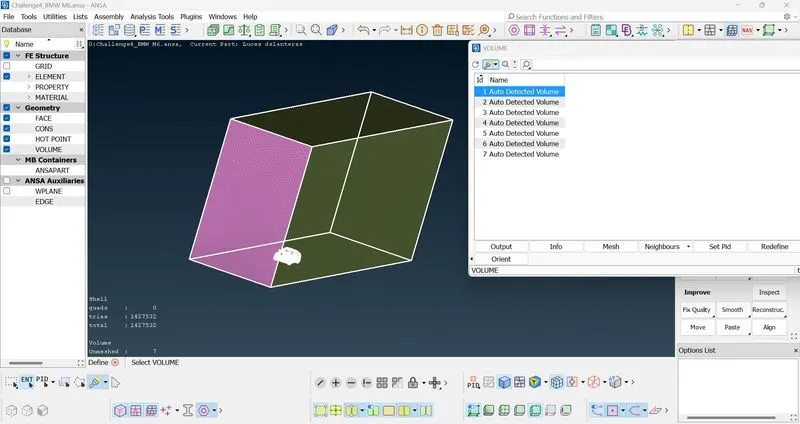
- Except the selected one we delete the other volumes and we can continue to re-mesh this volume.
- Since the Volume meshing for this model will take upto 2 days that part is not attached here.
Since i am not able to attach my ANSA file here i have uploaded it in a drive :-
https://drive.google.com/file/d/1JQM5JM7eFa-WHiOpVqUrfy8E_nrQaTQM/view?usp=sharing