Week 4
TITLE: MESHING OF BOTTLE CAP USING ANSA
OBJECTIVE: To fix all the geometrical errors and mesh the bottle cap in the given quality criteria.
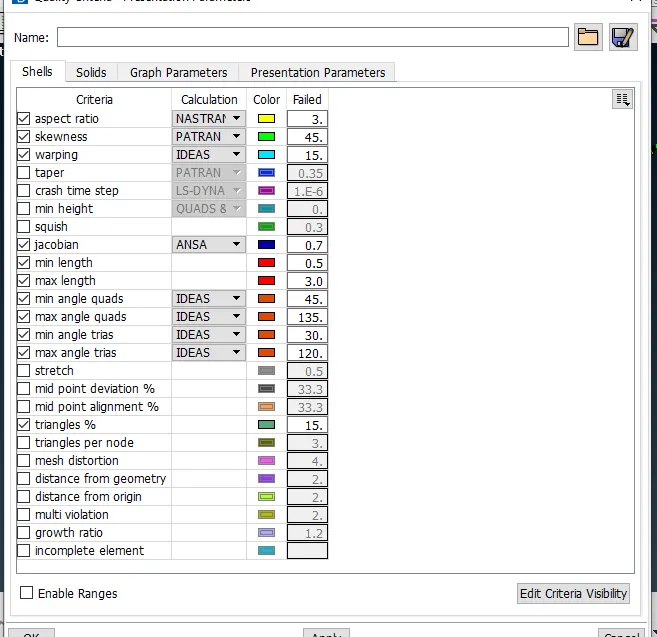
- Given quality criteria
- Now I go for geometry check, here we check for any geometrical errors like single con, cracks etc.
- Then I use auto fix option to fix the geometry and remaining which are not fixed by auto fix are fixed manually.
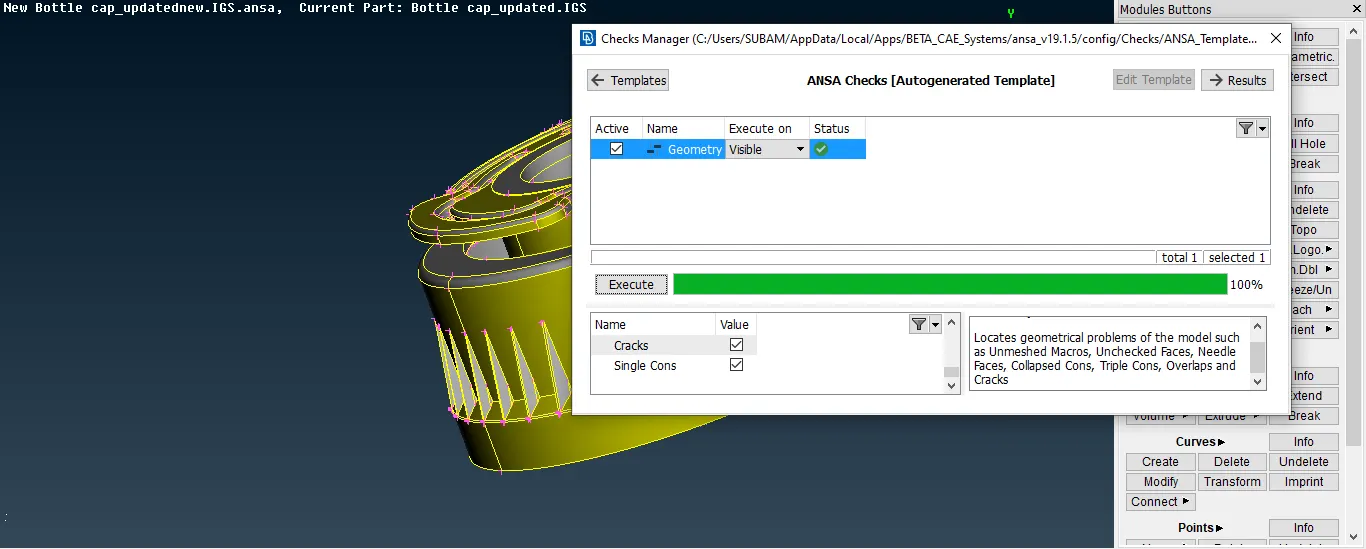
- After confirmation of geometry clean up I move for mid surface extraction part.
- As it is a plastic component and having variable thicknesses in different parts.
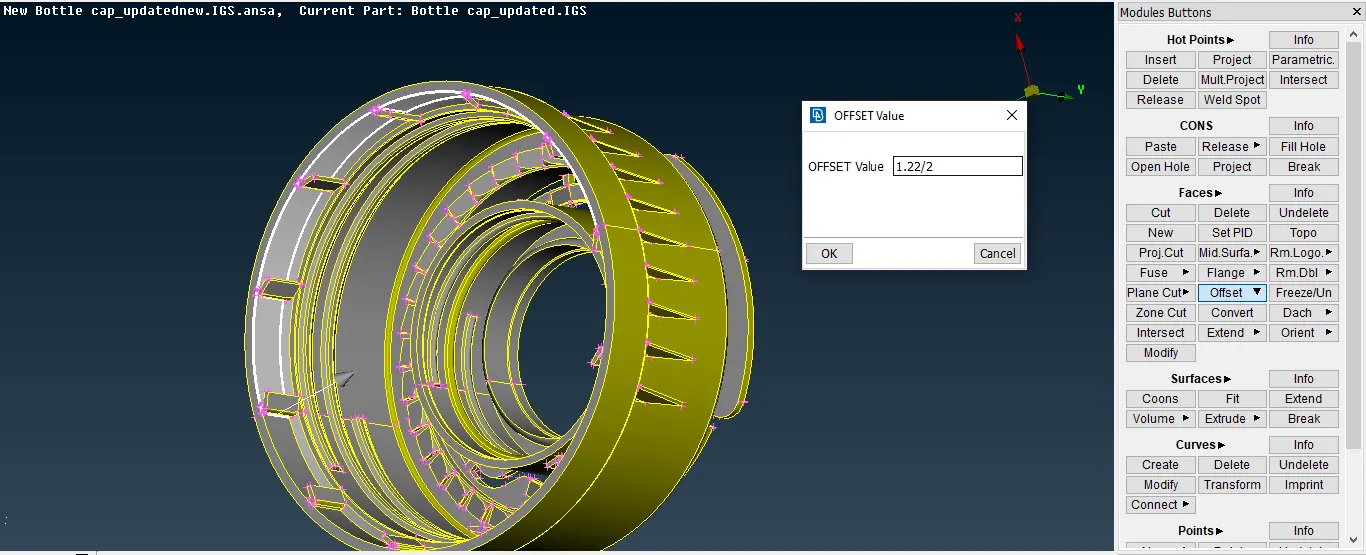
- Therefore I go for manual mid surfacing by using middle and offset options.
- First I measure the distance between the two surfaces using measure option.
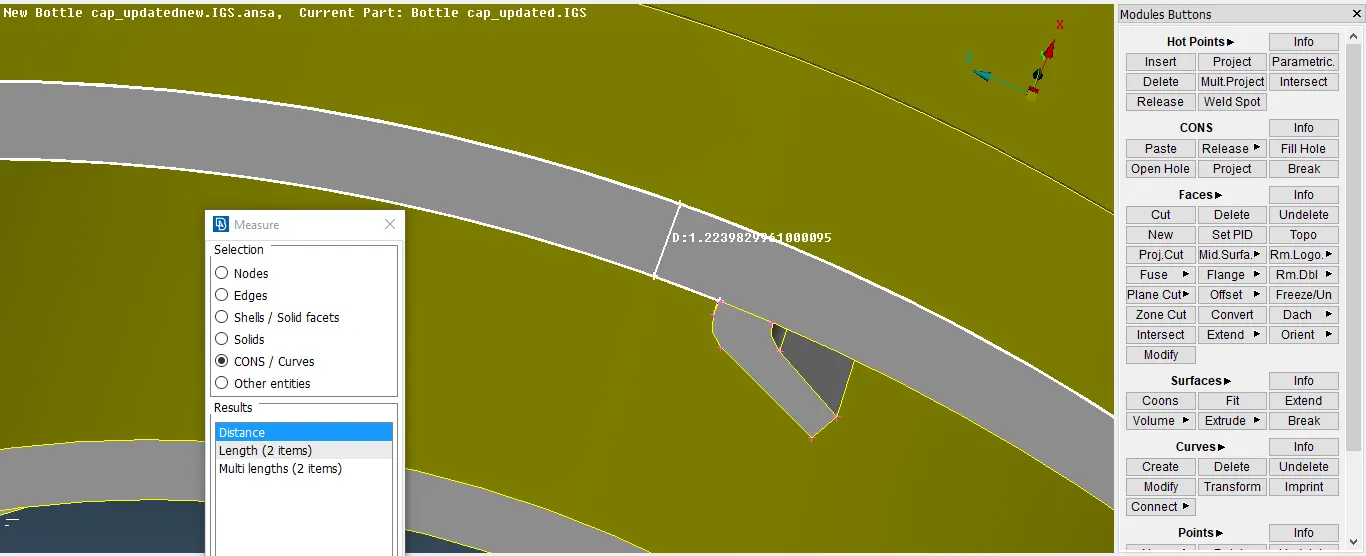
- Then I use offset for the cylindrical portions and middle option for the small ribs.
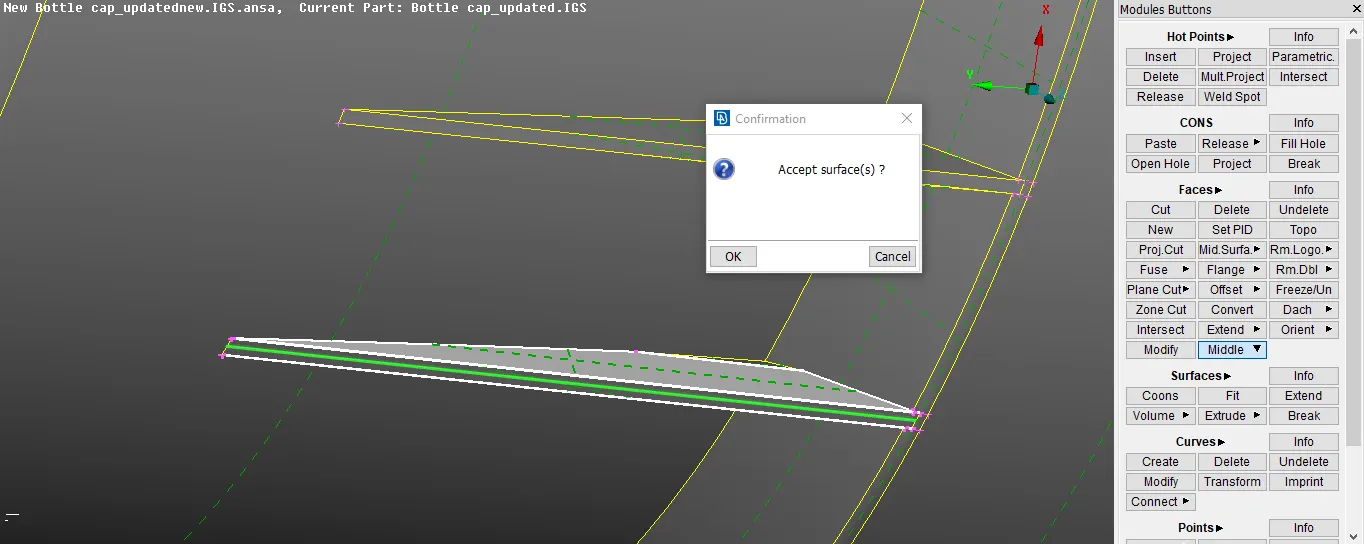
- After extracting the whole mid surface its turn for inner threads, there I use middle curve option then by adding new face then selecting the two cons I create the mid for threads.
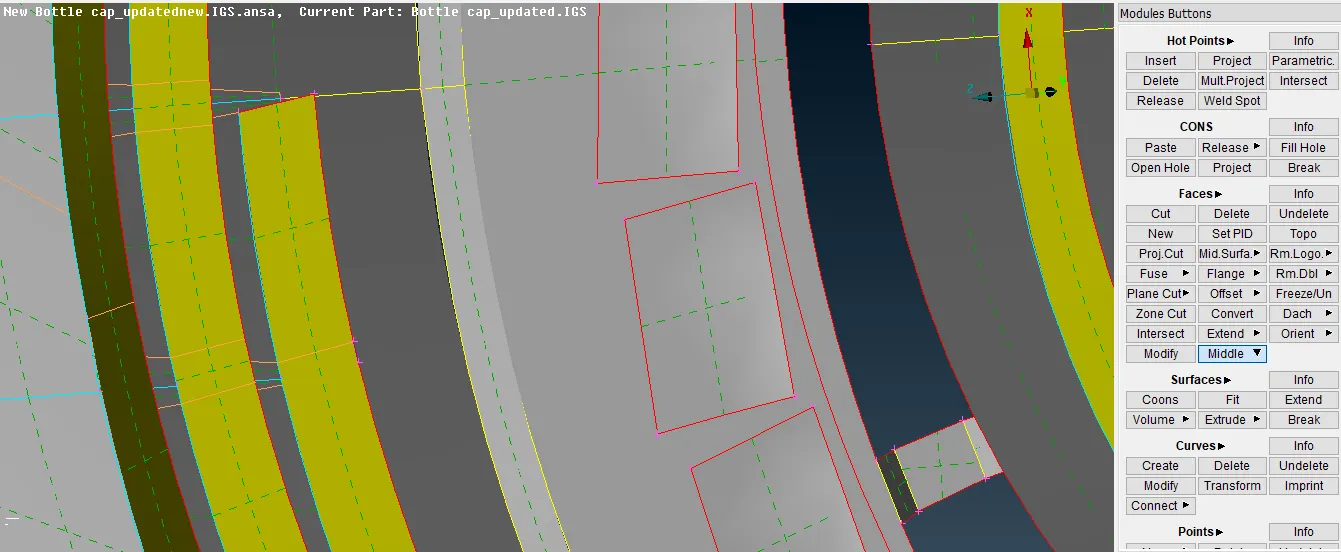
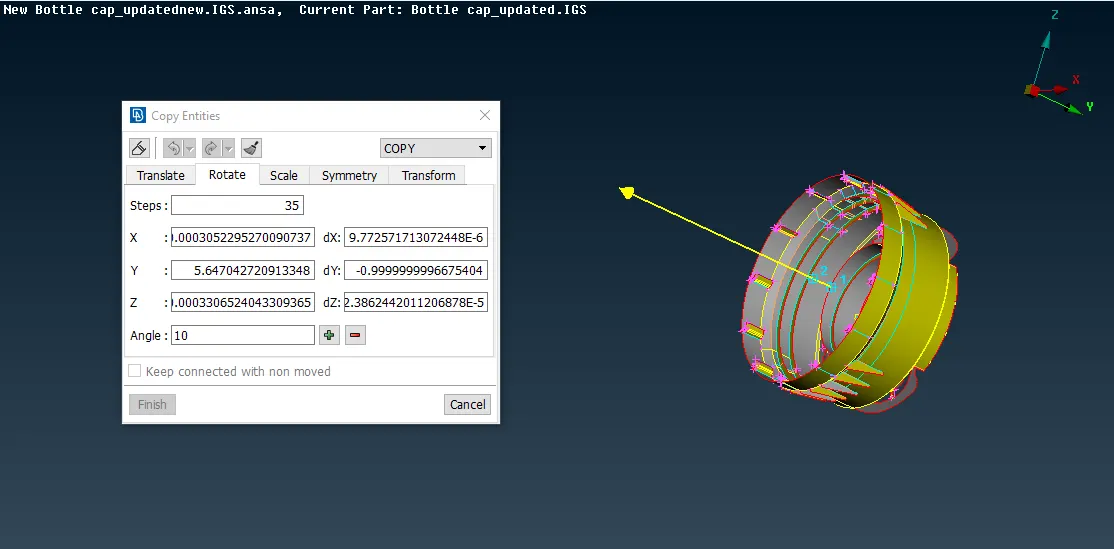
- Then I use copy rotate option for the inner ribs make single ribs and copied all other 35 using transform option.
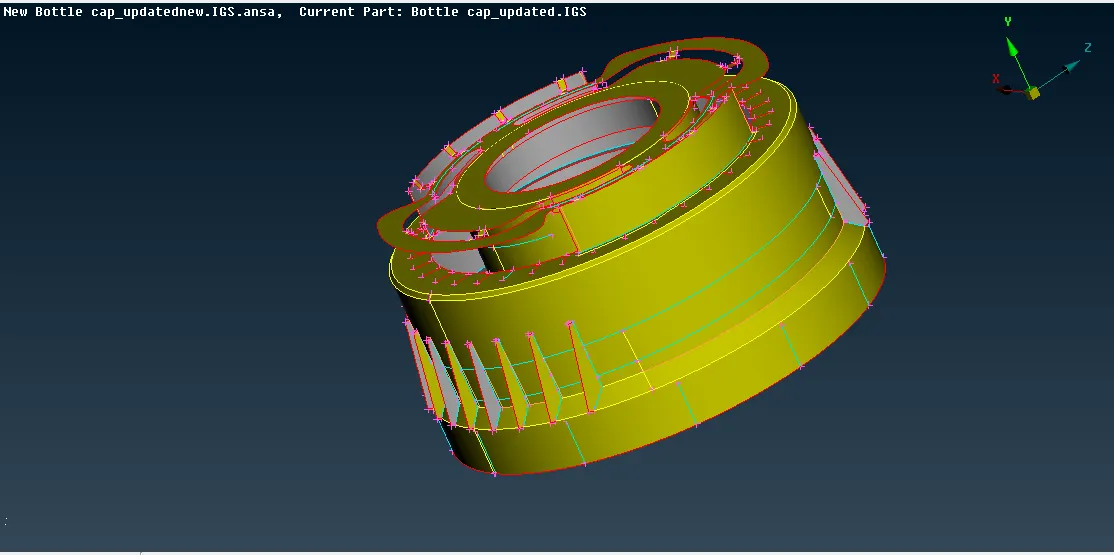
- After completing the mid surface extraction and using the extend option to connect all the parts together.
- Now the model is ready to apply the mesh. At first I assign all the necessary quality parameters and mesh length.
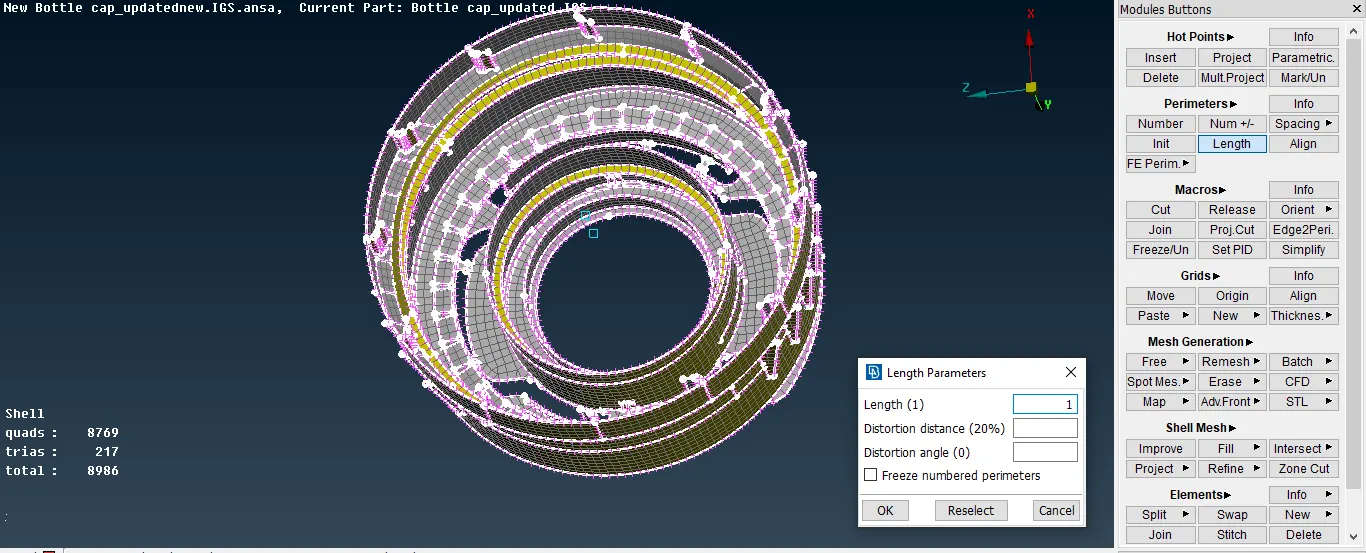
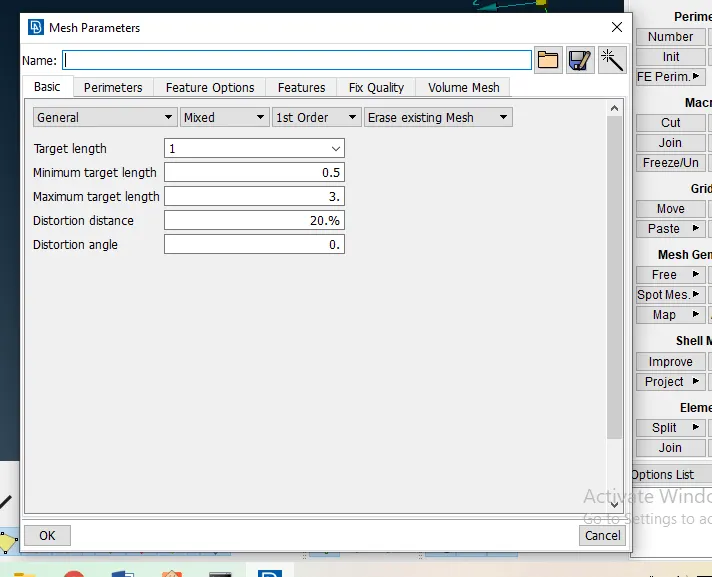
- Now I started the meshing part by part and used best option for meshing and reconstruct in shell mesh for better flow mesh.
- Then I use smooth option for smoothing and check the quality parameters.
- Then I use split and paste options to improve the quality of the mesh.
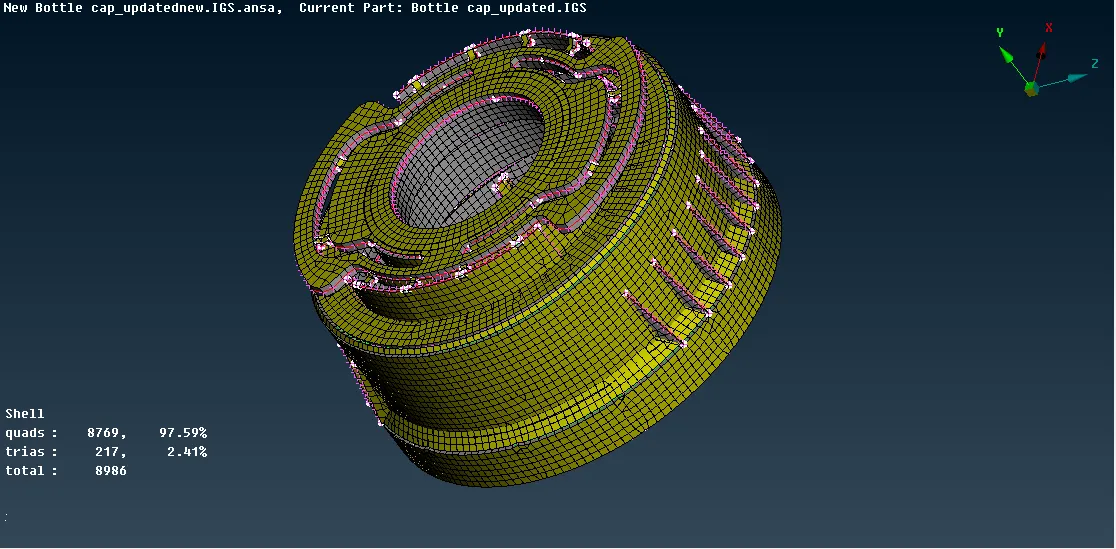
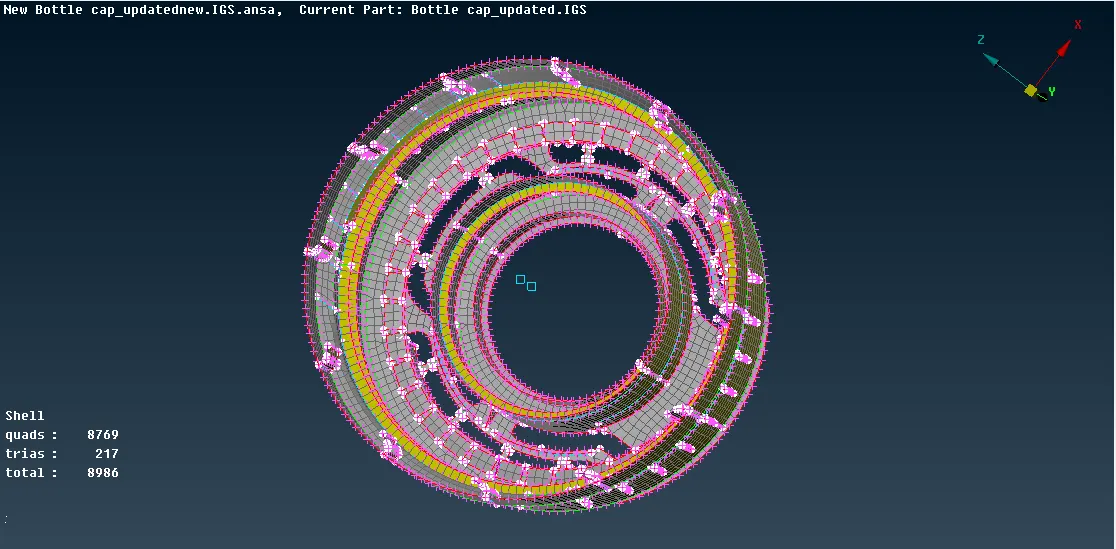
- Now quality check
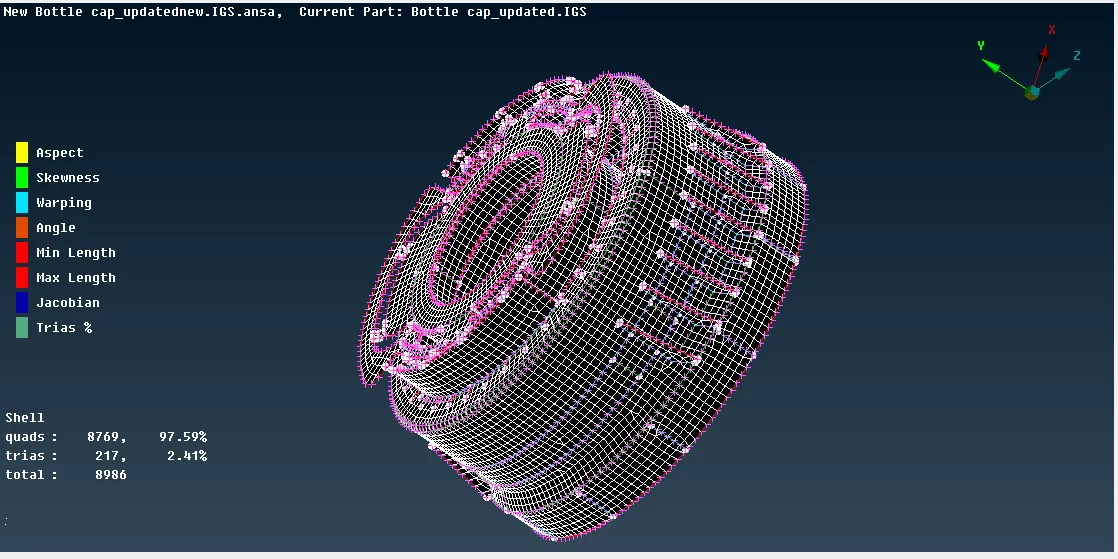
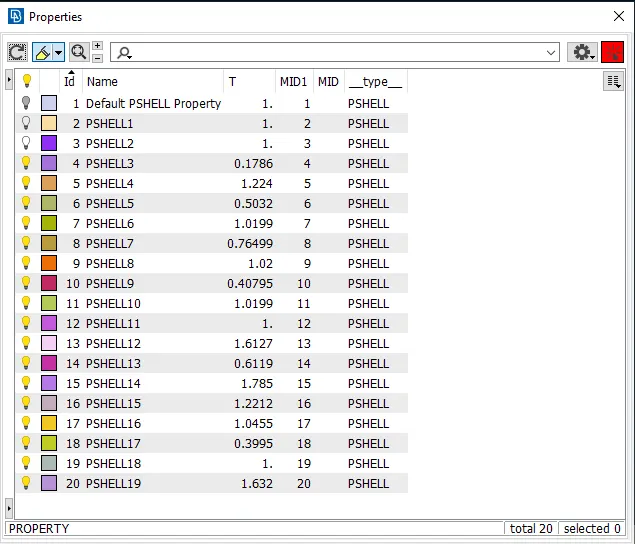
- Now after assuring the quality check and I assign different pid to different parts so that thickness can be assigned.
CONCLUSION:
- ANSA is very useful for preprocessing of plastic components.
- Tools of ANSA are very user friendly.
- Good quality of mesh is obtained in this model.
LINK CONTAINS THE ANSA FILE: https://drive.google.com/file/d/1rWn72-5Vunkhgxv4kcNrtrpUmFh3gfOs/view?usp=sharing