Week 4 - 2D Meshing for Sheet Metal
- To mesh the components of Cross Car Beam to qualify the given quality criteria
- Assemble the CCB by using appropriate connections
Quality criteria:
|
S.No |
Quality Criteria |
Value |
|
1 |
Target/Average length |
5 |
|
2 |
Minimum Length |
3 |
|
3 |
Maximum Length |
7 |
|
4 |
Aspect |
3 |
|
5 |
Warpage |
15 |
|
6 |
Skewness |
45 |
|
7 |
Jacobian |
0.7 |
|
8 |
Minimum Quad Angle |
45 |
|
9 |
Maximum Quad Angle |
135 |
|
10 |
Minimum Tria Angle |
30 |
|
11 |
Maximum Tria Angle |
120 |
|
10 |
Tria Percentage |
15 |
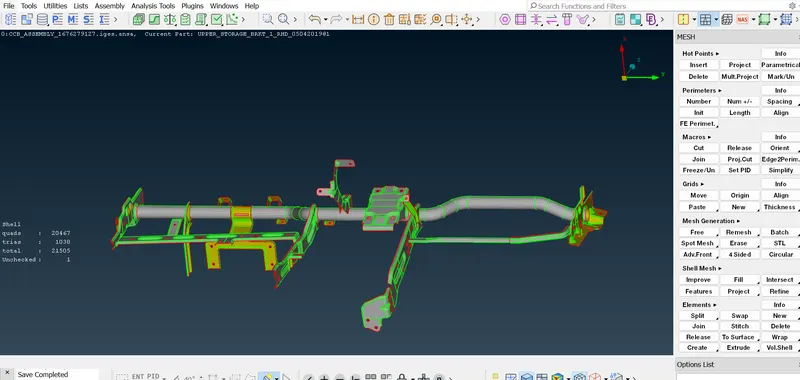
Step-1
open the model in ANSA from the file
Step-2
Step-3
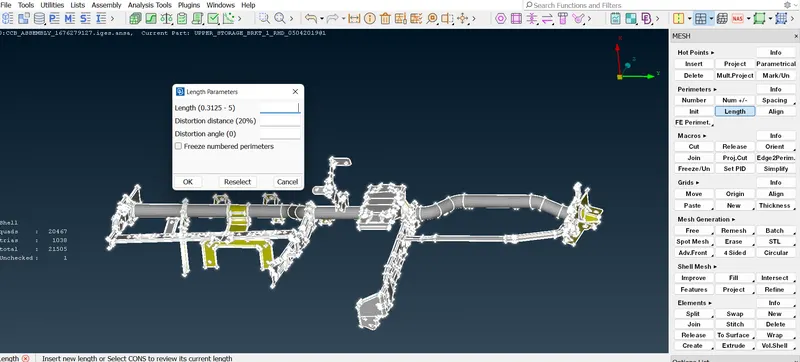
Refine the model using the length option under perimeters in the Mesh module. This will help to visualize the features in the model more properly. After refining the model perform a topo operation on the whole cad to stitch the closeby single cons together.
Step-4
Af geometry check using the checks option to find any existing geometric errors. All the geometric errors need to be cleared before moving forward to the next stage, which is the mid-surface generation.
after
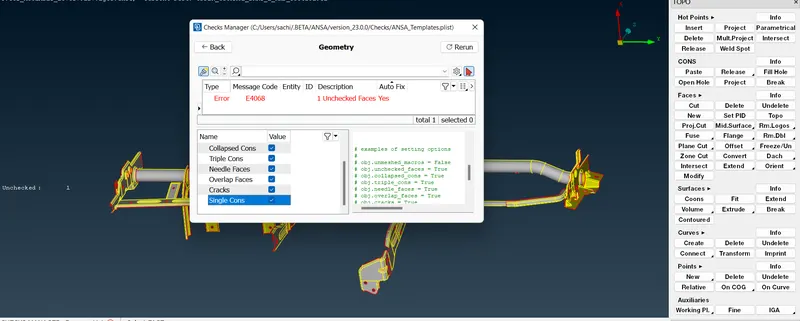
After that check again for the geomtery check
after clearing all geometrical errors we will go for the mid-surface creation.
as it is a sheet metal part most of the part will be have uniform thcikness to create mid surface we cxan use mid surface skin option otherwise offset option
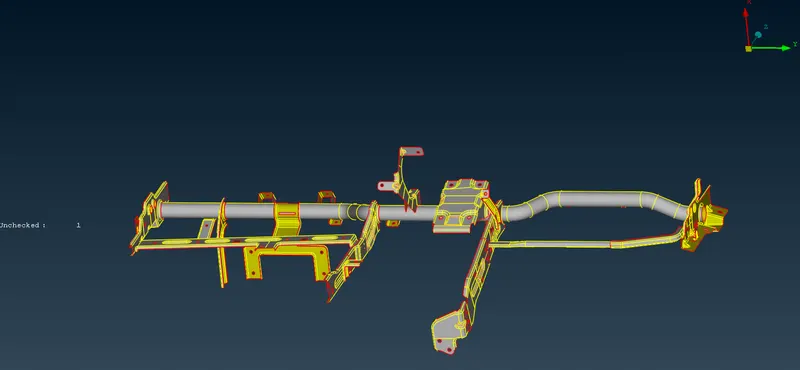
After the generation of mid surface generation succesfully go for the meshing by using best option then for refining manually go for reconstruction option after that check for the mesh flow and trias
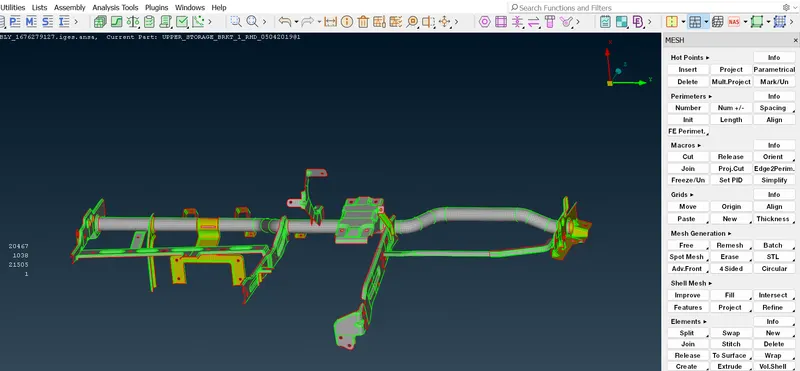
then go for the quality criteria and check the qualitry criteria issue and solve those issues
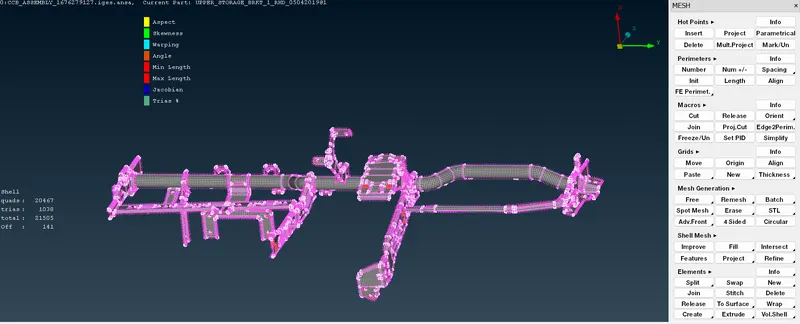
check the mesh flow should be proper trias should not be present at feature lines and pass the quality criteria and the off percentage should be less than 2%
Then save the part