Week 4 - 2D Meshing for Sheet Metal
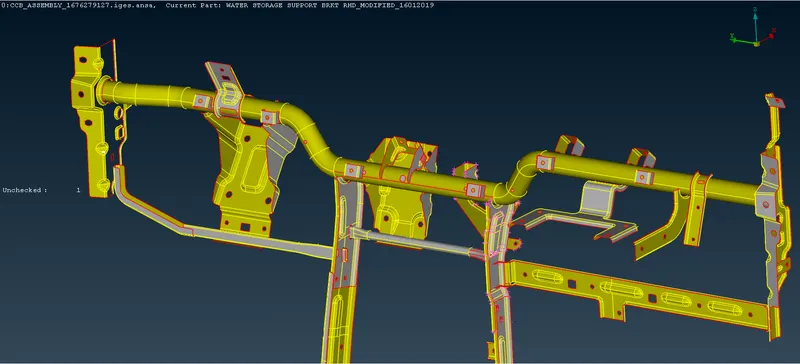
For the given CCB CAD model, Check for the Geometry cleanup (if required), Take the mid surface, and Mesh it with the below 2D element Quality criteria.
|
S.No |
Quality Criteria |
Value |
|
1 |
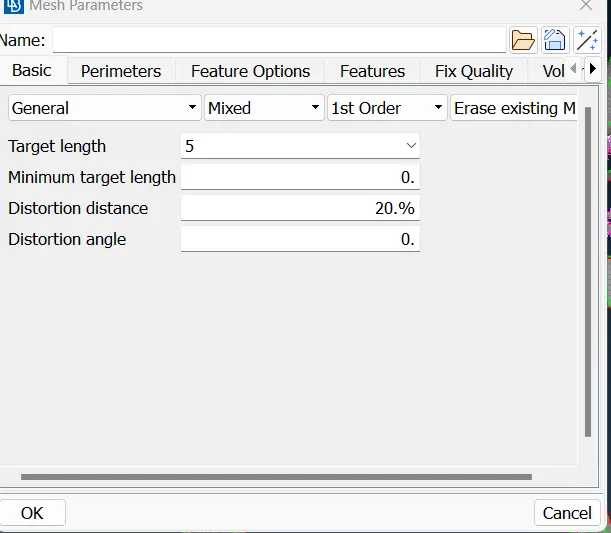
Target/Average length |
5 |
|
2 |
Minimum Length |
3 |
|
3 |
Maximum Length |
7 |
|
4 |
Aspect |
3 |
|
5 |
Warpage |
15 |
|
6 |
Skewness |
45 |
|
7 |
Jacobian |
0.7 |
|
8 |
Minimum Quad Angle |
45 |
|
9 |
Maximum Quad Angle |
135 |
|
10 |
Minimum Tria Angle |
30 |
|
11 |
Maximum Tria Angle |
120 |
|
10 |
Tria Percentage |
15 |
Solution:
The following procedure is done to generate the meshed model of the CCB model.
1. Import the .iges model of the CCB model into the ANSA environment.
2. Run the geometry check and fix the critical errors by right-clicking and selecting the fix option or fixing the error manually.
3. Run Topo to stitch the model.
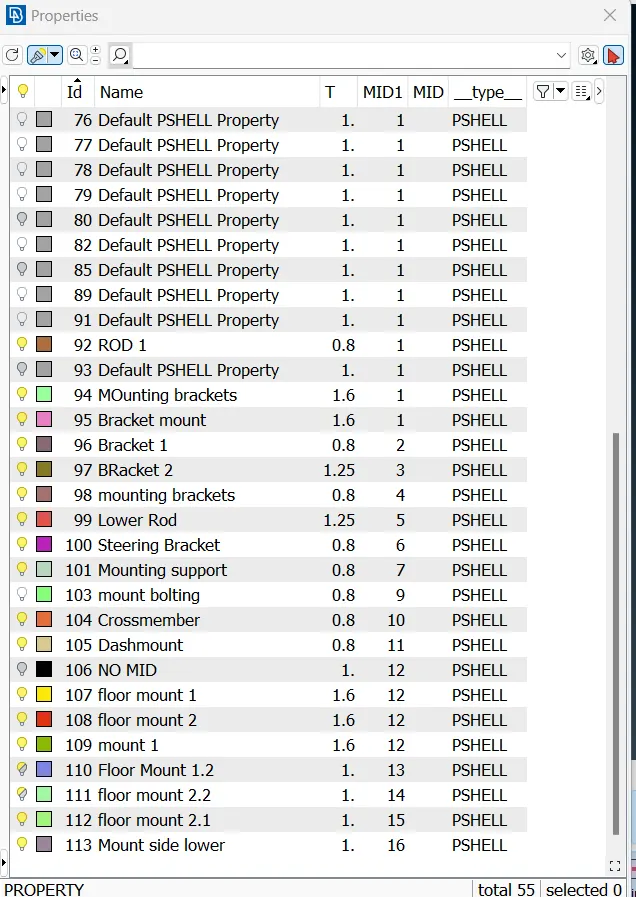
4. Divide the model into different PIDs.
5. Mesh the model using Auto mid for parts having a uniform thickness.
6. Offset option is to be chosen for the parts having irregular thickness.
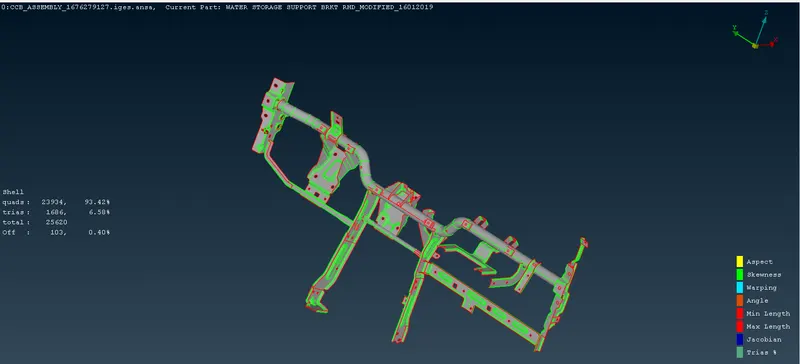
Conclusion:
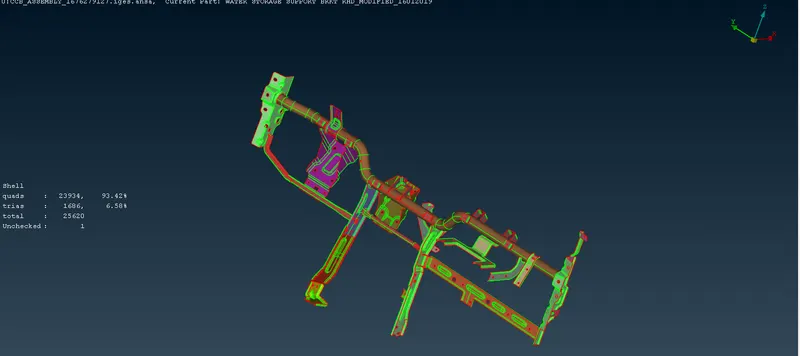
1. The Model meshed with 6% of trias and 93% of quad elements.
2. The auto mid option was executed for uniform-thickness parts.
3. The off elements were solved by either swapping the elements or reconstructing the element. Smooth or reshape options can also be used to solve the off elements.