2D meshing for Plastic components using ANSA
ABSTRACT:
The objective of this challenge is to extract a middle surface for the given component and mesh the midsurface component using the inputted quality parametres. Then the meshed component is assigned a thickness. In this challenge manual midsurfacing is used because the component is compliment in geometry.
PROCEDURE:
The component is subjected to various operations to deliver a better mesh at the end. There are few steps followed to deliver the proper mesh, they are
Geometry cleanup,
Extracting the middle surface,
Meshing,
Quality checking,
Assigning thickness.
Geometry cleanup:
The geometry cleanup is the process of cleaning the component in order to avoid the mesh errors. The cleanup like add/remove points, create/delete lines, modifying the existing surfaces and faces.
The checks manager option is used to check the component whether there is any errors present in the component.
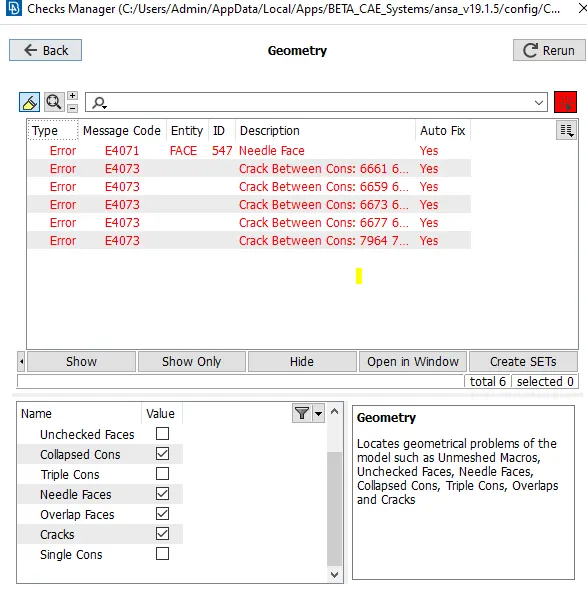
After checking the model the cleanup tools like topo, delete points, new face, dach are used.
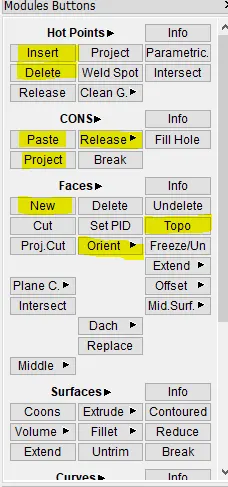
The highlighted options are used randomly in the model.
Extracting middle surface:
In this model the automid option won't work because the geometry is so compliment and the software is confused by the minute features in the model.
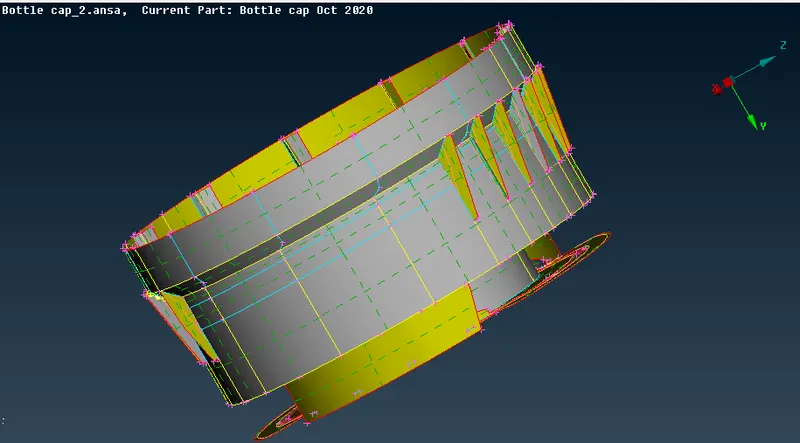
To capture each and every minute feature the manual mid option is used. For that topo--->faces--->offset(or)middle option is used.
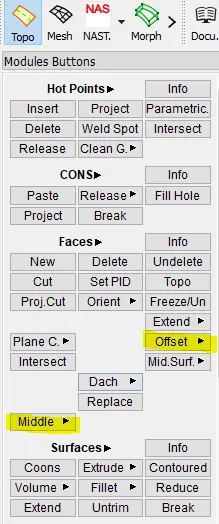
For offset tool the face of the model is selected and offseted to half the thickness of the model. While giving the offset value we should aware of the normals direction. the middle option has two variable option, they are single and multiple.
Both the tools prefer only the faces of the model. This is automatic option where we have select only the face of the component and the offset direction and the value is assigned by the software.
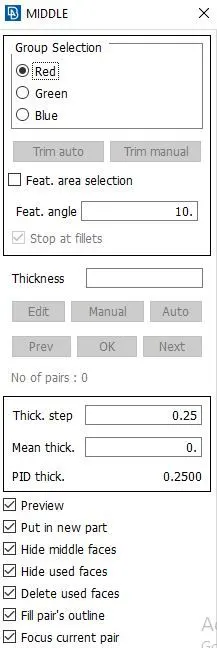
The above mentioned option is middle multiple and it is highly used for midsurfacing in this component. We have to select the faces and the rest is the system's work.
Meshing:
For meshing this component the target length is 1mm , minimum length is 0.5mm and maximum length is 3mm. For meshing the tool used is mesh--->mesh generation--->best is used.
After meshing to correct the failed component, mesh edit tools like swap, split, smooth, paste, align are frequently used.
To modify the current mesh with the new mwsh tools like reconstruct, improve options are used. It is available in the mesh module.
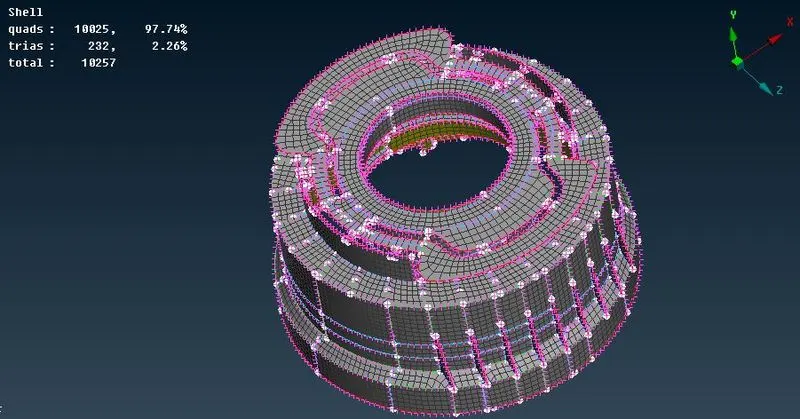
The total number of tria, quad elements are displayed in the top corner of the window.
Quality checking:
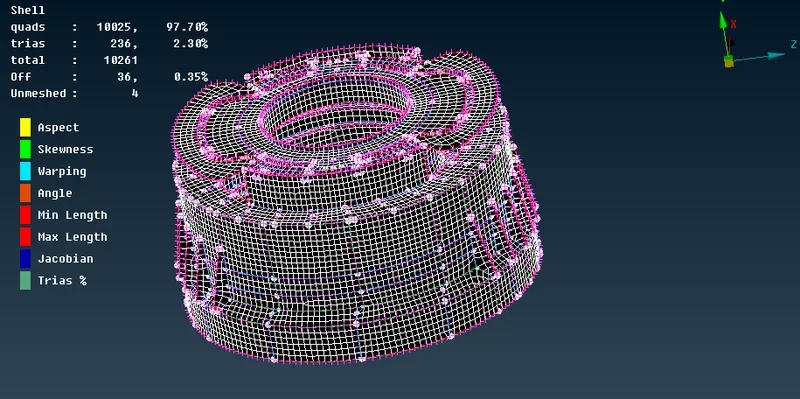
The check is done through the command present in the bottom deck of the window.

The highlighted option called as hidden is used for the quality checking.
Assigning thickness:
The thickness of the component is assigned through the command menubar--->tools--->quality--->presentation parametres--->draw as solid option is used.
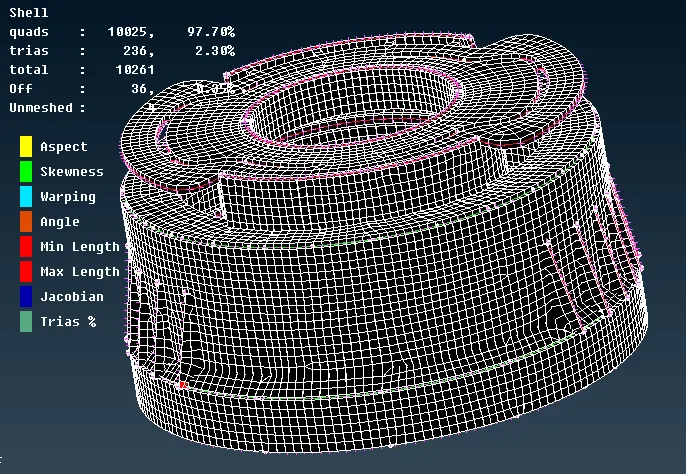
The percentage of tria element is about 2.30% is present in the component.
conclusion:
The given component is manually aken a midsurface and then the middle surface is meshed using the given quality parametres. The mesh is edited with the useful mesh edit tools and the thickness is assigned to the component.