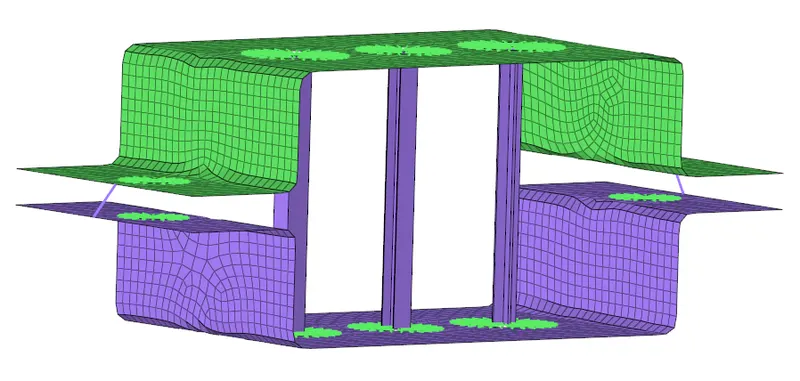
Week 4-1D Element Creation Challenge
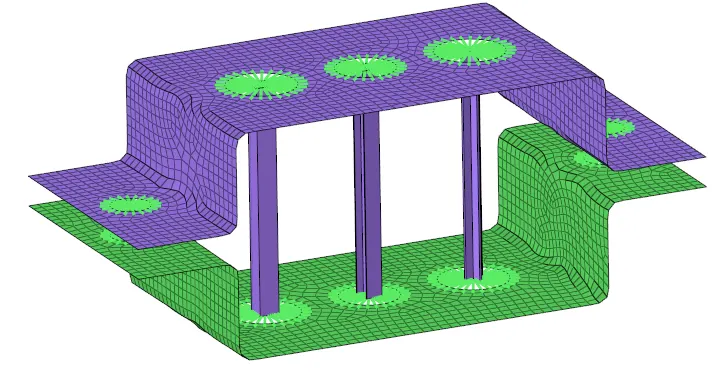
Mesh the Given component with the Size of 5 Units. Create 1D elements on the following component with given cross-section and DOF
- Rod element:- (Box) (A)Translational DOF should be Constrained with RBE2 link
- Beam element (I Section) (B) All DOF should be constrained with RBE3 link
- Bar element (C) Constrain only x and y DOFs With RBE3 link
- Apply the Mass (E) of magnitude 10 with the RBE2 link
- Join the two components with Spring elements (F)
Solution
- Import Geometry
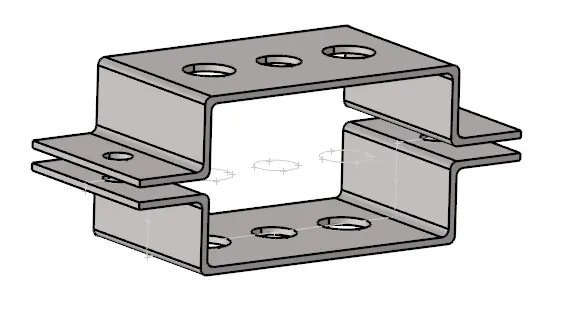
2. Geometry > Midsurface > Auto_MidSurface > Surface > Extract
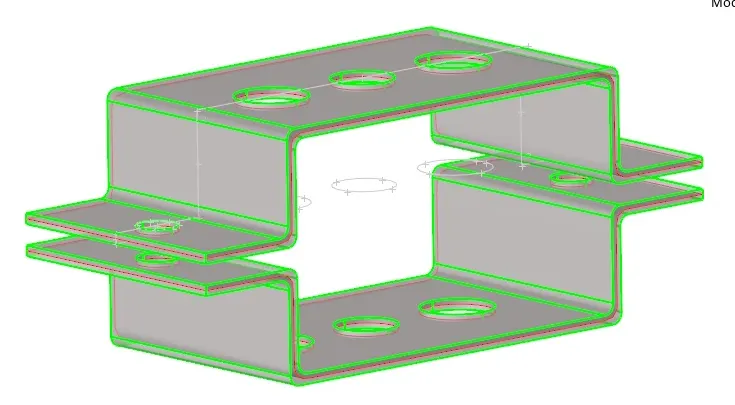
3. Entities > Create > Material > Steel
4. Geometry > Quick Edit > Washer >Offset > 5
5. 2D > Automesh > Surfs > Size and Bias > Element Size (5.00) > Mesh Type (Quad) > Mesh
6. 1D > Rigids > Create > Calculate Node > Node (by Path) > Restrict all DOF
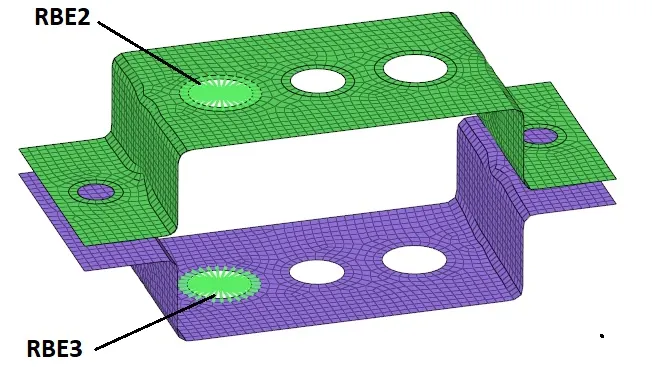
7. 1D > RBE3 > Create > Calculate Node > Node (by Path) > Restrict all DOF
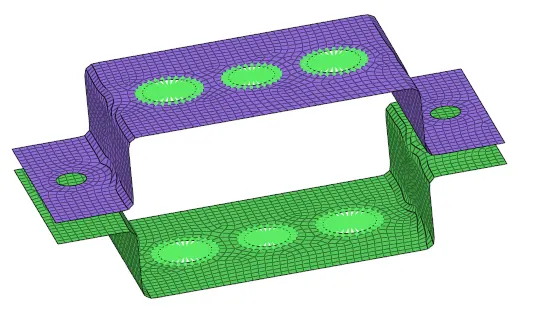
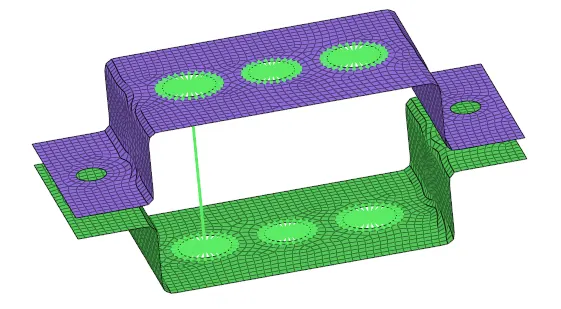
8. Select node > Masses > Propety > CMASS > Weight > Create
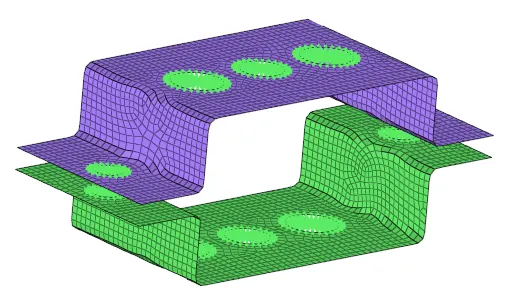
9. Bar > Node A > Node B > Direction > Element Type (C Bar )
10. Bar > Node A > Node B > Direction > Element Type (C Bar )
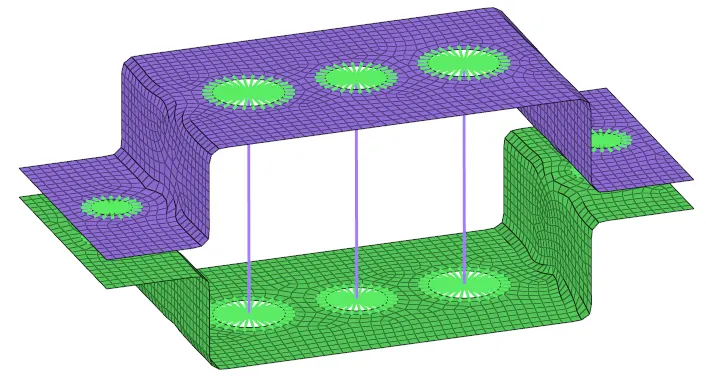
11. Rod > Node > Node > CROD
Create individually Property for ROD, BEAM, and BARS
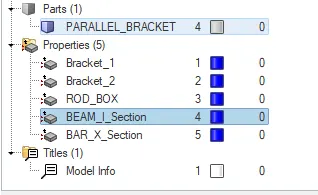
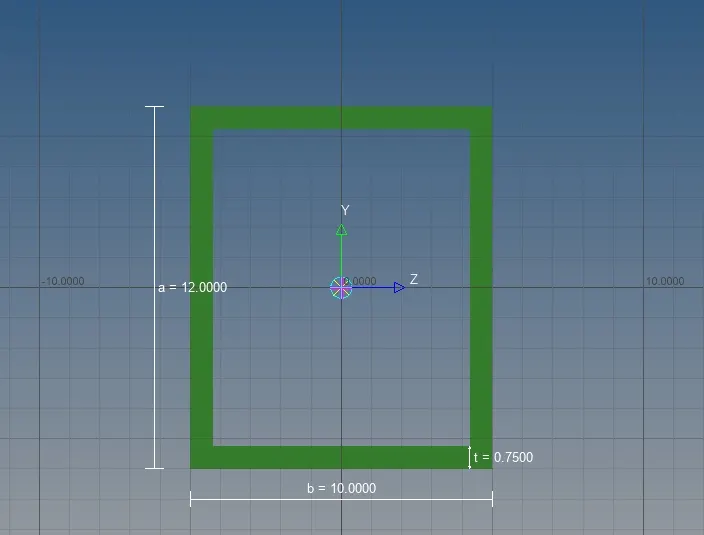
1. ROD > Card Image PROD > Material Steel > Beam Section Box
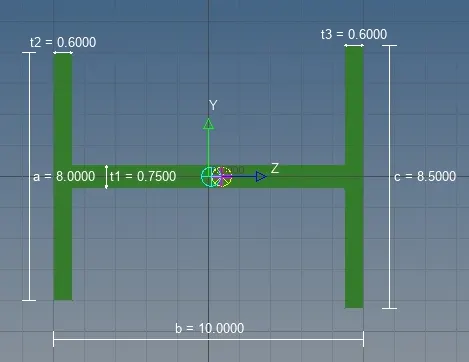
2. BEAM > Card Image PBEAM > Material Steel > Beam Section I Section
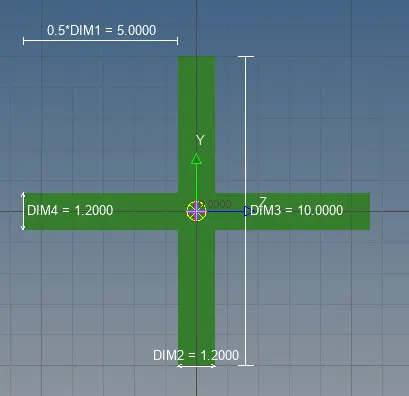
3. BAR > Card Image PBAR > Material Steel > Beam Section X Section
Update 1D Detailed Transition Elements
Spring > Select Node > Select Node > Create