Week 4-1D Element Creation Challenge
Objective: To perform Midsurface operation and mesh for a given CAD Model and create 1D elements with given cross-section and DOF
Procedure: 1. Import CAD Model into the workspace
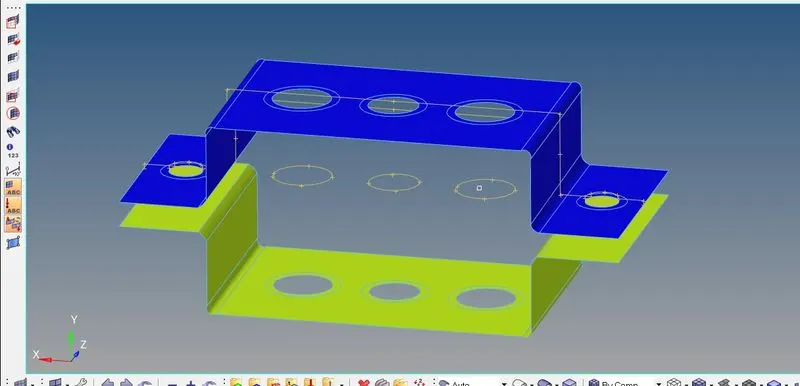
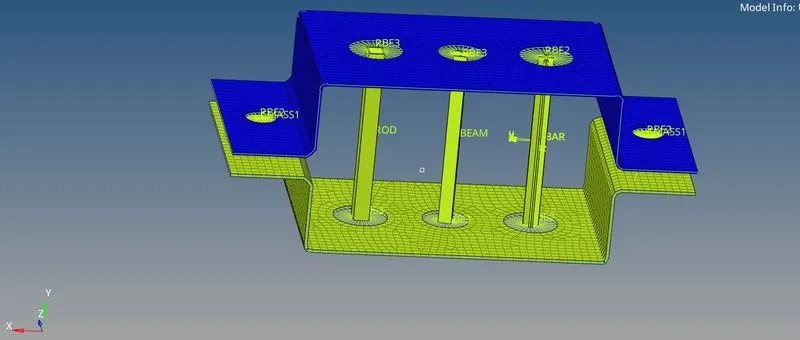
2. Click midsurface and select the surfaces and click auto midsurface to generate mid surfaces for brackets
3. Create Material and assign properties of Steel with Material Card MAT1
4. Create Properties for Individual Brackets and assign thickness of 2mm
5. Create Mesh by selecting Automesh, select surfaces, type of mesh, mesh size and create.
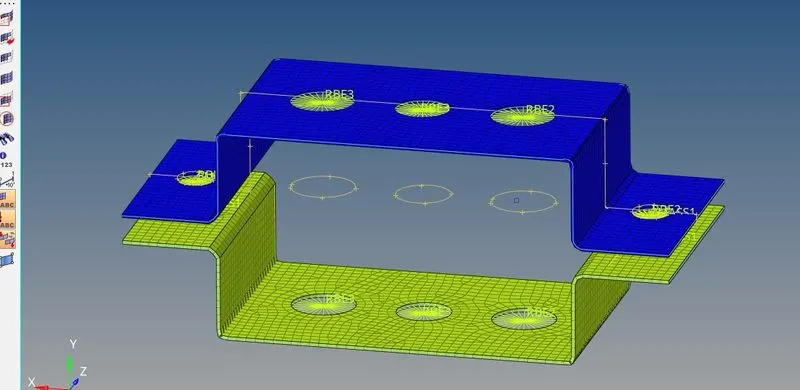
6. Create Bar, rod and beam elements by selectibg respective nodes. create masses and spring elements by selecting respective loads and values.
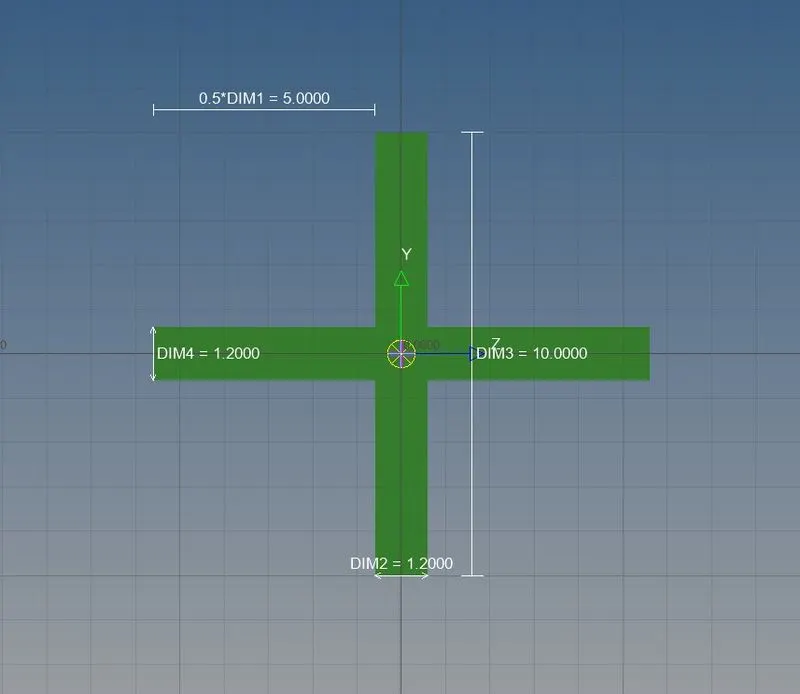
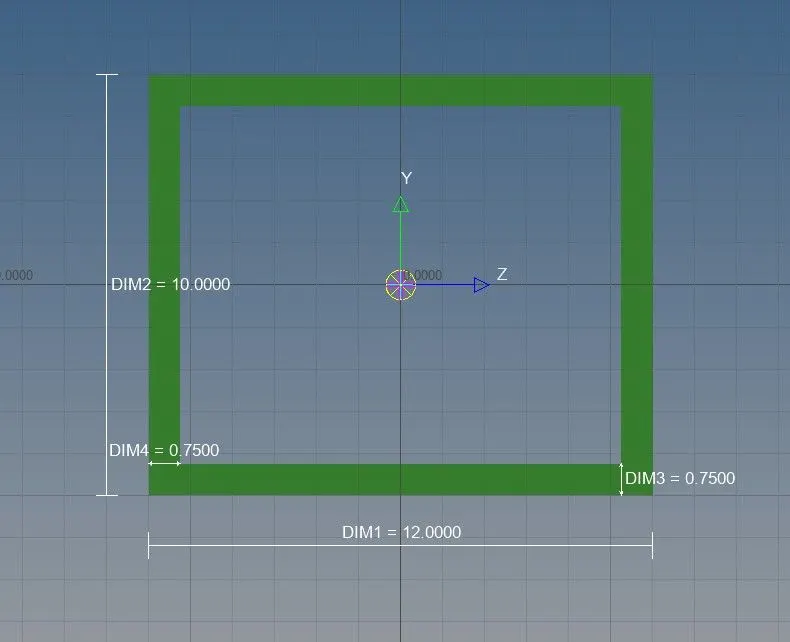
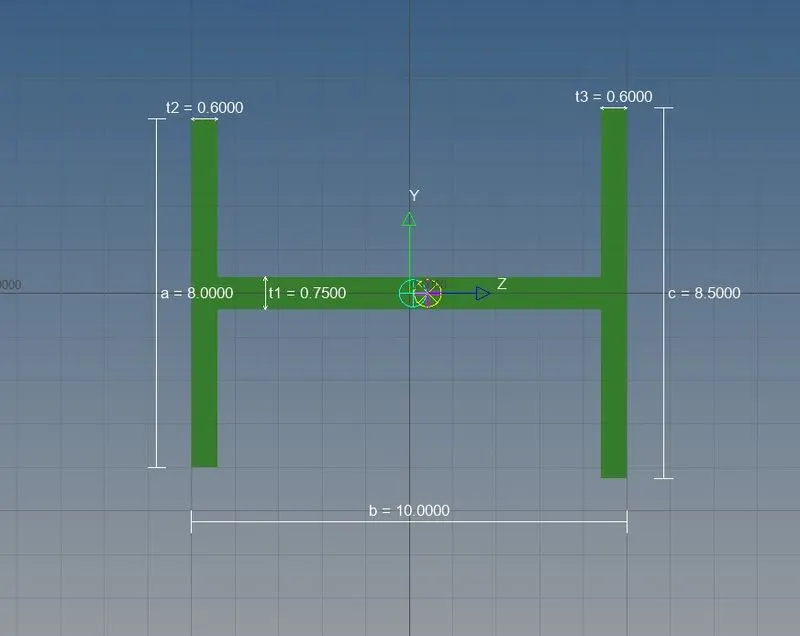
7. To define cross-section, select hyperbeam, then select standard section and then choose thin walled box, standard I section, Cross for the required cross sections.
8. Create Properties for Bar, Beam and Rod and assign the cross-sections to them.
9. Update the bar, rod and beam elements with their respective properties.