Week 4-1D Element Creation Challenge
Aim –
- Extracting the mid-surface geometry from the provided model
- Meshing the mid surface with the size of 5 units.
- Create 1D elements that are informed and create links of the cross-section with the same.
Objective-
- To better understand the usage of Hypermesh commands.
Process –
- Import the IGS part into the hypermesh using the import command.
- Study the geometry of the parallel bracket and overview the components.
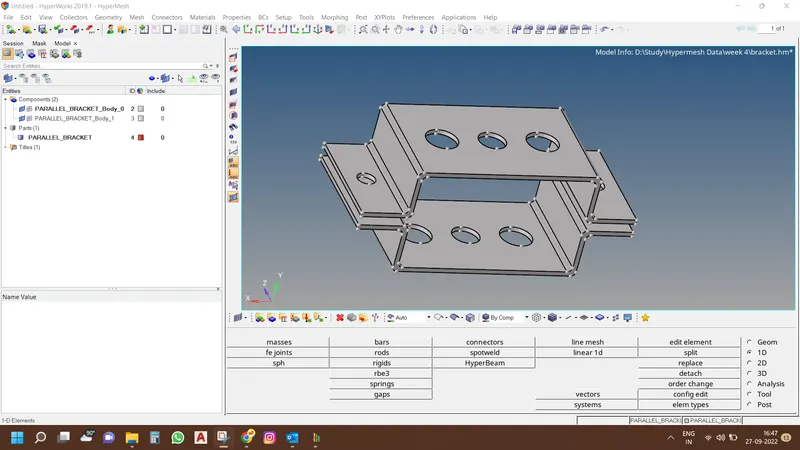
- Using midsurface command create two midsurface with new components and delete the solid parts for avoiding conflict between surface and solids.
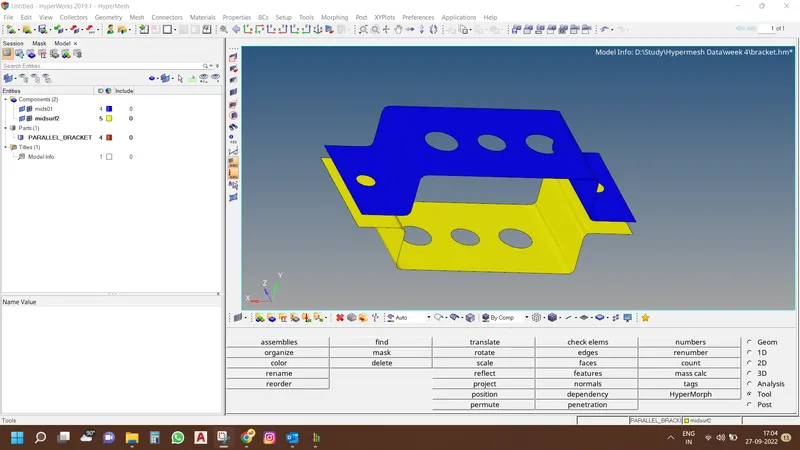
- Using some simplification tools for better meshing results like washer split.
- Provide material and properties as steel required for definition.
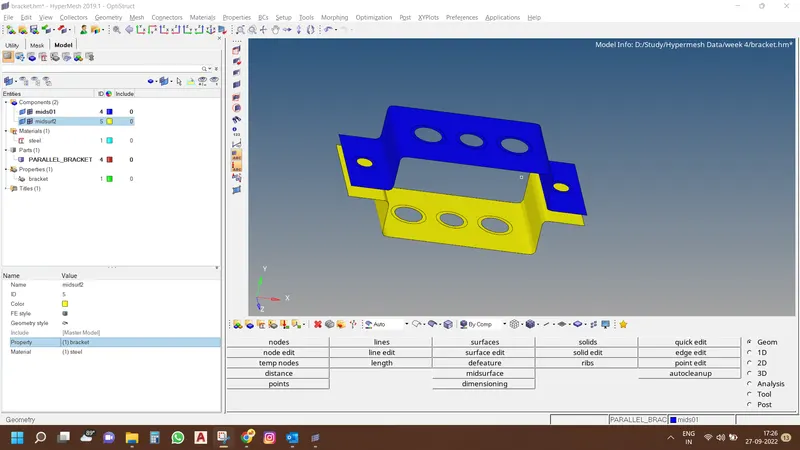
- Meshing both surfaces of size 5 units.
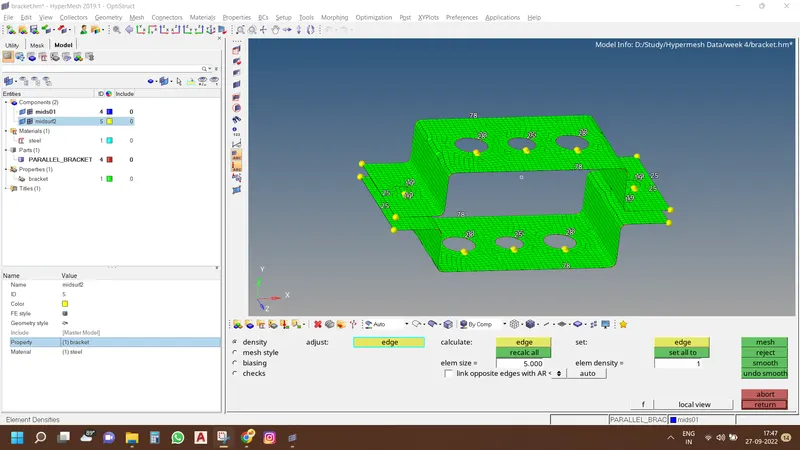
- Increase the number of nodes at circular holes to better alignment of mesh at surfaces.
- Define cross section as requested and provide them material.
- Creation of links of RB2 and RB3, spring types.
- Providing every link the cross-sectional properties as per the requisite.
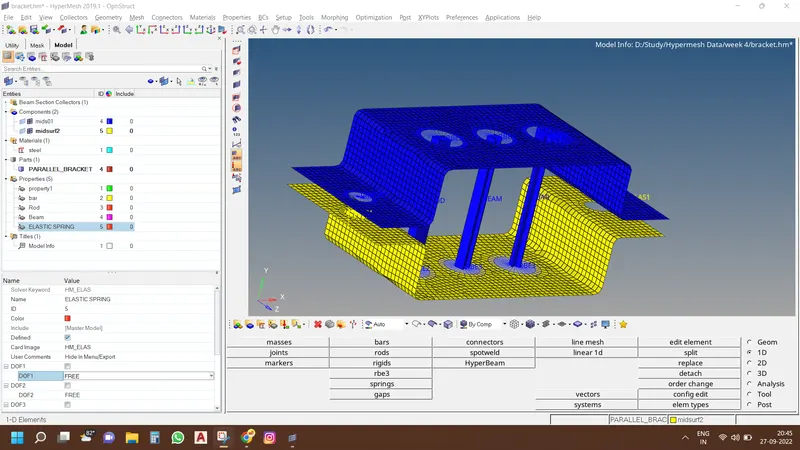
- Change the element representation from 1D Traditional to 1D detailed element representation for better viewing of the results.
Conclusion –
All components are meshed and linked with proper 1D elements as per required.