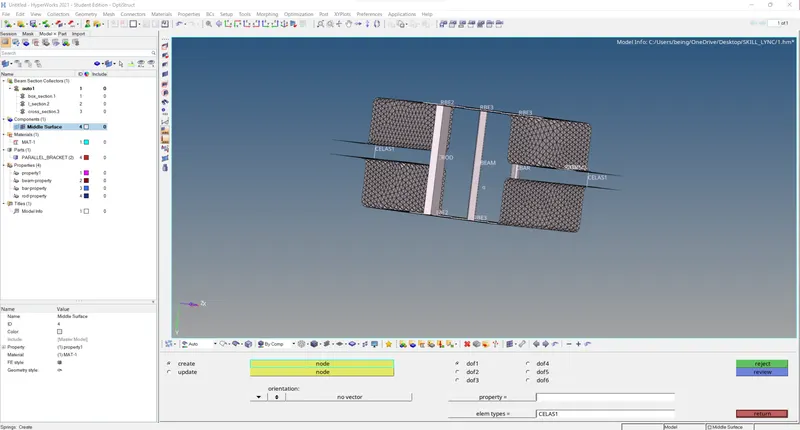
Week 4-1D Element Creation Challenge
Solution:
Mid surface extraction and Meshing
Step 1: Import the geometry
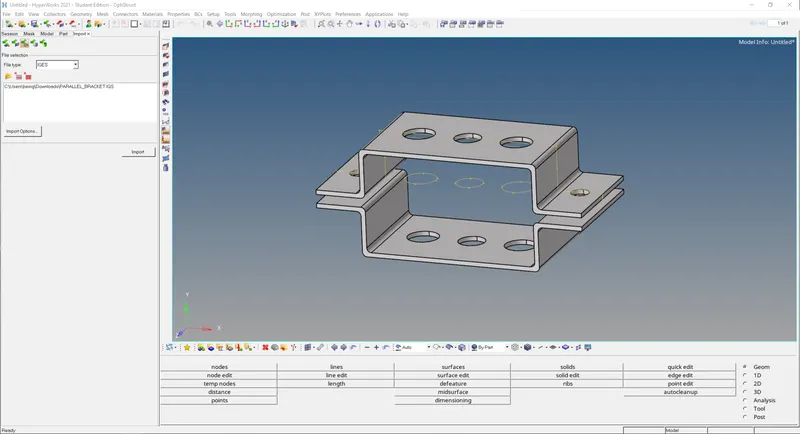
Step 2: Extract the mid-surfaces and delete rest of the components except the mid-surfaces
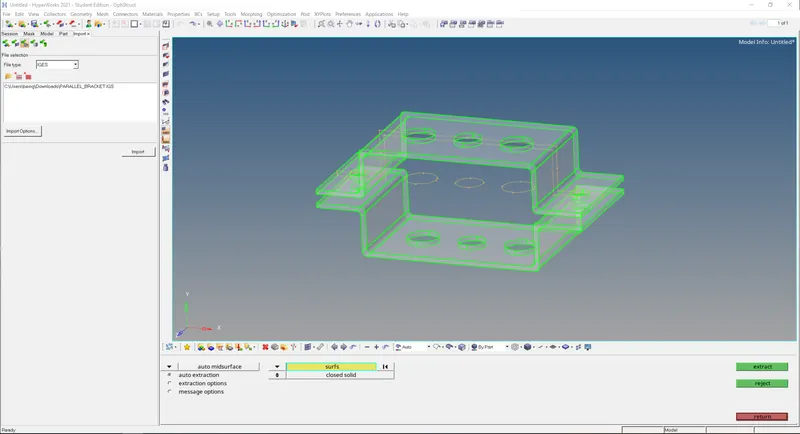
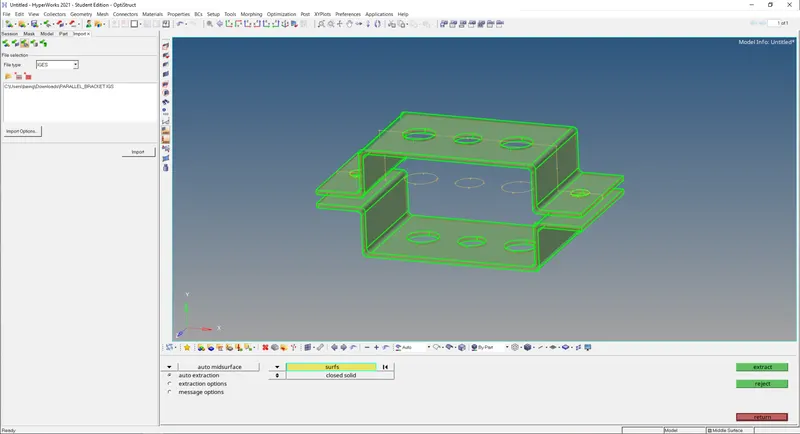
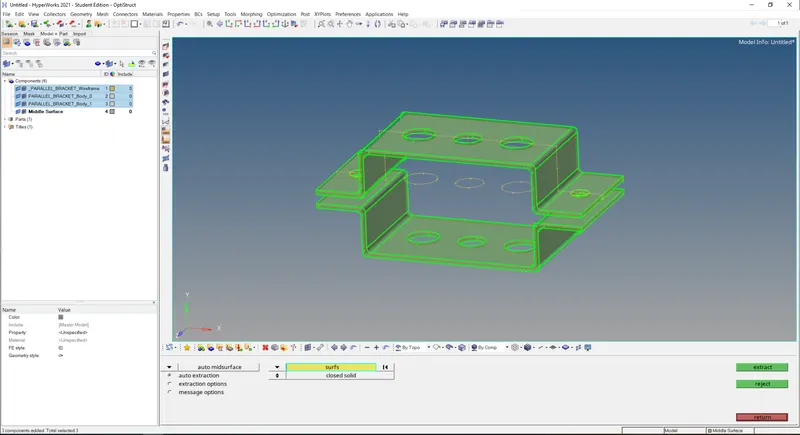
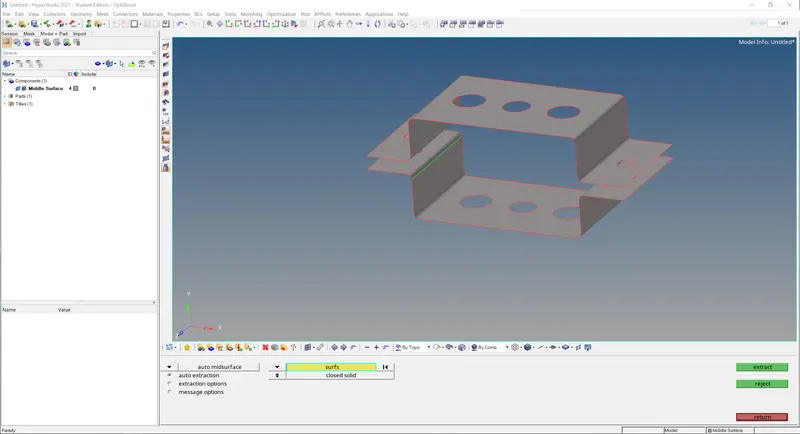
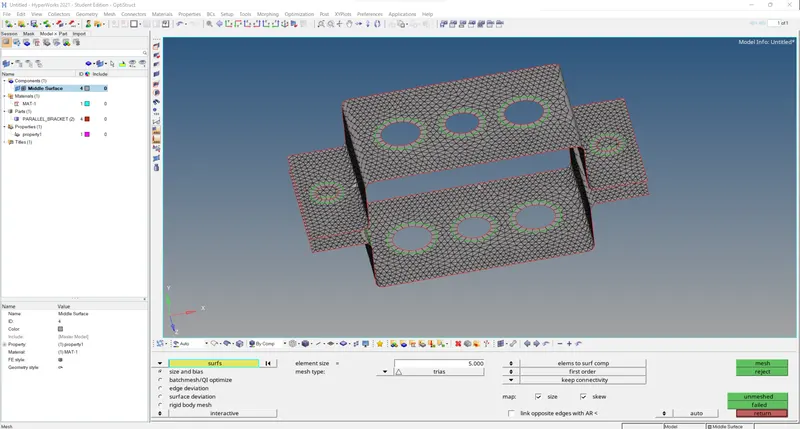
Step 3: Assign material and thickness Then split the holes region and do quad mesh in that region:
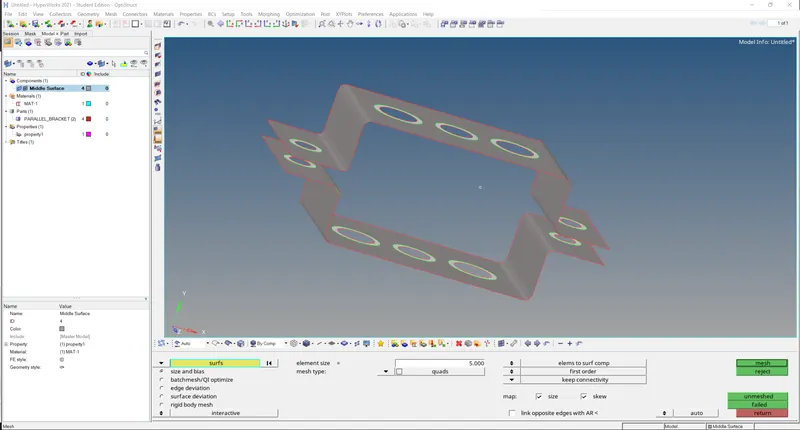
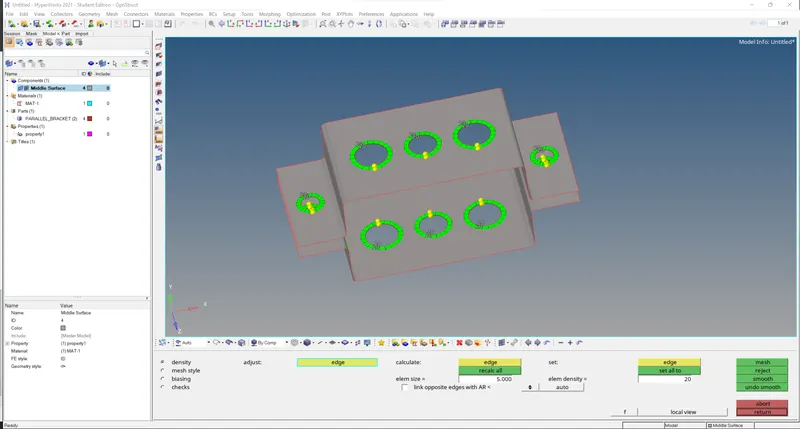
Step 4: Now meshing remaining portion with the tria elements
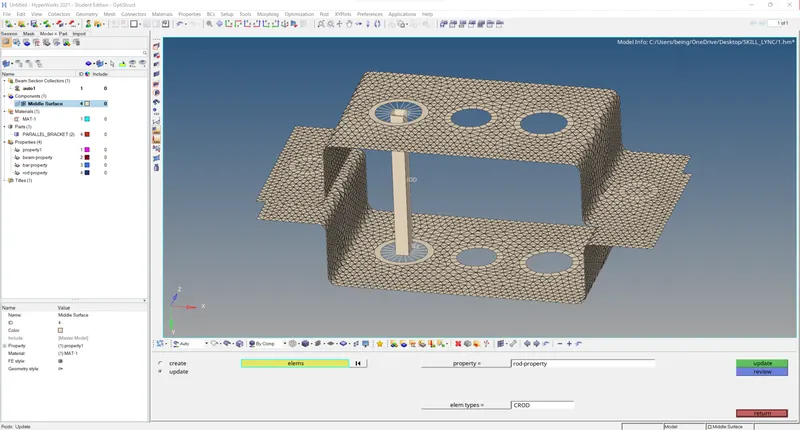
(a.) Rod element
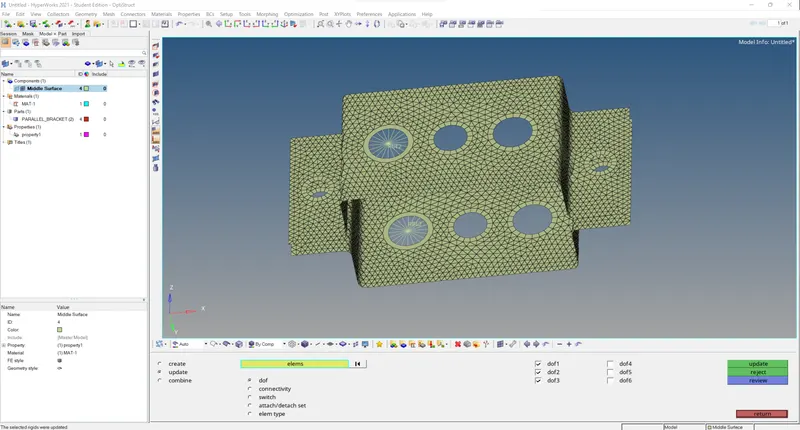
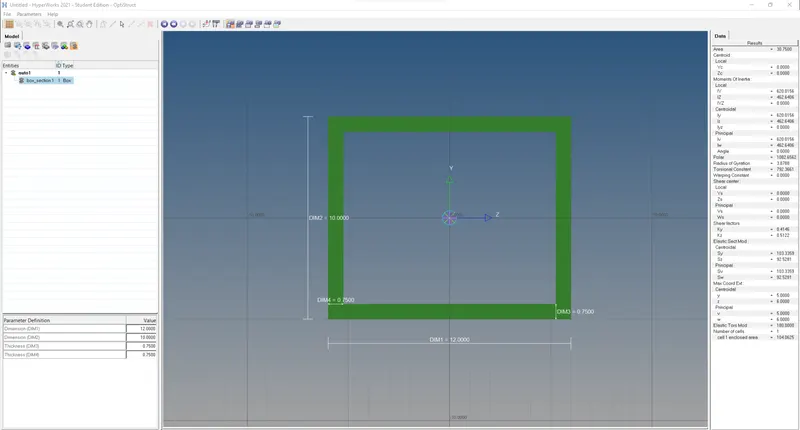
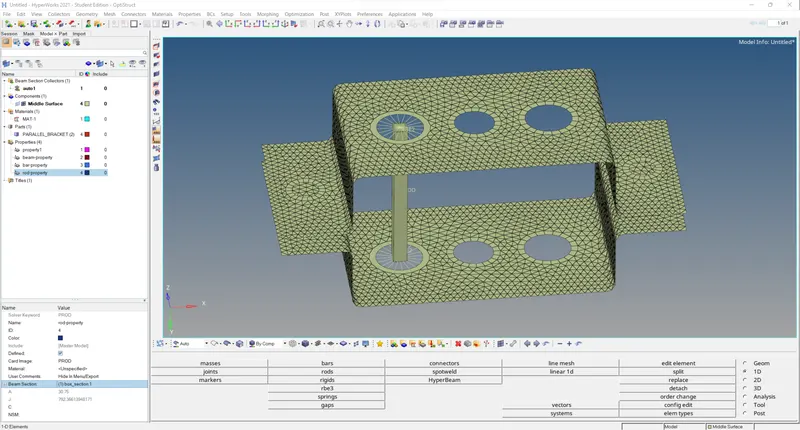
Step 5: Create RBE2 with constrained translational DOF at loc (a) as shown in question and create rod element then go to hyper beam to create the box cross section and then create the rod property and assign the cross section to the type
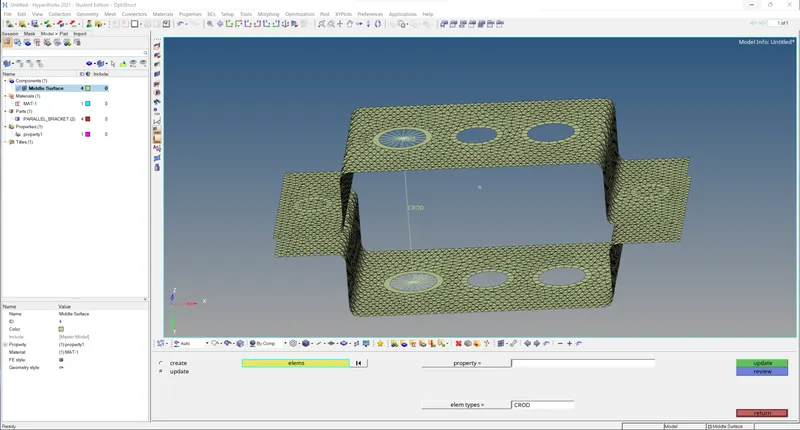
(b.) Beam element
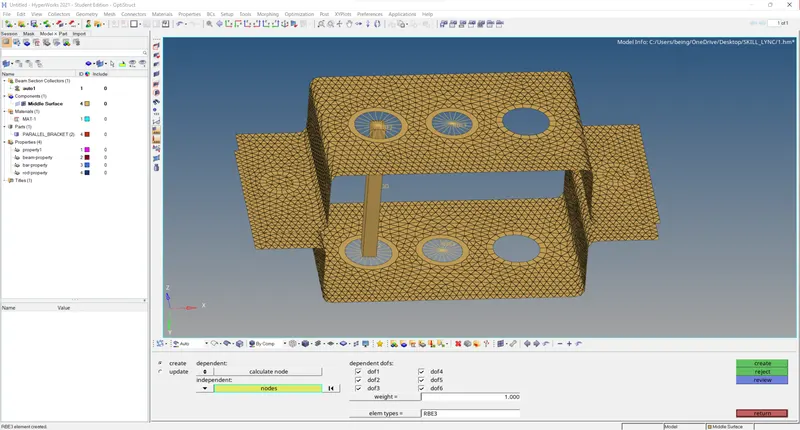
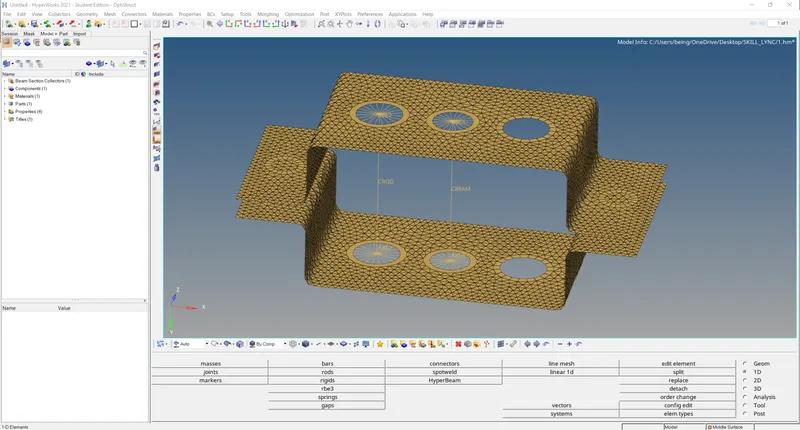
Step 6: create the beam element with all DOF constrained by RBE3 at shown location, then define the I cross section with hyper beam and assign it to beam with beam property
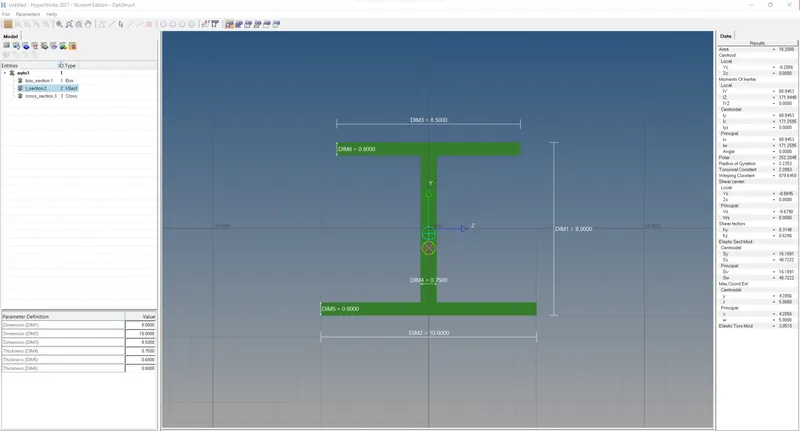
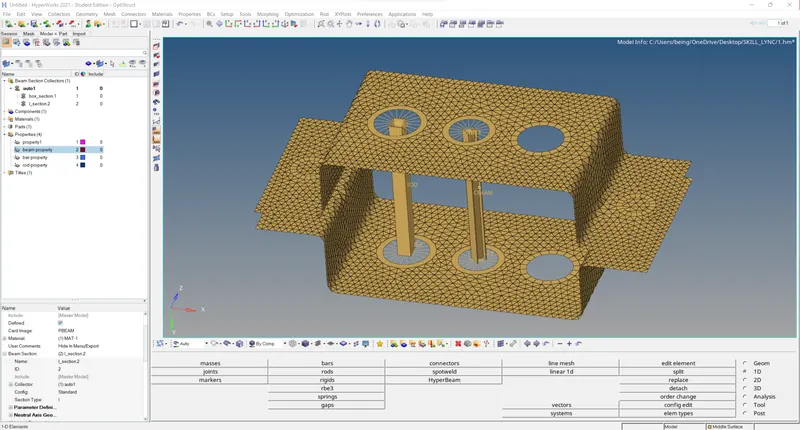
(c.) Bar element
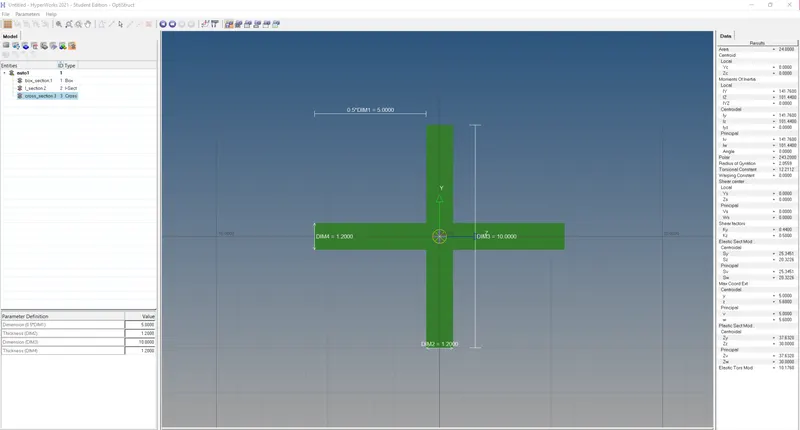
Step 7: create the bar element with X, Y DOF constrained by RBE3 at shown location, then define the X cross section with hyper beam and assign it to beam with bar property
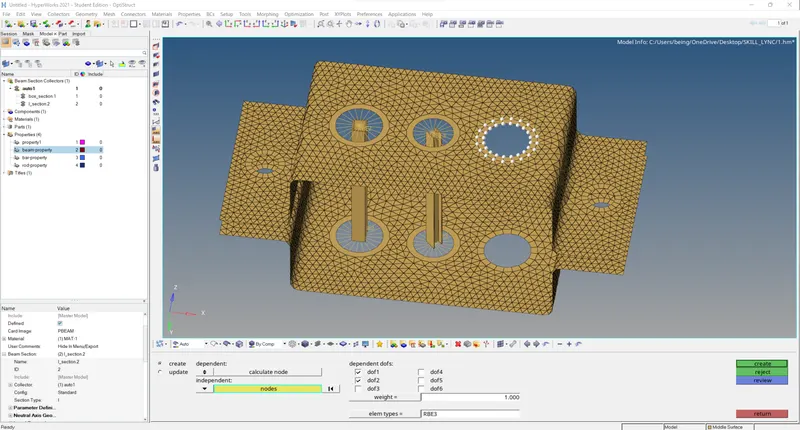
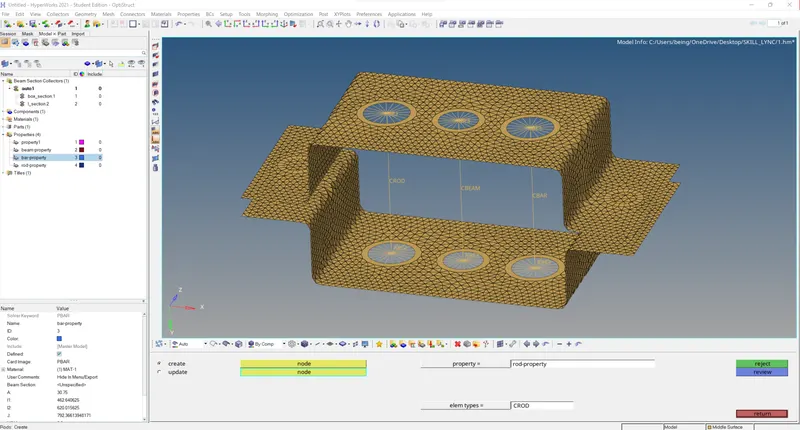
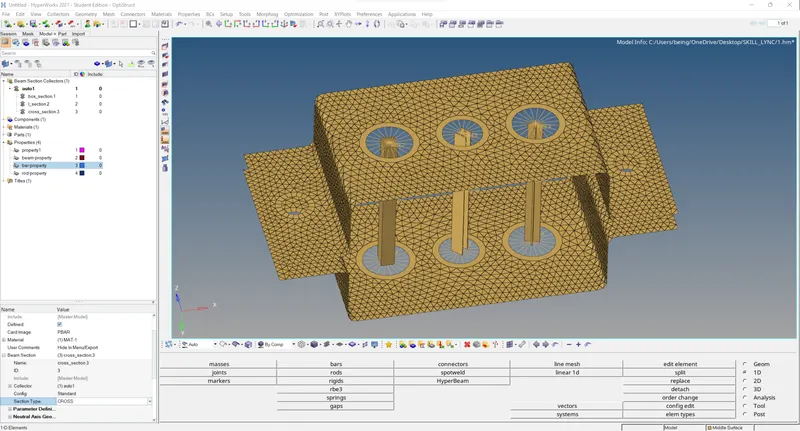
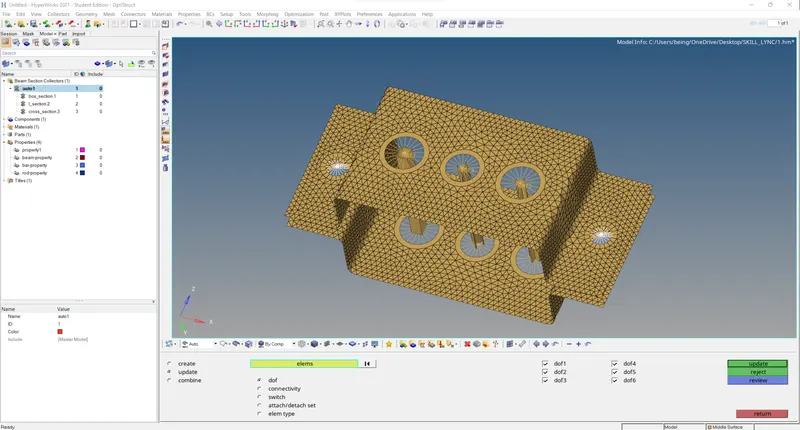
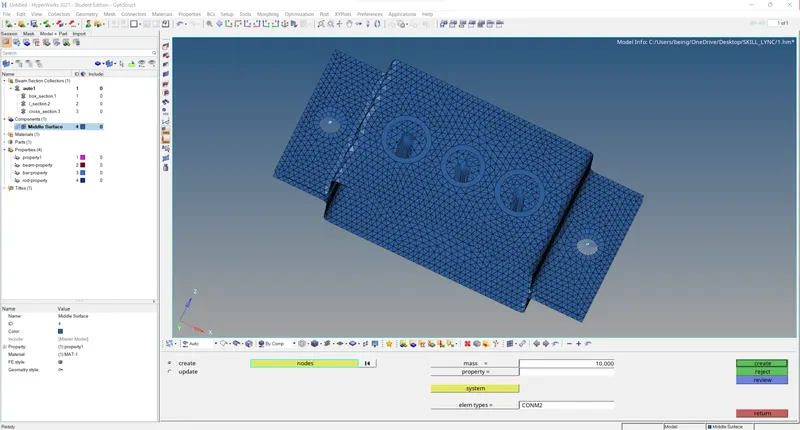
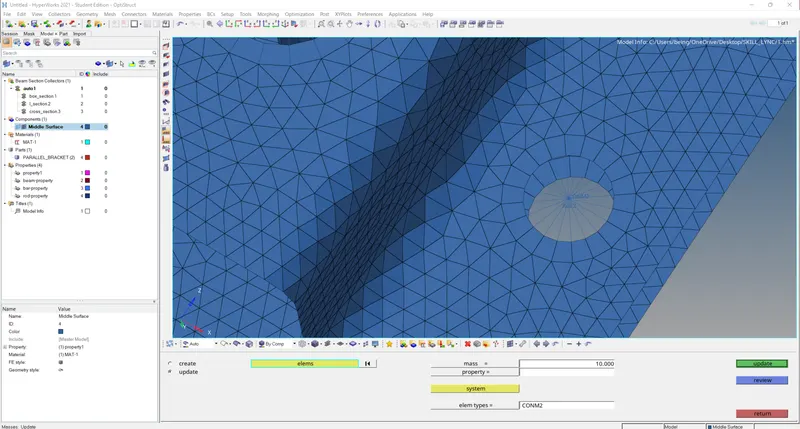
(d. and e.) Apply the mass of magnitude 10 with the RBE2 link as shown in question image location
Create RBE2 at d. and e. locations and then assign mass to the node
(f.) Spring elements: created springs between two nodes on each location (f) as shown in question