Week 4-1D Element Creation Challenge
Objective:-
To Study and Understand the procedure and practically perform various operations on the given model.
Procedure:-
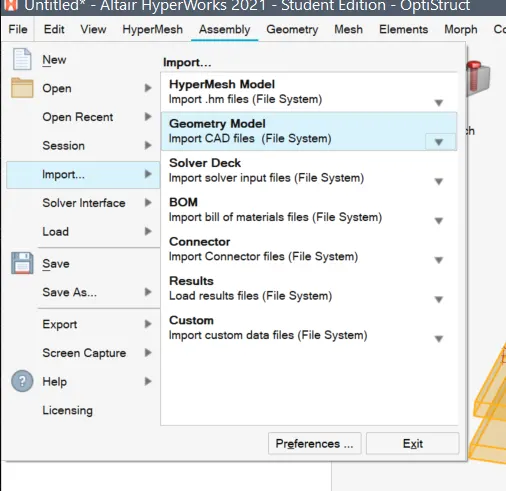
- Importing the IGS file
- Performing the automatic cleaqnup
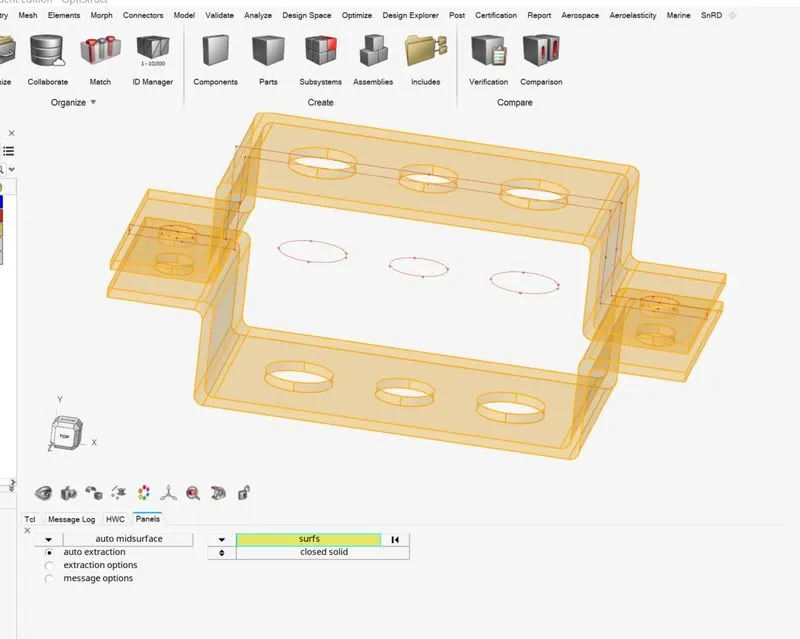
- Following this in order to better mesh the geometry, we can remove the curved edges i.e fillets from the model.
- The defeature option is used to remove the fillets .
- To reduce the overall complexity and time, we can convert the 3D geometry to 2D
- The midsurface option is used . While performing this operation, we need to carefully perform the operation by dividing the two brackets and creating two seperate mid surfaces .
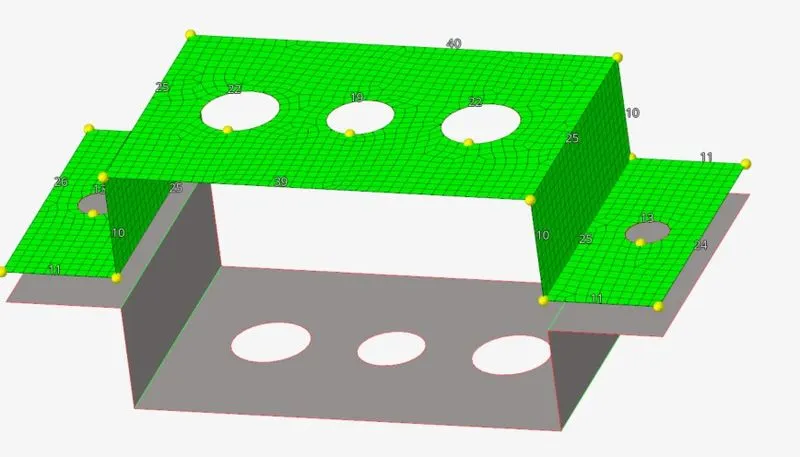
- doing so will allow us to mesh the surfaces individually . this is more important when multiple dissimilar components are present.
- Then we use the quick edit tools to make the washer splits and perform the 2D automatic mesh generation .
- There are various options and based on requirements we use this tool and perform mesh cleaning options by seting the element sizes and divisions .
- after performing the cleanup.
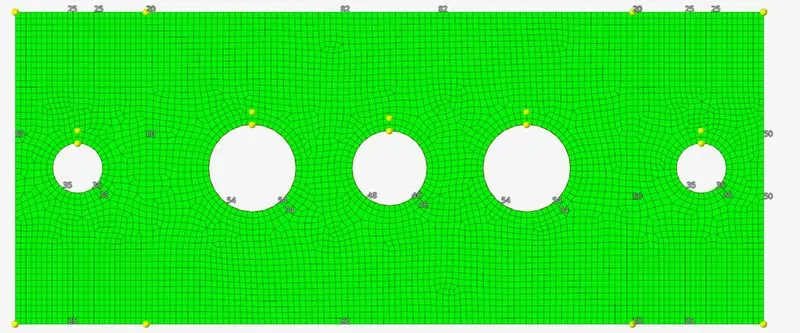
- we then add the properties and the material to the two selections and can define the two bodies to have varying thickeness and properties
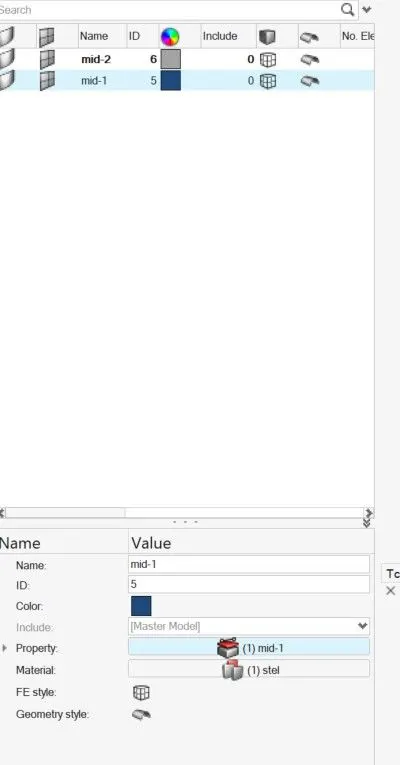
- Then under the 1D element options we first set up the 3 grooves in the center to have the RBE2 and RBE 3 elements
- These are rigid body elements that either distribute force uniformly RBE 2 among all the nodes and adds stifness to the orginal body .
- Wherase RBE 3 will distribute the loads according to distance and dont add stifness . both have 6 DOF i.e x,y,z translation and 3 rotational .
- each can be coustomised .
- after seting this up we use the bar and rod in 1D elements tool bar to make the three elemets bar , beam , rod .
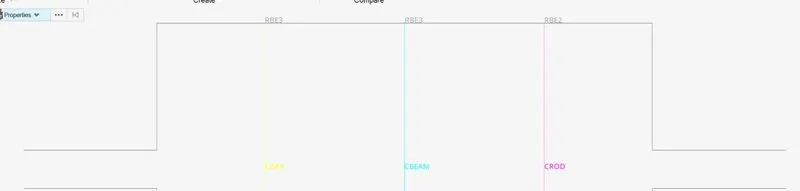
- then according to the data given we set the 3 elements dimenstions
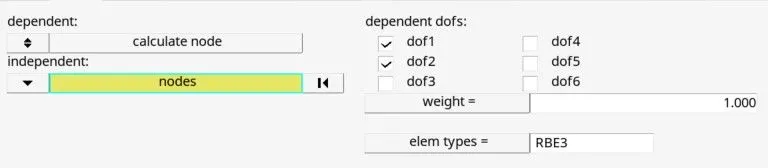
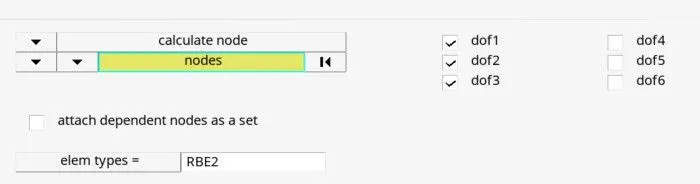
- After setting this up we configure the 3 elements based on the given data
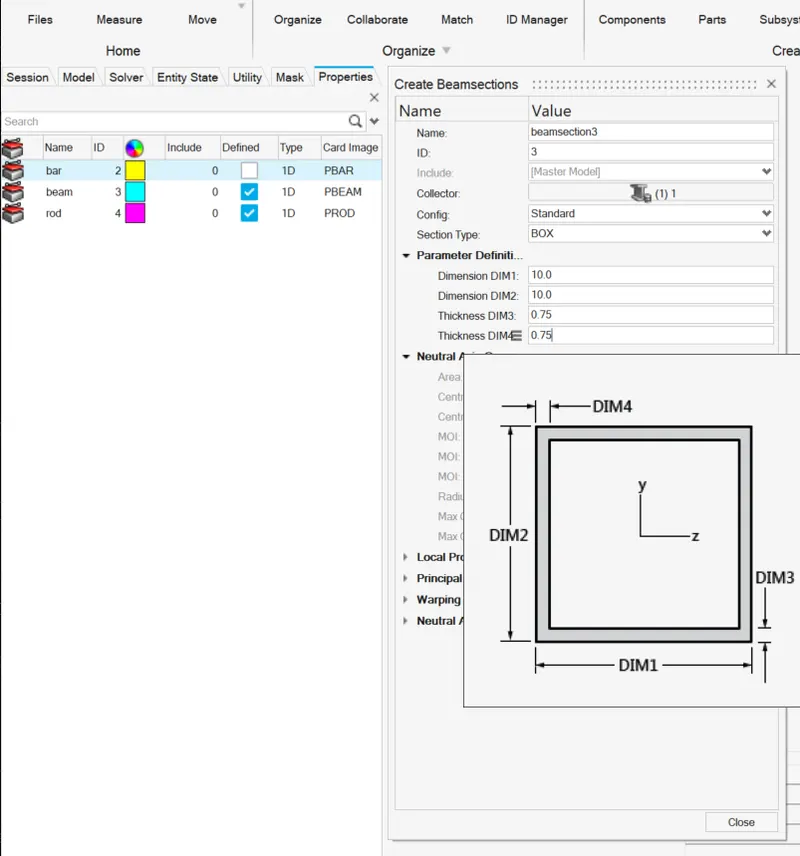
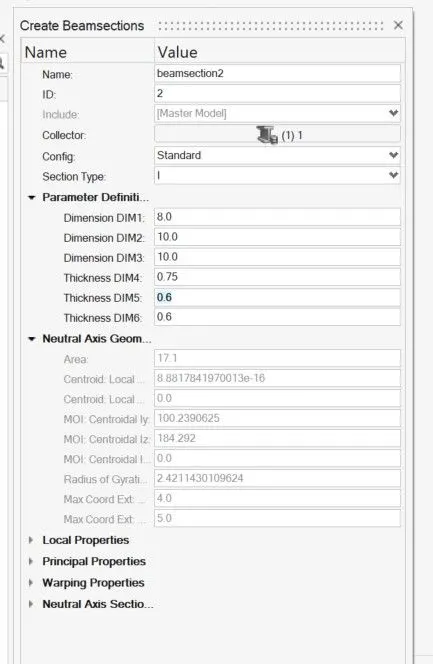
- then the colors can be set and updated and the display for the crosection 1D elements can be turned on
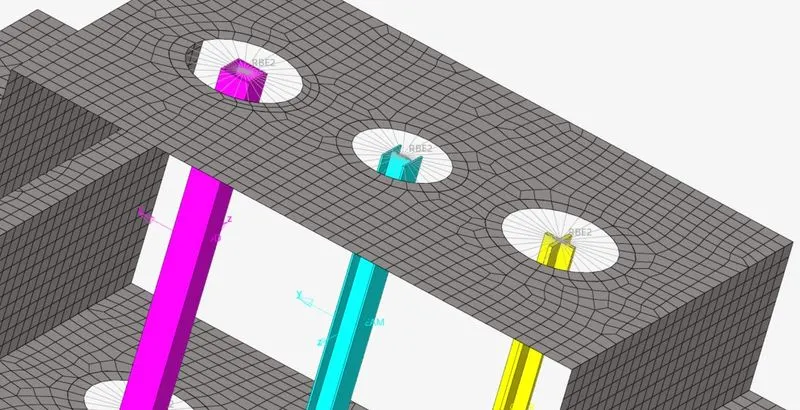

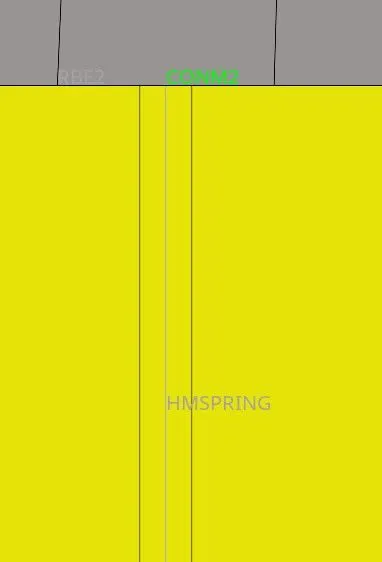
- Spring element is made in the same way as bar , rod or beam . in the 1D elements the spring tool can be used to create a variety of springs
- the mass tool can be set to apply a mass on the nodes . CONM2 isthe mass defined her .
Errors and problems:
- As the version in the vedio lectures and new edition have some major asthetical changes , required a greater learning curve .
- had problems selecting the RBE elements properly .
- had trouble displaying the sectional vies and updating the beam element properties.