Week 4-1D Element Creation Challenge
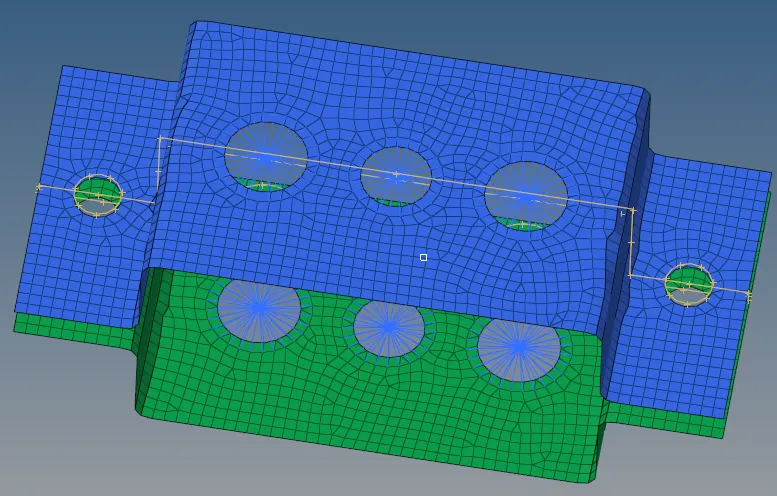
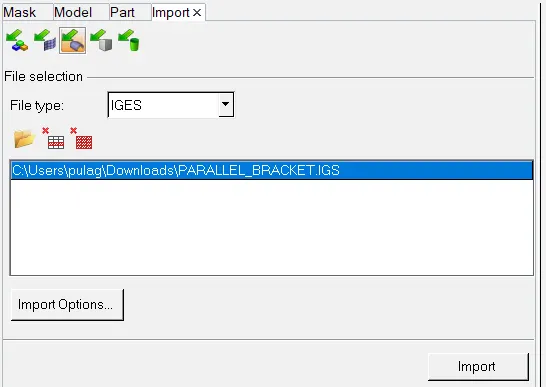
import the geometry as shown in below picture
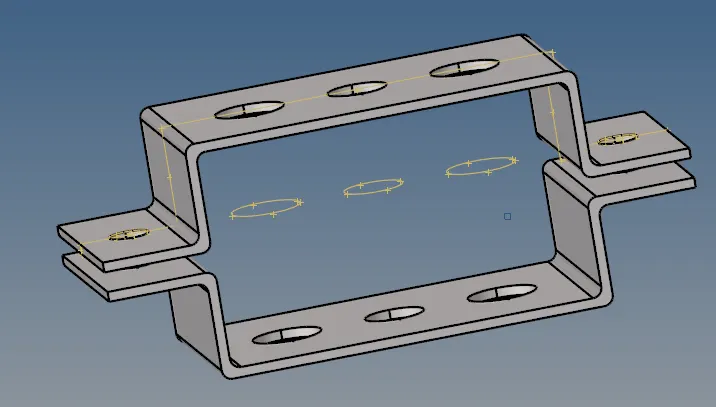
Here is your geometry
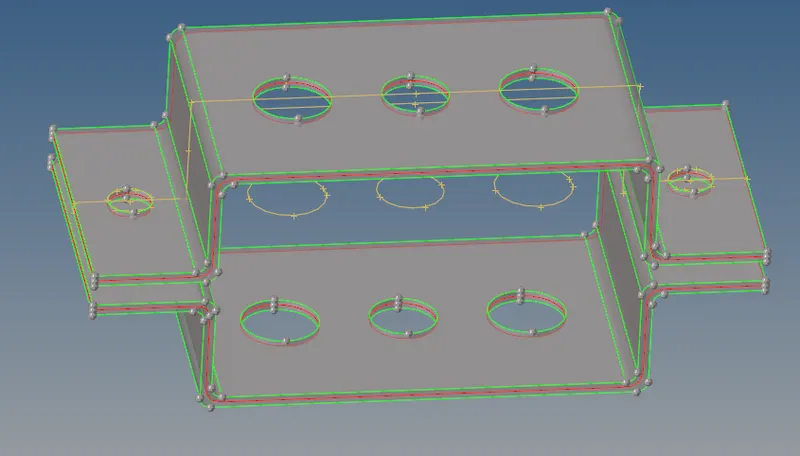
Now go to geometry and click on mid surface and create the midsurafe
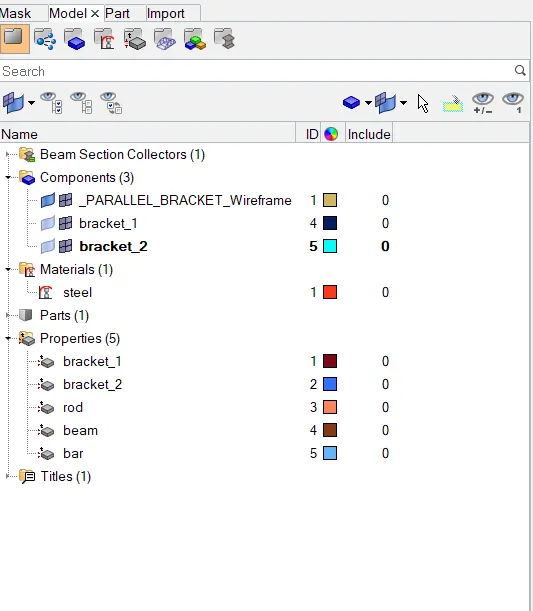
now go to delete option and select solids and delete all solids and delete parallel pbackets adn assigh the colour and create a duplcate bracket adn rename it as you wish 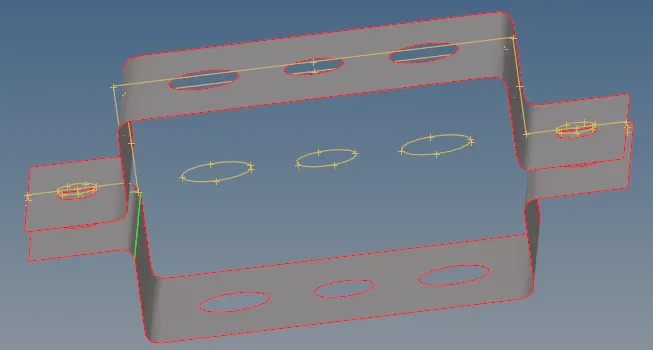
now assign the bracket to in to one by going into tools and then click on orginize and choose bracket 2 and assign to move
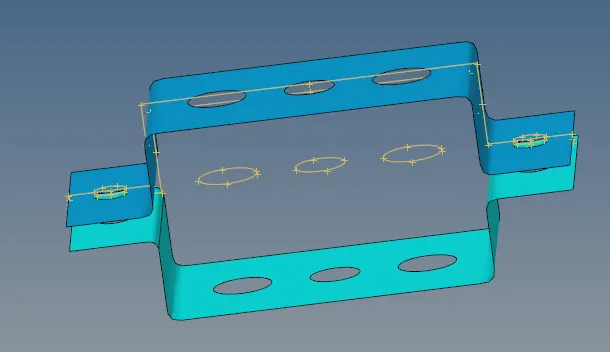
now give the material as steel and property as brackets and assign them with material and thickness as you were offer to do
and then create a washer split of 5 mm and mesh it with given units and correct the mesh
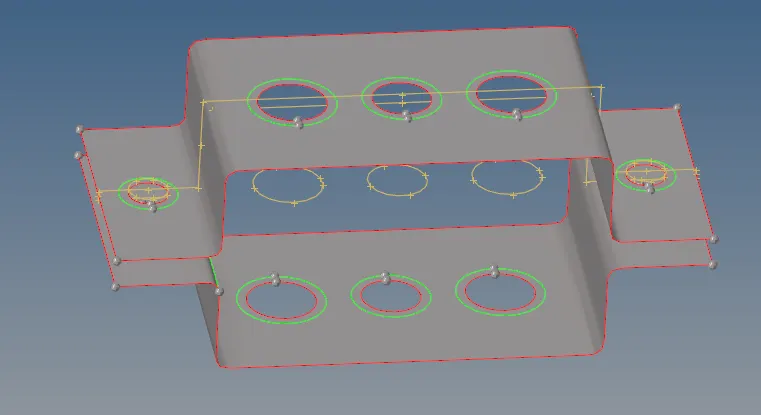
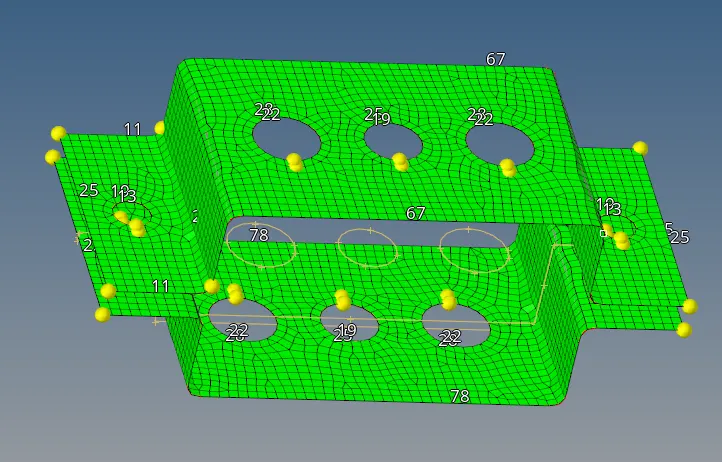
now make a proper mesh by increasing or decreasing the nodes value
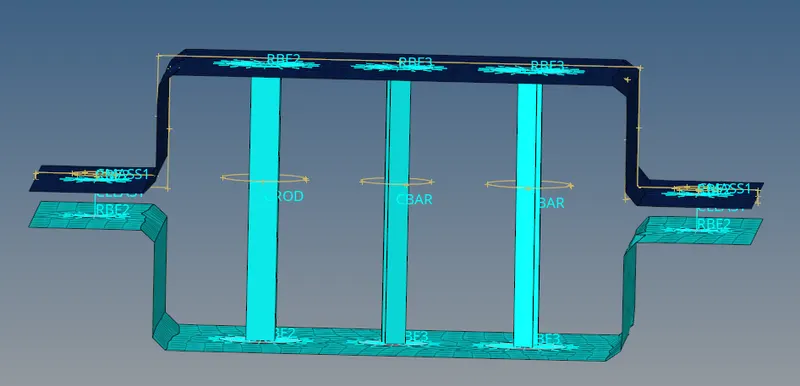
now with the help of rbe2 and rbe3 elements create the elemets where you are assigned to do with the apprropriate DOF
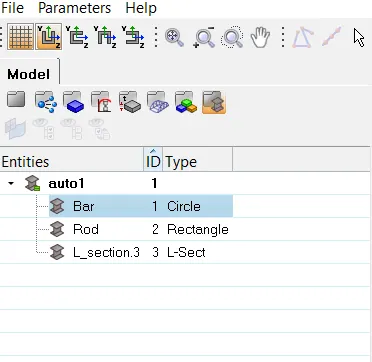
now go to hyper beam and create bar, rod and beam with given values and assign them with the brackets as well as spring elements
elemets