Week - 3 Drop test Challenge
Objective:To create an input deck from begining.
Procedure:
As .k file contains only node numbers and element types I have to create all deck information from the begining.Hence import the given file in LS prepost and open the keyword manager.
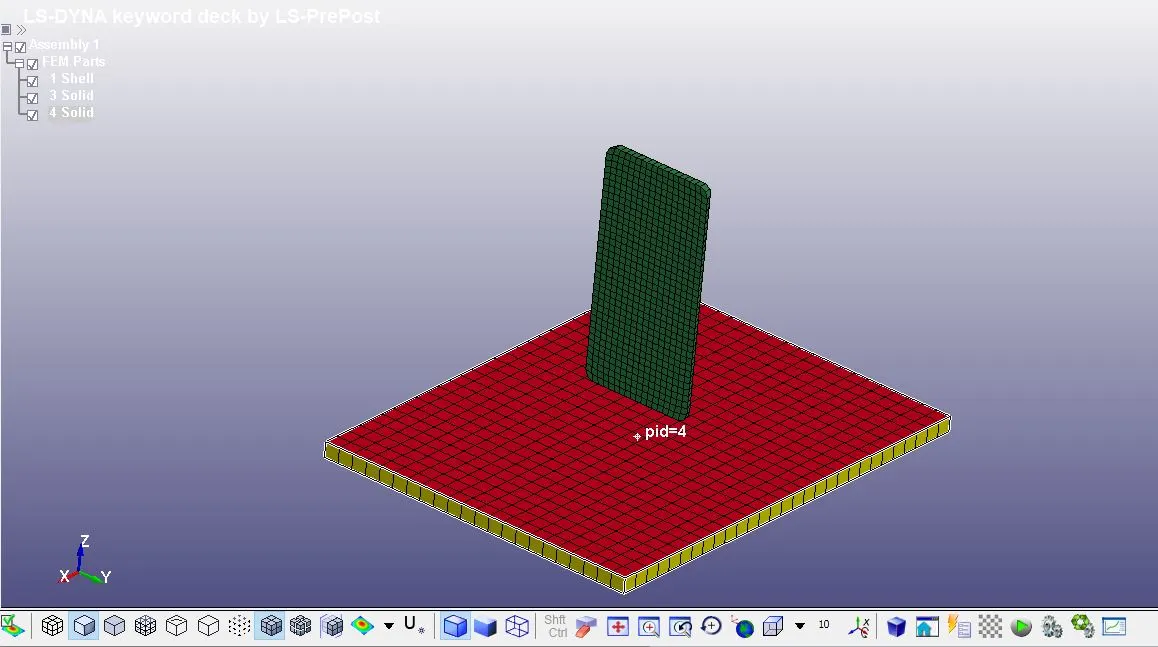
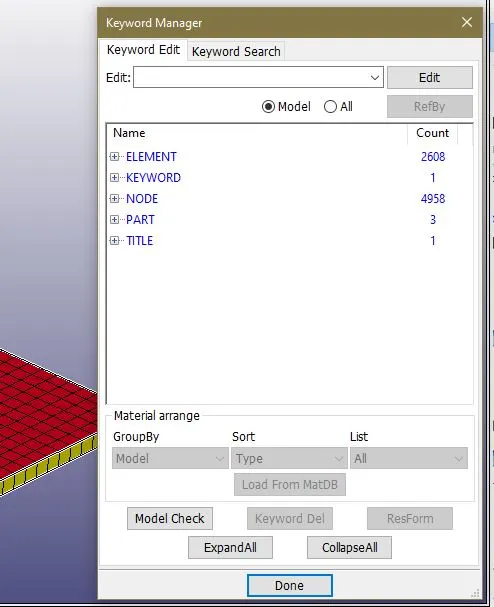
2)Here in this case need to import the only mesh drop test model into the LS Prepost.For that open LS Dyna > File > Open > browse for the drop test only mesh.k model>Open.
This will open the mesh model for the drop test in the LS Prepost.Then I need to delete the
Solid ground part from the model.For that Choose Model on side tool bar area > Select KEYWORD > Choose PART Keyword > Open the part keyword CARD >select the
solid ground > delete > Done .This will delete the solid ground mesh from the model.
3)Material Creation:
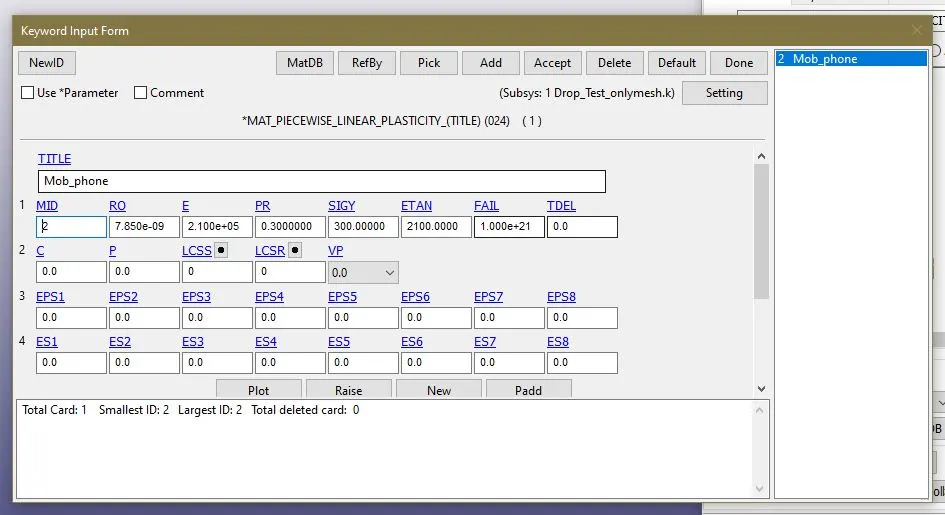
First create Mat_24 material for the mob phone body to do that go to Model on side tool bar area > Select KEYWORD > Choose MAT Keyword > Open the MAT_24
keyword CARD >Select the phone.>Input the values of Rho,E,Etan and Poisson's Ratio in that Card >Accept > Done.
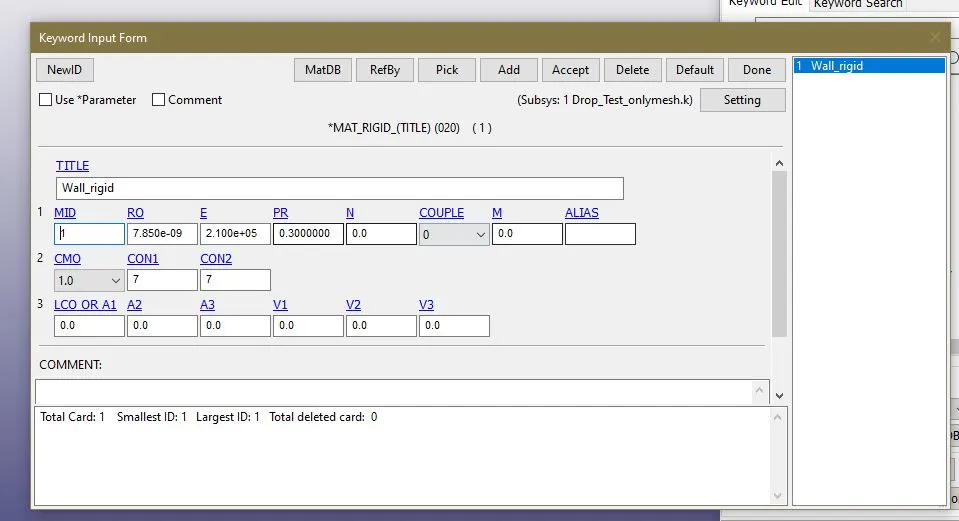
For the ground apply rigid material card and create MAT_20 rigid material by repeating above procedure
MAT_24 Material for phone model
3)Assign section to model:
a)Assign solid element section to phone model.
b)Assign shell element section to ground property model.
This can be done by Model >keyword>place radio button in all > Section >Solid/Shell >Choose the values as shown below > accept >Done
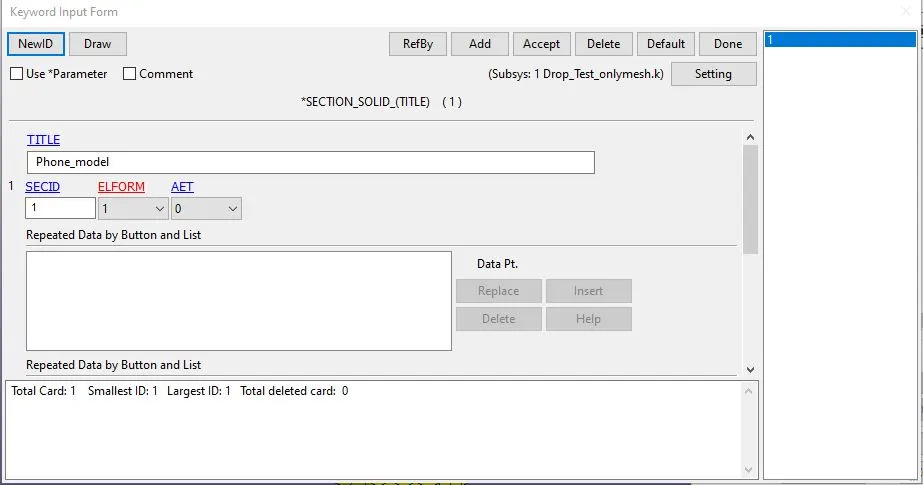
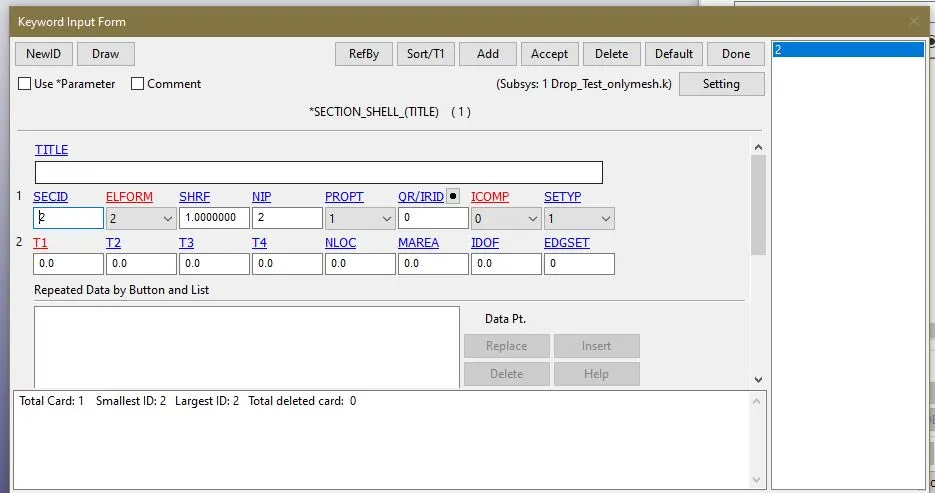
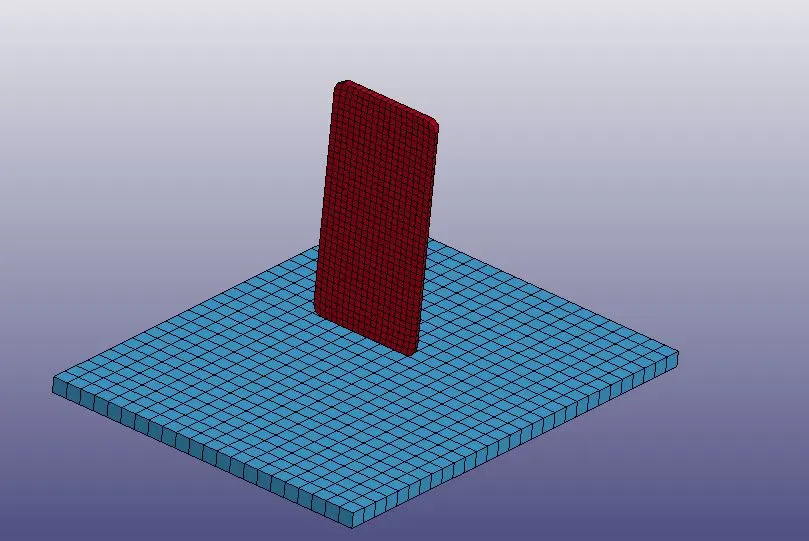
Then we can open the part keyword and we can asisgn these section and material to the respective parts.this can be done by Model >keyyword>place radio button
in all > part > Assign the material and section ID s >Choose th values as shown below > accept >Done.
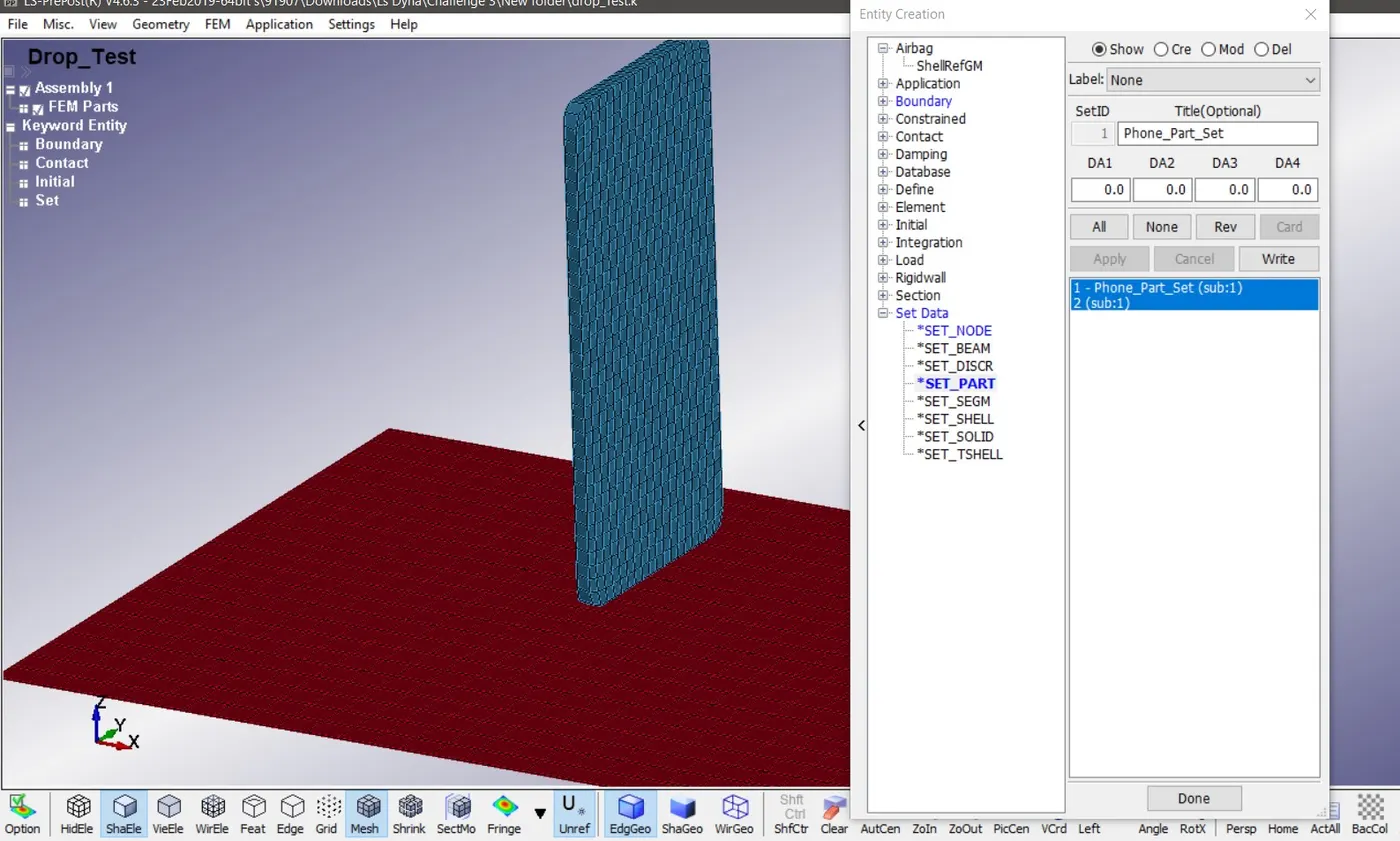
4)Similarly need to give the contact and also need to apply the velocity to the whole phone model.In the contact creation we need to make the contact Automatic Surface to surface .But for making this contact we need to have a PART SET for the component which we intended to make the contact.To create PART SET we can use Model >Create entity > SET DATA > SET_PART >Place the radio button in Create >pick the part > APPLY.This way we can create the part set for both the ground and phone.
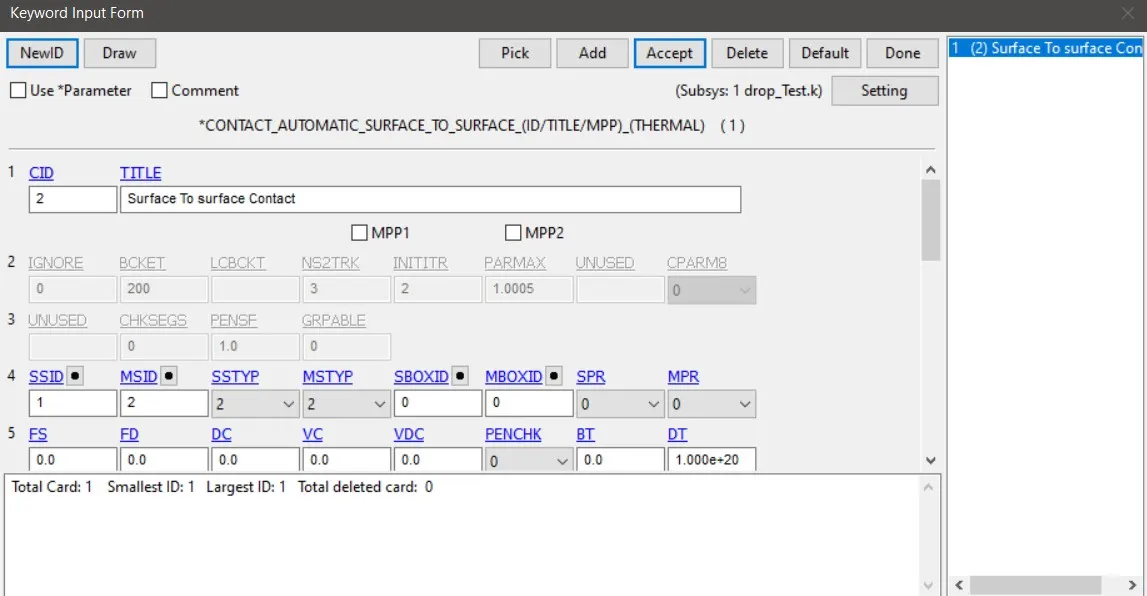
5)Then go to Keyword > Choose the radio button in ALL > Choose CONTACT keyword >Select the Contact Automatic Surface to Surface. Choose the SSTYPE and MSTYPE as 2 which is basically allows us to selct the part set to create the contact> select phone part set in slave ID and master part set in Master ID > ACCEPT >DONE.
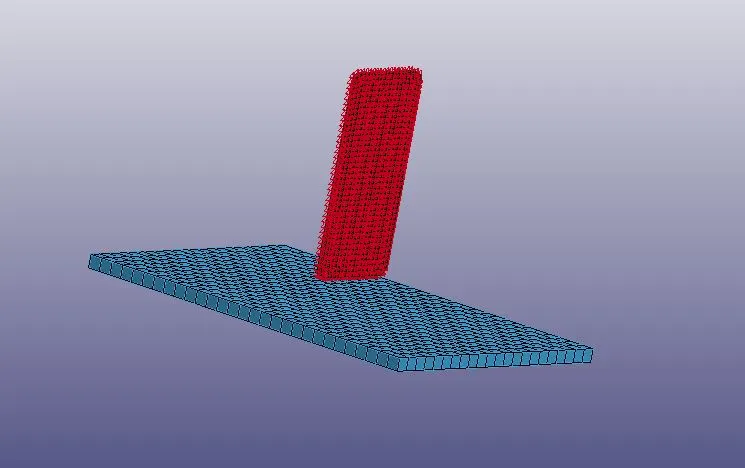
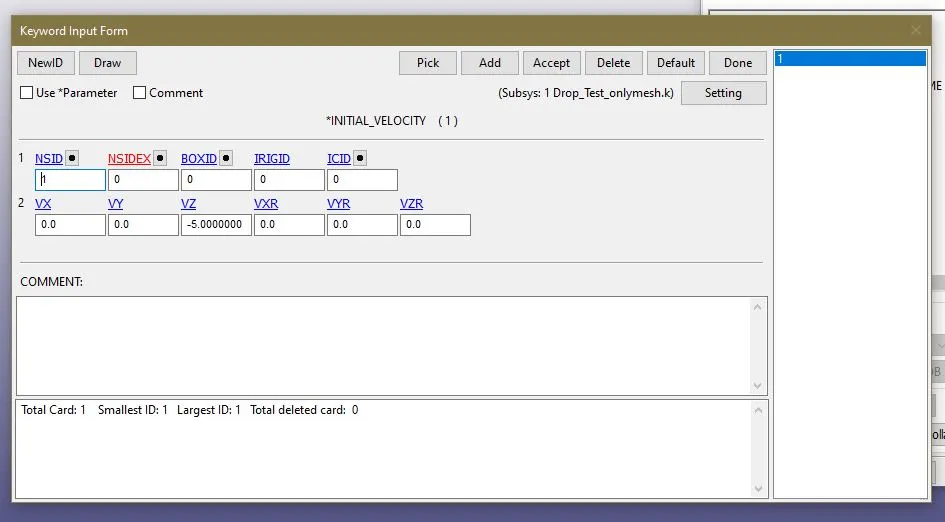
6)Similarly need to create a NODESET on the mobile phone PART to assign velocity to it.In drop test basically velocity at the point of impact is v = √2gh . But for this to apply we need to have the idea of where the centre of gravity of phone. then only we can adjust velocity at impact by adjusting the height of the phone centre of gravity.But this challenge intends to give us a idea about creating a solver deck from scratch we can give an intial velocity which is constant to the phone until the impact happens.So this can be given by INITIAL > VELOCITY > ASSIGN THE NODE SET ID > GIVE THE VELOCITY AS -5 as the velocity is in negative z axis
>ACCEPT > DONE.
Initial velocity card applied.
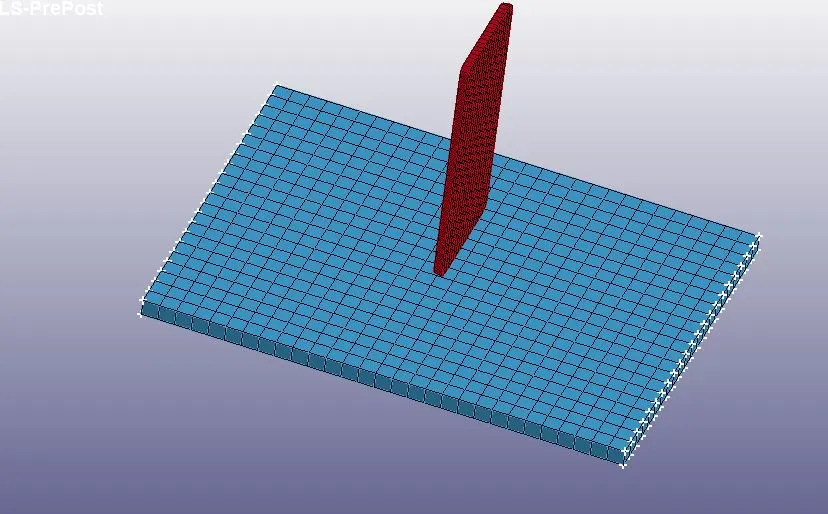
7)Then need to create a single point constarint SPC on the ground .For that create entity >Boundary > Spc > pick the nodes at the opposite edges of the ground mesh elements>Apply.This will create a NODE SET with those selected nodes .Then open the INTIAL > VELOCITY>ASSIGN THE NSID >GIVE VELOCITY IN Z Axis as -5 mm/ms > APPLY >DONE.
8)Now need to set the control termination card for that Model >Keyword >Control >Termination >set the total time of run as 20 ms .Since we need to generate the
plot of the energies of the simulation we need to request for it using the GLSTAT in DATABASE ASCII keyword and set the DT which is th time interval in which the
points on the plots are plotted.Similarly to obtain the animation of the simulation we can request for DATABASE > BINARY >d3plot>Set the time interval as dt =.5 ms
which means in every 1 ms the simulation is recorded.
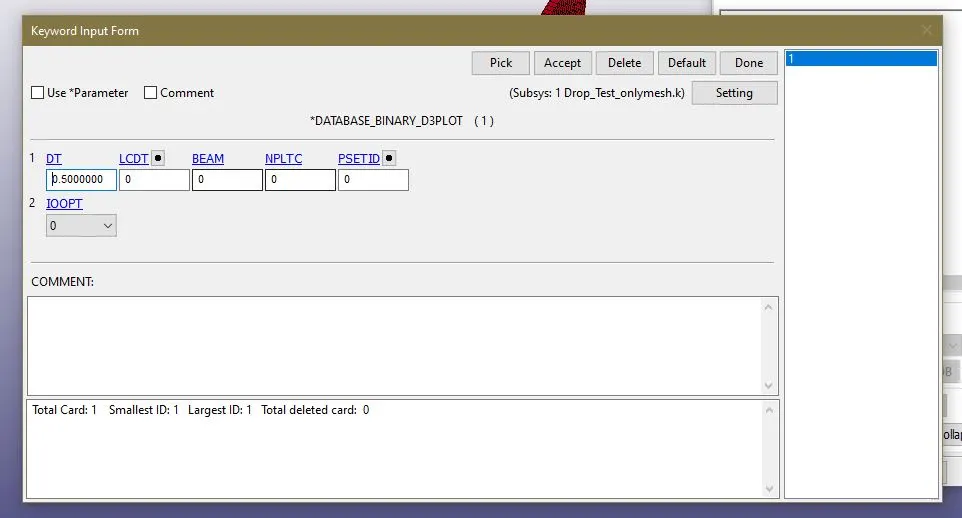
simlarly we can request for contact force (RCFORC) ,MATSUM ( which gives the individual parts energies ) etc in the database ascii option card.This is done by Keyword >place radio button in all >Database >Ascii option >select the glstat ,Matsum ,Rc force >give dt as -1000 ms >accept > done.
Post processing:
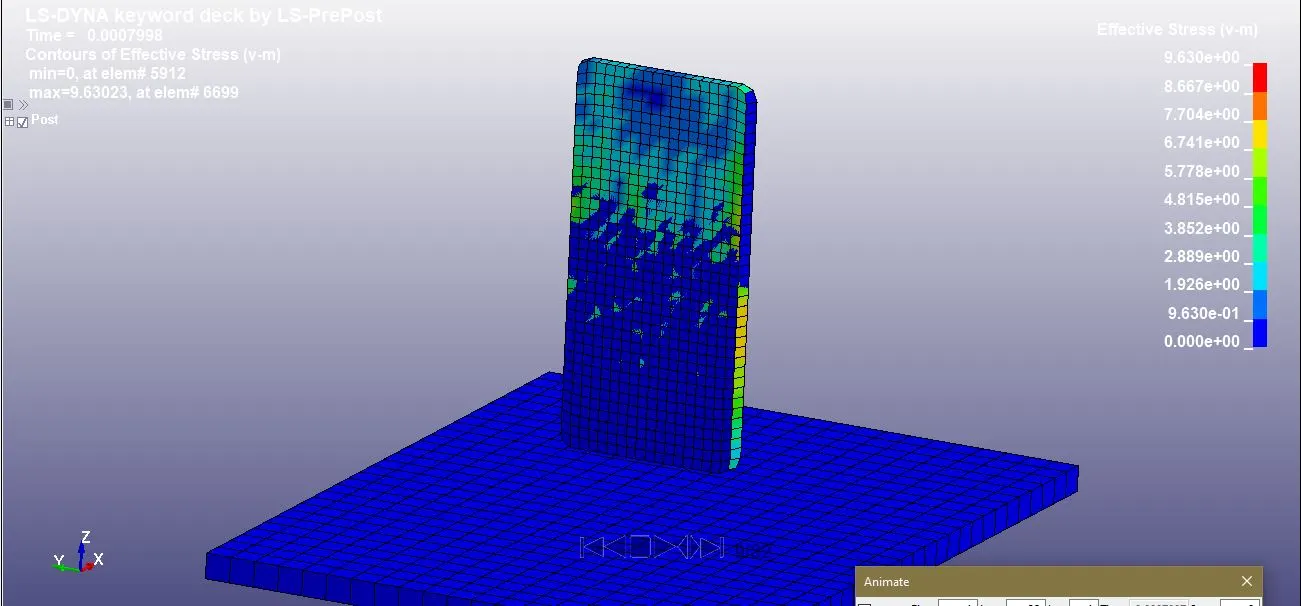
1)To get the result files open another window of ls dyna and open d3plot file and run the post processing.
2)Then go to fringe component and select the von mises stress option and hit done.
3)Play the animation file which indicates the maximum von mises stress values.
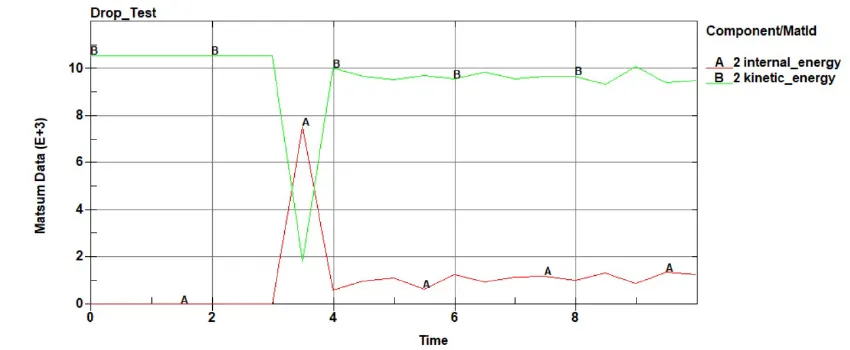
4)Now select the ASCII outpit file and select the internal energy,hourglass energy and total energy options ON amd load the .glstat file.
Conclusion:
1) Application of same system of units.
2)When mob touches the rigid solid wall the maximunm stress generates and the developed kinetic energy is absorbed by solid rigid wall.
3)The mobile phone bounce back due to some leftover kinetic enegy inside the body.
4) Hence this energy is neglegible as compared to kinetic energy during impact.