Week 3 Challenge : CFD meshing on Turbocharger
Challenge 3
Author: ISHANI MISHRA
Aim/Objective:
For the given model, check for the geometrical errors to make appropriate volumes. Create and assign PIDs as shown in the video. Perform surface mesh with the given target lengths as per PIDs.
Blade stage-1 = 1 mm
Blade stage-2 = 1 mm
Impeller = 2 mm
Shaft rotor = 1 mm
Turbo casing = 5 mm
Compressor casing = 5 mm
Inlet casing cover = 5 mm
Perform Volumetric mesh for the required volumes as shown in the videos.
Procedure:
Step 1: Topo Cleanup. Delete the overlapping surfaces directly.
Delete the overlapping surfaces. Select the cross-hatch of the surface you want to delete.
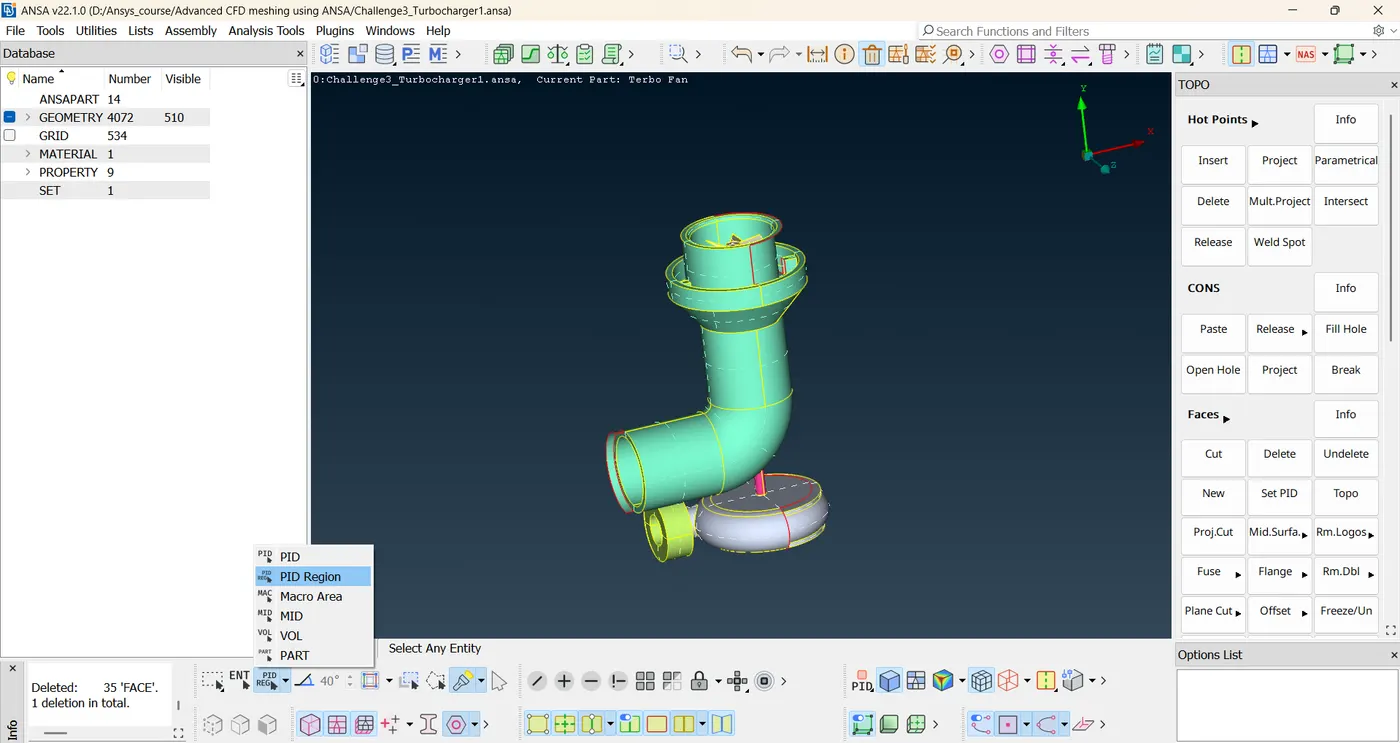
Select delete option from above, keep PID region selected, select the cross hatch of the overlapping surface you want to delete.
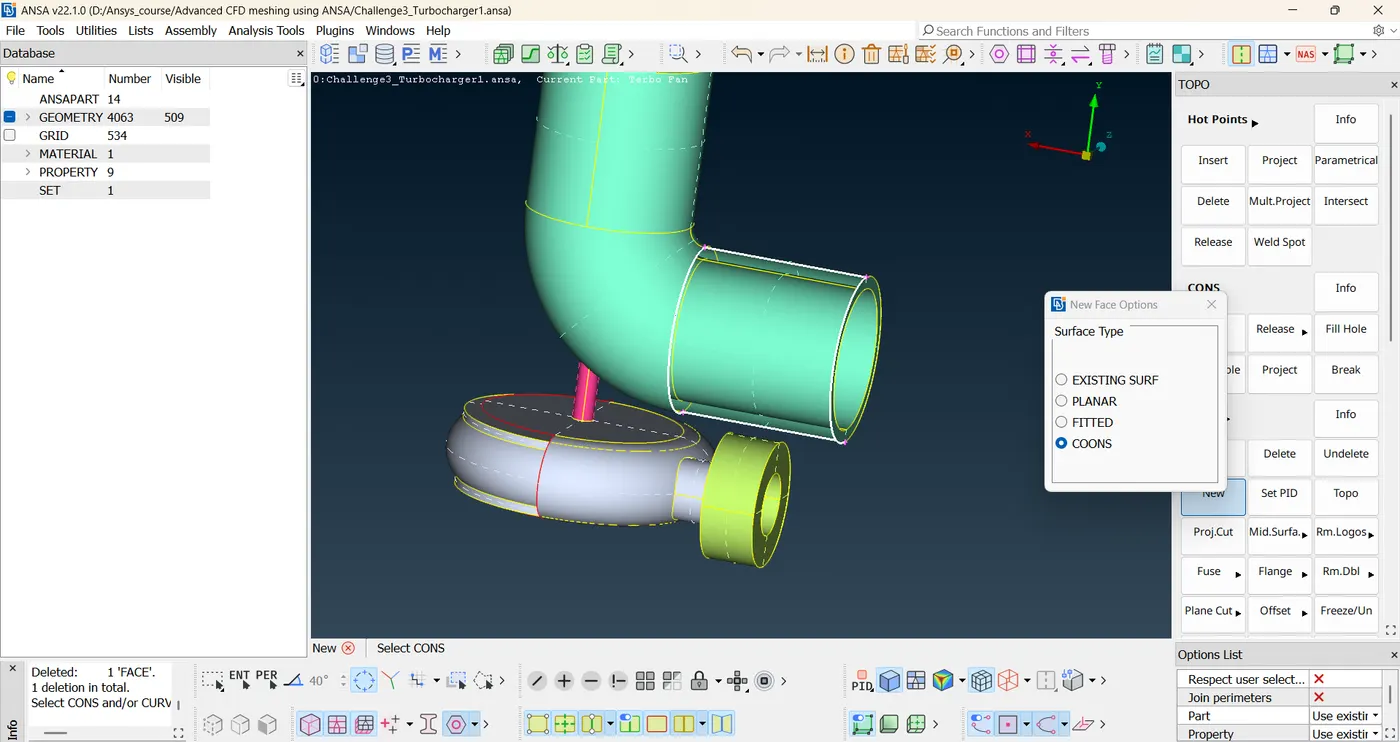
Project hot points to finish creating surface.
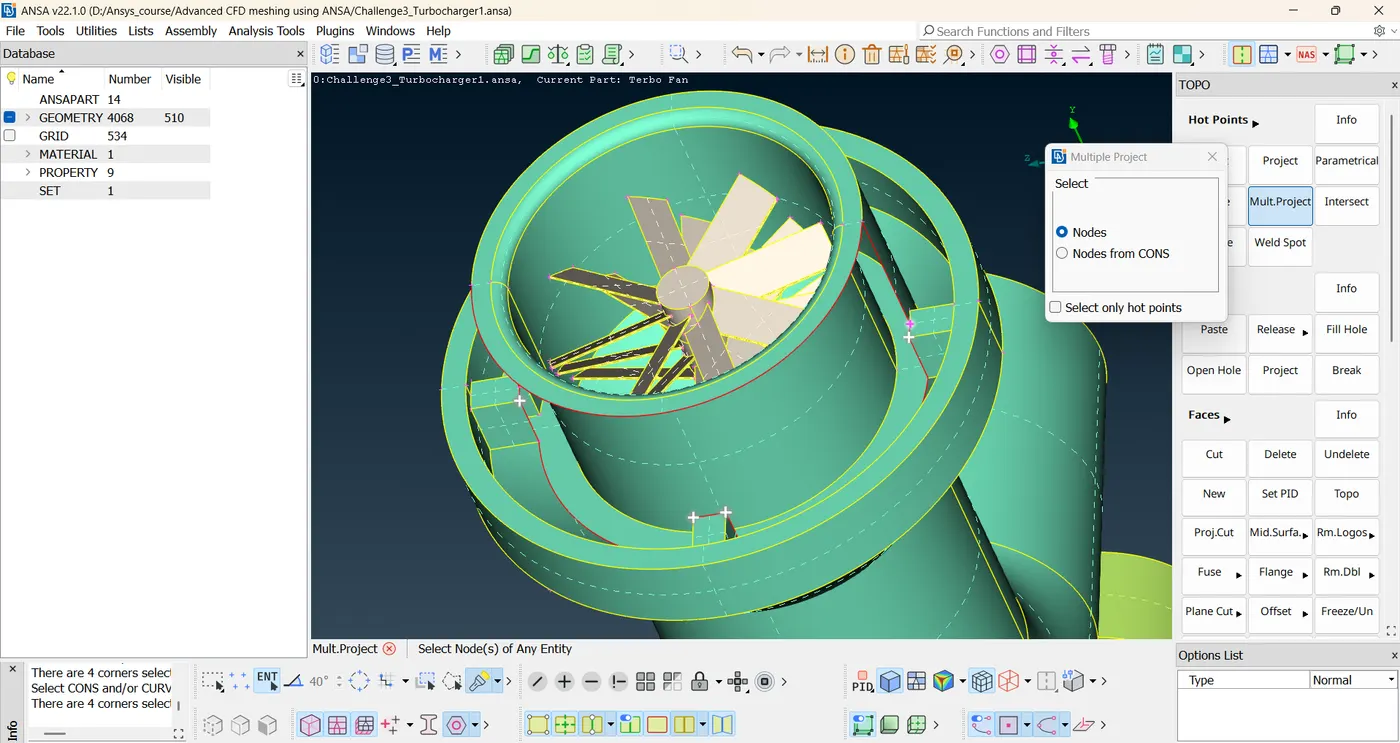 Create small surfaces.
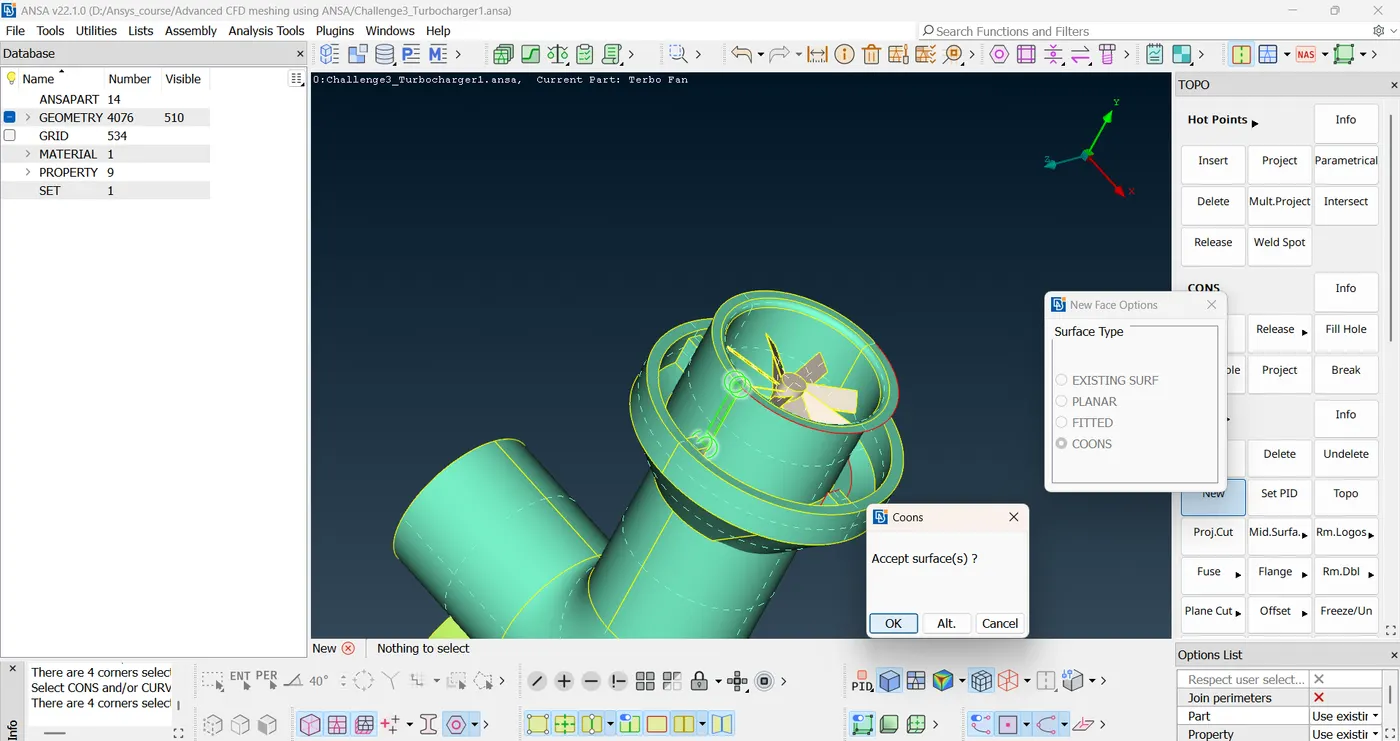
New tool: intersect. Choose intersect, choose first group of surfaces and then middle click. Choose second group of surfaces. Middle click.
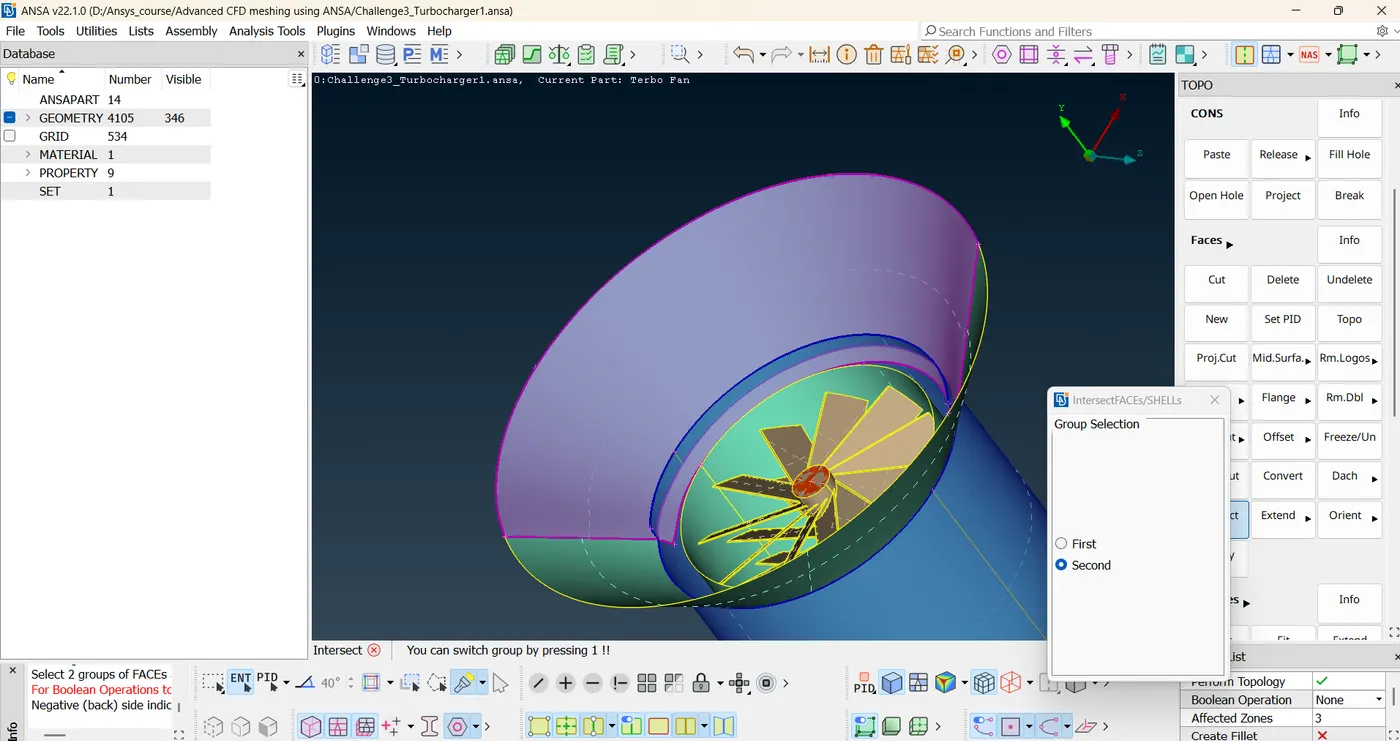
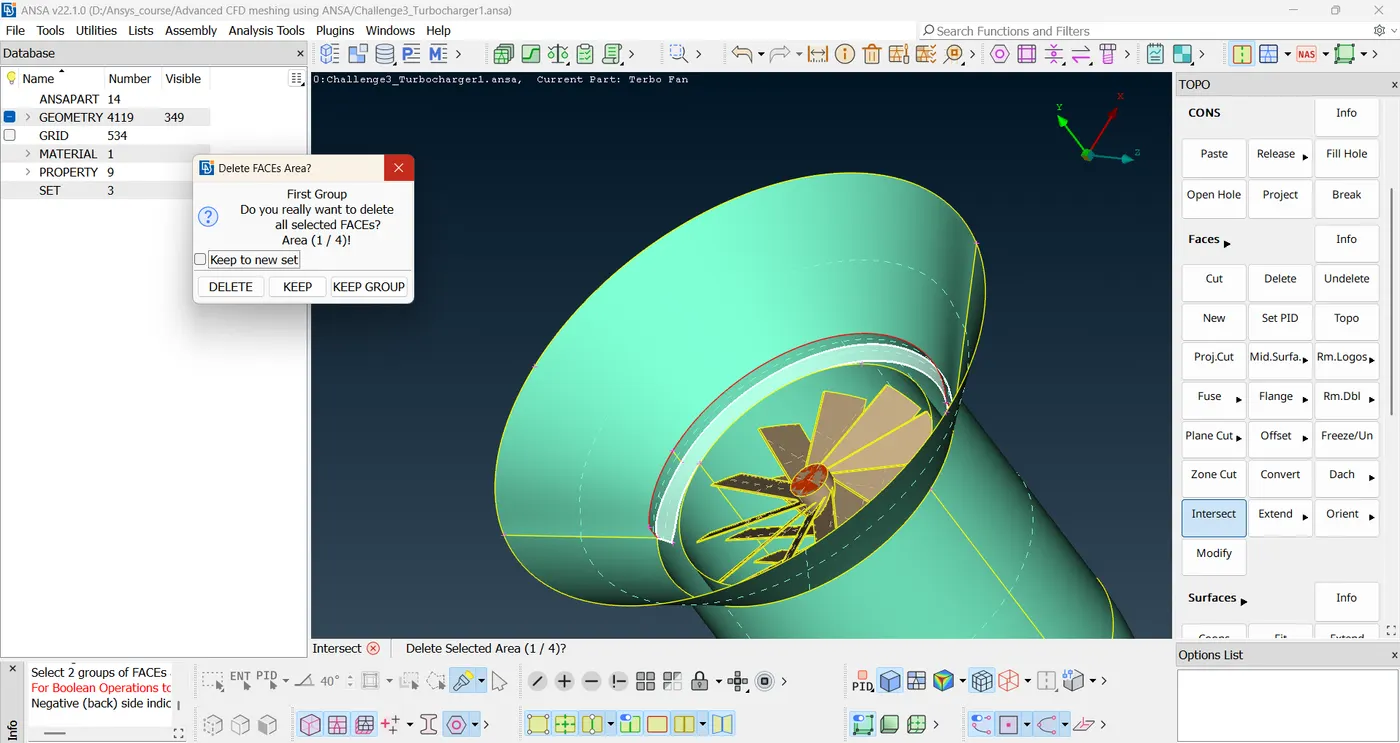
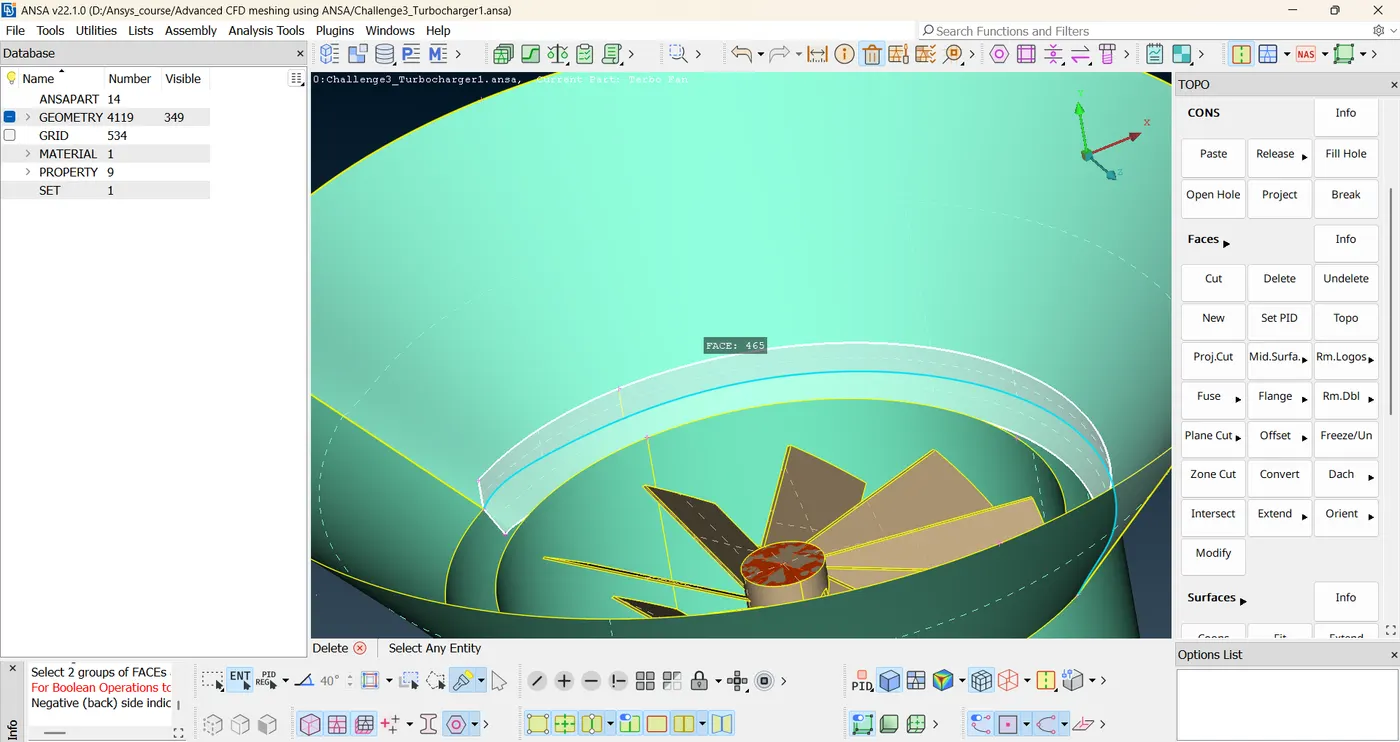
Exit out of it. Delete the extra surfaces.
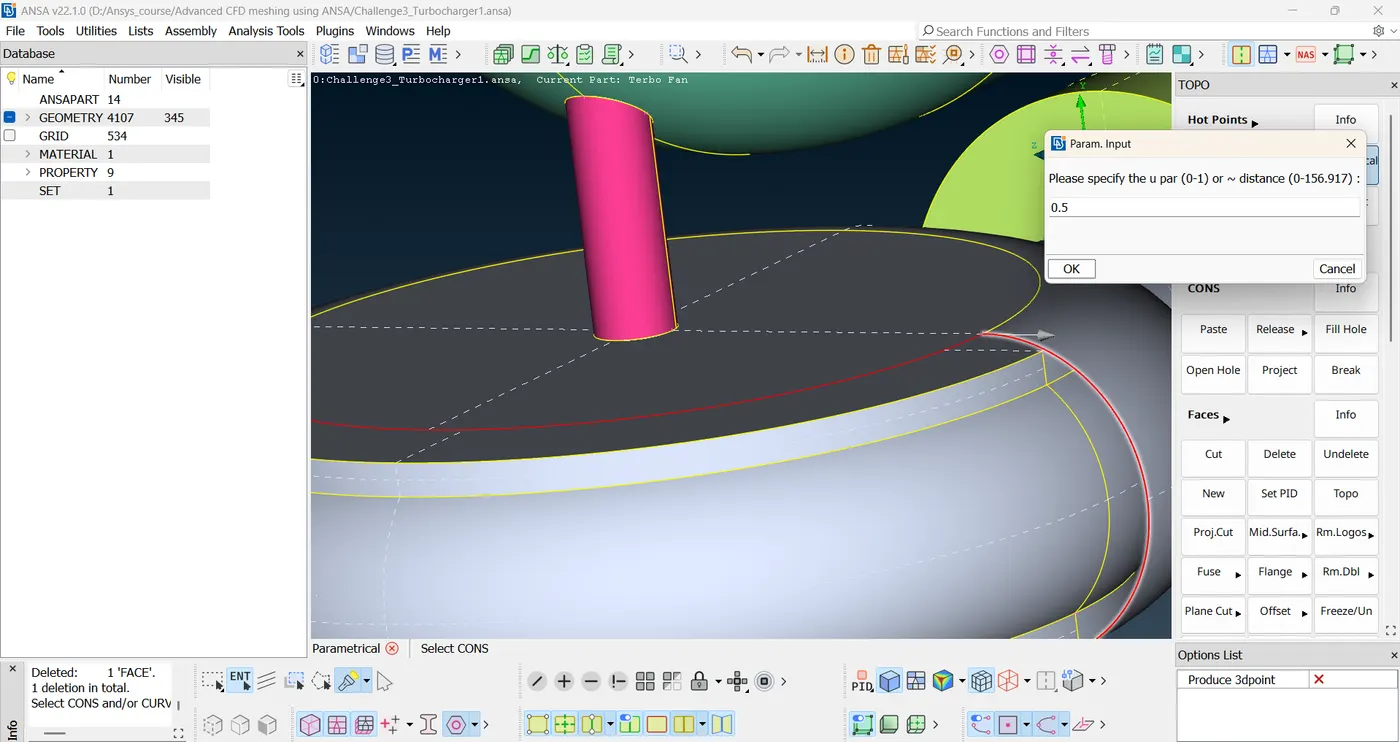
Use parametrical option to create a lot of hot points to map out the surface since all other methods for creating surface are failing.
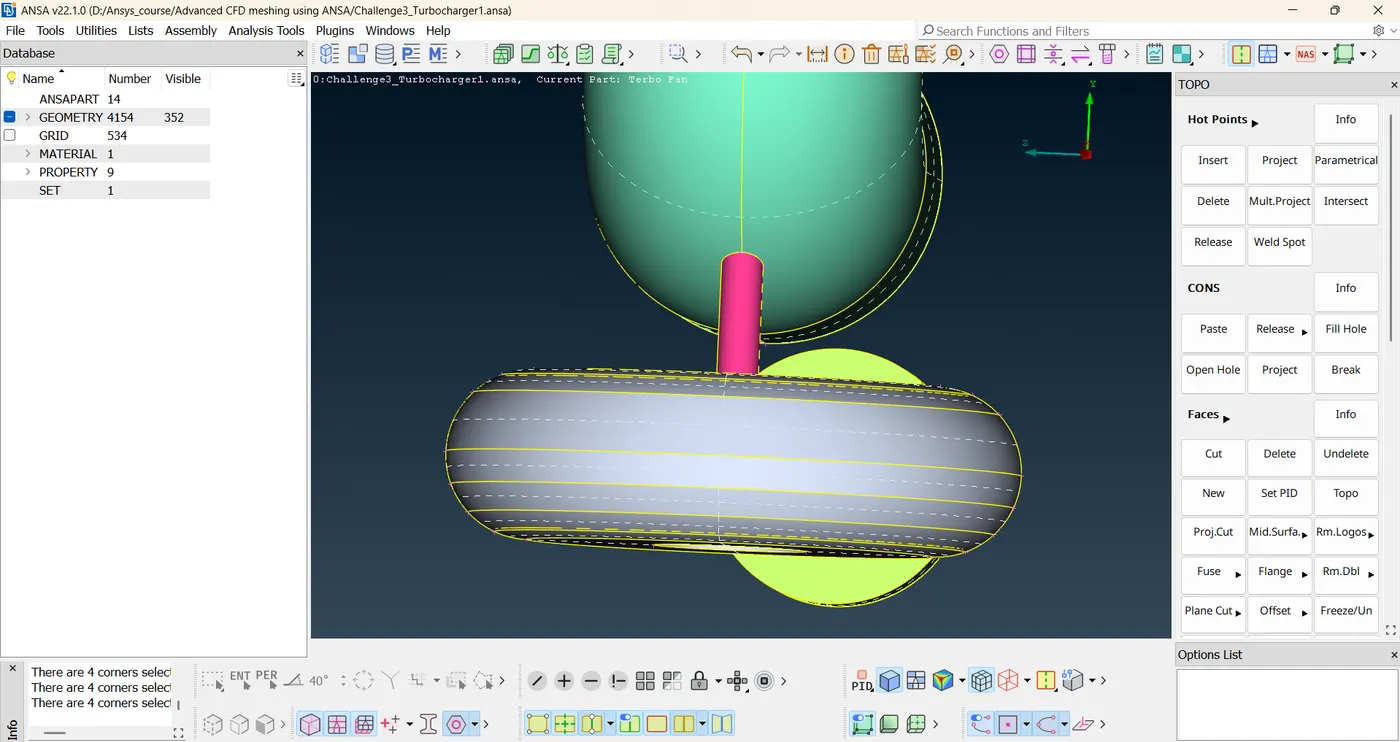
Step 2: Model error checking and PID assignment
A triple con is not always an error, like in this case it is justified as this con is in fact shared by three surfaces.
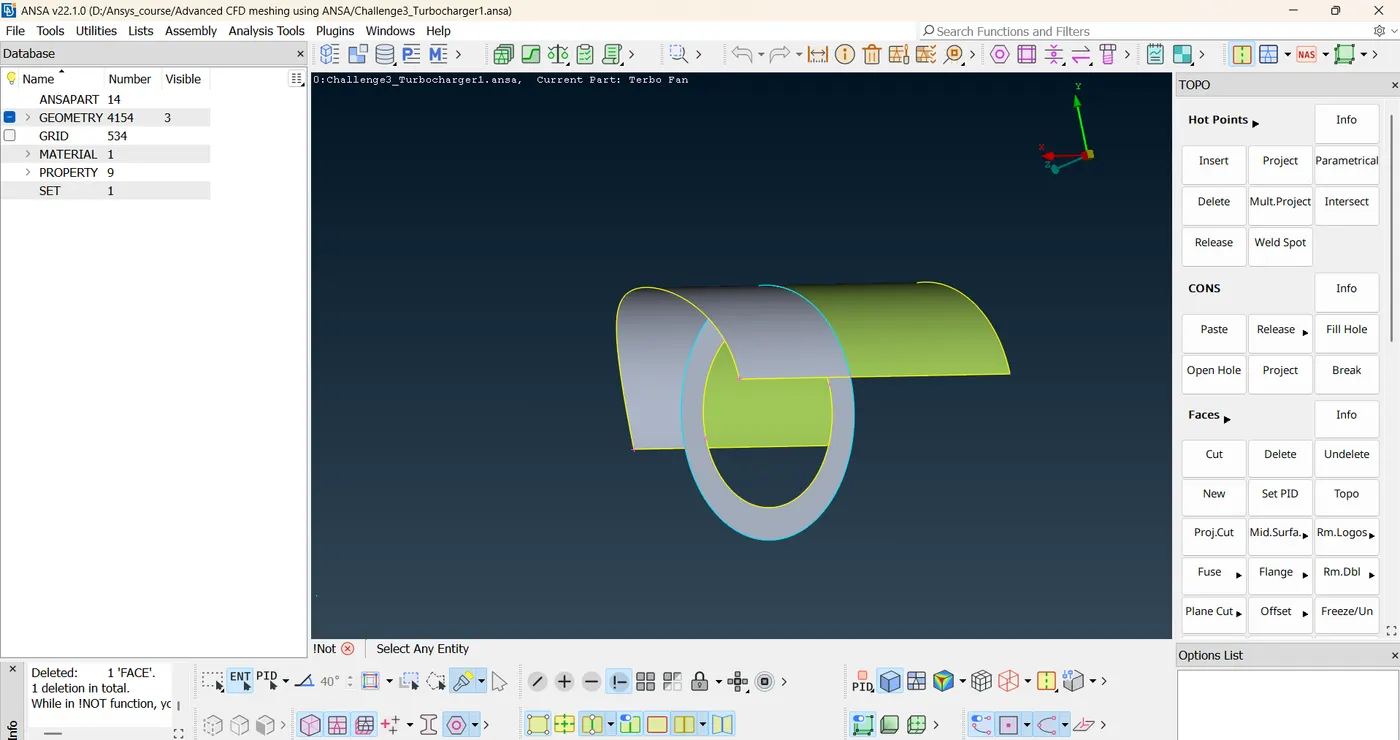
close all the surfaces.
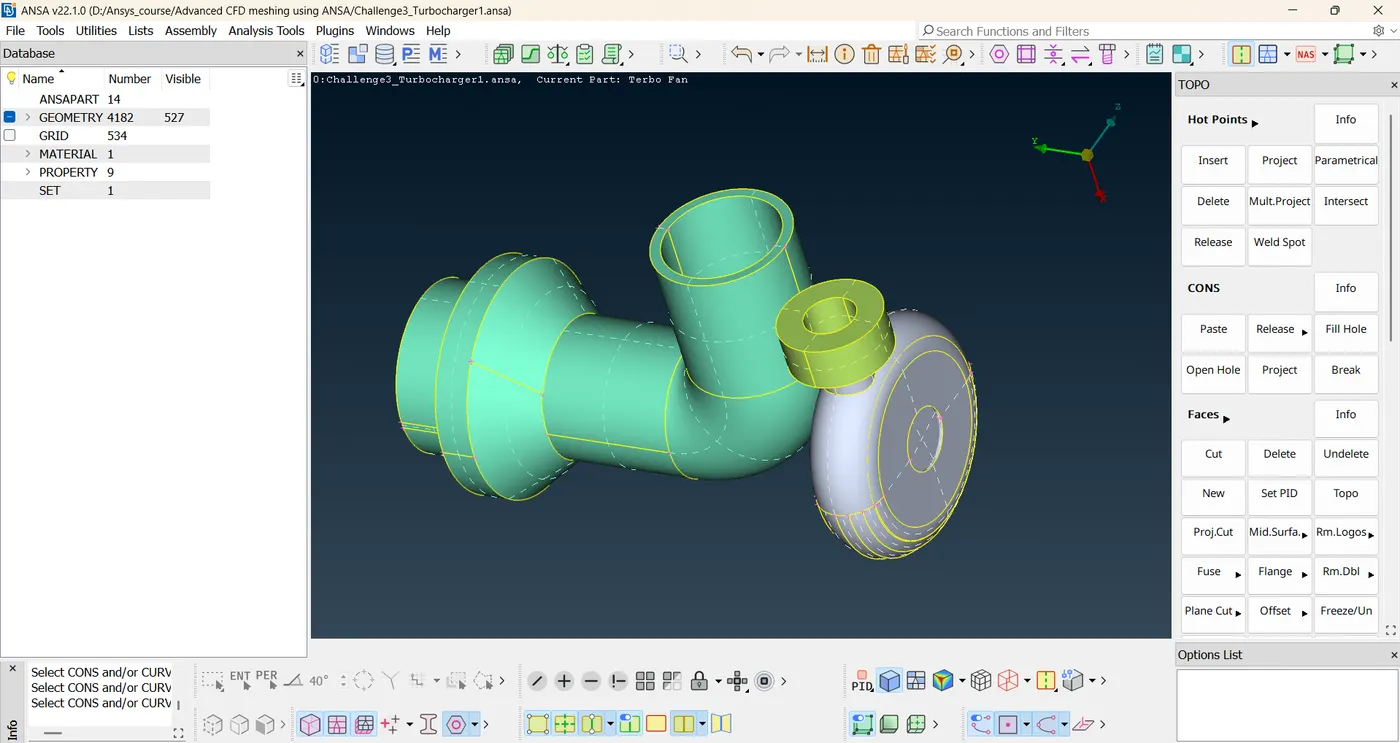
Create 4 new PIDs.
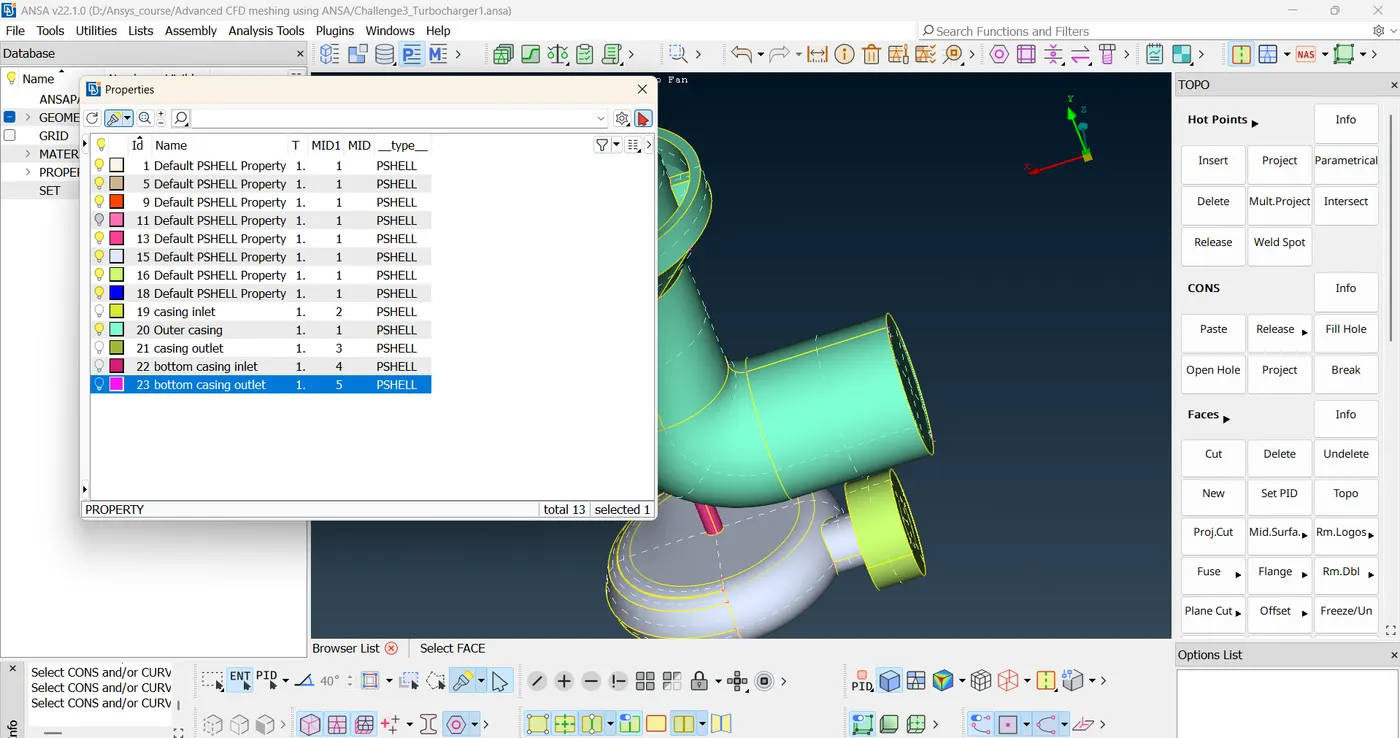
Assign those PIDs.
Step 3: Perform the surface mesh.
Step 4: Perform the volumetric mesh.