Week 3 Challenge : CFD meshing on Turbocharger
Aim :-CFD meshing on Turbocharge
Objective :-
For the given model, check for the geometrical errors to make appropriate volumes. Create and assign PIDs as shown in the video. Perform surface mesh with the given target lengths as per PIDs.Perform Volumetric mesh for the required volumes
→ Import the Cylinder Model in ANSA by opening the file (select ANSA. extension)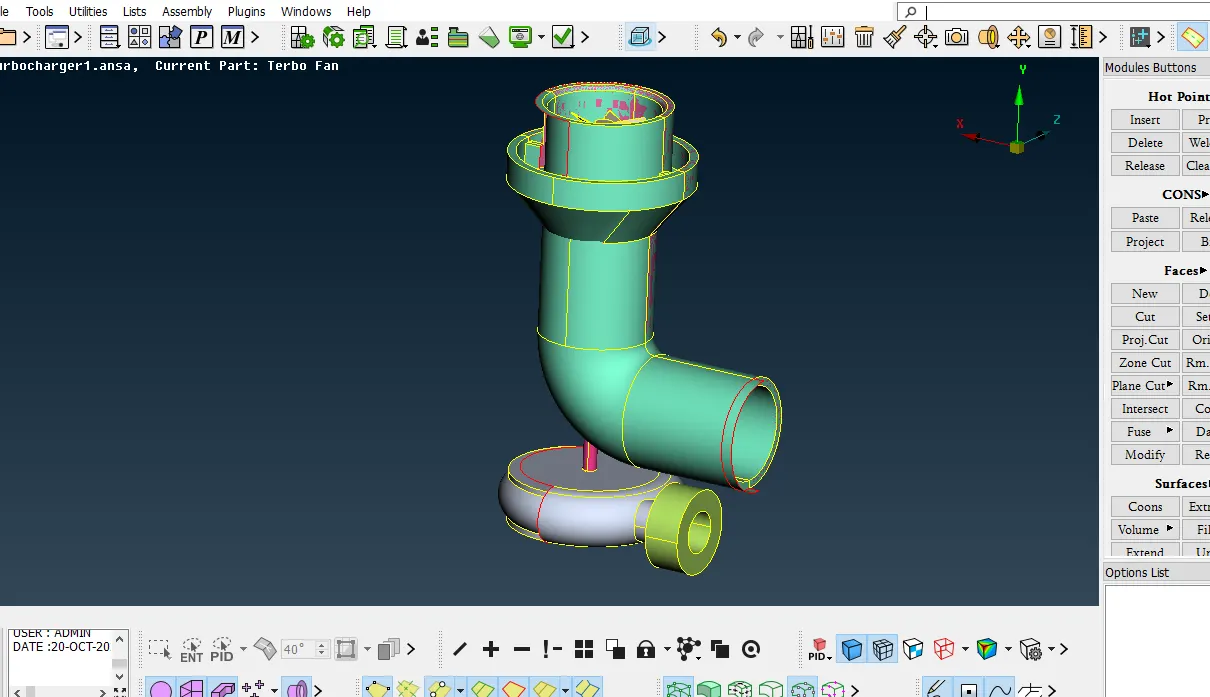
Geometry Checks
found error in the form of single cone double and triple cone & also found the Overlapping surfaces,and intersections of the surfaces.
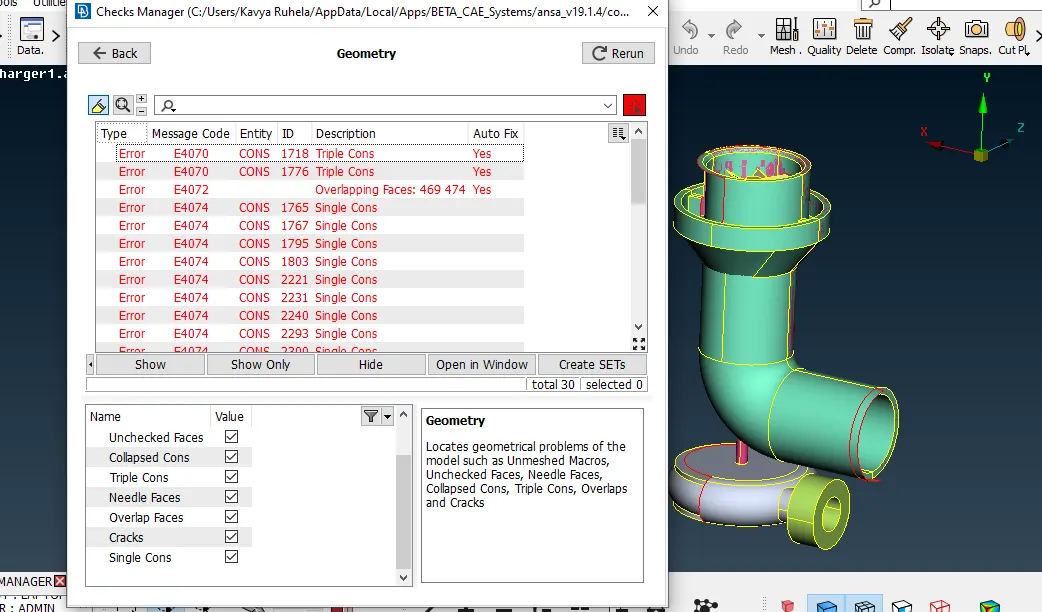
Resolve the Geometry Checks
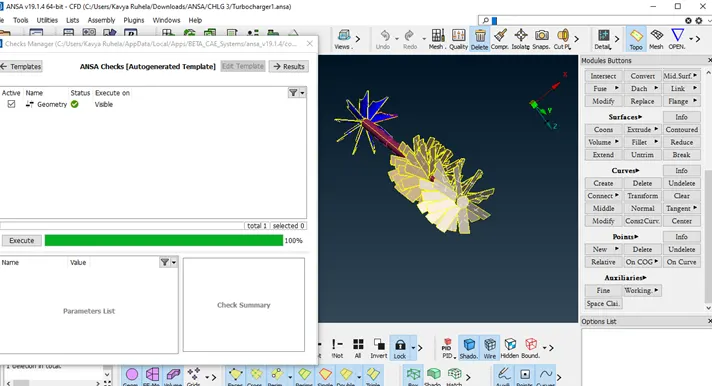
Creating the Volumes of the model component.
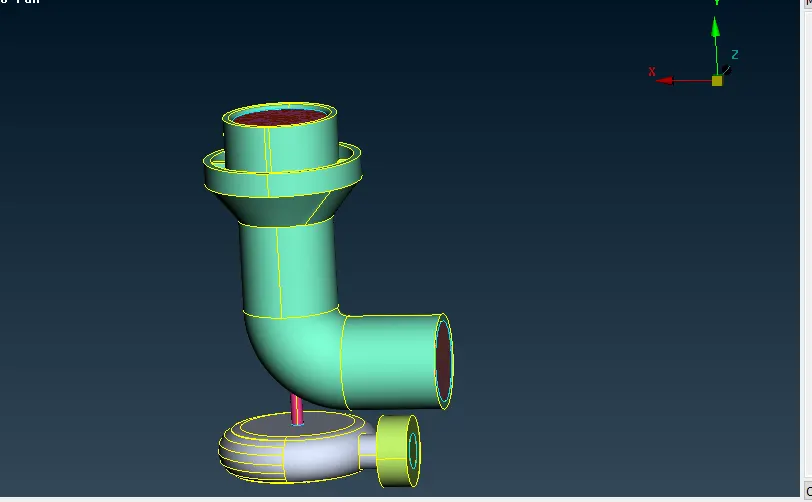
CReating PID & Name
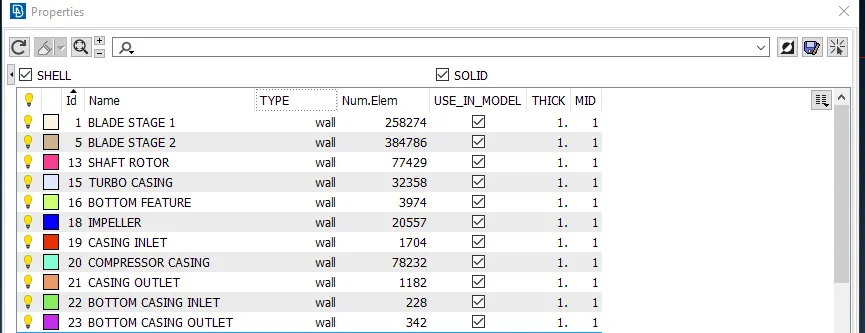
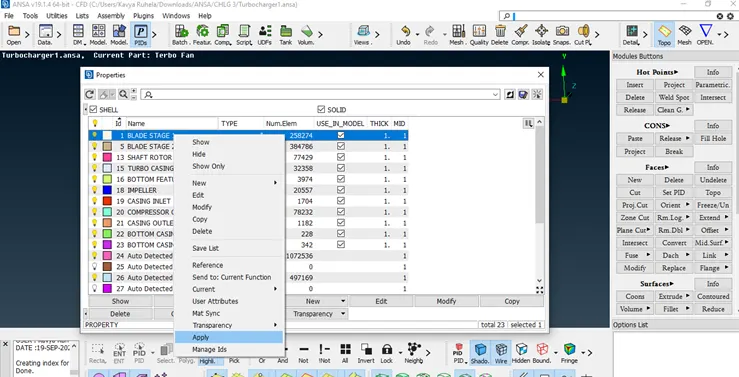
Assigning PID Procedure
Select PID → Right Click → Apply → Selcet entity (PID)→ ok
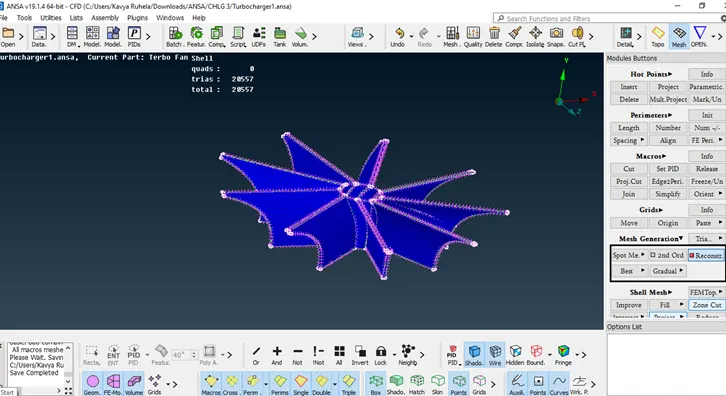
Meshing
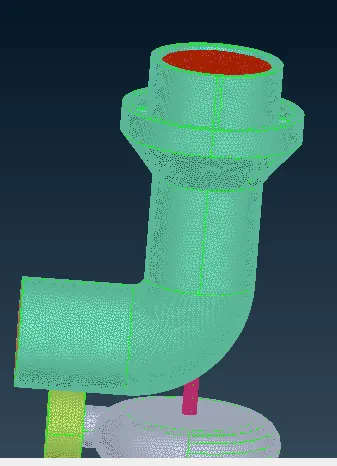
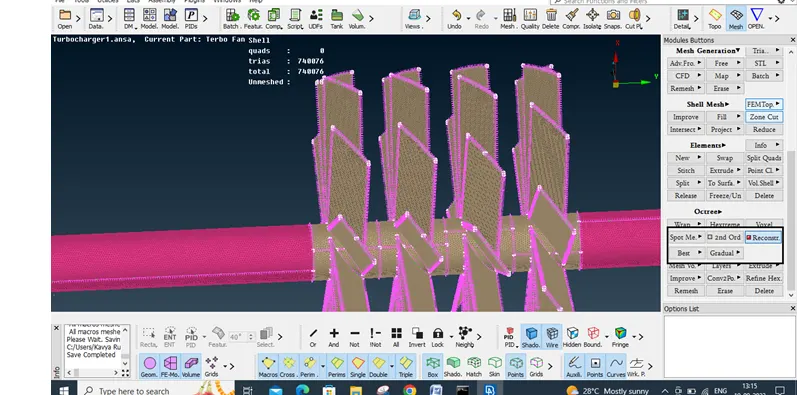
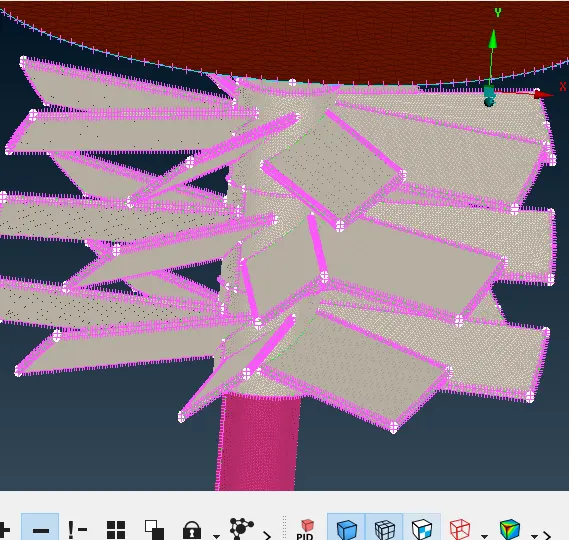
Volumetric mesh
for Volumetric Mesh procedure
Select V. Mesh → Define →select whole body → shows the volume unmashed
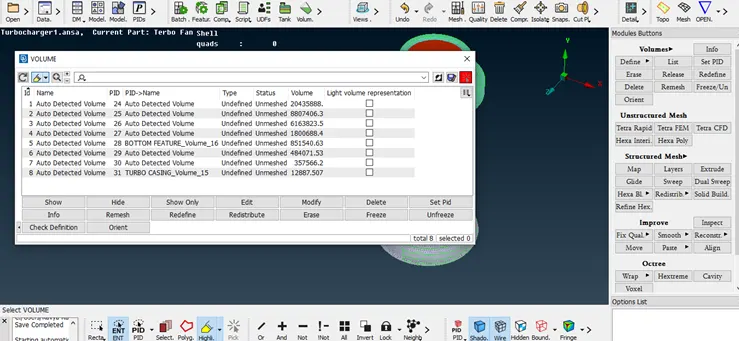
after that mashed the v mash ok
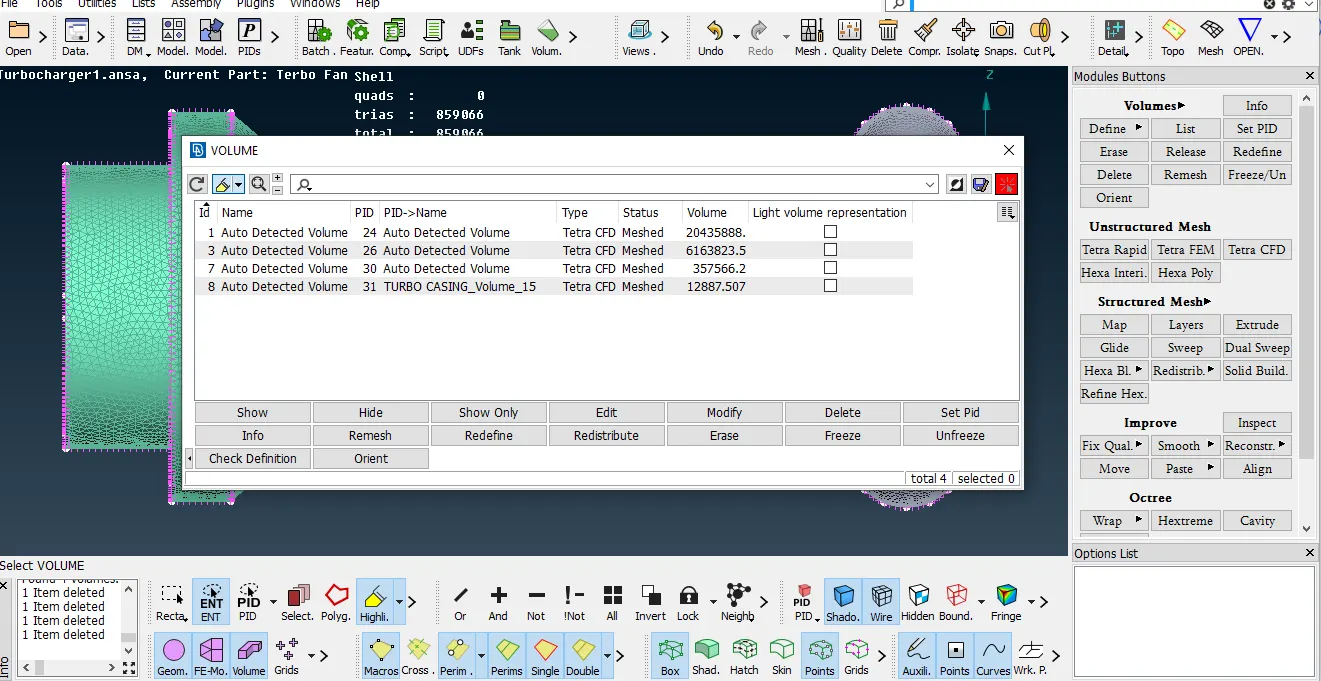
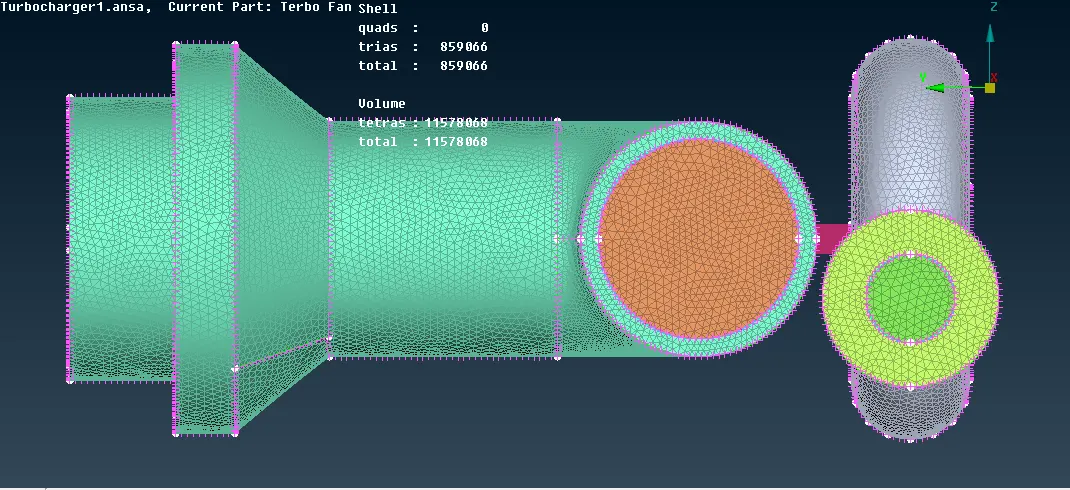
Once the required volumes are extracted we right click on these volumes select mesh and select Tetra CFD.
Conclusion and Outcomes:
* Achieved volumetric mesh of the given turbocharger model.
* Used transform option under curves tab to create curves with a reference curve and reference points
* Different mesh length size tend to give errors at the contact regions of 2 different mesh length regions, therefore Freeze option to avoid erasing of mesh.
* Volumetric mesh will be achieved only after creating surface mesh, To create Surface mesh we have to be free of errors except unavoidable warning.
* Overlapped surface can be deleted using the universal delete option.
* Unecessary single and triple cons can be removed and editted using different tools and I have learnt that in this challenge.
Please find the challange model Link
https://drive.google.com/file/d/1MlYvJZ7W04gy-j6Y0Ud9BteyMWF5PVhV/view?usp=sharing
https://drive.google.com/file/d/1-KvCKfbDel_7SHrX3shqFGESS047FJcf/view?usp=sharing