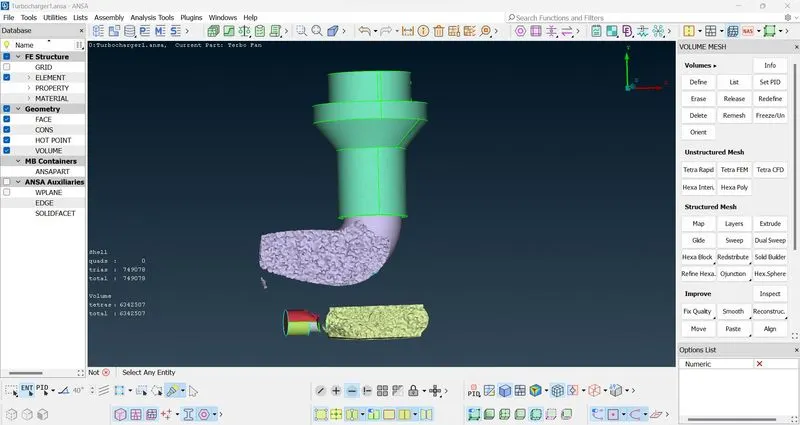
Week 3 Challenge : CFD meshing on Turbocharger
- The volume Mesh generation involves surface mesh and topological cleanup as a pre-requisite activity
- So first we start with the topological cleaning
- We identify the Overlapped surfaces and proceed to remove the unnecessary surface.
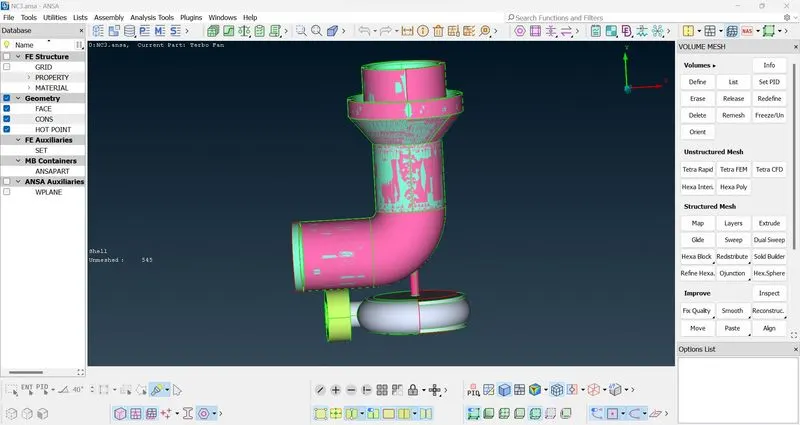
- After this we proceed to work on removing single cons, triple cons, etc. we first check for it using the wireframe mode.
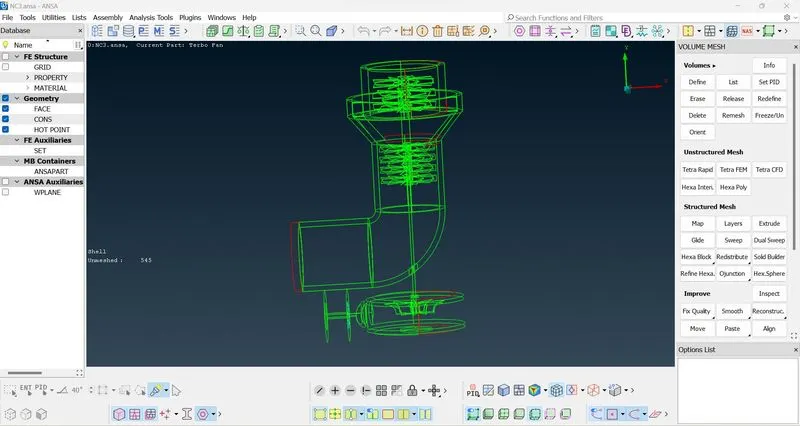
- After this the finished surface would look like
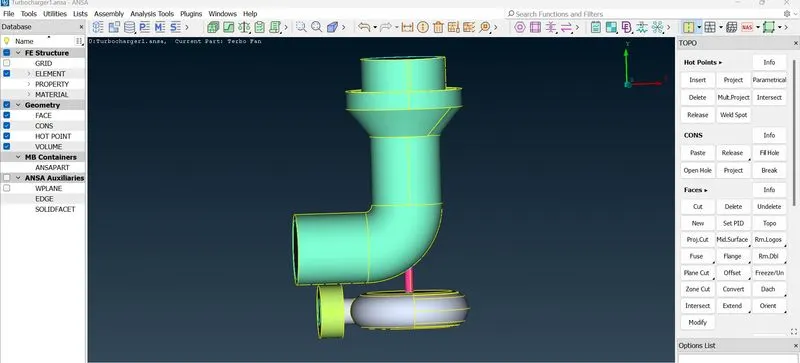
- Now we also must ensure that the impellor , blades and the shaft combine to form a single volume, to help us in the later stages of volume mesh creation
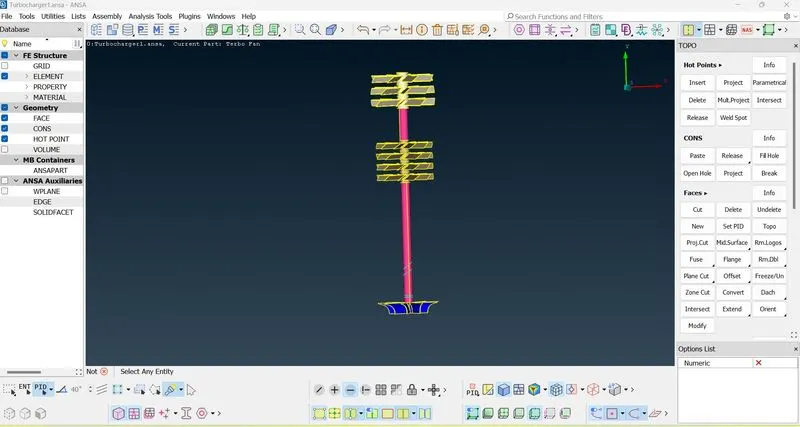
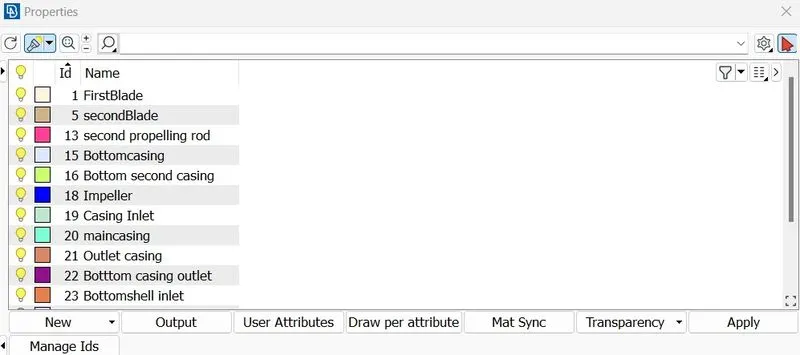
- Now we close all the open ended surfaces and assign PID's for all major components.
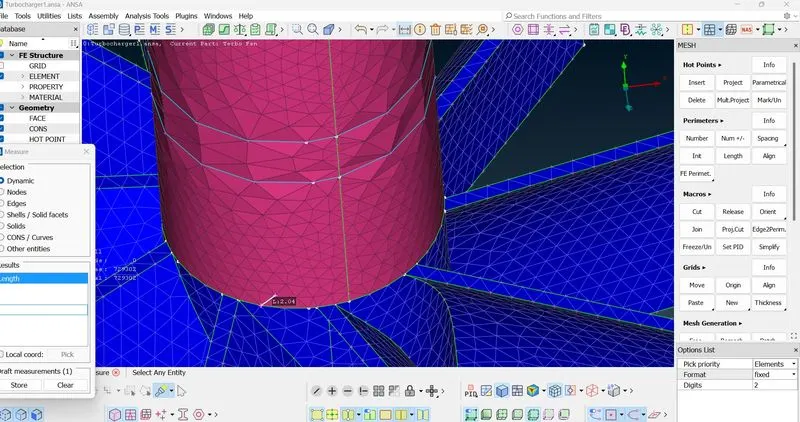
- After this we move to surface meshing, use the respective mesh length values provided in the assignment to create the surface mesh.
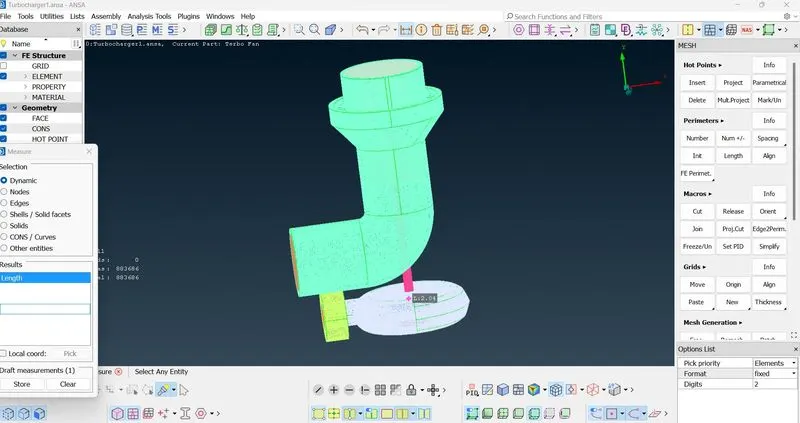
- Also when two components with different mesh lengths meet, the surface mesh of one of the components gets deleted.
- So to rectify this we give the mesh parameters again and this time we use a range of values from lower of the mesh length of the 2 surfaces to the higher of the mesh length of the two surfaces.
- This will create a dynamic mesh.
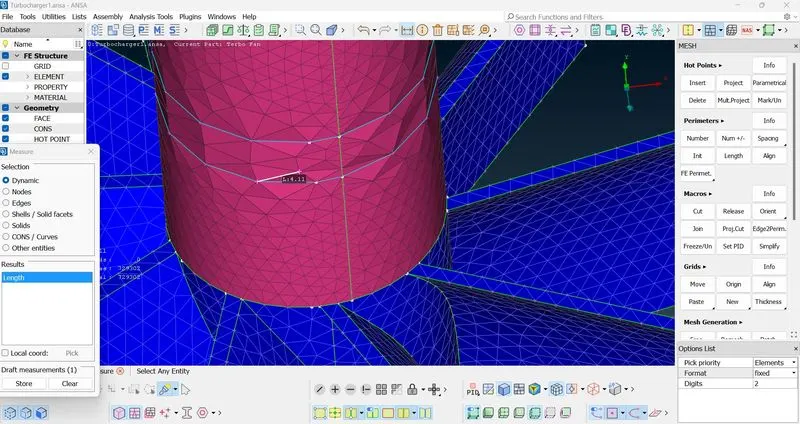
- For the final part, that is volume mesh generation we click the define tool in the volumes segment.
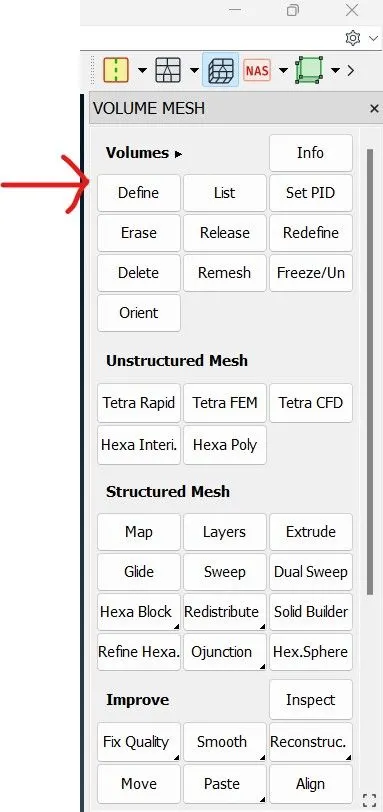
- Now this will Automatically identify the different volumes present in the model, now our job is to identify the unwanted volumes or repeated volumes and delete them.
- After this we apply tetra CFD mesh for each of the remaining volumes to complete our task
- We can check the cross section of the model to view the volume mesh