Week-3 Challenge: ADVISOR Tool
AIM:To use Advisor tool for simulation.
OBJECTIVES:
- Using EV_defaults in file if cargo mass is 500kg with all default conditions, to find whether the vehicle can travel for 45 km with FTP Cycle and to conclude observations.
- In this above case try changing the battery capacity and repeat the simulation.
- To perform gradeability test for PRIUS_JPN__DEFAULTS in file to compare results in table and conclude.
SIMULATIONS:
1. For EV_defaults_in file, if cargo mass is 500 kg with all other default conditions, can the vehicle travel for 45 km with FTP drive cycle? Conclude your observations.
- Right click on ADVISOR folder and add path to folders and sub folders of it.
- In command window type advisor to open the GUI.
- After opening the window select start and change the drivtrain configuration to EV.
- It selects the EV_defaults_in and change the cargo mass to 500 kg
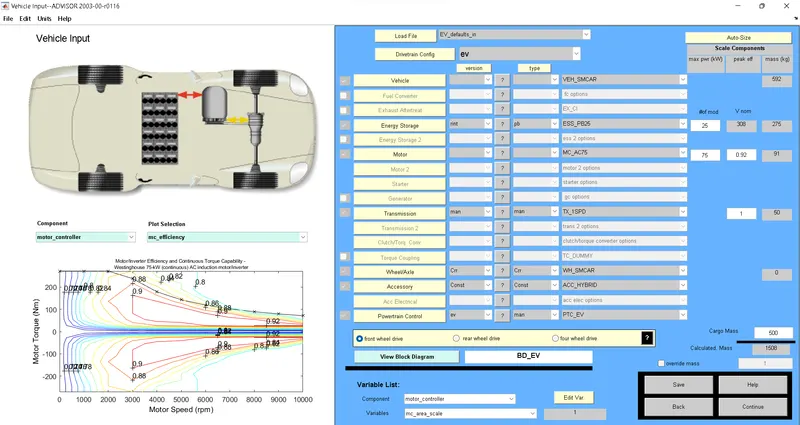
- In simulation parameter change drive cycle to CYC_FTP by selecting the drop down menu and run the program.
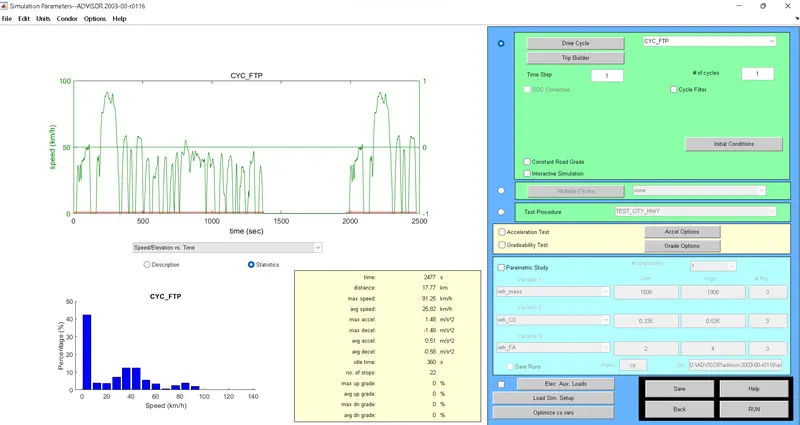
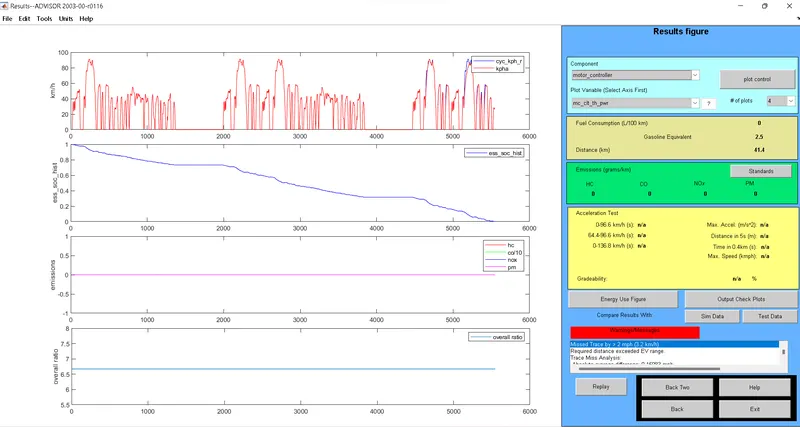
- The maximum distance travelled for 1 cycle is 17.8 km.
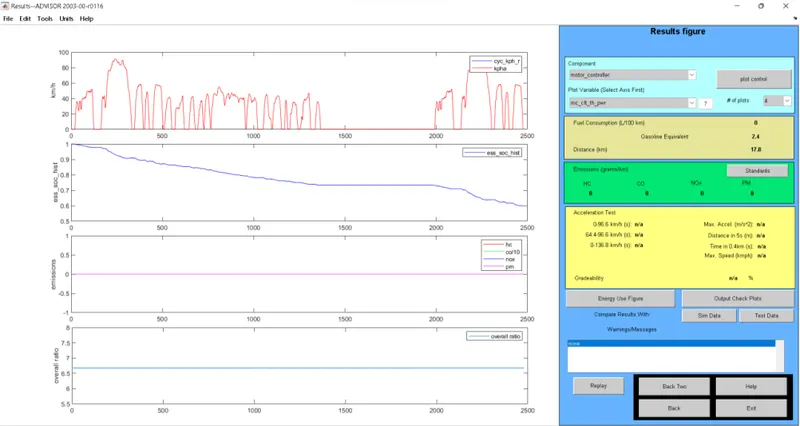
- So in order to acheive 45 km of distance the FTP drive cycle to be repeated 3 times which will cover the distance of 45.135km.
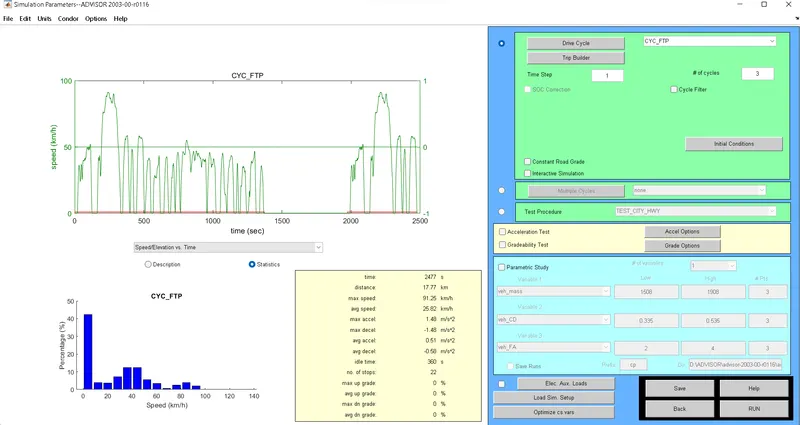
- Since the warning sign popups up the distance is more than the cureent battery pack so the vehicle cannot travel 45 km but will be short by 3.2 km.
2. In the above case, try changing the battery capacity and repeat the simulation.
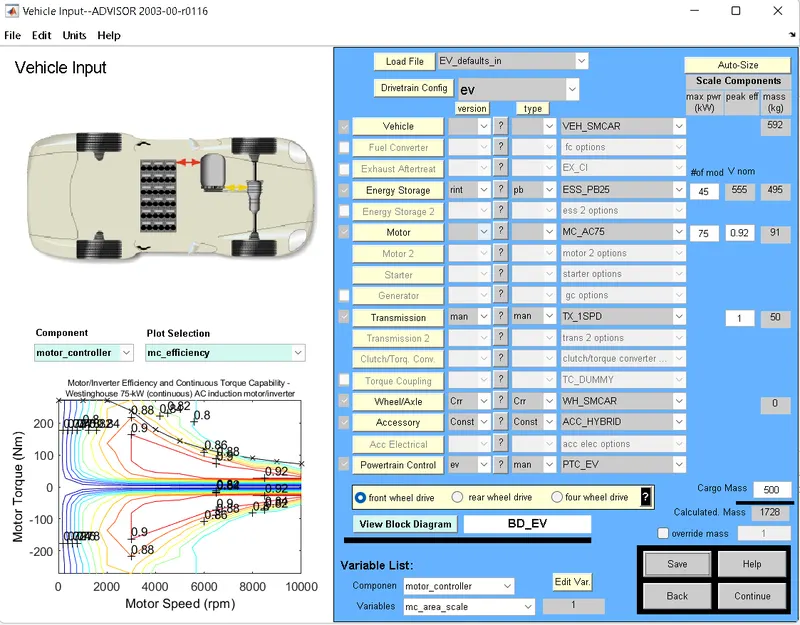
- The battery module is being is increased to give more power for further distance of the vehicle from 25 modules to 45 modules.
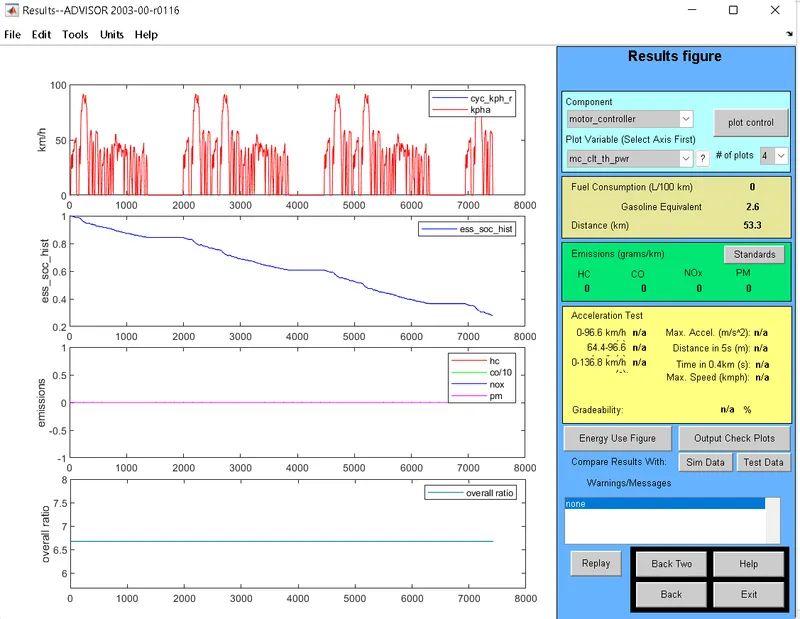
- After increasing the battery capacity the vehicle is able to reach the required distance.
CONCLUSION:
From this simulation we can conclude the requires distance is achieved by increasing the battery module for extra power required to run the vehicle.
3. Perform gradeability test with PRIUS_Jpn_defaults_in file. Compare your results in table and conclude.
- In advisor tool vehicle select input window select PRUIS_JPN_default model.
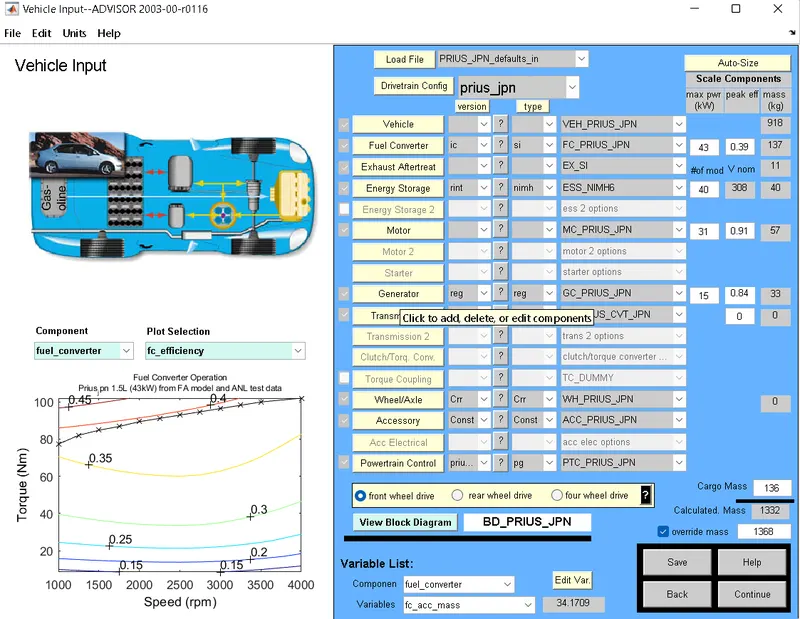
- Click on continue and simulation parameter window will open.
- Click on the gradeablity test and click on grade option box
- In grade option box we can change the speed or duration with respect to the simulation.
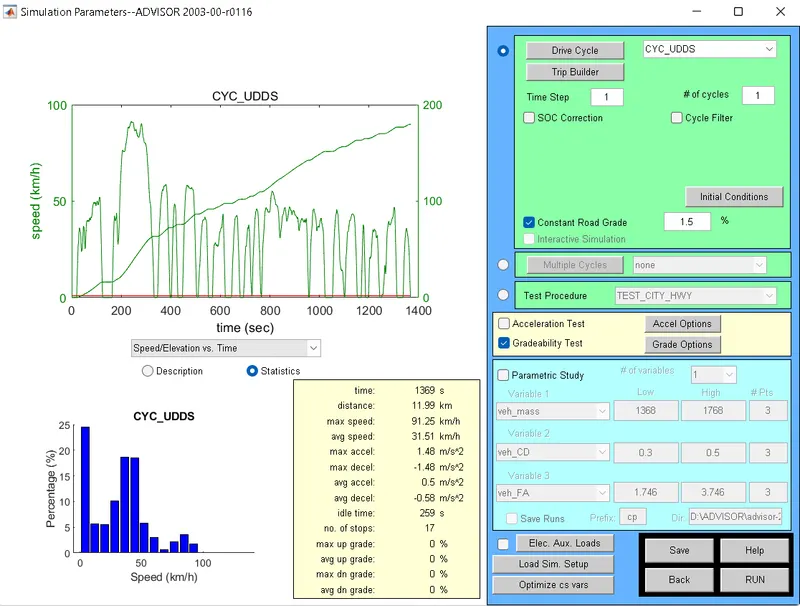
Results for duration=10sec
1.)Speed-20mph or 32.2 kmph
Gradeability=19.8%
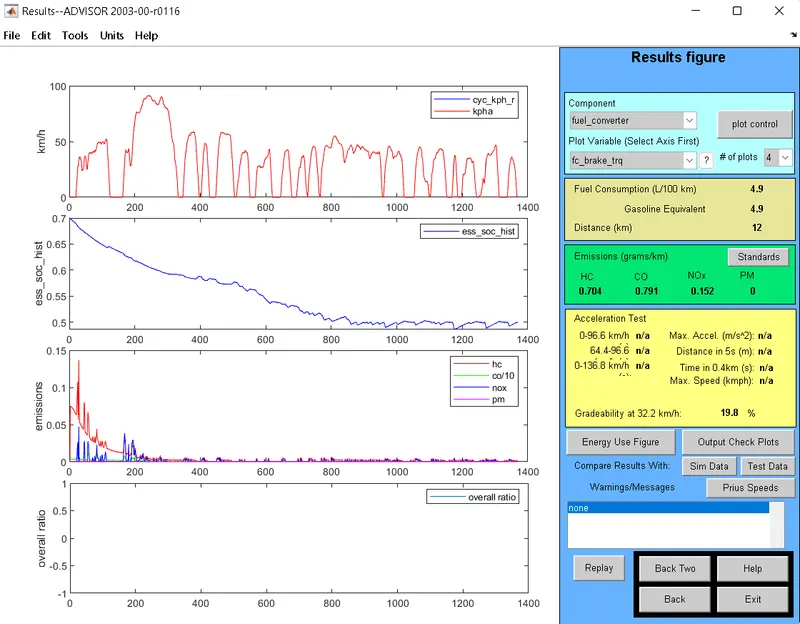
2.)Speed-30mph or 48.3 kmph
Gradeability=14.7%
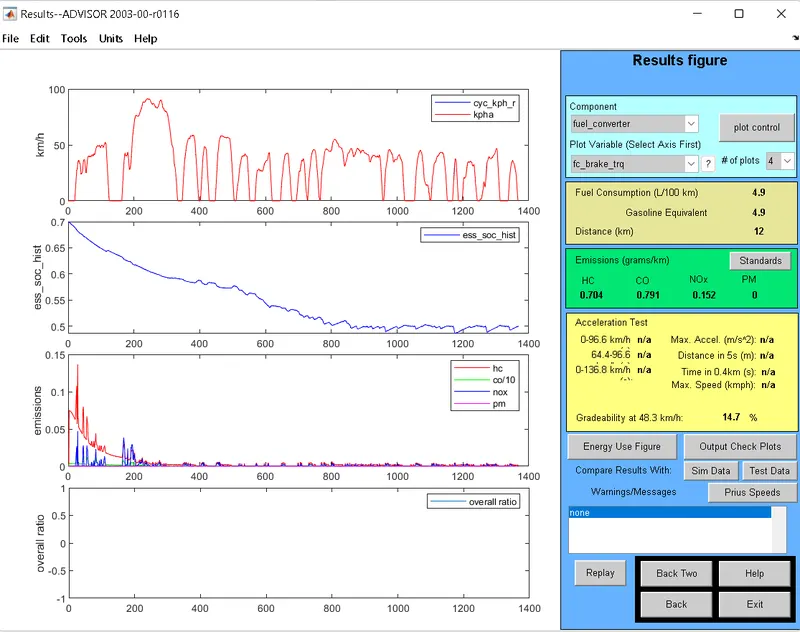
3.)Speed-40mph or 64.4 kmph
Gradeability=11.7%
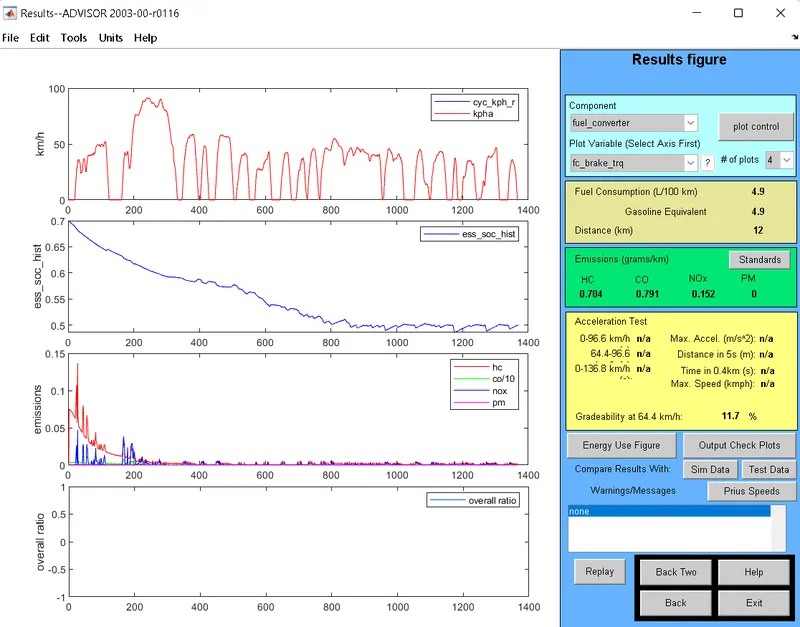
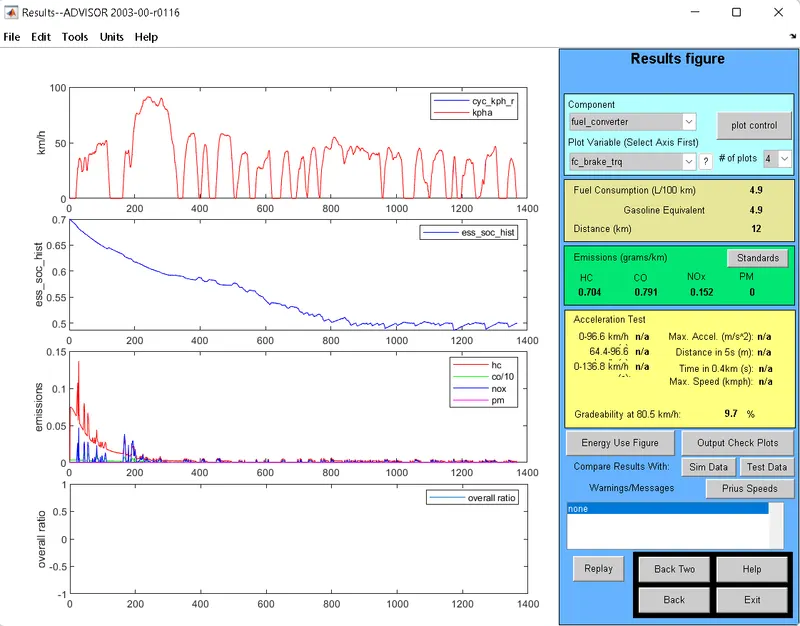
4.)Speed-50mph or 80.5 kmph
Gradeability=9.7%
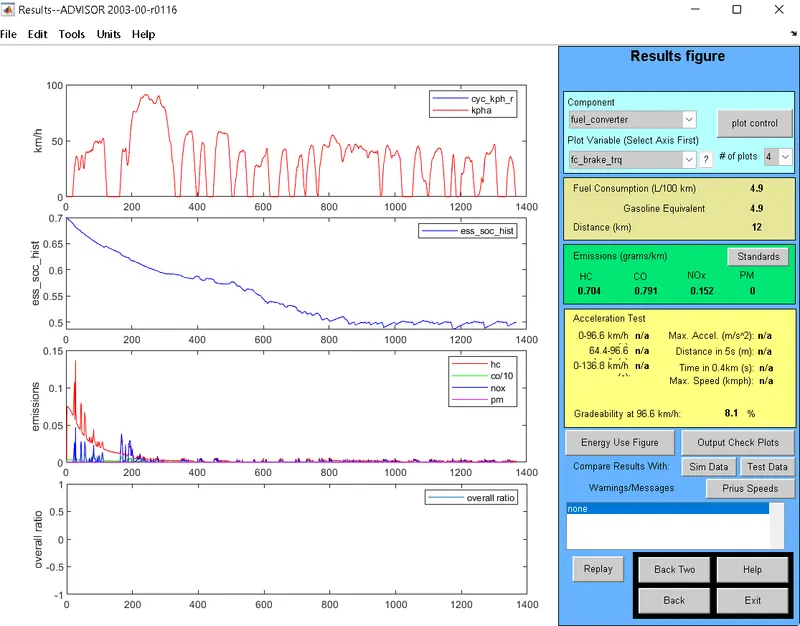
5.)Speed-60mph or 96.6 kmph
Gradeability=8.1%
For duration 10 sec
| Sr no. | Vehicle Speed (mph) | Gradeability |
| 1 | 20 | 19.8 |
| 2 | 30 | 14.7 |
| 3 | 40 | 11.7 |
| 4 | 50 | 9.7 |
| 5 | 60 | 8.1 |
Results for duration=20sec
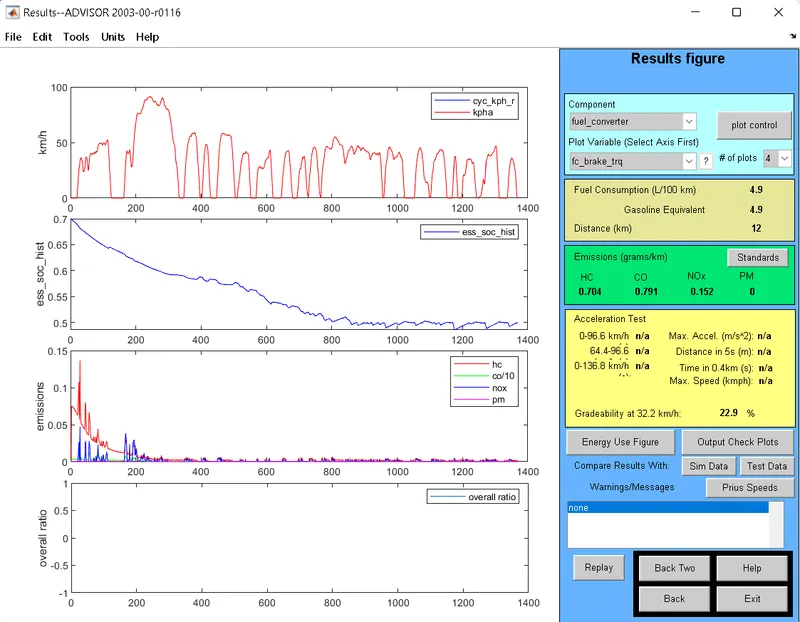
1.)Speed-20mph or 32.2 kmph
Gradeability=22.9%
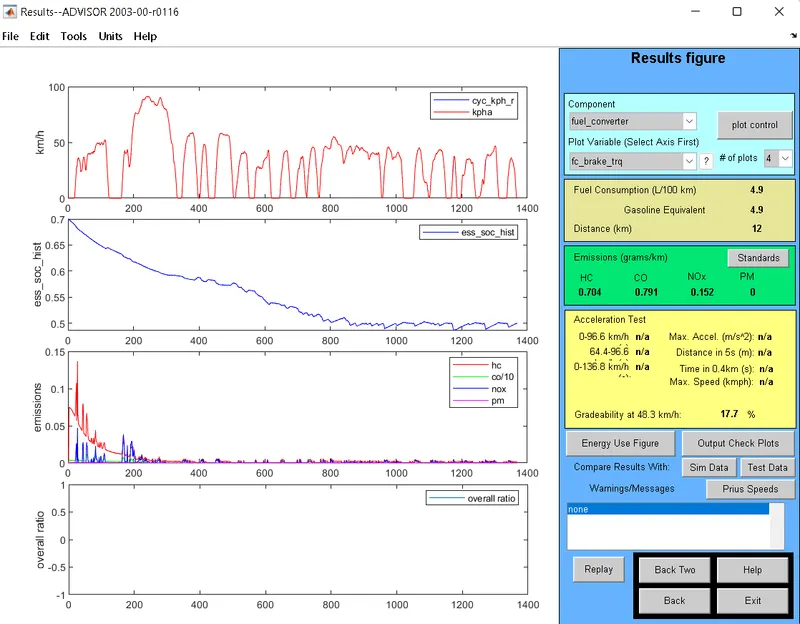
2.)Speed-30mph or 48.3 kmph
Gradeability=17.7%
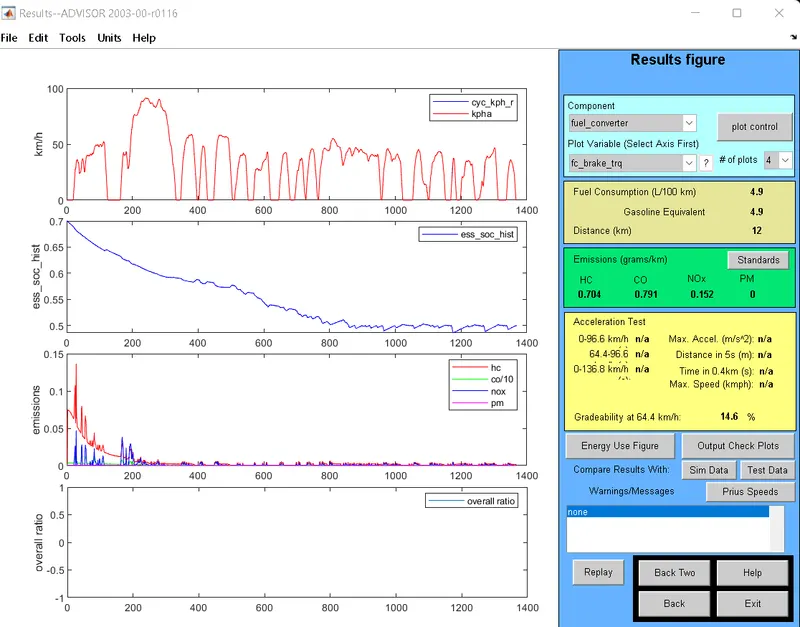
3.)Speed-40mph or 64.4 kmph
Gradeability=14.6%
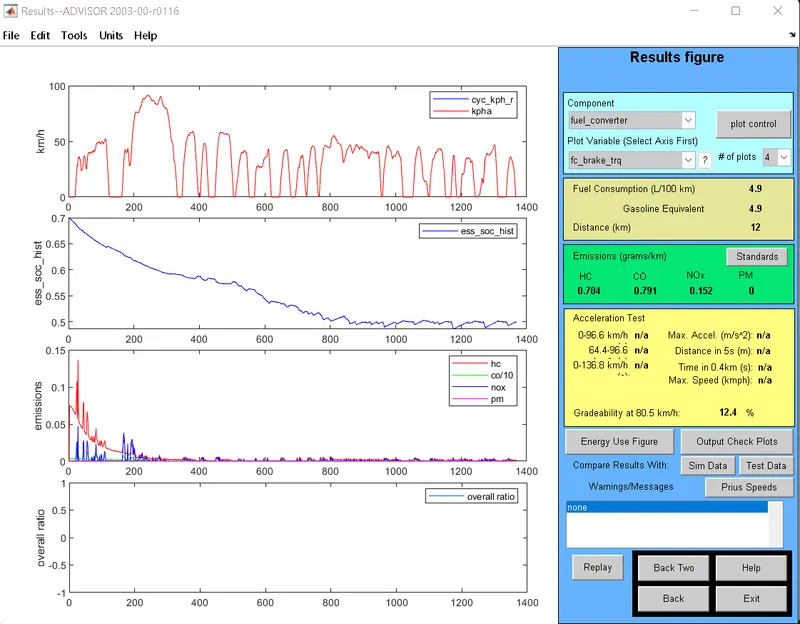
4.)Speed-50mph or 80.5 kmph
Gradeability=12.4%
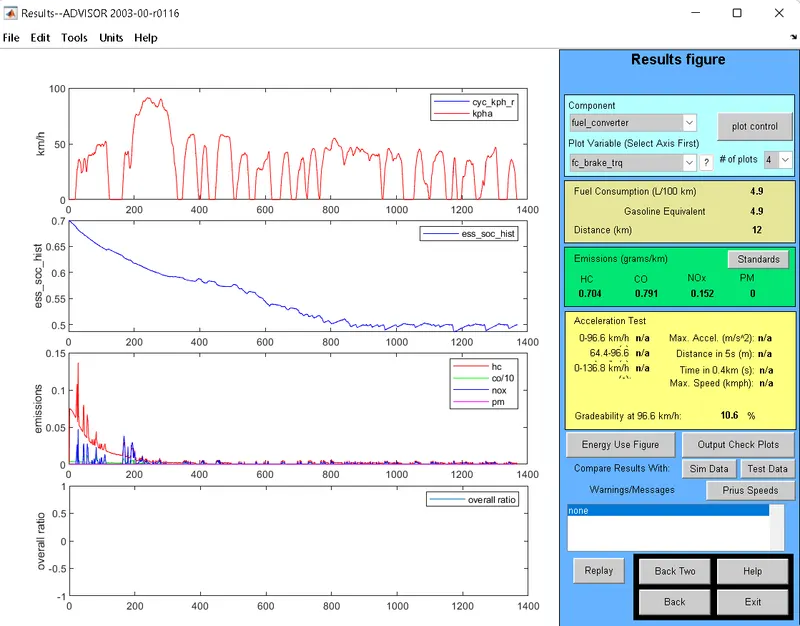
5.)Speed-60mph or 96.6 kmph
Gradeability=10.6%
For duration 20 sec
| Sr no. | Vehicle Speed (mph) | Gradeability |
| 1 | 20 | 22.9 |
| 2 | 30 | 17.7 |
| 3 | 40 | 14.6 |
| 4 | 50 | 12.4 |
| 5 | 60 | 10.6 |
CONCLUSION:
When the vehicle speed increases there is decrease in the gradeability