Week 3
AIM: The Aim is to do Geometry clean-up of the model, do Meshing of the model, ensure there are no OFF elements, ensure there are no rotating quads, ensure there are no opposite Tria’s, Eliminate Tria’s near free Edge/ Fillets/Holes and the independent Mid surface meshed.
Procedure:
- Initially we import a CAD file to ANSA.
- We then do a geometry Clean up of the cad file in order for us to process the Meshing.
a) We start with running a topo clean up.
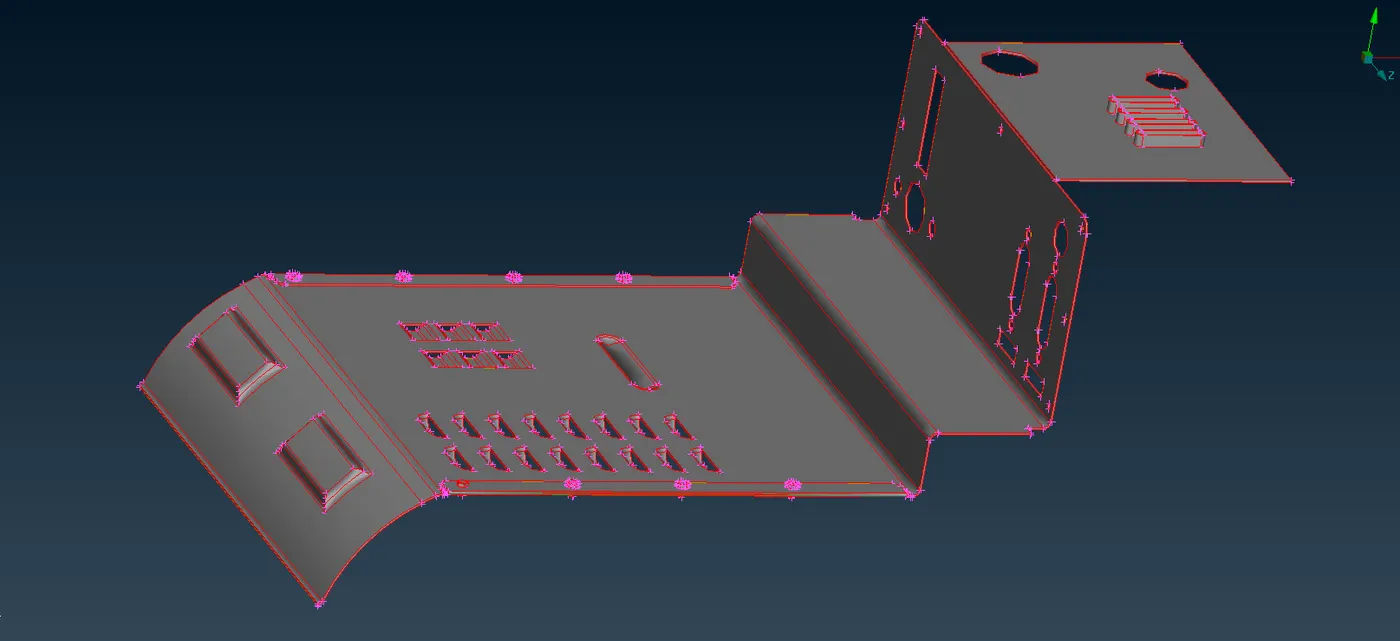
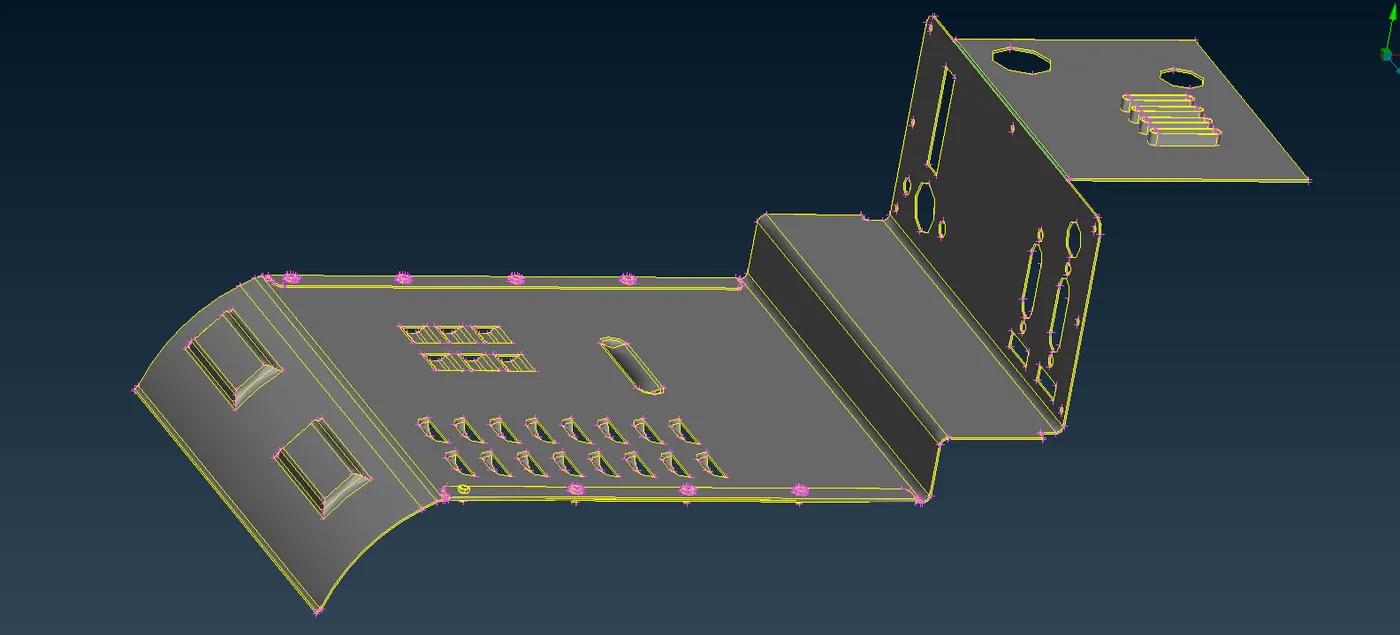
- We run a geometry check to understand the clean-up that has to be processed.
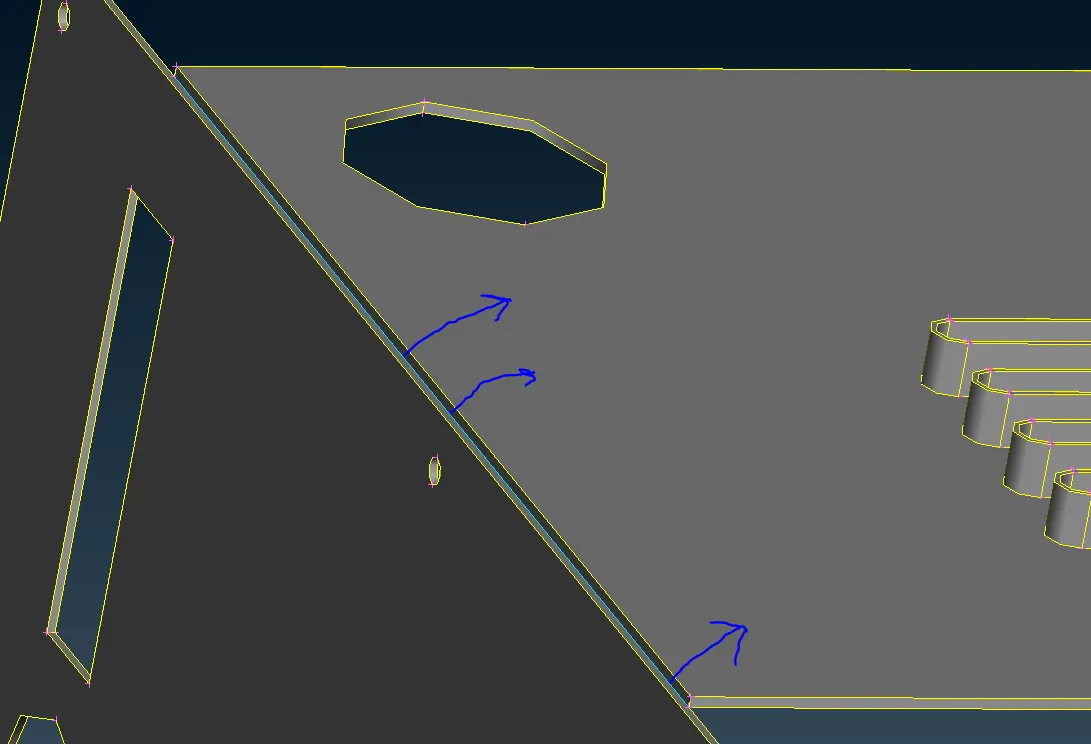
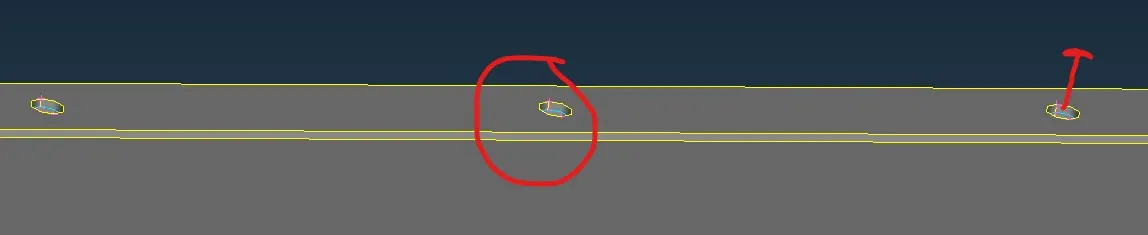
- We start by correcting the geometry clean -up required.
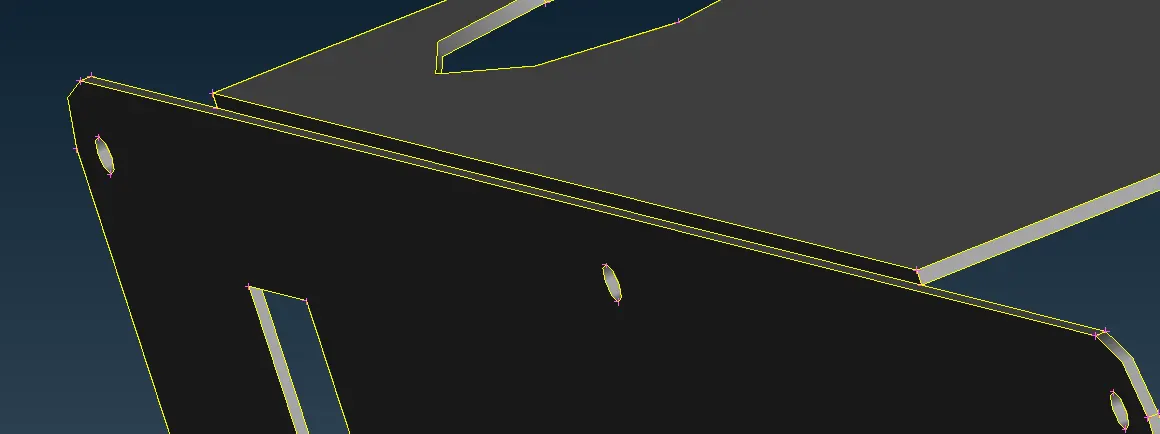
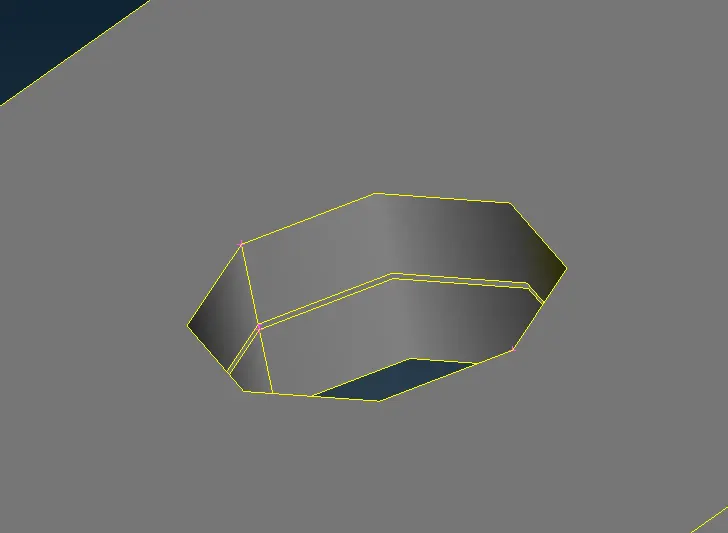
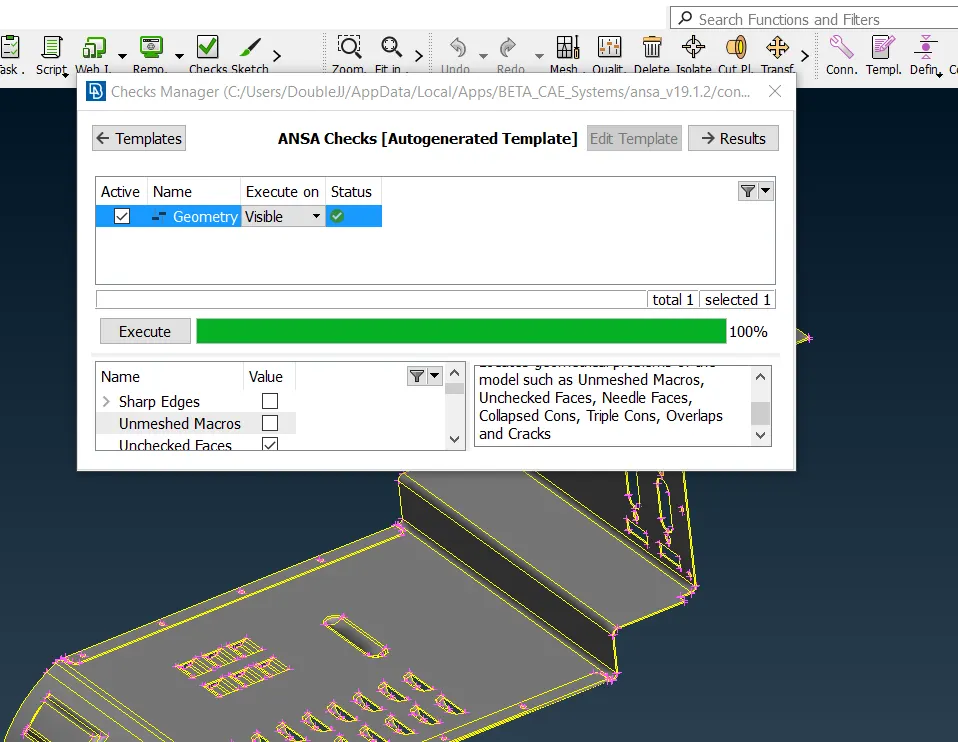
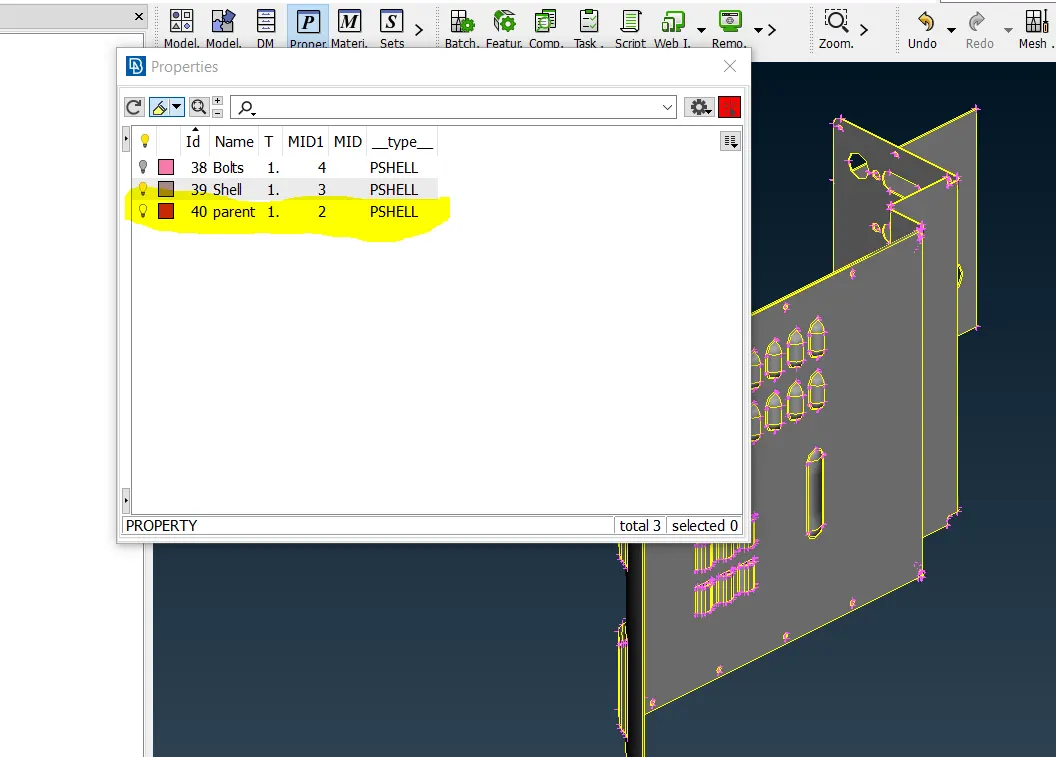
- We start by ensuring that we have only the defined PID for our product useable for us.
- Measure solid body for uniformity/non-uniformity
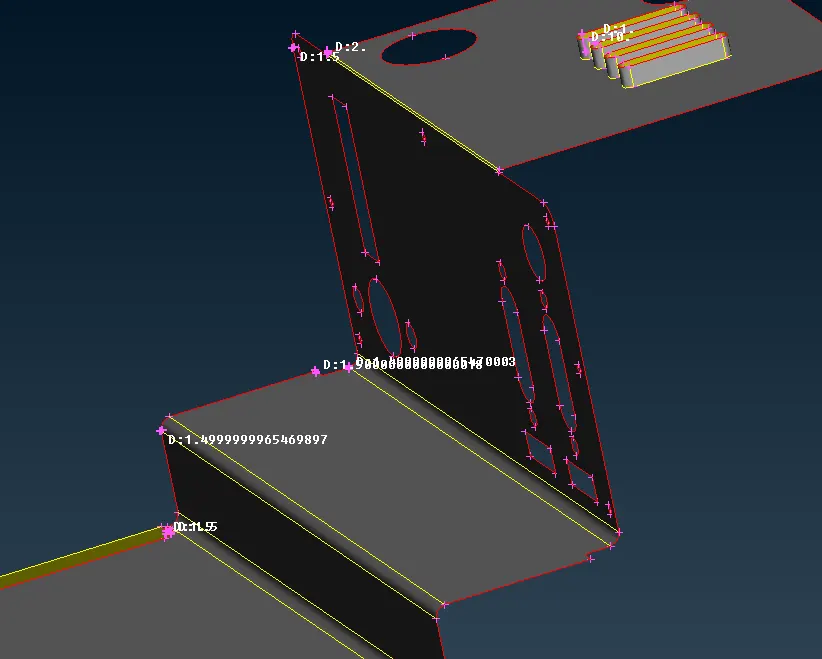
- Generate Mid-surface using Offset or mid-surface tools depending on non-uniformity or uniformity for all the Features and body.
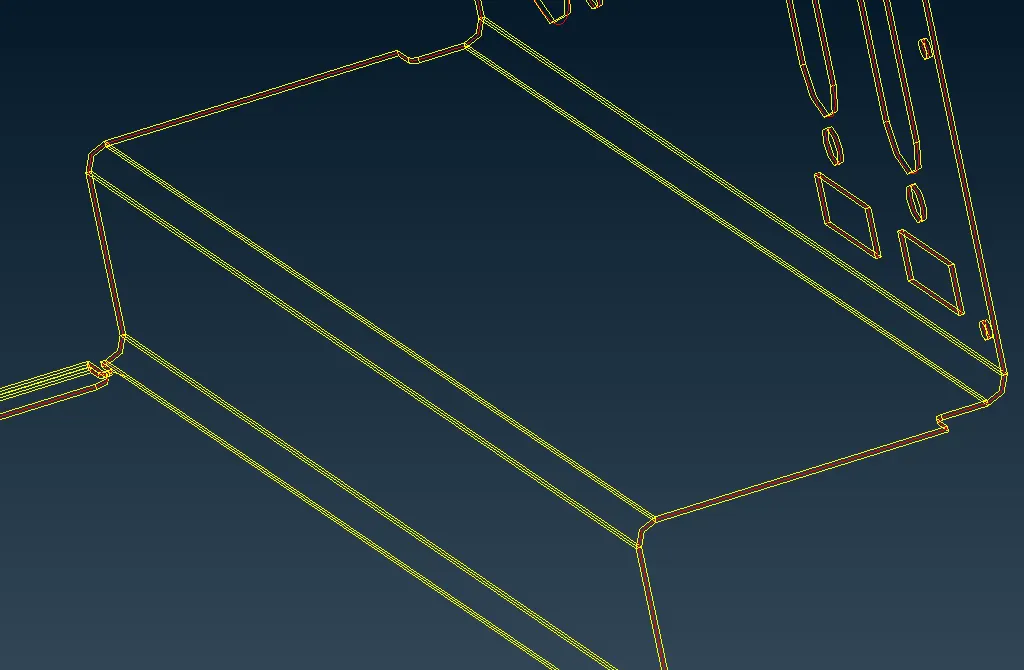
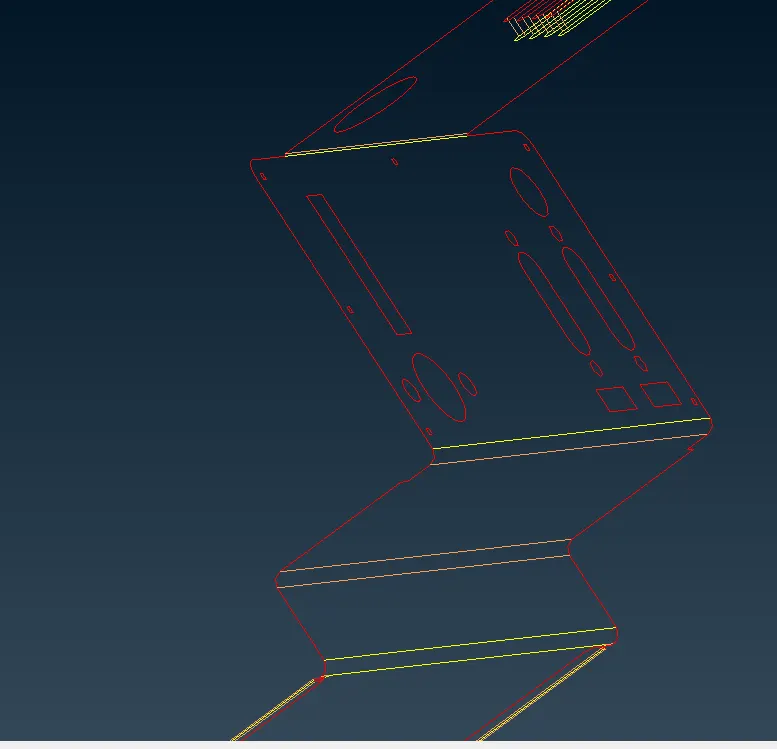
- Do a topo for the mid surface generated
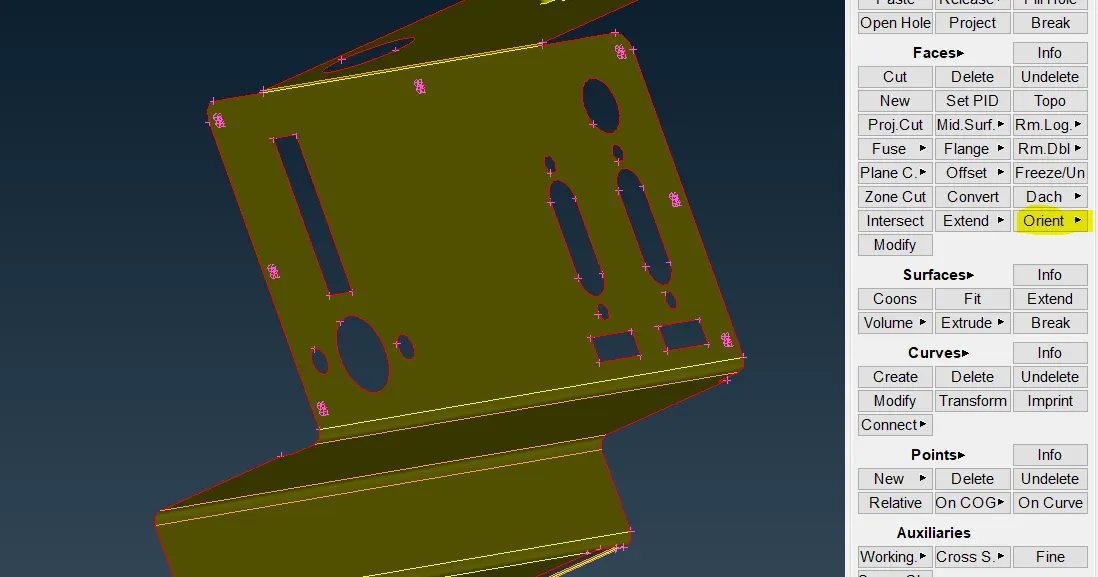
- Check the orientation of the surface with orientation Tool
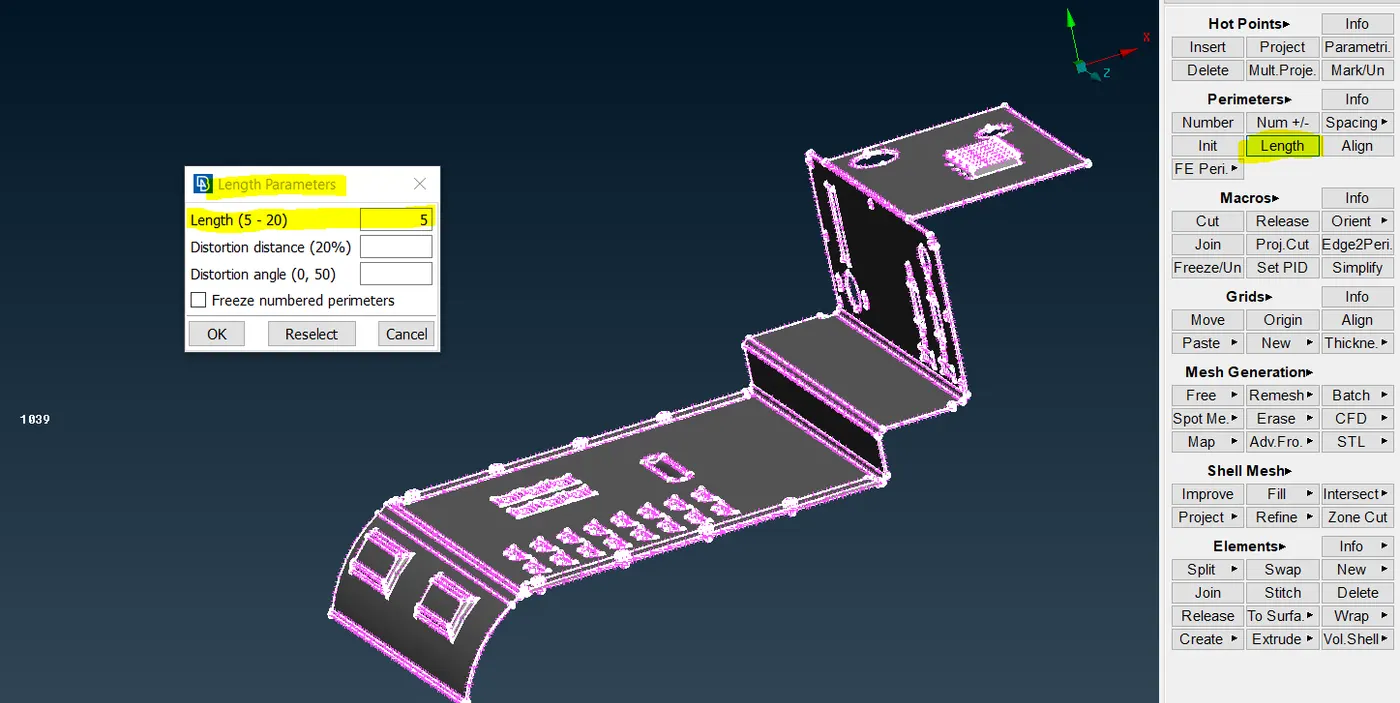
- We apply Macro and perimeter length to the entire shell
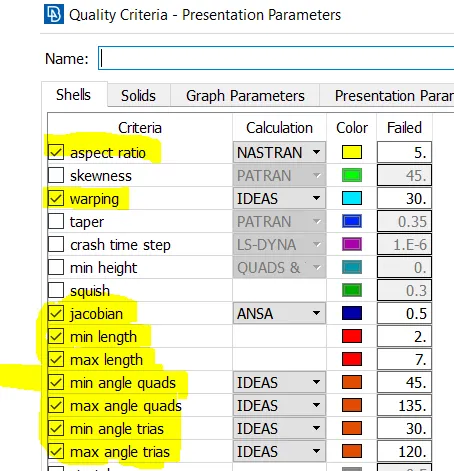
- We apply parameters of quality to the shell for min, max length and angle also Jacobians, Aspect ratio.
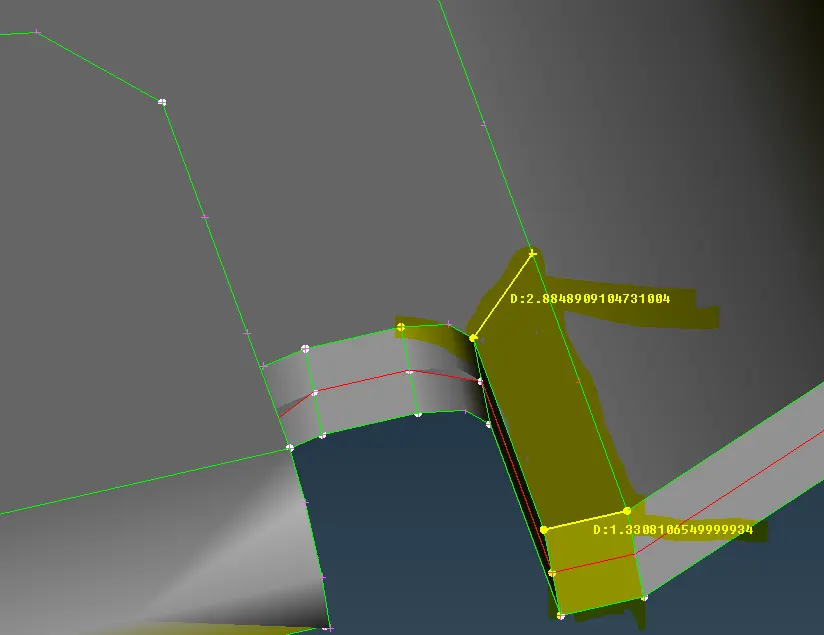
- We then using the measurements with us check for geometry failures and defeature the edges and fillets likely to fail.
Correction on both sides
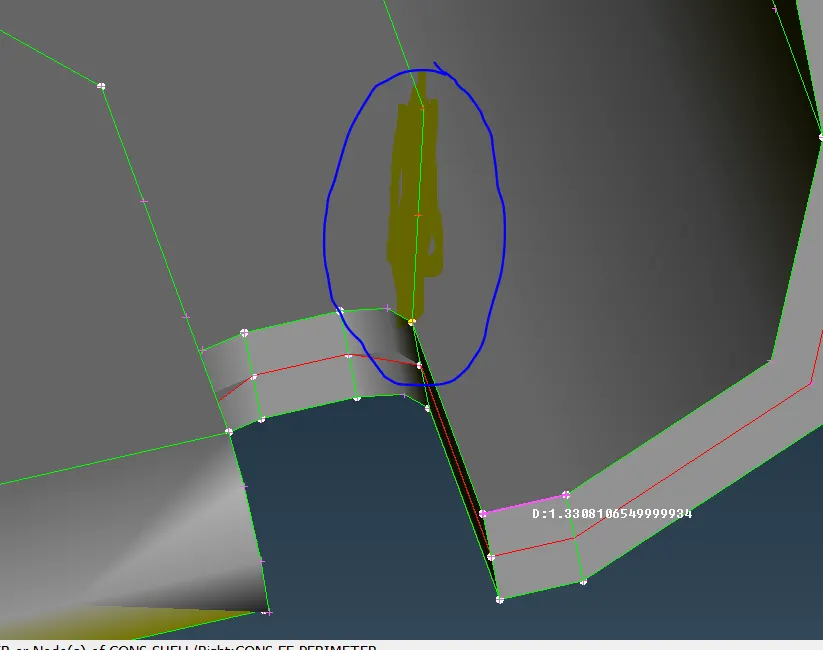
- We mesh the features first
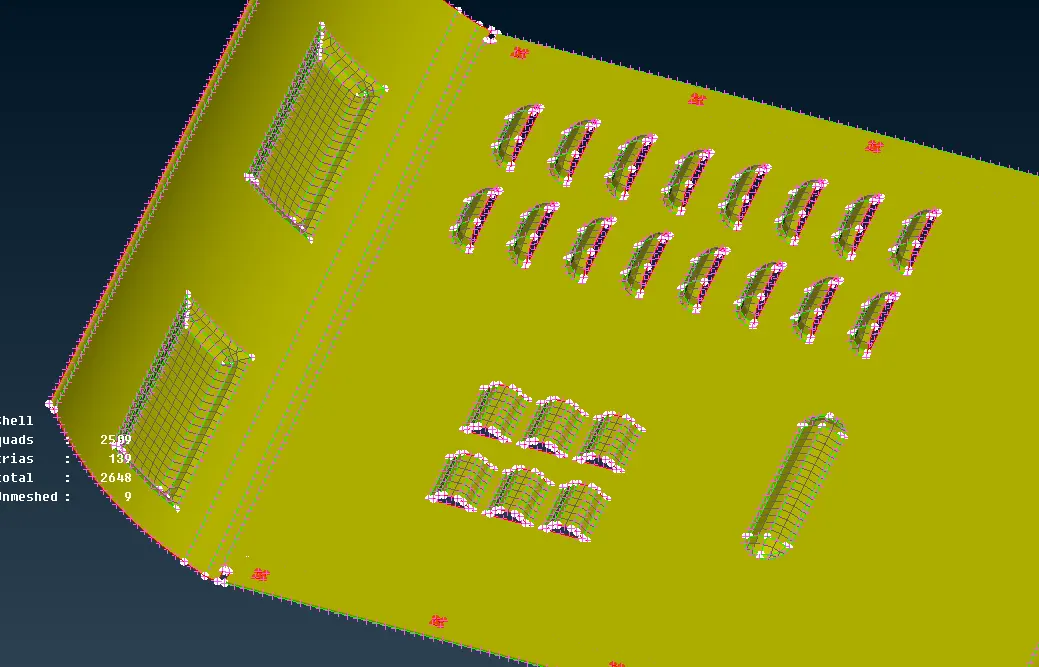
- We start rotating holes to parallel to the edges for better meshing.
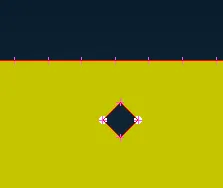
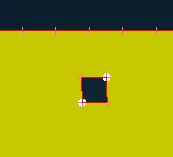
- We start meshing by other areas by dividing them into smaller parts
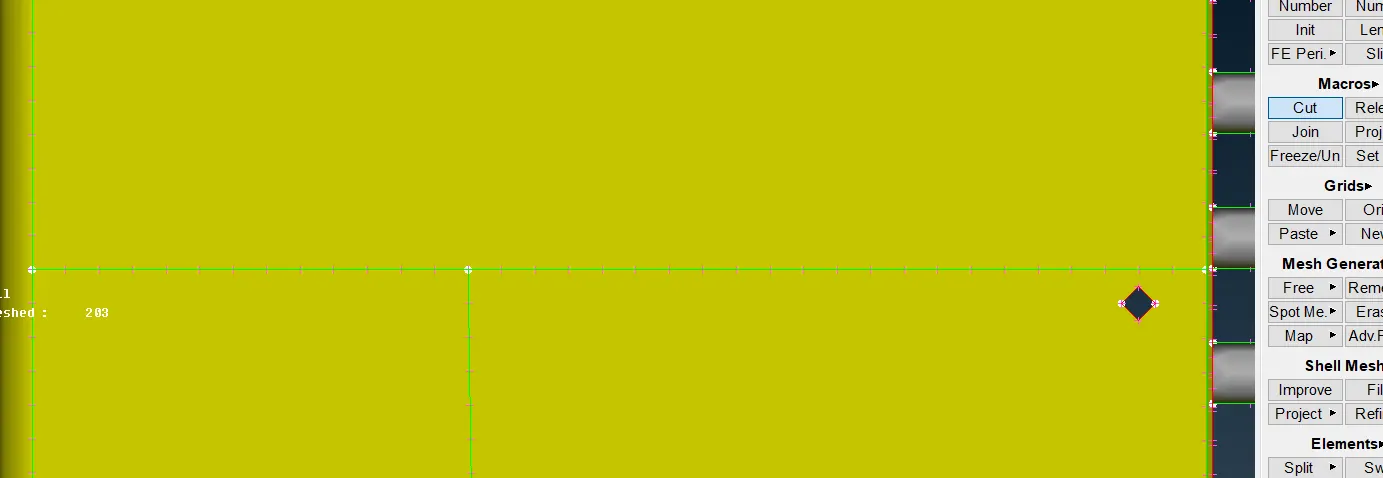
- We mesh the entire body and run another topo and clean up to ensure everything is in order.
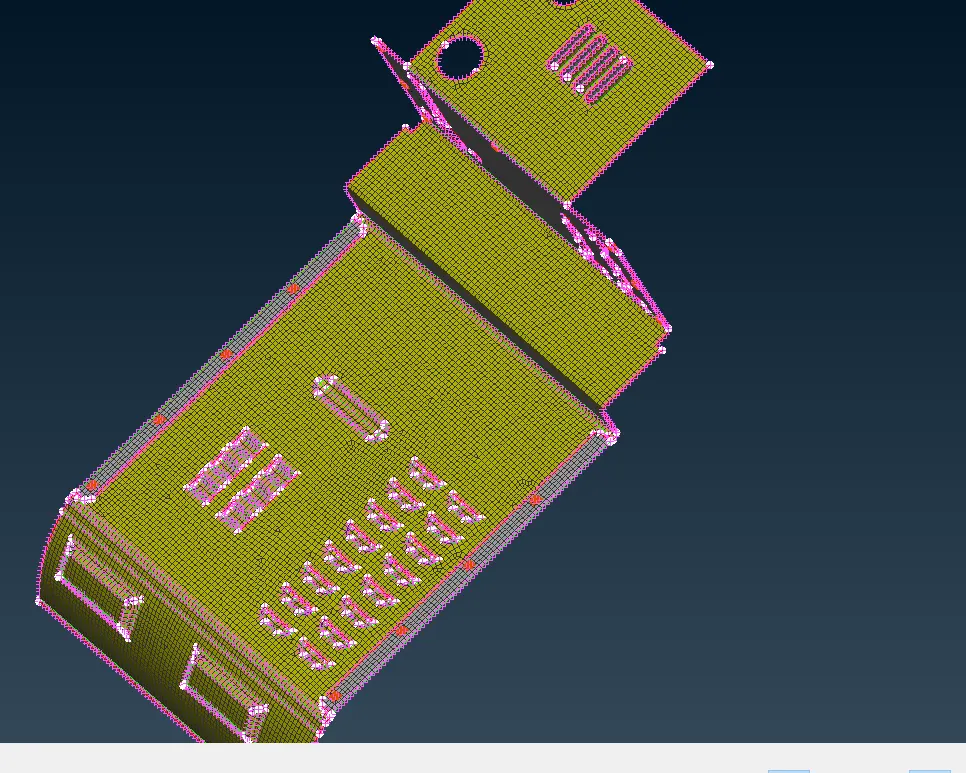
- Now we have to use options like Split, join, Swap on elements to try and avoid tria’s created in the corner/fillets.
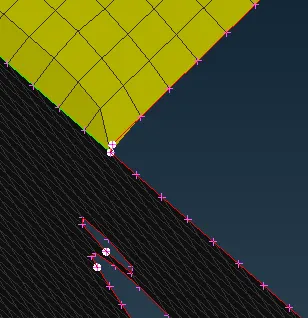
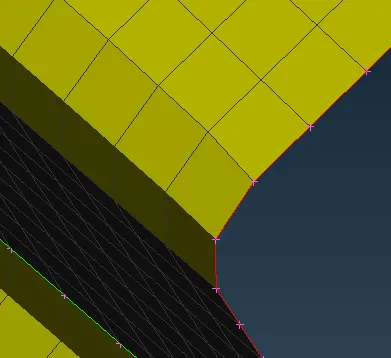
- We use paste option to join opposite side of tria’s. This is found under Mesh-Grids-Paste
a) We can paste last node to first
b) First node to last
c) Group of nodes to a single point. -
We use Re-construction and smooth to get better results of the meshed elements. These options are found under Mesh- Shell Mesh- Re-construct/Smooth.
-
Ensure that there are no off elements
Conclusion: These sessions have helped understand the importance to have better meshing quality and how to achieve them by the above-mentioned check boxes.