Week 3 - 2D meshing for sheet metal
2D meshing and pre-processing for Car hood Metal Sheet
OBJECTIVE:-
Starting with the given Component (in 3D) of Automobile Car Hood, Performing Geometry clean-up and after Generating the Mid-Surface of the Model, then proceeding with Meshing of the Components under the Quality Criteria to meet the requirement of the meshing and analysis further.
INTRODUCTION
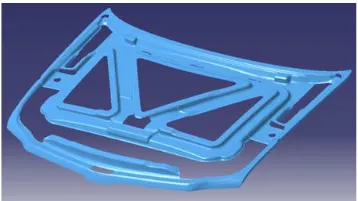
To provide protection to pedestrians in collision with passenger vehicles, the design, and construction of a vehicle’s bumper, hood, and fender panels must be addressed. The work has been done on the bumper and hood design of the vehicle front end to reduce the injuries to the pedestrians in the event of a pedestrian-vehicle collision. The front portion of the vehicle gets damaged including the bonnet when met with an accident. So there is a need to change the existing design of the bonnet or by changing the material. The bonnet is the hinged cover over the engine of motor vehicles that allows access to the engine compartment for maintenance and repair. Bonnet usually do not directly open onto the passenger cell which greatly reduces the importance (weighting) of certain of the functional requirements normally associated with closures such as airtightness, passenger safety, low cycle fatigue strength, etc.
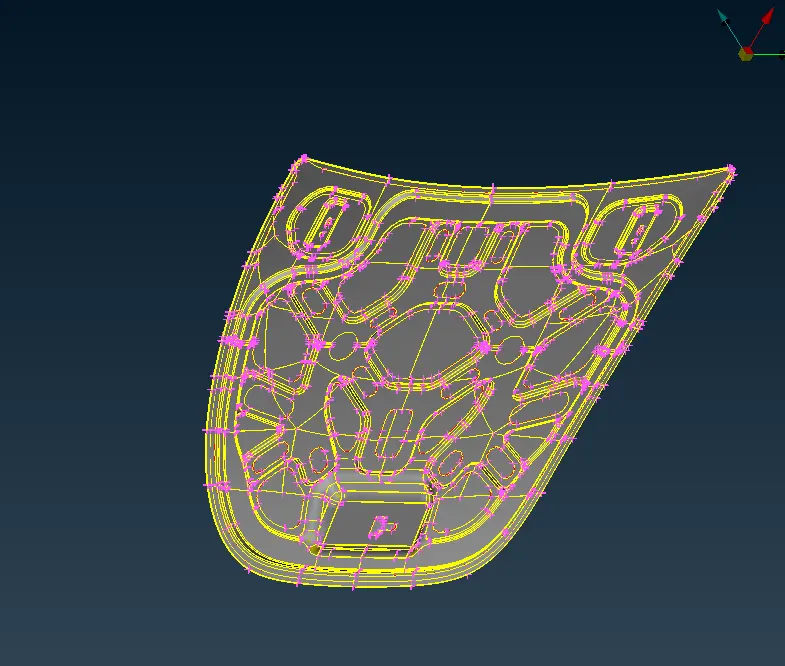
Inner panel 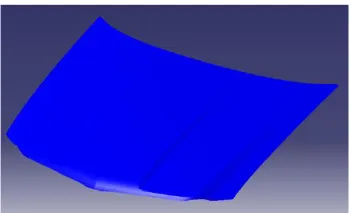
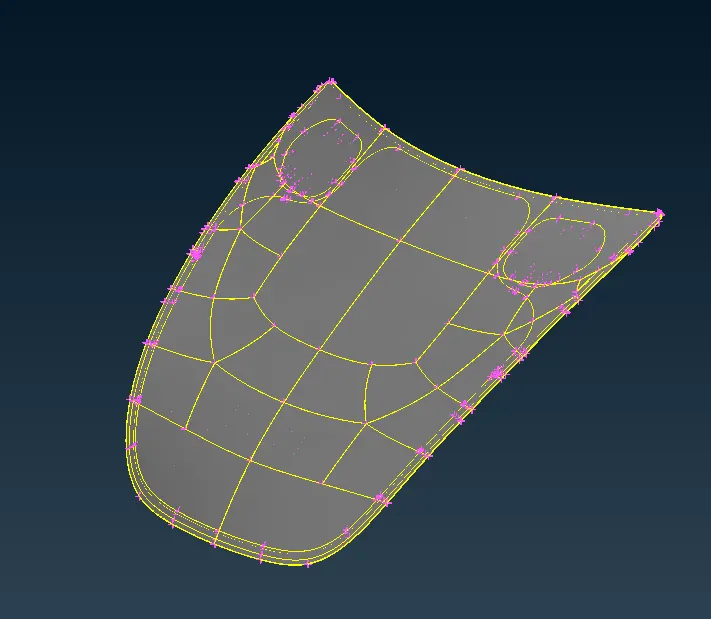
Outer panel
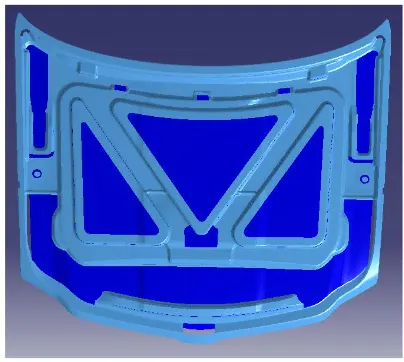
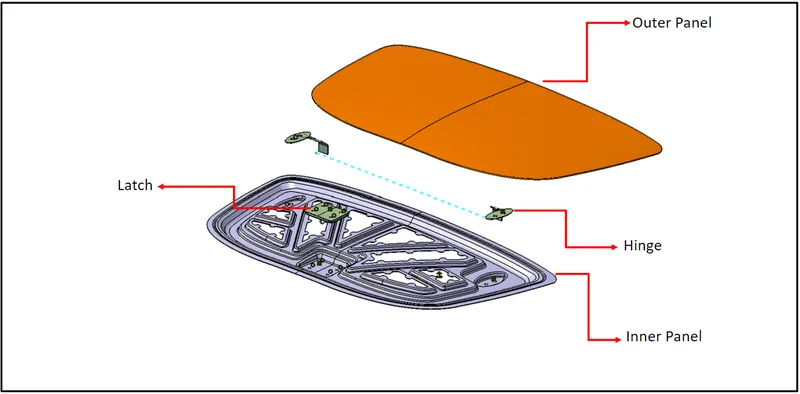
Assemble of inner and outer panels
PROCEDURE:-
1. GEOMETRY CLEAN UP
Step: 1 - Issues to be Re-Solved
Check for all the issues that in within the component by –default by going to the
Tools Section > Checks > Geometry>Then click Execute
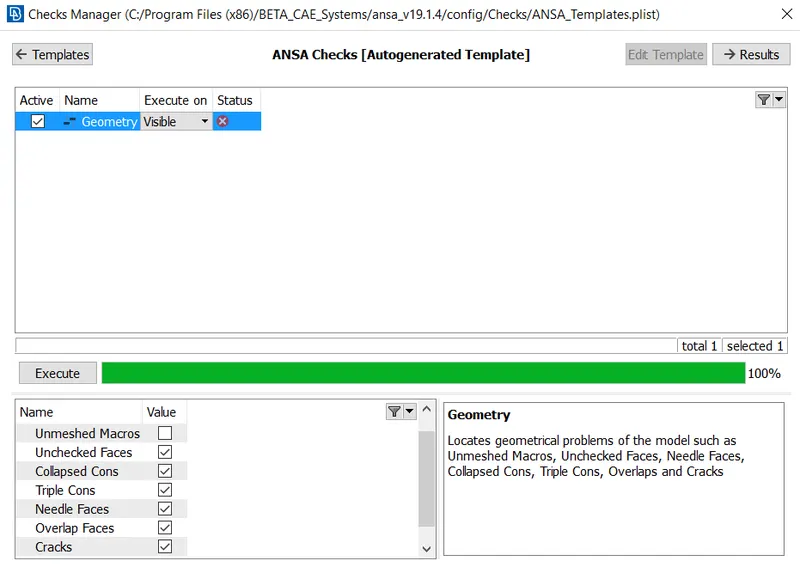
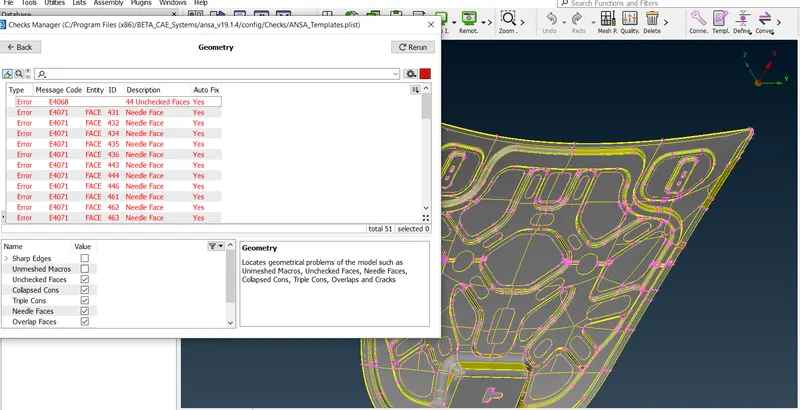
Step: 2 – Check to remove the problems by right click on any issue then show only
We have an Option in that same dialog box for Auto-fix of the issues (or) with some ANSA tricks and tips we can easily perform the Manual-fix of any problem.
2. Generation of Mid-Surface for all the Different Components
In the Faces box inside the tab TOPO we have to select the offset method to generate the surface manually and provide the half of the dimension of thickness on the respective side according to the provided directional arrow on the surface.
Classification of Components :
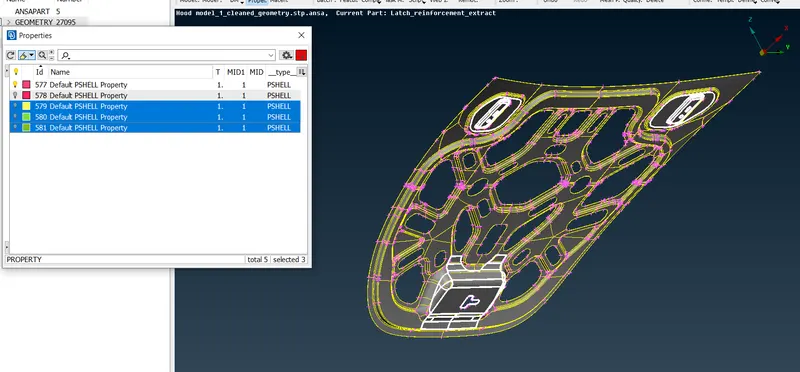
The Automobiles component is a Hood model in sheet metal form. This hood model comprises of three subparts. They are
- Outer Hood Model
- Inner Hood Model
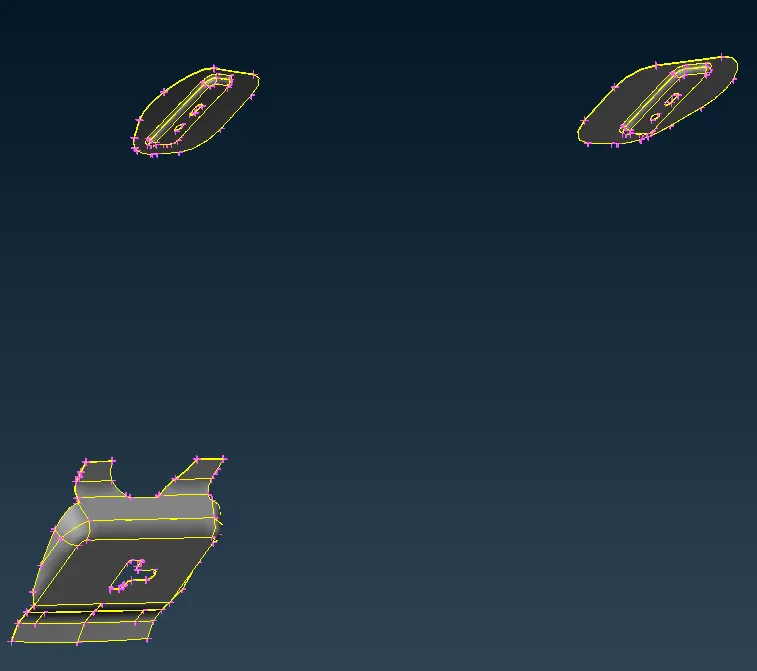
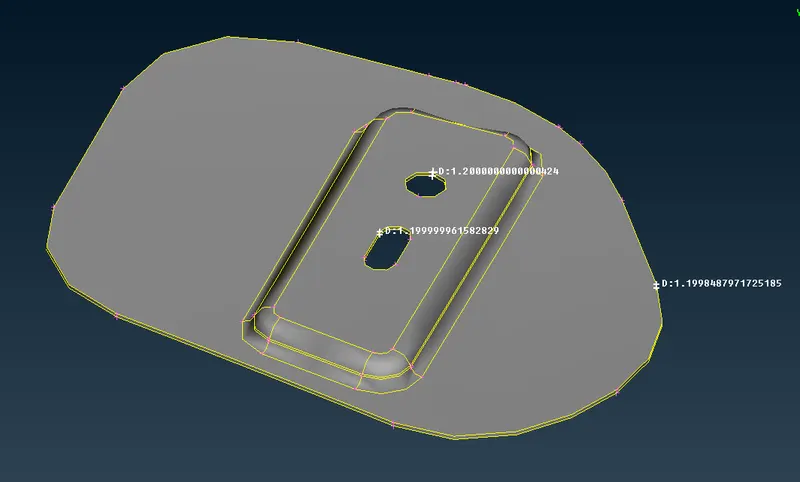
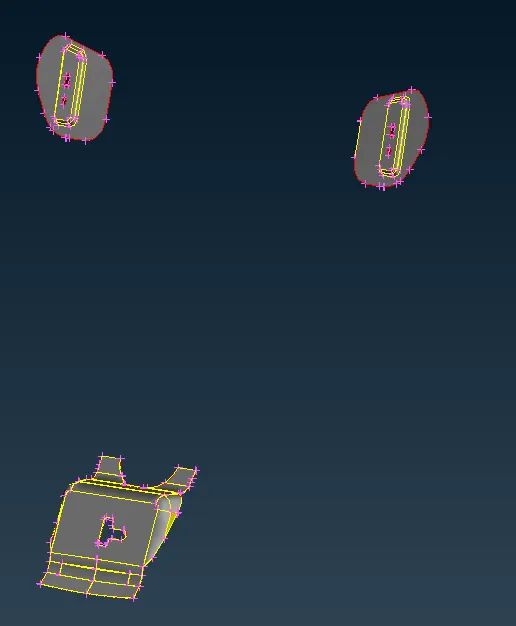
- Latches Model
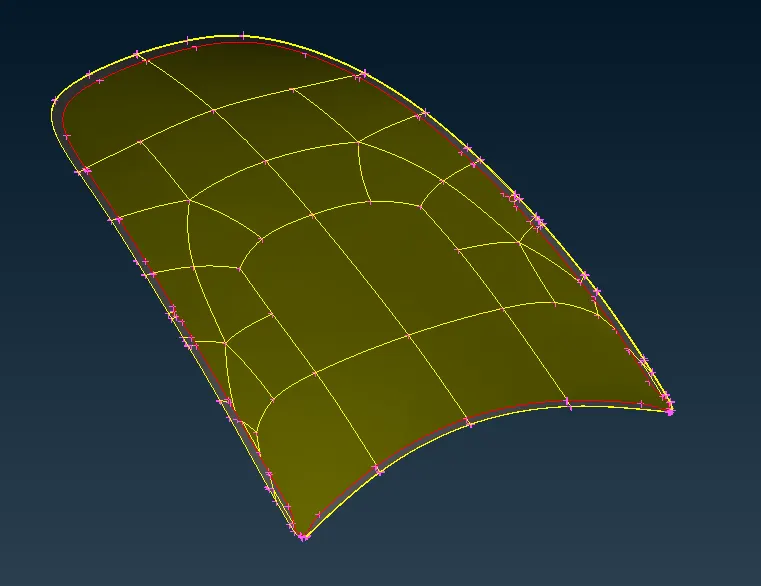
I. Outer Hood Model
Before Mid-Surface Generation
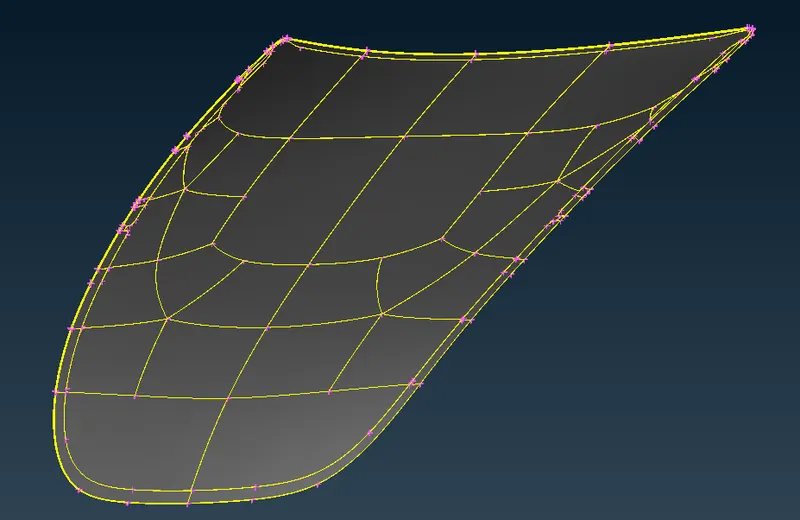
After Mid-Surface Generation
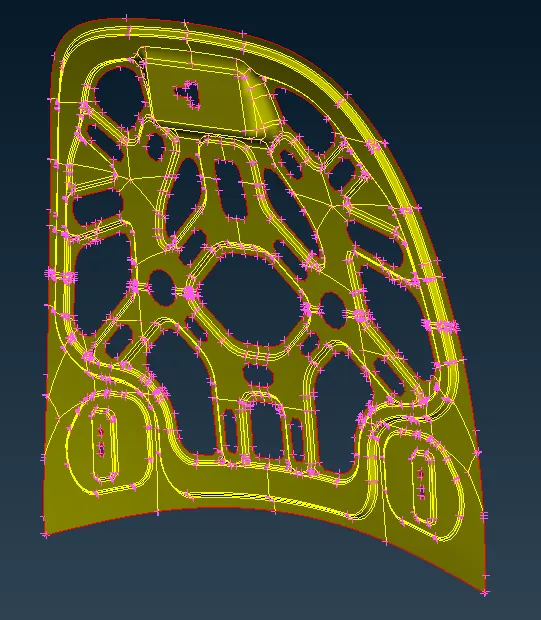
II. Inner Hood Model
Before Mid-Surface Generation
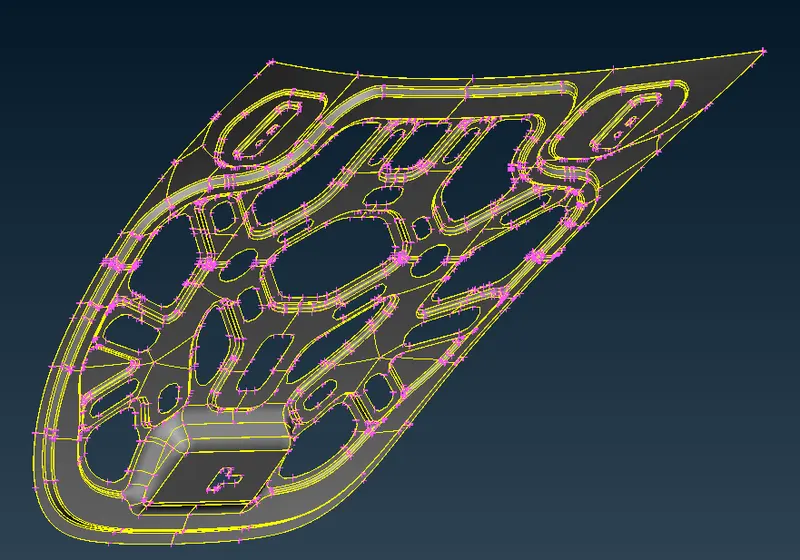
After the Mid-Generation
III. Latches Model
Before Mid-Surface Generation
After the Mid-Generation
3. Geometry clean-up Step before meshing the components
To full fill the quality criteria while we perform the meshing and thus our mesh should not fail to provide the useful purpose we have to perform the parameter length adjustment with various techniques such as de-featuring, in the complex areas so for that :
- Firstly Give the required Input for Mesh Quality Criteria as per the given Problem and then assign the Values in the Meshing Parameter.
- Then select
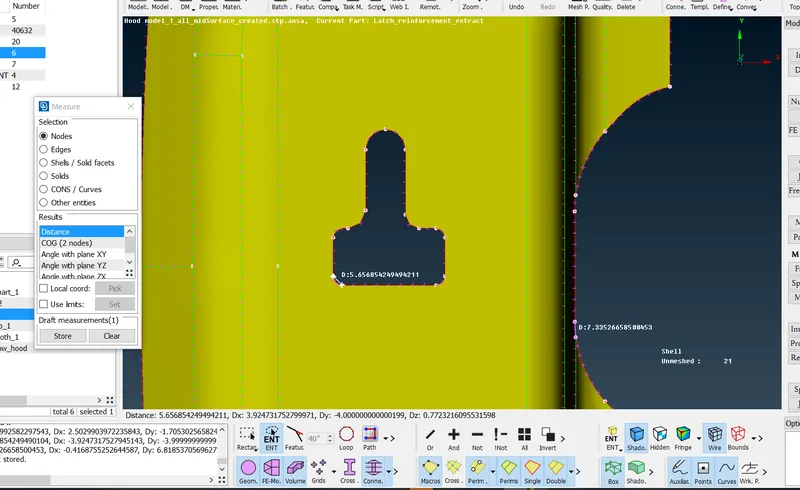
- Perimeter > Length > select the component >Click middle mouse> Add value of target mesh length
- After assigning the perimeter length we have to check randomly on the perimeter that our Hotpoint’s must meet the target value criteria i.e.(The distance between two nodes must be Lesser than the target value and preferably closest to the target value)
Setting up Quality Criteria:
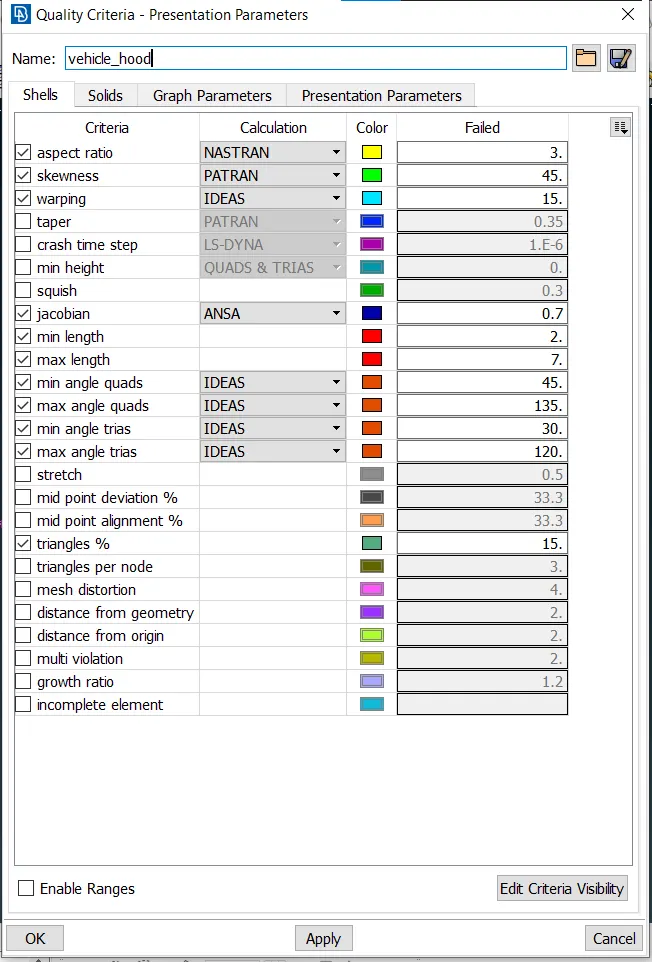
In quality, criteria wizard the given parameters are entered so that the ANSA could check the mesh generated is under these criteria.
4. Starting Meshing the mid-surface and resolving the issues
Mesh Preparation:
Before the meshing process some of the features to be checked manually in order to generate mesh under defined quality criteria.
Check for the number of edges found at the circle region and make sure it's in even number, not an odd number. Making the edge of the circle parallel to the near edge of the geometry could reduce the mesh errors. This can be done using meshing tools available in ANSA.
Removal of Unnecessary perimeters:
Some of the unnecessary perimeter lines & hot points can be removed which makes the meshing to be done under defined quality criteria. Here in this model, the average length of an element is set to 5mm with tolerance the range can be within 3-7mm. So the parametric lines lesser or greater than the provided tolerance then those lines must be removed or altered without defeaturing the geometry.
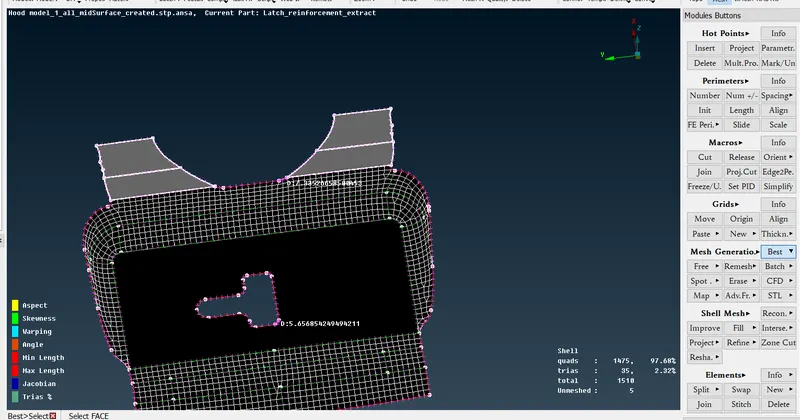
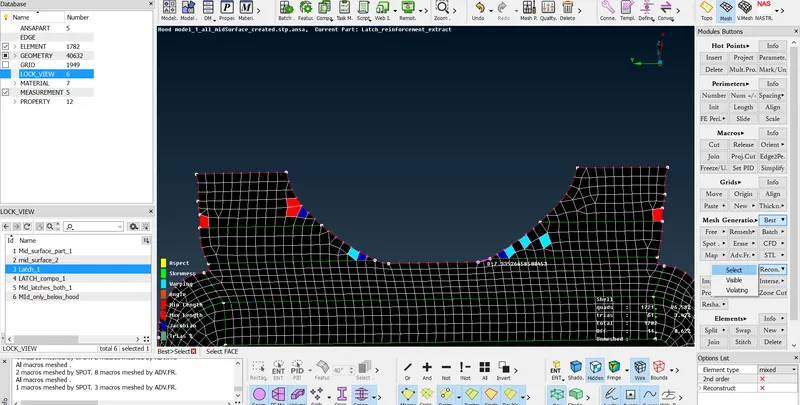
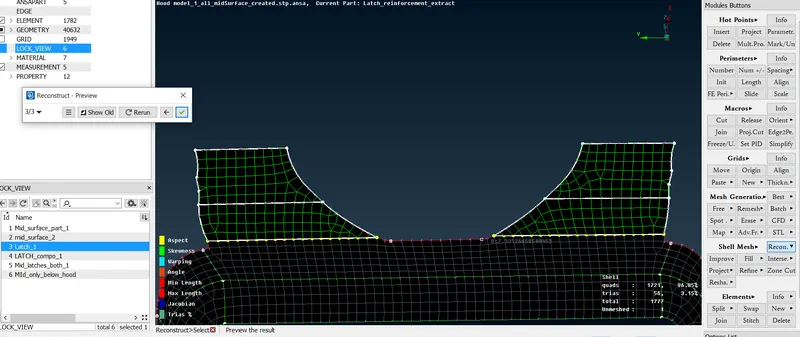
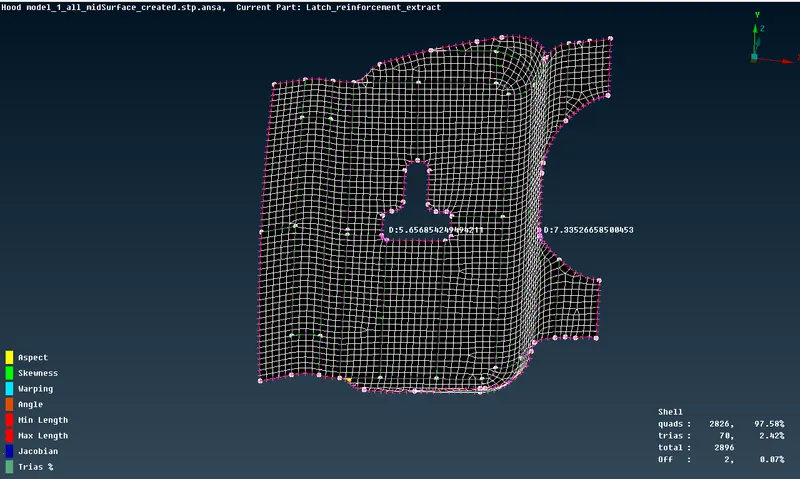
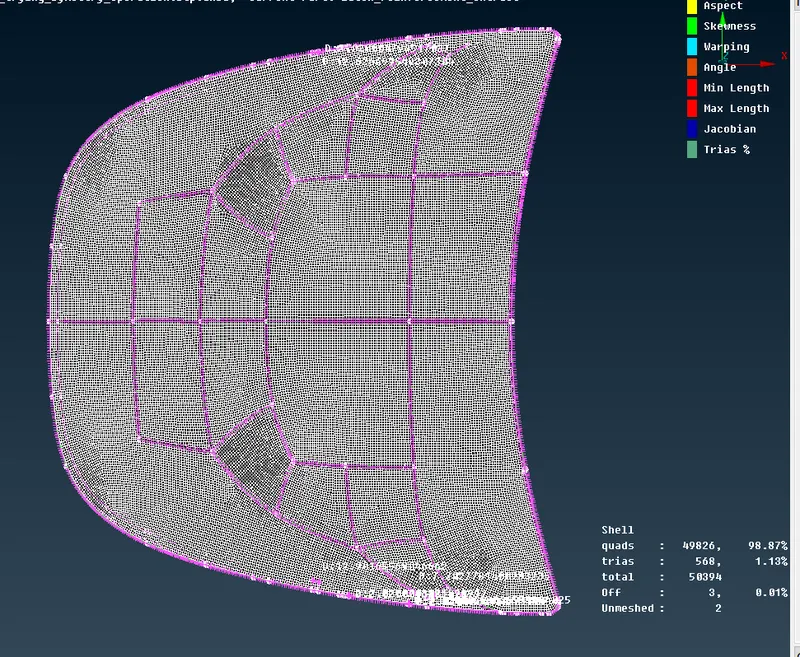
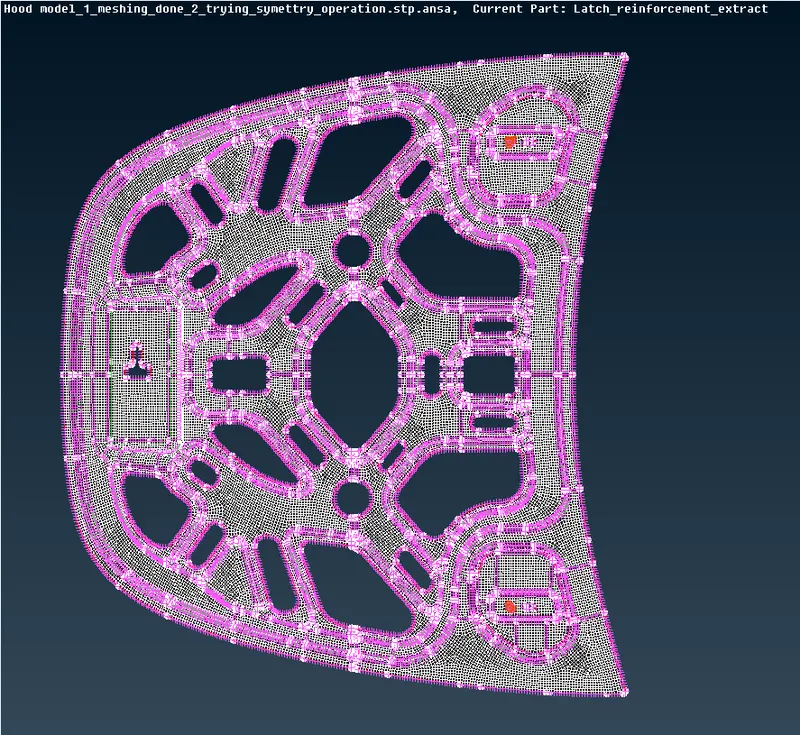
After Iterating and reconstructing the mesh to satisfy the quality criteria we get:
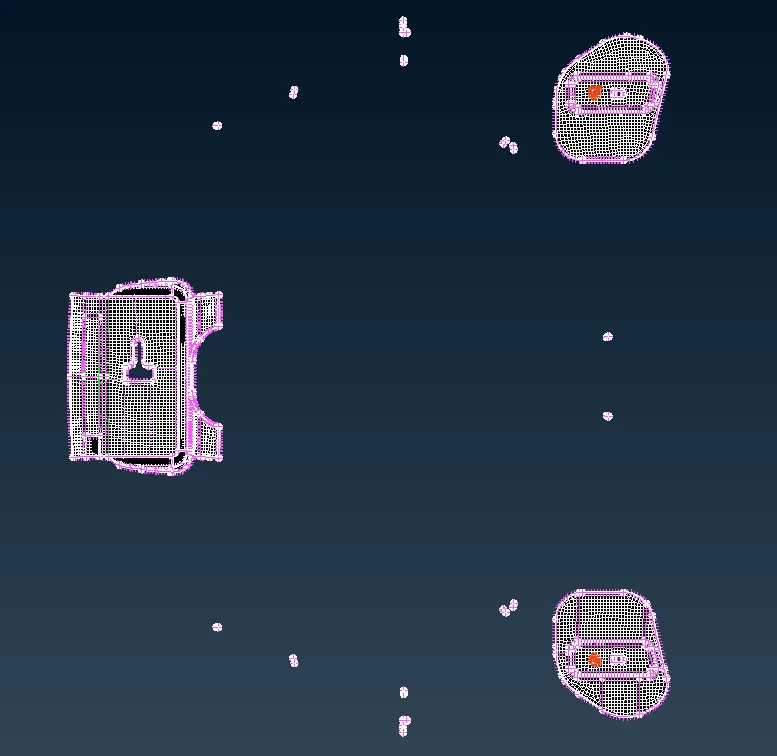
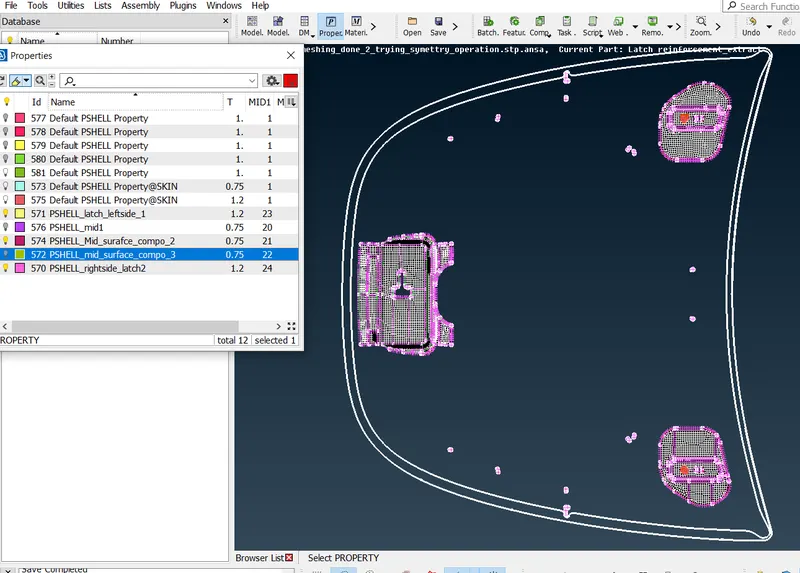
Point to remember :
- We should have a proper check-in the geometry before starting the mesh and also, think about the orientation in the holes and observation in the fillet and small zones.
- We should make the parameter and macro be set to the target value as decided and provided.
- Always try to reduce the Triangles % as low as possible with full filling all the quality criteria.