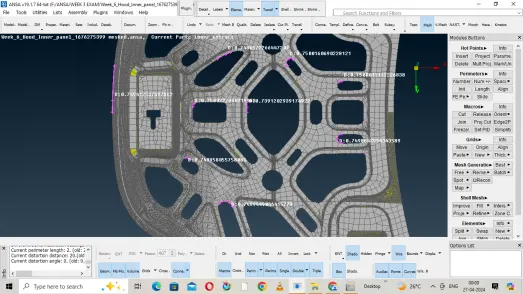
Week 3 - 2D meshing for Sheet metal
Objective : Generating Mid surface of a given after checking the geometrical errors and then creating mesh for the midsurface generated and must qualify the element quality critera.
i have tried to incorporate all the elemental quality characters to the mesh i have generated by simply pressing "F11" . But i'm unable to find all the characters in my version of ANSA.
Steps I have Followed .
1. Opening the Model
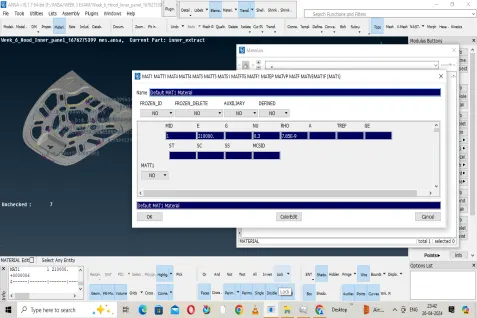
2. Allocating the Material Properties to the body by the icon "material" by double clicking on it and giving the material values.
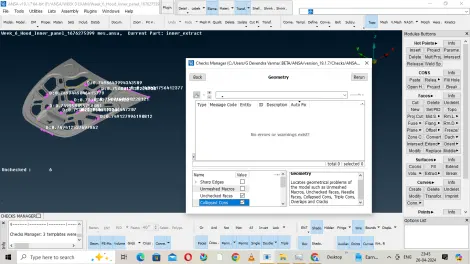
3.Then i have gone for Geometry Check in Checks Manager.
4. Fixing the single cons and triple cons if present over the Body.
5. Did the topology for the entire model and checked if there is any individual cons. Cleared the triple cons by releasing then deleteing the triple con and then again doing Topology to the model.
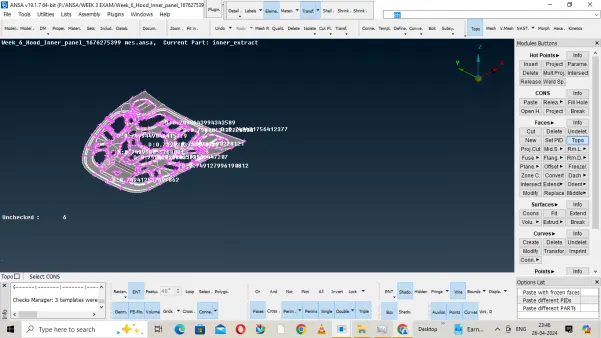
6.Generated mid Surface by using icons like OFFSET and MIDSURFACE. switch on the Cross icon for easy selection of surface. Also before performing of offset , i have checked the thickness of the body.
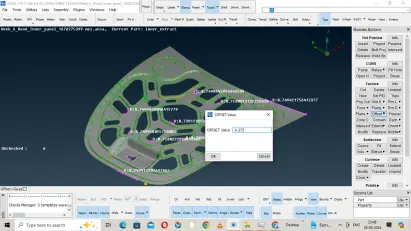
7. Did topology for the mid surface in order to connect the individual mid surfaces.
8.Then gone for the mesh option and used Best Mesh and reconstruction to get good mesh flow.
8. Then i have checked for the unmeshed surfaces and checked the midsurface overe there.
9. Fixing the unchecked surfaces and unmeshed surface ,Finally i meshed it once again .
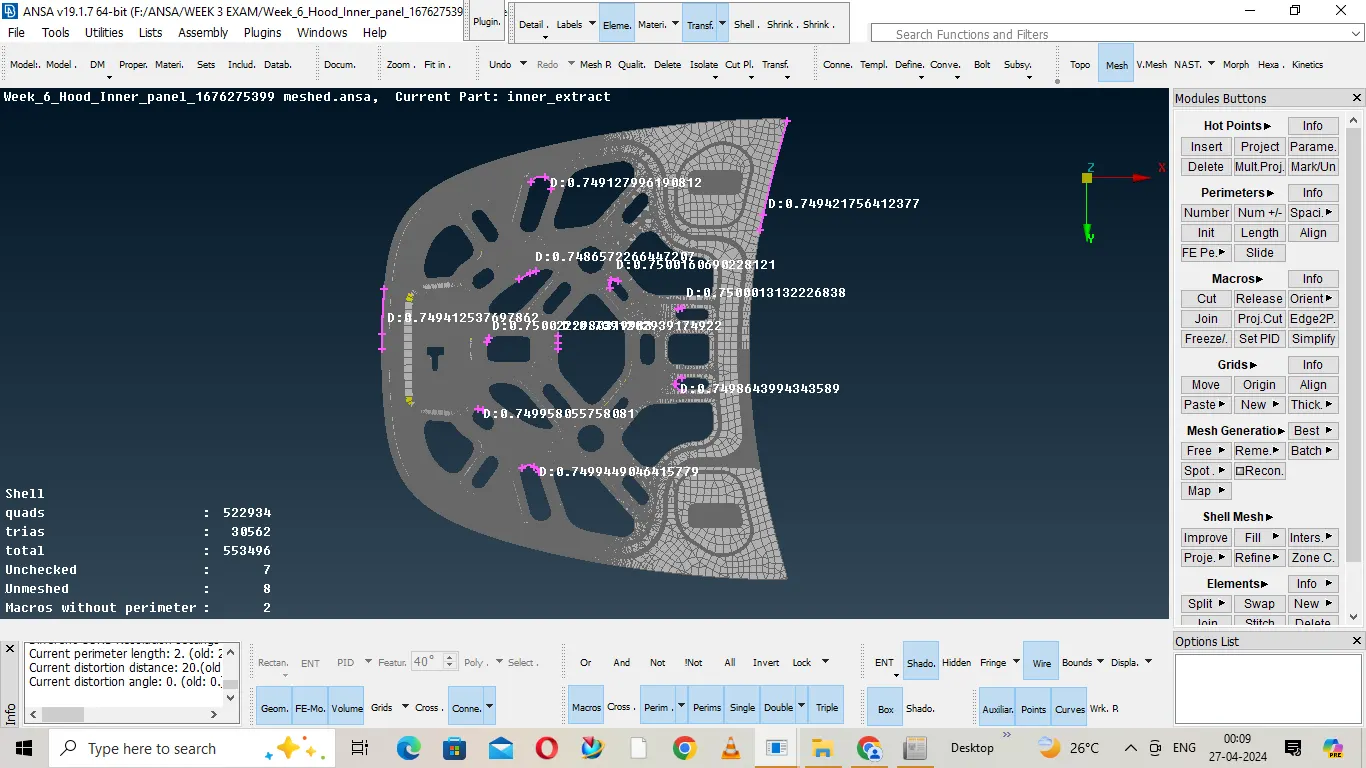
10 i used to save the model for every 5/10 min, because my system was chrashing frequently.
Result :
Meshed properly to get good mesh flow and also taken care to qualify the quality criteria. I have attached my meshed model. Please go through it. i have used a older ANSA version