Week 3 - 2D meshing for Sheet metal
AIM: To generate 2D mesh on midsurface of sheet metal model
Objectives:
1. To check for the geometrical errors.
2. To perform Topology cleanup accordingly.
3. To generate midsurface
4. To generate mesh without failing the quality criteria.
Procedure: -
1. Open the iges file in ANSA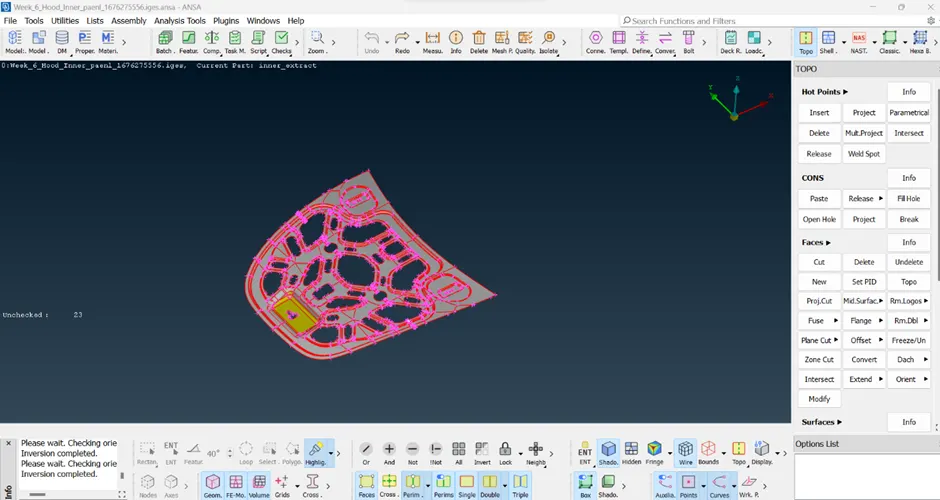
2.Used Faces orient command command to convert all elements on model having same color.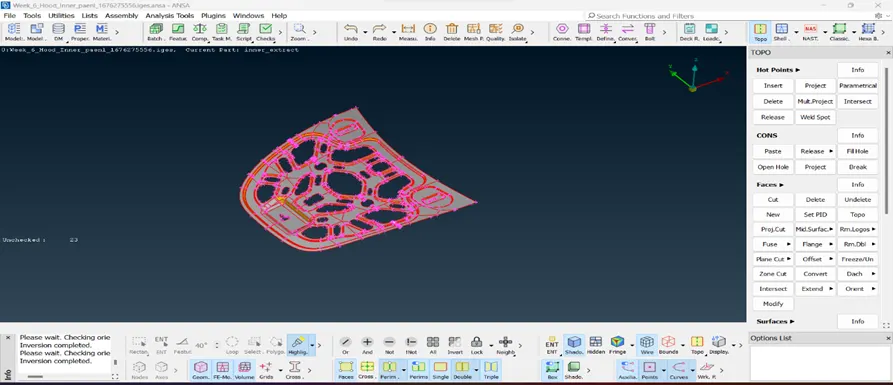
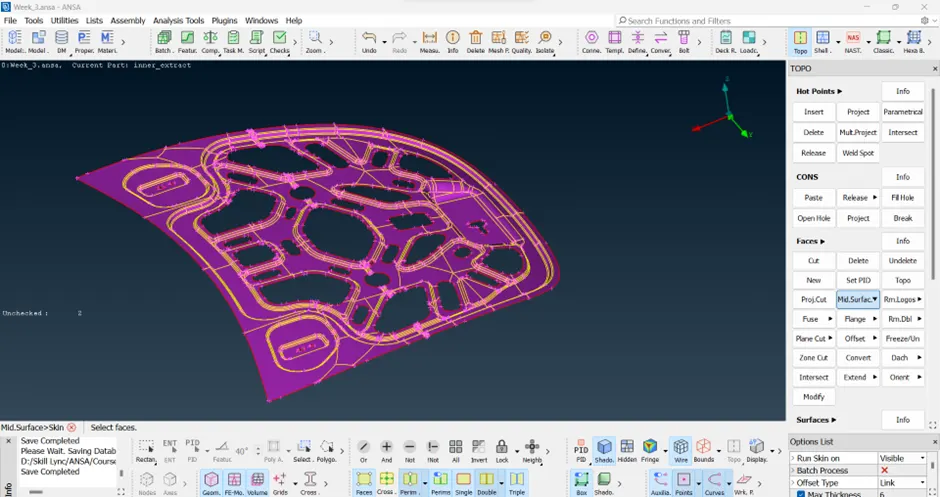
3.By using topo and geometer check command geometry clean up done on the model
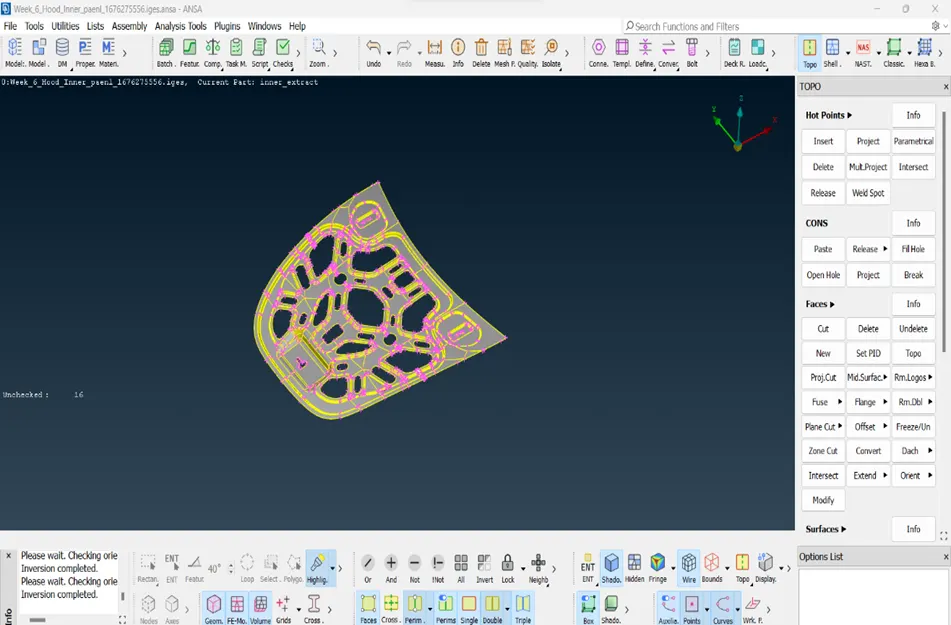
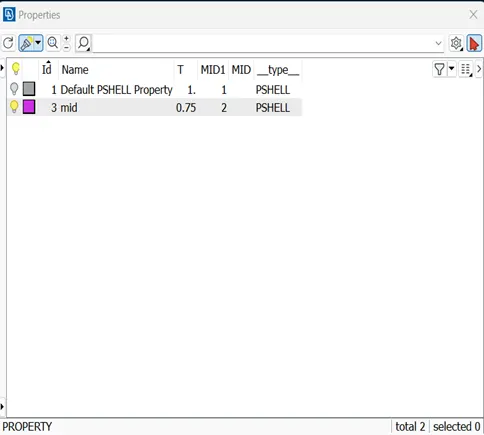
4.By Skin midsurface generated mid to the geometry and by using SET PID option save it is as property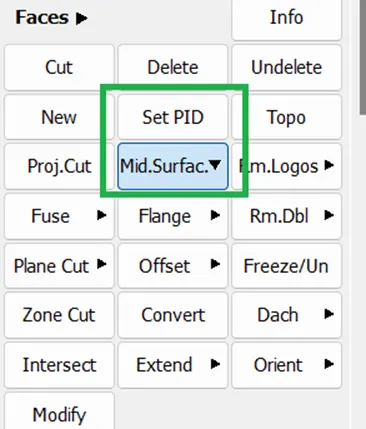
5.Mesh generation:-
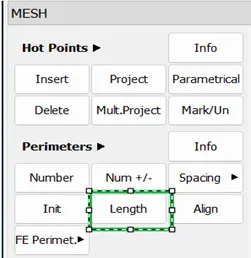
i)Using perimeters length option mesh module first change the length between nodes same as target length of element of mesh
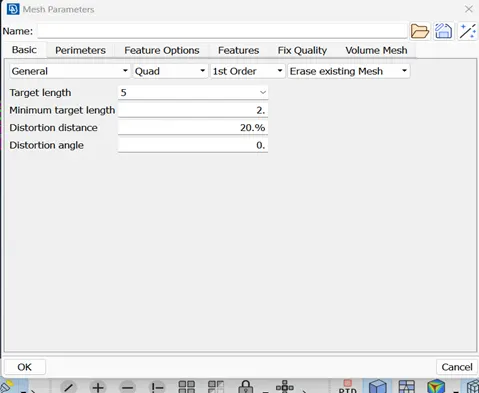
ii)Set the mesh parameters
iii) Set the quality parameters same as given in challenge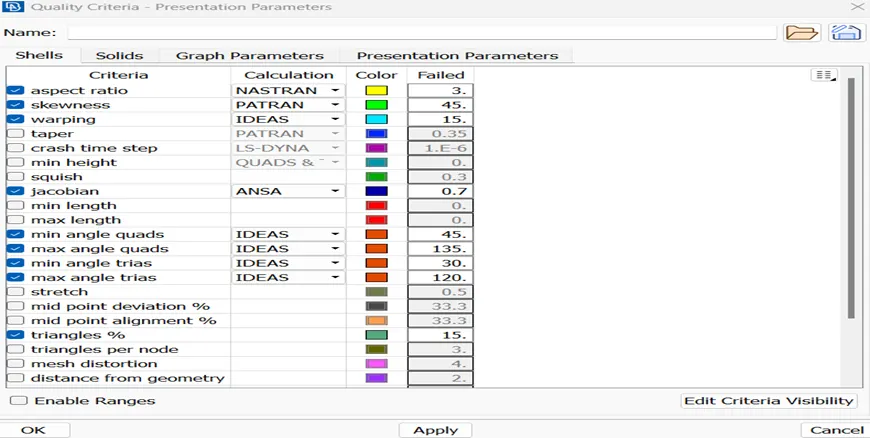
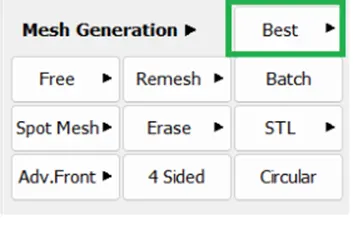
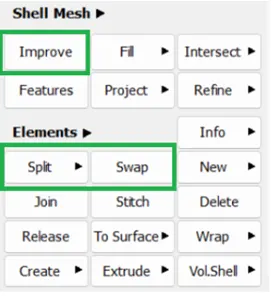
iv) Generated mesh on the manual mid surface using Best Mesh option in Mesh generation tab and try to eliminate trias by using swap and split option Element tab and also improve the quality of mesh using Improve option from Shell Mesh tab
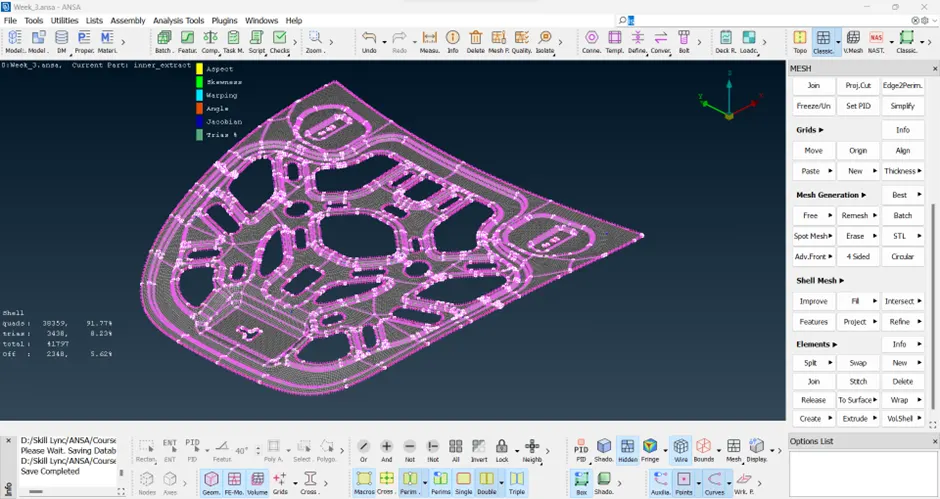
Generated a fine mesh on model
Conclusions:
By generating mesh using ANSA all concepts of ANSA 2D mesh are cleared