Week 3 - 2D meshing for Sheet metal
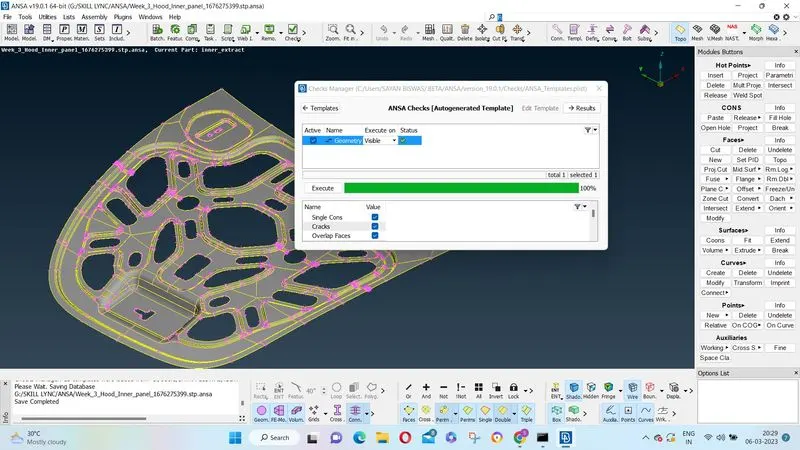 After importing the model from the challenge dialog box, first geometry checks and geometry cleanup is done as shown in pic1 of the attached file.
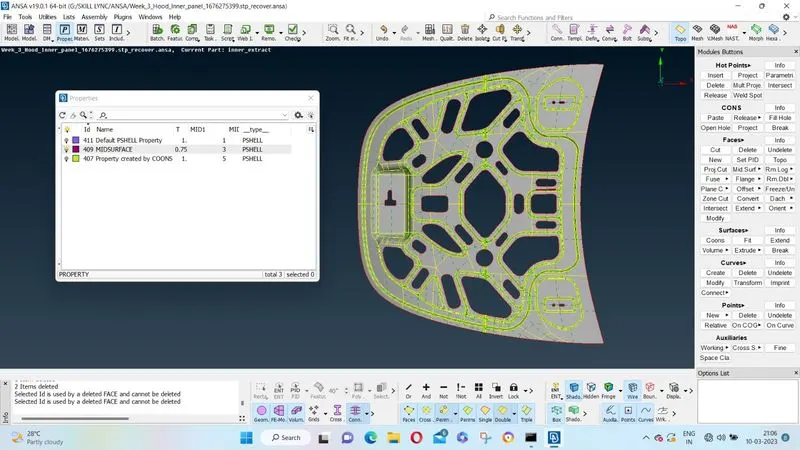
After that process of midsurfaceing is done manually by using the ofset command and feature command and a midsurface is created at the middle of the component. Same is shown in pic 3.
The thickness of the surface is set to 0.75 mm
After that again geometry clean up of the created mid surface is done.
Then quality criteria and mess parameter are set as shown in Fig pic 2
Then for messing the surface is again spilt in half by using Rmdbl command. After that all the unnecessary cons and hot points are removed for proper messhing.
Then 2D mess is generated for the half surface as shown in PIC 4
Then similarly the other half of the messed surafce is generated using the mirror option in transform under utilities tab. Same thing in shown in the pic attached.