Week 3 - 2D meshing for sheet metal
procedure: Steps to be performed in the ANSA:
- Importing the given model in the ANSA GUI.
- By going to the file>open>download>hood challenge>Import.
-
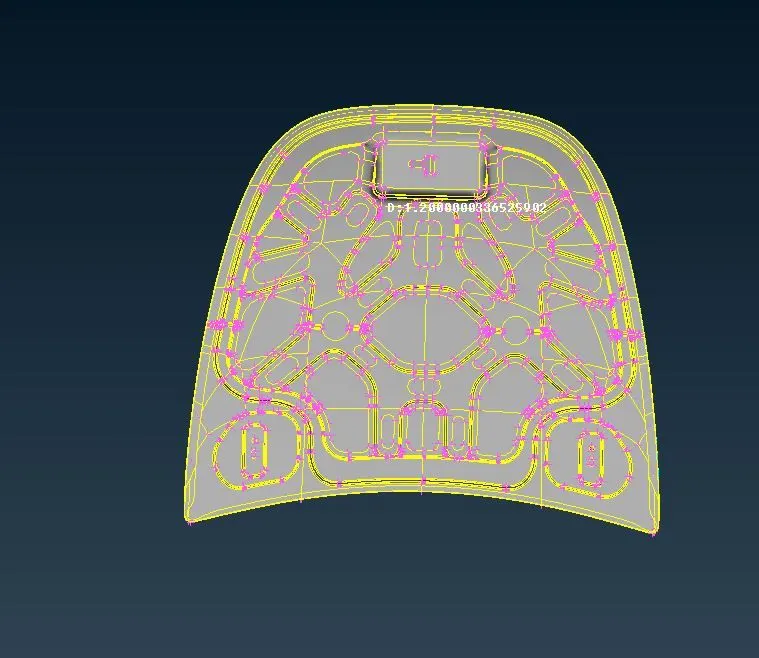
- After importing the model we should have to switch on the cross hatches.
- Then we should do the geomentry clean up and Topology clean up to the given model.
-
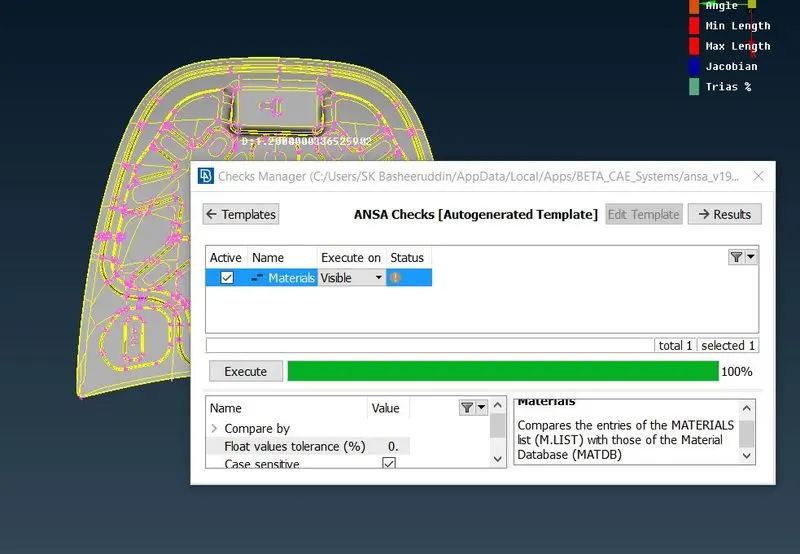
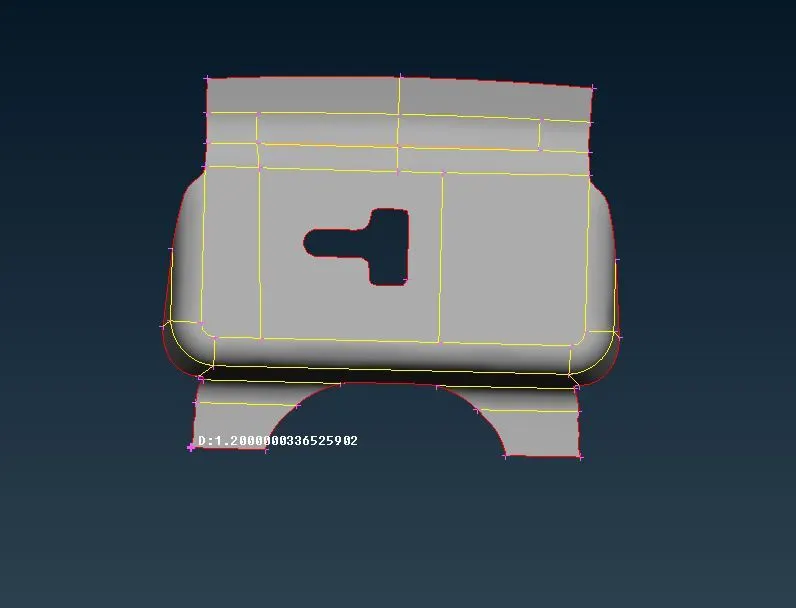
- we should have to hide the remaning parts and work the one part making its geometrical clean up.
-
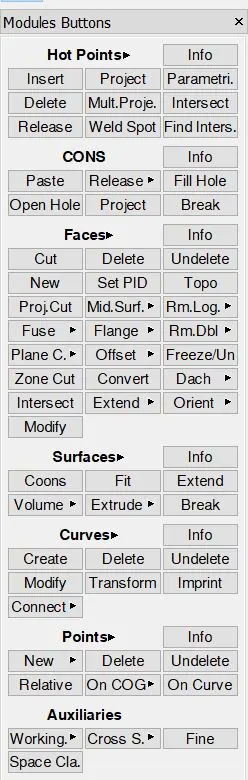
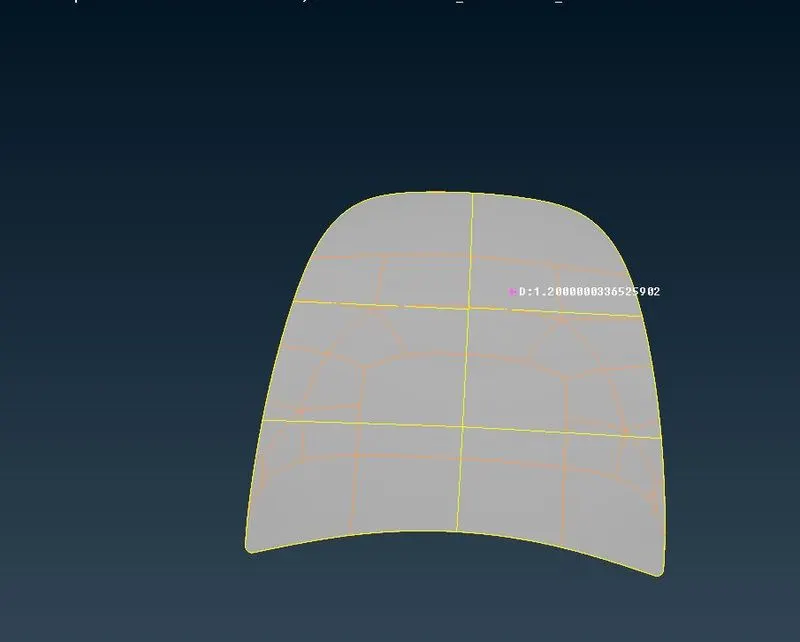
- Creating the Mid surface to the given model and Mid surface can be taken from Topo>Faces>offset>select the face and give the offset distance and a popup menu will be appear where parent geomentry is requried or not.
-
-
-
-
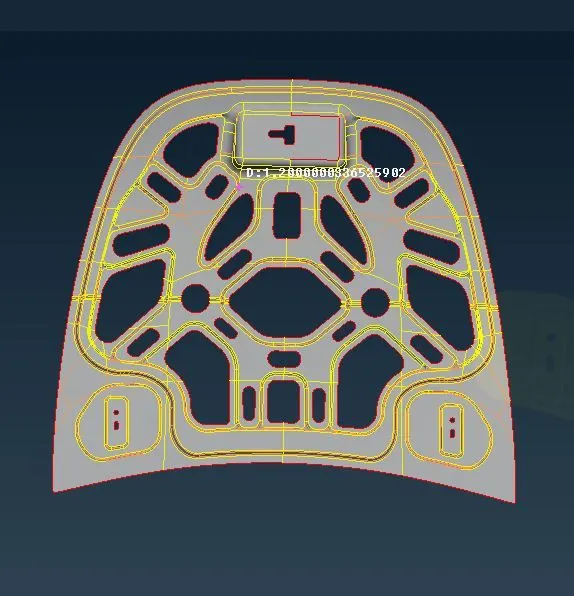
- After completing the Mid surface work on the model and give the Target element size as 5 perimeter size 5 and give the Quality criteria as given above.
-
-
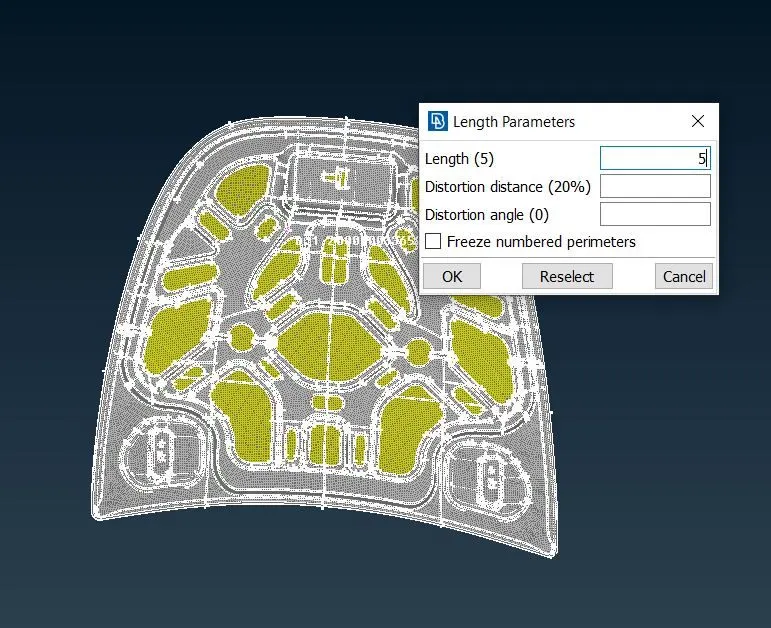
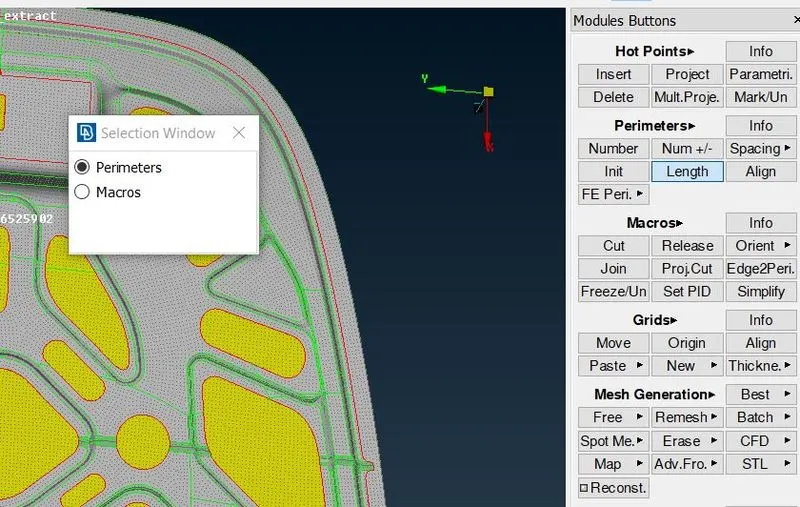
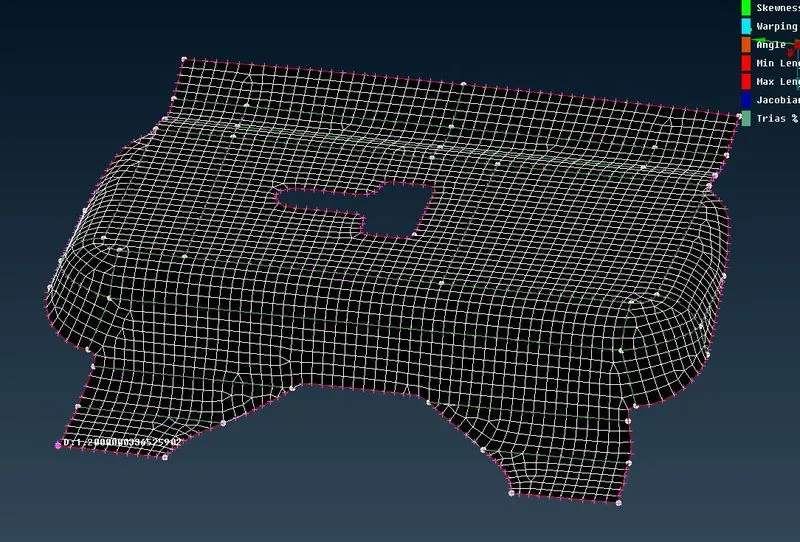
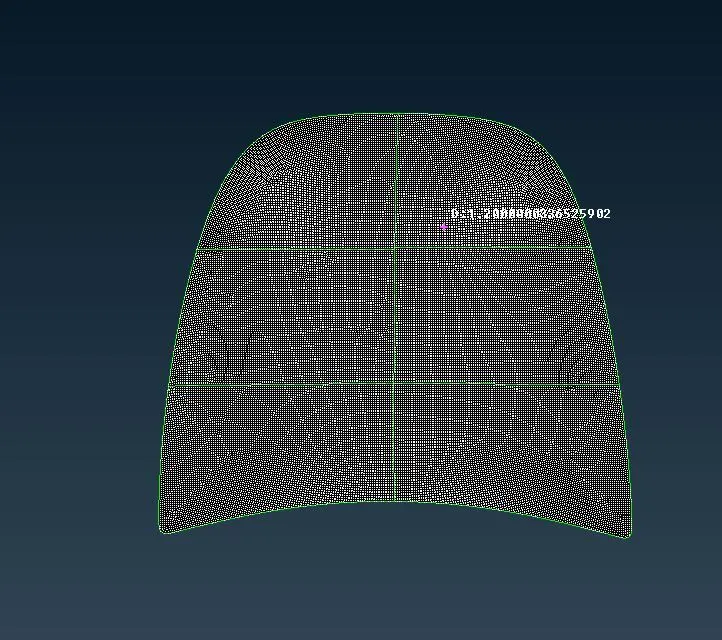
- After creating the meshing we should go to mesh>meshgeneration>Best mesh>select the model click on ok.
-
-
-
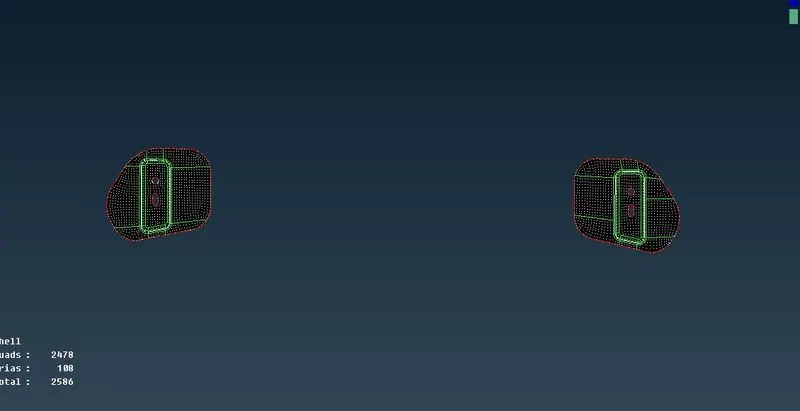
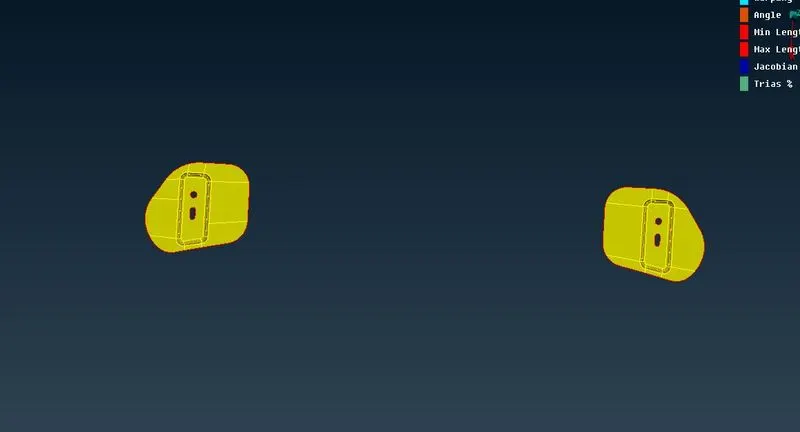
- We should have to continue the same process to the remaning parts.
-
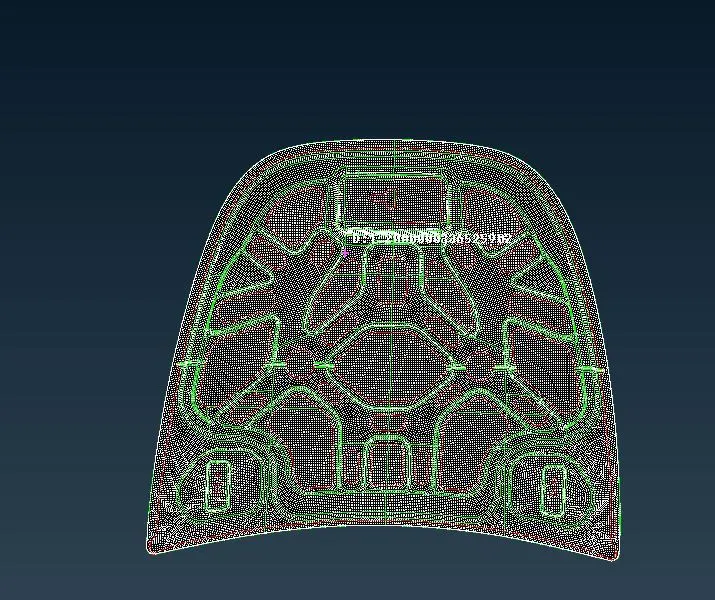
- We should hace to verify the element quality of the given component.
-
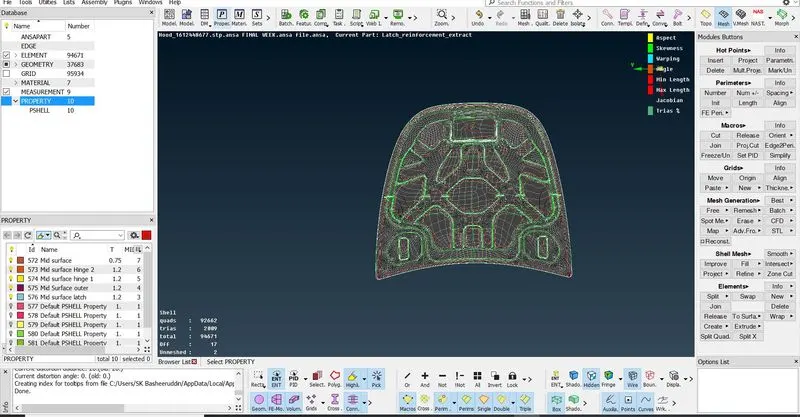
The Geomentry clean up and Topology and meshing and Quality criteria have been done to the given Parts of the model.