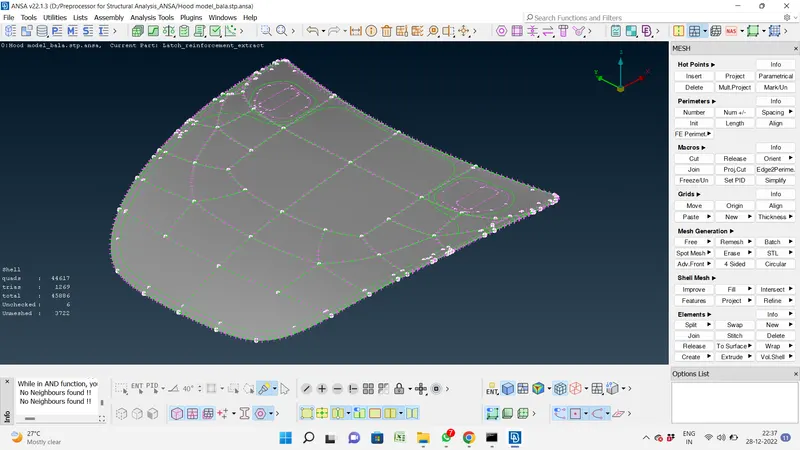
Week 3 - 2D meshing for sheet metal
First we check the cons for single cons, double cons & triple cons.
Single cons means free edge (red line)
Double cons means two surfaces meeting point (yellow line)
Triple cons means morethan two surfaces meeting point (blue line)
We convert all the objects are single cons.
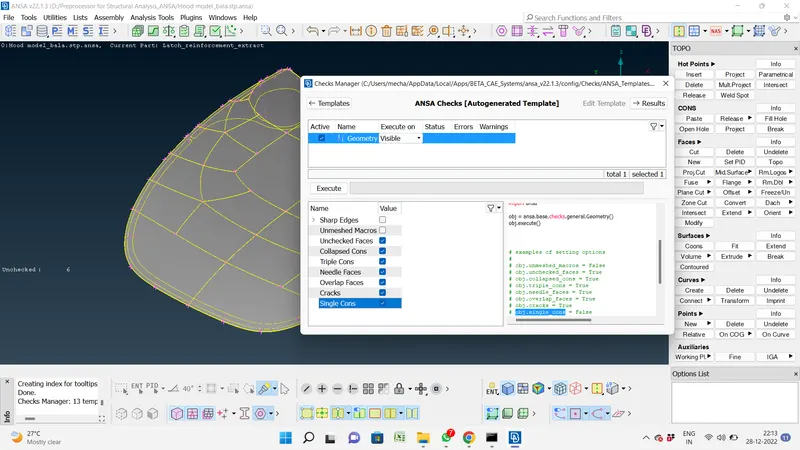
We check the geometry clean up for check manager tool bar.
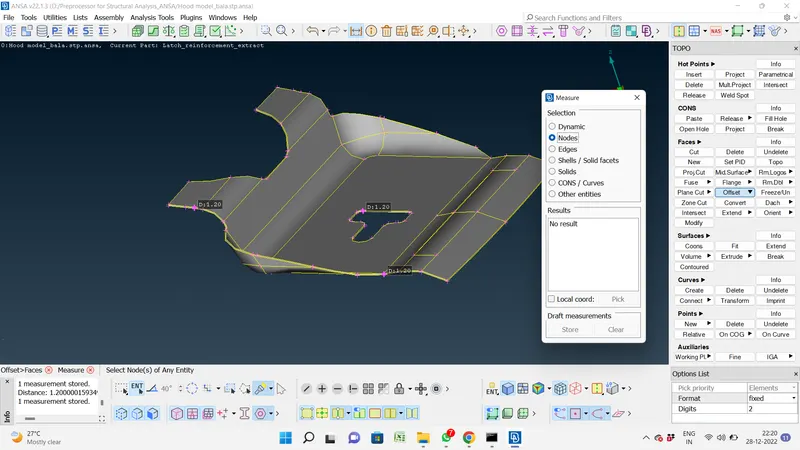
Measure the thickness of object and i measured the 3 or 4 thickness.
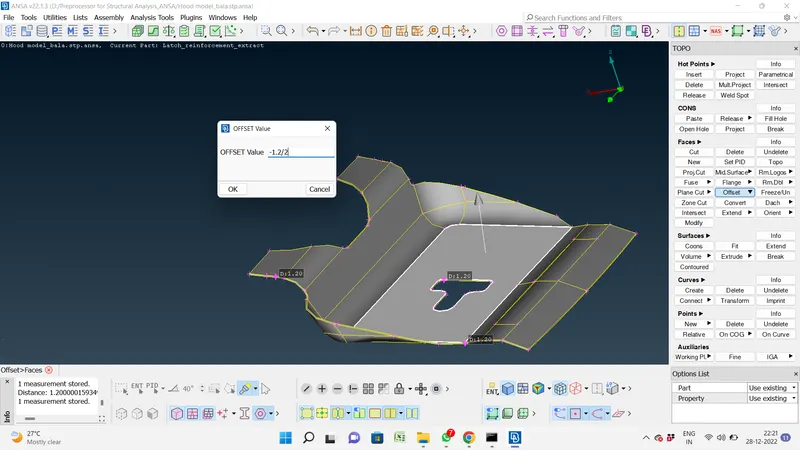
Create the mid surface
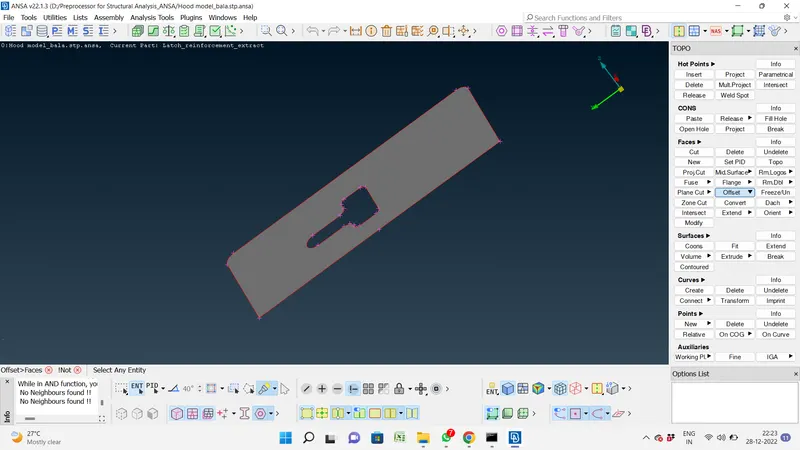
Next go to perimeter, to select the length option and select the perimeter value enter 5 in the dialogue box.
Next go to perimeter, to select the length option and select the Macros value enter 5 in the dialogue box.
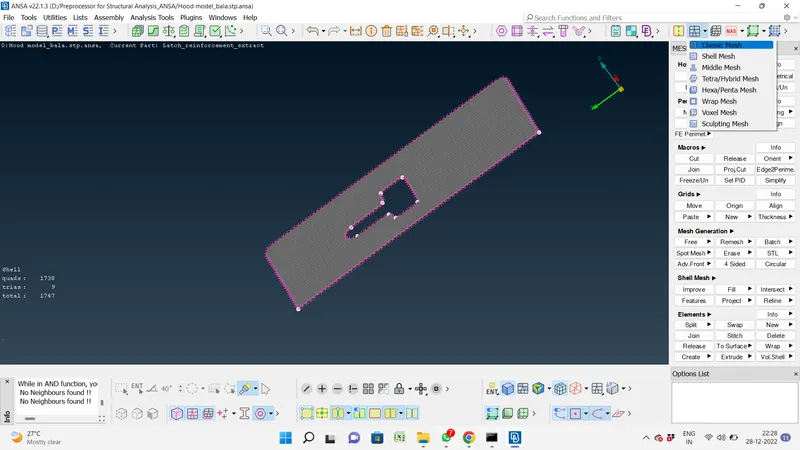
We choose the classic mesh, we choose the mesh generation - batch mesh or shell mesh.
To select the surface.
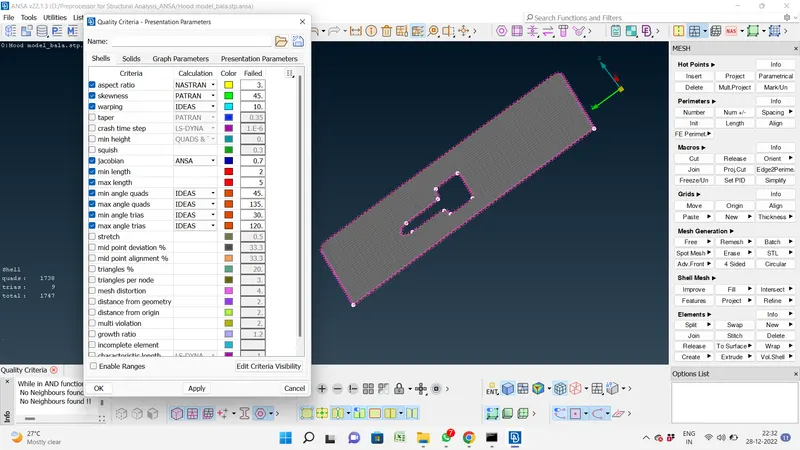
Also we have to check the quality criteria & finalized the full module.