Week 3 - 2D meshing for sheet metal
Procedure & Geometry Clean Up:
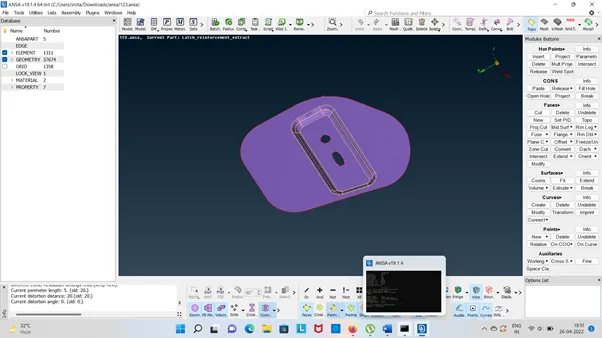
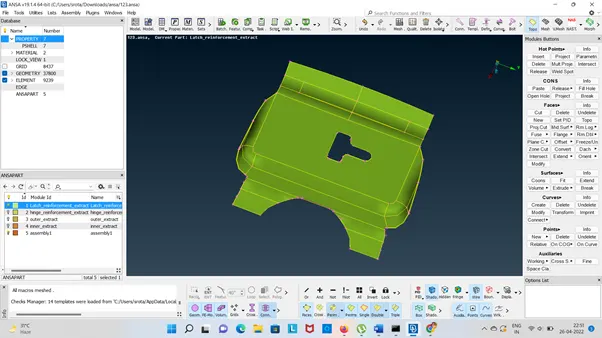
Importing the model we need to analysed and understand the geometry. While importing the CAD model, there might be some geometrical issues like intersecting surfaces, distorted surfaces etc. And it is important to clear all the error before meshing.
We need to clean the geometry and measured the Thickness.
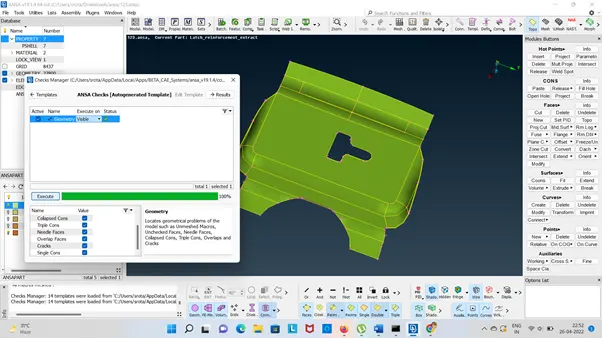
Go to Checks à Geometry Clean up and check all the surfaces are connected properly . Topo tool is using for all the edges. Check the geometry and fix (using Right Click on the Mouse) the error then execute the ANSA Check Autogenerated Template.
In Topo Mode Using Hot Points – Insert , Project then Delete.
Cons – Paste , Release , Fill the Hole
In Faces – Info, Cut, delete, Set PID, MidSurface, Intersect and Topo has been Used.
In Meshing:
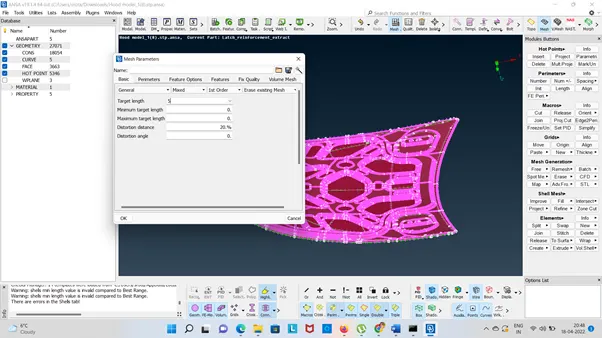
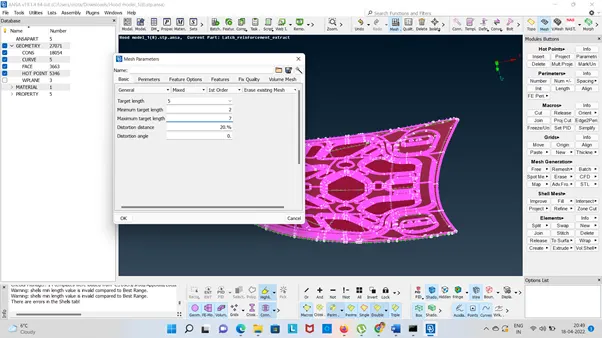
Using Perimeters -Numbers & Length
Using Macros – Cut , Release, Orient, Join , Edge, Nodes
Mesh Generation – Spot Mesh, Erase, Paste
Shell Mesh – Reconstruct, Smooth
Elements – Split, Join Swap Tools has been used.
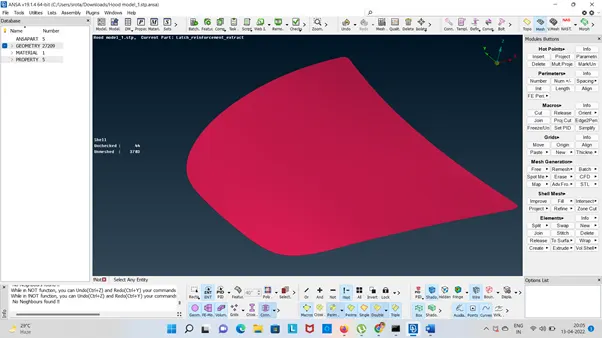
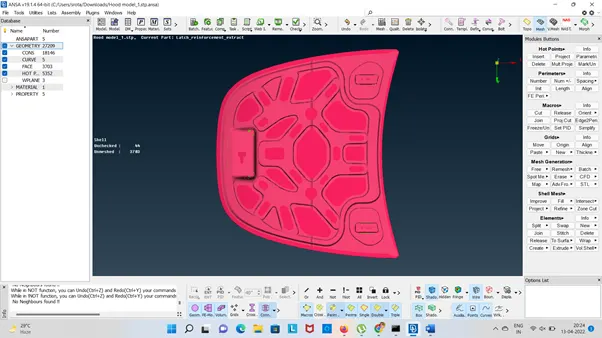
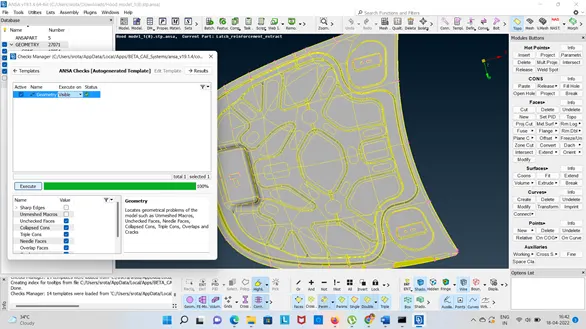
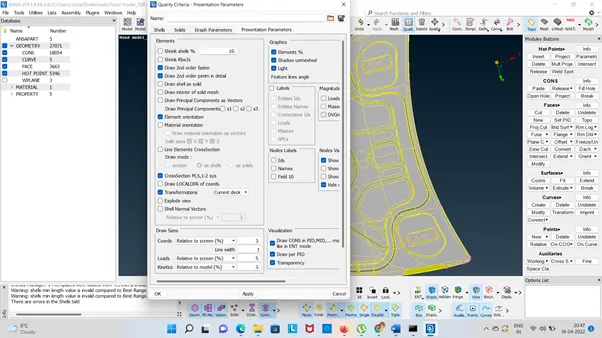
The we need to check the all quality criteria using F11.
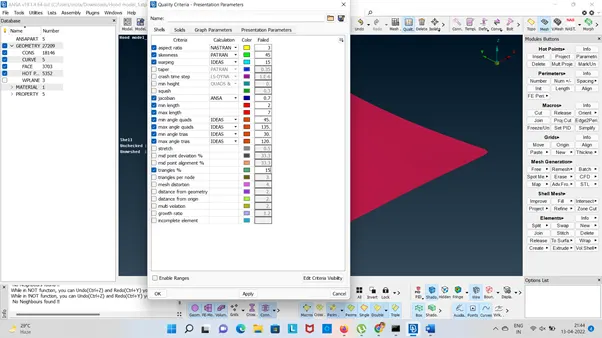
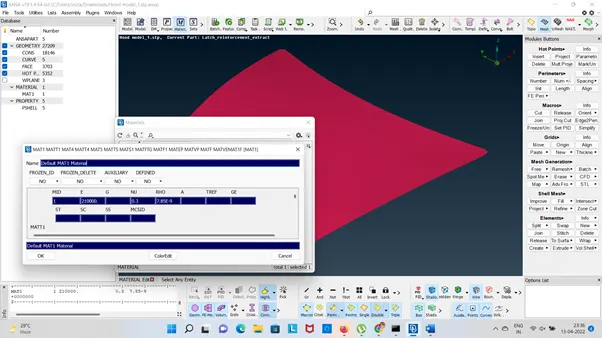
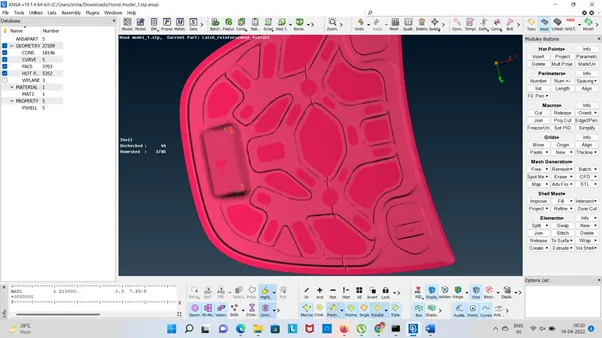
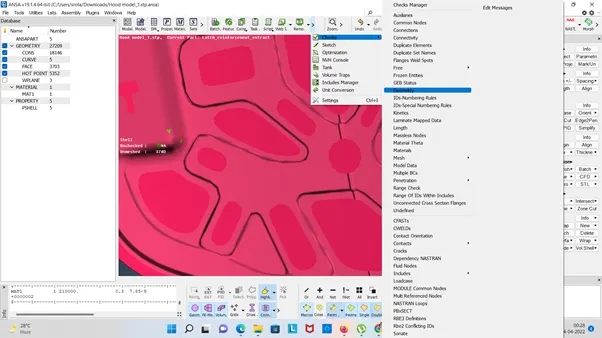
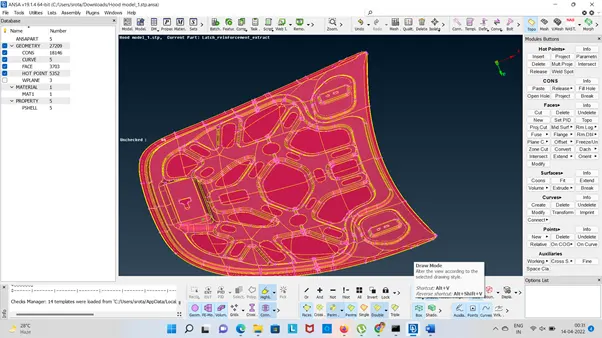
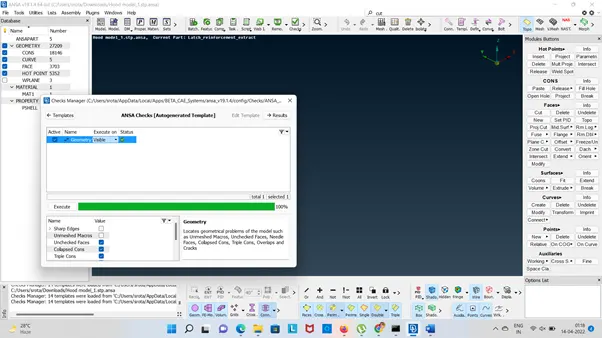
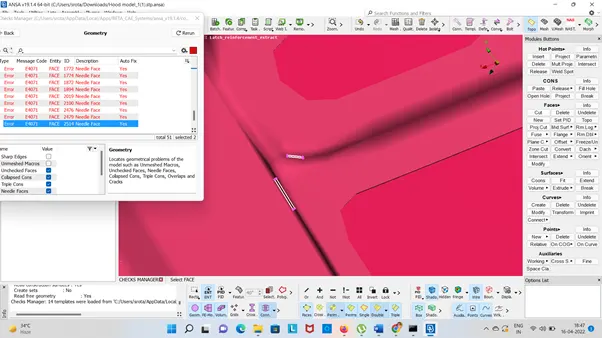
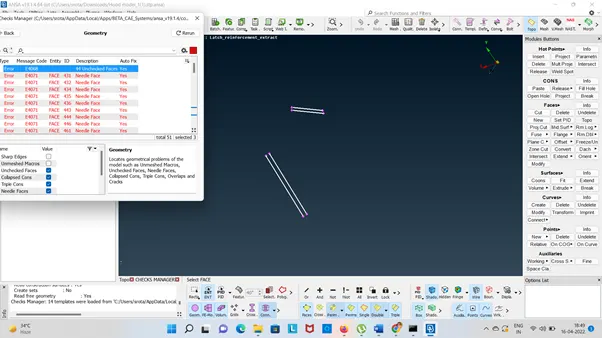
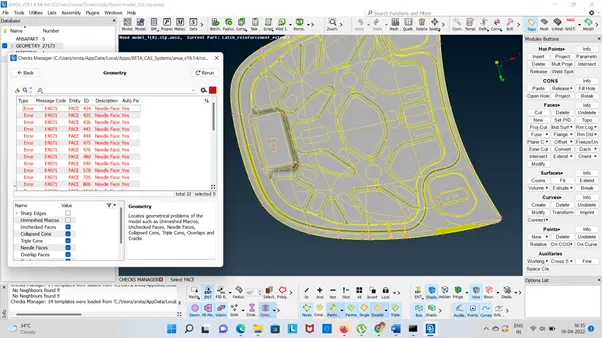
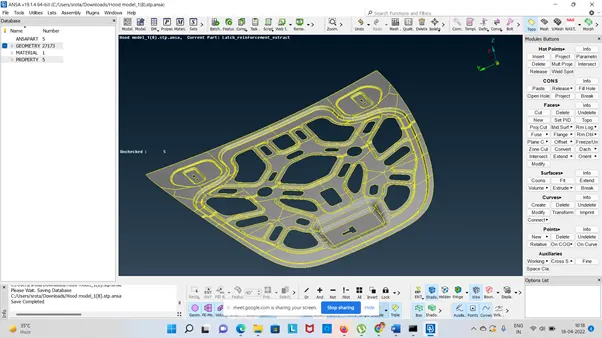
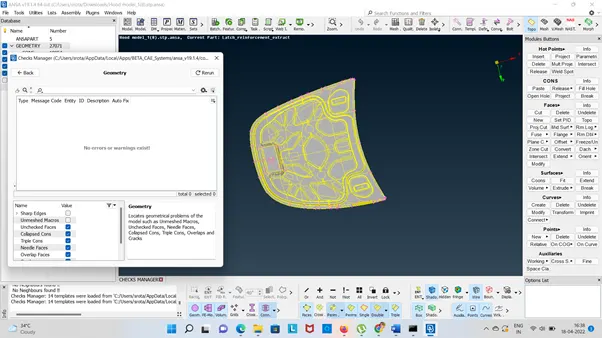
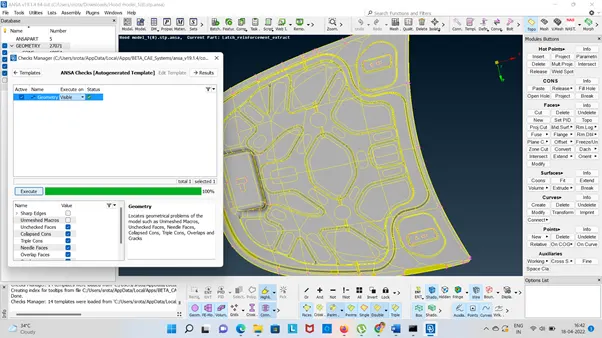
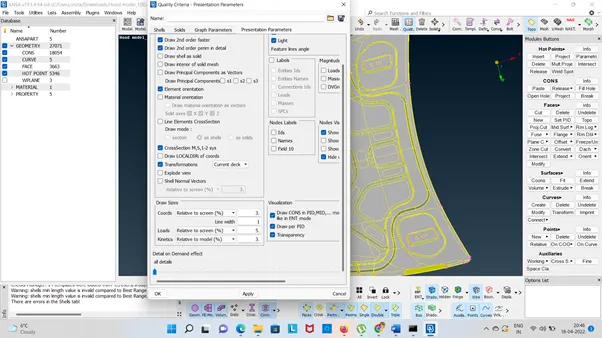
- Geometry Clean Up:
Importing the model we need to analysed and understand the geometry. While importing the CAD model, there might be some geometrical issues like intersecting surfaces, distorted surfaces etc. And it is important to clear all the error before meshing.
We need to clean the geometry.
Go to Checks à Geometry Clean up and check all the surfaces are connected properly . Topo tool is using for all the edges. Check the geometry and fix (using Right Click on the Mouse) the error then execute the ANSA Check Autogenerated Template.
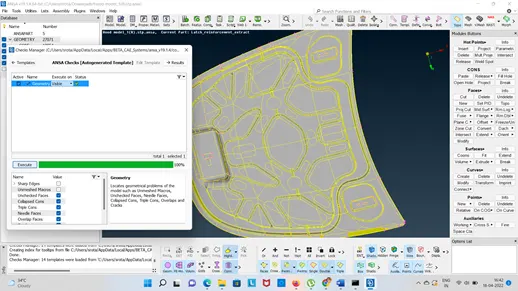
The we need to check the all quality criteria using F11.
Next mid surface extract by using offset tool from Faces- Offset and select the all surfaces on one face.
Go to Faces and set the PID and assigning it to the respective property.
Go to Mid Surface then Skin Option and hit the middle mouse button.
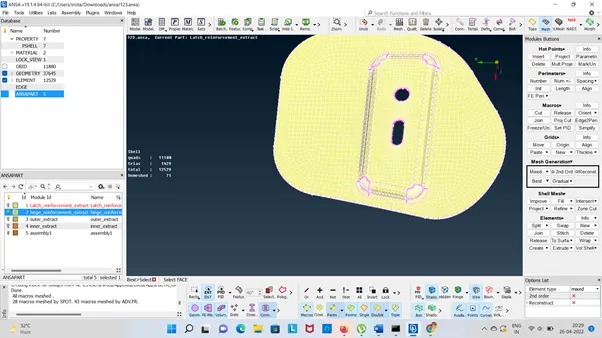
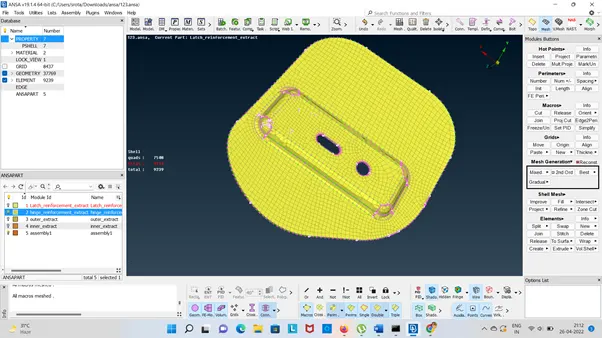
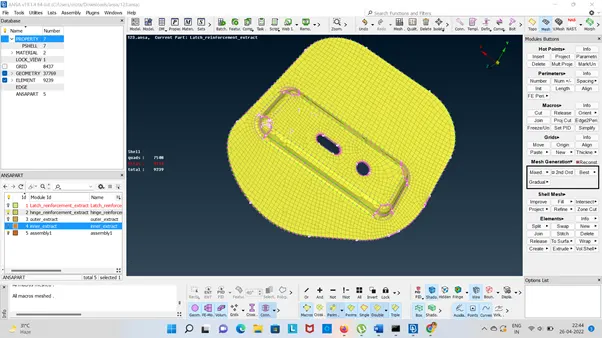
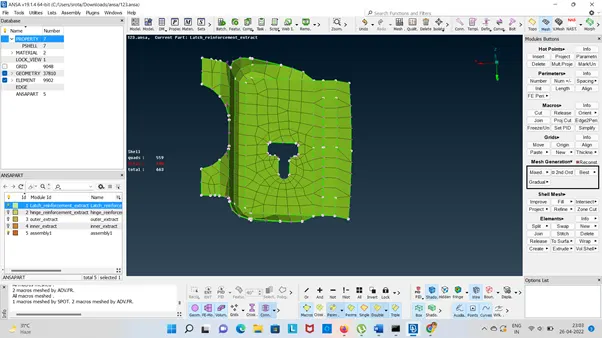
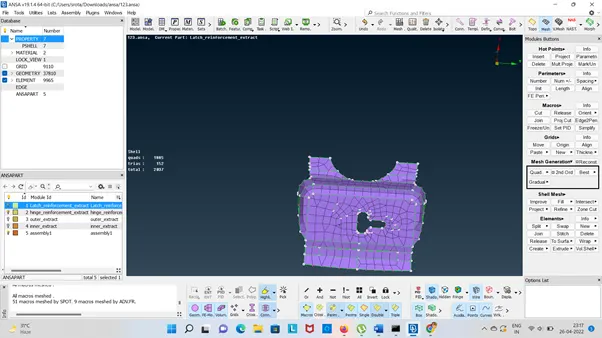
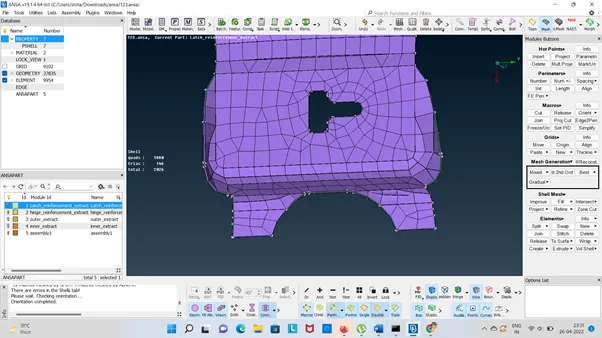
We are using Best Tool for Meshing to creating a best Mesh. The reconstruct the Mesh using Reconstruct Tool. Using grid and Paste and check the Elements using Split and Swap Tool.
Then using Smooth option & Rerun .