Week 3 - 2D meshing for sheet metal
import the file into ANSA
file>open>download>hood model
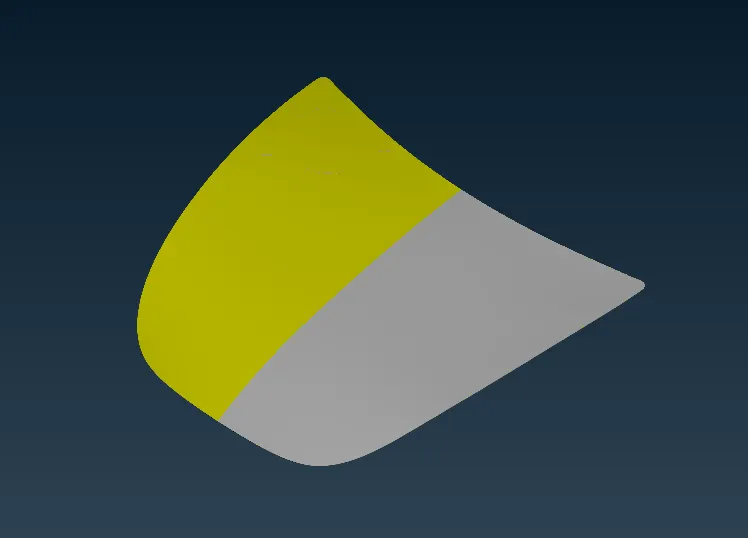
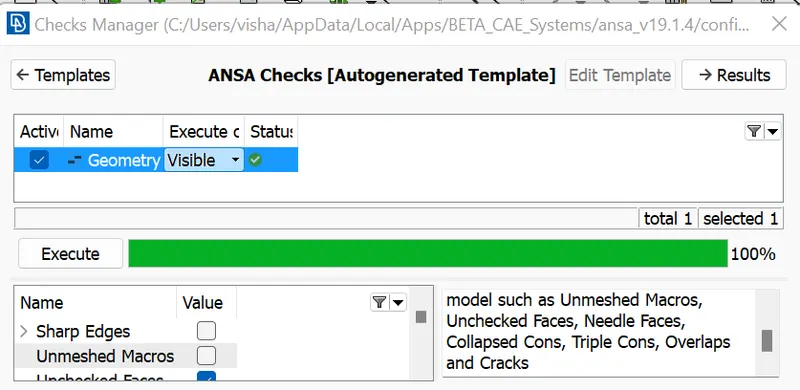
can check the model to geometry
check>geometry>excute
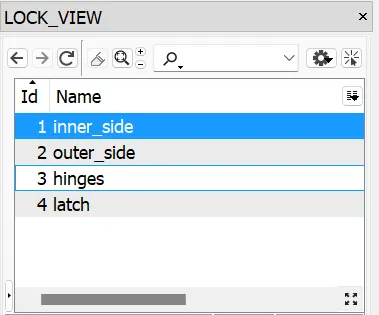
can spit the model into individual parts
lock>store lock
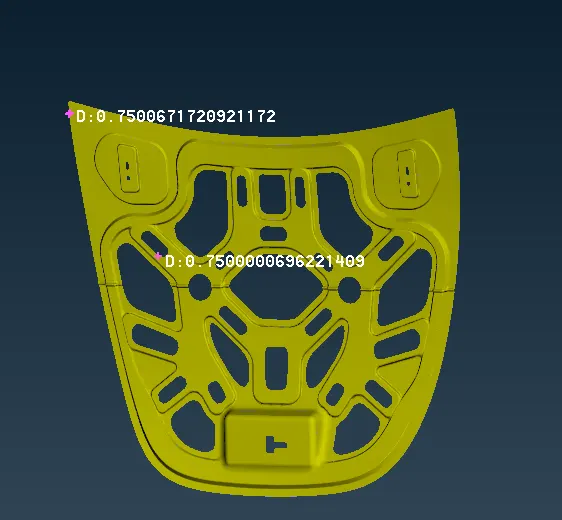
first measure the thickness of all parts
then the creating mid surface of all parts seperatly,
offset>select
then select the surface and enter the values at corret way
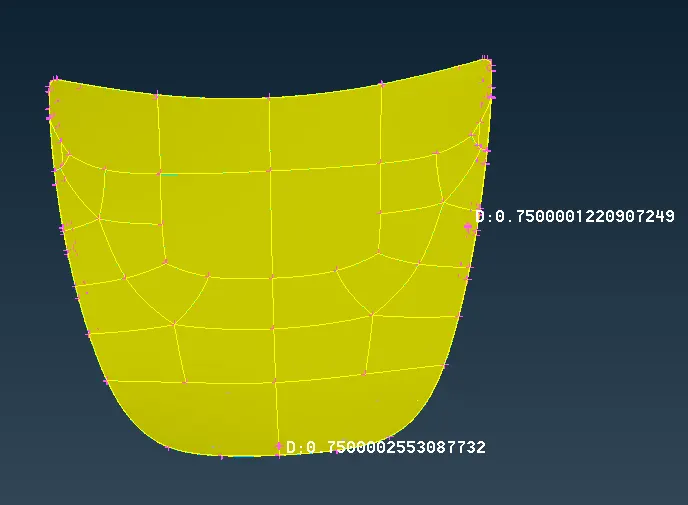
inner,
outer,
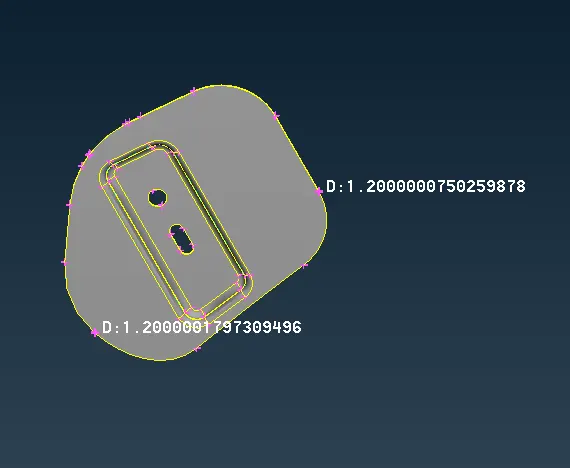
hinge,
latch,
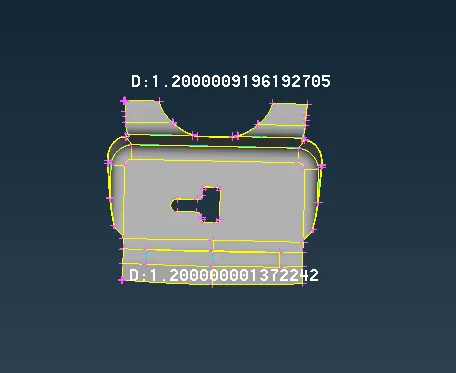
the mid surface of thr model create the half of thickness.
the mid surface is again divided into small areas.
for adding the new pshells parts of hood model
as given below,
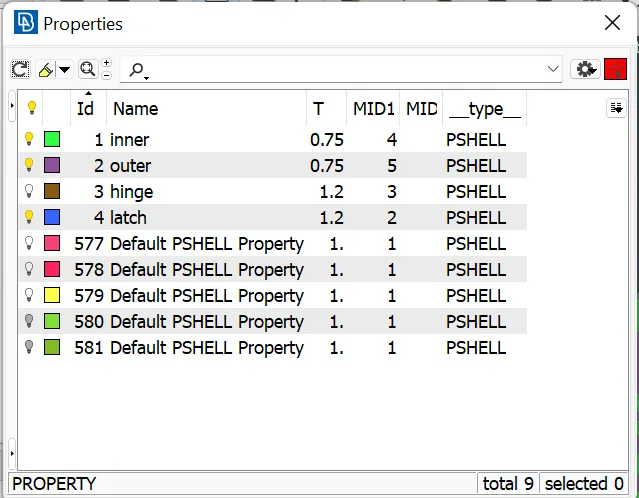
then checking the qaulity criteria for editting the given values ,
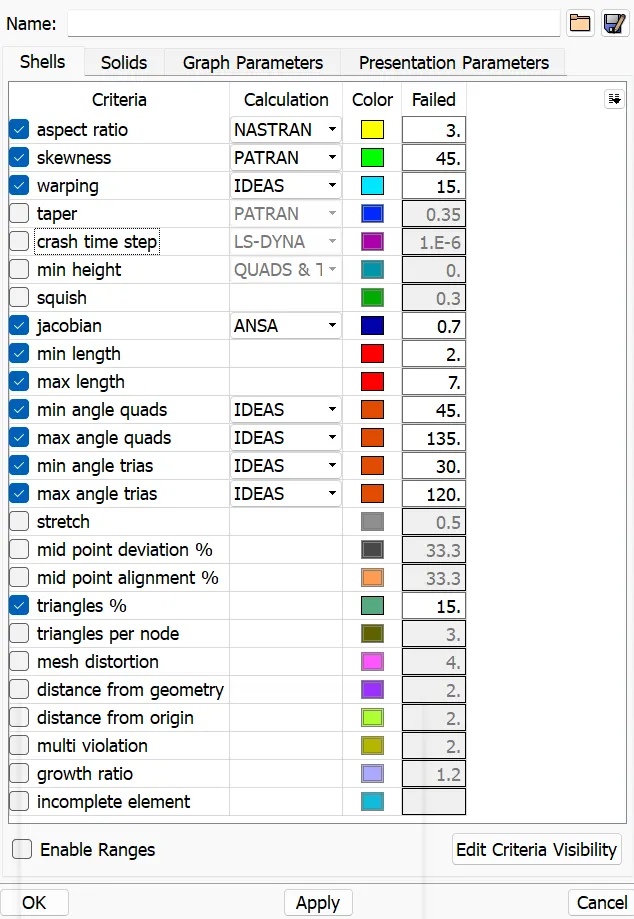
when chanding the mesh criterias,as given in the quastion,
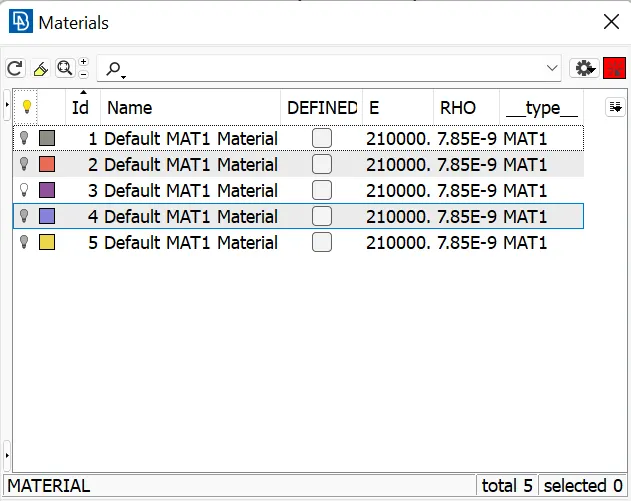
matterial are assinged in the given created property,
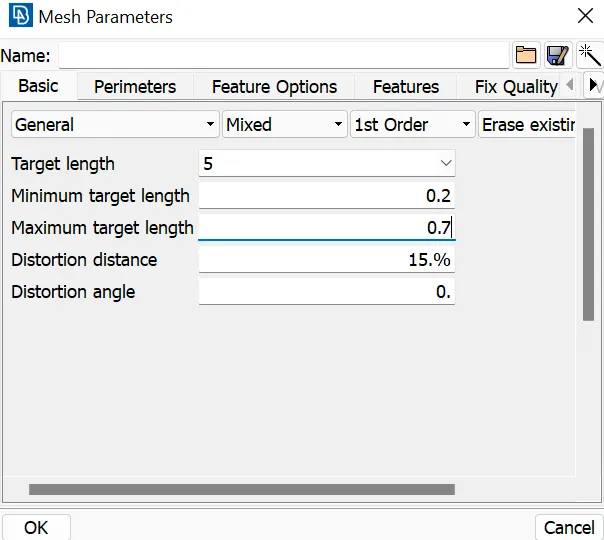
meshing parts are simplydivide into small parts,
the meshingis occure in the hidden view mode
meshing the models ,
mesh generator>best>select>
then select the face for correct way
then the changing the mesh for using split ,reconstruction&smooth mesh tabs
shell mesh>reconstruction&smooth mesh
elememt>split
used for correcting the overlapping the mesh
inner,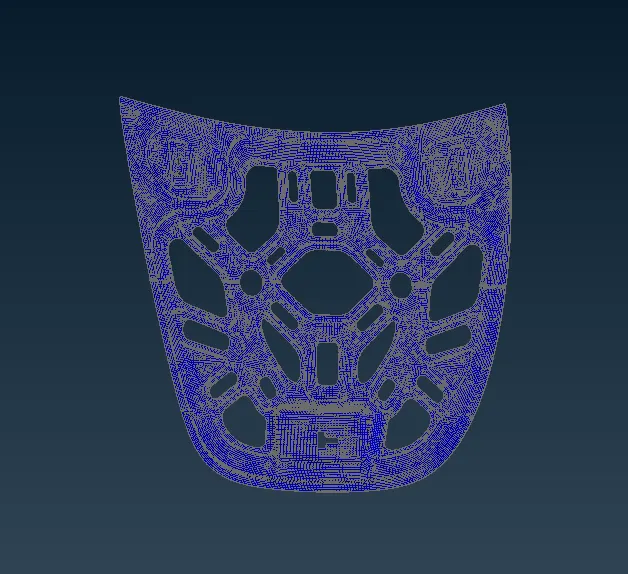
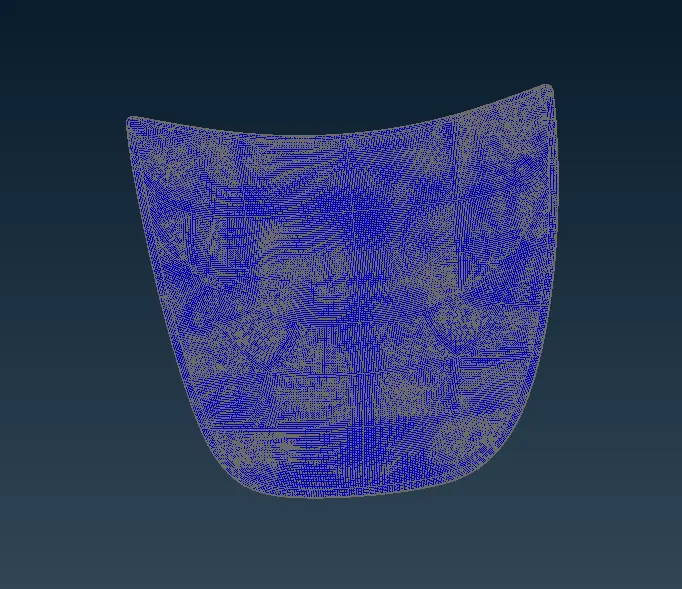
outer
hinge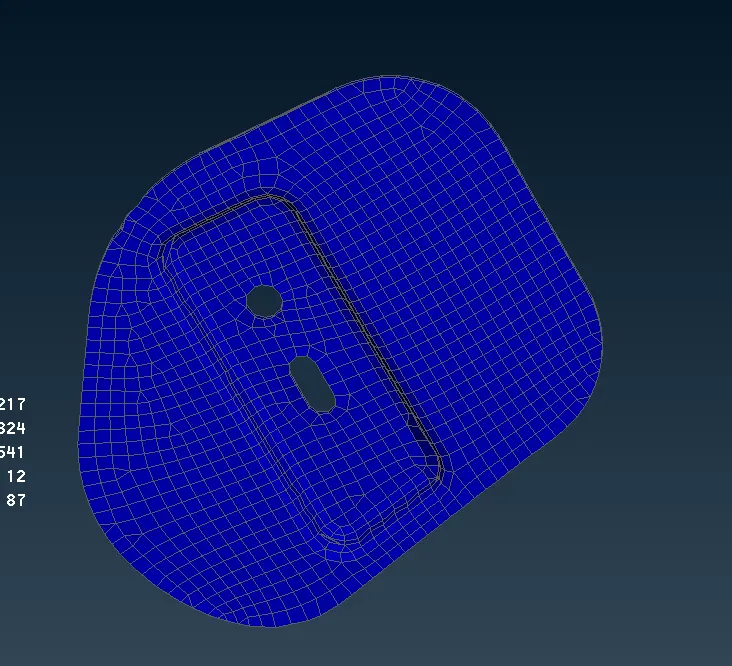
latch
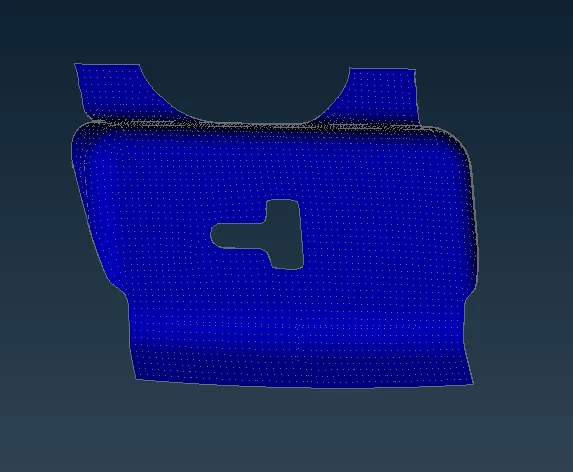
full hood model meshig ,
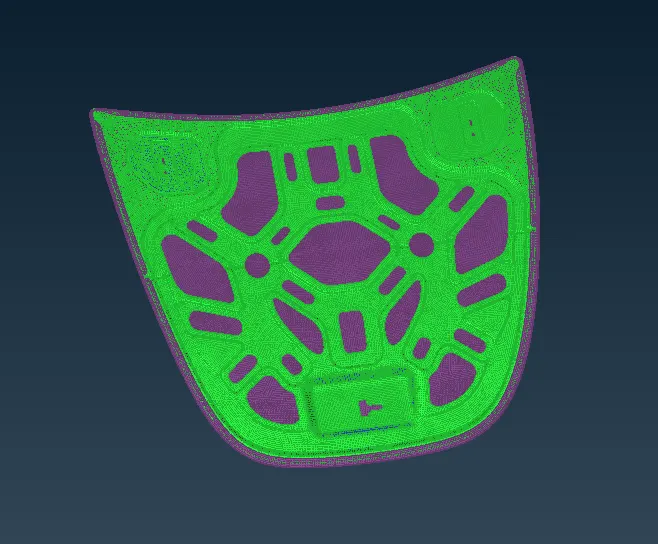
then the cuted parts of the model are rejioned by,
macross>join