2D meshing in sheet metal component using ANSA
ABSTRACT:
The main objective of this challenge is, given car's hood is meshed in ANSA and checked for the quality parametres assigned to it. The geometry is captured perfectly to deliver a good mesh and that will give more accurate results during the analysis part.
2D SHELL MESH:
The 2D Mesh module is used to construct two-dimensional finite element meshes. The mesh consists of nodes that are grouped together to form elements.
In 2D meshing there are some element types involved to decide what type of analysis to be done on the model, they are
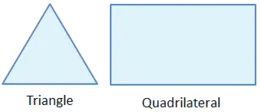
Tria element:
This cell shape consists of 3 sides and is one of the simplest types of mesh. A triangular surface mesh is always quick and easy to create. It is most common in unstructured grids.
Quadrilateral/Quad element:
This cell shape is a basic 4 sided one. It is most common in structured grids. Quadrilateral elements are usually excluded from being or becoming concave.
INPUT MODEL:
The given input model is car's hood. There are four steps to acheive the quality mesh in the model, they are
Cleaning the geometry,
Extracting the midsurface,
Meshing,
Quality checking,
Assigning thickness.
Cleaning the geometry:
The geometry is cerified with the option called checks manager. It is in the
menu bar--->tools--->checks--->geometry.
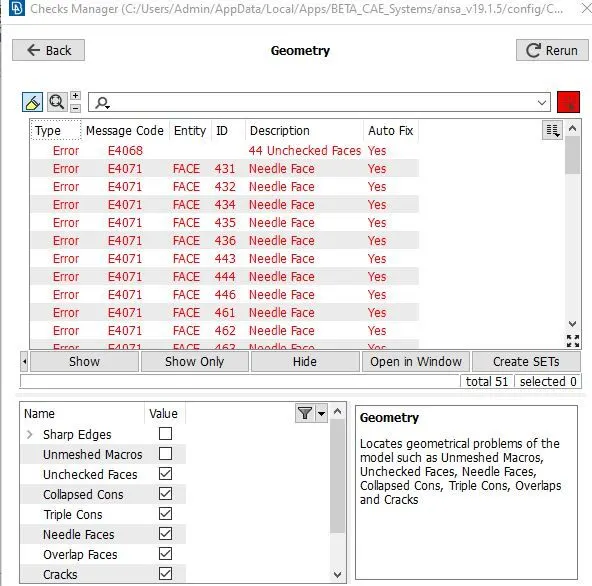
The checks manager used to say all the errors in the model and listed it in the window according to the list input clenup parametres we given.
Then the model is cleaned with the unwanted lines, points and removing the unwanted surfaces using the following tools.
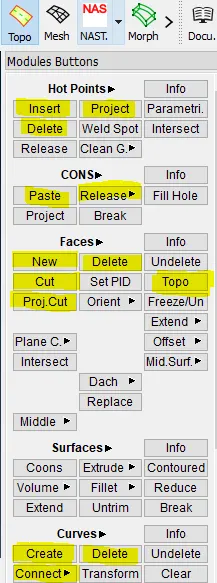
The highlighted tolls are commonly used for cleaning the geometry. All the tools are available in the topo module.
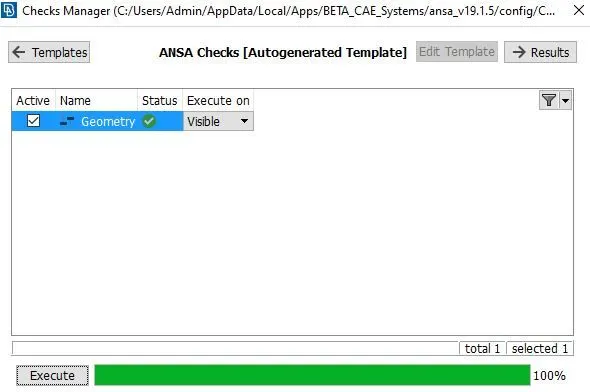
The hot points tab is used to make changed in the points present in the construction and the feature line of the model.
The cons tab is used for adding or removing the lines in the model. The faces option is used to create or delete the surfaces in the model.
Extracting the midsurface:
To simplify the meshing the solid part is supposed to take a midsurface. The purpose of the middle surface is to reduce the expenses of analysing the whole solid part and also it is easy for the meshing. The following tools are used for the extraction of middle surface.
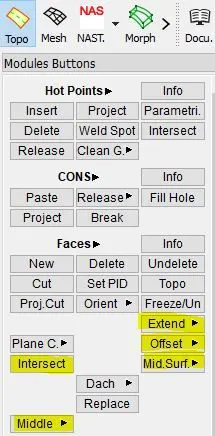
There are two ways to extract a midsurface, manual and automatic method. Based on the model's structure the method is selected.
Inner extract:
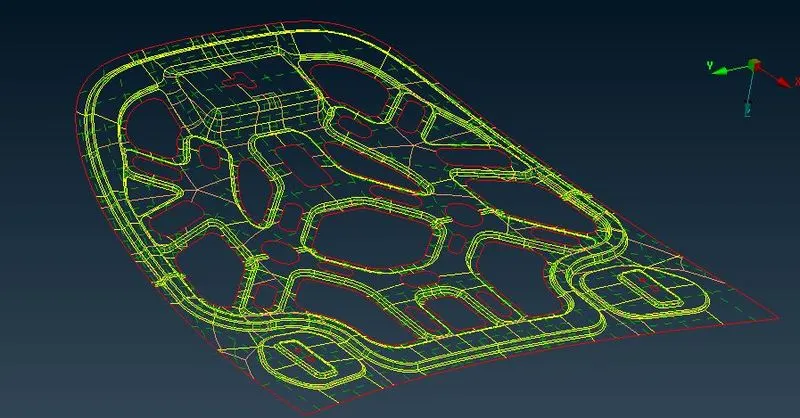
outer extract :
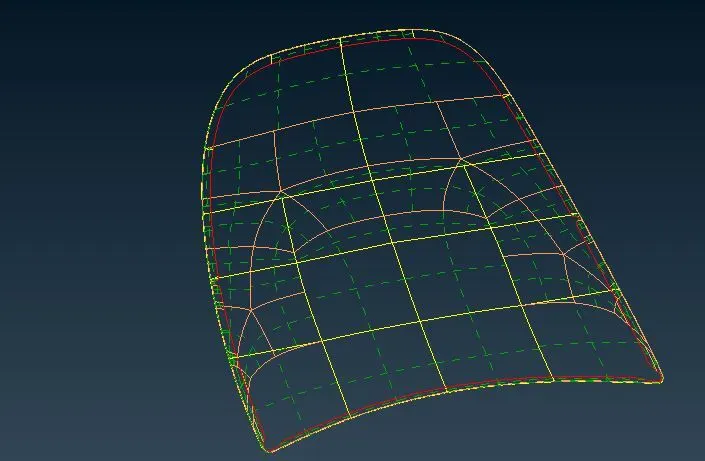
hinge:
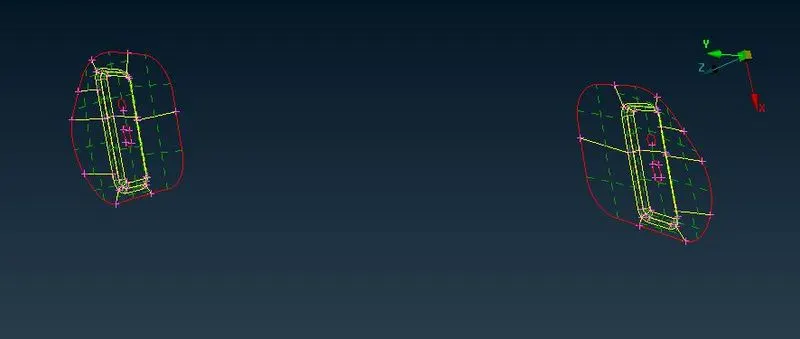
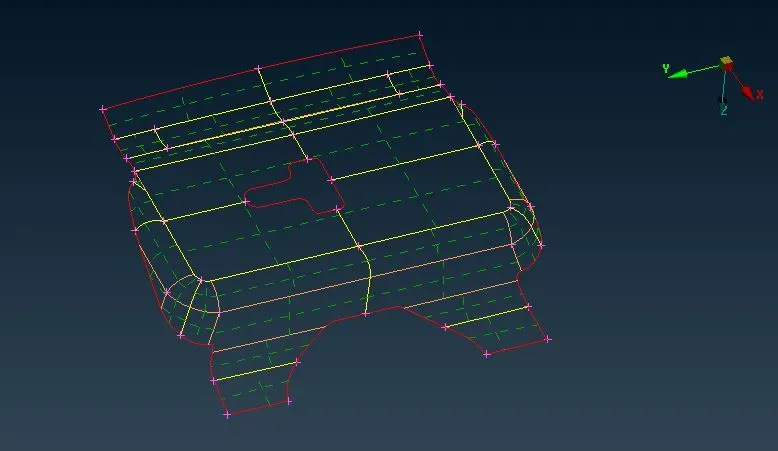
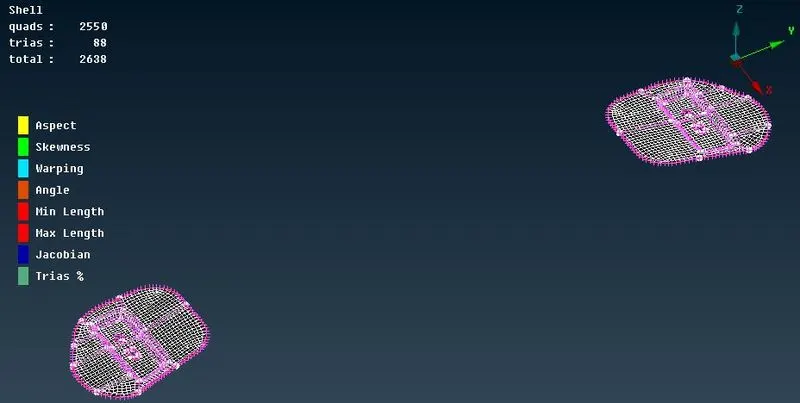
This part is identical in nature so one part is meshed and reflected to the another side.
Latch:
MESHING:
After the middle surface extraction the geometry of the model is checked again for the error. Then the meshing is done through the command
menubar--->mesh--->mesh generation--->best.
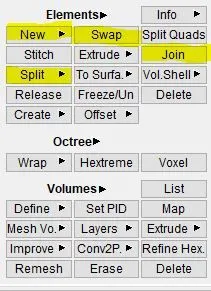
After the mesh was deployed to the surface, the element edit options like split, swap, join, paste, are used.
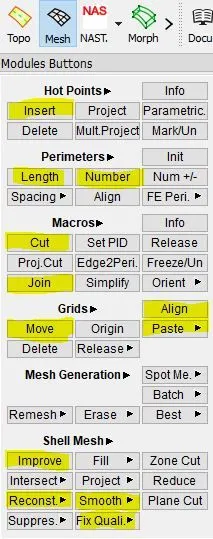
For whole modification of the mesh present in the surface mesh edit options like improve, reconstruct are used.
Inner extract:
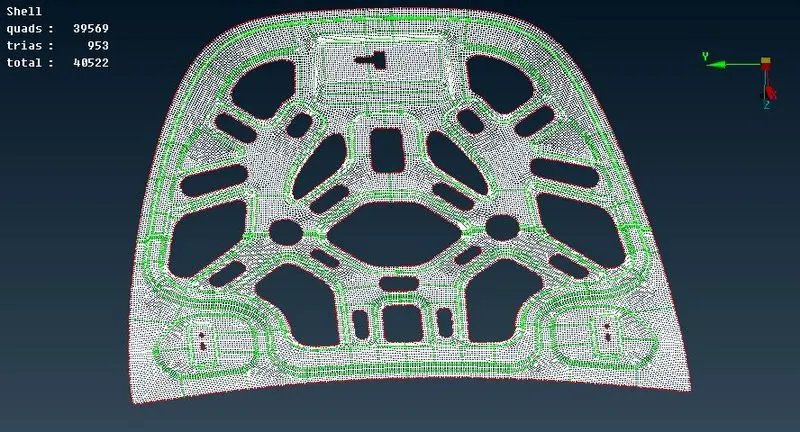
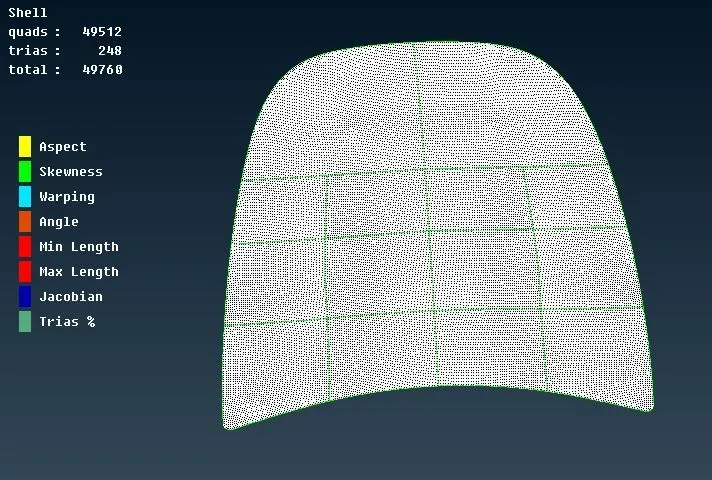
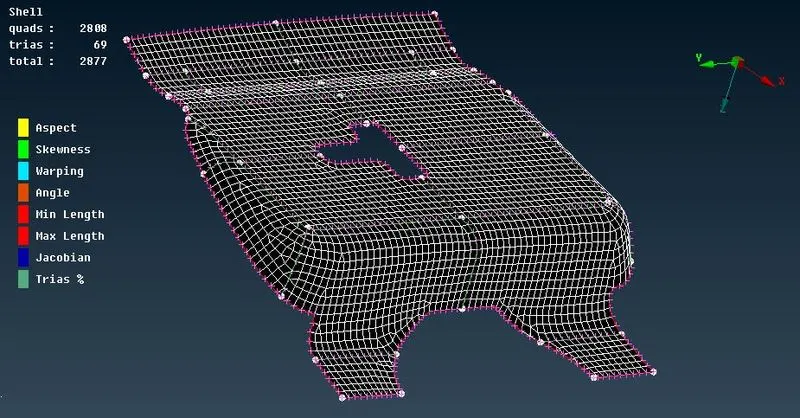
The top left corner of the window shows the total number of tria element, quad element and the sum of all elements present in the displayed component.
Outer extract:
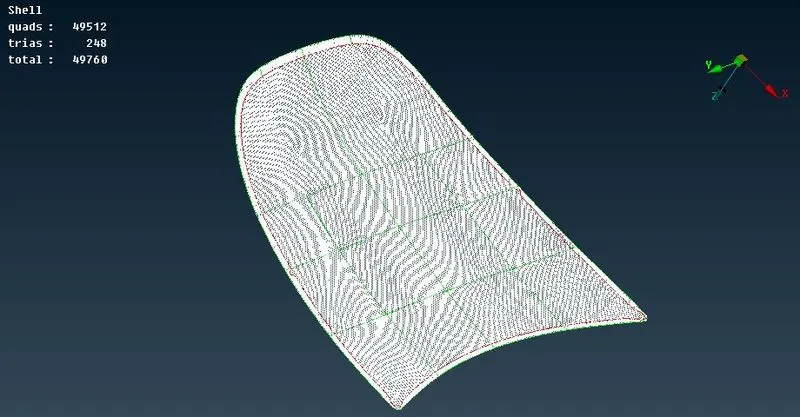
Hinge:
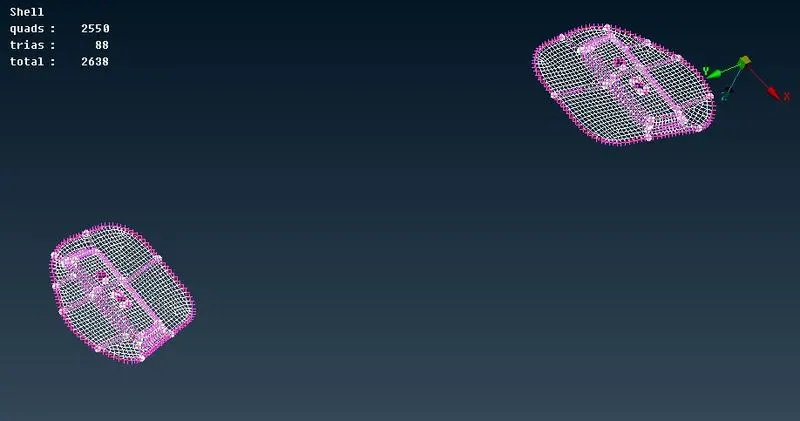
Latch:
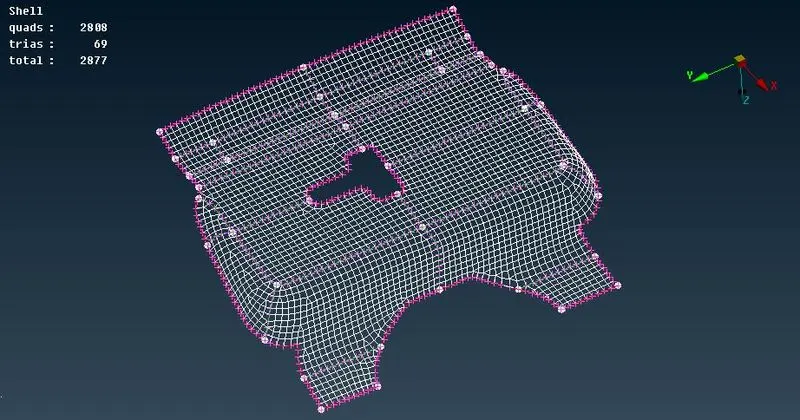
QUALITY CHECKING:
The quality checking is the most important step in the meshing. It helps in the analysis part to finish the analysis faster. The element quality is checked through hidden option in the below deck.

Inner extract:
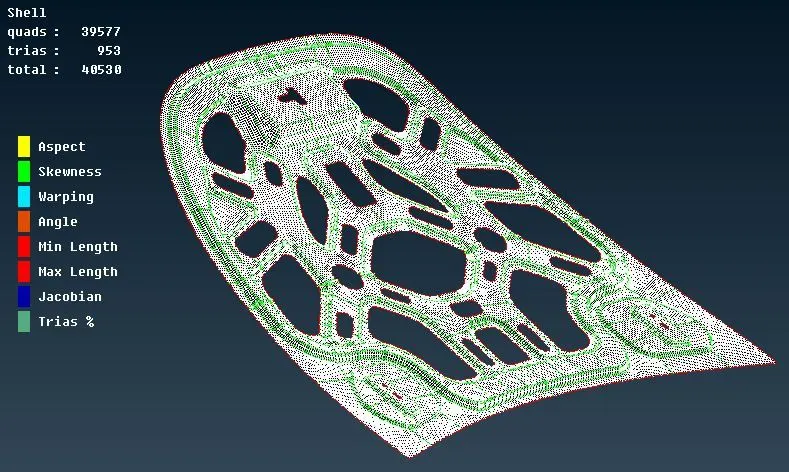
The left side of the window shows the inputted quality parametres and also the failed elements.
Outer extract:
Hinge:
Latch:
Assigning thickness:
Each and every time the ANSA itself assign a thickness to the newly created component.
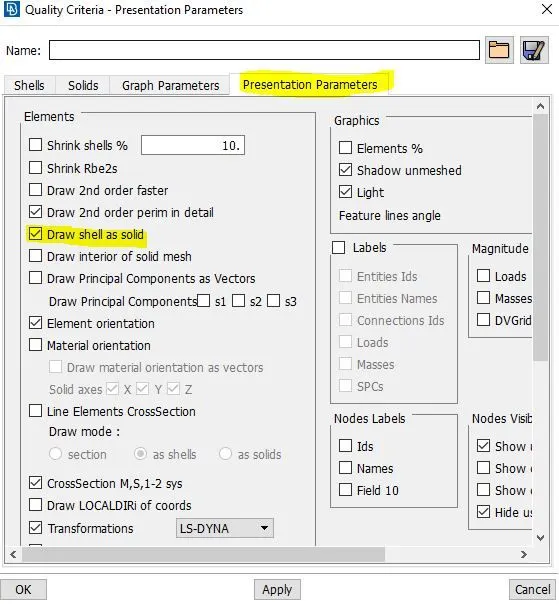
The command for assigning the thickness to the component is from the option through
menubar--->tools--->quality--->presentation parametres--->draw shell as solid option is used.
The last step is to check the percentage of tria elements in the model and it is available in the top left corner of the window.
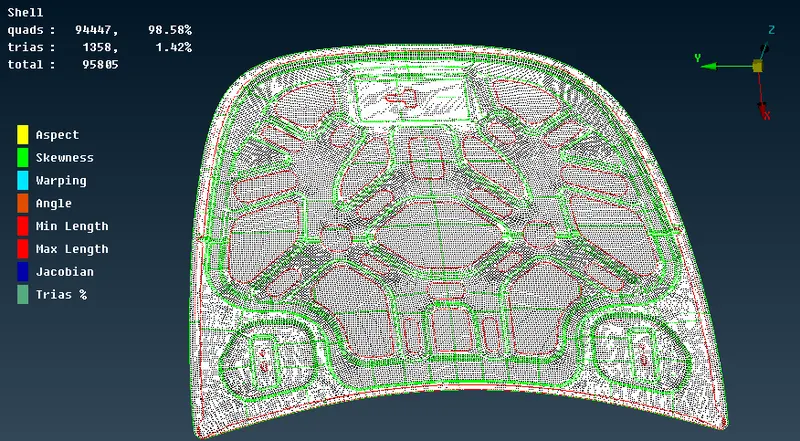
The allowable percentage of tria elements in the model is about 15% and the tria elements present in our model is about 1.42%.