Week 3.2 - 2R Robotic Arm Challenge
ERRORS FACES WHILE PROGRAMMING AND OVERCOMING STEPS.
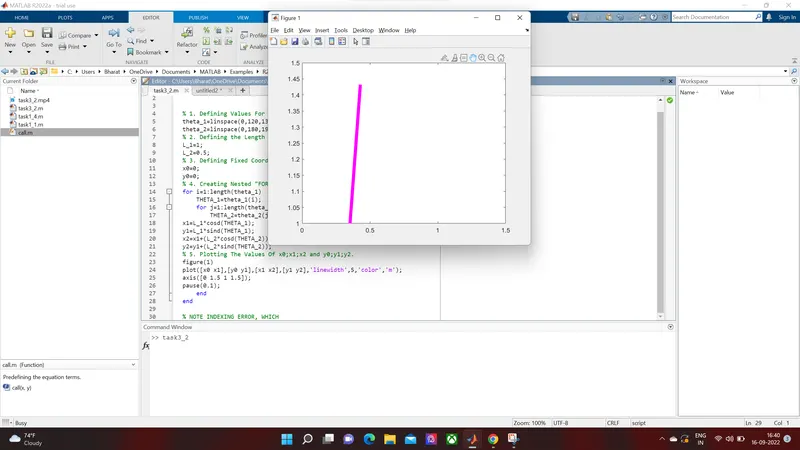
- First Error faced was, when instead of "cosd","sind" I wrote "cos","sin" and .This was the output in which both the arms kept moving 360 degrees in motion. Which can be considered as a LOGIC ERROR.
- To overcome the above error I tried all the way, by moving terms consisting THETA_1 in 1st for loop instead of keeping it in 2nd loop. Then again switched them in original position. Then I thought that i might have made mistake in defining angle values, but there all was fine. Then the error was finally removed when I felt that indexing is required but was not sure were indexing is required. Then I went back and refered the recorded lectures.
- Second Error faced was, in defining the axis. As I wrote the axis values same as that was mentioned by instructor in the class. It wasn't compatible with the angles I mentioned. Then with the trail and error method I found the right values.Then I wondered why the instructor mentioned 1.5 value in axis syntax, it was the max length of the of both the links when the are collinear. And from that this error was resolved. Basically, axis syntax is just to define the scale with max values of of x-axis and y-axis getting in frame.
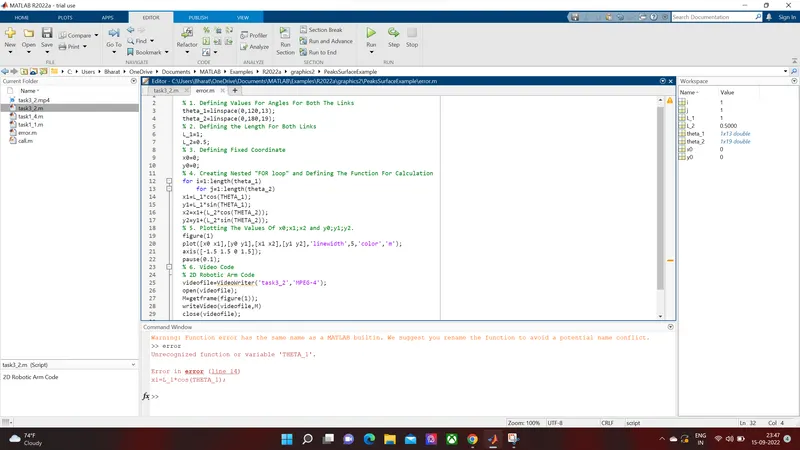
- Third Error was, forgot to do indexing for "THETA_1" in 1st 'for loop' and "THETA_2" in 2nd 'for loop' statements. To overcome the above error I tried all the way, by moving terms consisting THETA_1 in 1st for loop instead of keeping it in 2nd loop. Then again switched them in original position. Then I thought that i might have made mistake in defining angle values, but there all was fine.
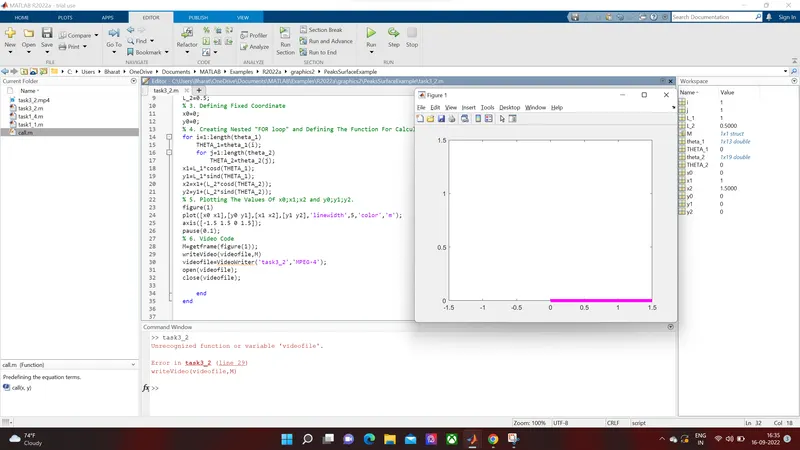
- Fourth Error, was the biggest error that is, while creating the movie. initially I have just tried keeping all the syntax from creating movie, opening file to save the output and closing it after ending both the For Loops. The output was the video file was created but has nothing saved in it. Then refering help from Matlab Platform, it was clear that you have to all the syntax inside the 2nd For Loop.
- Still there was an error displayed that, said that it the code will function better if we keep first two code lines outside of the both the For Loops.
- Fifth Error was while mentioning the name of the video file and then instead of using '.avi' extension, I have used the 'MPEG-4' extension.
- After placing all the lines outside the for loop made one mistake, that while writting the code just after the command to open for videofile I typed the command to close the videofile. Then rectified the mistake and placed close syntax after ending up the entire code.
- Then at last in order to increase the width of the line and applying color to the link the syntax was used. Mentioned in the code.
- Sixth Error, is not more like an error. I was not able to change th color of links to my own choice.
LINK FOR YOUTUBE VIDEO.
ERROR OUTPUT SNAPSHOT
Video Error
Axis Error
No Indexing
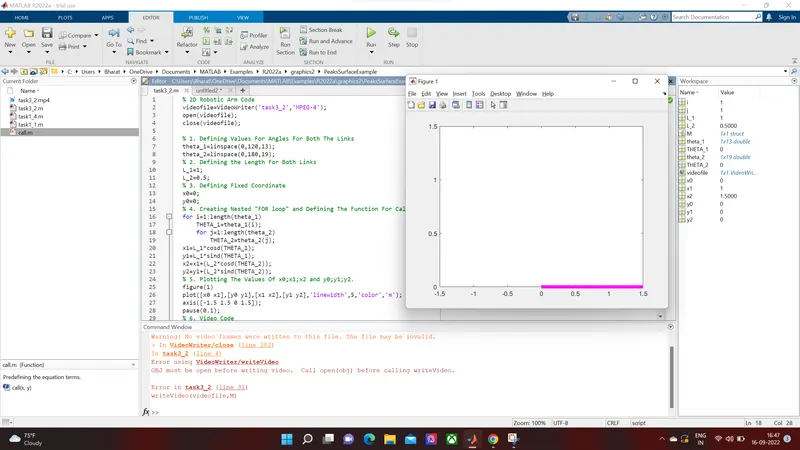
Link Color By Two Possible Combination
1st way.
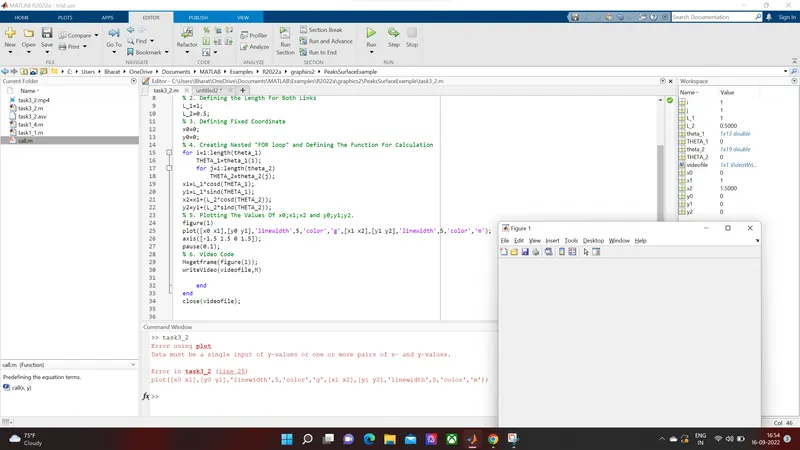
2nd way:- Here the color has changed to green completely, but in command it was given as below
"plot([x0 x1],[y0 y1],[x1 x2],[y1 y2],'linewidth',5,'color','m','linewidth',5,'color','g');"
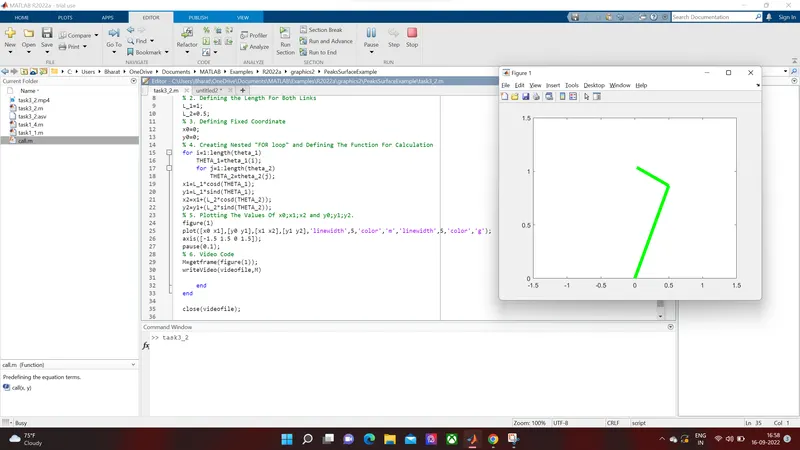
VIDEO FILE ERROR
SNAPSHOT FOR OUTPUT.
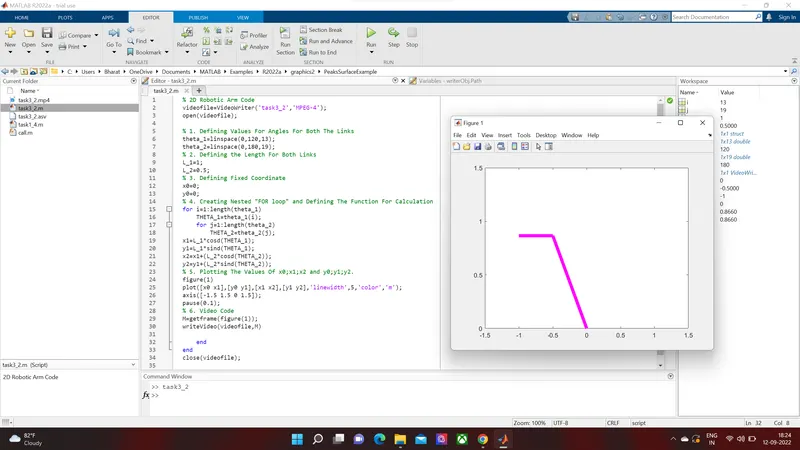
MATLAB CODE
% 2D Robotic Arm Code
videofile=VideoWriter('task3_2','MPEG-4');
open(videofile);

% 1. Defining Values For Angles For Both The Links
theta_1=linspace(0,120,13);
theta_2=linspace(0,180,19);
% 2. Defining the Length For Both Links
L_1=1;
L_2=0.5;
% 3. Defining Fixed Coordinate
x0=0;
y0=0;
% 4. Creating Nested "FOR loop" and Defining The Function For Calculation
for i=1:length(theta_1)
    THETA_1=theta_1(i);
    for j=1:length(theta_2)
        THETA_2=theta_2(j);
x1=L_1*cosd(THETA_1);
y1=L_1*sind(THETA_1);
x2=x1+(L_2*cosd(THETA_2));
y2=y1+(L_2*sind(THETA_2));
% 5. Plotting The Values Of x0;x1;x2 and y0;y1;y2.
figure(1)
plot([x0 x1],[y0 y1],[x1 x2],[y1 y2],'linewidth',5,'color','m');
axis([-1.5 1.5 0 1.5]);
pause(0.1);
% 6. Video Code
M=getframe(figure(1));
writeVideo(videofile,M)

    end
end
close(videofile);