Week 2 Challenge : Surface meshing on a Pressure valve
Aim : - In this project we have to clean up the geometry of Pressure valve.
Objective: -
1. To clean up the geometry.
2. To fill the faces.
3. And mesh the model in 3 cases.
- Target length = 1mm, 3 mm and 5 mm (i.e. 3 cases)
- Element type = Tria
Introduction : -
Function of pressure valve: -
Most circuit designers use effectively designed systems to prevent uncontrolled system pressures and pump flow during standby periods. In this way, hydraulic system damage, overheating of the hydraulic fluid, and power wastage are prevented or avoided. This is where pressure valve is used.
Pressure control valves are used in hydraulic systems to deal with and control the actuator force. The actuator force is produced by a hydraulic actuator that consists of a cylinder or fluid motor, which uses hydraulic power to enable a mechanical operation. The valves are also used to determine and select pressure levels.
Primary functions of pressure control valves:-
- Reducing and unloading system pressure
- Lowering pressure levels from the main circuit going to the sub-circuit
- Regulating system pressure in certain parts of the circuit
- Preventing maximum system pressure at a safe level
- Other pressure-related functions which involve pressure control
- Assisting the operation sequence of the actuators in a circuit with the use of pressure control
Steps:-
1. Open Geometry in Ansa Software.
1.It is in a Wire frame mode.
2. After applying shadow mode.
The error is seen, Some faces are messing and having geometrical errors.
3. For clearing the error missing faces. we use some option to fill the face.
- By useing this option we clear the error.
As shown below;
I have already submitted this challenge in live class, but not done the meshing so i have directly upload the previous snapshot of model.
- Giving Properties to the model.
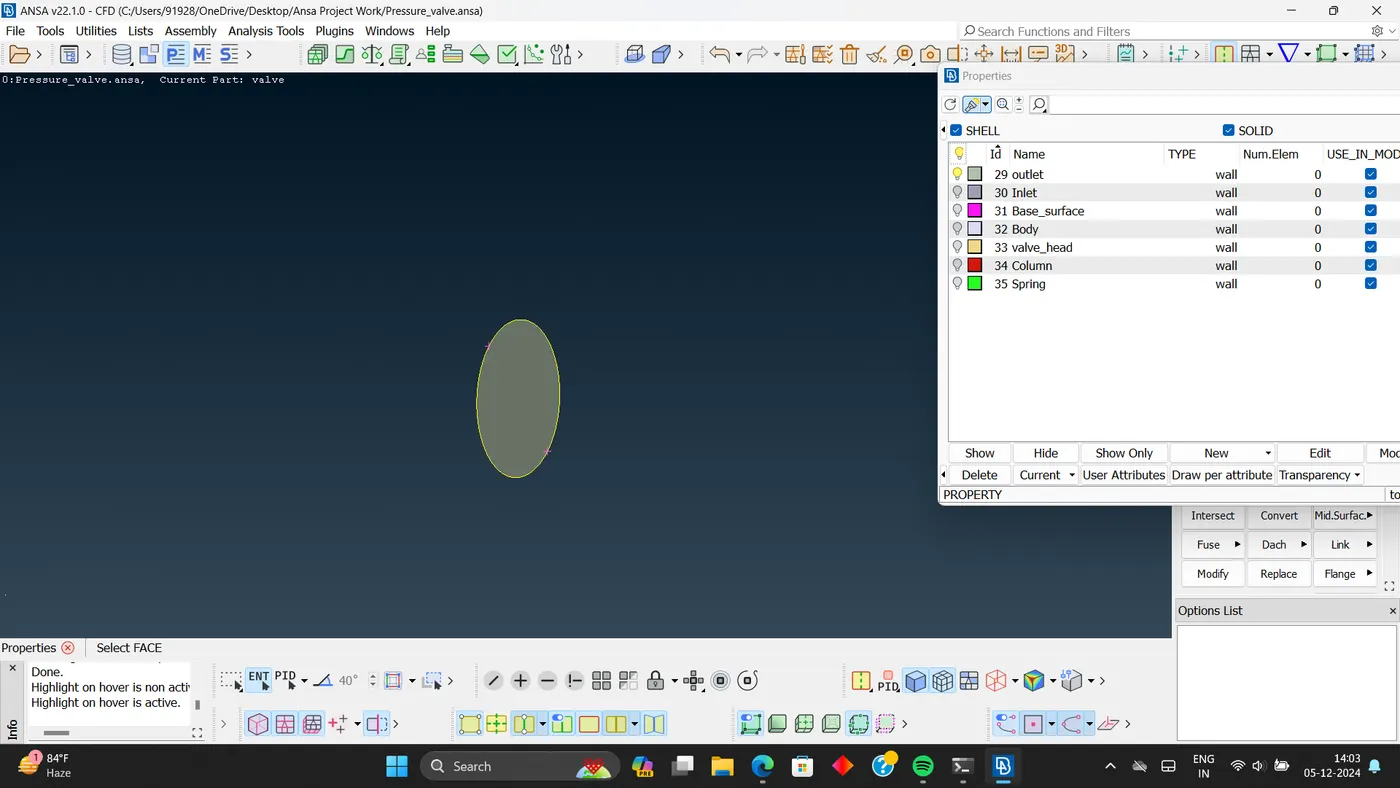
- Outlet
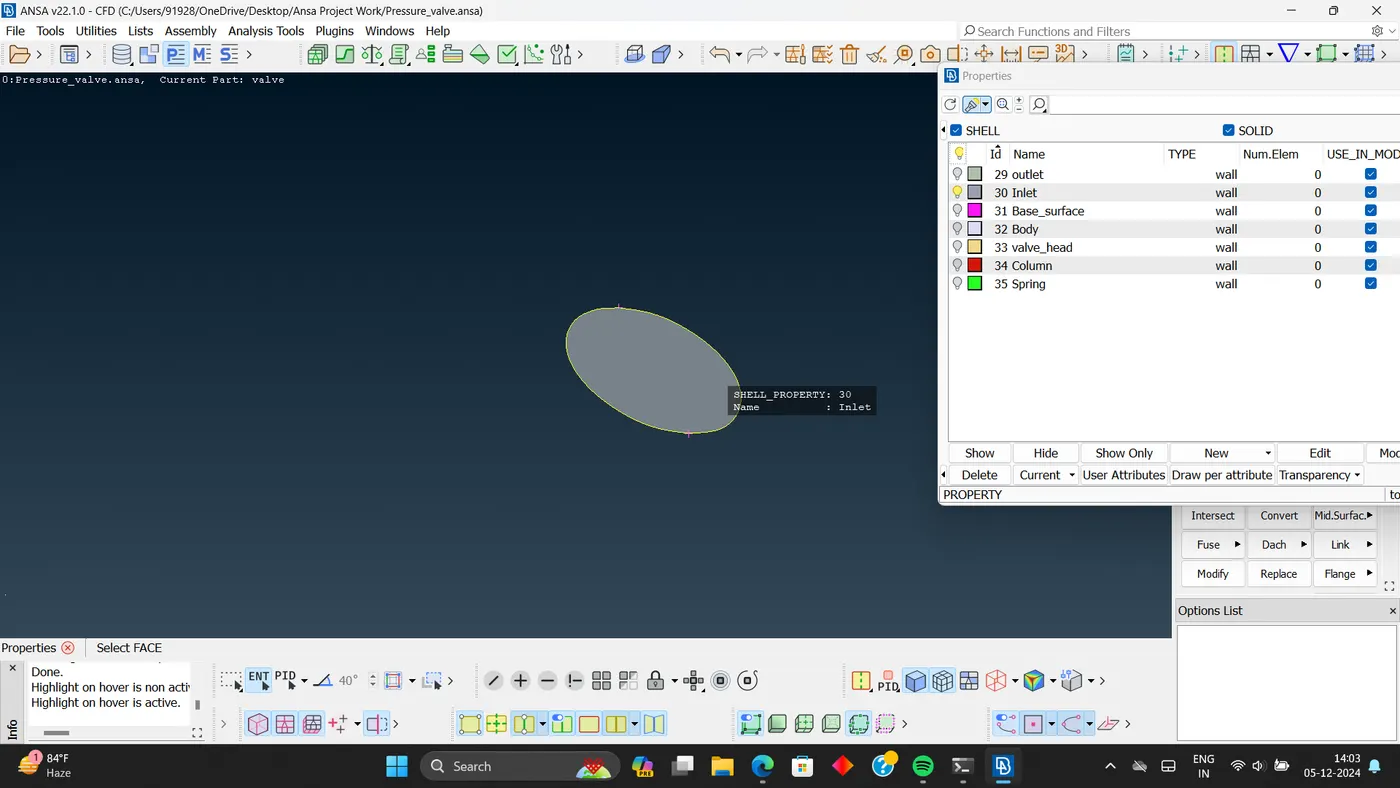
- Inlet
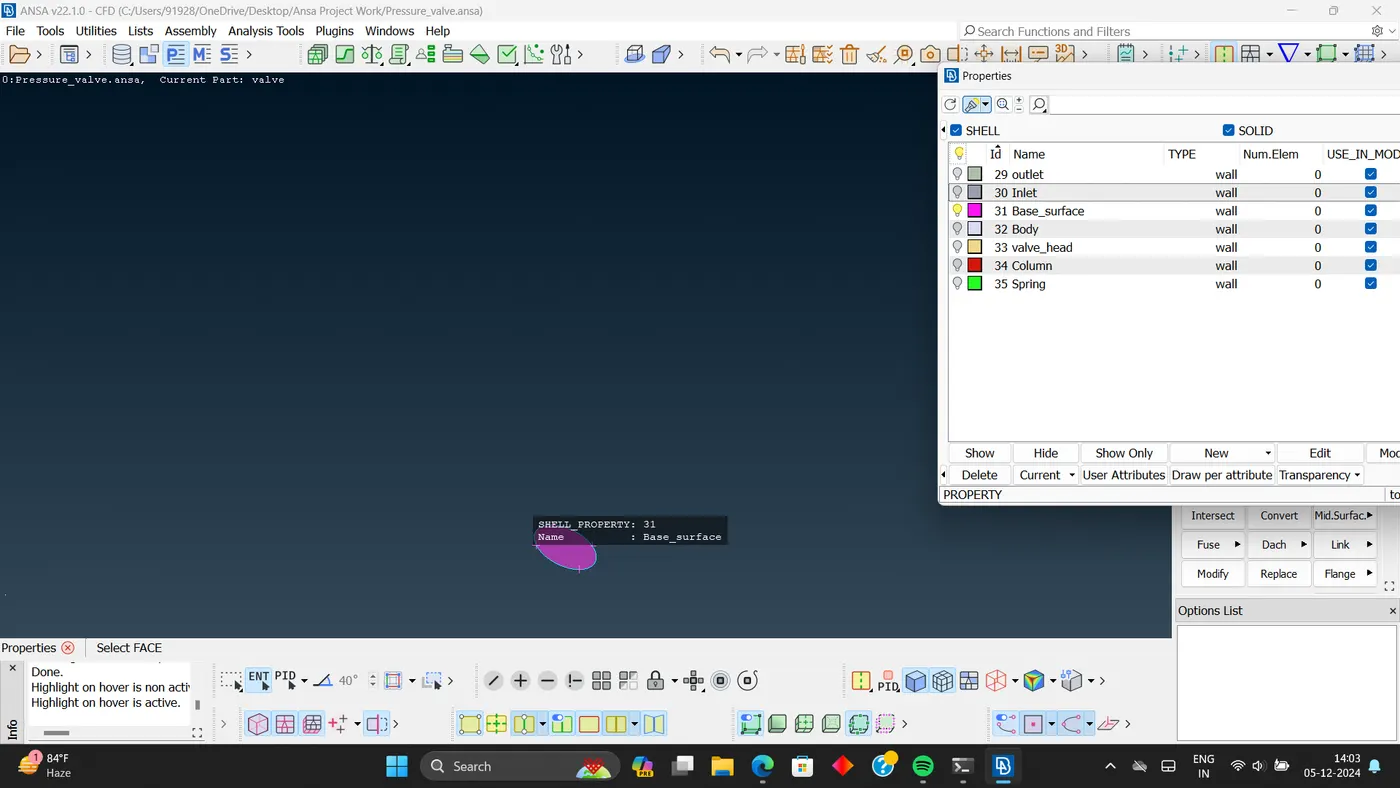
- Base surface.
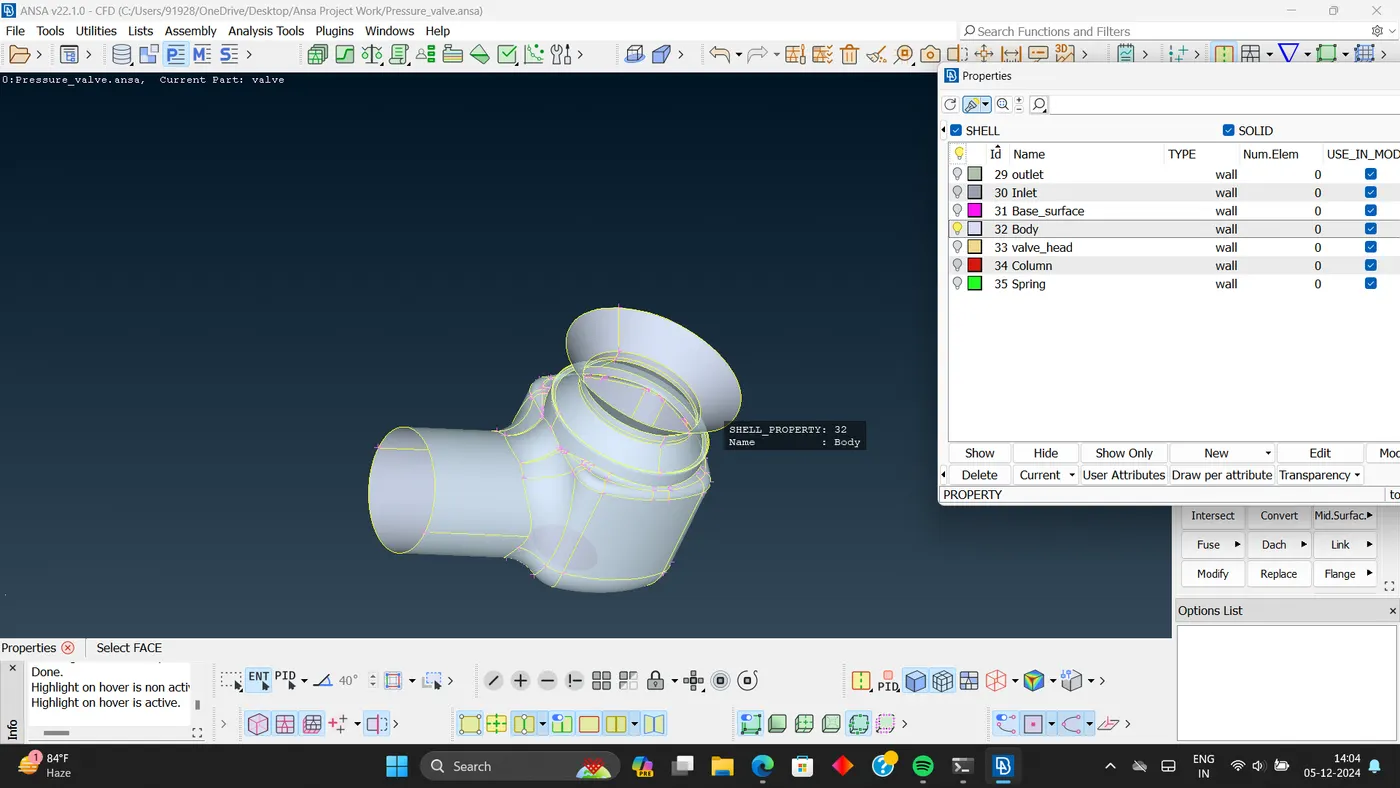
- Body.
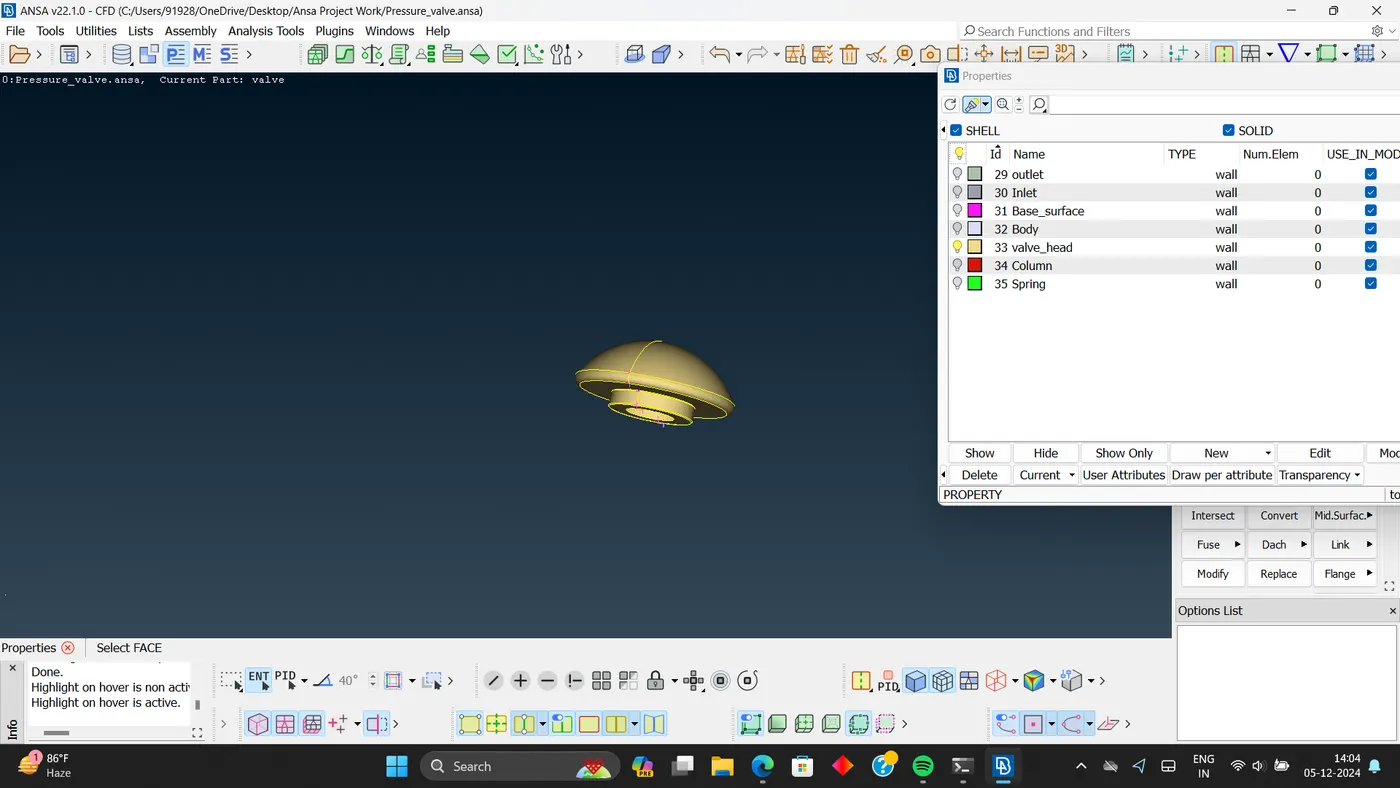
- Valve head.
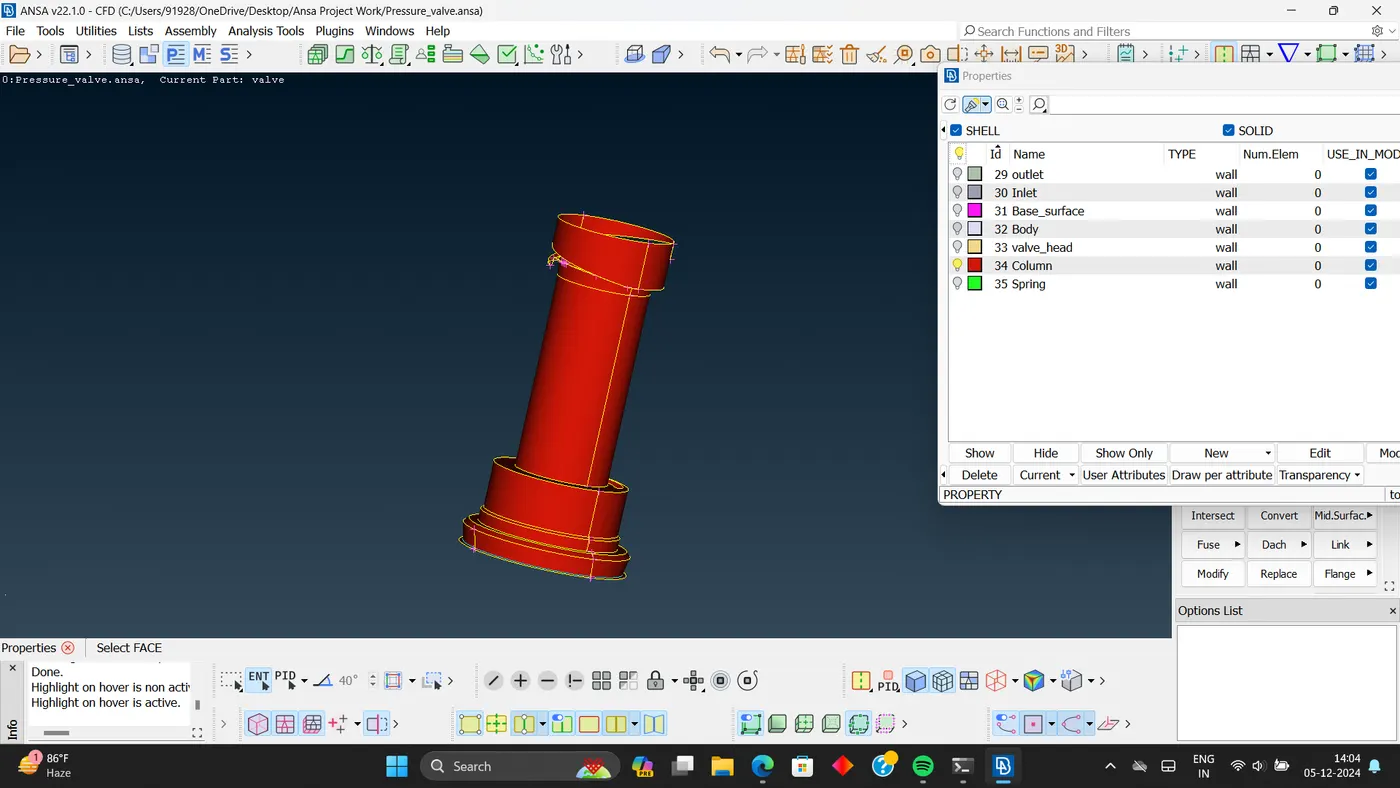
- Column.
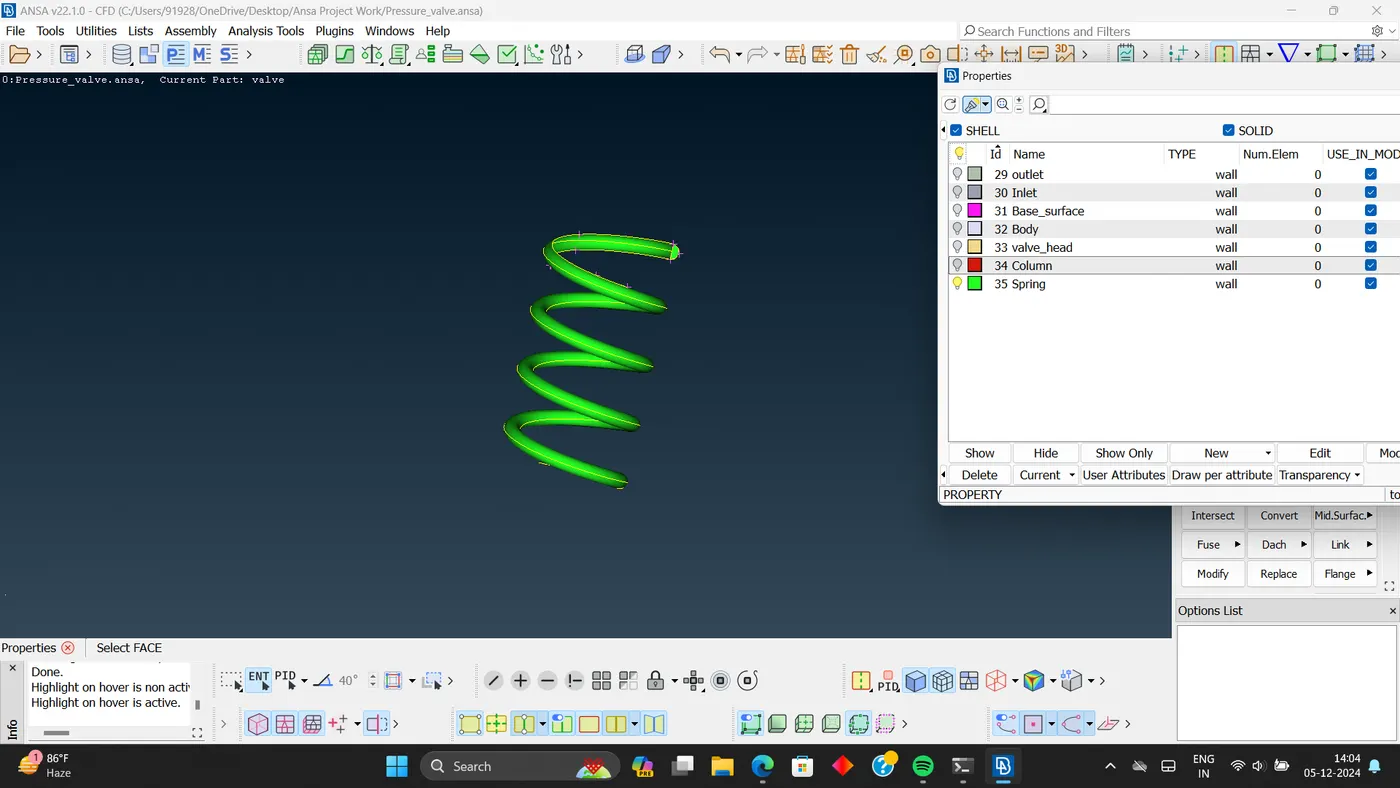
- Spring.
- Now moving towards meshing.
- Case:-1
- Target length = 1mm.
- Element type = Tria.
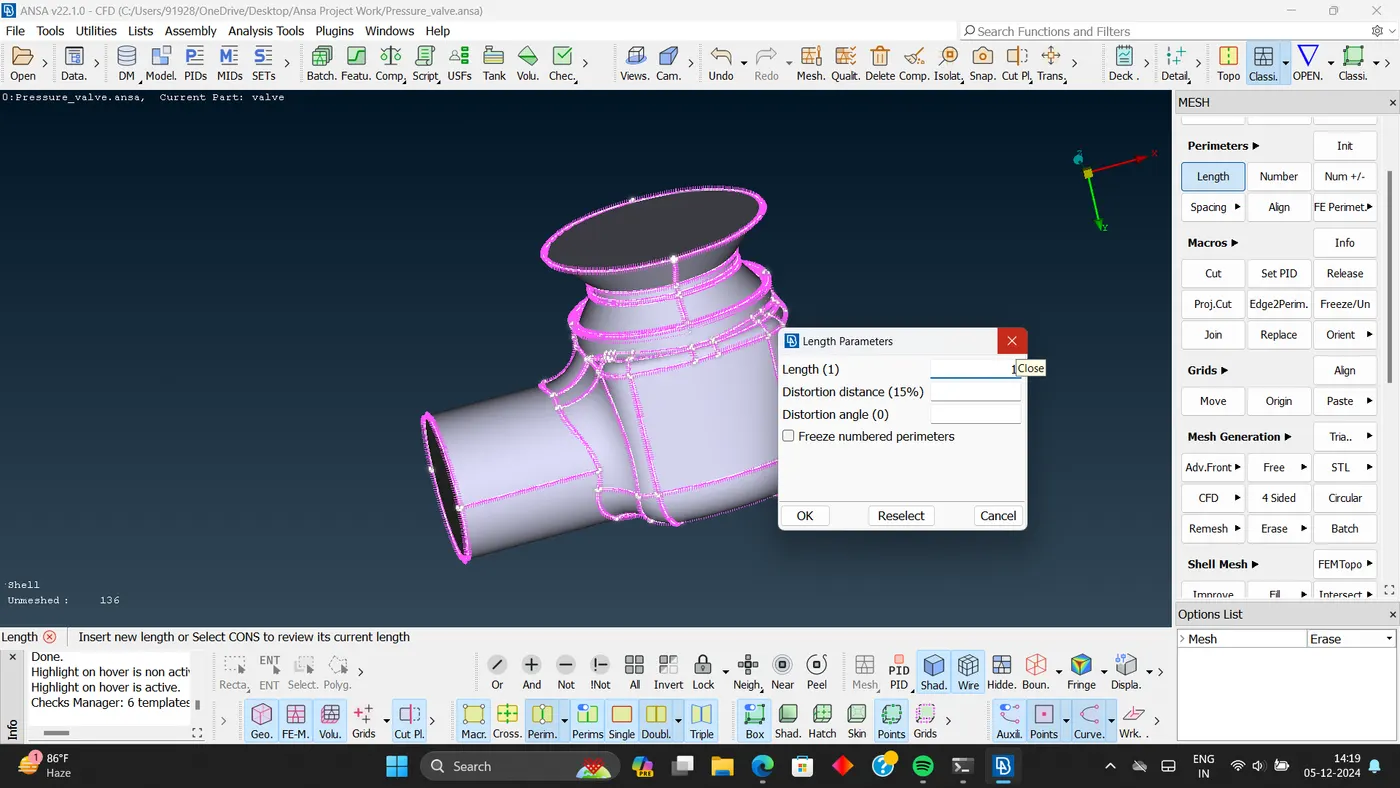
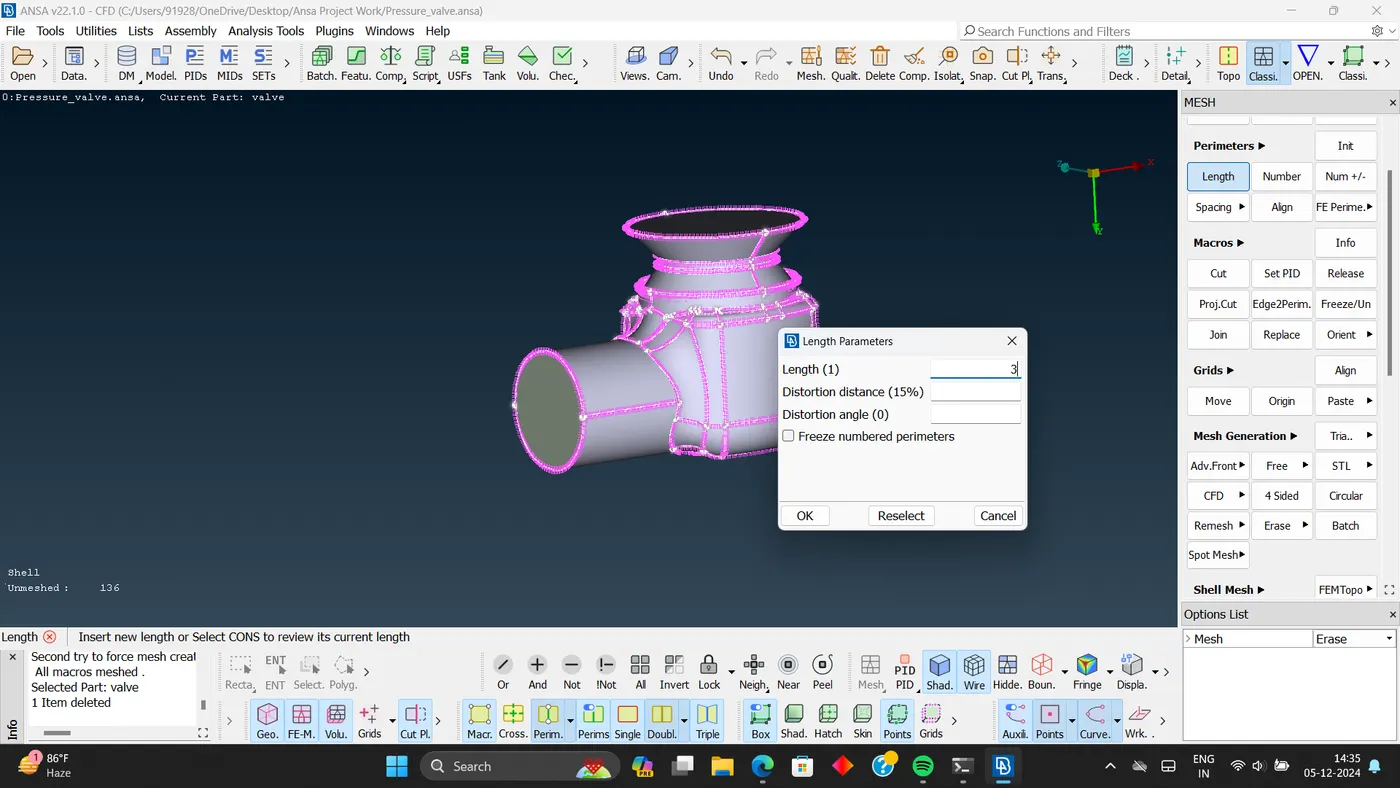
- Giving length parameters.
- Perimeters:- 1mm.
- Macros:- 1mm.
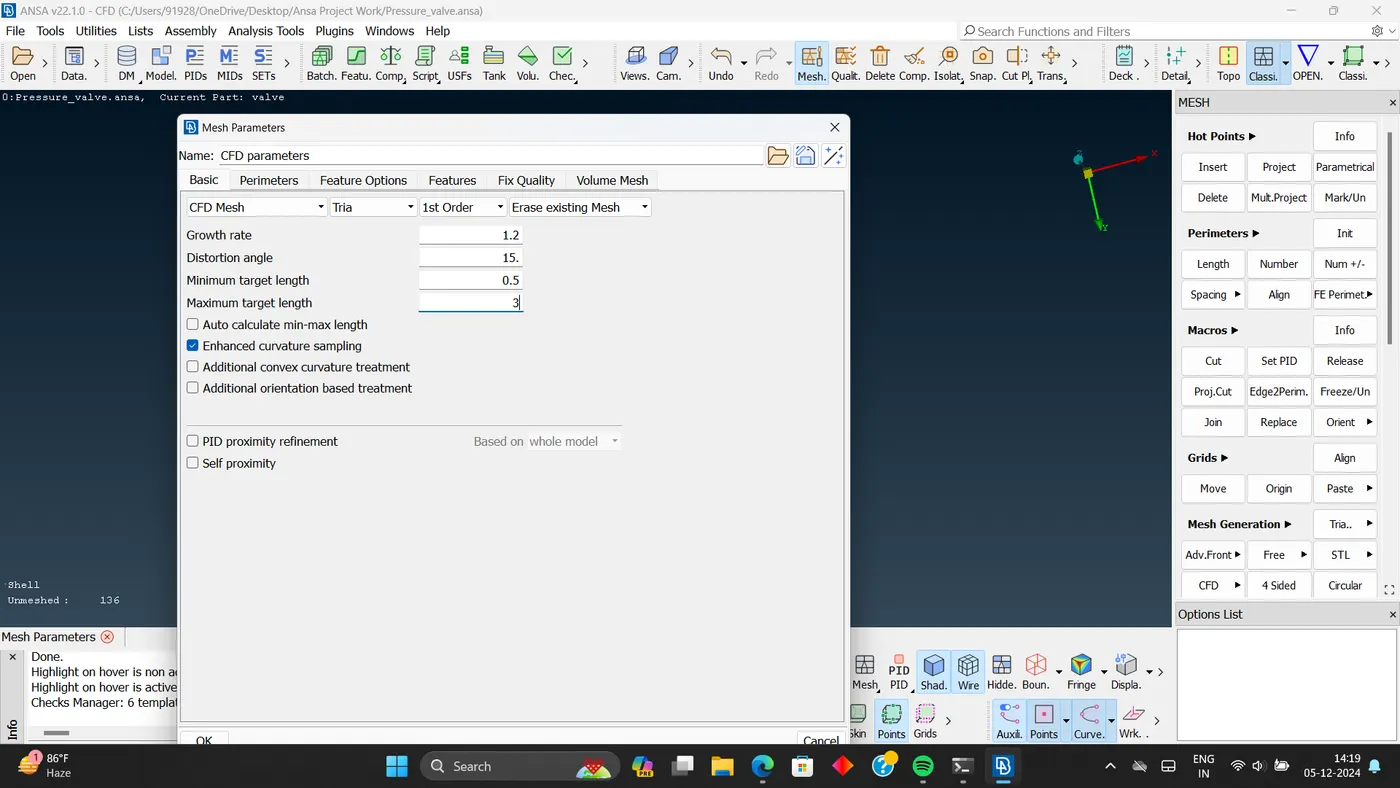
- Mesh parameters.
- Minimum target length :- 0.5
- Maximum target length: - 3
- Element type:- 'Trai'
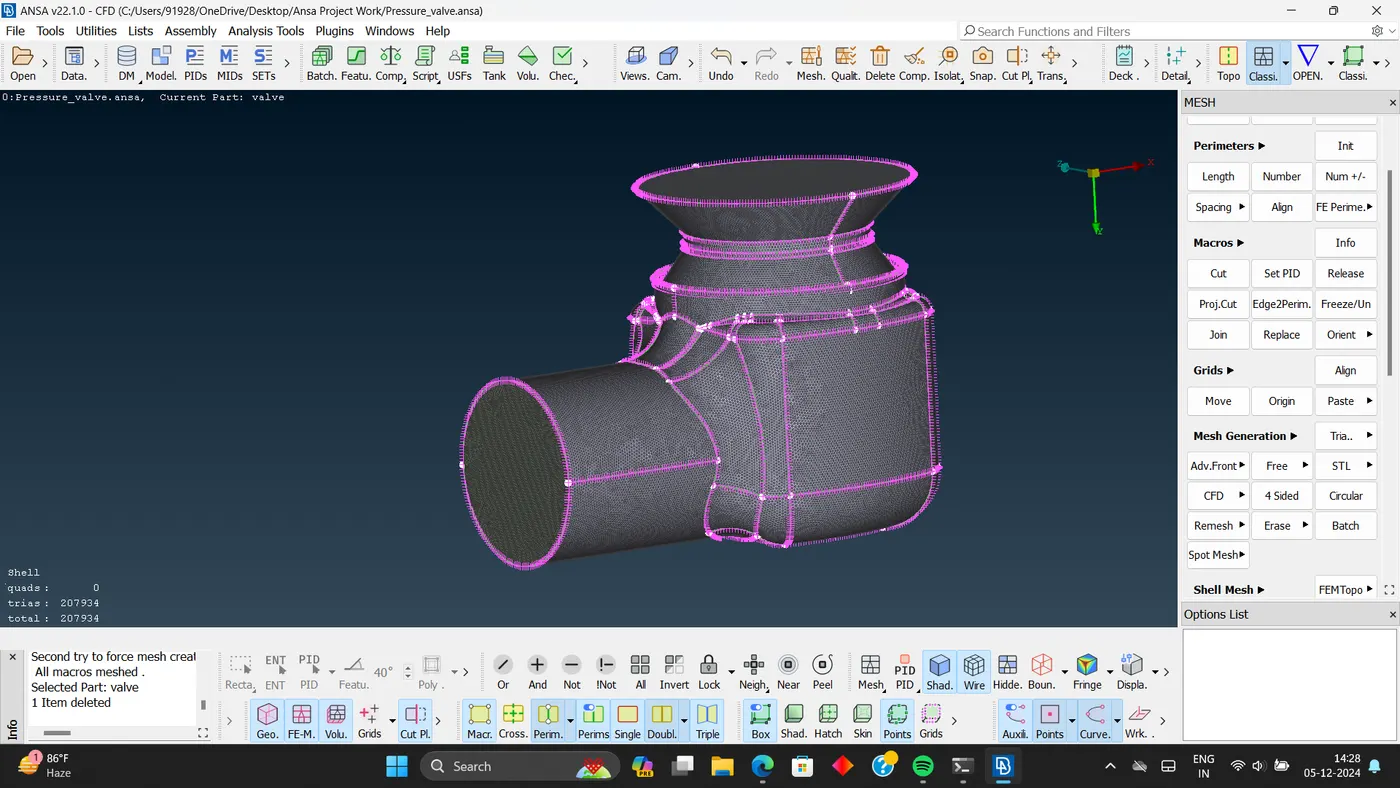
- Meshed model.
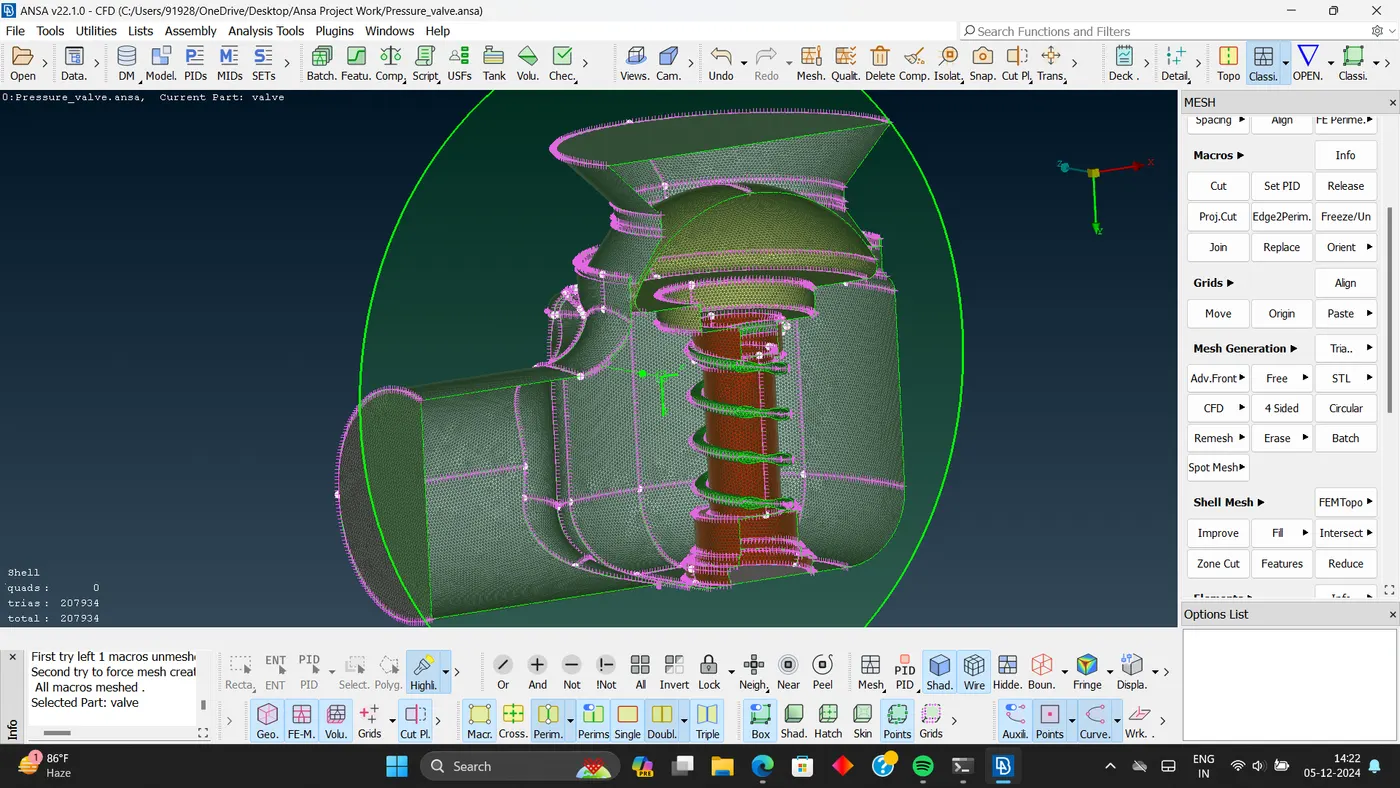
- Perimeters:- 3mm.
- Macros:-3mm.
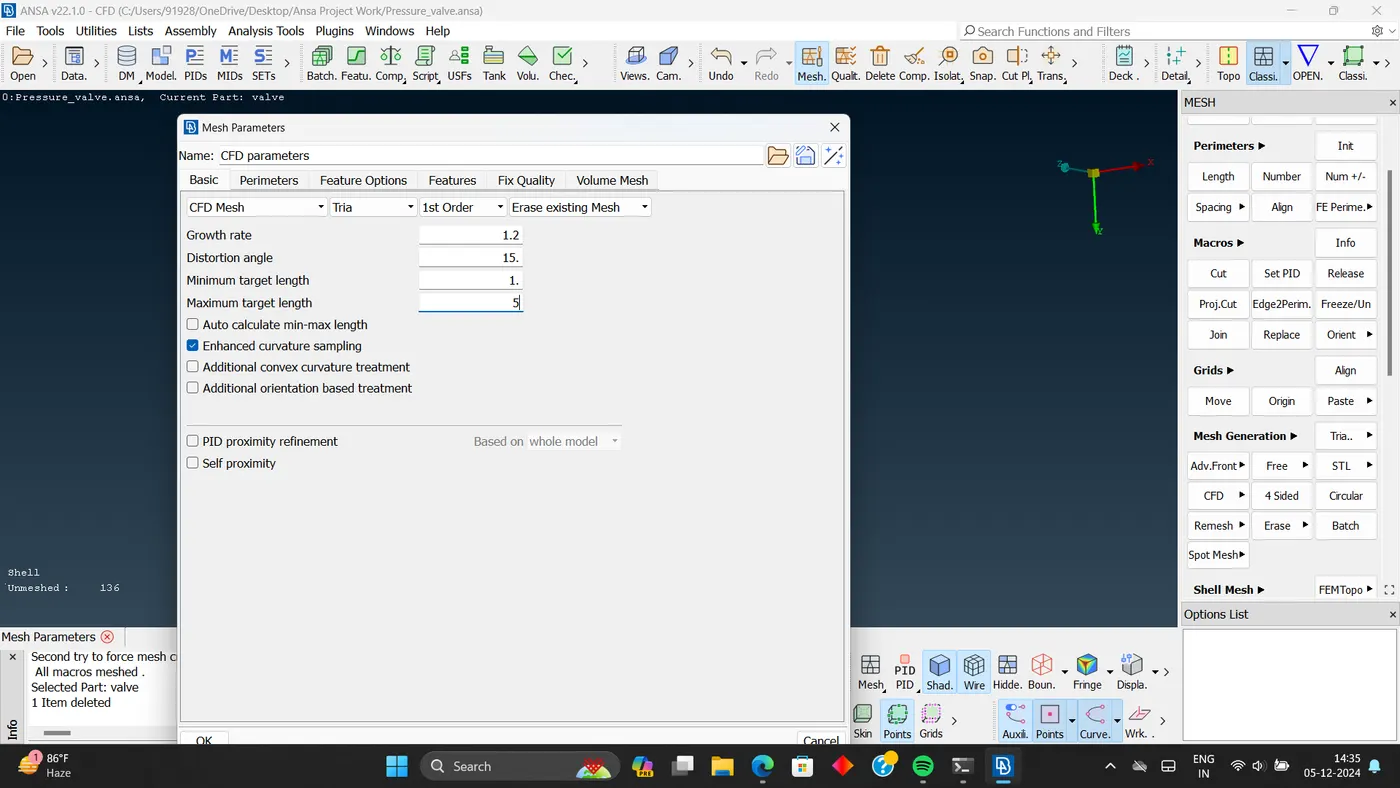
- Minimum target length :- 1
- Maximum target length: - 5
- Element type:- 'Trai'
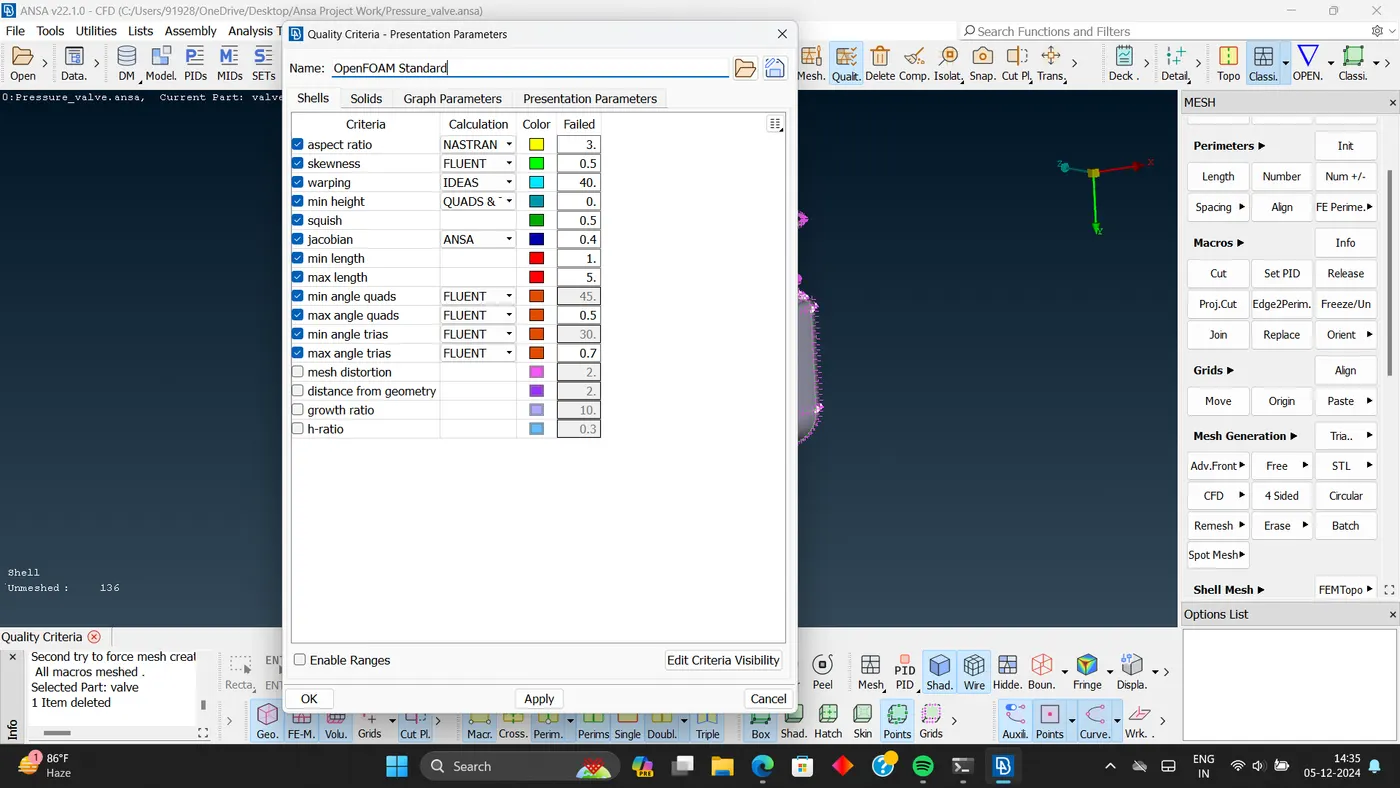
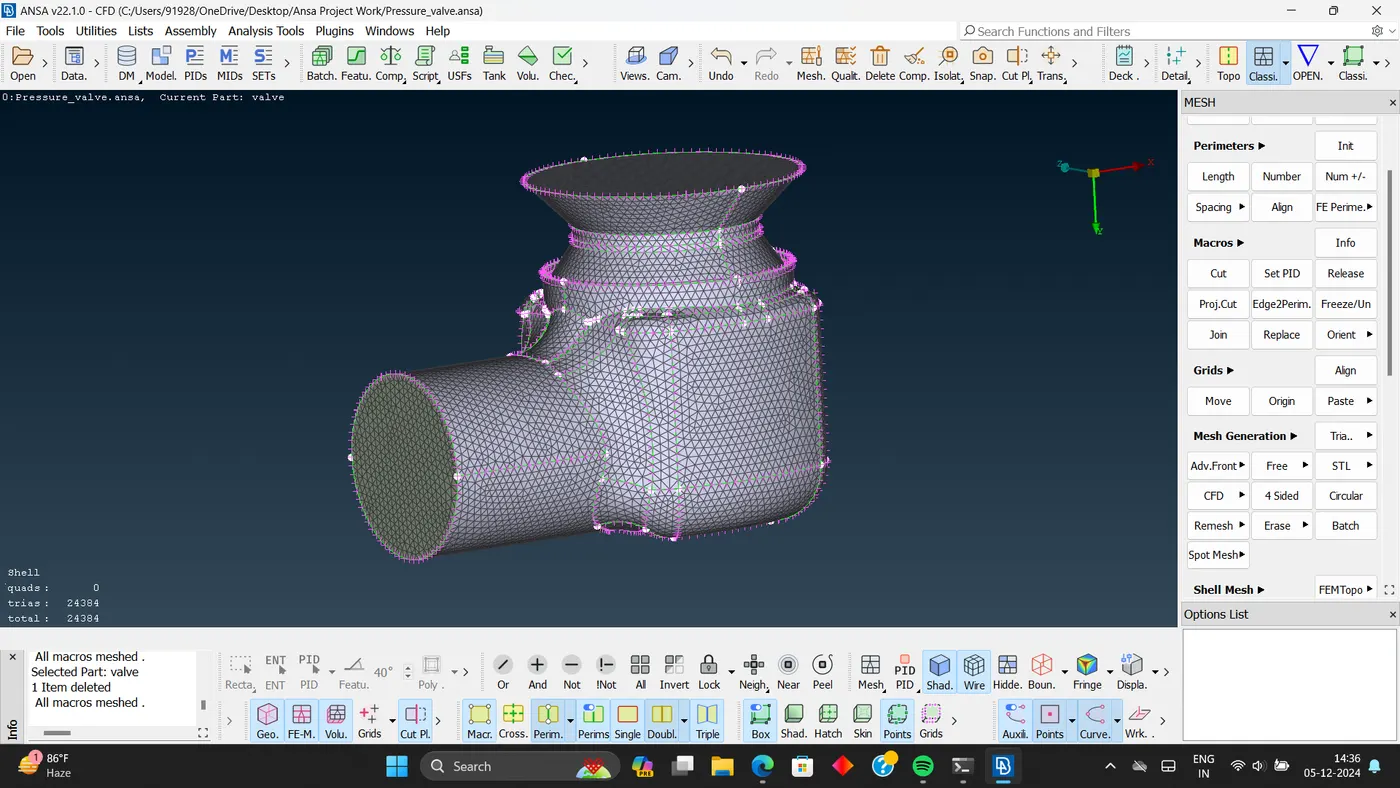
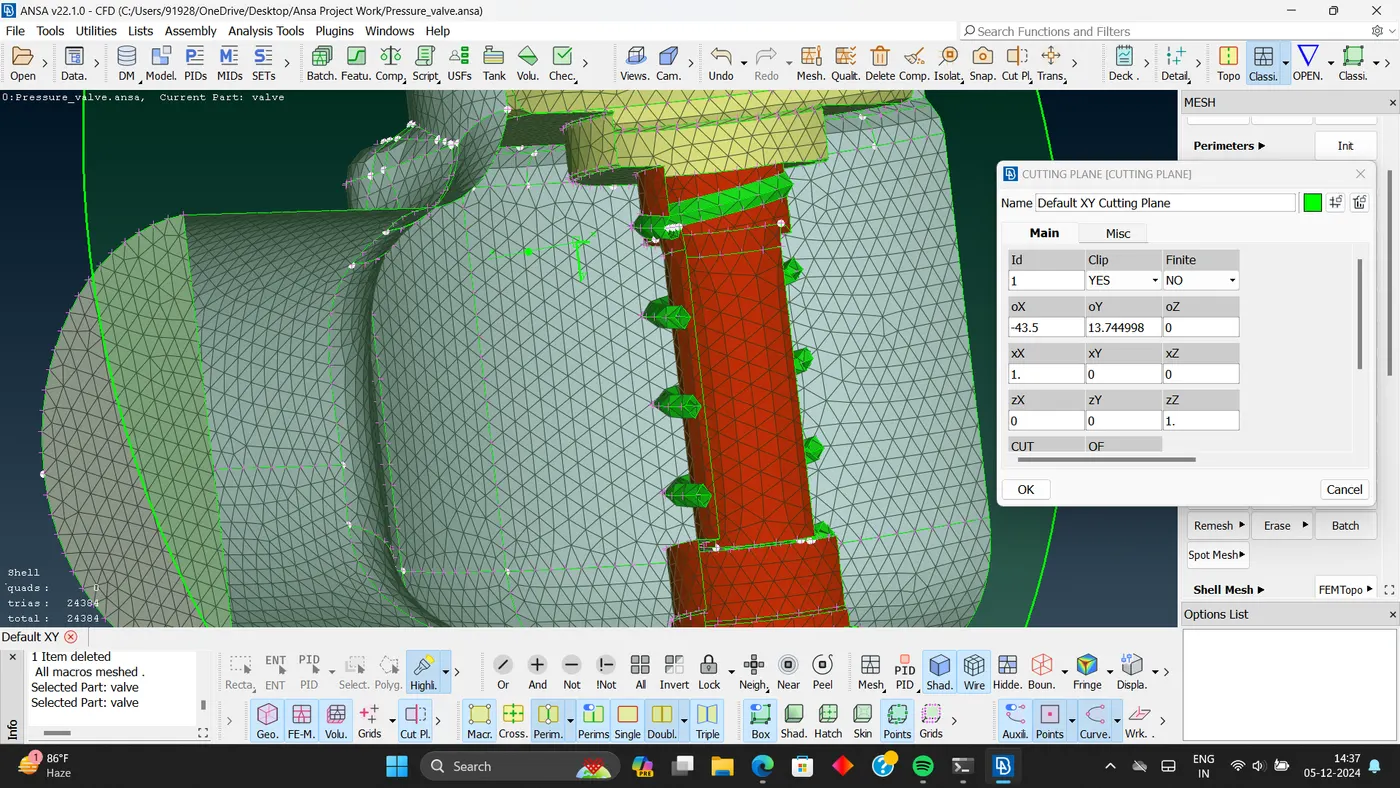
- Mesh model.
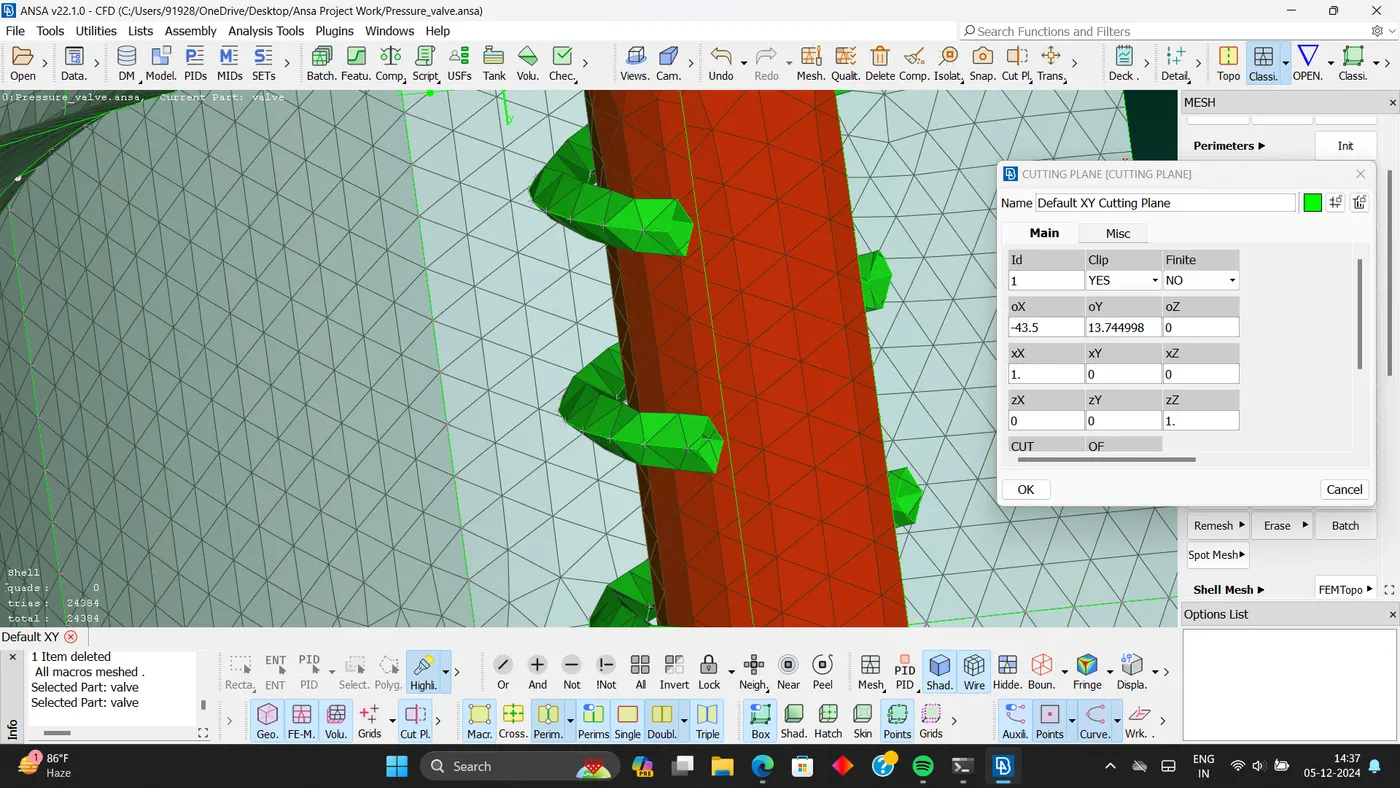
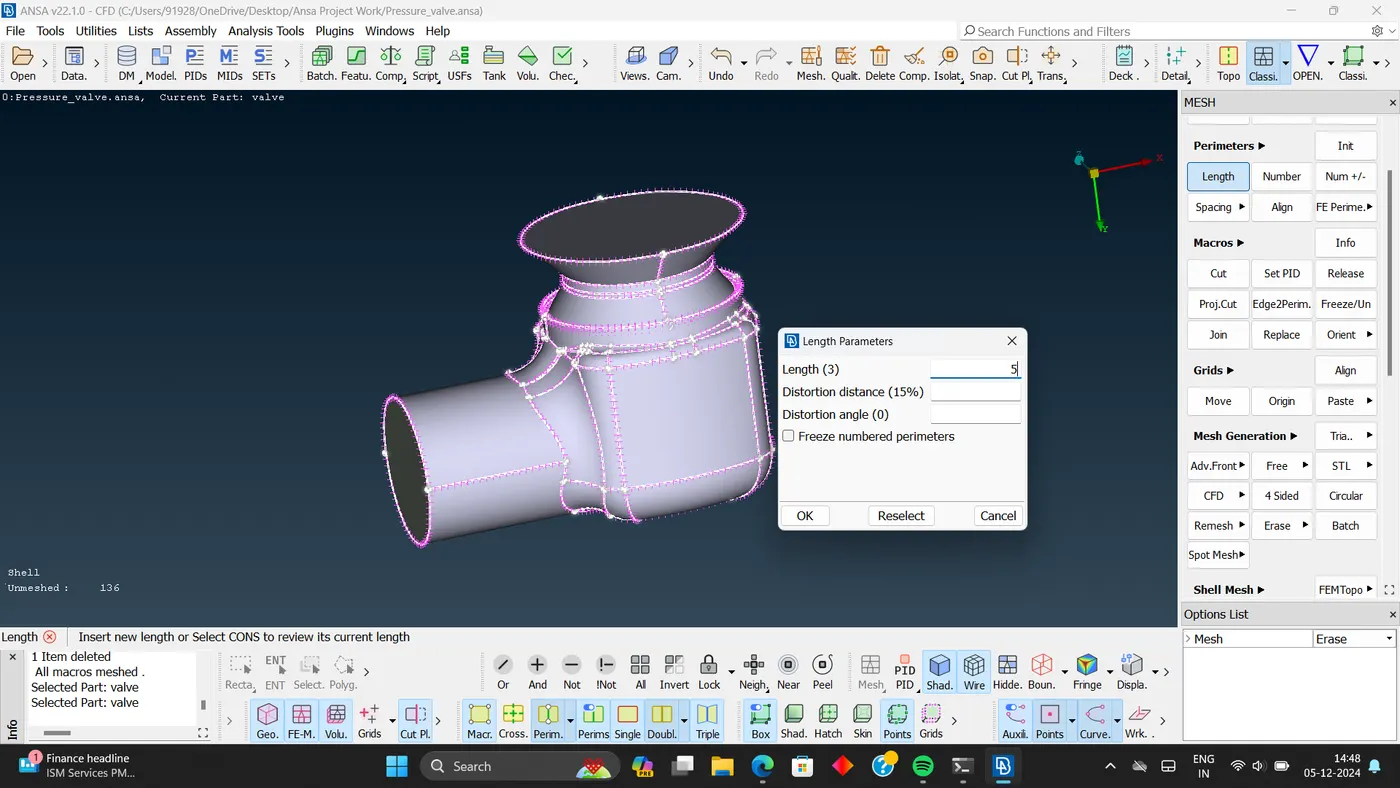
- Perimeters:- 5mm.
- Macros:-5mm.
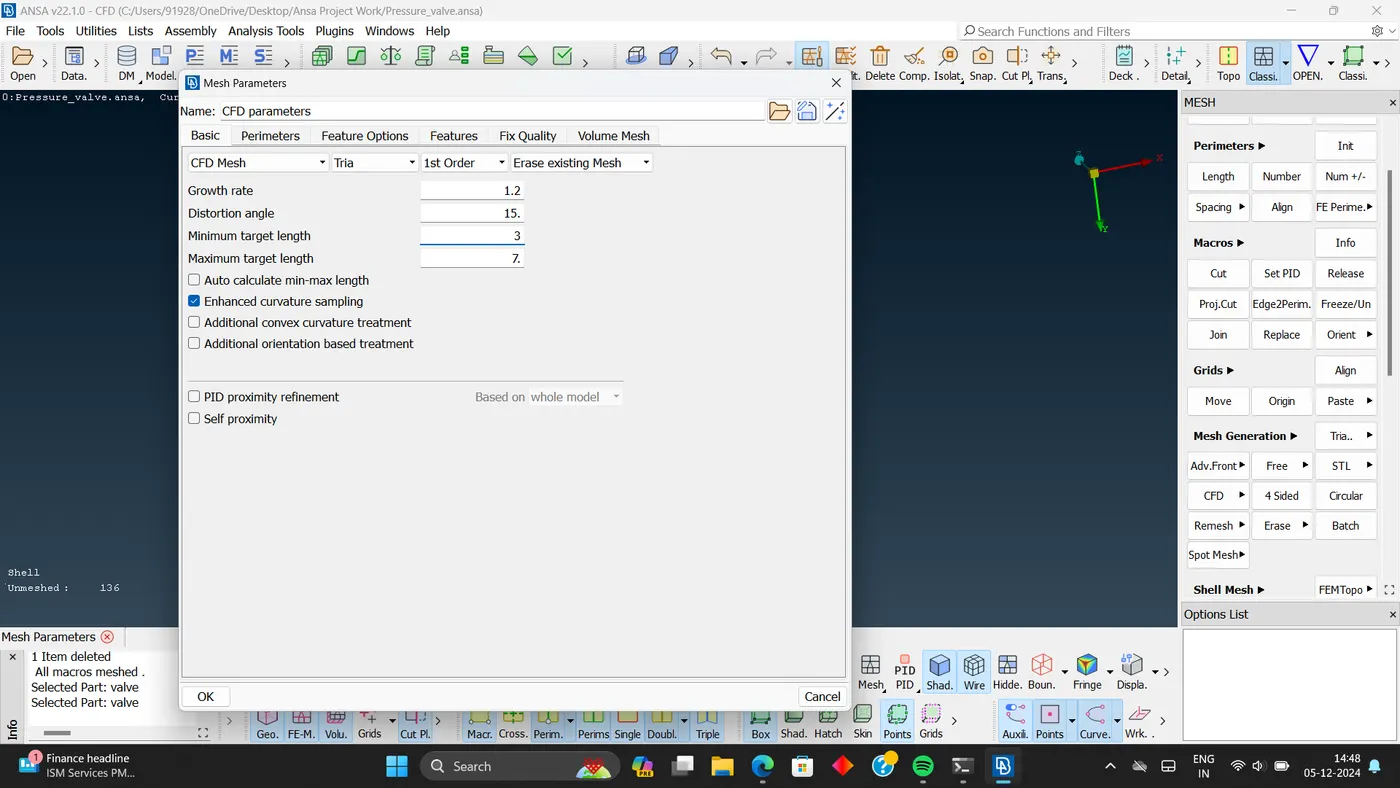
- Minimum target length :-3
- Maximum target length: - 7
- Element type:- 'Trai'
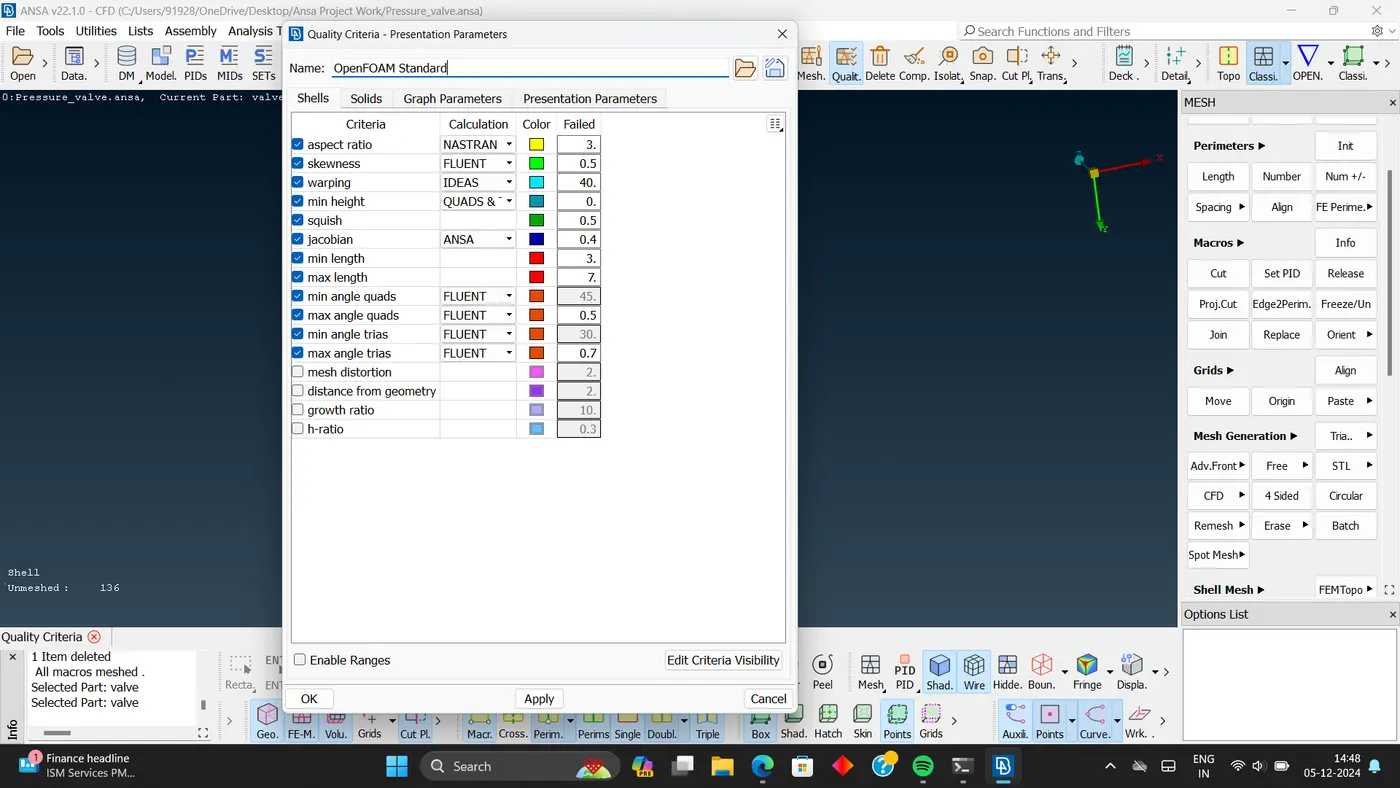
- Meshed model.
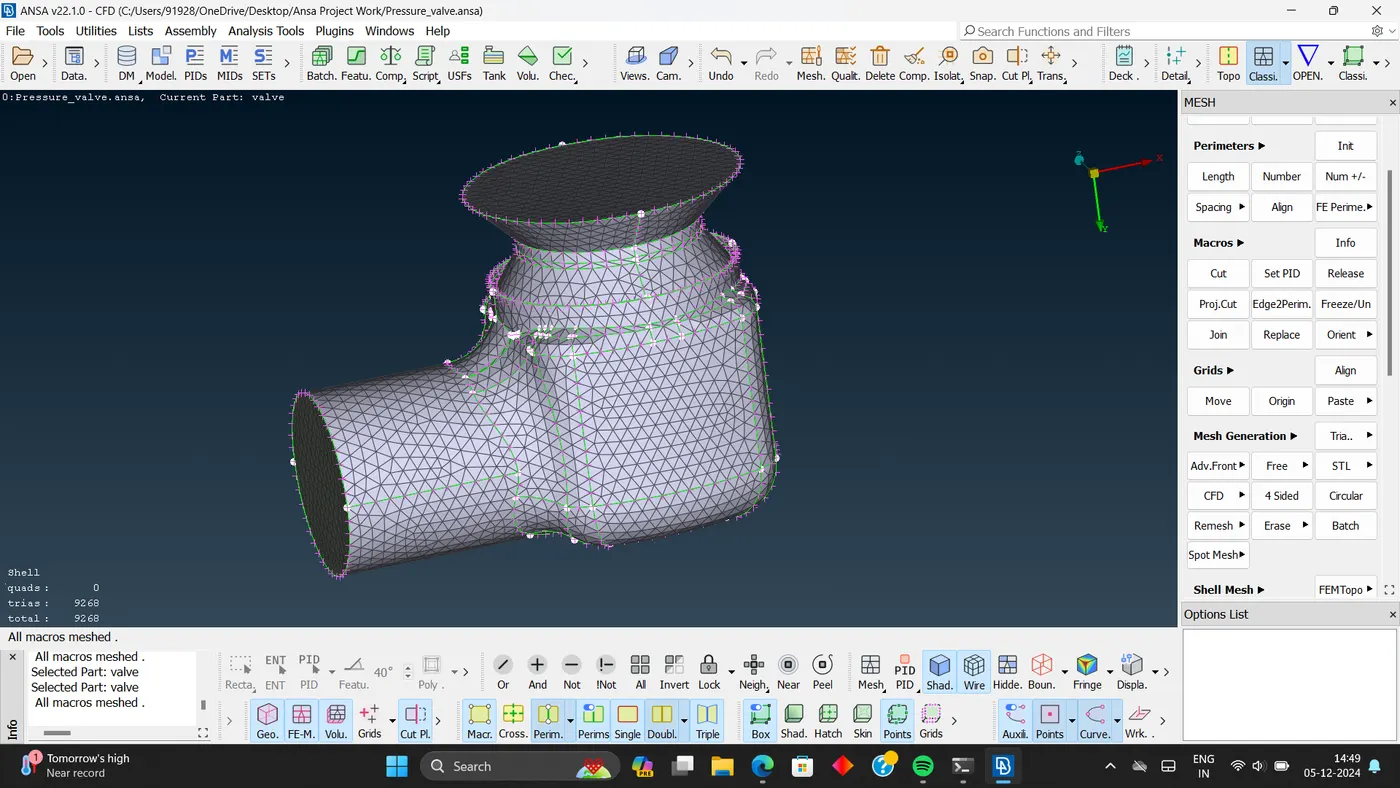
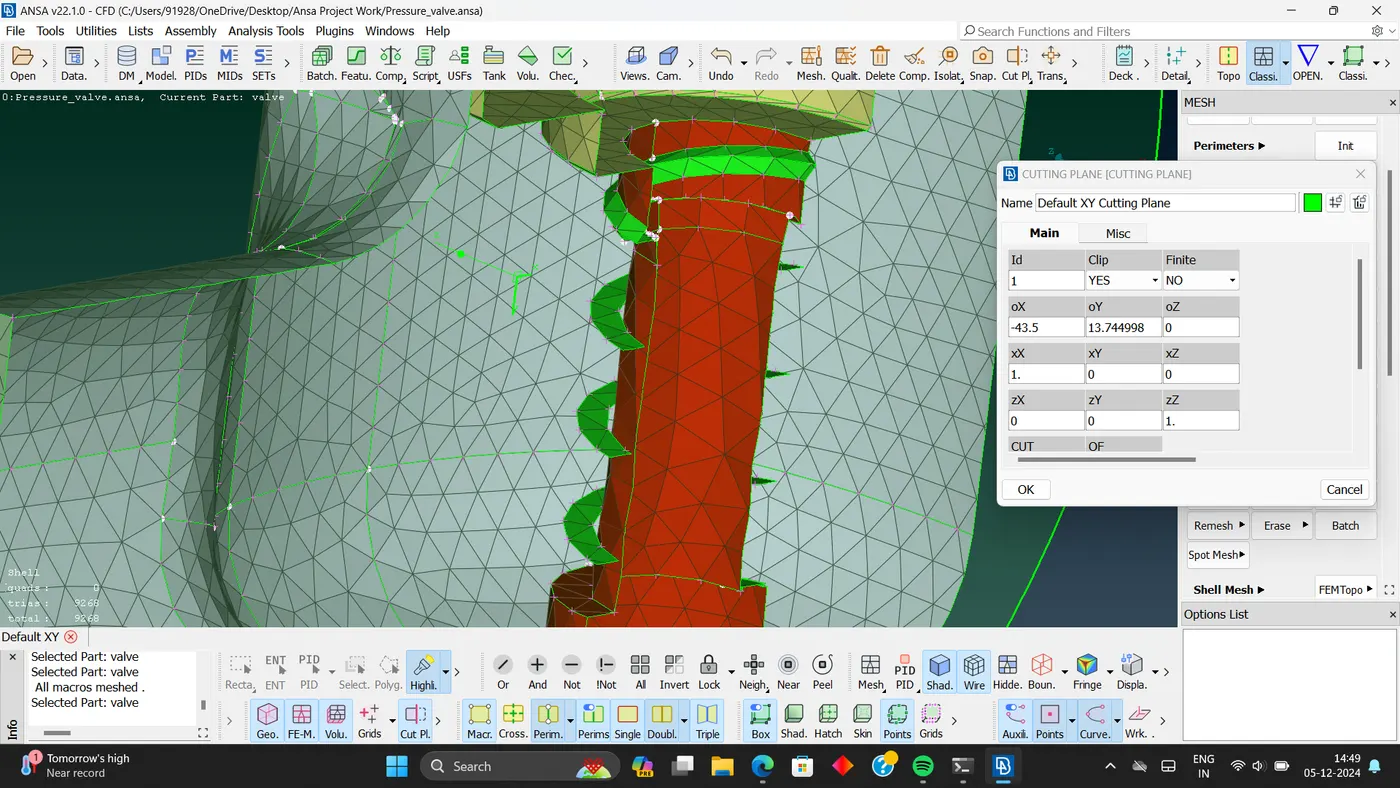
Conclusion:- More less target length, we get more finer mesh geometry.