Week 2 Challenge : Surface meshing on a Pressure valve
First I found the Check option then after cliking it the Geometry option I go for.There I press the execute button and some geometrical errors come .I select all the Geometrical errors and then fill up all the cracks with proper accuracy by clicking fill hole.Which faces was not there by clicking new option and selecting the con for which I want to enable the face then I pressed middle click.The face is appeared .After filling up all the cracks again I click the Check option then I execute and there is showing all the errors I have fixed up.So,the conclusion is I clear the topo clean up part.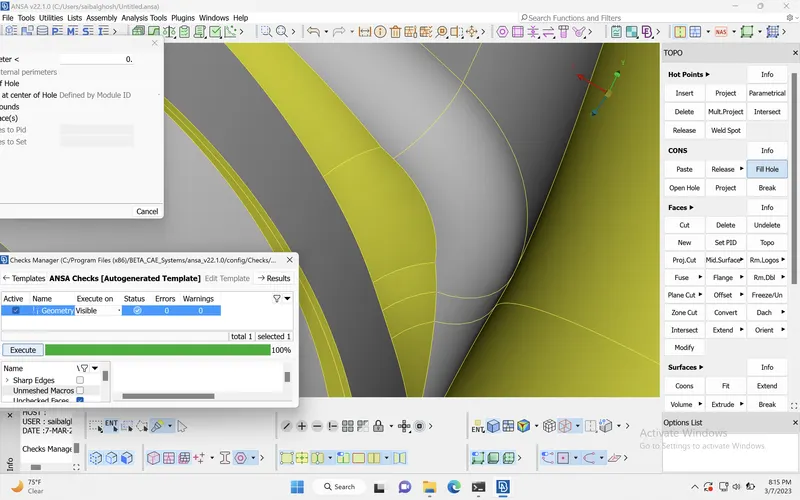
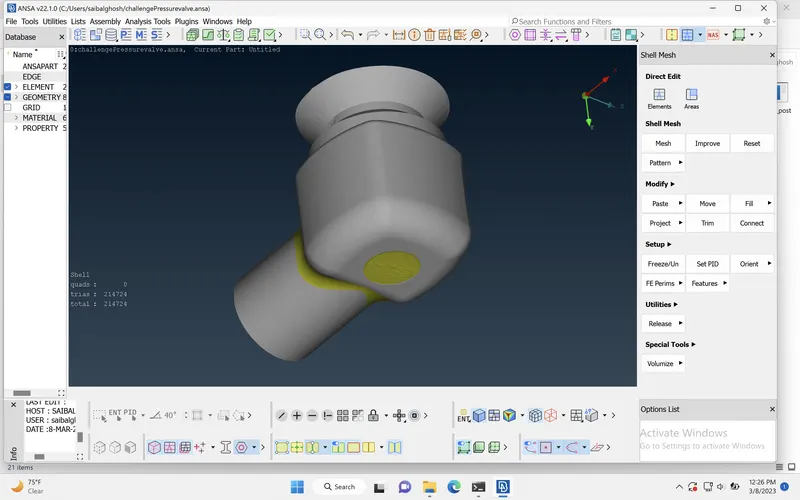
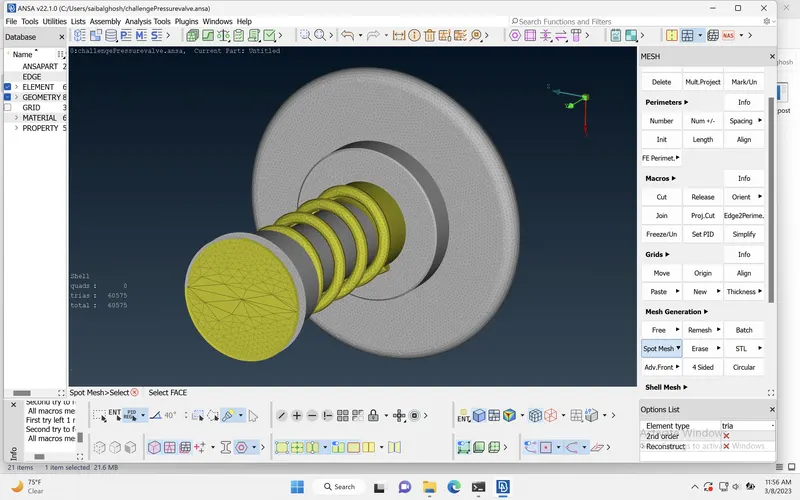
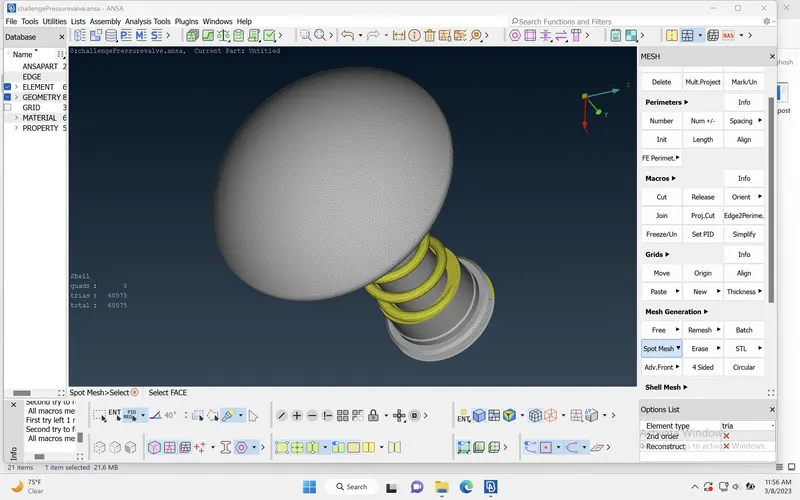
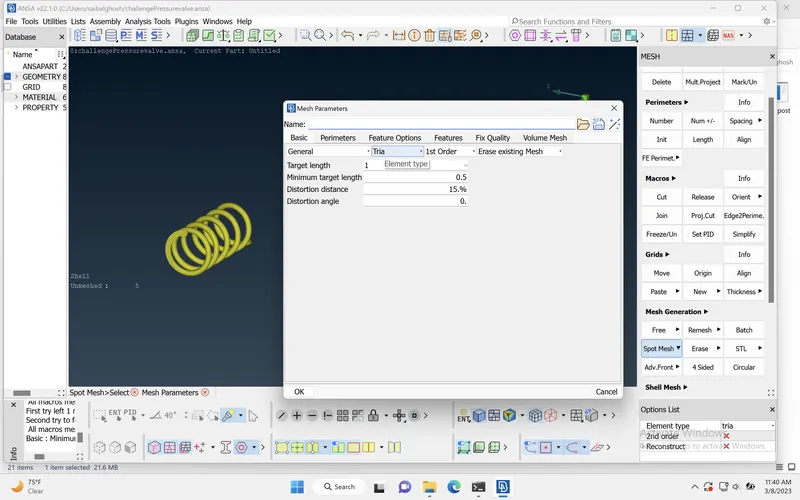
Next I go for meshing.In the Mesh Parameter option I fixed the target length,fixed the mesh element to tria then in Quality Criteria option I enable the maximum and minimum target length and I put the values as per specification.I fix the length in perimeter and macros and apply for meshing by pressing spot mesh in Mesh Generation option.
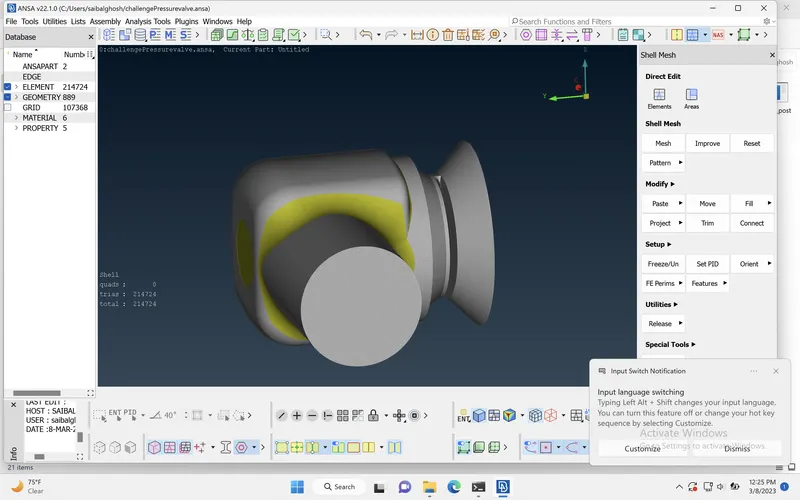
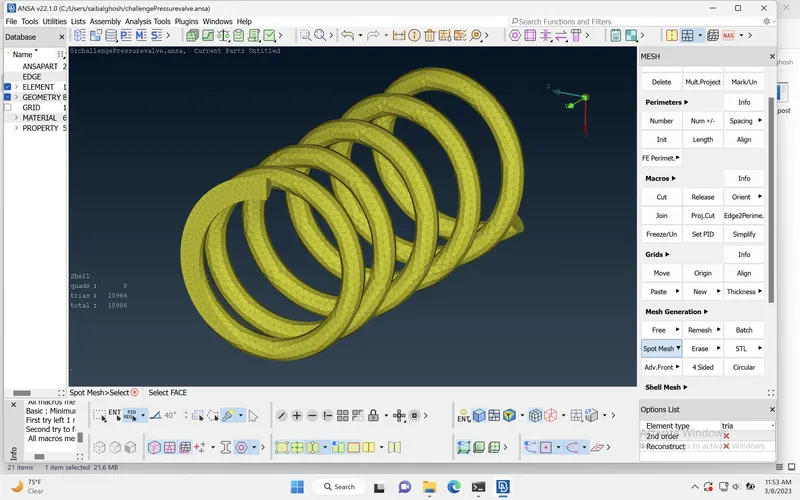
Here I first isolate the parts which I don't need at one time .I mesh the parts one by one by clicking OR,Neighbour and All option with the help of PID and PID Region option.Then one by one part I save and make a zip file of those three assemble.And I finnish my task.