Week 2 Challenge : Surface meshing on a Pressure valve
Aim:-
- To produce 3 meshes with diff target lengths and compare them for the given model
Procedure:-
- First we check the Model for topographical inconsistencies, by using the geometric check option.
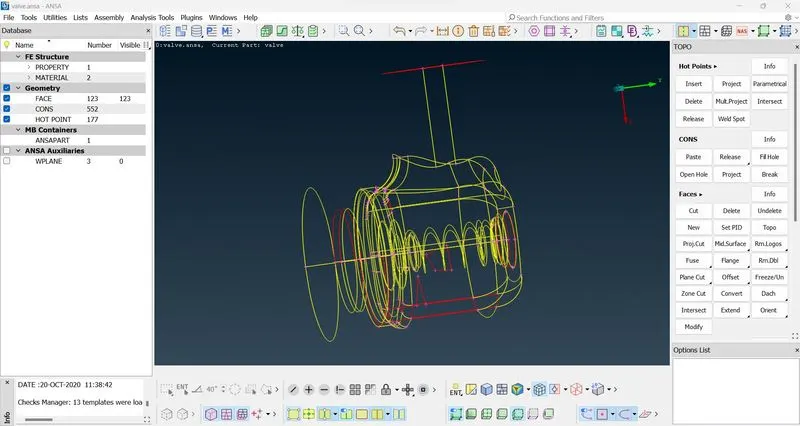
- Now we have several of these so to remove these errors we use the new tool in the faces section.
- After this we assign PID to each individual region.
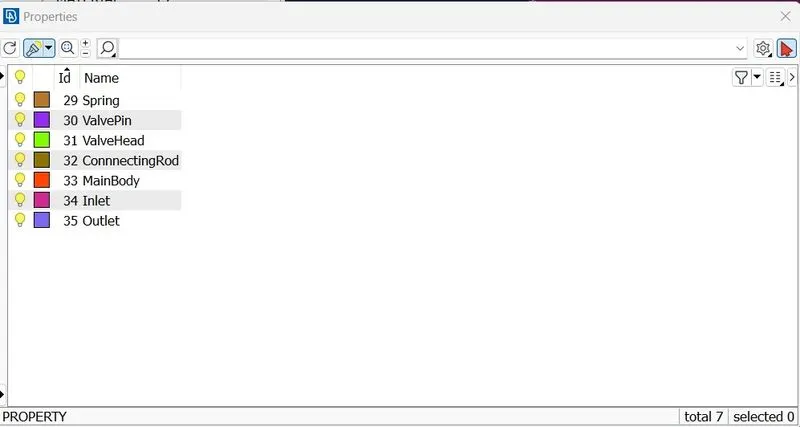
- After this we start to define the mesh length(macros and perimeter) as 5mm, set the mesh type to tria and give the same length constraints.
- Now we just generate spot mesh for each PID Region
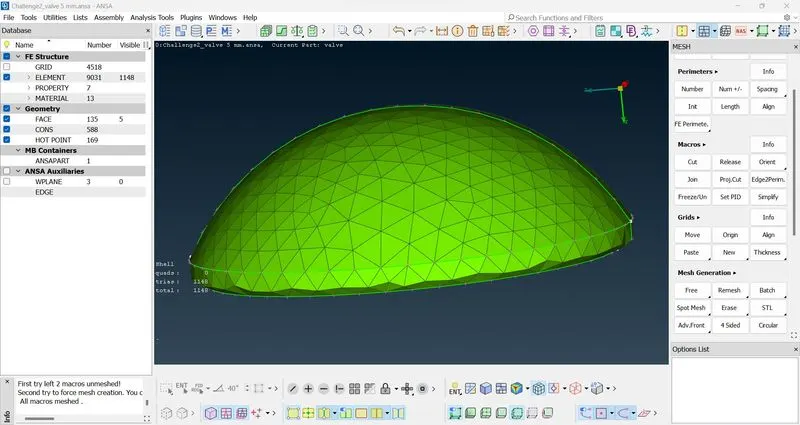
- As we can see the bottom edge of the valve head is not smooth.
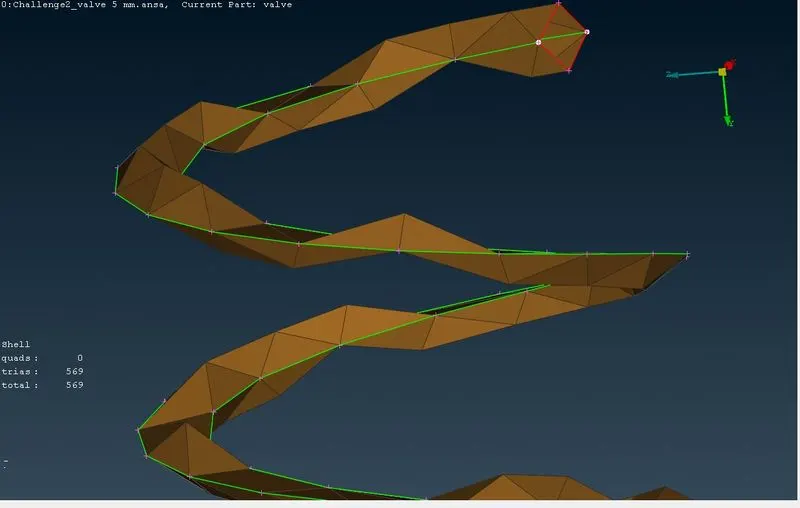
- Here in the case of spring (dia 3 mm) we see that the mesh element size is too big and it completely loses shape.
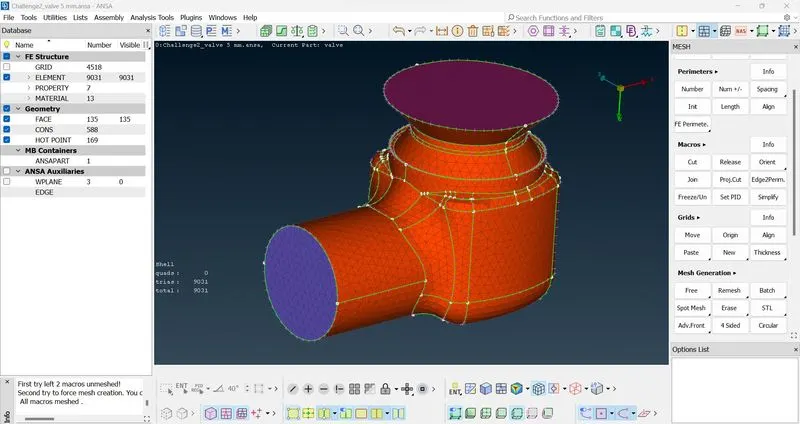
- A total of 9031 trias are formed, the edges of surfaces especially curved ones are losing a lot of shape and are very coarse.
- The mesh is again generated twice with 3mm as mesh length and 1 mm as mesh length respectively.
- In the case of 3mm we see that the number of mesh elements are increased and this leads to lot of smoother edges.
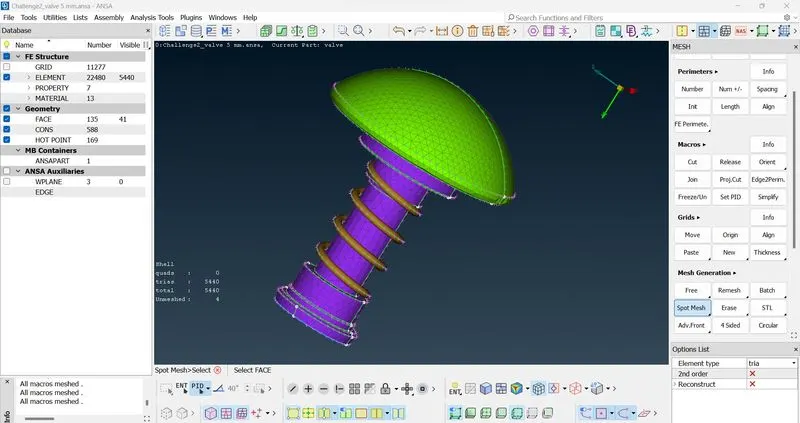
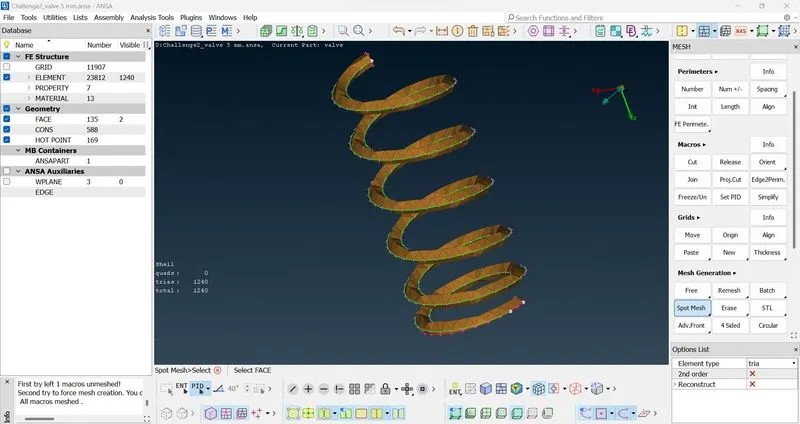
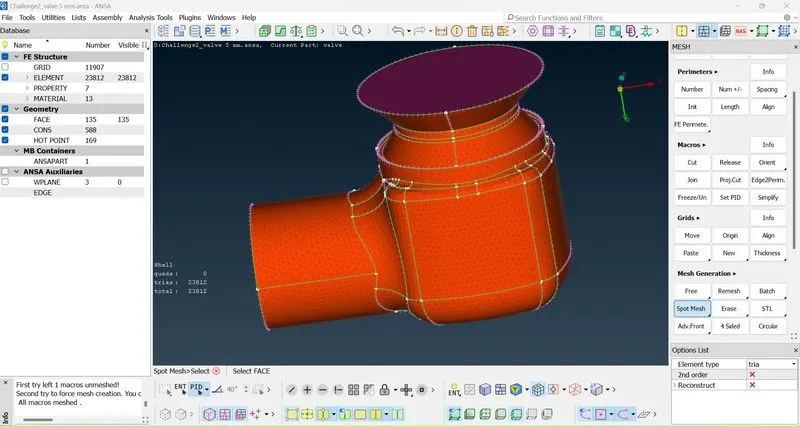
- Here we are able to see that the total tria elements are 23012.
- Next in the case of the element being 1 mm ,the following is observed
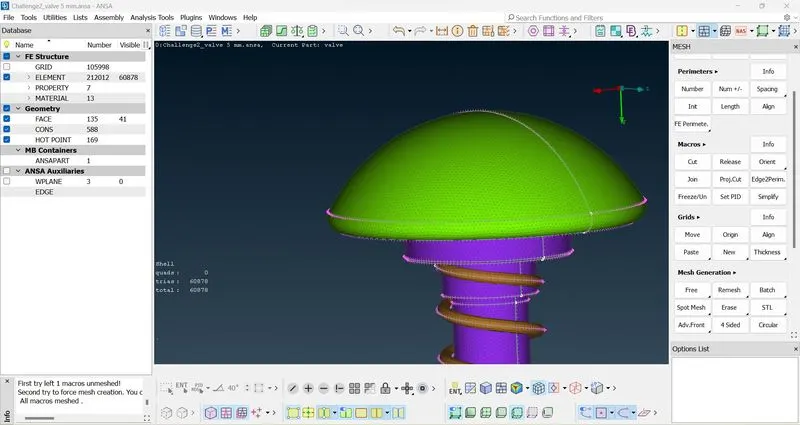
- We can see that the valve head retains almost its original shape.
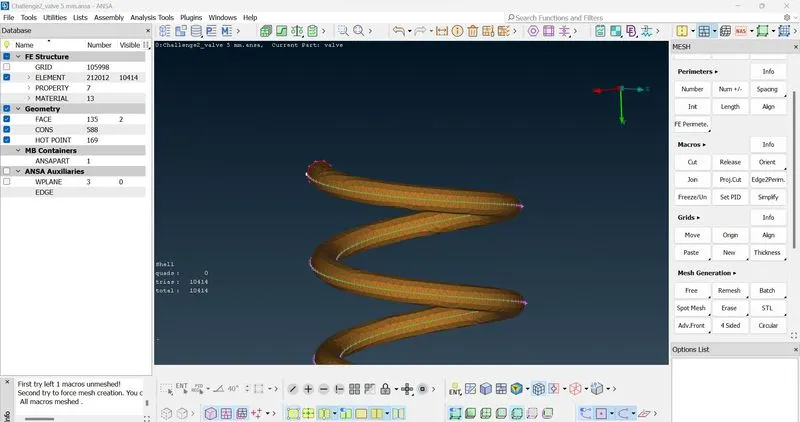
- For the Spring also we can see that the shape and the curve is almost maintained.
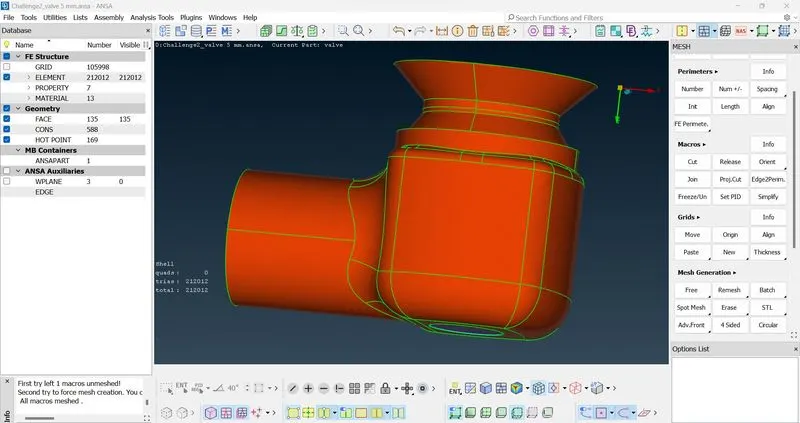
- The total figure now has 212012 mesh elements, this creates a fine surface which will lead to more accurate results while doing analysis.