Week 2 Challenge : Surface meshing on a Pressure valve
OBJECTIVES
To perform geometry cleanup and then create a surface mesh of a pressure valve using 5mm, 3mm, 1mm target mesh element length and a volume mesh on the 1mm surface mesh.
Sequence of process
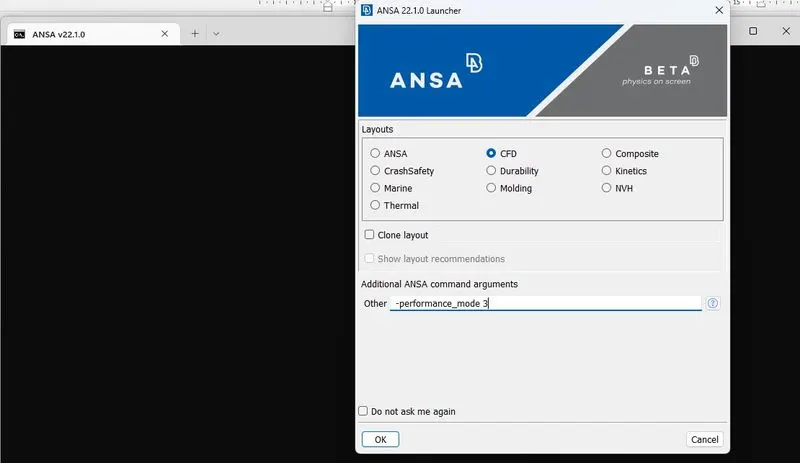
- Start ANSA using the CFD Layout and the -performance_mode 3 argument. See attached screenshot.
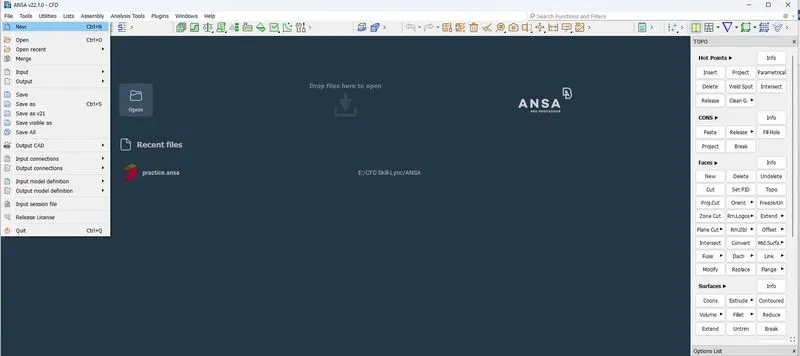
- Create a new file work environment
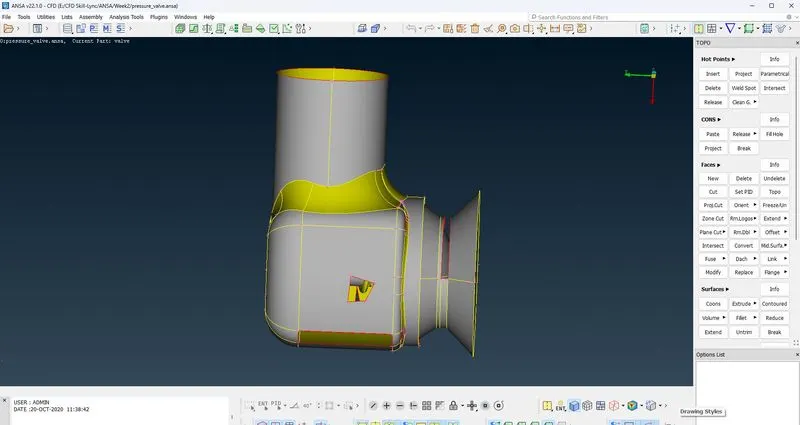
- Import pressure valve file from location in your computer using file menu
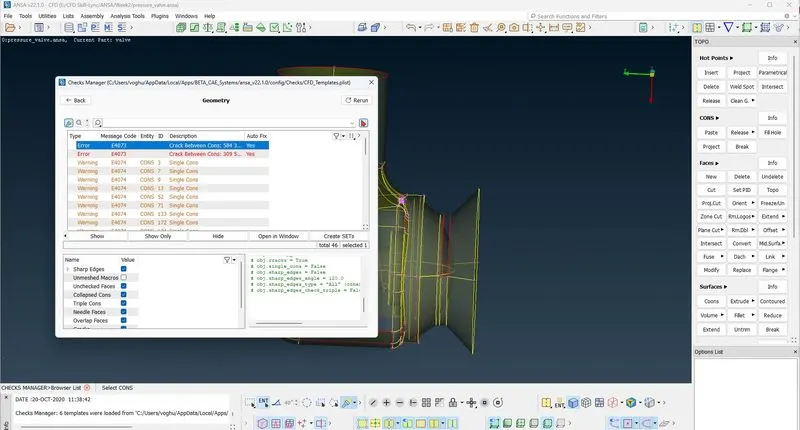
- Search for errors. While the single cons errors are visible, there maybe hidden errors.
- Use the checks tool in the ribbon to check for geometry errors
- Resolve the single CONS errors by creating a surface around the CONS
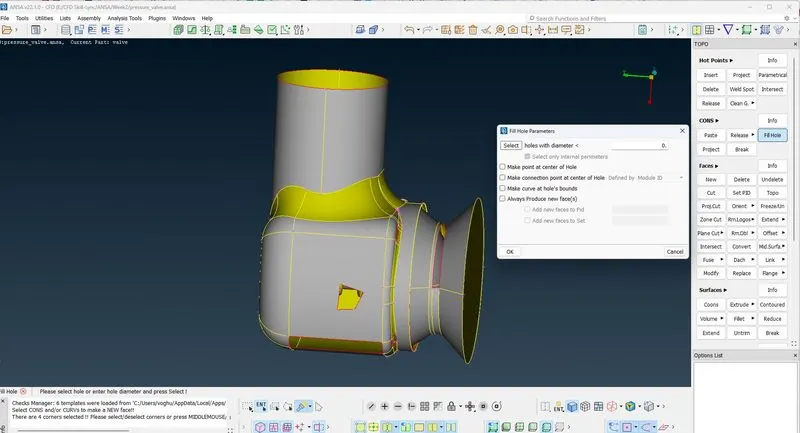
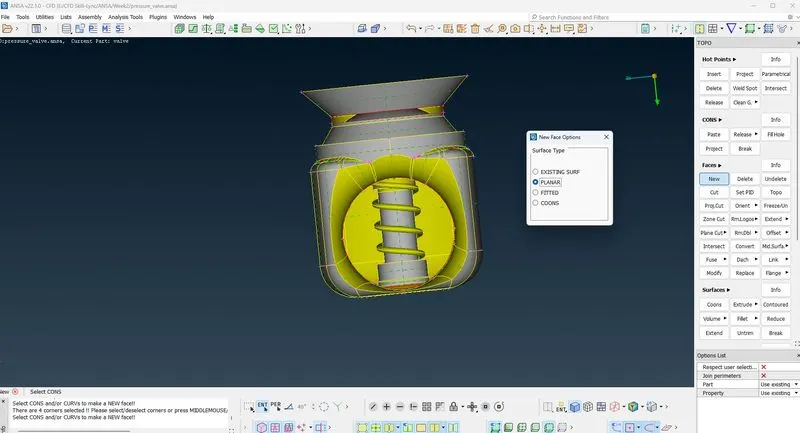
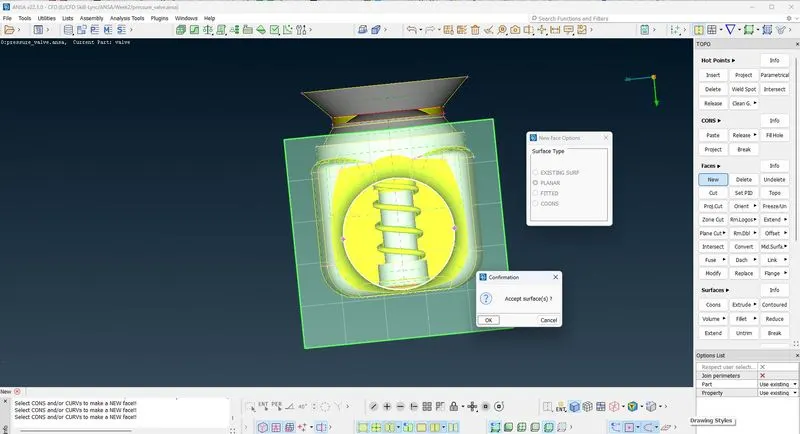
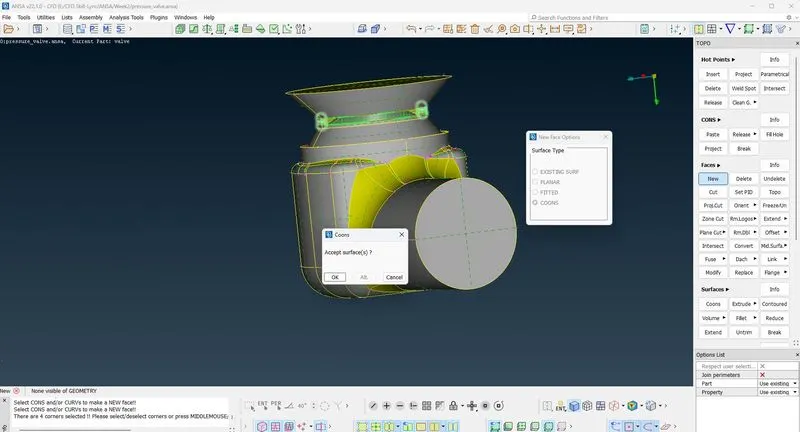
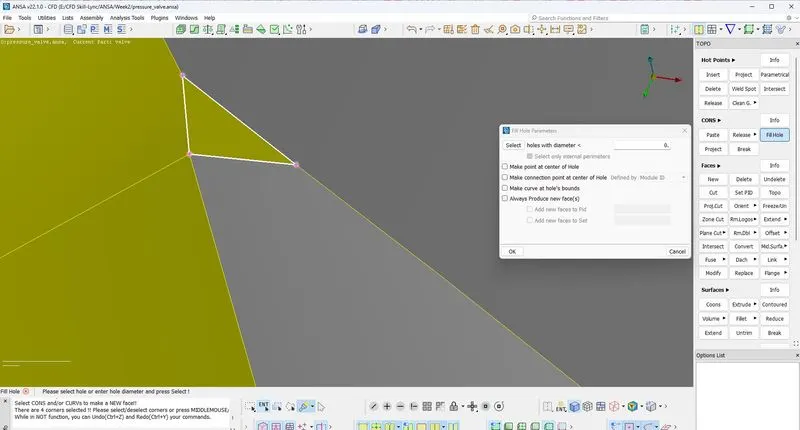
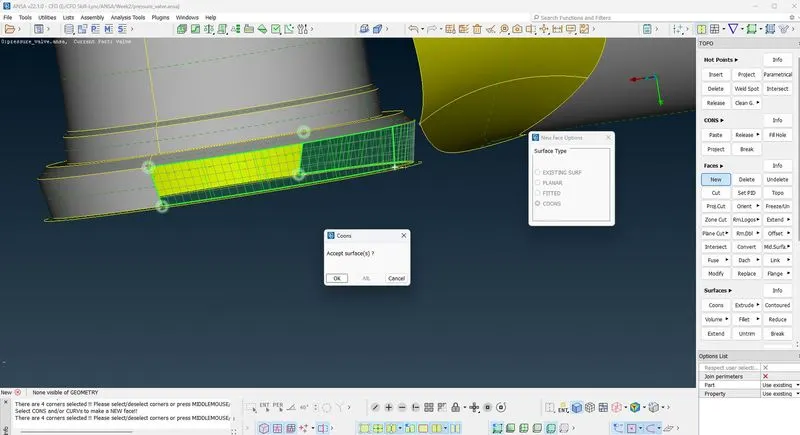
- Perform error checks again on geometry. When all geometry errors are resolved
- Then perform checks on intersections errors.
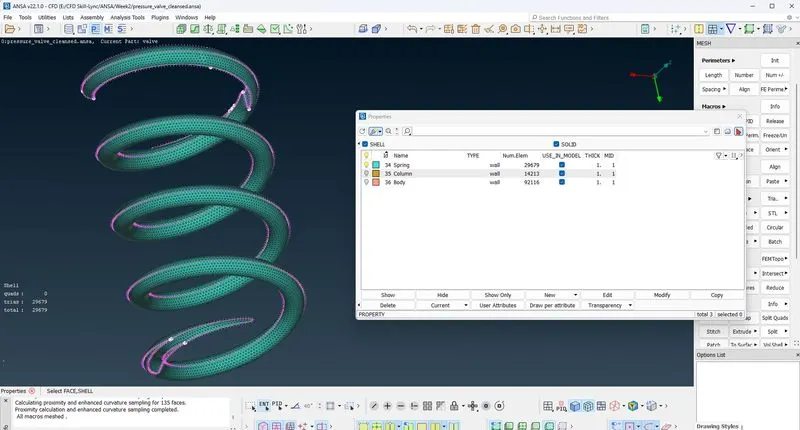
- This time, there were some intersections errors on the spring
- Using the Not Boolean operation, isolate the spring and column.
- Next, lock it, use PID region to isolate the column to create PID for the column.
- Then use Not and PID option to isolate the column and create PID for the Spring
- Next, use the intersect option in the face module to fix the intersection errors between the spring and column
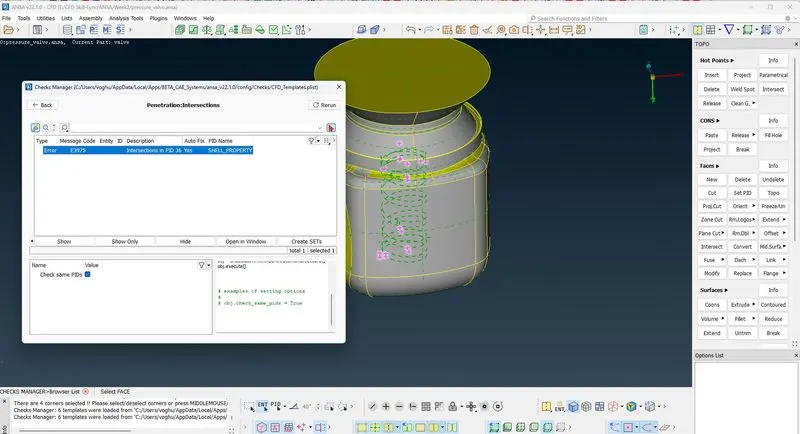
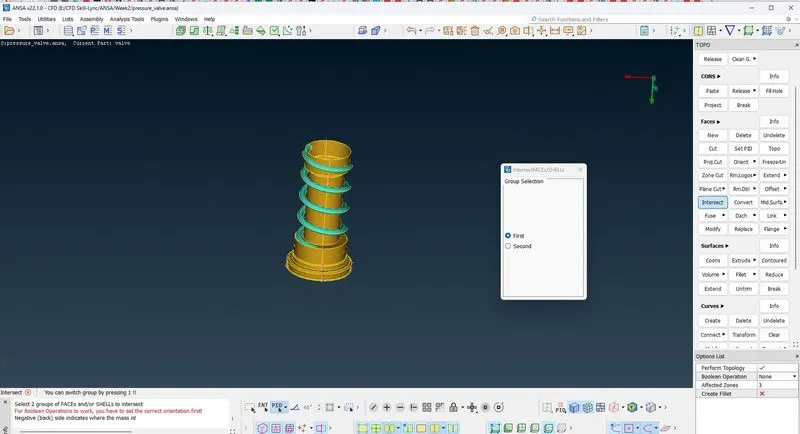
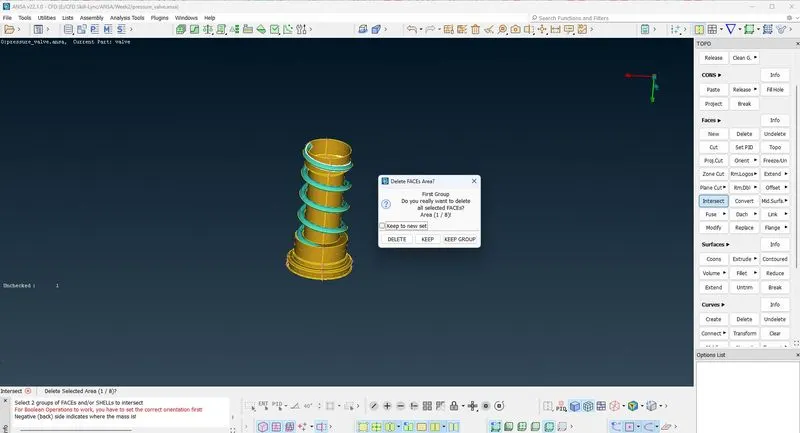
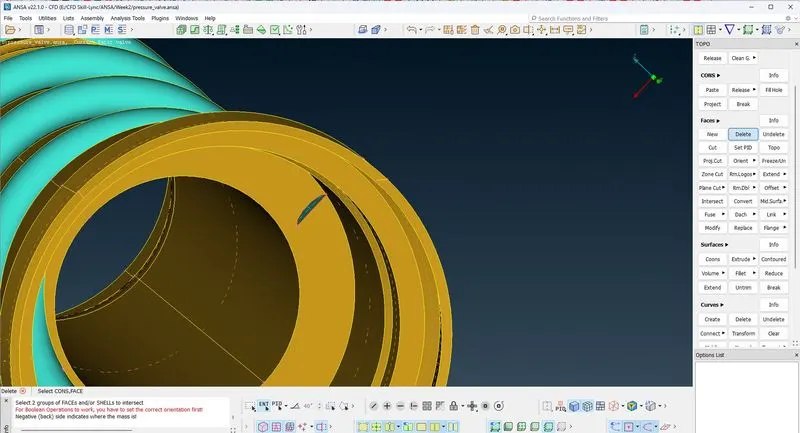
- Perform final checks. Intersections errors are gone except CONS errors which is due to the default geometry.
- Next save the cleansed geometry in preparation for surface and volumetric mesh.
- Perform surface meshing. However, we need to create a new surface at the bottom of the valve to define volume
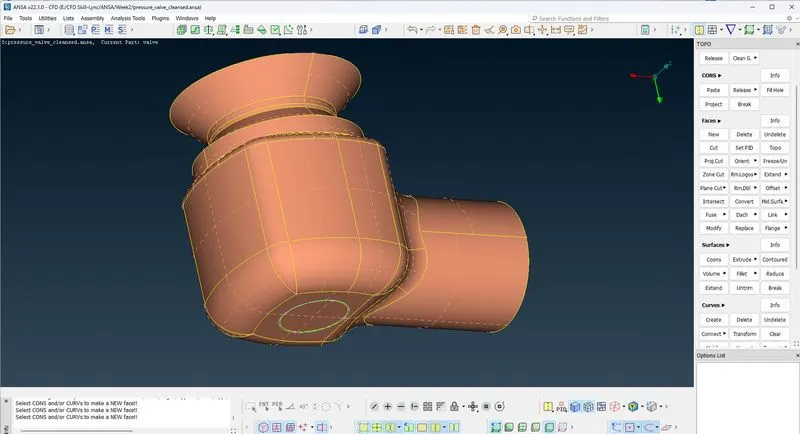
- Navigate to the Mesh module and select classic mesh module
- Conduct surface mesh using Auto CFD function with a 5mm target length
- Define a spacing parameter of 3mm minimum and 5.5mm maximum since target length is 5mm
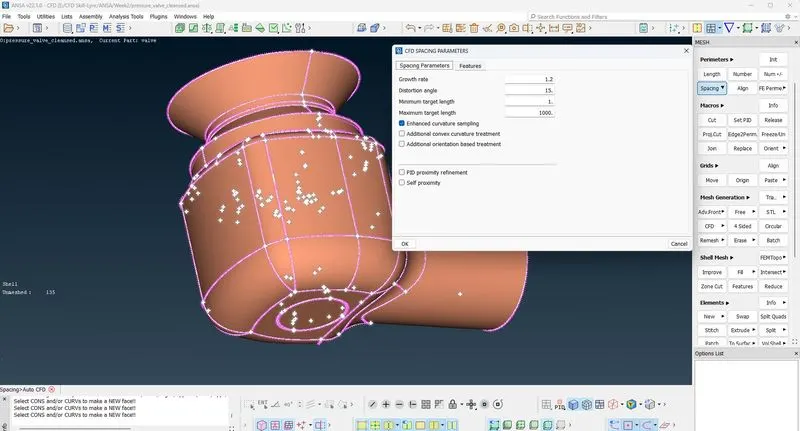
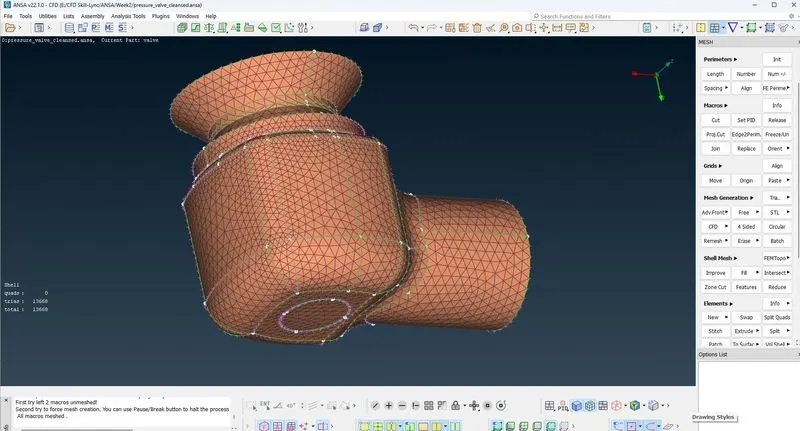
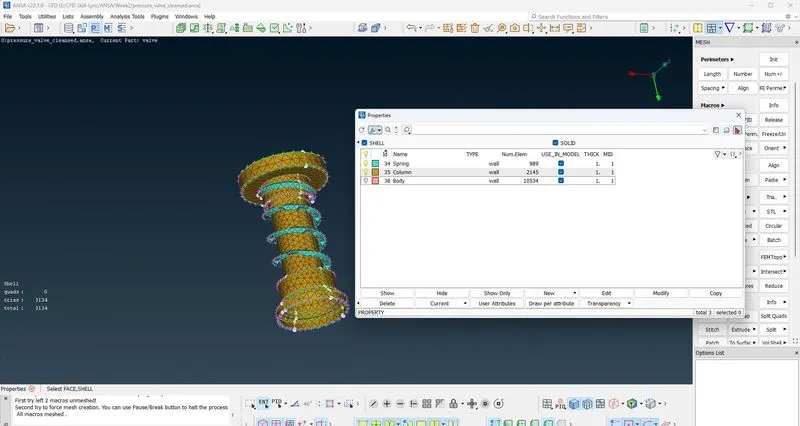
- Using the perimeter option, a mesh is obtained with a total element of 13668 which appears okay on the outside. However, upon reviewing the inner geometry, a 5mm target does not fully capture the entire geometry.
- Next perform another mesh using 3mm target length with a spacing of 2mm – 4mm
- This time a total of 22970 elements mesh were generated.
- But 3mm target length still did not fully capture the entire geometry
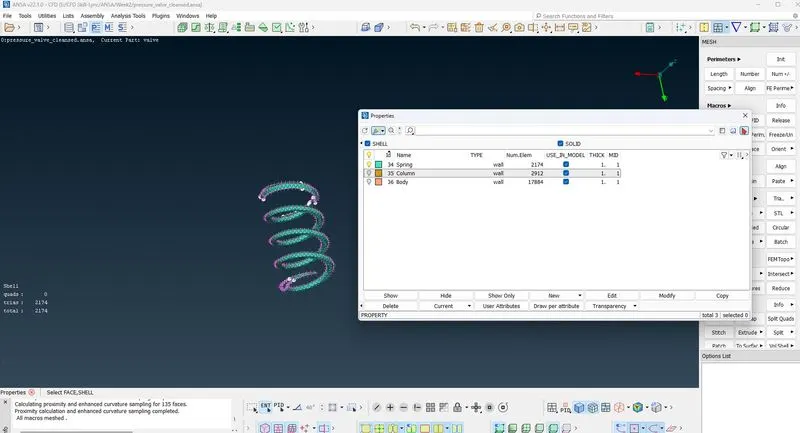
- Perform another meshing using 1mm target length with a spacing of 0.5mm – 1.5mm
- A total of 136008 elements were generated with a 1mm target length.
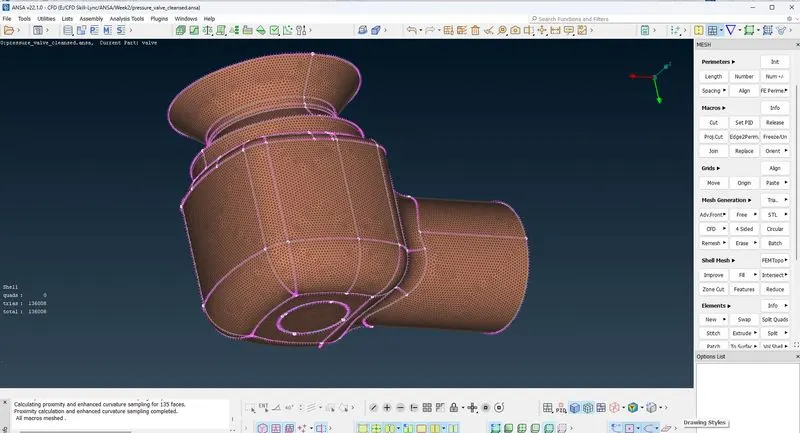
- Next perform volumetric meshing
- Navigate to the volume mesh module
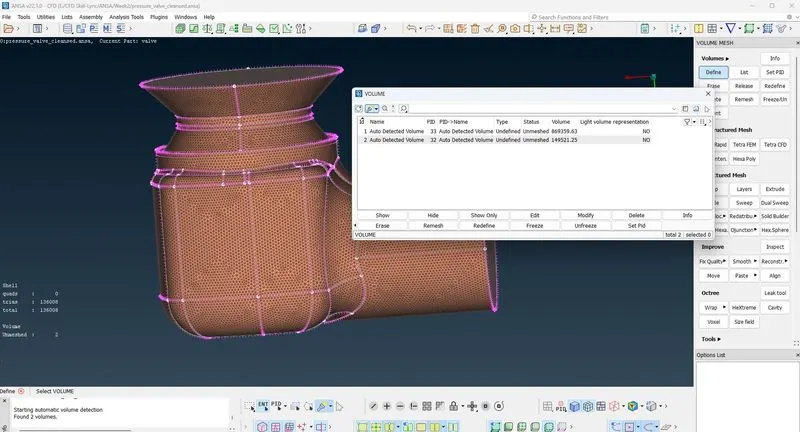
- Delete the spring and shaft volume
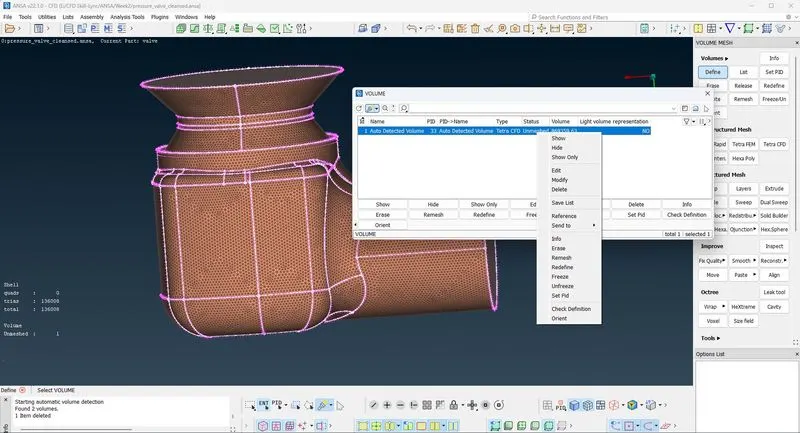
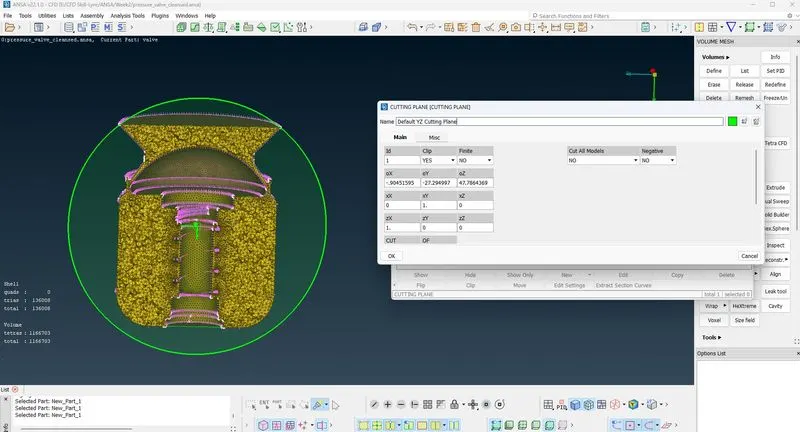
- Define the mesh using Tetra CFD
Result Comparison
The 5mm target length generated 13688 elements and could not fully define the geometry
The 3mm target length generated 22970 elements and still could not fully define the geometry
Whereas the 1mm target length generated 136008 elements and fully defined the geometry
The volume mesh generated 1166703 elements