Week 2 Challenge
1st Question
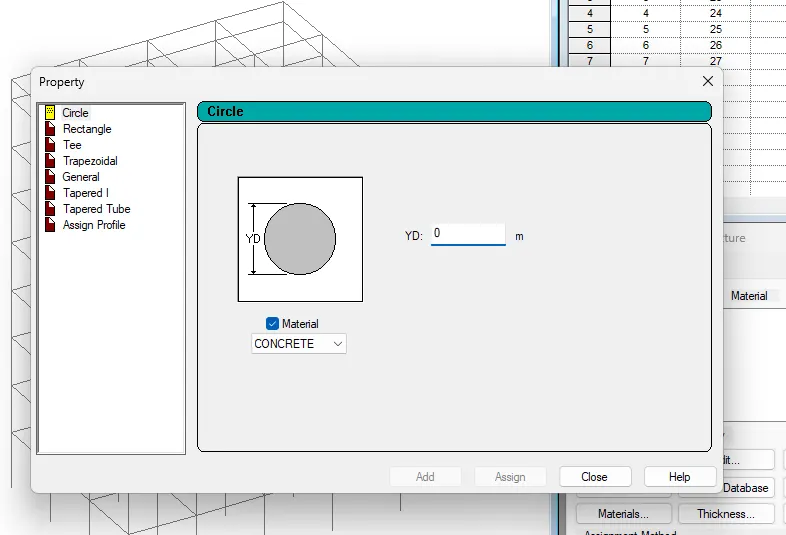
1. How will you assign Circular section to column?
Ans: Go to properties in that select define property select circle and give the radius for the member and assign the defined circle to the member created
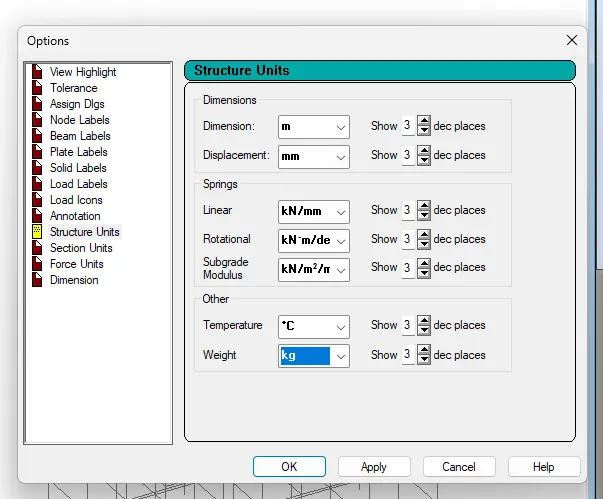
2. How will you assign Unit system to a .std model file?
Ans: While creating a model go to unit system and assign the units
Go to geometry in that’s elect input units and assign the units
Go to view menu in that select display options in that select structure units
3. What are the parameters to be specified while using “Bay Frame” option?
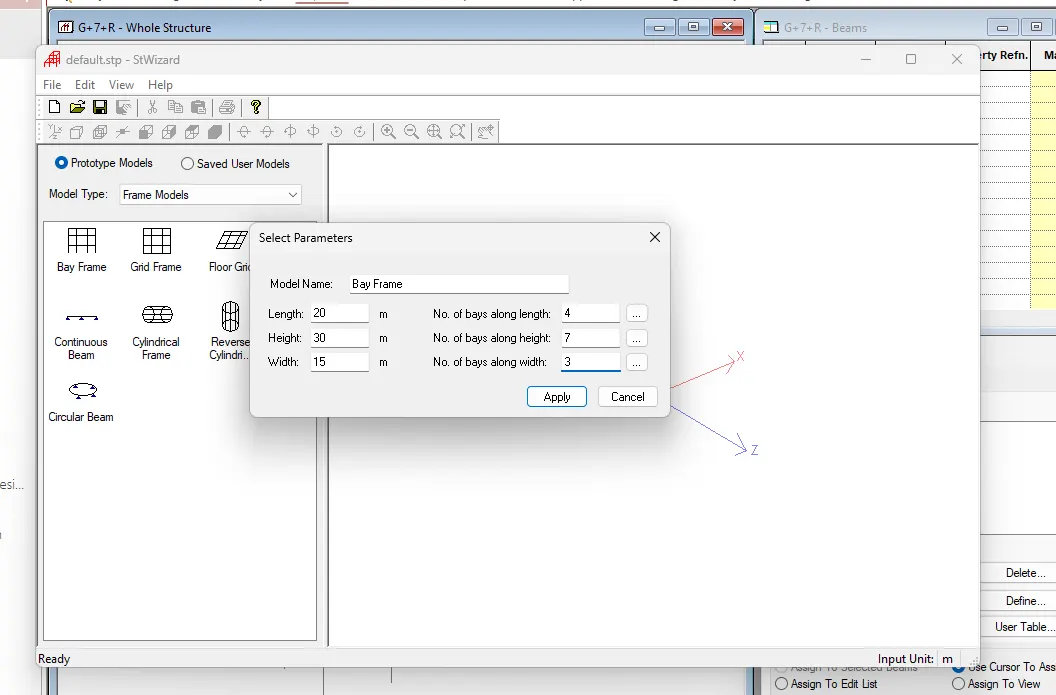
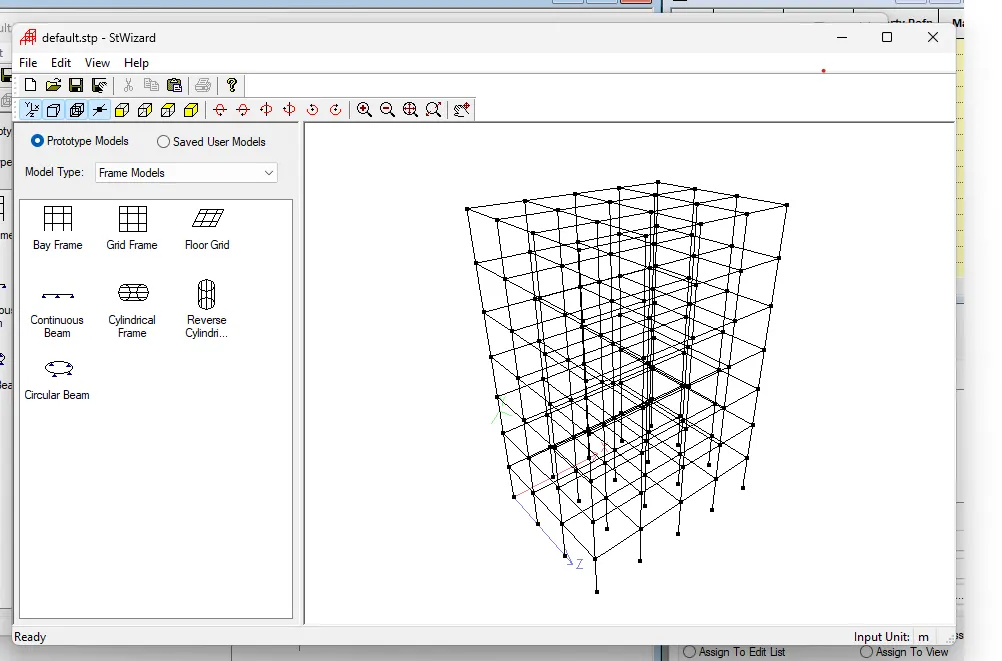
Ans: Go to geometry tab in that select structural wizard in that select frame model in that select bay frame
Give the parameters like length, height, width, No. of bays along length, No. of bays along height and No. of bays along width
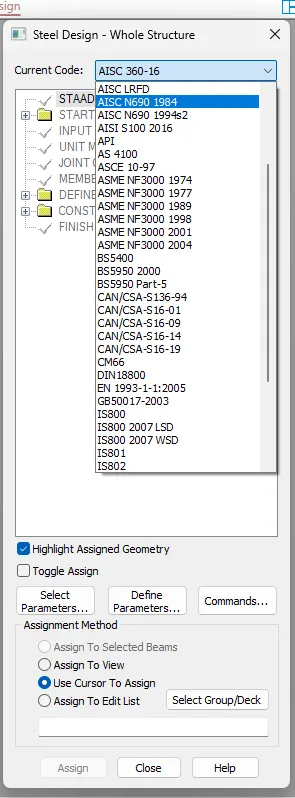
4. Name few codal standards incorporated in STAAD Pro software.
Ans: Euro code,ACI,IS code
5. How will you specify the design compressive strength for a RCC section?
Ans: In design select material as concrete and select the code and then go to define parameters and select FC then specify the value
2nd Question
1. State the “Input” steps involved in RCC design.
Ans: Steps involved in RCC design are
Geometry
Properties
Materials
Specification
Support
Loading and Load combinations
Analysis
Design
2. Explain the difference between Fixed and Enforced support condition in STAADPro.
Ans: When the fixed type of support is specified, for those degrees of freedom which are to be treated as fully restrained, STAAD assumes the displacements to be known quantities whose value is zero.
3rd Question
1. Explain the steps involved in analysis of a model using STAAD Pro sequentially.
Ans: Read or study drawings (Plan/Elevation/Section)
- Input Geometry
- Input Properties
- Input Specifications/Constants/Supports
- Run analysis
- Specify analysis type
- Input design standards
- Input load and load combinations
- Verify results
- Design
- Represent design as document and drawing
2. Explain the two ways in which a structural framework/model can be created in STAAD Pro software.
Ans: Node by node method
Grid method
Structural wizard method
3. Elaborate the different support conditions in STAAD Pro.
Ans: 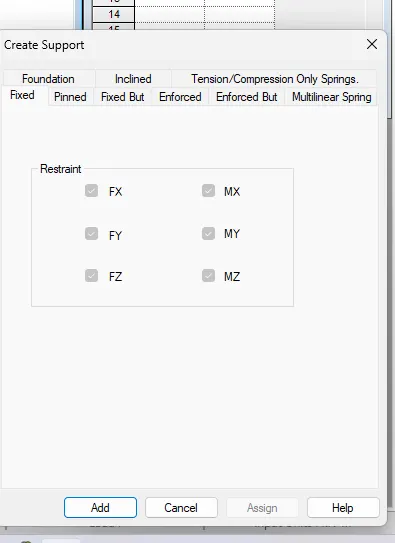
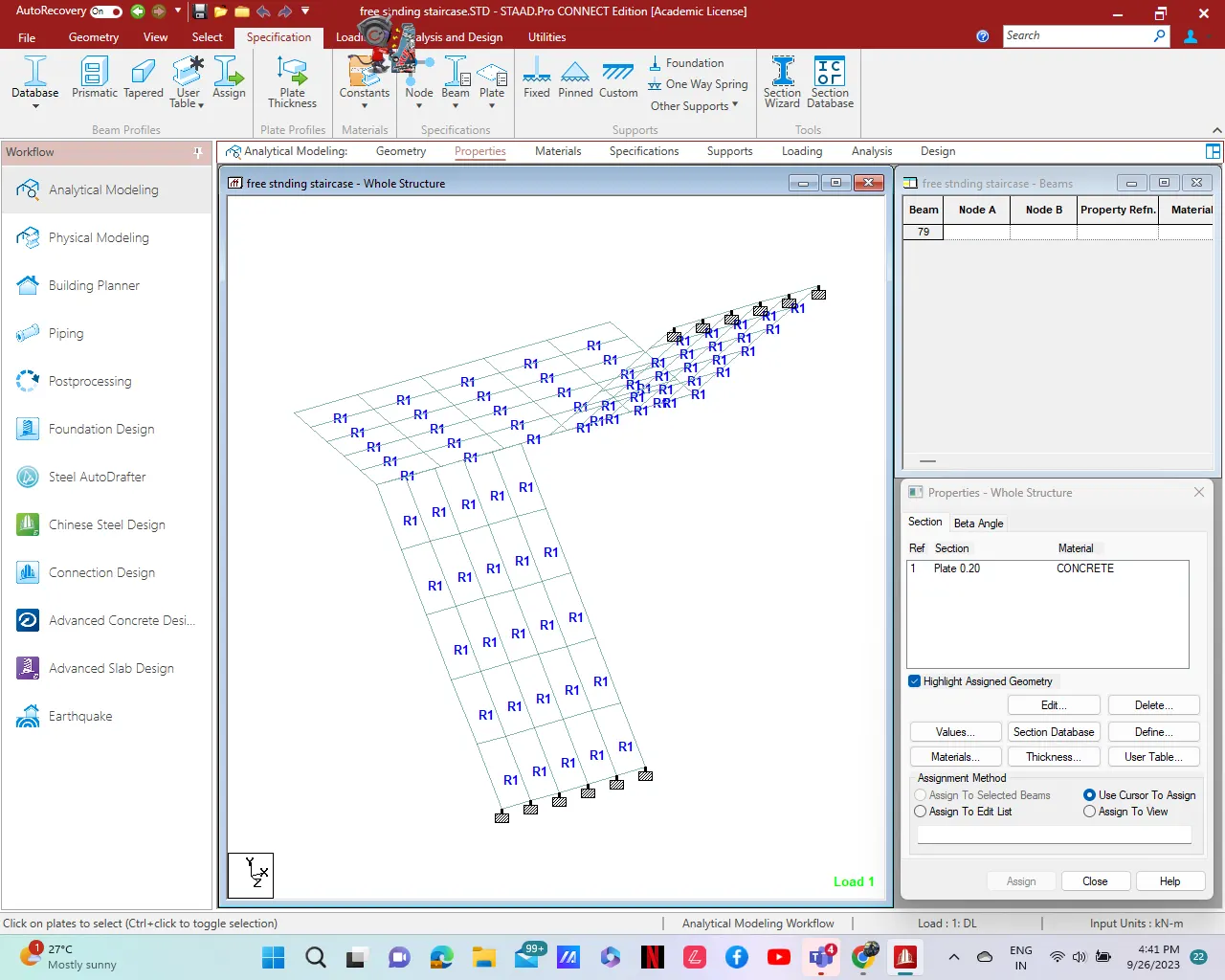
4. How will you extract the stress distribution for a staircase slab?
Ans: Create the staircase by using the nodes in the geometry panel
After creating the nodes assign the plate elements as the slab property after that define load cases and calculate the area load acting on the staircase and apply load cases and load combination to the staircase slab and then create a mesh on the plate element
After that run the analysis and go to post processing mode and click on plate result option in that select stress distribution result and choose the stress type accordingly and that stress distribution result is displayed
Maximum and minimum stress values are displaced
Practical
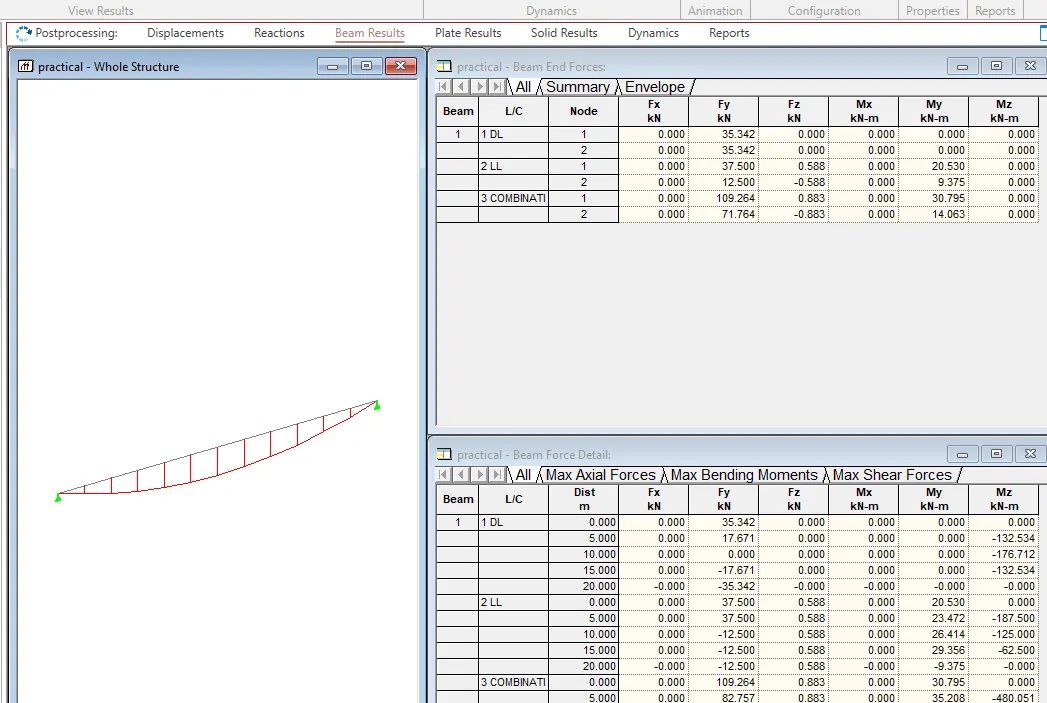
1. Analyze the following structural elements and validate the results
A. Simply Supported Beam
a. A Simply supported beam with two point loads symmetrically placed
b. Span L = 20m
c. Load P = 50kN each
d. Both P located at 5m from each support
Ans:
- Open the STAAD Pro Software.
- Provide the necessary data for file to save.
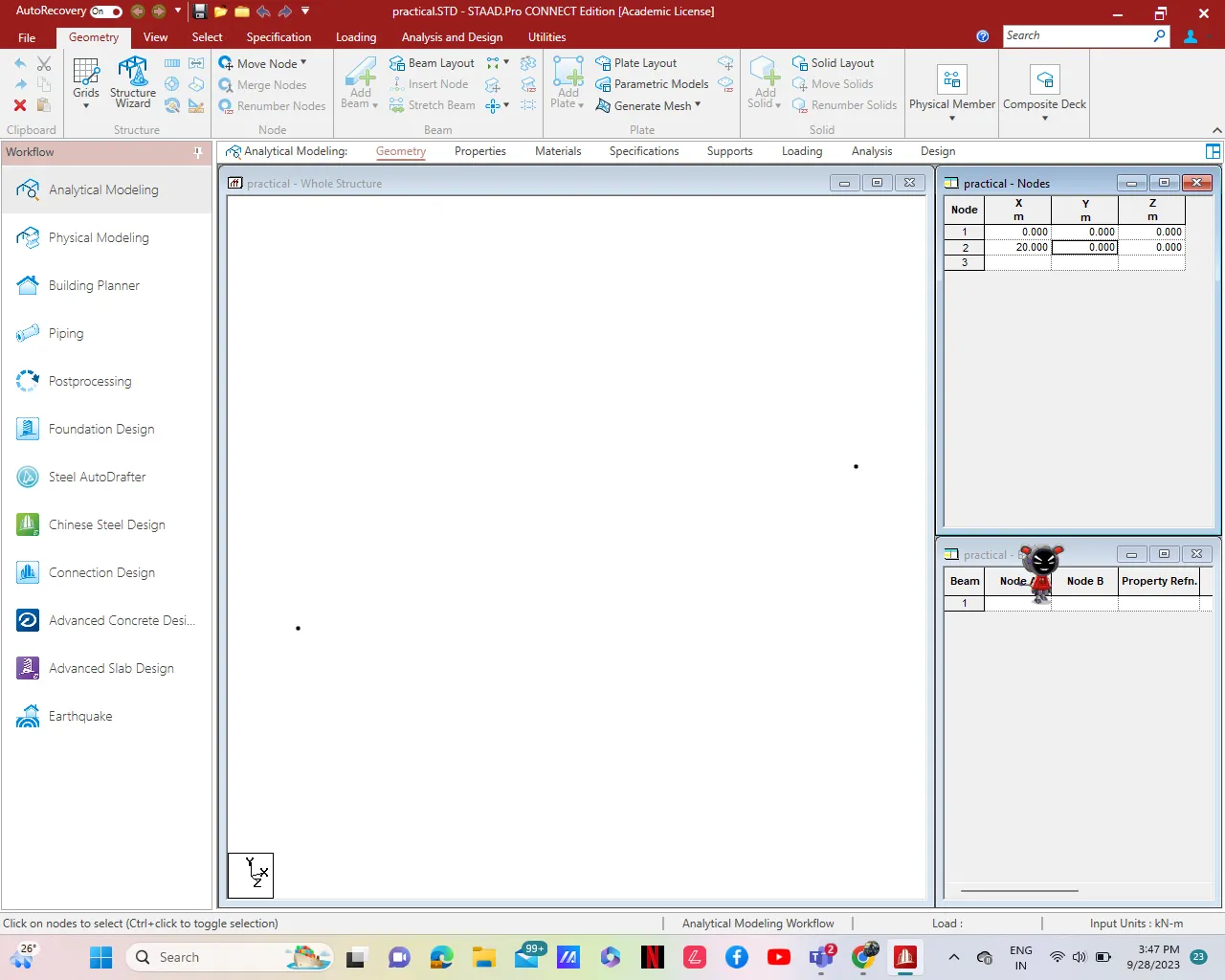
- Draw the beam by Nodes in Geometry
- Now provide the property to the beam as Concrete and size as 0.4m x 0.4m.
- Provide the support to beam as simply supported beam.
- Now apply loading condition of 50KN at 5m and 15m from Node A.
- Now come to analysis part
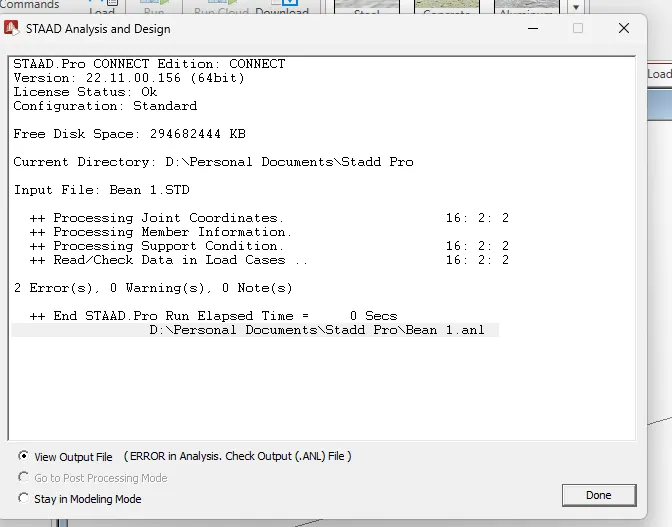
- Run Analysis.