Week -2
Part1:
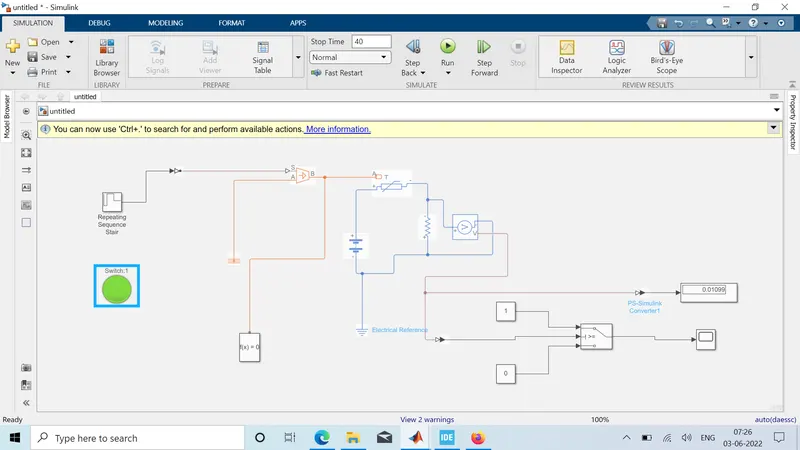
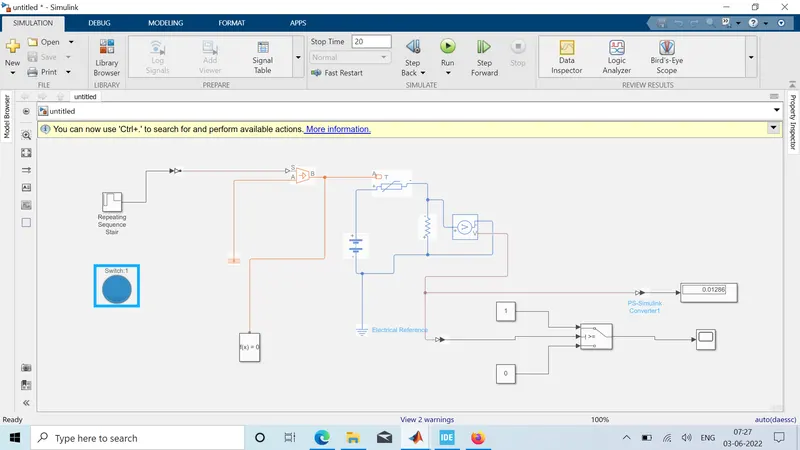
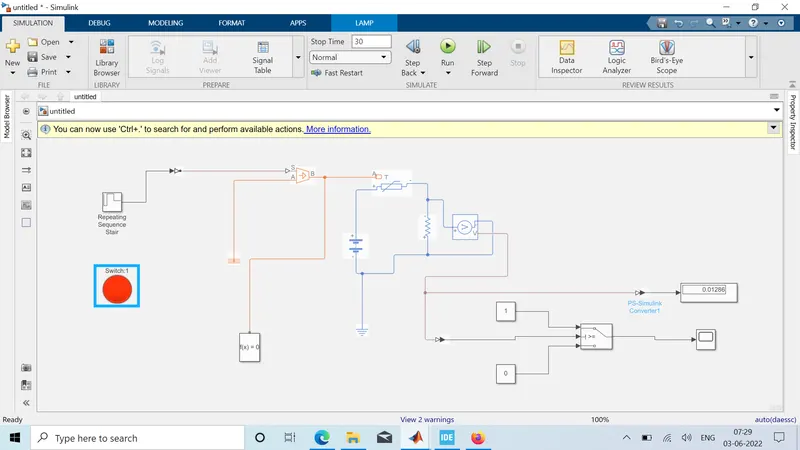
PS-Simulink and Simulink-PS converter, Scopes, Displays, Pulse generator, electrical and mechanical references,
solenoid, Battery, switch, ideal Translation motion sensor, solver configuration. These are the following simscape and
Simulink blocks that aregoing to use in this simulation.
PS-Simulink and Simulink-PS converter:
These are basically the converter from Physical systems to Simulink signals and vice versa.
Scopes: Gives the plot of the output
Electrical and Mechanical references: is a reference block with which the system has a ground source as a base.
Solenoid: is an electromagnetic device that is represented as a block here.
Battery: is a device that has a negative and positive terminal for the electric circuit to be completed for an electric flow.
The Switch: is a device the completes the electric circuit for current flow and can be controlled manually or automatically
depends on the type of switch required.
Ideal Translated motion sensor: It's a type of sensor which provides the position or
velocity input for the system to generate output.
Solver Configuration: It's a type of block that acts as a complete equation for where f(x) = 0 where we find the value of x and
generate the output which represents the block diagram as an equation.
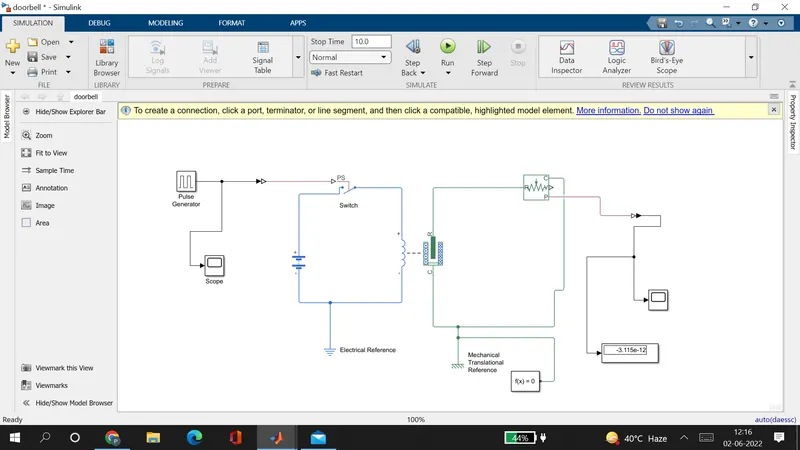
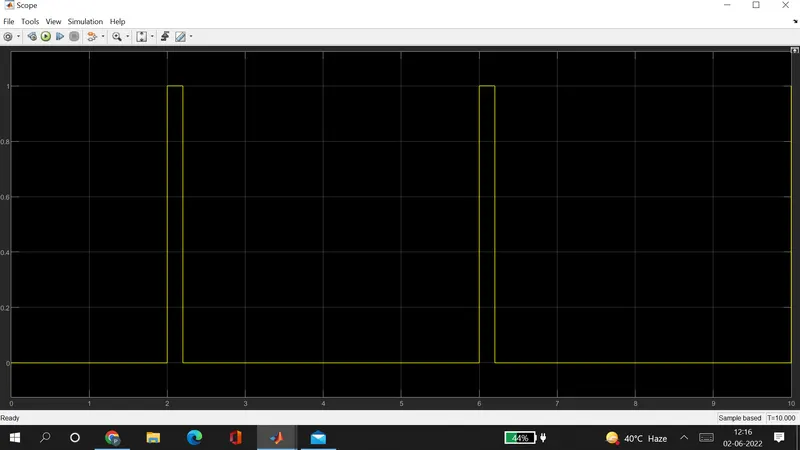
Before we begin the simulation we need to setup an input parameter here in pulse
generator where we delay seconds should be 2 secs with amplitude 1 and Pulse time
should be 4 secs to make it in half with 50% pulse width.
Input:
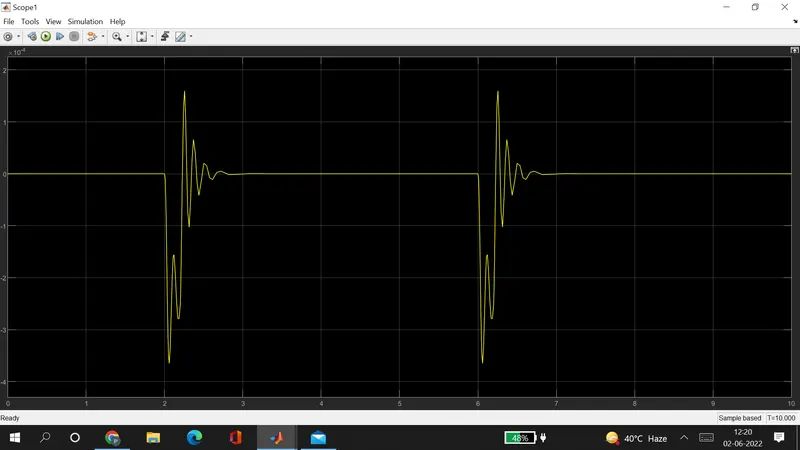
OUTPUT:
Part2: