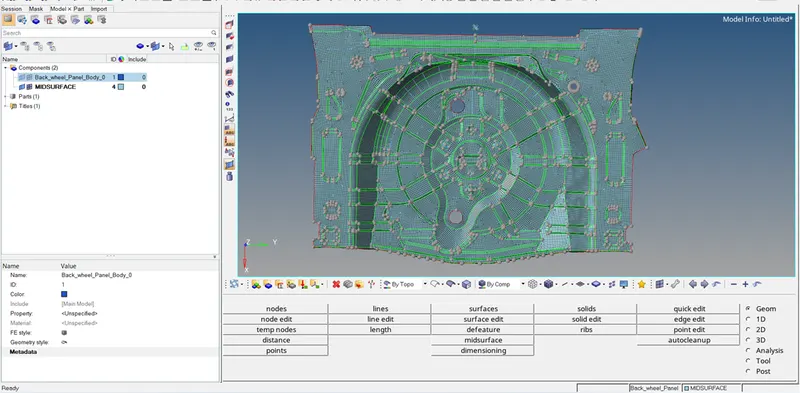
Week 12:Project 2-Meshing of Rear Wheel Holder challenge
AIM: Perform pre-processing, for Rear wheel holder by eliminating geometrical error, using hypermesh preprocessing software.
OBJECTIVE:
- Generate mid surface manually and perform geometry clean-up on the component.
- Generate mesh with proper mesh flow, with target element size 5 unit.
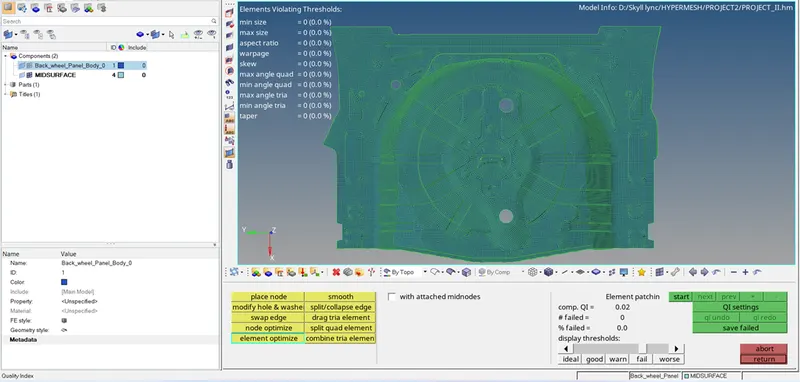
- Check the quality of the element according to the given quality criteria.
|
S.N |
Quality Criteria |
Value |
|
1 |
Aspect Ratio |
5 |
|
2 |
Skewness |
45 |
|
3 |
Warping |
15 |
|
4 |
Taper |
0.5 |
|
5 |
Min. Length |
2 Units |
|
6 |
Max. Length |
8 Units |
|
7 |
Min angle Quad |
45 |
|
8 |
Max angle Quad |
135 |
|
9 |
Min angle Tria |
20 |
|
10 |
Max angle Tria |
120 |
|
10 |
Tria % |
10 |
THEORY:
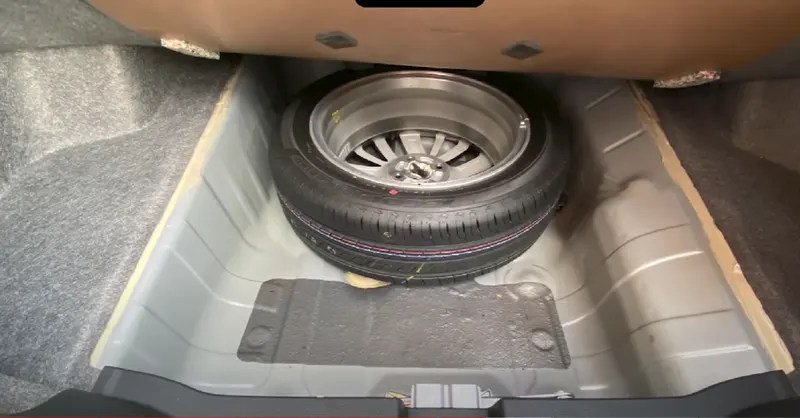
Rear wheel holder is usually sheet metal component and usually assembled at rear boot of car area. Whose function is to keep a spare wheel of a car Hence it should be durable with high strength and toughness with good impact resistance
PROCEDURE:
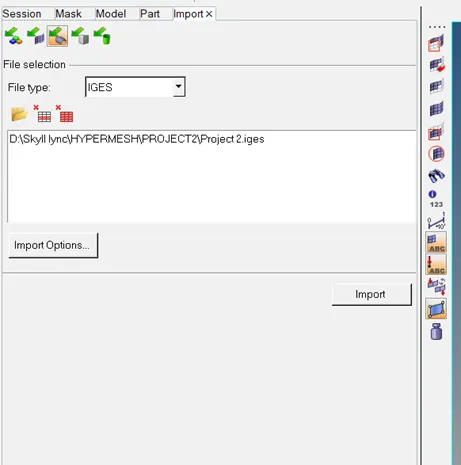
- Firstly need to import a .stp file of side door.
Import > Import geometry > File type (Step) > select file > Import.
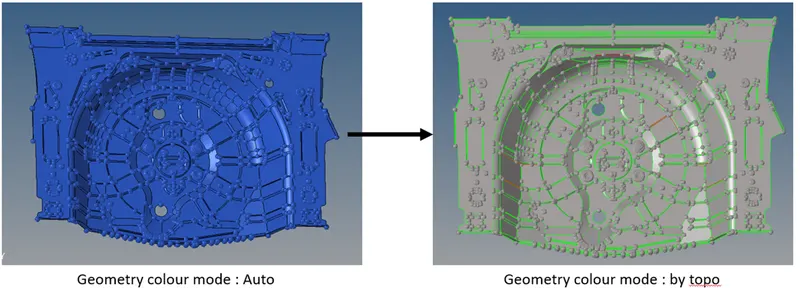
- After import of the model, change the geometry color mode to by TOPO, so that construction line are visible properly.
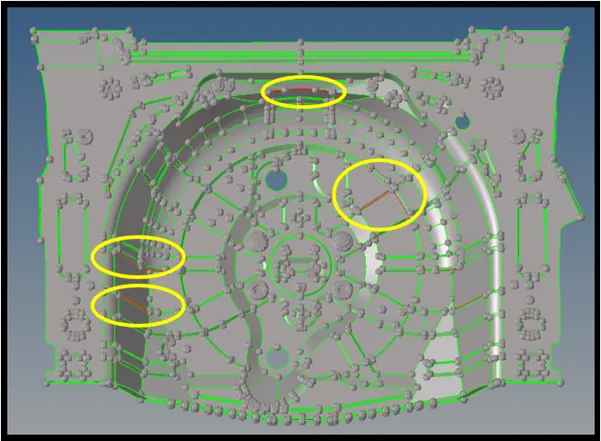
- Now, we need to check the construction line properly, like remove free edges, check surface deformation and rework on that, remove fillets for proper mesh flow.
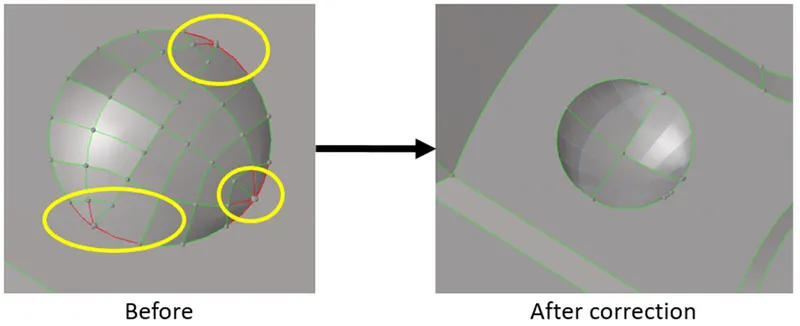
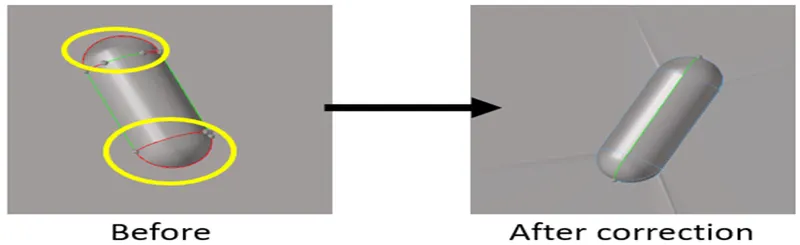
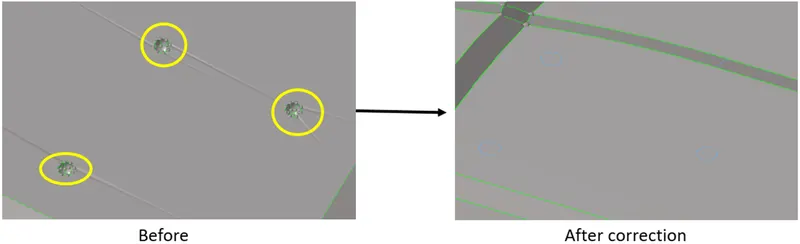
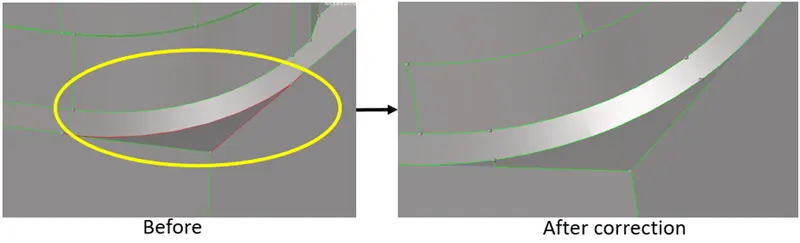
- After performing geometry clean-up, now mid-surface has to be created. Before that new component has to be created.
Geom > surface edit > offset > select surface > give offset value (half of the thickness) > check vector normal > offset.
- Check again mid surface like construction line and surface deformation.
- Tools used in improving mid-surface.
- Trim with surface/ plane
- Extend
- Surface (Ruled)
- Delete surface
- Split surface
- Replace point
- Toggle edge
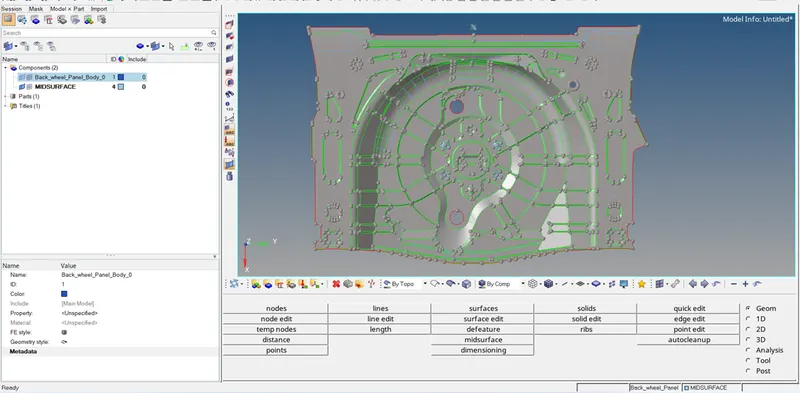
- Now we need to create a mesh.
2D > automesh > element size 4 > select surface > mesh.
- After creating a mesh, mesh quality has to check, and need to improve the mesh quality.
- At last, need to provide thickness.
Firstly create a property and provide thickness and then assign it to the component.