Week 12:Project 2-Meshing of Rear Wheel Holder challenge
Aim:- Meshing of Rear Wheel Holder
Target Element Length = 5 Units
| S.N | Quality Criteria | Value |
| 1 | Aspect Ratio | 5 |
| 2 | Skewness | 45 |
| 3 | Warping | 15 |
| 4 | Taper | 0.5 |
| 5 | Min. Length | 2 Units |
| 6 | Max. Length | 8 Units |
| 7 | Min angle Quad | 45 |
| 8 | Max angle Quad | 135 |
| 9 | Min angle Tria | 20 |
| 10 | Max angle Tria | 120 |
| 10 | Tria % | 10 |
Step-1:- Import the given geometry into Hypermesh
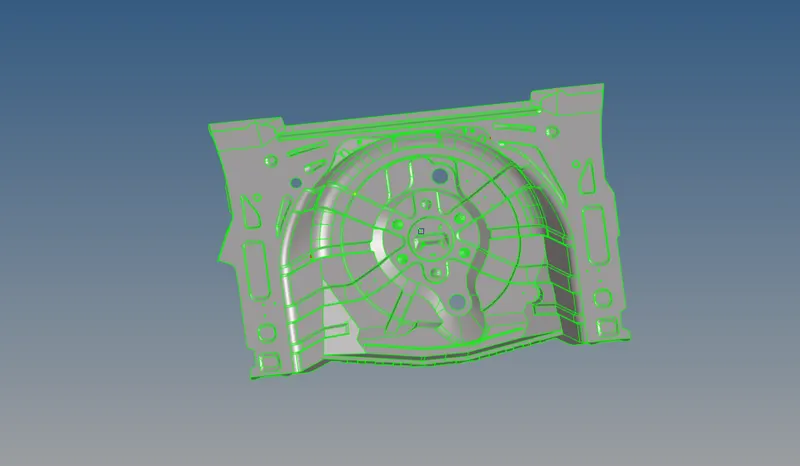
- The given component has few geometrical errors which are to be fixed manually so that to generate perfect midsurface of the component.
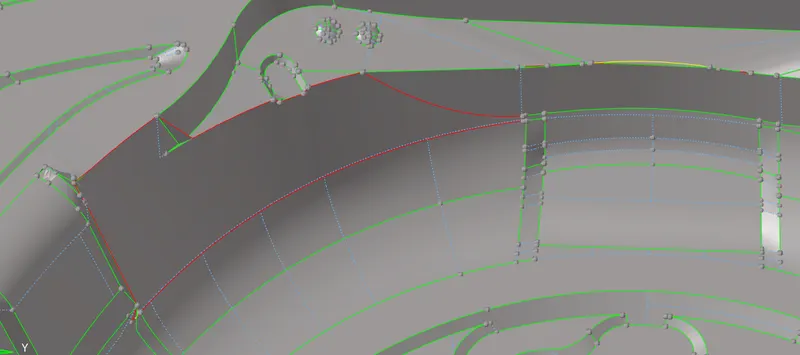
- The given problem can be fixed by replacing the lines and using fillers surface which is present in quick edit submenu of geometry toolbar.
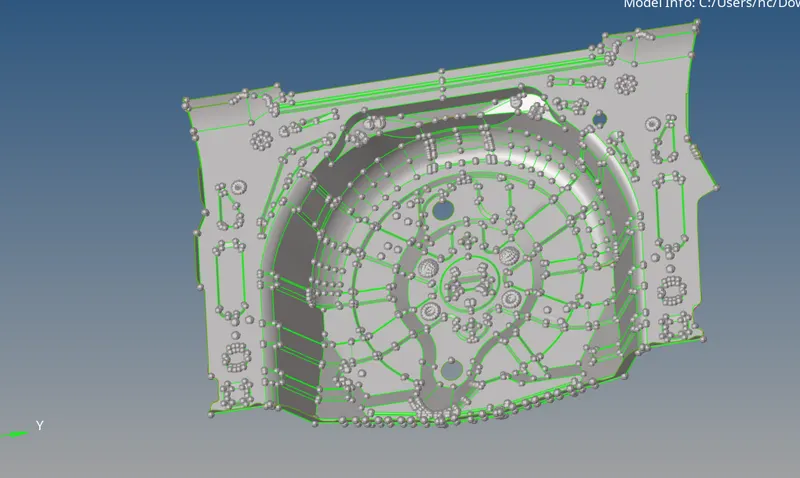
- After geometry cleanup next, to define the criteria file which is required for meshing.
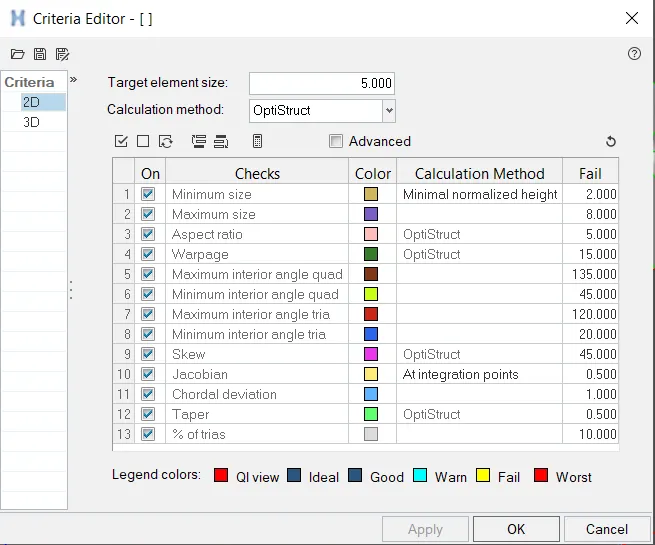
Step-2:- Generate midsurface for meshing.
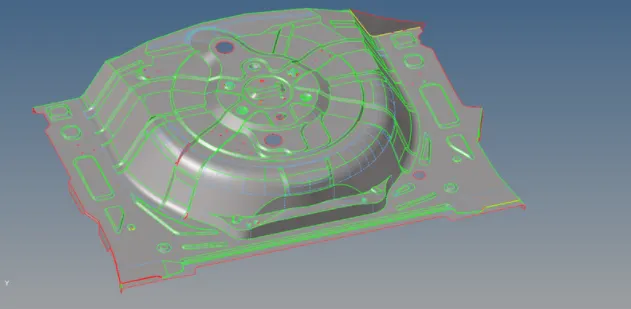
- After meshing the components consist of bad elements which does not meet the criteria.
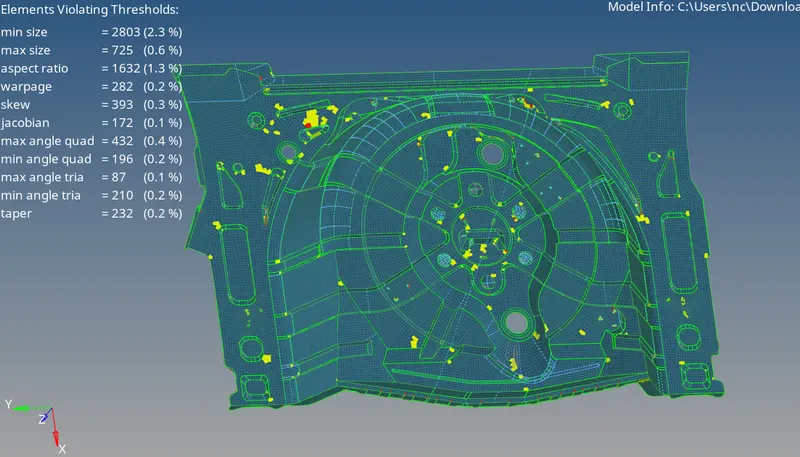
- These elements need to be cleaned to get the requirement meshing criteria.
- The failed elements can be fixed using the element fixing tools in the quality criteria menu.
- While using the quality criteria menu the failed elements are highlighted in yellow and red colours.
- Yellow errors indicate that the errors can be fixed easily. Whereas the red colour indicate critical errors.
RESULTS-
- After cleaning at sharp consist of few bad elements its because of skewness at sharp corners which can't be cleaned.
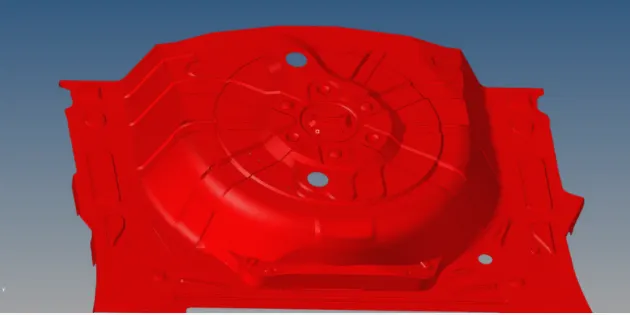
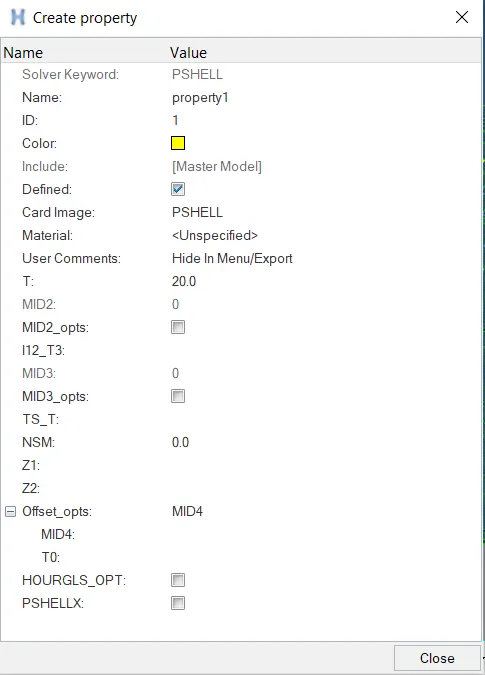
After creating the property this card is assigned to the components which provide the dresired thickness.