Week 12:Project 2-Meshing of Rear Wheel Holder challenge
AIM: - MESHING OF THE REAR WHEEL HOLDER MODEL
Objectives:
Mesh the Rear Wheel Holder component according to the given quality criteria and assign thickness.
The given challenge was performed on Hypermesh and the profile used was Optistruct.
The steps followed to perform the challenge are as follows:
STEP 1: Import the model into the Hypermesh environment.
The Back Door Holder model in Hypermesh will look like this:
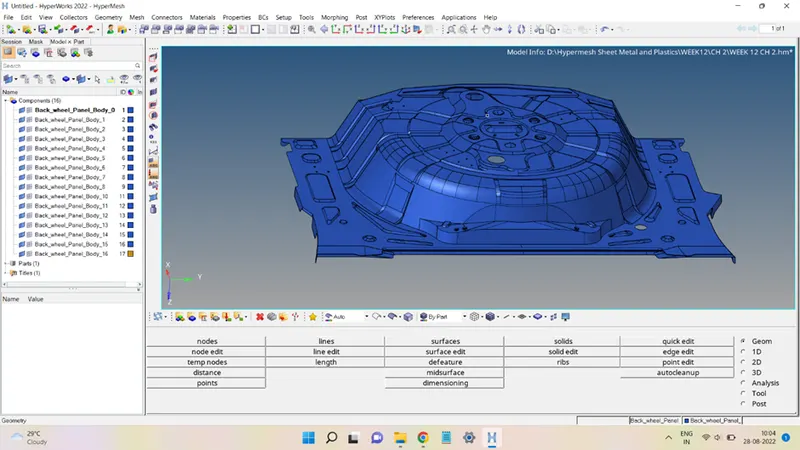
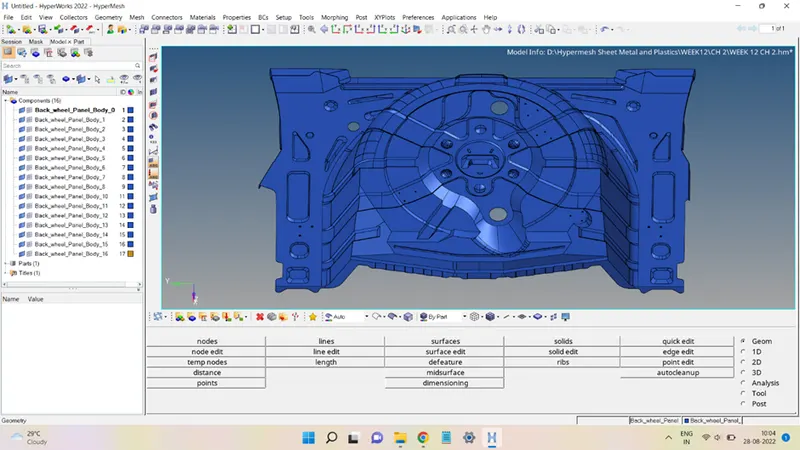
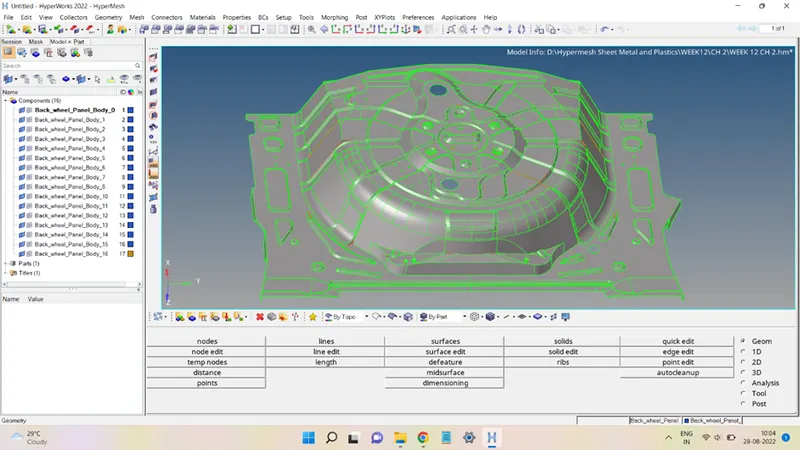
STEP 2: Mid-Surface of the component.
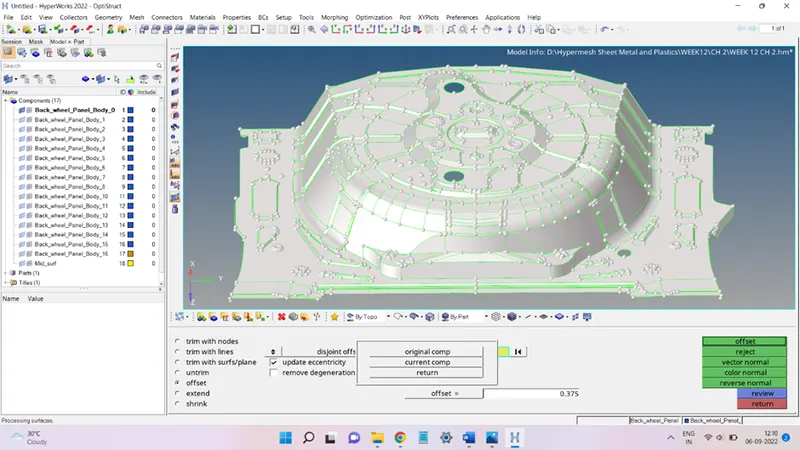
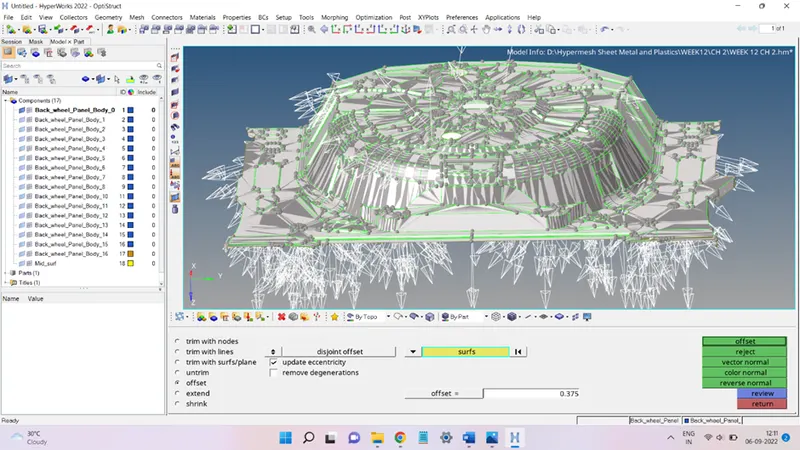
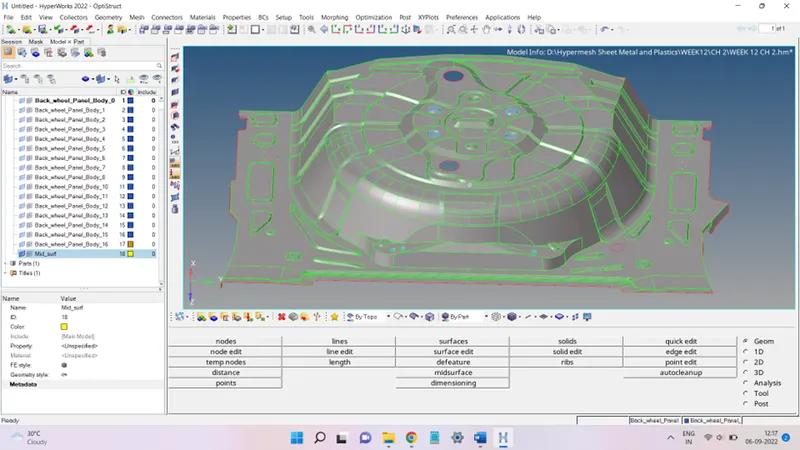
The mid-surface of the body is obtained by manually offsetting all the top surfaces of the body downwards by a distance equal to half of the thickness of the component.
The thickness was found to be 0.75 mm and the offset surface obtained was stored in the collector named Mid_surf, as shown in the figures below:
STEP 3: Mid-surface cleanup.
The Mid-surface is cleaned up to remove unwanted surfaces and irregularities present in the mid-surface before the meshing process.
STEP 4: Meshing process.
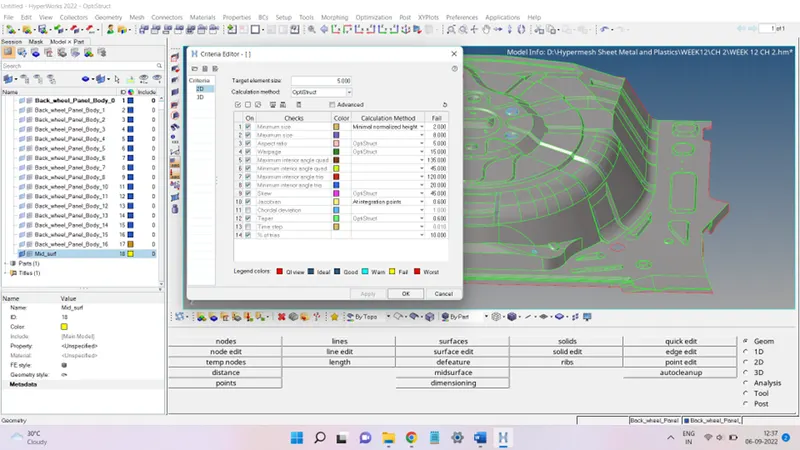
The mid-surface after the clean-up was meshed according to the criteria file as shown below:
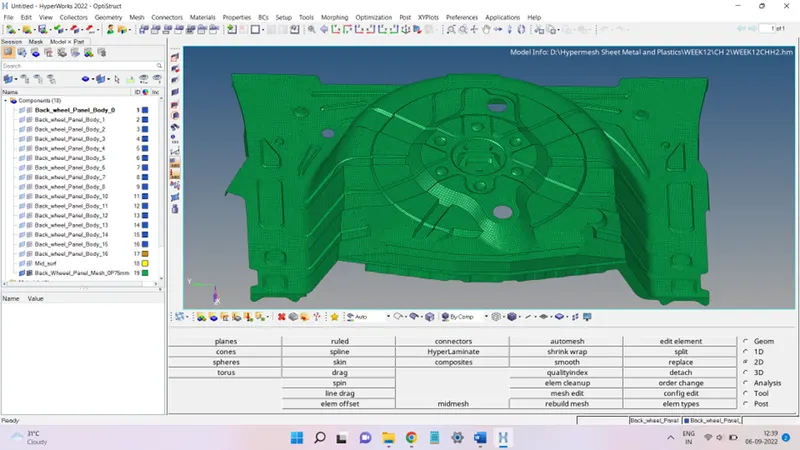
The meshed surface can be seen in the figures below:
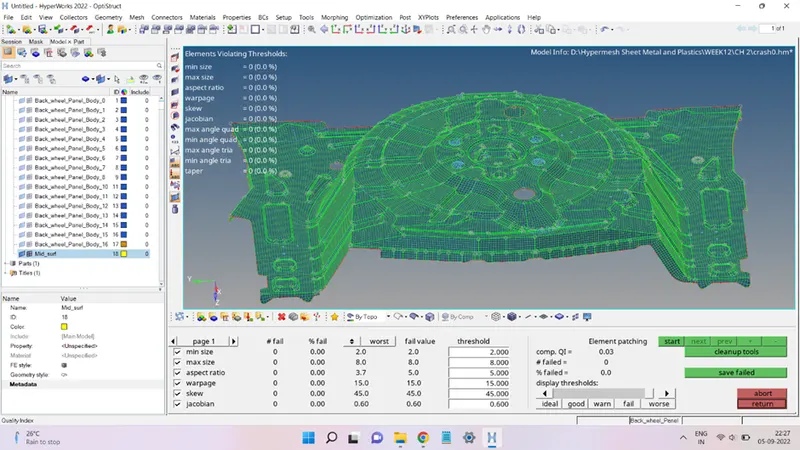
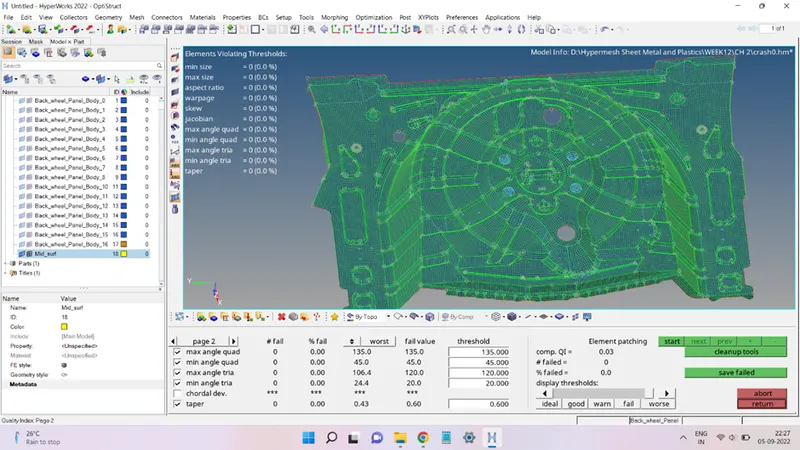
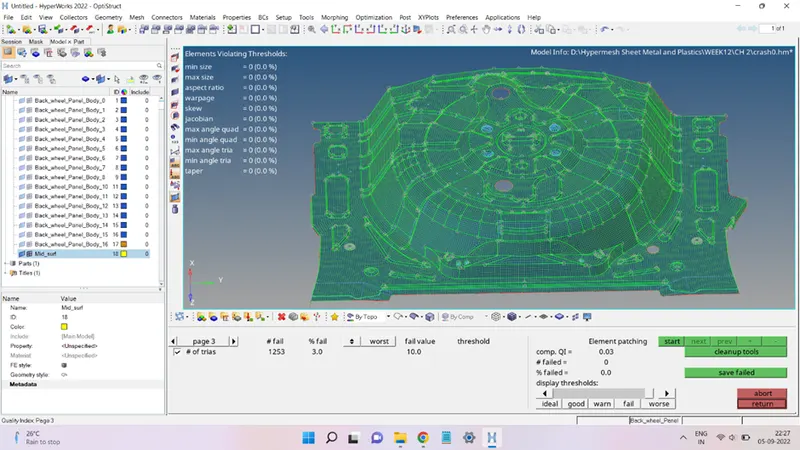
STEP 5: Mesh Quality check and other mesh checks.
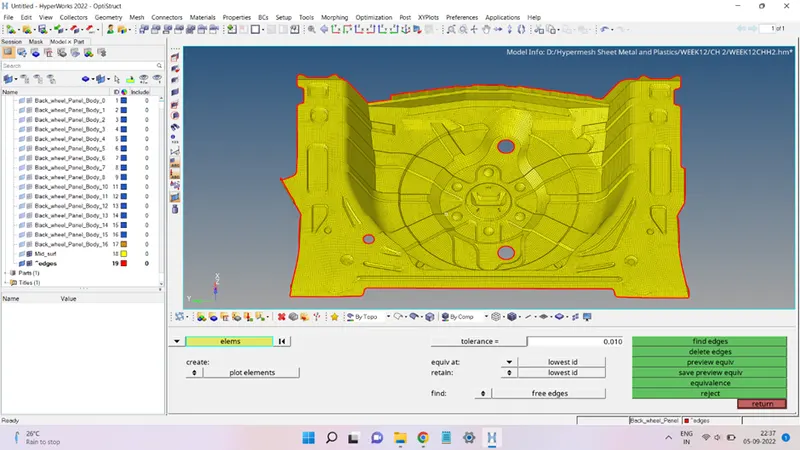
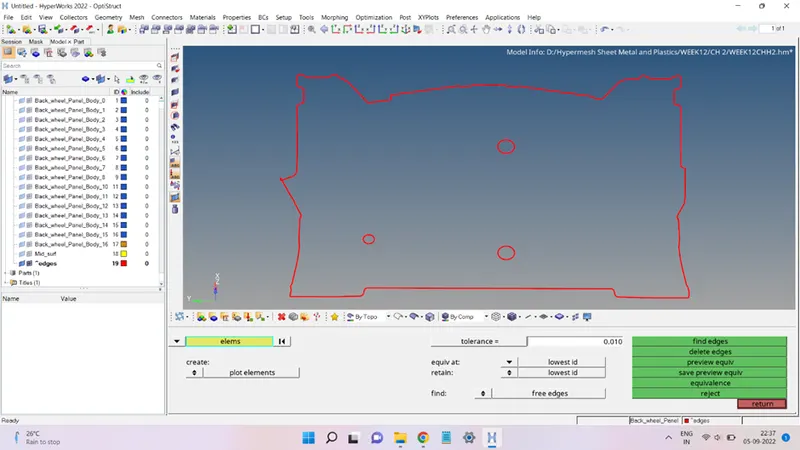
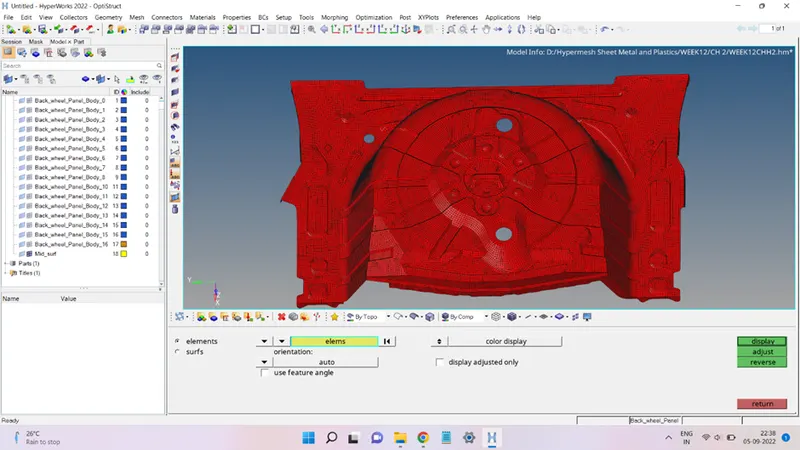
The quality checks of the mesh obtained are as shown below:
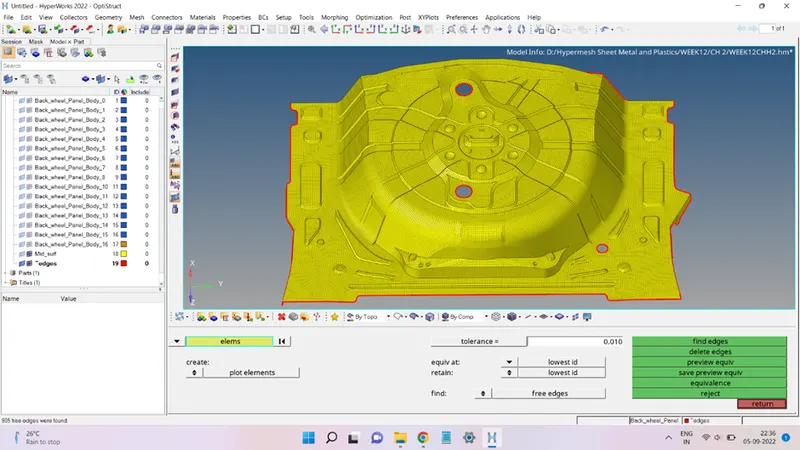
Free Edges:
Normals:
STEP 6: Assigning Thickness and Material to the mesh.
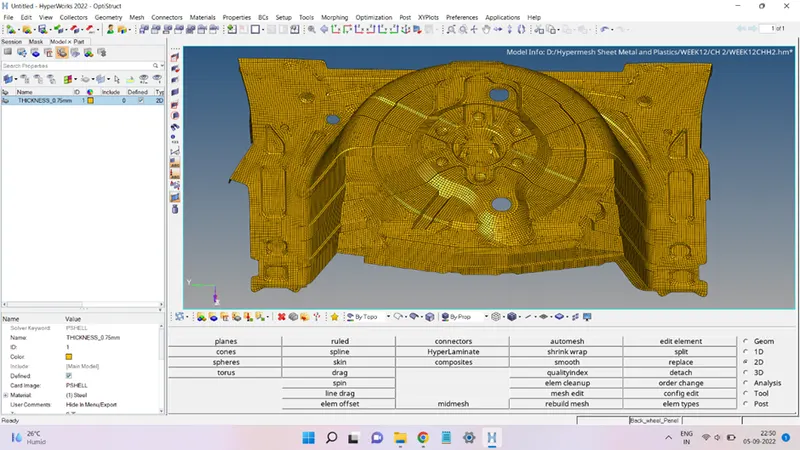
A new Property (THICKNESS_0.75mm) was created and the thickness value was entered as 0.75 units. This property is then assigned to the collector Back_Wheel_Panel_Mesh_0P75mm.
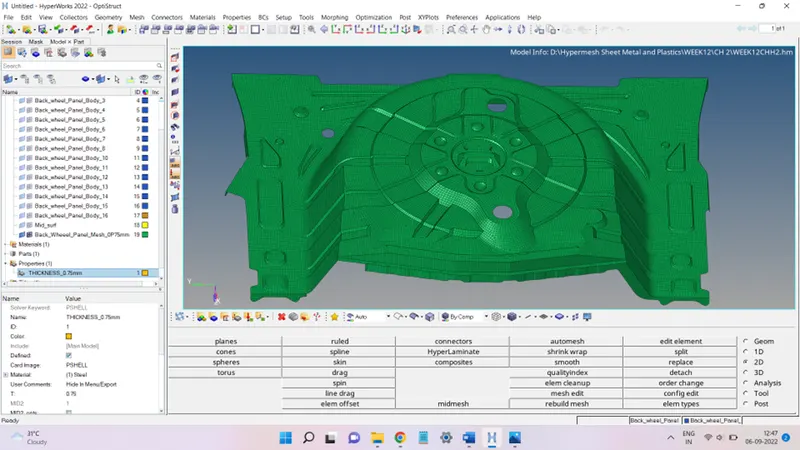
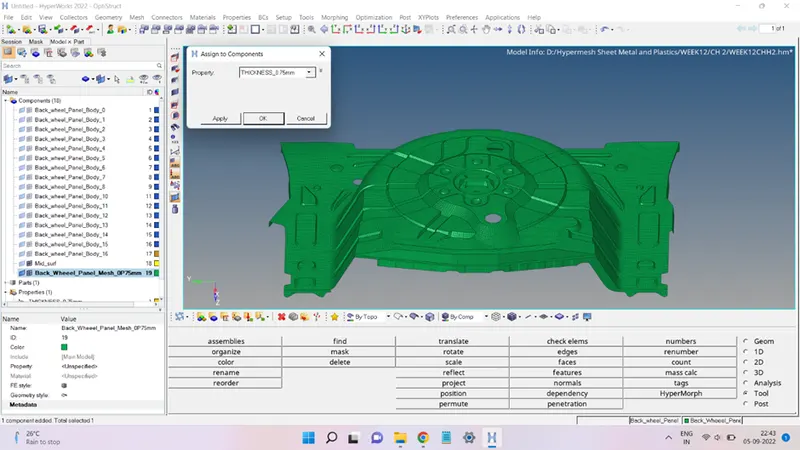
In the same way, a new Material (Steel) was added and assigned to the same collector, as shown below:
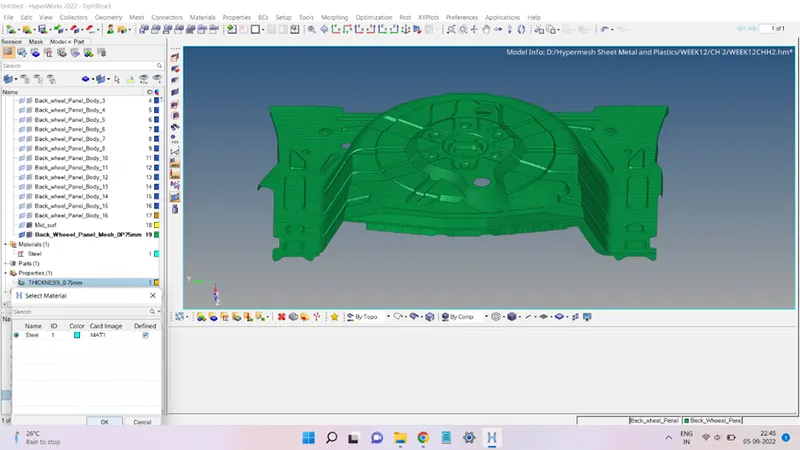
Detailed Element Thickness view:
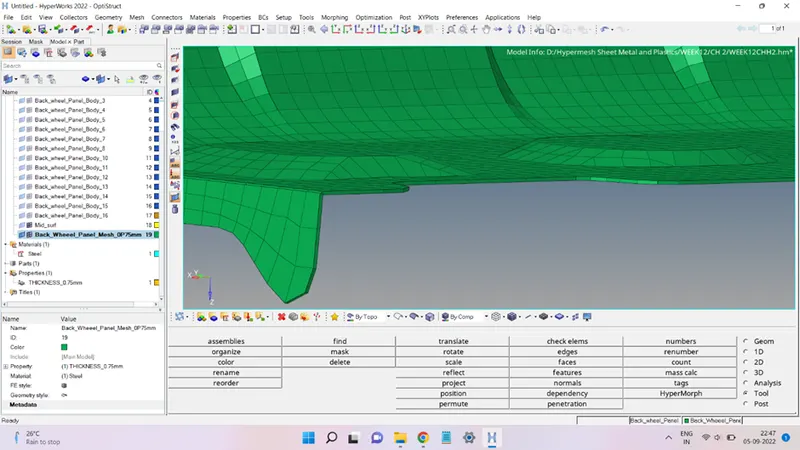
Material View:
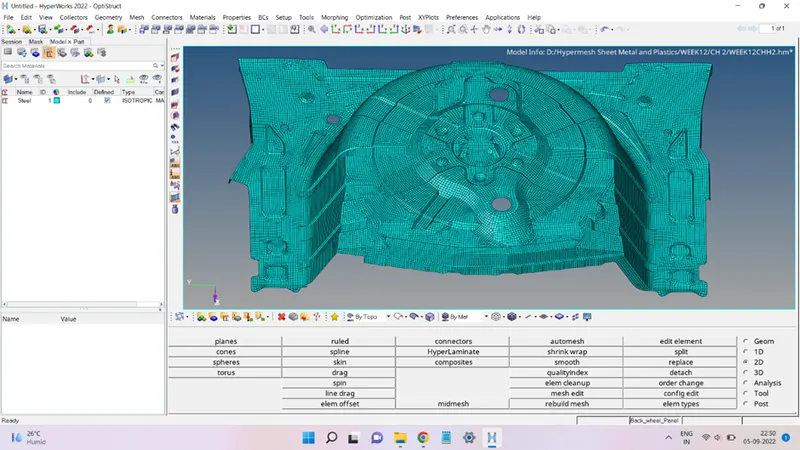
Property (THICKNESS_0.75mm) view:
Conclusion:
The present challenge provided an opportunity to learn how to:
Mesh a complicated geometry
Generate the mid-surface of complex components.
Clean up the surface from unwanted irregularities.
Meshing and cleaning up the elements failing the given criteria settings.