AIM:
To make the model having meshing in proper quality parameters and midsurfacing geometry clean up are done with the element.
Target Element Length = 5 Units

S.N	Quality Criteria 	Value
1	Aspect Ratio 	        5
2	Skewness	        45
3	Warping	                15
4	Taper     	        0.5
5	Min. Length	        2 Units
6	Max. Length	        8 Units
7	Min angle Quad	        45
8	Max angle Quad	        135
9	Min angle Tria	        20
10	Max angle Tria	        120
10	Tria % 	                10

OBJECTIVE:
To achieve the model wtih difinite dimension and errors of the object and made with geometry clean up midsurfacing and proper meshing on the given component.
PROCEDURE:
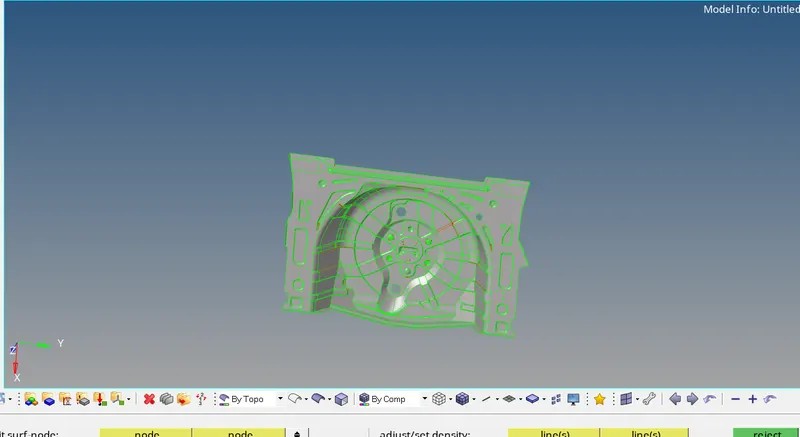
*For the model have opened it che up the geometry elements as shown in the model with cleaning the object select the VISUALAZATION OPTIONS/FIND OUT THE FREE EDGES/SHARED OBJECTS/SUPRESSED/NON MANIFOLD  edges are find out any geometry issues on the model.
*Some tools like EDGE EDIT/REPLACE THE FREE EDGES OR SUPPRESSED EDGES From the top figure   free edges on the model as shown ,then check out the model elements made the proper connection and all are captured SURFACE EDIT RULED OPTION/QUICK EDIT FILLER SUFACE TOGGLE OPTIONS ARE USED FOR THE GEOMETRY CLEANUP.
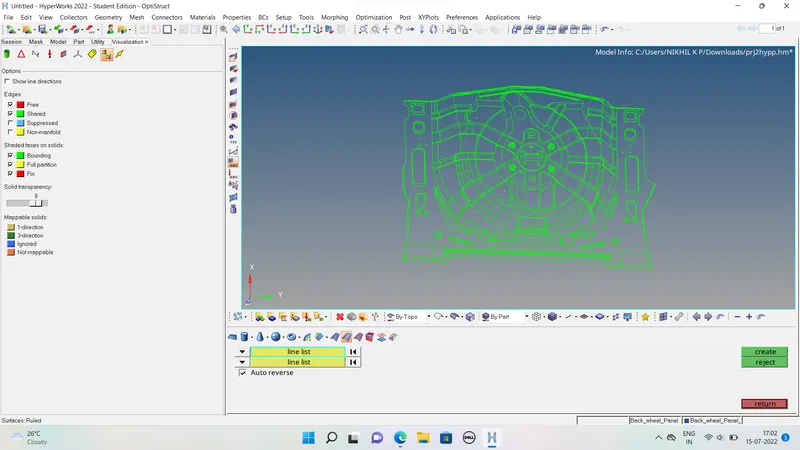
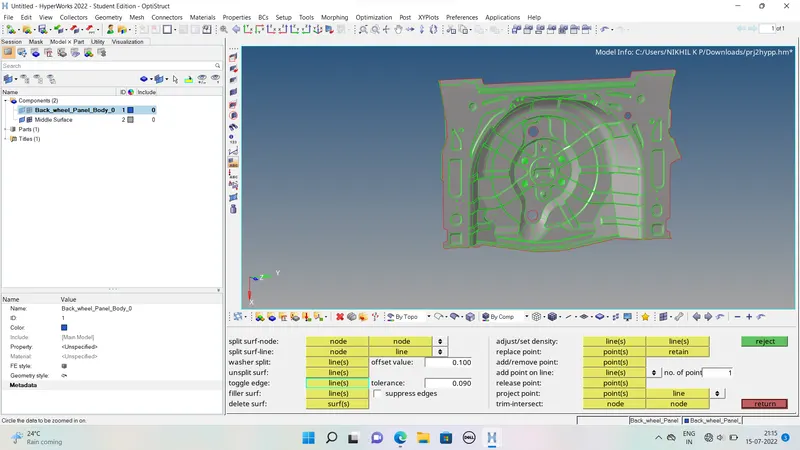
*Mid surfacing is done with the auto mid surfacing options like GEOMETRY/MIDSURFACE/EXTRACTION OPTIONS WITH SELECT THE OFFSET METHOD/SELCT THE MODEL AND CREATE THE MIDSURFACE checking the elements are made in proper other wise change the model offset method try again the procedure.Then which model is properly meshed fix it with that midsurfacing on that model.
MESHING:
-For meshing the create the criteria file and parameter files with the question mentioned dimensions and save the data and apply for this model.minimum maximum element sizes skweness other all properties are put on it.
-Now the 2D meshing is selected first off minimum element failure portions toggle the portions and change the element dimensions with property.
-GEO/QUICK EDIT/TOGGLE THE LINE/CREATE SOME PORTIONS CUTTING THE PLAN AND MAKE CONNECTION OR SPLIT THE SURFACE FOR REDUCE THE FAILURES FOR THE OBJECT.
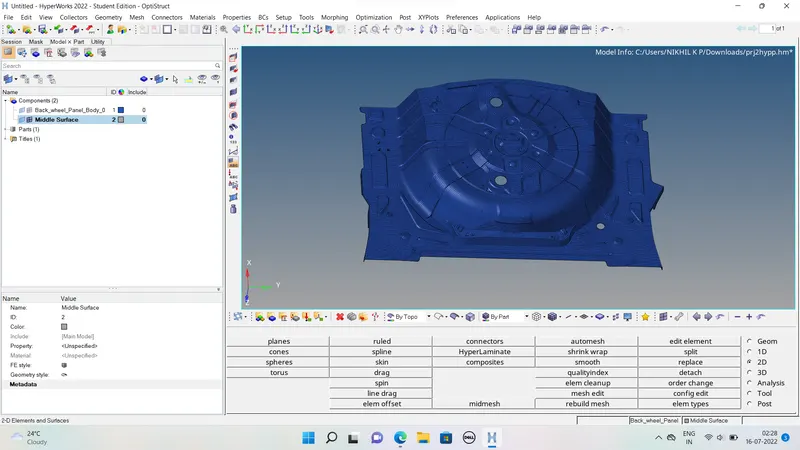
-NOW 2D/AUTOMESH/PUT ELEMENT SIZE 5 MM/SELCT SURFACES FOR PROPER MESHING DIDN'T SELECT WHOLE THE PORTION ONE TIME/by adjust the mesh density side nodes number and made the proper meshing for the object./CREATE MESH /ONE BY MESH WHOLE THE PART.
-Now check the quality imdex any failures are done on the element are cleaned by some element clean up tools,like smooth edge edit other items and made the error failures should be zero.
-Make all the element surfaces are meshed with proper and checkimg the geometry and assign the thickness to the element and make save the element.
ASSIGN THICKNESS:
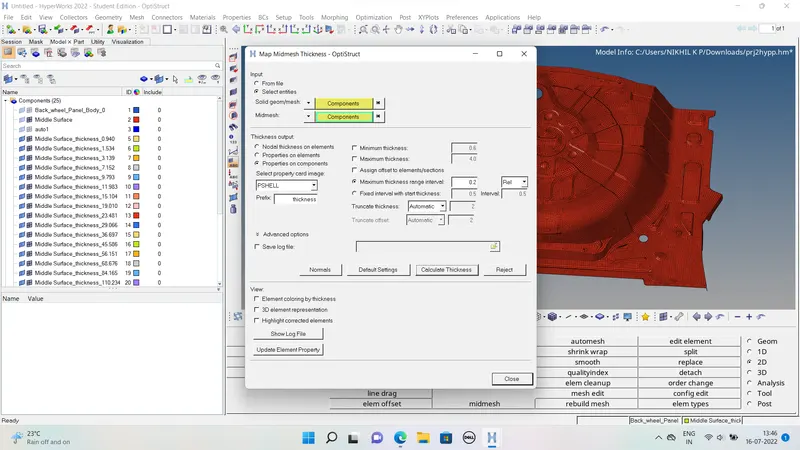
*For assigning thickness for the mid mesh element select the top bar on hypermesh MESH/RIGHT CLICK ON IT ASSIGN/MIDMESH SELECT/SELECT ENTITIES/CHANGE SOLID TO COMPONENTSOLID OR GEOMETRY AND MIDMESH OPTIONS/TURNCATE THICKNESS SELECT AUTOMATIC .
*Now select mid mesh element and geometry element and proceed it.Measure the thickness automatically and made few seconds and check the created thicknesses for the model.
RESULT:
Made the meshing on the element and all elemntatry clean up for the model.