Meshing of Rear Wheel Holder using Hypermesh
Floor Panel 2D Meshing using HyperMesh
The given component was loaded in HyperMesh and the model looks as follows:
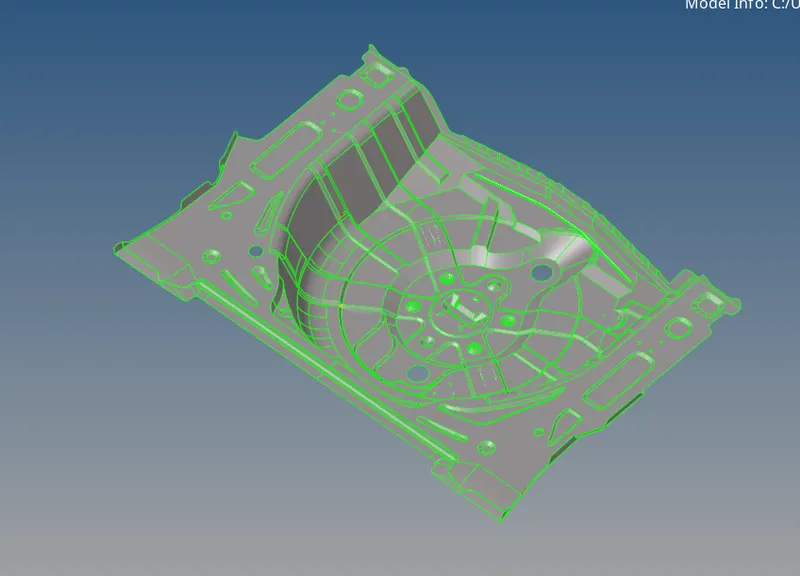
The given model has many geometrical errors like missing faces, free edges. The geometry was cleared before extracting mid-surface.
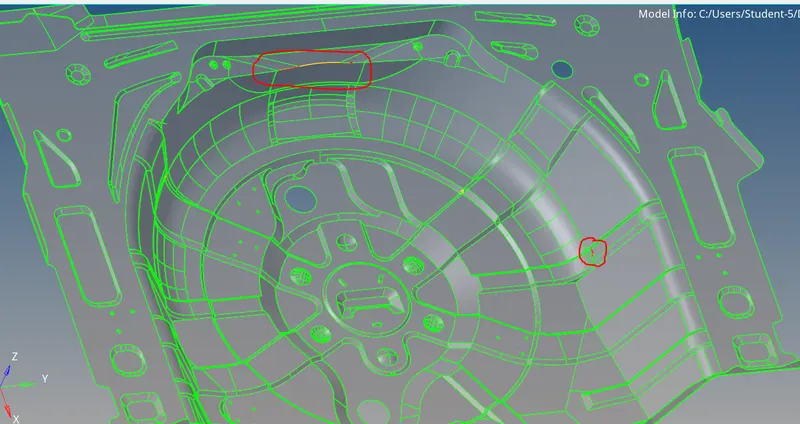
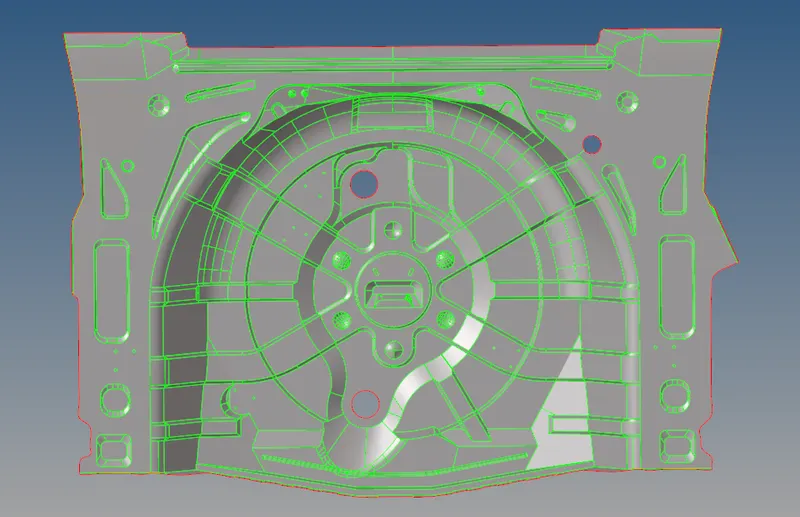
Using Geom tools like quick edit, surface edit the geometrical errors were cleared. The model after clearing errors looks as follows:
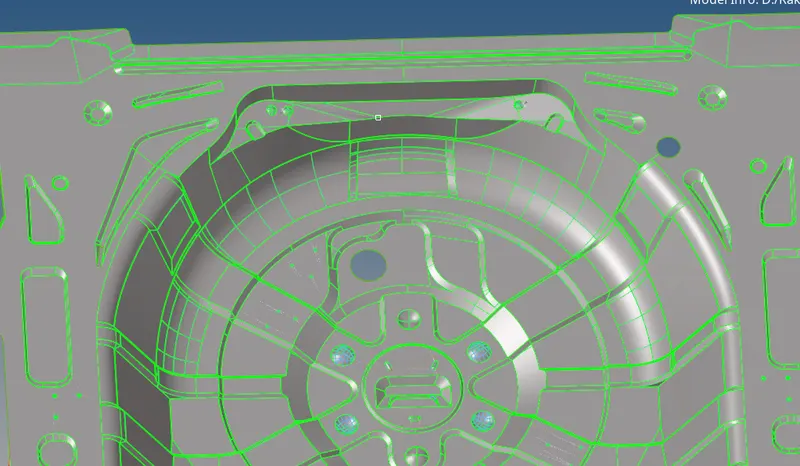
The mid-surfacing was done using the automid tool.
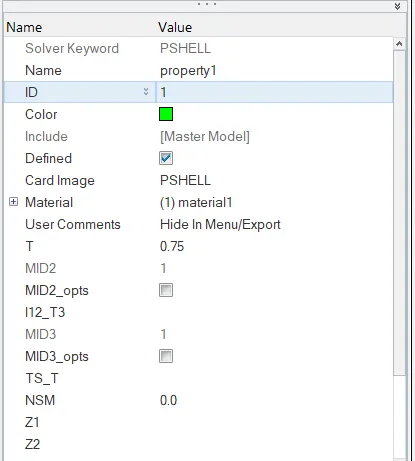
The model has a thickness of 0.75mm, so a property card for the same is created.
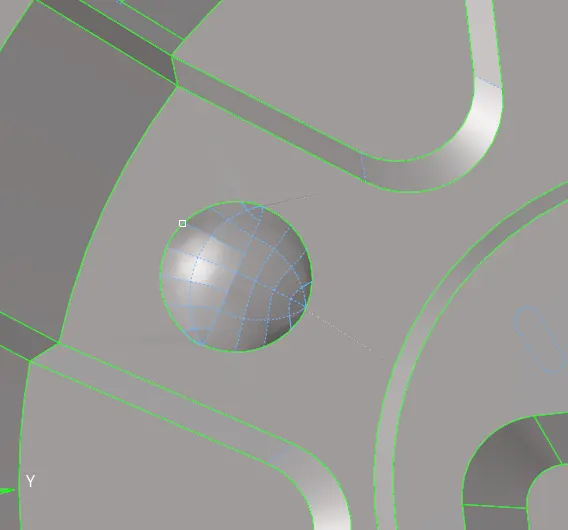
After the mid-surfacing of the entire model, the geometry cleanup was done at certain areas where the mesh flow or elements would fail. The geometry cleanup was done using quick edit tools. The washer split was also created at the holes to have better mesh flow at the holes.
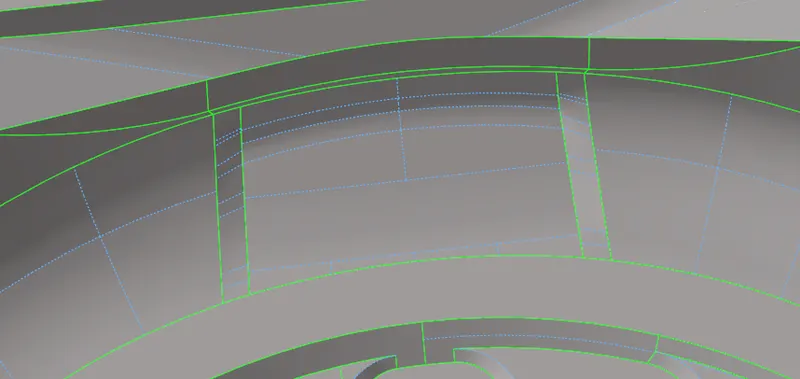
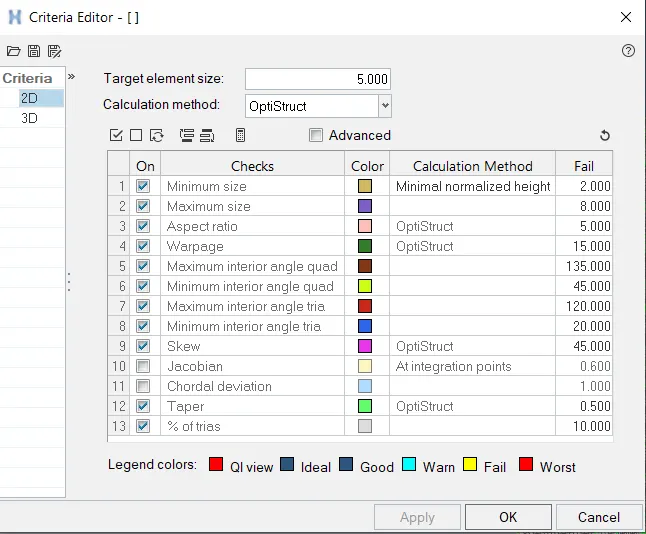
After geometry cleanup, the model was meshed using the automesh tool. Before meshing the quality criteria is set as follows:
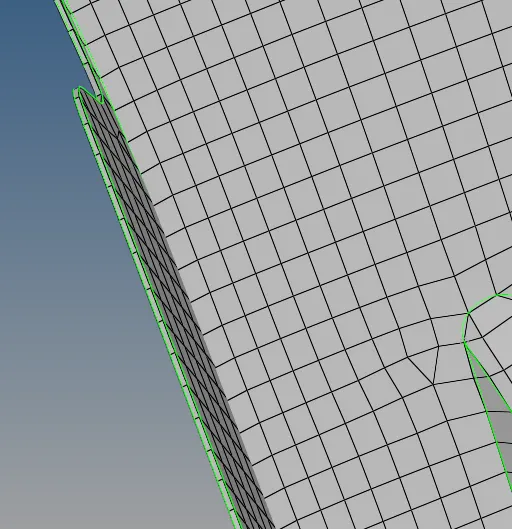
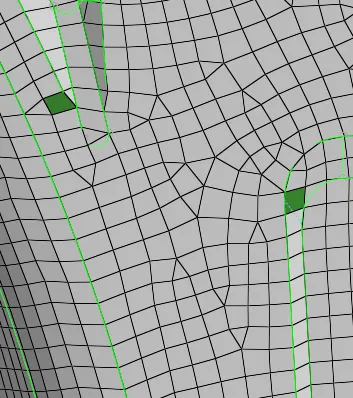
The meshing of the components was done individually. For automesh the flow of mesh is not acceptable in certain areas as seen in the image below.
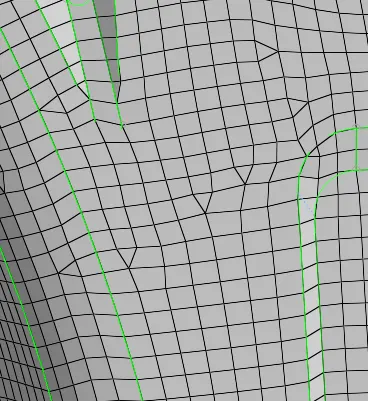
The mesh flow was improved remeshing the areas. Even if the flow is not good enough using the edit element, element rebuild options the mesh flow is improved.
The model is now checked for quality criteria and the elements which failed were remeshed and the mesh quality was optimized.
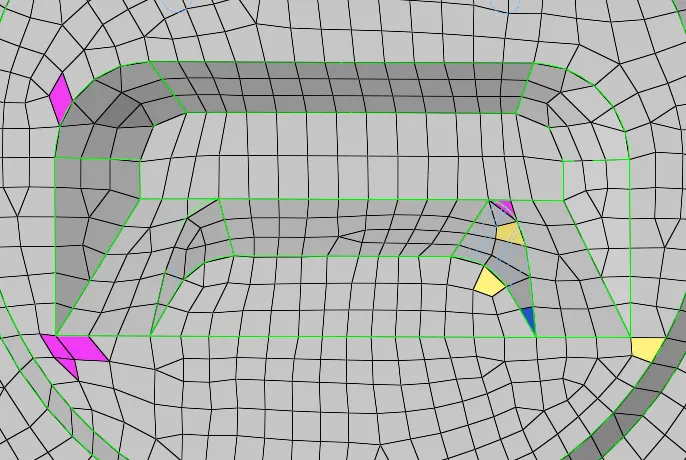
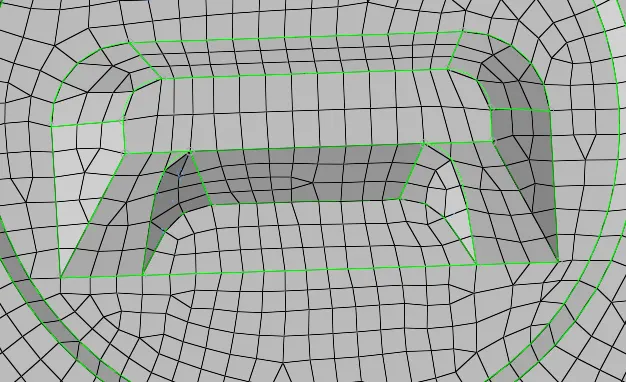
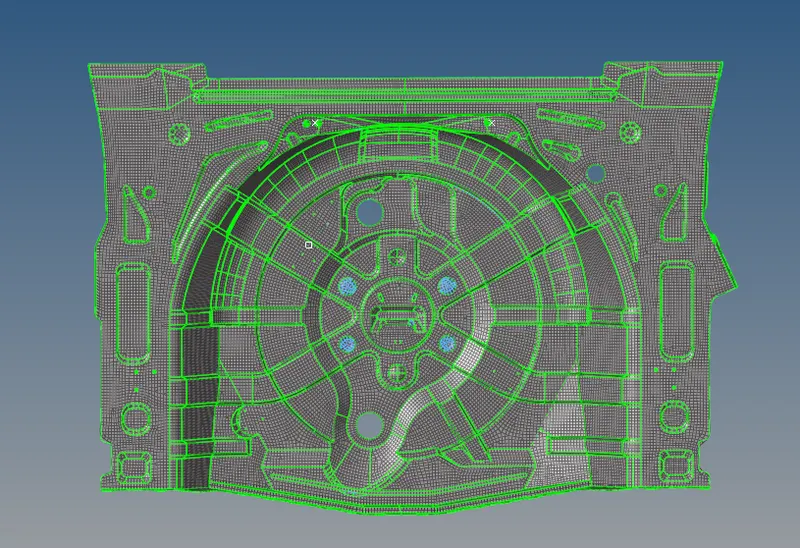
The FE model after clearing all the failed elements and improving the mesh flow looks as follows:
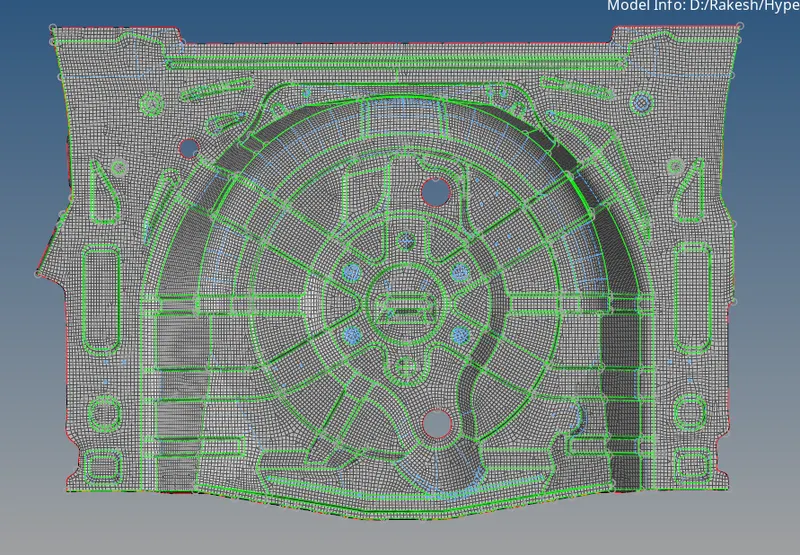
2D Detailed element representation