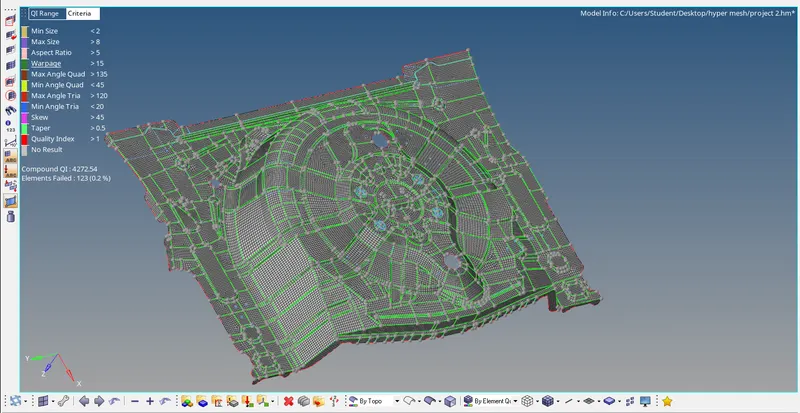
Week 12:Project 2-Meshing of Rear Wheel Holder challenge
Objective:-
- Mesh the rear wheel holder model with given quality criteria and assign the thickness.
Quality criteria:-
Target Element Length = 5 Units
| S.N | Quality Criteria | Value |
| 1 | Aspect Ratio | 5 |
| 2 | Skewness | 45 |
| 3 | Warping | 15 |
| 4 | Taper | 0.5 |
| 5 | Min. Length | 2 Units |
| 6 | Max. Length | 8 Units |
| 7 | Min angle Quad | 45 |
| 8 | Max angle Quad | 135 |
| 9 | Min angle Tria | 20 |
| 10 | Max angle Tria | 120 |
| 10 | Tria % | 10 |
Following procedure:-
- Import the geometry.
- Geometry clean up.
- Mid surface.
- Element clean up and mesh.
- Assigning property and Thickness.
Procedure:-
- Import the given Cad model.
- Geometrical error in the model need to be corrected before mid surfacing to geta proper midsurface using Geometry>quick edit panel.
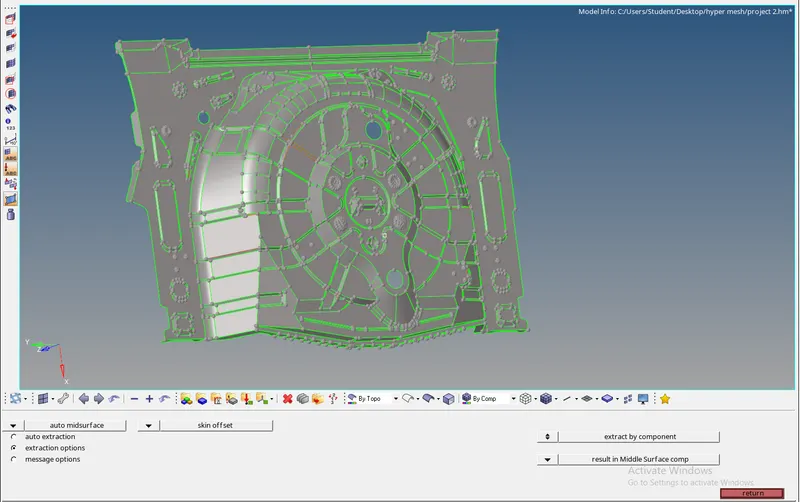
- As this is a sheet metal component thickness will be unifrom throughout.Extraction of mid surface is easy in this model.
- Extraction mid surface using Geomerty>mid surface>Skin offset.
-
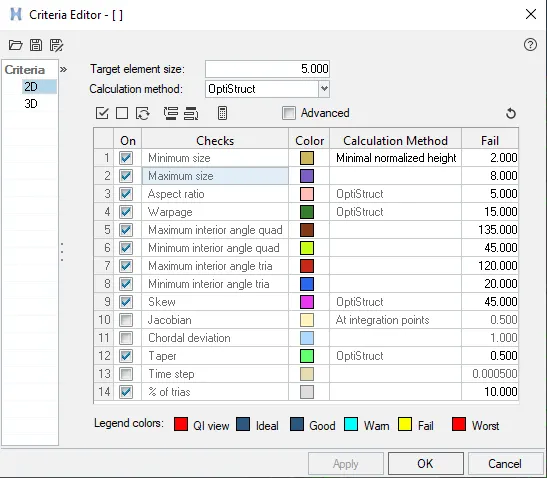
- For Meshing the surface we will first enter the quality criteria .Go to preference>criteria files setting and we will save this criteria files given below figures.
-
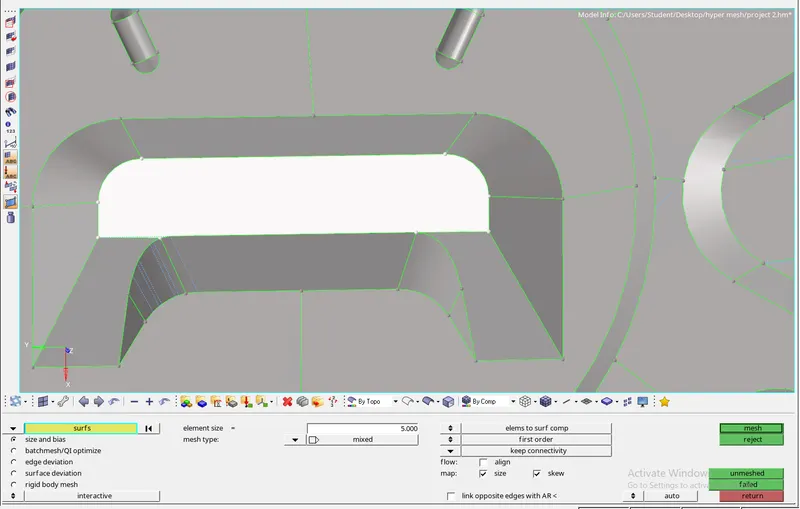
- After extacting the midsurface, the entire component is meshed surface by surface according to the given quality criteria using 2D>Auto mesh panel.
-
- After the meshing is completed we will check for the quality criteria issues.
-
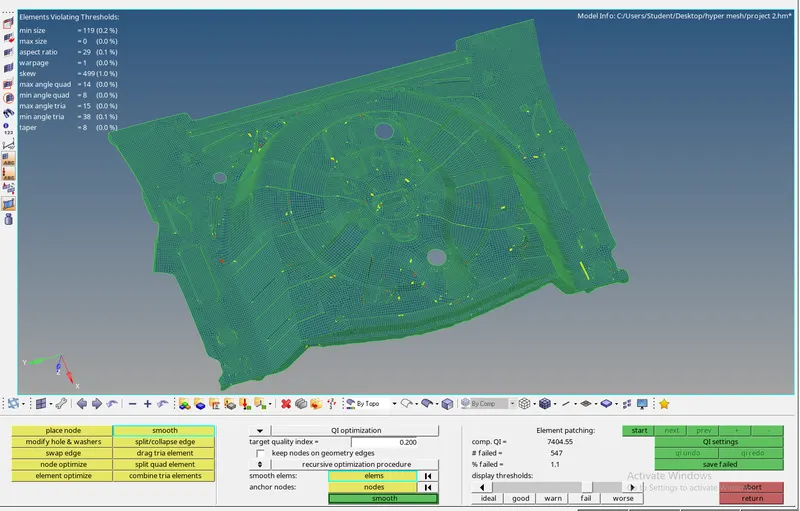
- To remove the criteria error we can choose to remesh or rebulid mesh the element and Quality index.
-
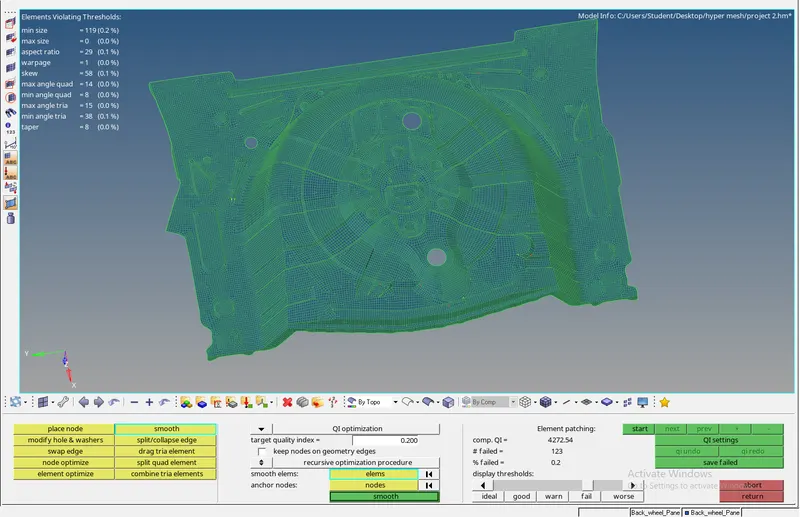
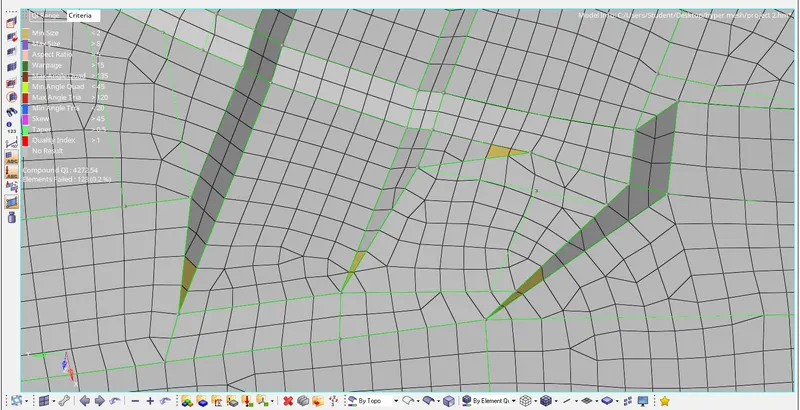
- Lots of minimum size quality error in this model .as show in given below figures.
-
- We will assign property thickness and material to the component given below as shown figures.
-
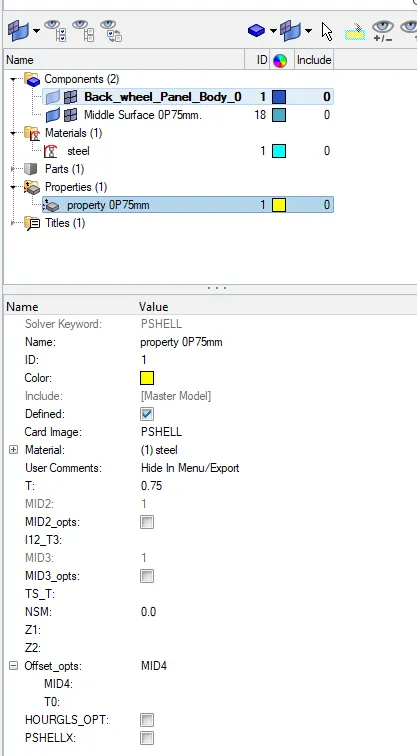
- We will apply to property to the component and to view the model with thickness applied we can change viwe to 2d detailed Element Representaion .
Con clusion:-
- The Rear wheel Holder model is meshed according to the quality criteria as show in the result .
-