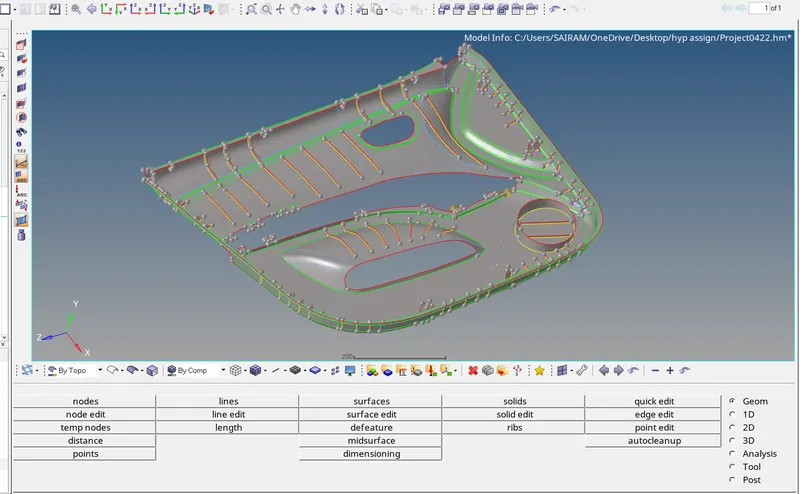
Week 12:Project-1-Meshing of Door Inner Panel Challenge
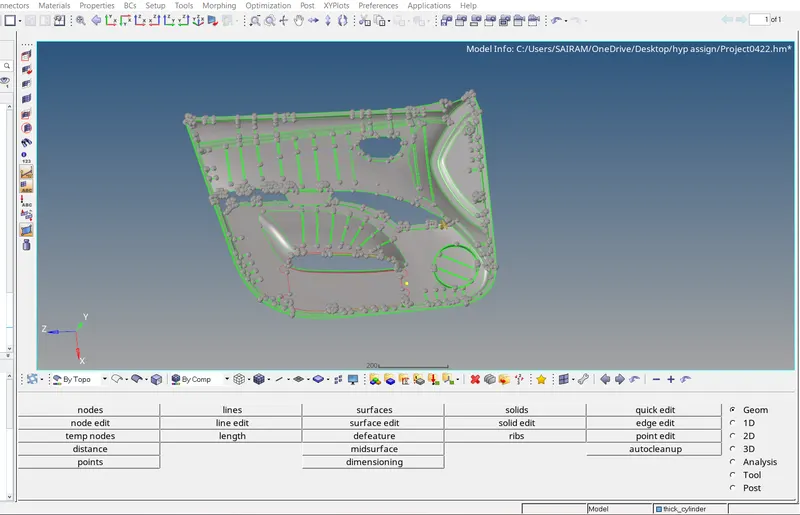
--- combine two components and create a node on surface
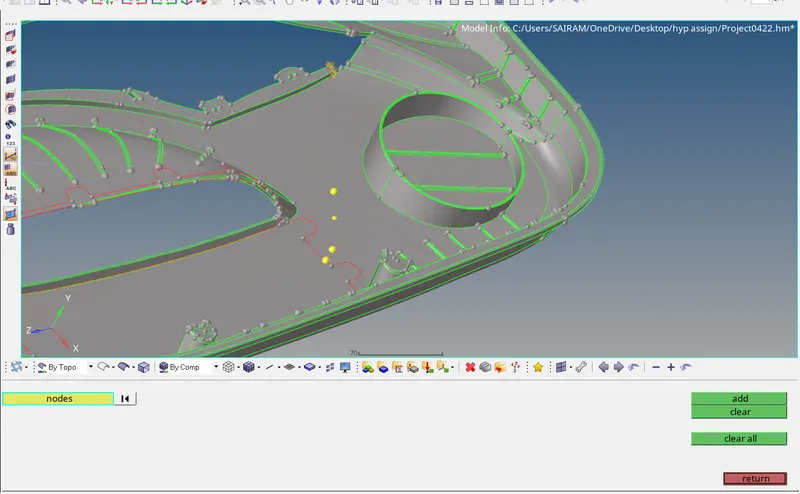
To place node on surface --Geometry--temp nodes-- nodes--left click and hold on line--add point--click on add
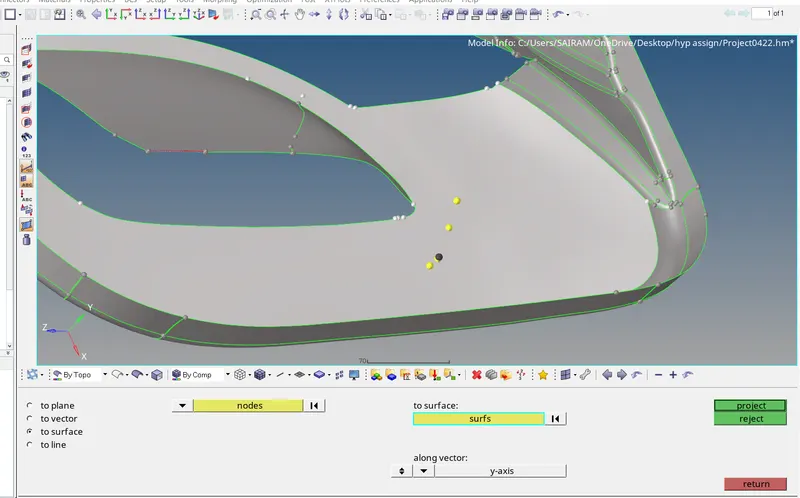
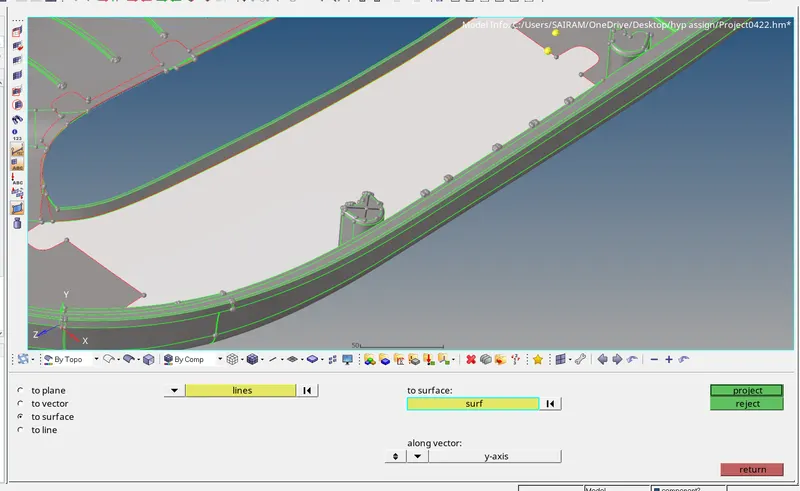
Tools--project--select nodes--duplicate--select surfaces to project--select axis of projecting nodes--click on project
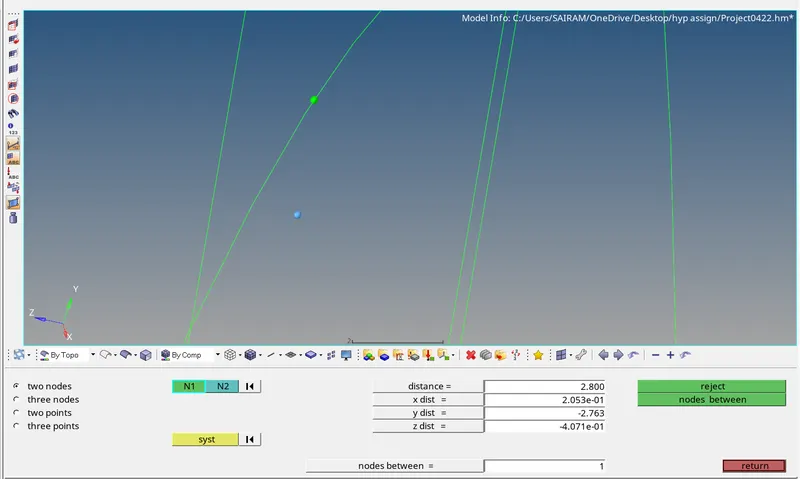
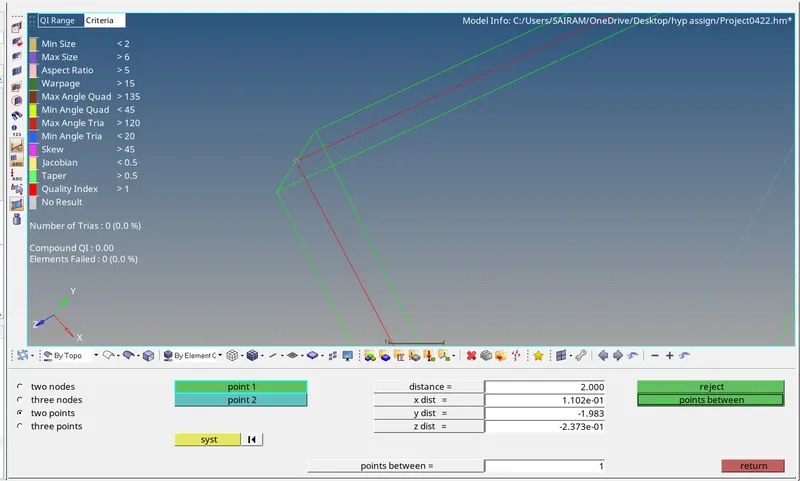
After projecting nodesNow measuring the distance between two nodes to surfaces (ie:2.800)
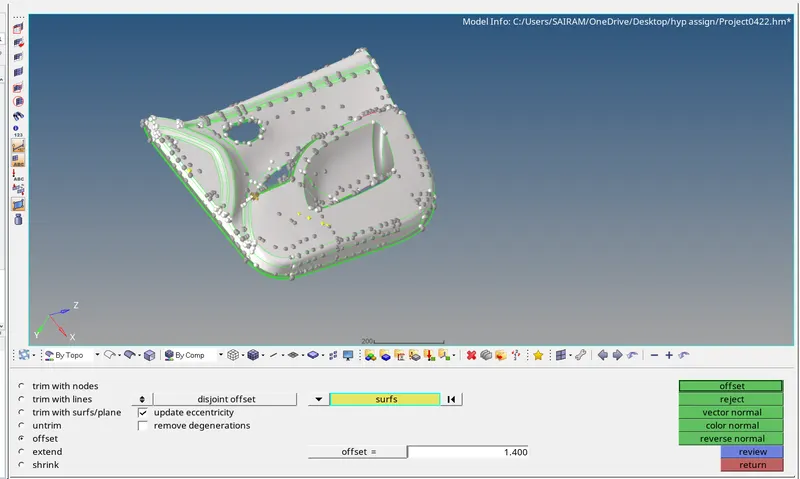
now select bottom side of the surfaces
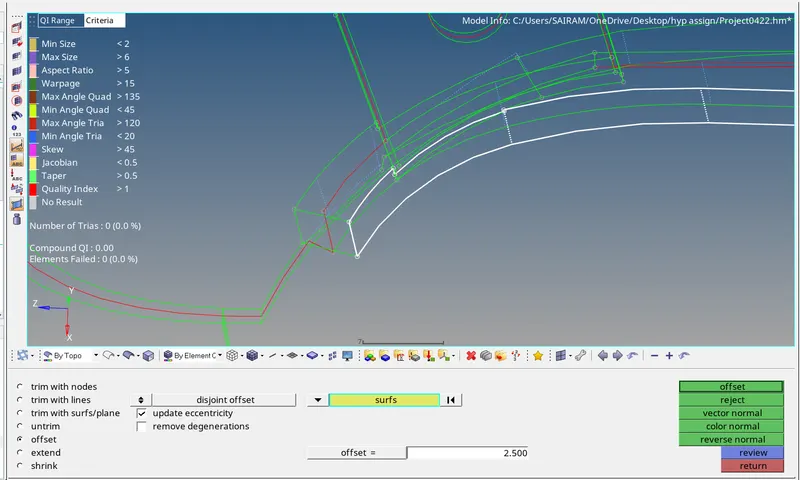
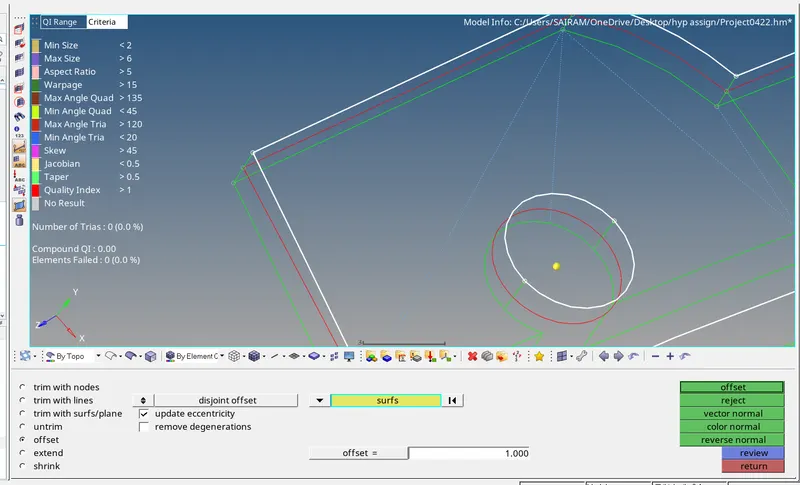
--Geometry--Surface edit--surfs--displayed--offsetlength=1.400--click on offset
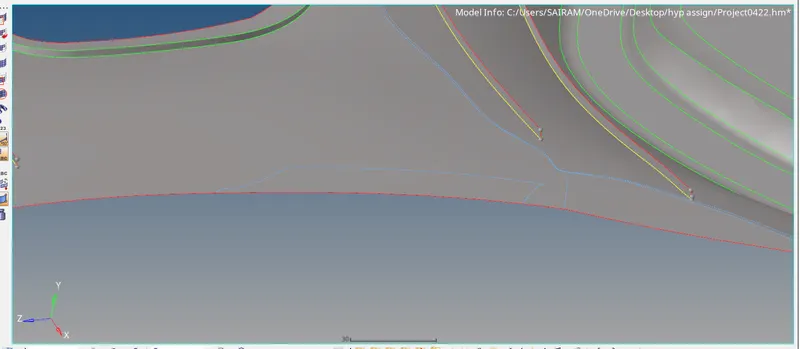
Now we had created a surface between nodes
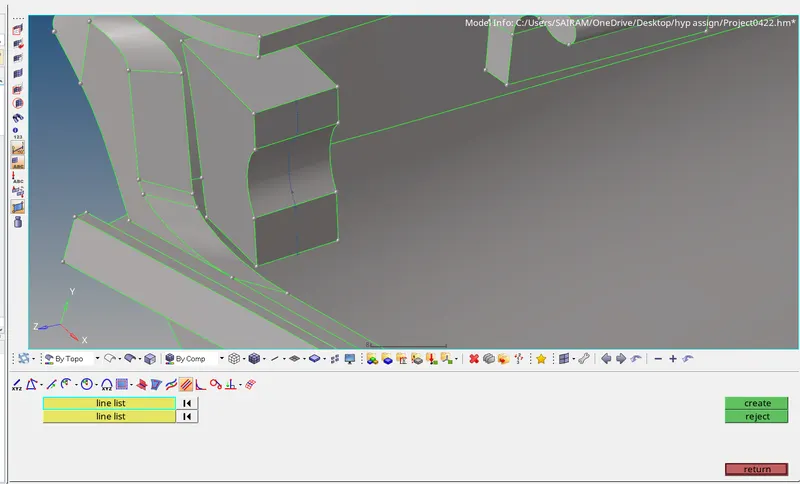
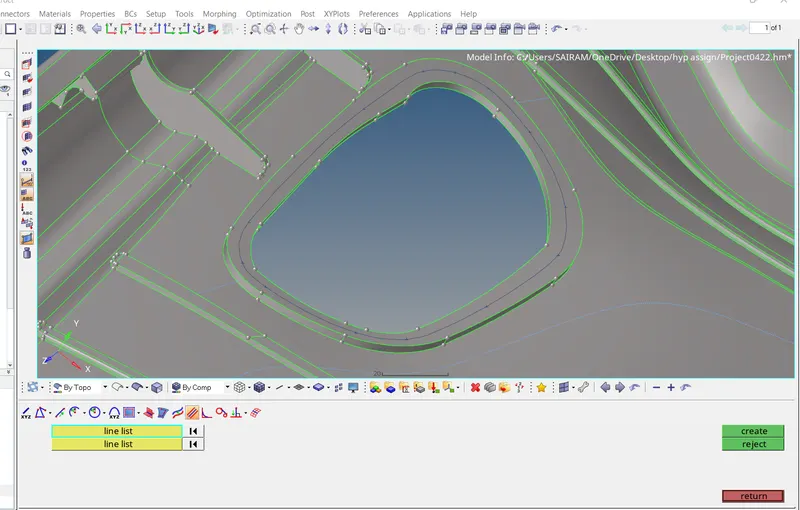
To create a mid surface for ribs first we are creating lines on surfaces
--Geometry--lines--select midline-create
after that project that lines to bottom surface
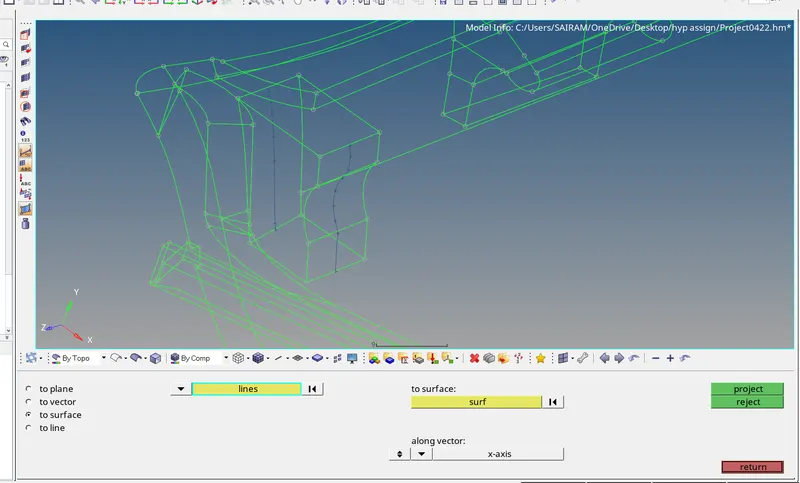

Tools--project--lines--duplicate--surfaces--project
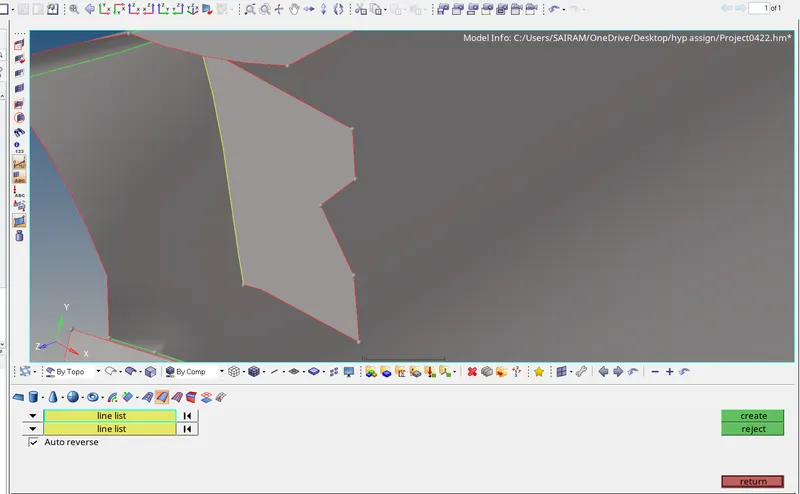
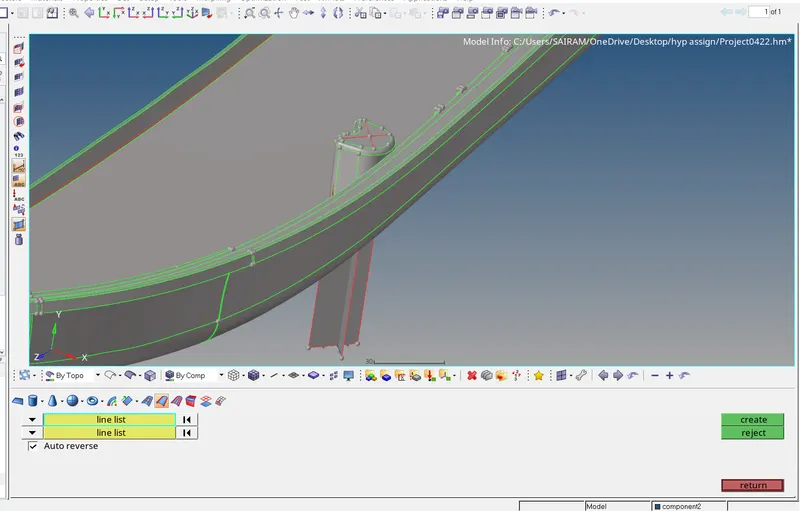
we can create a surface using lines
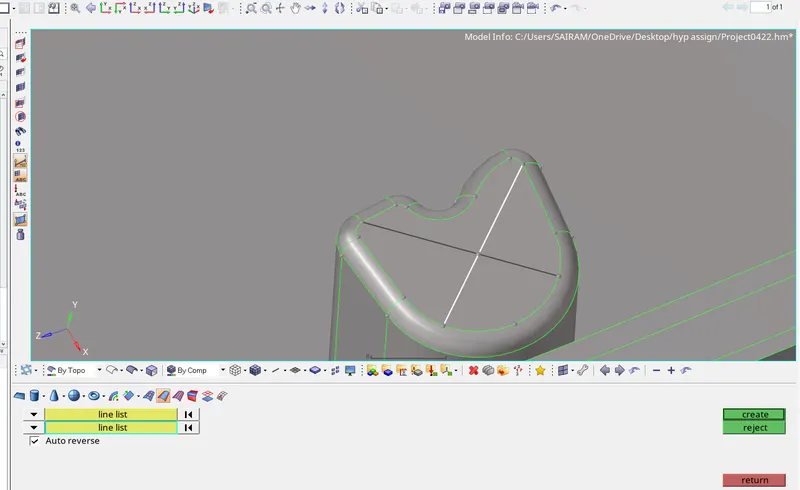
--Geometry--surfaces--linelist--create
-----------------------------------------------------------------------
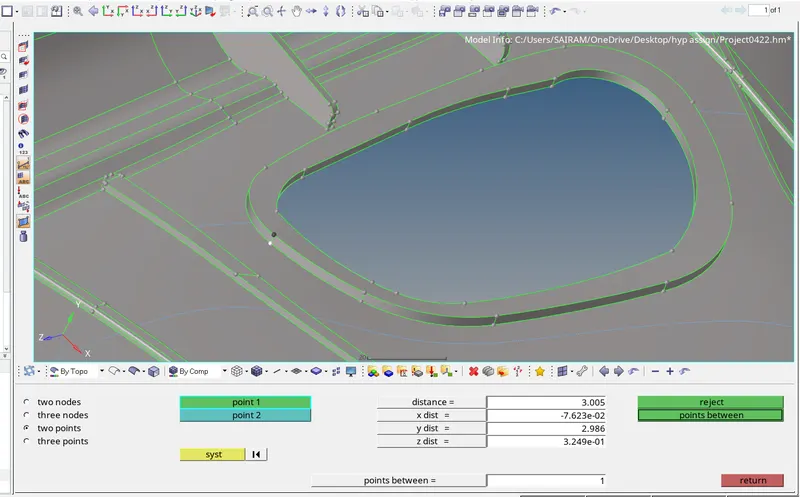
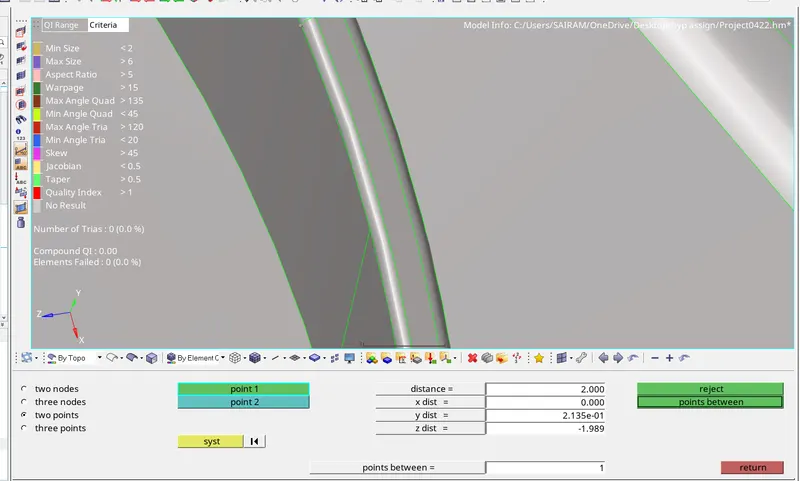
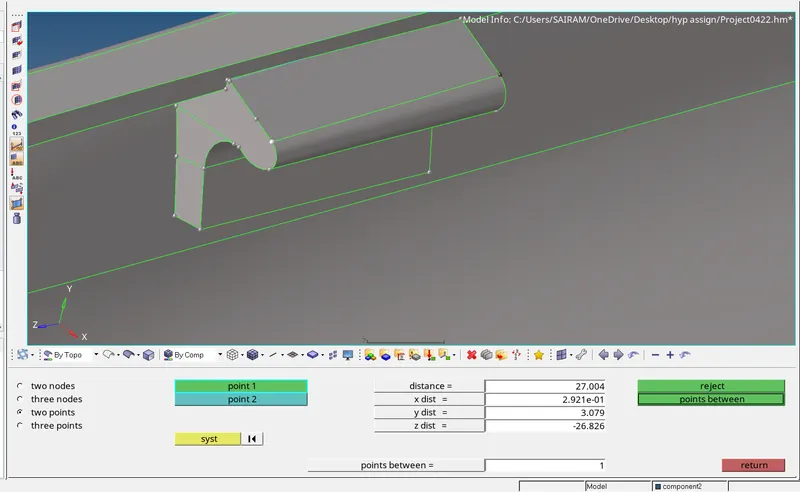
To create a mid surface for this surface first measuring distance
geometry--distance--two points
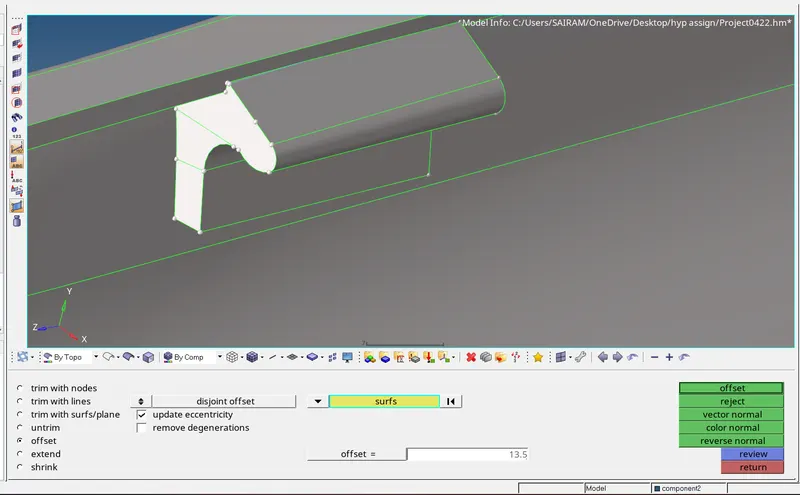
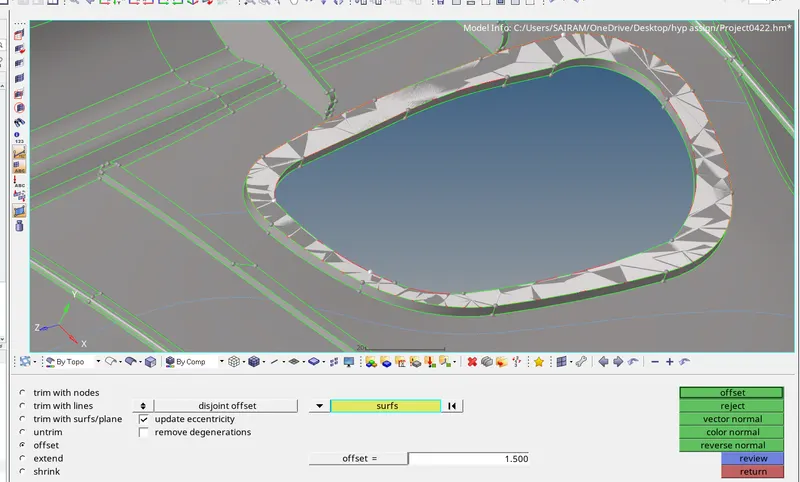
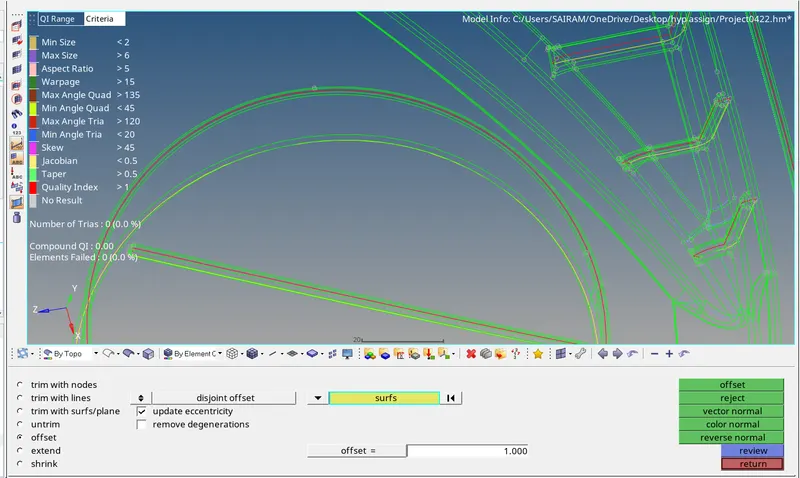
geometry--surface edit--offset--select required surfaces--duplicate--offset
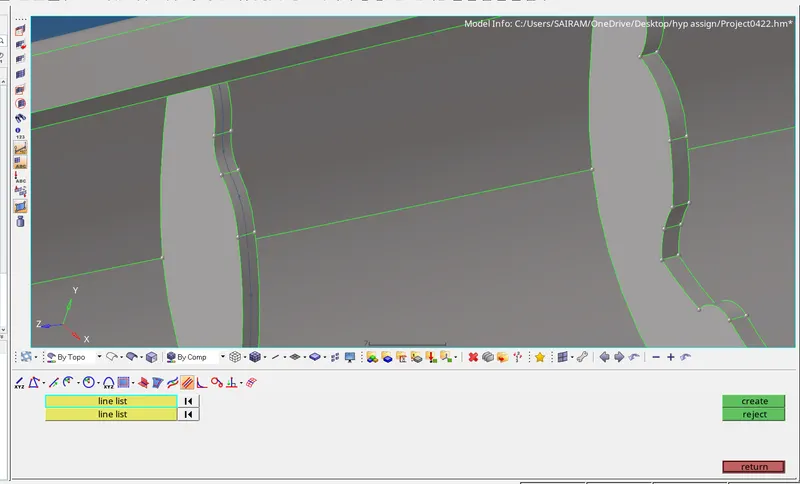
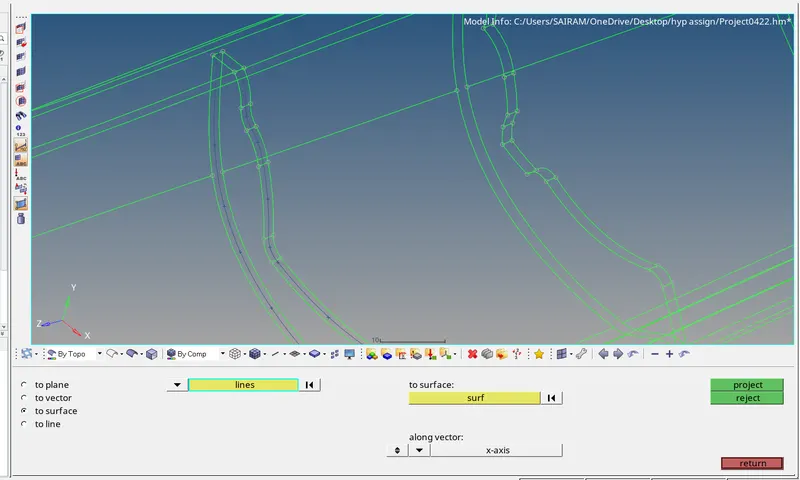
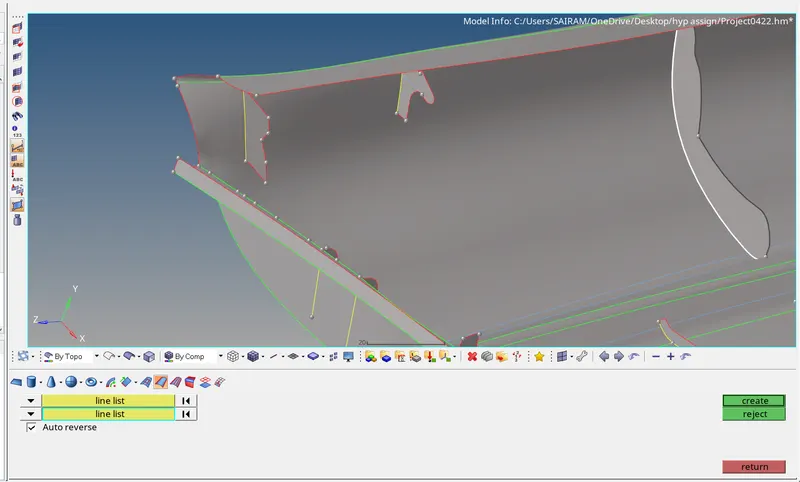
for remaing ribs also same procedure
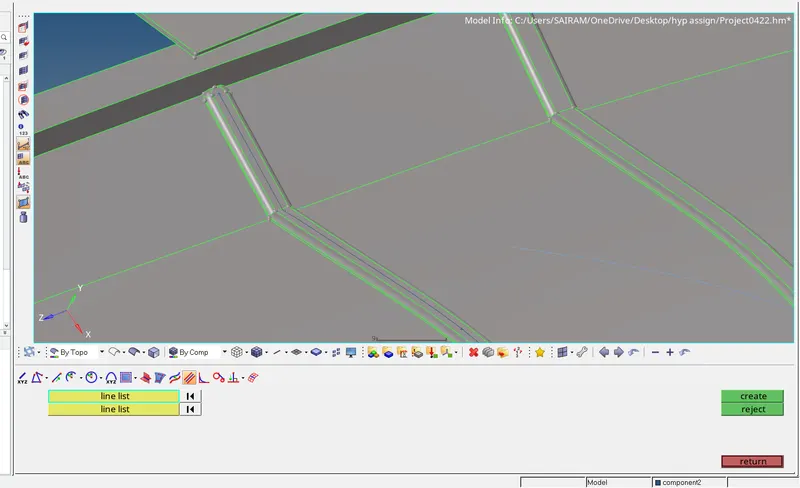
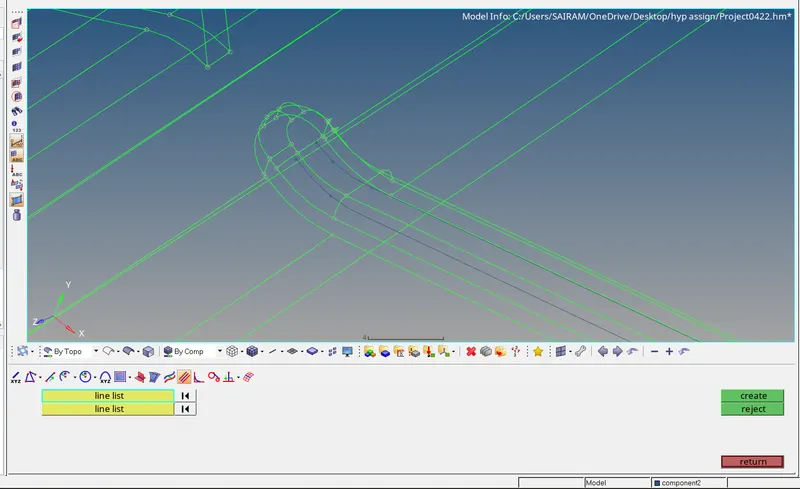
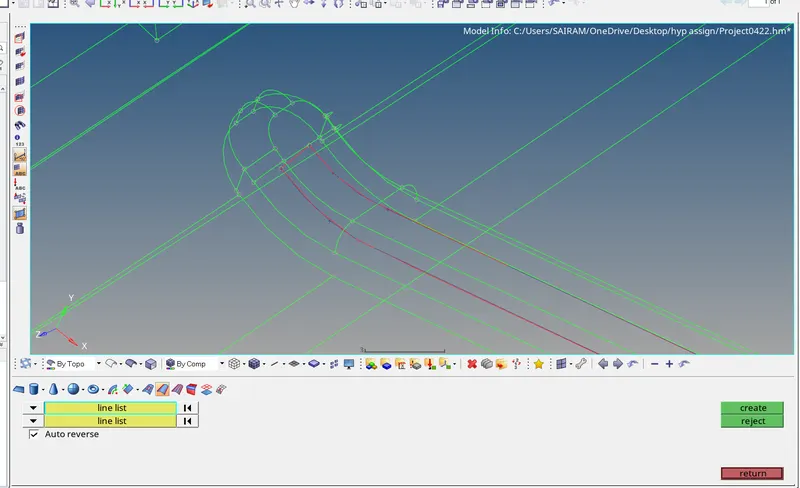
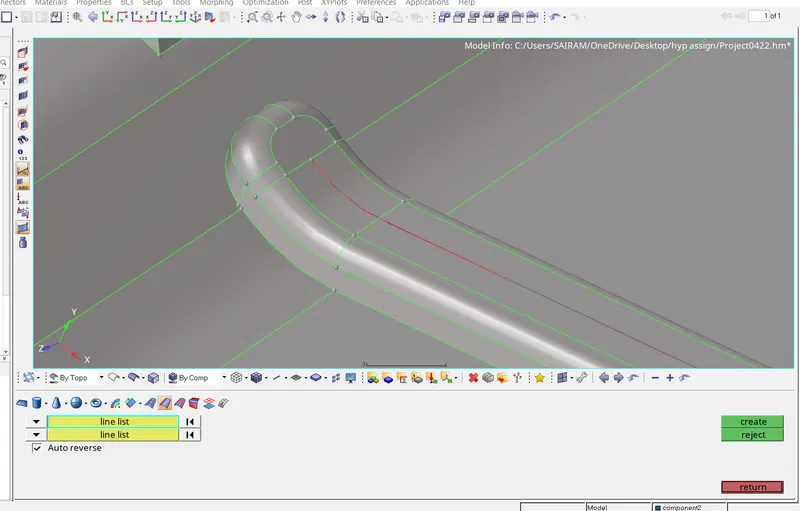
For all the ribs the procedure will be same to create a mid surface
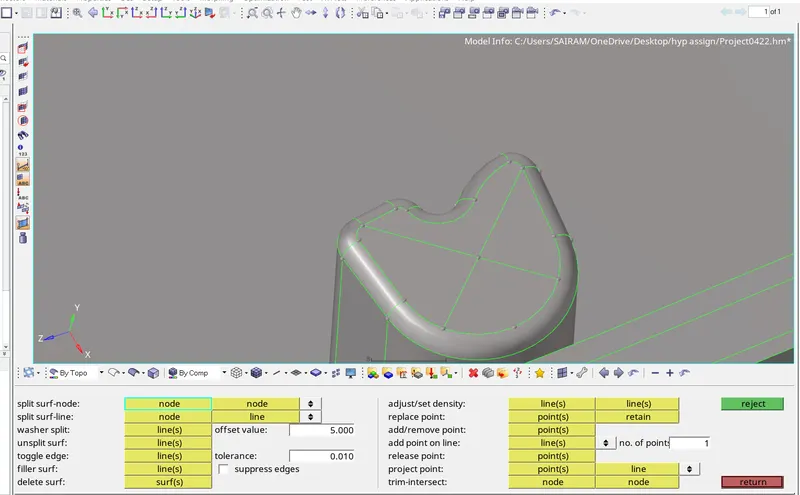
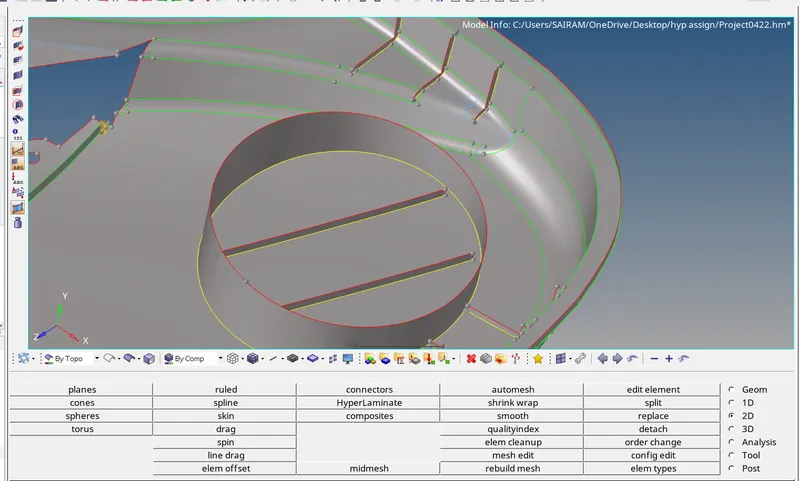
here we are creating a cross line by placing nodes on the cylinder
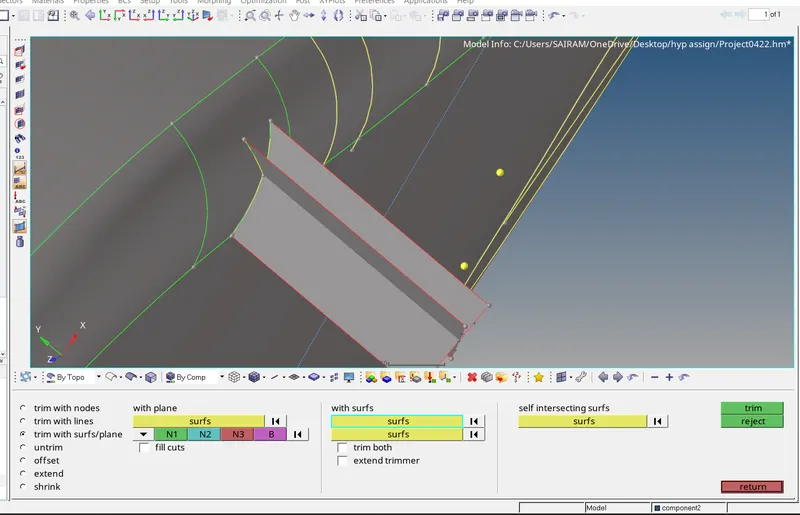
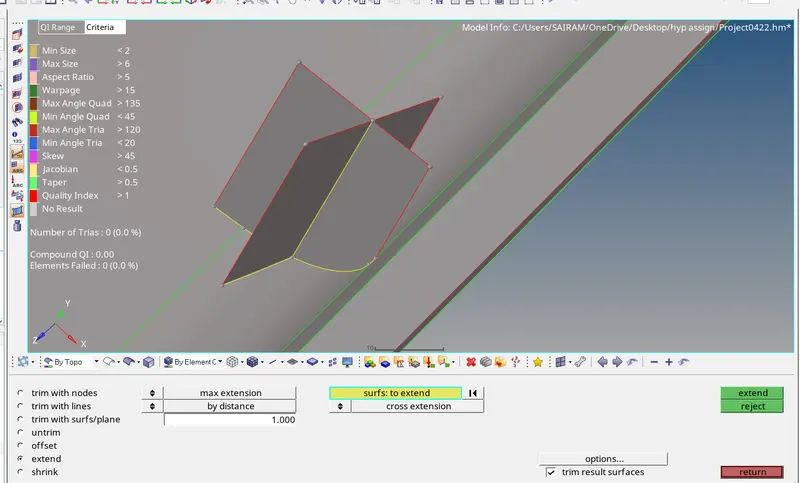
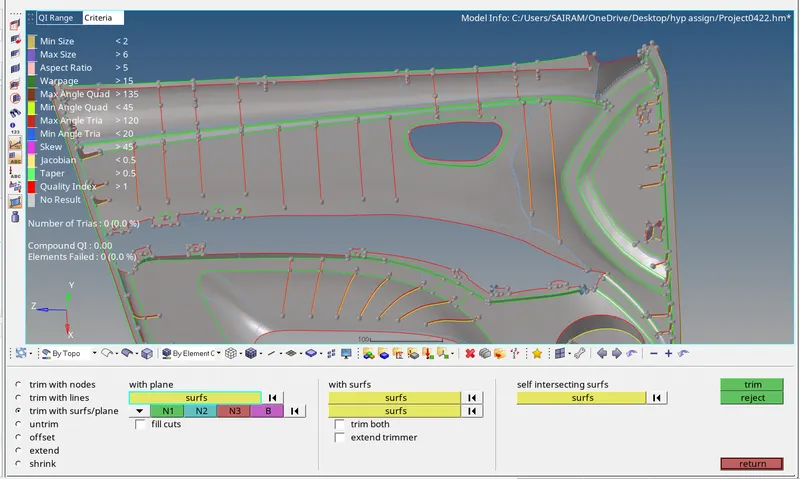
Trim the extended surface upto offset surface
--Geometry--surface edit--Trim with surface--Trim
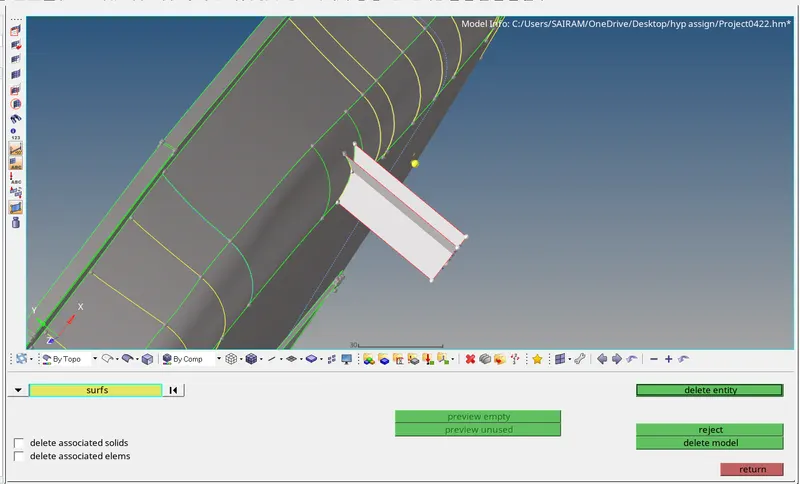
Delete unwanted surfaces