Week 12:Project-1-Meshing of Door Inner Panel Challenge
AIM:- Follow the Quality Criteria and mesh the door inner panel component and assign thickness.
Target Element Length = 4mm
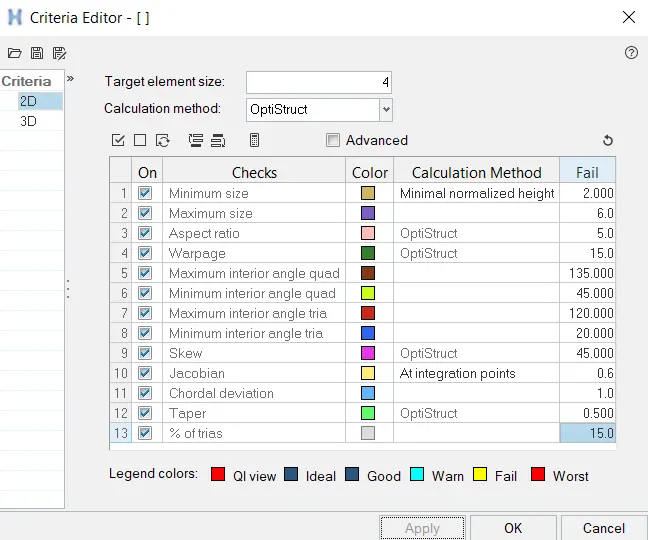
| S.N | Quality Criteria | Value |
| 1 | Aspect Ratio | 5 |
| 2 | Skewness | 45 |
| 3 | Warping | 15 |
| 4 | Taper | 0.5 |
| 5 | Min. Length | 2 Units |
| 6 | Max. Length | 6 Units |
| 7 | Min angle Quad | 45 |
| 8 | Max angle Quad | 135 |
| 9 | Min angle Tria | 20 |
| 10 | Max angle Tria | 120 |
| 10 | Tria % | 10 |
STEP-1:- Import the given geometry in HyperWork Software and select optistruct profile.
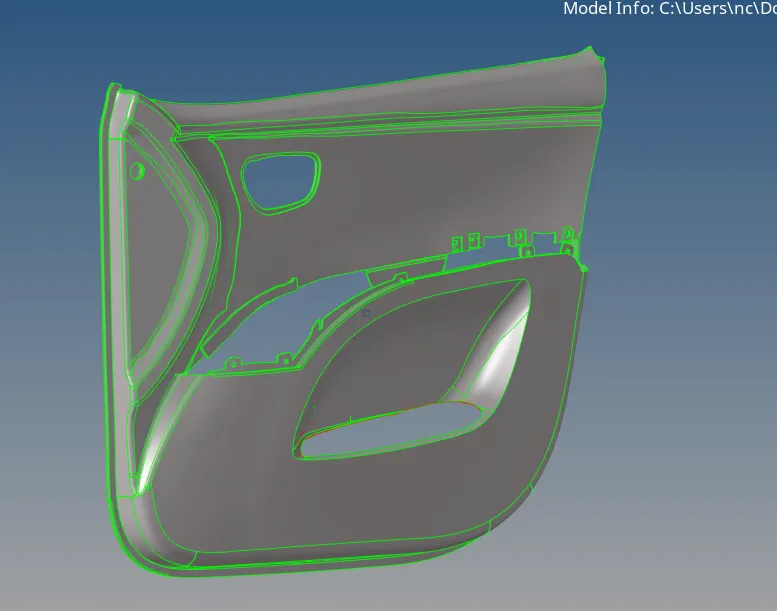
- Cleanup the geometry and toggle the lines and create construction line for convinent for extract the midsurface.
- Before geometry cleanup criteria and parameters files has been defined.
STEP-2:- MIDSURFACE EXTRACTION
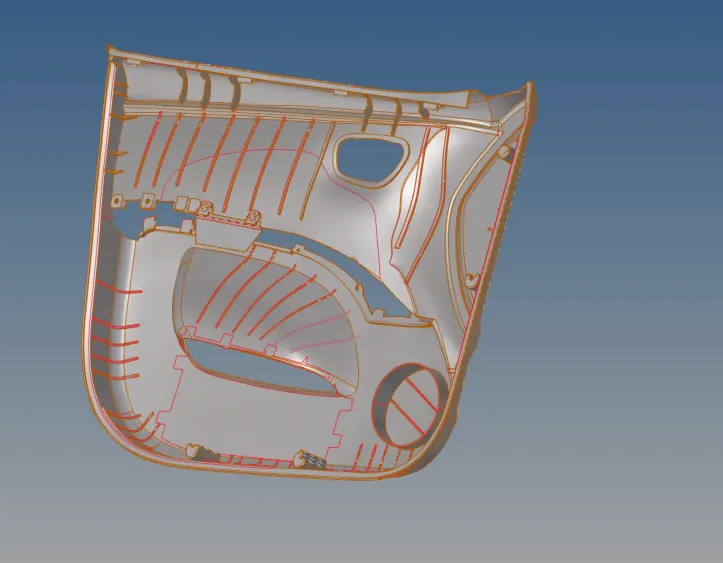
- Midsurface meshing is opted for components where the geometry thickness is small when compared with the length of the components, so if you see most of the automotive structures are of sheet metal and plastics, where the length of the component is large when compared to the thickness, hence for this reason we opt for mid surface extraction and assign the thickness of the component to the elements through properties on components method.
- Midsurface is extracted by selecting skin offset option for extraction.
STEP-3:- MESH CREATION
- Meshing is an integral part of the engineering simulation process where complex geometries are divided into simple elements that can be used as discrete local approximations of the larger domain. The mesh influences the accuracy, convergence and speed of the simulation.
- 2D Mesh is created on the surface by using 2D mesh option.
- Meshing surface is shown below-
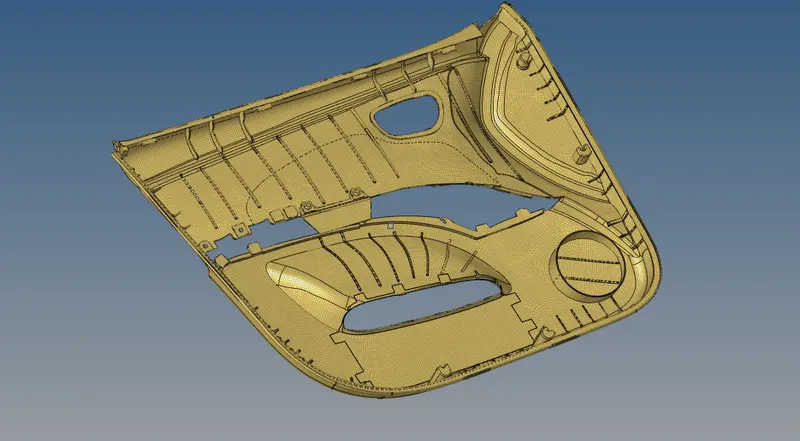

- After meshing i would get some failed elements like maximum length, wrappage and minimum angle elements clear all the failed elements and reduce tria concentration in mesh below mentioned image shows the mesh at plain surface and corner surface drag the tria element as possible.
failed elements are shown below image-

- After clearing the geometry we get the following elements.
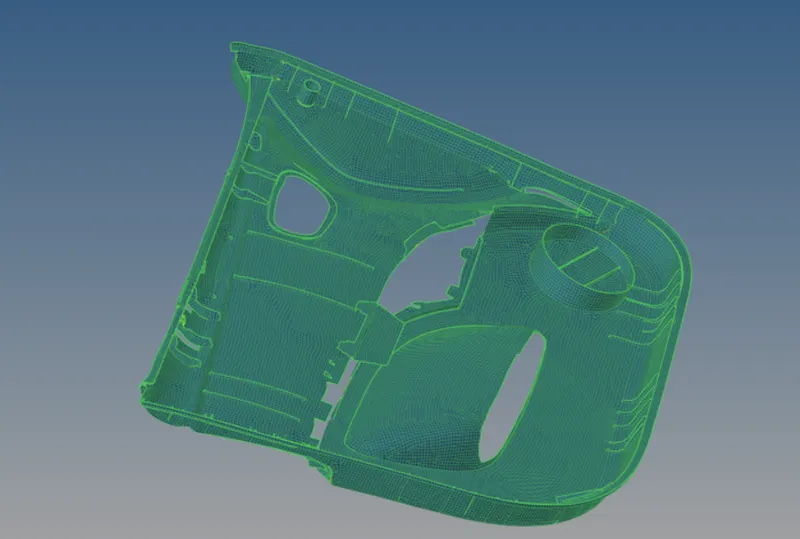
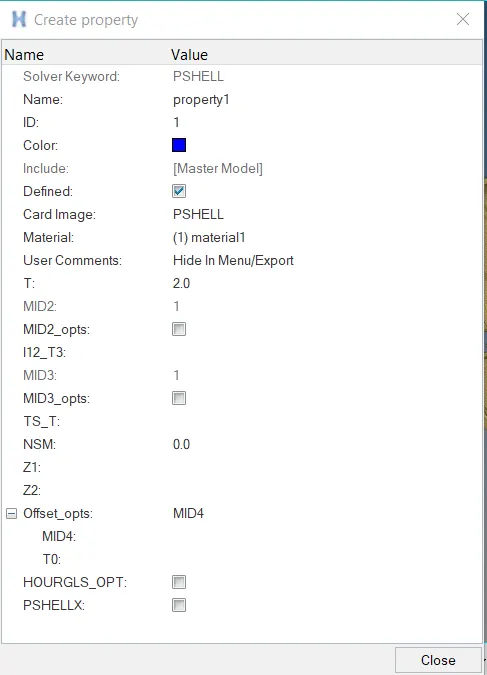
- After that we have provided thickness of 2mm to component insert the thickness value inside the property card for the component.
- After that this property is assigned to the components.
RESULT:-
- The following components has been successfully meshed on the midsurface which has been extracted.